
- Category Education
- Available on PC
- OS Windows 10 version 19044.0 or higher
- Keyboard Integrated Keyboard
- Mouse Integrated Mouse
- Memory 2 GB
- languages English (United States)
Introducing DRC INSIGHT for Windows: A Powerful Tool for Special Education Assessments
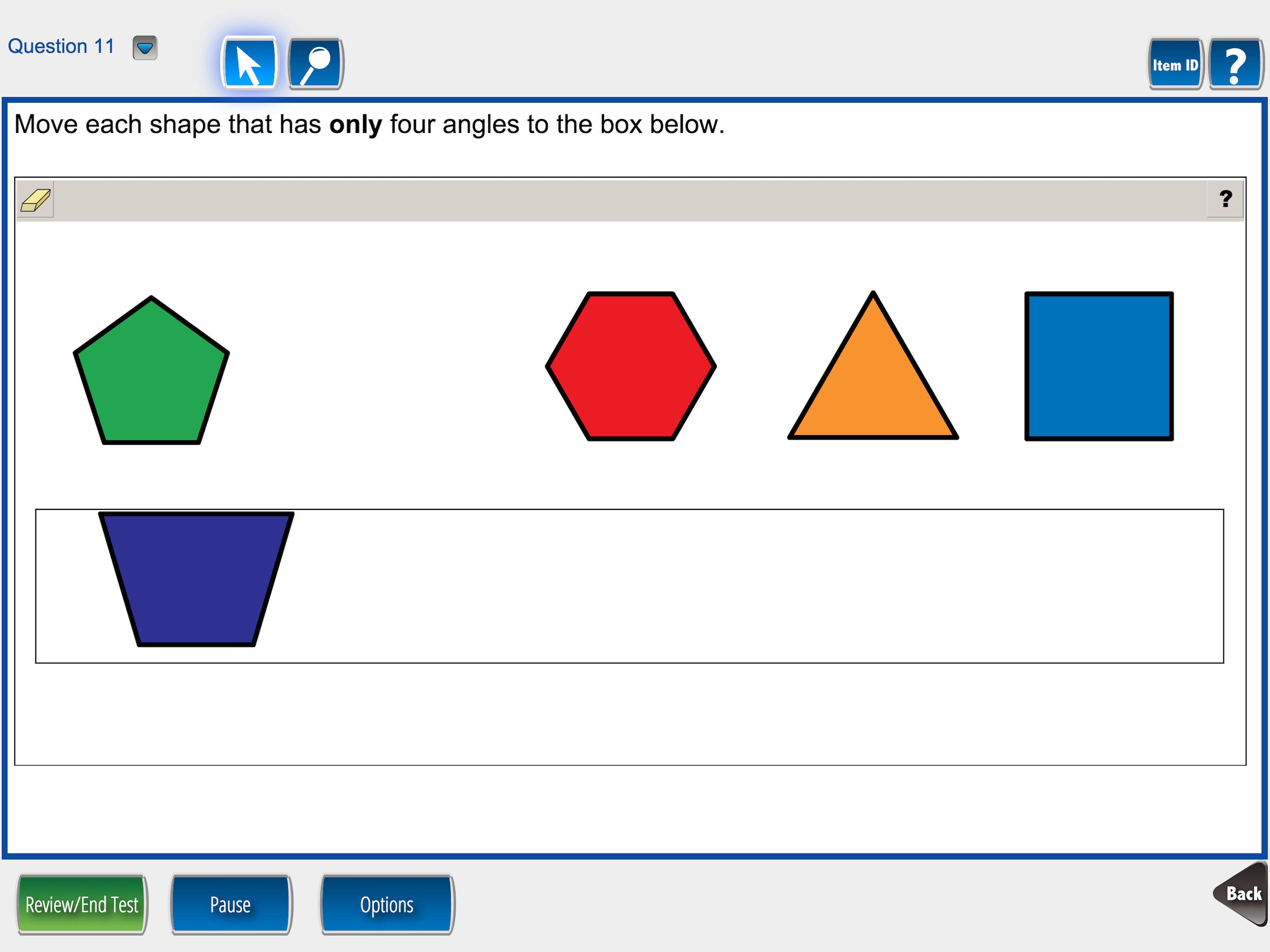
DRC INSIGHT for Windows is a comprehensive educational assessment platform designed to streamline the testing process for students with special needs, ensuring accuracy and efficiency in special education evaluations. With its thoughtful features, it serves educators and assessment professionals seeking a reliable digital solution.
About the Developer and Core Features
Developer: Data Recognition Corporation
Created by Data Recognition Corporation, a well-established leader in assessment and data management services, DRC INSIGHT for Windows leverages years of experience to deliver a tailored assessment environment.
Main Highlights:
- Secure Digital Testing Environment: Offers a lock-down browser-like experience that minimizes distractions and prevents cheating.
- Customizable Testing Configurations: Supports diverse assessment formats, including accommodations and modifications specific to students' needs.
- Real-Time Data Capture and Reporting: Facilitates immediate scoring and detailed reports, accelerating decision-making processes.
- Accessible Interface: Designed to be user-friendly for educators and testers, with adaptive elements for varied user needs.
Intended User Group
This application primarily targets educational professionals, school psychologists, and special education teachers involved in conducting and managing assessments for students with disabilities and learning differences.
A Bright Lens on the App's Capabilities
A Fresh Perspective on assessment automation
Imagine transforming a tedious paper-based evaluation into something as seamless as a gentle stream flowing through a calm forest. DRC INSIGHT for Windows takes the often daunting task of test administration and makes it approachable—like having a trusted co-pilot guiding you through each step. Its intuitive interface and robust feature set breathe new life into the assessment process, assuring teachers that accuracy and fairness are built into every click.
Core Function 1: Tailored Assessment Delivery with Flexibility
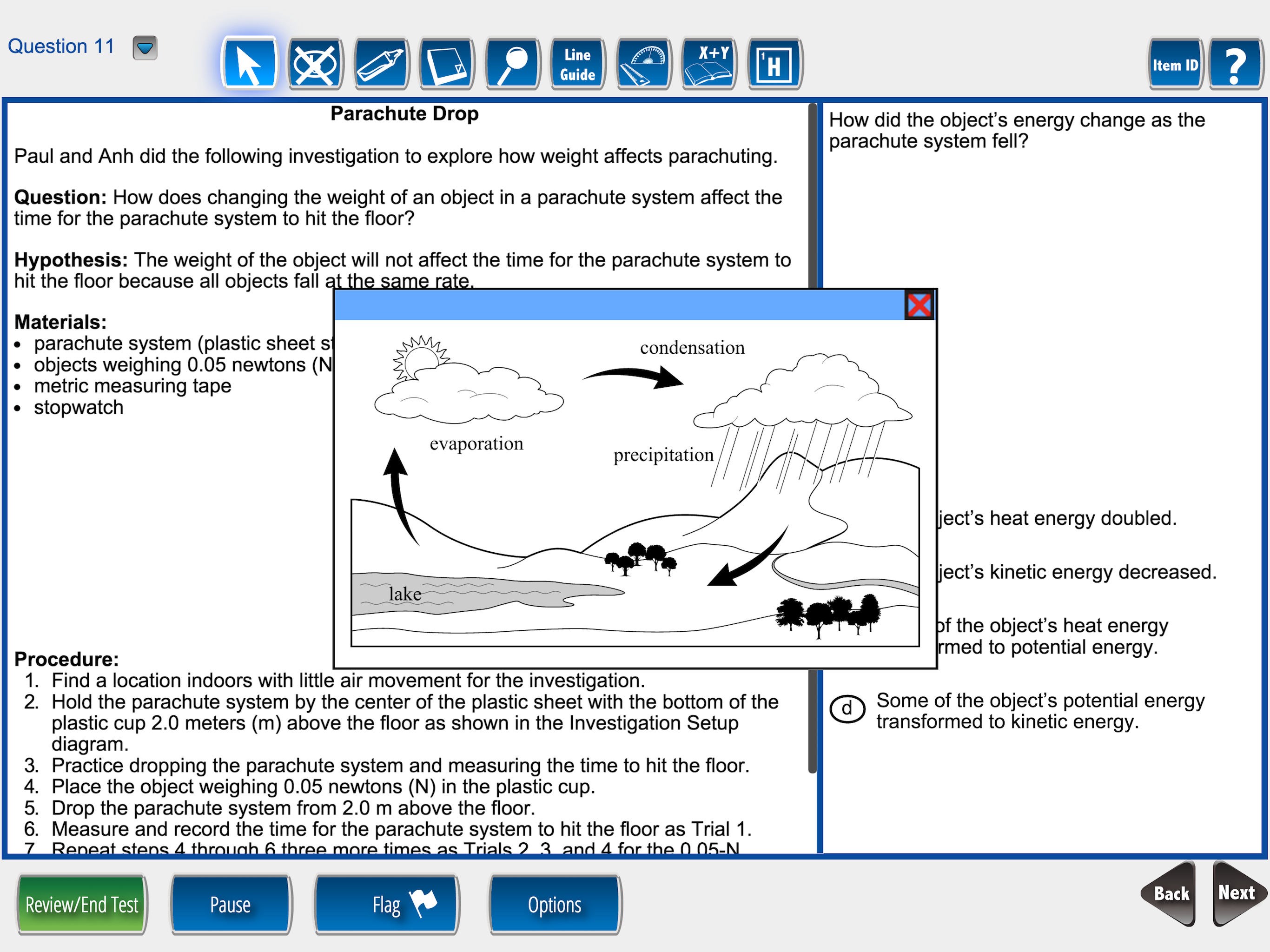
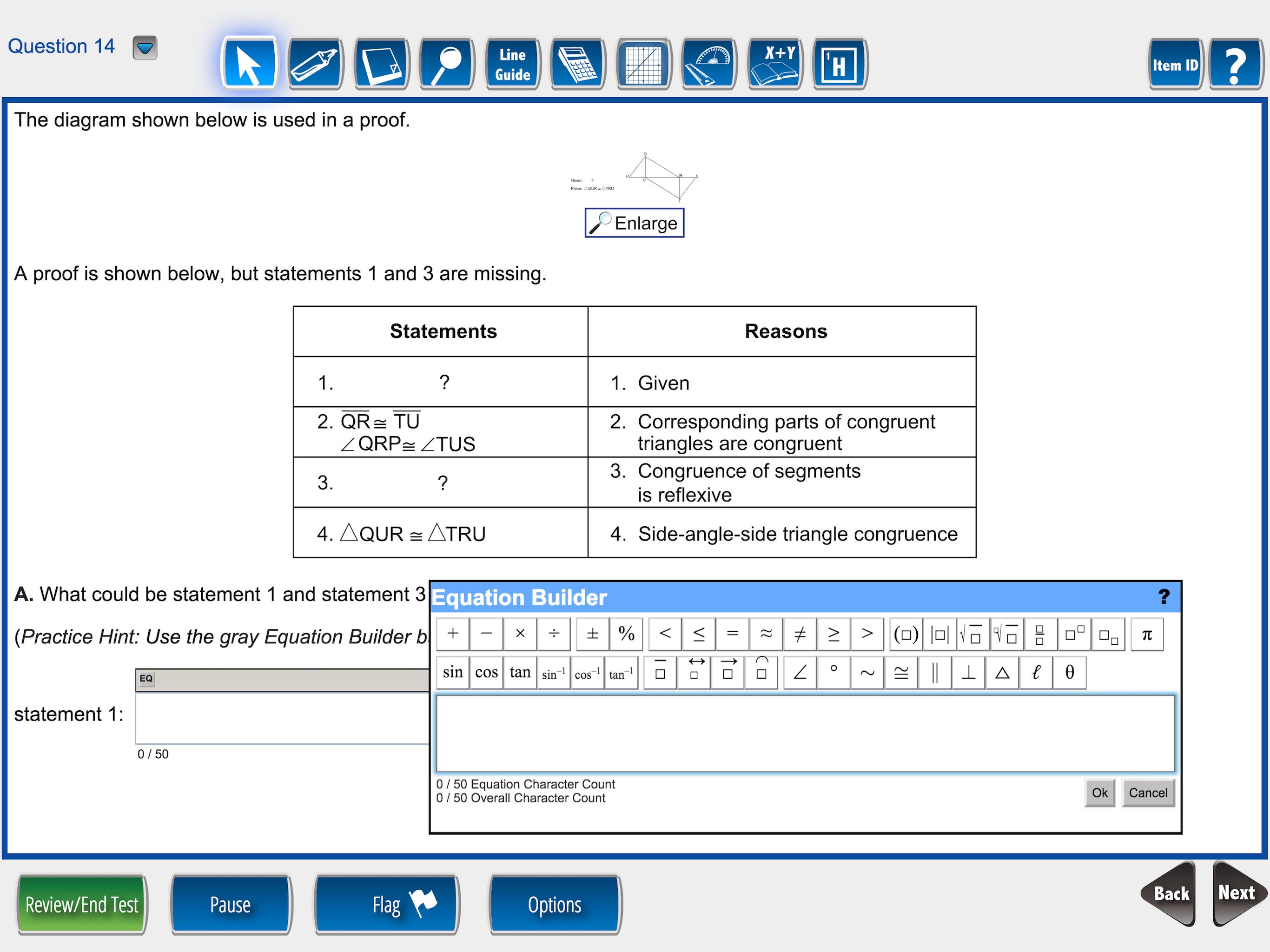
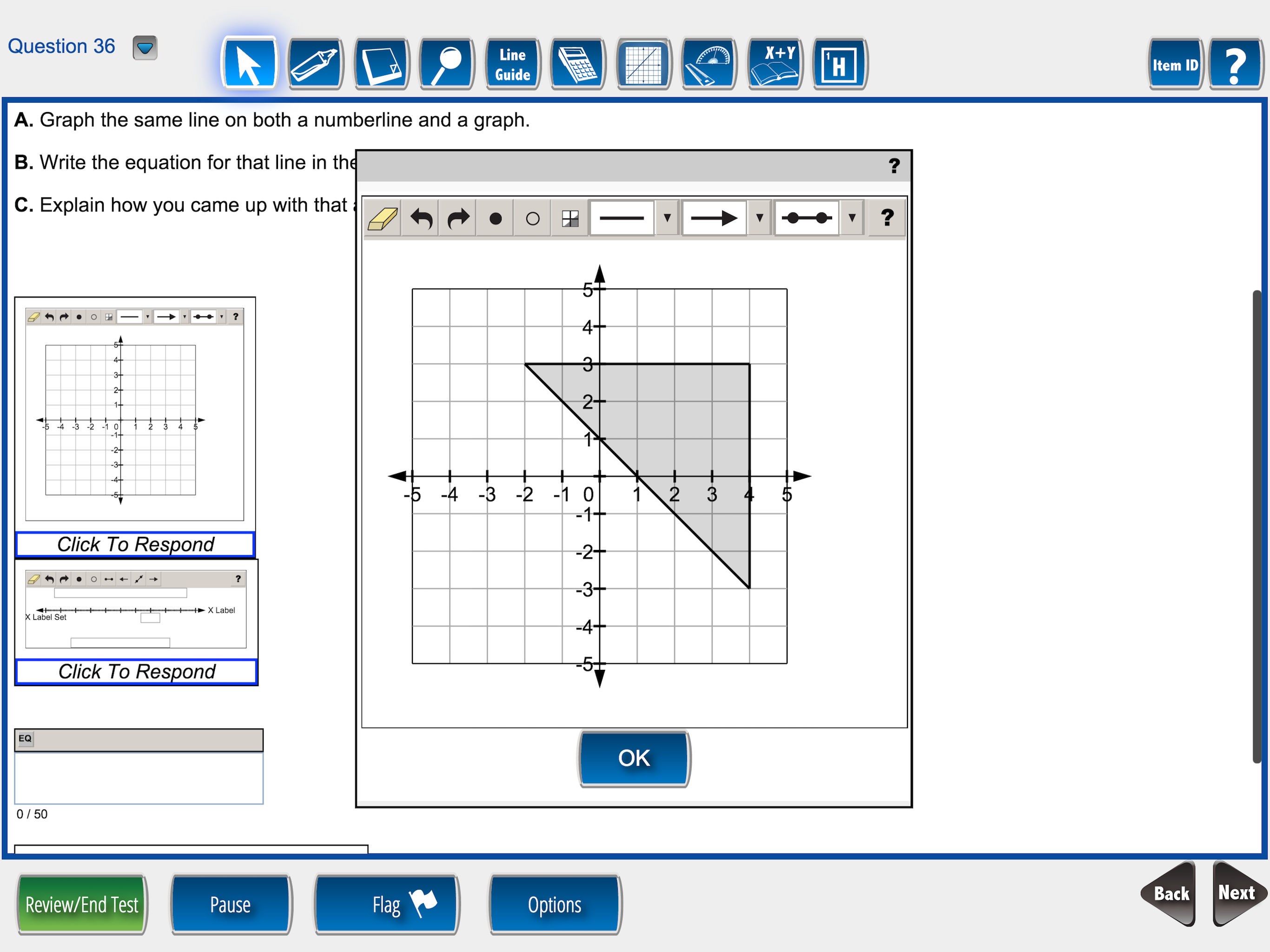
At the heart of DRC INSIGHT lies its adaptive assessment delivery system. Whether you're administering a standard test or one with specific accommodations, this platform can be customized to reflect individual student needs. Think of it as a bespoke suit—fitted precisely to the contours of your testing requirements. It supports various question types, timed sections, and supports assistive devices, providing a flexible environment that respects each student's unique learning profile.
Core Function 2: Real-Time Data Capture and Instant Results
One of the standout features is its ability to instantly capture responses and generate detailed reports. This is akin to having a quick-witted assistant who not only records every answer but also highlights trends and insights immediately. This capability drastically reduces the wait time traditionally associated with scoring, enabling educators to make more timely decisions about instruction and support plans.
User Experience: Intuitive, Smooth, and Accessible
From a design perspective, the app exudes a clean, organized layout that feels like a well-arranged toolbox—everything within arm's reach, without clutter or confusion. Users report that navigating this platform is as effortless as steering a well-oiled bicycle, with smooth transitions between different tasks. Its learning curve is gentle, enabling teachers and test administrators to become proficient quickly, even if they're new to digital assessment tools. Accessibility features—such as adjustable font sizes and compatibility with assistive technologies—further enhance its usability for diverse user needs.
How DRC INSIGHT Sets Itself Apart
Unlike many assessment apps that focus solely on digital answer collection, DRC INSIGHT emphasizes content accuracy and authority by integrating established assessment standards. Its ability to offer personalized learning paths—by tailoring content and accommodations dynamically—makes it particularly valuable for special education contexts. This personalized approach ensures that each student's assessment experience is both fair and reflective of their abilities, setting it apart from generic testing platforms that often overlook individual differences.
Final Recommendations and Usage Tips
Considering its robust features, DRC INSIGHT for Windows is highly recommended for schools and assessment centers prioritizing reliability and student-centered customization. Its straightforward interface and rapid scoring make it ideal for busy professionals who need both efficiency and precision. To maximize its benefits, we suggest dedicating some time initially to configuring settings aligned with your assessment protocols—this investment pays off in smoother testing sessions.
In conclusion, if you're seeking a digital assessment solution that combines accuracy, adaptability, and user-friendly design, DRC INSIGHT for Windows emerges as a compelling choice. Its unique focus on personalized assessment environments and immediate data insights offers a notable edge over conventional platforms, making it a valuable tool for modern special education assessments.
Pros
- User-friendly interface
- Real-time data analysis
- Comprehensive datasets
- Customizable reporting features
- Excellent customer support
Cons
- Limited offline access
- Steep learning curve for advanced features
- Occasional lag in data updates
- Limited customization options for dashboards
- Basic free version with limited features











