

- Category Personalization
- Developer Microsoft Corporation
- Available on PC
- OS Windows 10 version 18362.0 or higher
- languages English (United States)
Unveiling Dreams: An In-Depth Look at Dreamscapes for Windows
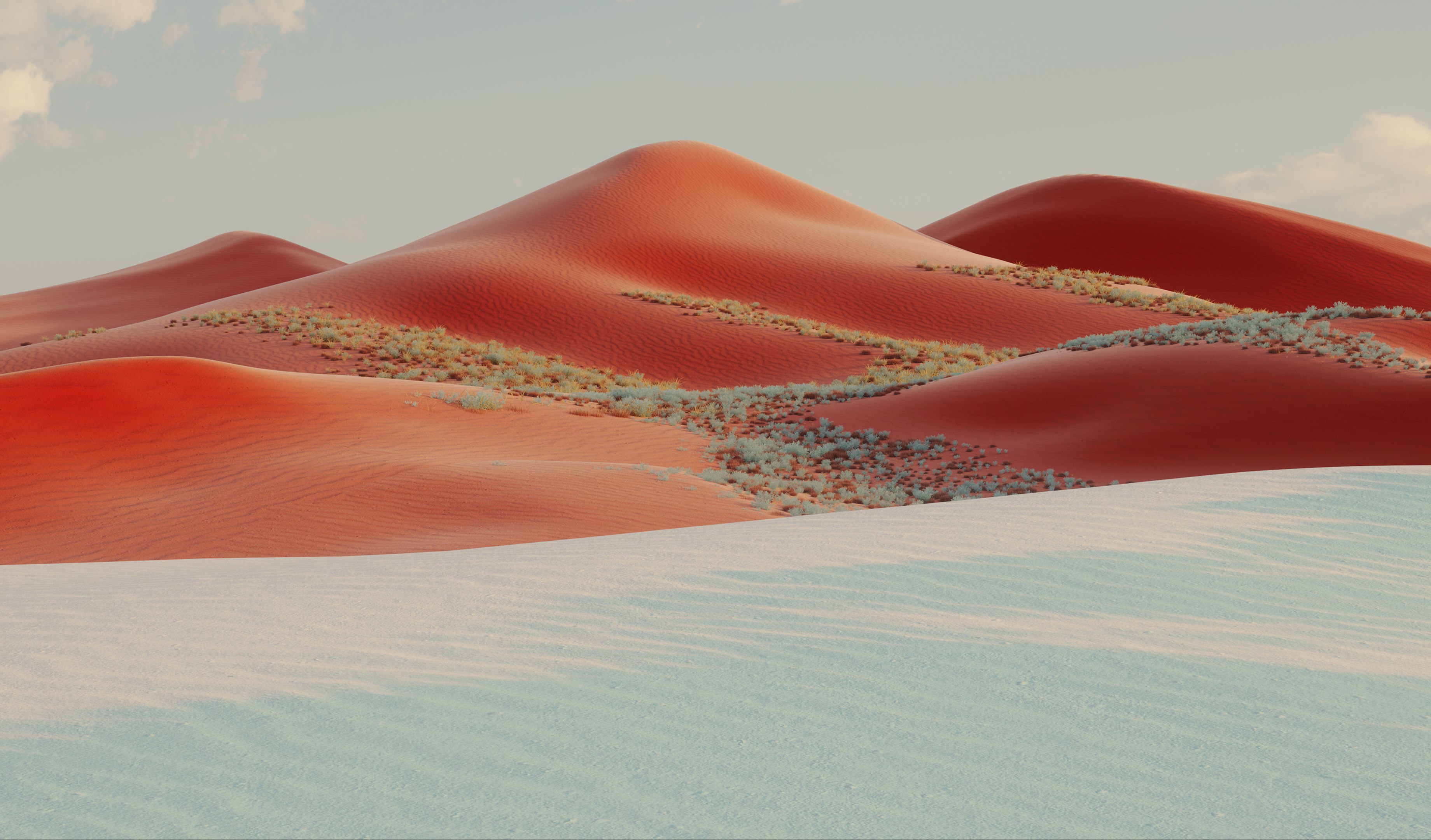
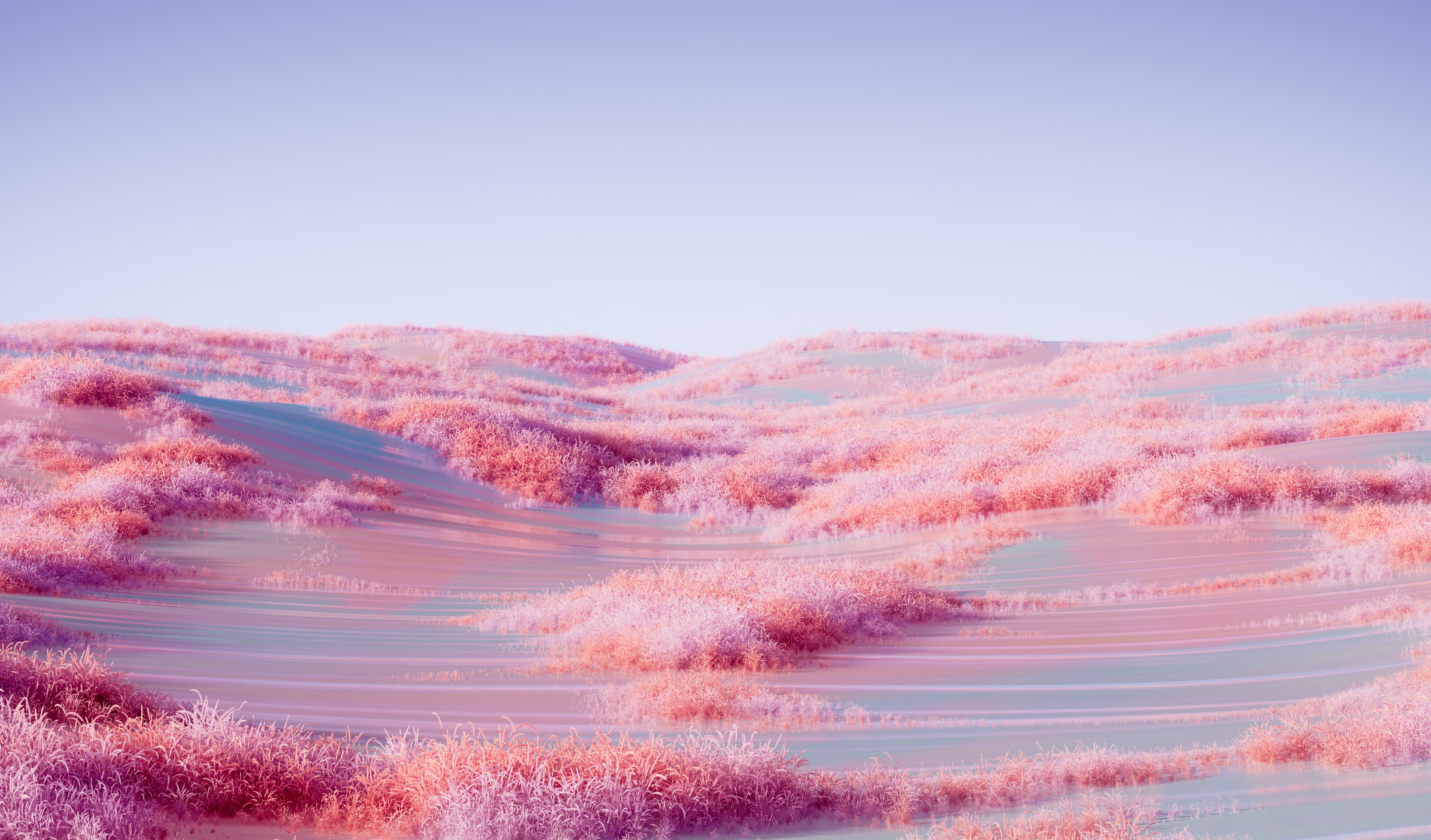
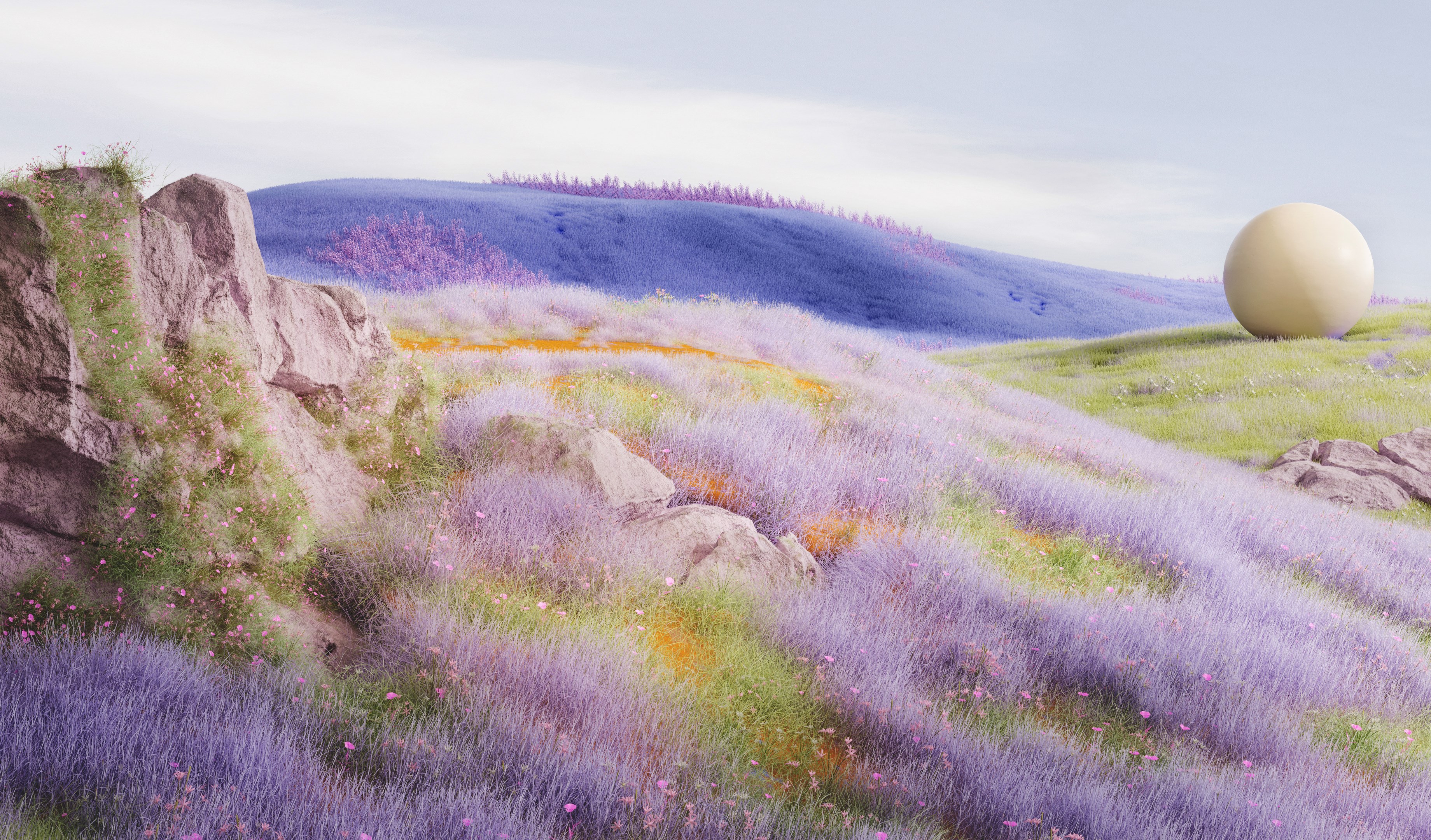
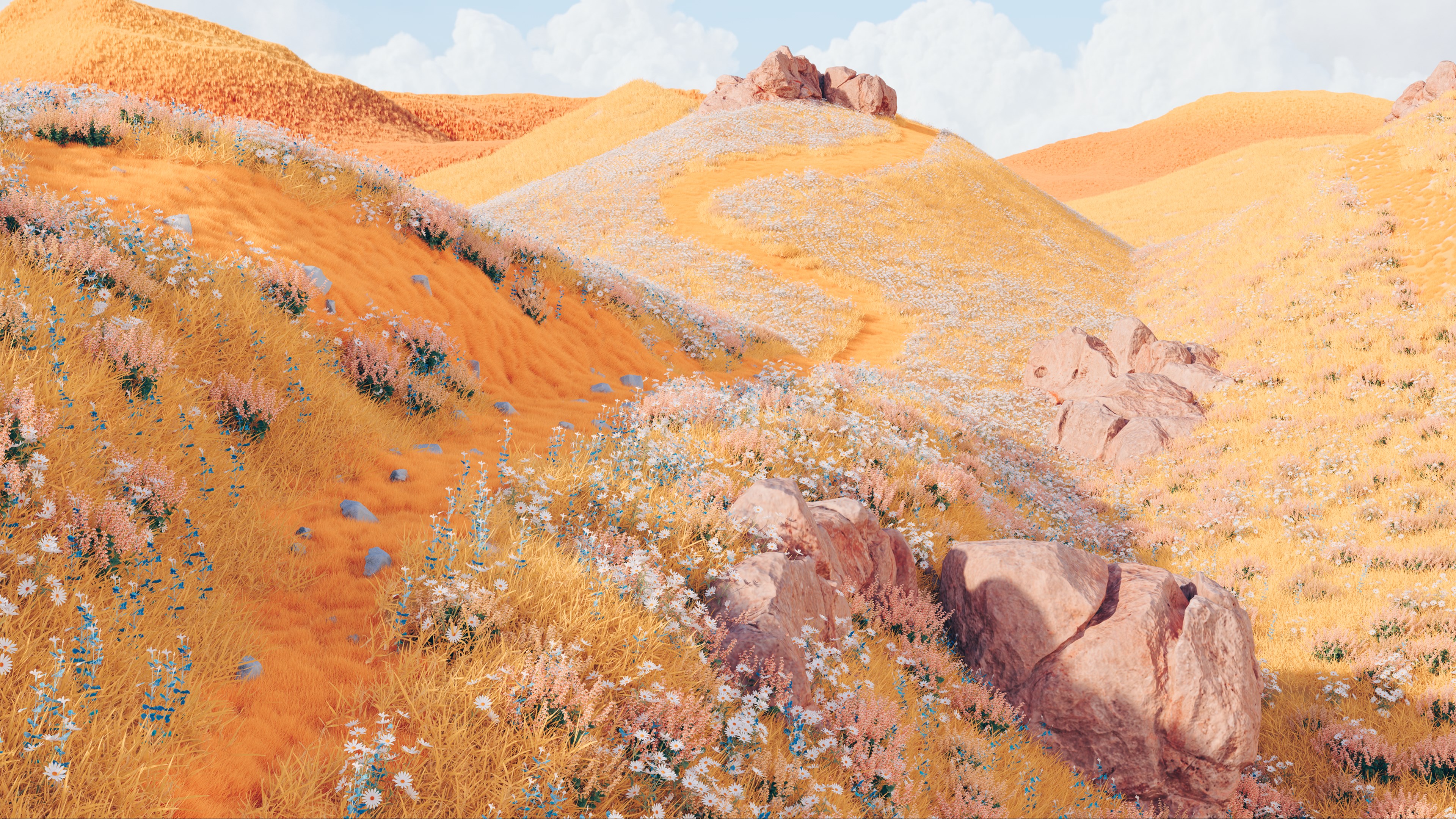
Dreams come alive in pixel form with Dreamscapes for Windows, a mesmerizing app designed to elevate your desktop background into a captivating visual journey. Developed by Microsoft Corporation, this application offers a fresh twist on personalization, transforming ordinary screens into dynamic, artistic landscapes. Whether you're a casual user seeking aesthetic enhancement or a tech enthusiast craving immersive visuals, Dreamscapes aims to be your digital canvas.
Key Features that Spark Imagination
At its core, Dreamscapes boasts several standout functionalities that set it apart from traditional wallpaper apps:
- AI-Generated Artistic Landscapes: Harnessing the power of advanced AI algorithms, the app creates breathtaking scenes inspired by real-world photographs and imaginative concepts, ensuring each landscape feels both authentic and fantastical.
- Seamless Theme Integration: Unlike many personalization tools, Dreamscapes effortlessly syncs with Windows themes, allowing your desktop aesthetic to change dynamically without clashing or visual discord.
- Interactive Visual Transitions: The app offers smooth animated transitions between scenes, making your desktop feel alive—like flipping through pages of a storybook where each scene tells a part of a visual narrative.
- Customize & Personalize: Users can tweak color schemes, adjust transition speeds, and select preferred themes, tailoring visual experiences to match their mood or environment.
Targeting a broad audience—from creative professionals and digital artists to everyday users wanting a more inspiring workspace—Dreamscapes caters to those eager to infuse their screens with beauty and innovation.
Immersive Visual Experience & User Journey
Stepping into Dreamscapes feels akin to entering a virtual art gallery where each piece morphs and breathes with your mouse movements. The introduction to the app is simple yet inviting—upon launch, it presents a clean, modern interface that's easy to navigate even for first-time users. The clear categorization of landscapes and themes allows for quick selection. The interactive transition effects are particularly engaging—they unwind smoothly like a gentle breeze stirring the surface of a tranquil lake, keeping the viewer captivated.
Design & Interface Appeal
The app's interface emphasizes minimalism, with a straightforward layout that hides complexity behind an elegant surface. It's like opening a window to a serene, curated art space—no clutter, just pure visual inspiration. The theme customization options are accessible through easily understandable sliders and toggles, inviting users to experiment without frustration.
Performance & User Experience
Dreamscapes performs admirably, even on systems with moderate specifications. Transitions are fluid, thanks to optimized rendering, and background updates occur in the background without noticeable lag. The learning curve is gentle; users can set up their preferred landscapes within minutes, with advanced options available for enthusiasts seeking finer control. The app's resource management ensures it remains unobtrusive—i.e., it won't drain your battery or slow down your system, making it suitable for daily use.
What Makes Dreamscapes Stand Out?
While many personalization apps dabble in wallpapers or themes, Dreamscapes elevates this space by integrating AI-generated art that's not just static but animated and highly customizable. Its unique ability to synchronize with Windows themes means your desktop changes feel cohesive and harmonious. Additionally, its focus on smooth visual transitions adds a layer of sophistication absent in traditional wallpaper apps.
Compared to generic personalization tools that offer limited options or static images, Dreamscapes offers a living environment—images that evolve, flow, and adapt, making your desktop a lively, immersive experience. This makes it particularly attractive for users who crave a blend of artistic expression and technological innovation without sacrificing usability.
Final Verdict & Recommendations
Overall, Dreamscapes for Windows earns a solid recommendation for those seeking a refined, dynamic way to personalize their desktop environments. If you enjoy a touch of artistry on your screens or want to create a more engaging workspace, this app provides a compelling blend of aesthetics and functionality. It's especially suited for users who appreciate customization options and seamless theme integration, standing out from more mundane wallpaper solutions.
For best experience, I suggest exploring the various landscapes and transition settings to find a combination that truly resonates with your style. While the app is designed to be user-friendly, tech-savvy users will appreciate the depth of customization available. Whether you're a digital artist looking for inspiration or simply someone wanting a beautiful backdrop, Dreamscapes delivers a thoughtful and immersive visual experience worthy of a download.
Pros
- Immersive Visual Experience
- User-Friendly Interface
- Variety of Themes
- Regular Updates
- Accessible on Multiple Devices
Cons
- High Battery Consumption
- Occasional Lag on Lower-End Devices
- Limited Free Content
- In-App Purchases Prominent
- Graphics Settings Could Be More Customizable










