
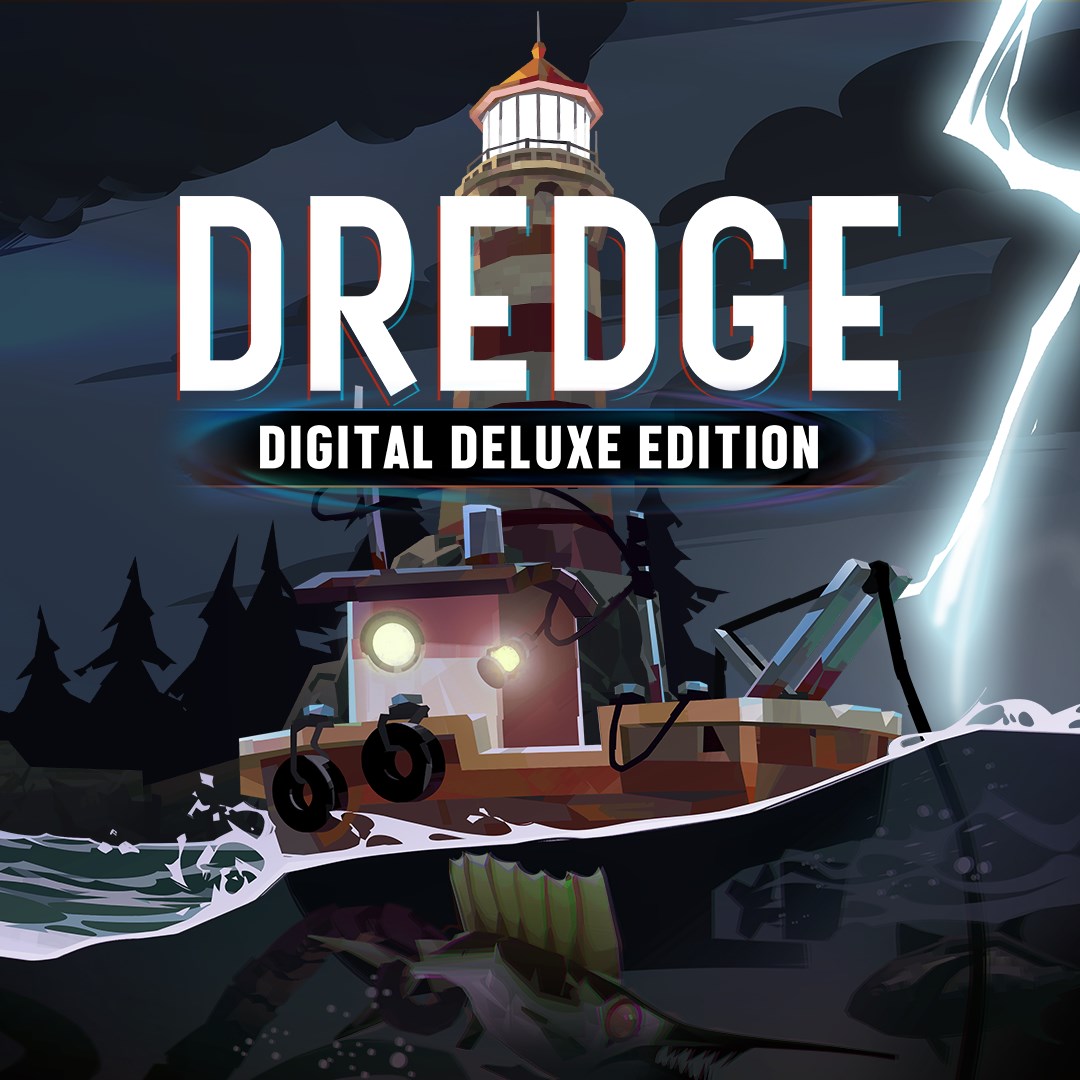
Frequently Asked Questions
How do I start playing DREDGE - Digital Deluxe Edition for the first time?
Download the app, install it, then launch the game and follow the on-screen tutorial to begin your voyage.
What are the main gameplay features of DREDGE - Digital Deluxe Edition?
Explore deep seas, gather resources, upgrade your ship, discover secrets, and solve mysteries to survive and thrive.
How can I access the Blackstone Key in the game?
The Blackstone Key is included in the Deluxe Edition; it's automatically added to your in-game inventory after launch.
What additional content does the Digital Deluxe Edition include?
It includes the base game DREDGE and the exclusive Blackstone Key in-game item for enhanced gameplay.
Can I upgrade or customize my ship in DREDGE?
Yes, visit the upgrade section in the game to improve your ship's capabilities and adapt to different challenges.
Are there any in-app purchases or subscriptions required?
No, the Deluxe Edition is a one-time purchase; no additional subscriptions are necessary for gameplay.
How do I purchase the DREDGE - Digital Deluxe Edition?
Visit your app store or game platform, find DREDGE, and select the Deluxe Edition to purchase and download.
Is technical support available if the game crashes or has bugs?
Yes, contact support through the app's help menu or developer's website for troubleshooting assistance.
Can I transfer my game progress to a new device?
Use the cloud save feature or account login options within the game settings to transfer your progress.
What should I do if I encounter a technical issue or game failure?
Restart your device and update the game to the latest version; contact support if the problem persists through the help menu.
You May Like

Red Dead Redemption (PC)
for Windows
5
Solo Leveling: ARISE OVERDRIVE
for Windows
4.9
Criminal Case: The Conspiracy
for Windows
4.8
DesignVille: Merge & Design
for Windows
4.8
Minecraft: Java & Bedrock Edition Deluxe Collection
for Windows
4.8
Subnautica
for Windows
4.8
Vampire Survivors
for Windows
4.8
Little Kitty, Big City
for Windows
4.8
Hollow Knight: Voidheart Edition
for Windows
4.8
bloxd.io
for Windows
4.8
Sunset Overdrive
for Windows
4.8
Criminal Case: Mysteries of the Past
for Windows
4.8