

- Category Productivity
- Available on PC
- OS Windows 10 version 19045.0 or higher
- languages Chinese (Simplified), Chinese (Traditional), Danish, Dutch, English (United States), French, German, Indonesian, Italian, Japanese, Korean, Malay, Norwegian (Bokmål), Polish, Portuguese (Brazil), Russian, Spanish, Spanish (Spain), Swedish, Thai, Ukrainian
Simplifying Cloud Storage Management: Dropbox for Windows Review
In the realm of digital collaboration and file organization, Dropbox continues to stand out as a reliable and user-friendly cloud storage solution. With its latest Windows application, Dropbox aims to streamline your workflow, making file access, sharing, and synchronization more intuitive than ever. Let's dive into what makes this app a noteworthy addition to your productivity toolkit.
Basic Information: Clear, Concise, and Purpose-Driven
Dropbox for Windows is a desktop application designed to seamlessly integrate cloud storage into your everyday workflow, allowing instant access and synchronization across devices.
- Developer/Team: Dropbox Inc., a pioneer in cloud-based file sharing and collaboration solutions.
- Main Features Highlights:
- Automatic real-time synchronization of files and folders
- Smart sharing options with link controls and access permissions
- Offline access to selected files with seamless sync upon reconnection
- Integration with Microsoft Office and other productivity tools
- Target User Group: Professionals, students, small teams, and anyone who values reliable cloud storage with effortless access and sharing capabilities.
Engaging the User: An Introduction to Dropbox's Charm
Imagine waking up on a busy morning, coffee in hand, knowing that your important work files are just a click away—regardless of whether you're on your laptop, tablet, or office desktop. Dropbox for Windows makes this a reality, transforming your desktop into a hub where productivity flows smoothly, without the clutter of complex menus or confusing navigation. Its design feels like a well-organized workspace—familiar, accessible, and ready to support your every need.
Core Features That Shine
Effortless Synchronization and Offline Access
The backbone of Dropbox's appeal lies in its ability to keep your files synchronized in real-time. Once you install the app, your designated Dropbox folder becomes an extension of your cloud storage—think of it as a digital conveyor belt connecting your device to Dropbox's servers. When working offline, Dropbox smartly maintains local versions of your files, ensuring you can continue working without internet hiccups, and it auto-syncs once reconnected. This feature feels akin to having a reliable courier delivering your files seamlessly throughout your day.
Intuitive Sharing and Permission Controls
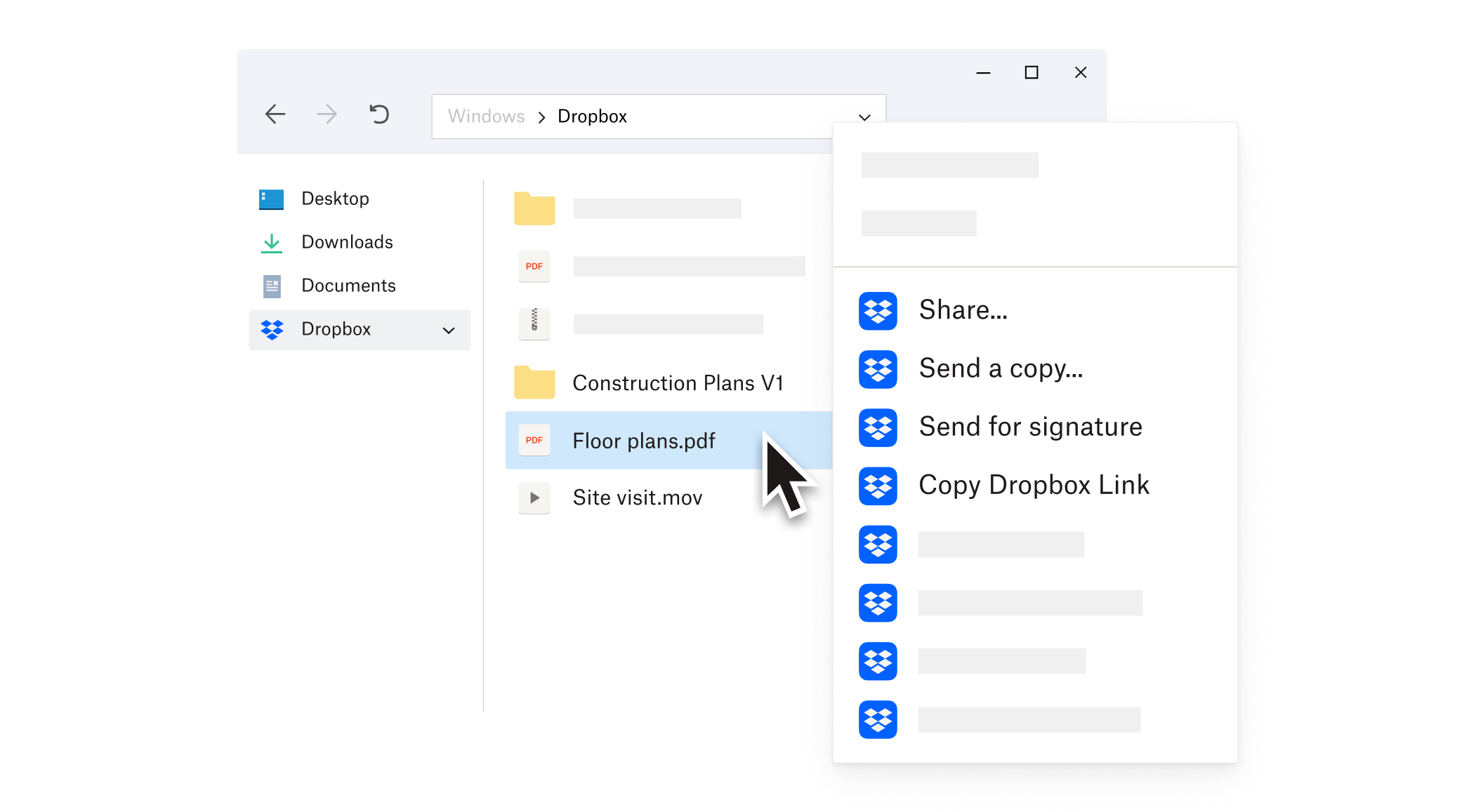
Sharing files is often the sticking point with many productivity tools—confusing permissions, dead links, or extra steps. Dropbox simplifies this with a few mouse clicks. You can generate shareable links, define access permissions (view-only, editing), and set expiration dates—all from the desktop app's context menu. This revolves around reducing cognitive load, making sharing feel more like handing over a physical document and less like navigating a labyrinth of options.
Deep Integration with Office and Workflow Tools
Dropbox for Windows doesn't just store your files; it actively participates in your workflow. By integrating tightly with Microsoft Office, it enables you to save directly into your Dropbox folder from Word, Excel, and PowerPoint, with real-time auto-save and version history features. Imagine working on a presentation; Dropbox ensures every change is captured without interrupting your flow—almost like having an attentive assistant quietly capturing every detail behind the scenes. This tight integration reduces the friction between storage and editing, helping you stay focused on your tasks rather than managing multiple apps.
User Experience: Smooth, Uncomplicated, and Approachable
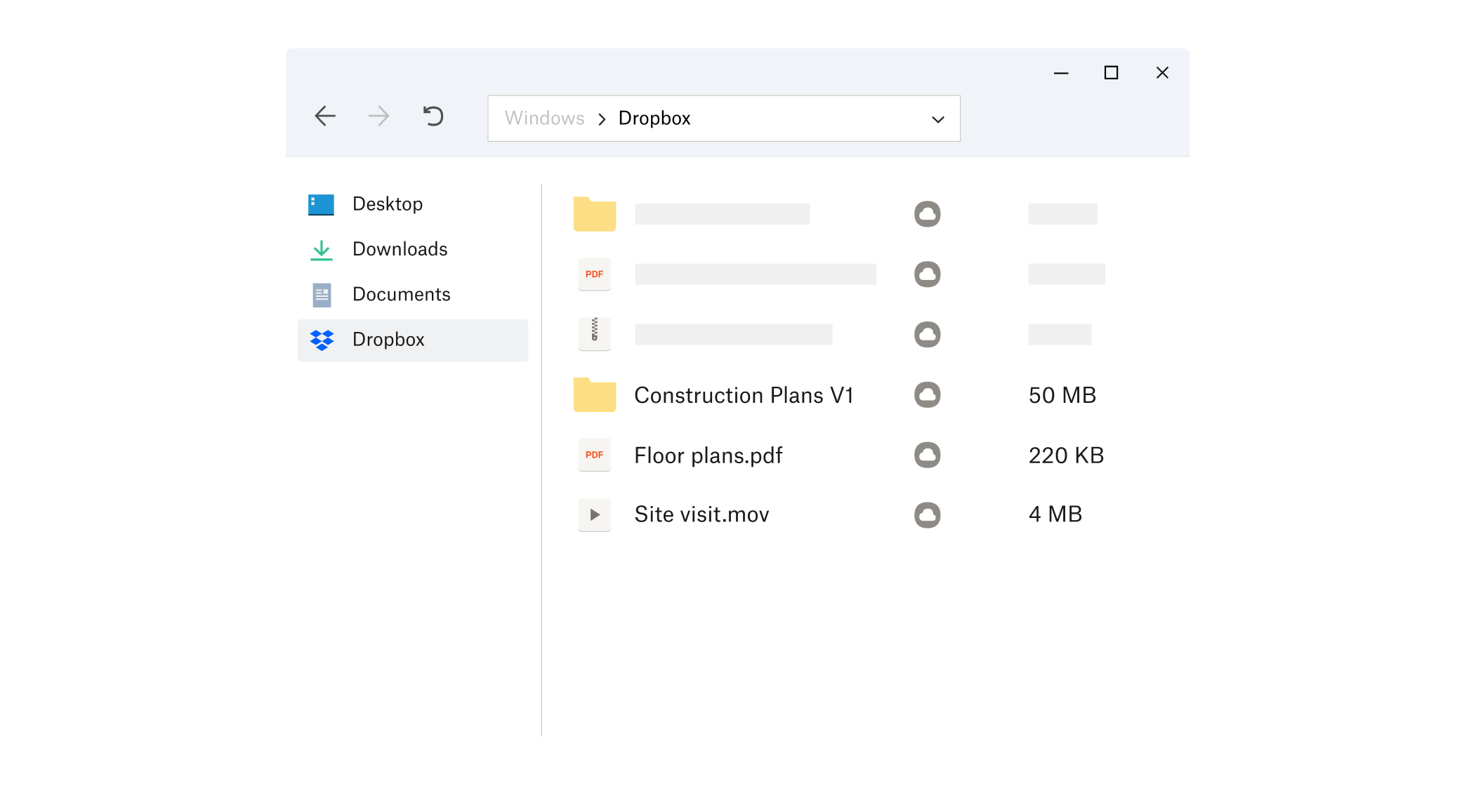
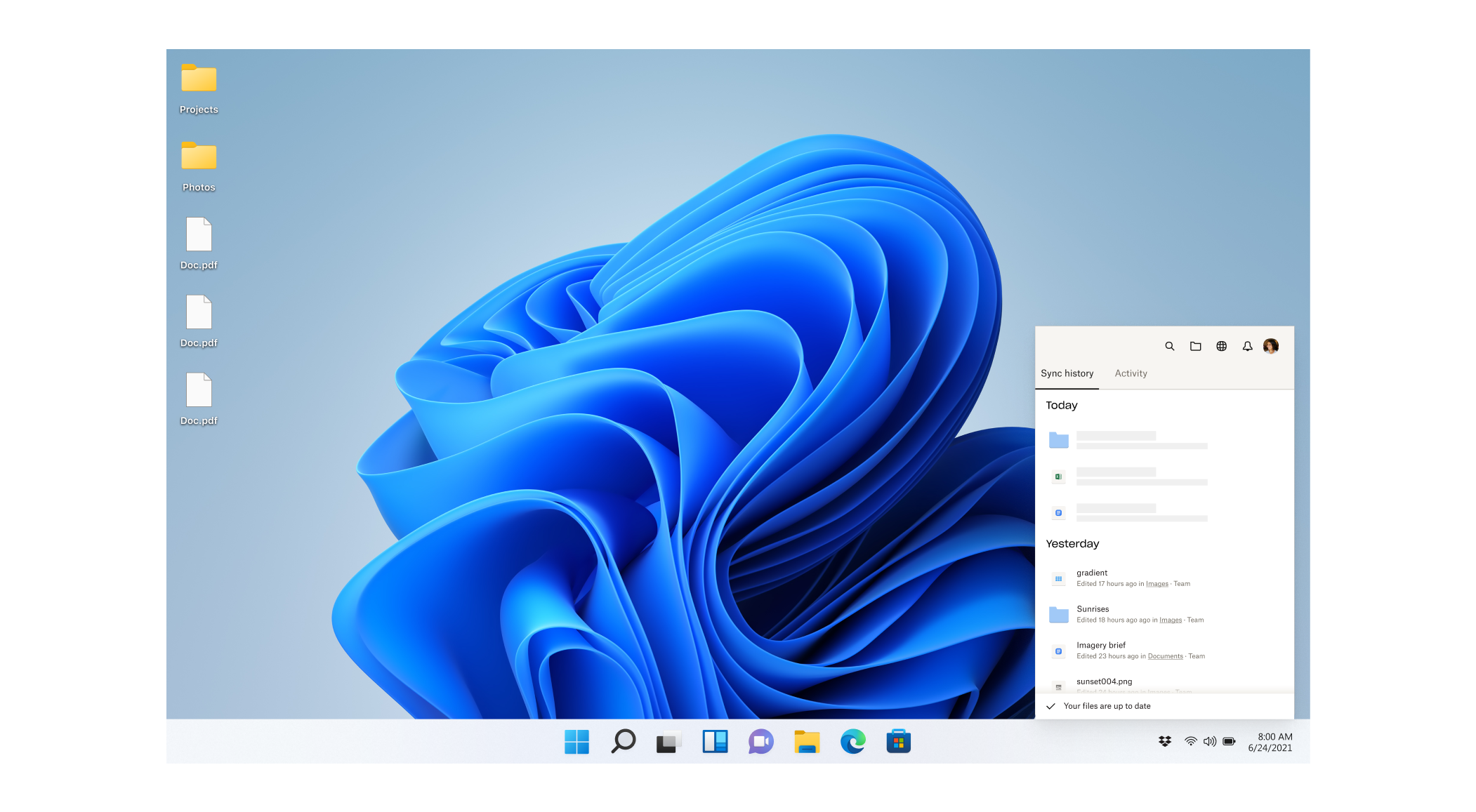
The interface of Dropbox for Windows embodies minimalism paired with functionality. It features a clean, straightforward layout: a tray icon providing quick access to recent files, sync status, and settings, along with a central folder that acts as a conduit for your cloud files. The app's responsiveness is notable—mouse clicks are registered instantly, and navigation between functions feels fluid, almost like flipping through a well-organized binder. The learning curve is gentle; newcomers can set up synchronization within minutes, while power users will appreciate the depth of sharing and integration features.
What Sets Dropbox Apart? Workflow Focus and Cognitive Ease
Compared to other productivity storage apps like OneDrive or Google Drive, Dropbox emphasizes reducing cognitive load by honing in on core functions that truly enhance workflow rather than overloading users with every conceivable feature. Its main strength is in its seamless workflow integration. Unlike apps that might offer bloated, complex interfaces, Dropbox does a few things exceptionally well: instant sync, easy sharing, and tight Office integration—making your daily tasks less about managing files and more about creating and collaborating. It's almost like having a well-oiled assistant that discreetly handles the behind-the-scenes file logistics, allowing you to remain focused on your work, not the tool.
Final Verdict: A Reliable Partner for Daily Productivity
Overall, Dropbox for Windows deserves a strong recommendation for professionals and casual users alike. Its focus on reducing complexity, combined with real-time synchronization and productive integrations, makes it a robust choice for anyone looking to streamline their workflow without getting bogged down by excessive features. If you're seeking a straightforward, reliable, and integrated cloud storage solution that supports your workday from beginning to end, Dropbox should definitely be on your shortlist.
Pros
- Seamless Dropbox integration
- Automatic file synchronization
- User-friendly interface
- Robust security features
- Strong collaboration tools
Cons
- Limited offline access
- File upload speed varies
- Occasional sync conflicts
- Limited free storage tier
- Sometimes delayed updates











