




- Category Productivity
- Developer DuckDuckGo, Inc.
- Available on PC, Mobile, Surface Hub, HoloLens
- OS Windows 10 version 19041.0 or higher
- languages Dutch, English (United States), French, German, Italian, Polish , Portuguese (Portugal), Russian, Spanish (Spain)
An In-Depth Look at DuckDuckGo for Windows: Privacy Meets Simplicity
If you're someone who values your online privacy but still wants a smooth and intuitive browsing experience, DuckDuckGo for Windows might just be the perfect companion. Unlike conventional browsers packed with endless features, this app aims to deliver a straightforward, privacy-centric search experience while integrating seamlessly into your workflow. Let's unpack what makes this tool worth considering—and where it truly shines.
Basic Info: Clear, Focused, Privacy-First
DuckDuckGo for Windows is a dedicated desktop application designed to enhance your search experience while safeguarding your privacy. Developed and published by DuckDuckGo, Inc., the same team behind the popular privacy-focused search engine, this app aims to offer a fast, secure gateway to the web right from your desktop.
- Primary functions: Encrypted private searches, quick access to privacy settings, and streamlined browsing without tracking.
- Target users: Privacy-conscious individuals, productivity enthusiasts wanting quick information retrieval, and users seeking a clean, lightweight browsing tool without unnecessary distractions.
A Captivating Entry into Privacy-First Search
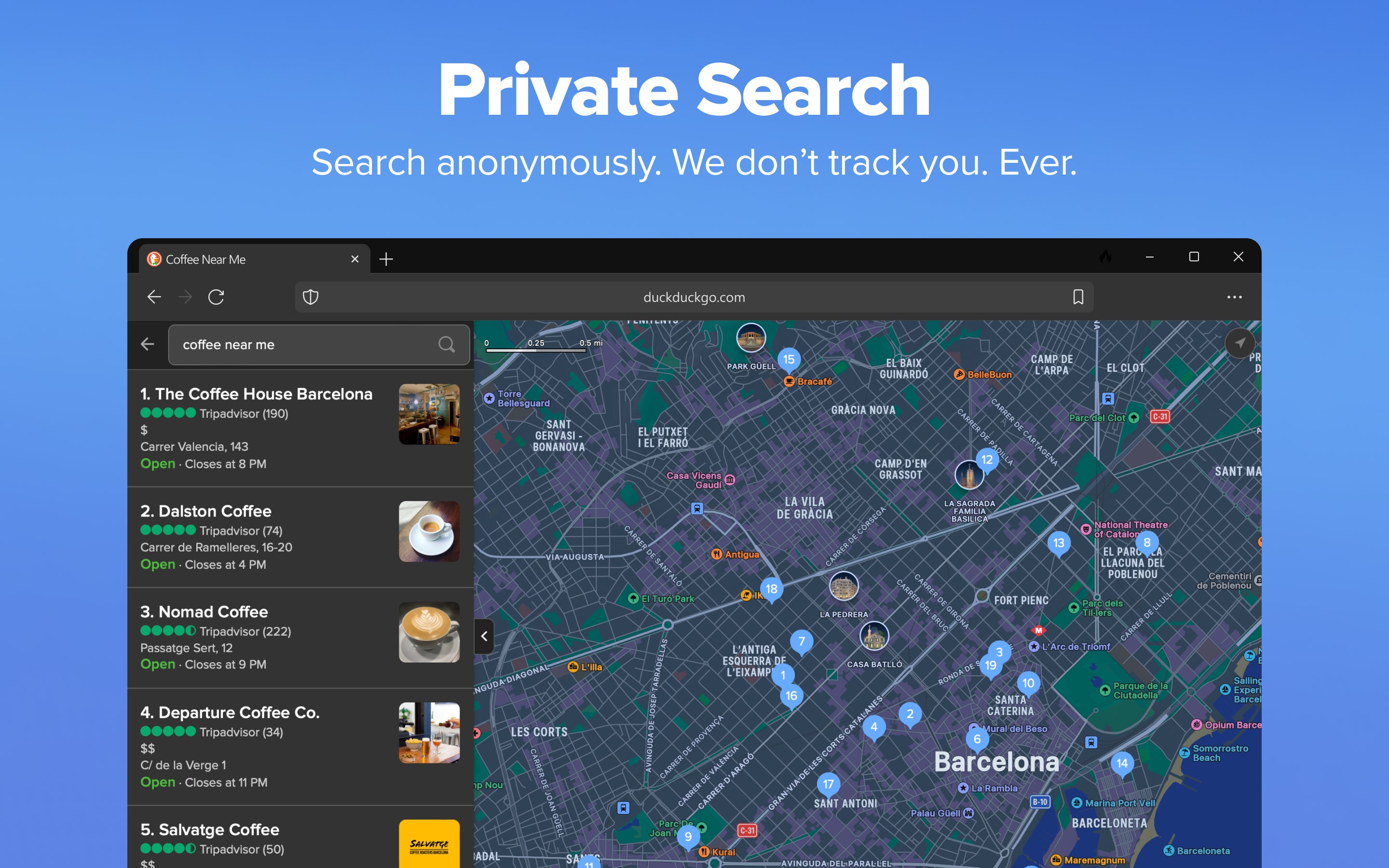
Imagine a quiet, well-organized library where every book is neatly shelved, and your privacy is a treasured secret. That's the experience DuckDuckGo for Windows aims to recreate—except a lot more digital and high-tech. Its clean design invites you to type your queries and get instant results, sans the usual ads and tracking cookies. It's like having a trusty librarian at your side, ready to fetch relevant information without prying eyes.
Seamless Search and Privacy Control
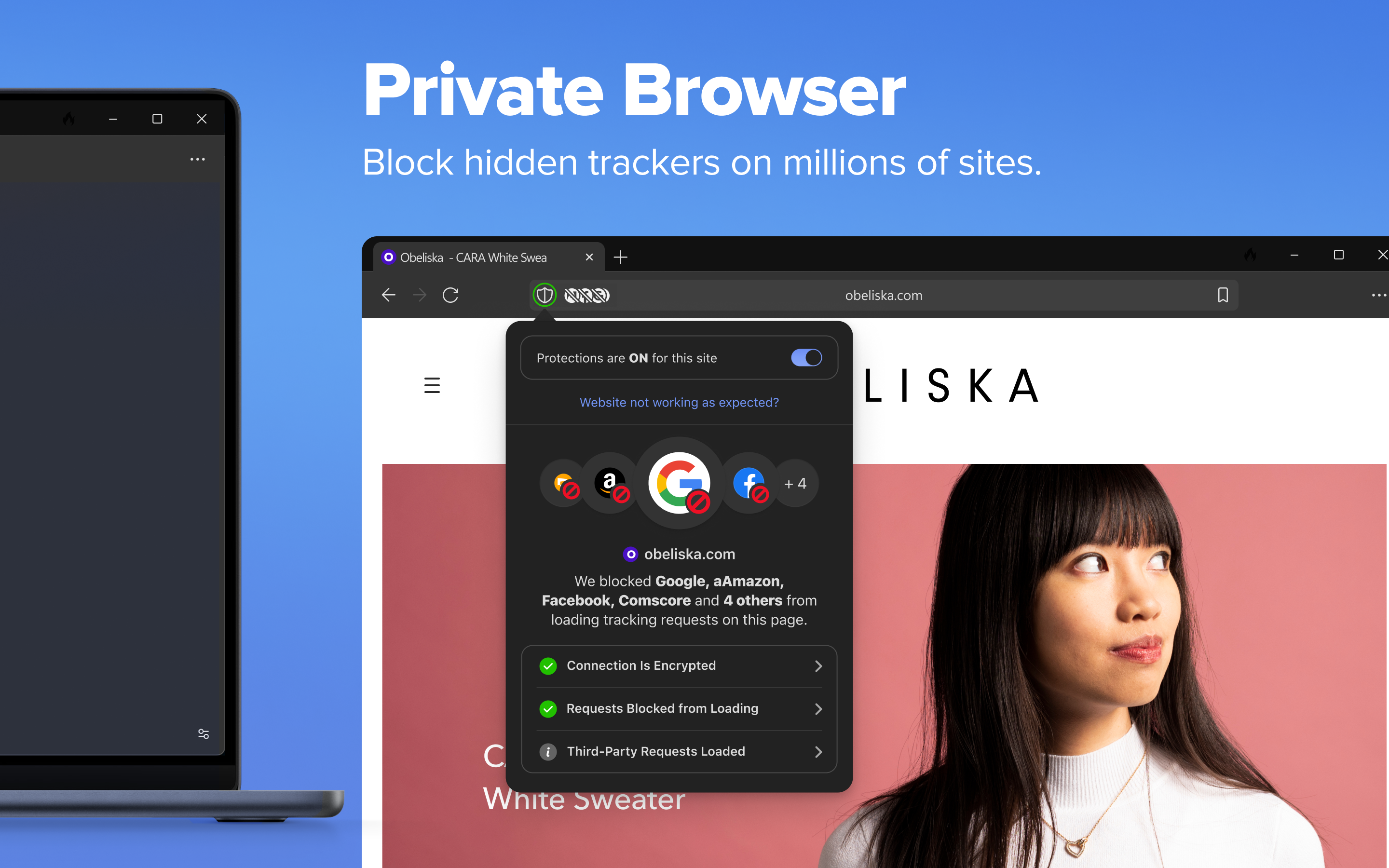
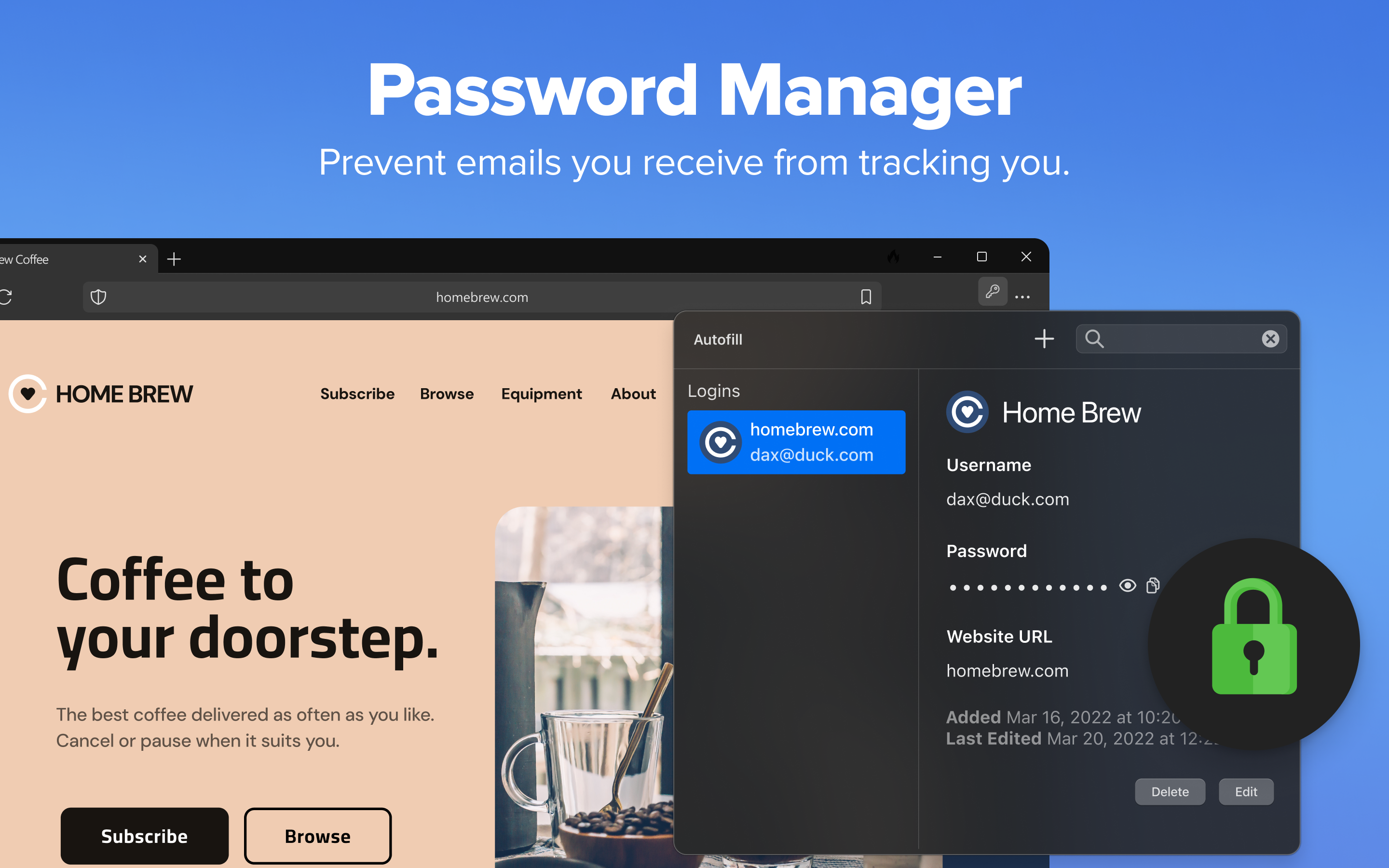
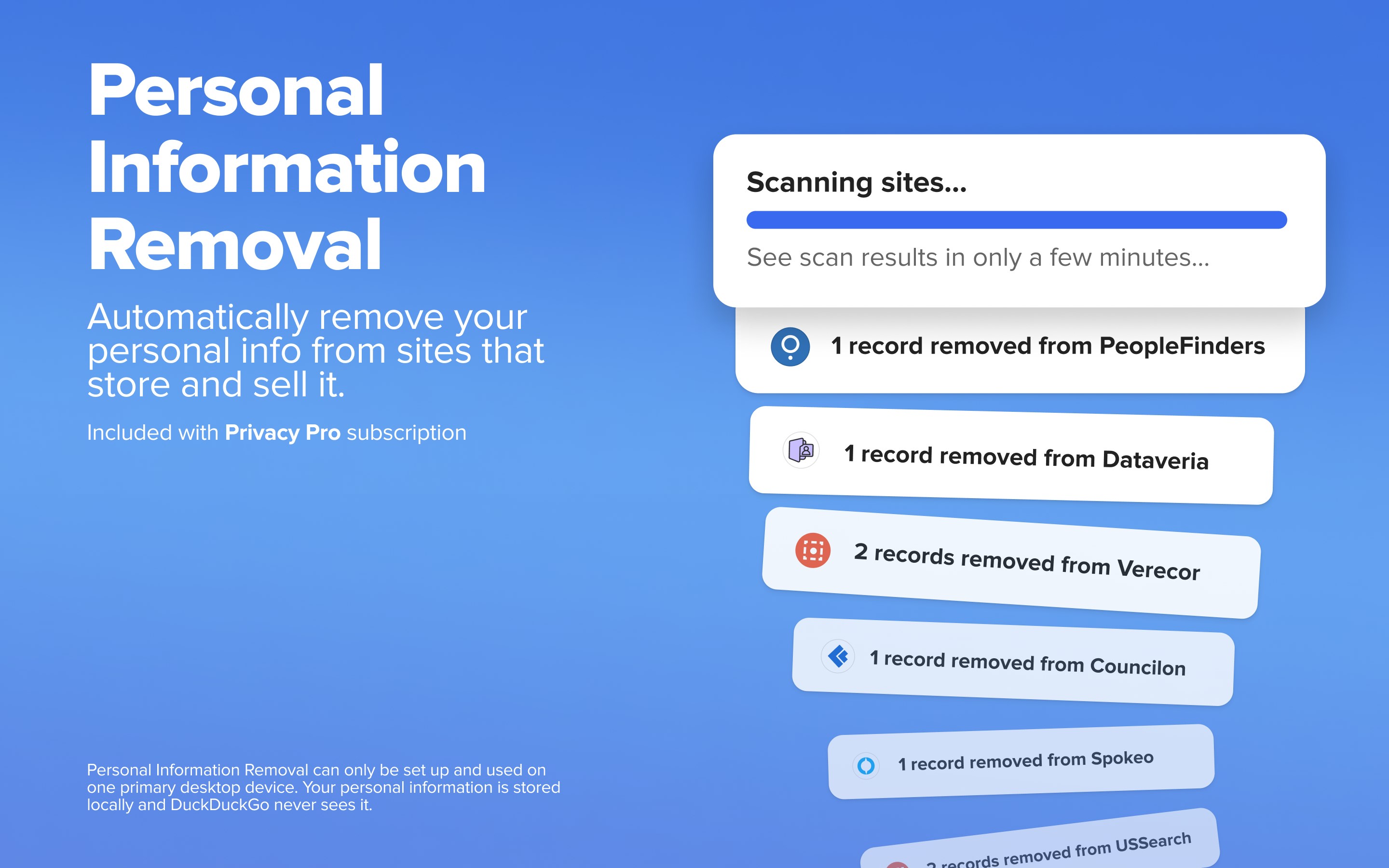
The app's core strength lies in its streamlined search functionality combined with robust privacy protections. Every query you make is encrypted and relayed through DuckDuckGo's servers, ensuring no traces are left behind. Plus, quick access to privacy settings lets you toggle features like tracker blocking and HTTPS upgrades effortlessly—think of it as a privacy dashboard at your fingertips. These features mean you can focus on your tasks without worry over data leaks or being bombarded with targeted ads.
Intuitive and Minimalist Interface
The interface adopts a minimalist approach reminiscent of a zen garden—simple, uncluttered, and calming. Navigation is intuitive; searching is lightning-fast, with instant suggestions that help you refine your queries smoothly. Its lightweight nature means it's snappy and responsive, even on less powerful machines. For users already familiar with traditional search engines, the transition feels natural—like swapping a bulky toolbox for a sleek, organized set of tools.
Unique Differentiators: Workflow Efficiency & Cognitive Simplicity
What sets DuckDuckGo for Windows apart from other productivity tools is its laser focus on reducing cognitive load and enhancing workflow efficiency. Unlike browsers that bombard you with notifications and feature overload, this app emphasizes clean, direct search results—cutting distraction and cognitive friction. It integrates into your digital life as a quiet, dependable assistant, rather than an overwhelming hub of options.
Its privacy-centric design acts as a mental relief, freeing you from the anxiety of data tracking, allowing you to focus on your priorities. The app's simplicity means less time figuring out how to disable features or manage settings. Instead, you spend more time doing—whether it's research, writing, or quick fact-checks—more efficiently and with greater peace of mind.
Final Verdict: A Thoughtful, Efficient Tool for Privacy-Minded Users
Overall, DuckDuckGo for Windows earns a solid recommendation, especially for those who seek a minimalist, privacy-focused approach to web searching. Its strongest points are the straightforward search experience with integrated privacy controls—akin to having a reliable, no-nonsense assistant working quietly behind the scenes. While it may not replace a full-fledged browser or all-in-one productivity suite, it excels as a companion tool that simplifies your online research without adding complexity.
If you prioritize privacy and prefer an app that seamlessly integrates into your workflow without unnecessary bells and whistles, then DuckDuckGo for Windows is a worthy addition to your digital toolbox. Approach it as your dedicated privacy partner—quiet, efficient, and trustworthy—and you'll find it helps keep your online habits both secure and straightforward.
Pros
- User-friendly interface
- Enhanced privacy features
- Fast search results
- Cross-platform compatibility
- Customizable search options
Cons
- Limited AI integration
- Some features require premium upgrade
- Occasional search inaccuracies
- Interface could be more customizable
- Limited language support











