

- Category Education
- Available on PC
- OS Windows 10 version 19041.0 or higher
- languages English (United States), Spanish (Spain)
Unlock a New World of Language Learning with Duolingo for Windows
Imagine having a friendly tutor right on your desktop, guiding you through new languages with engaging lessons and personalized pathways—that's exactly what Duolingo offers in its Windows app. Designed to make language acquisition accessible and enjoyable, this application combines gamified learning with intelligent content delivery to cater to learners of all levels.
Developer & Core Features
Developed by Duolingo Inc., a leader in digital language education, this Windows application brings their popular mobile learning platform to your PC. It boasts several key features:
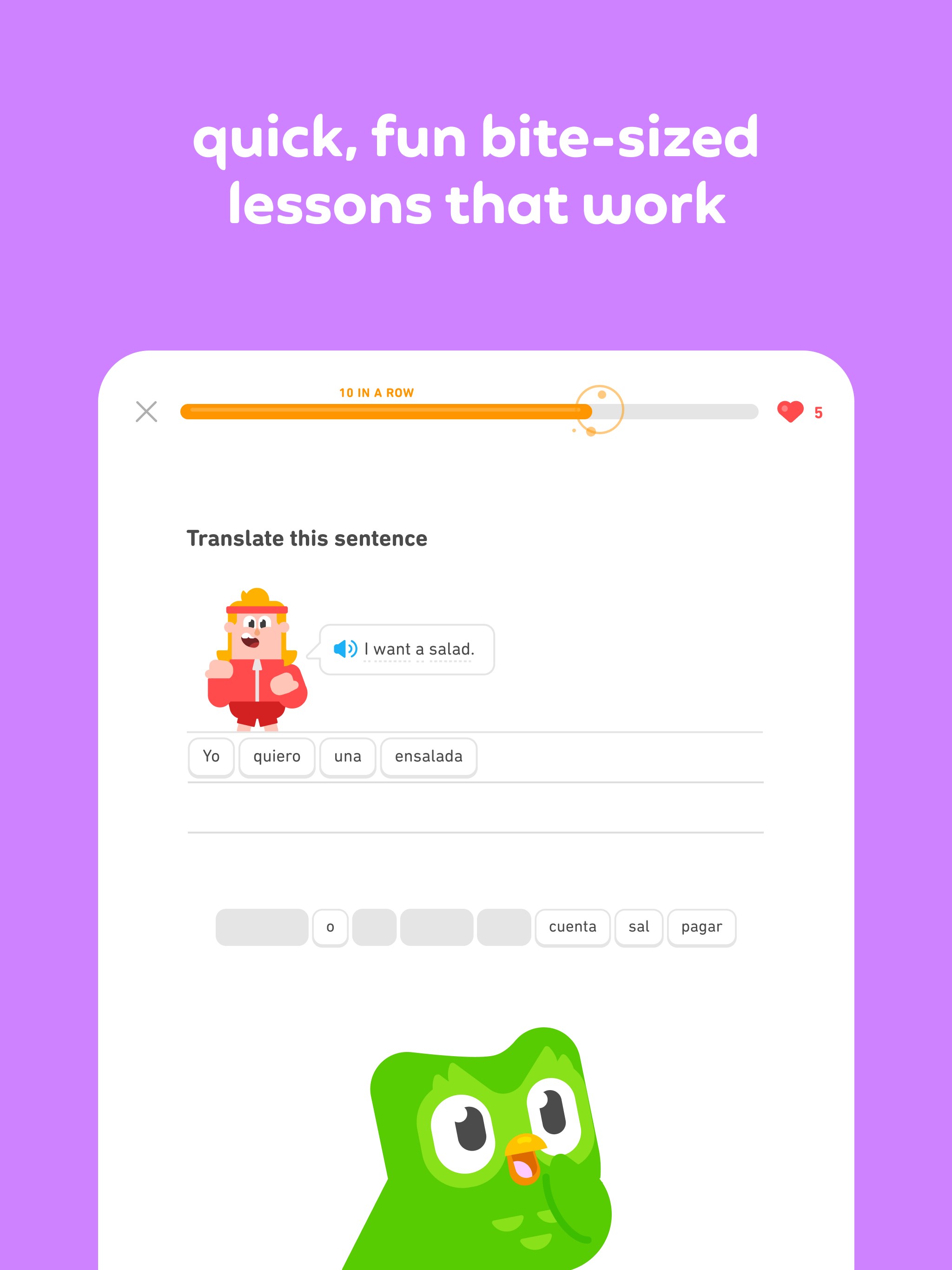
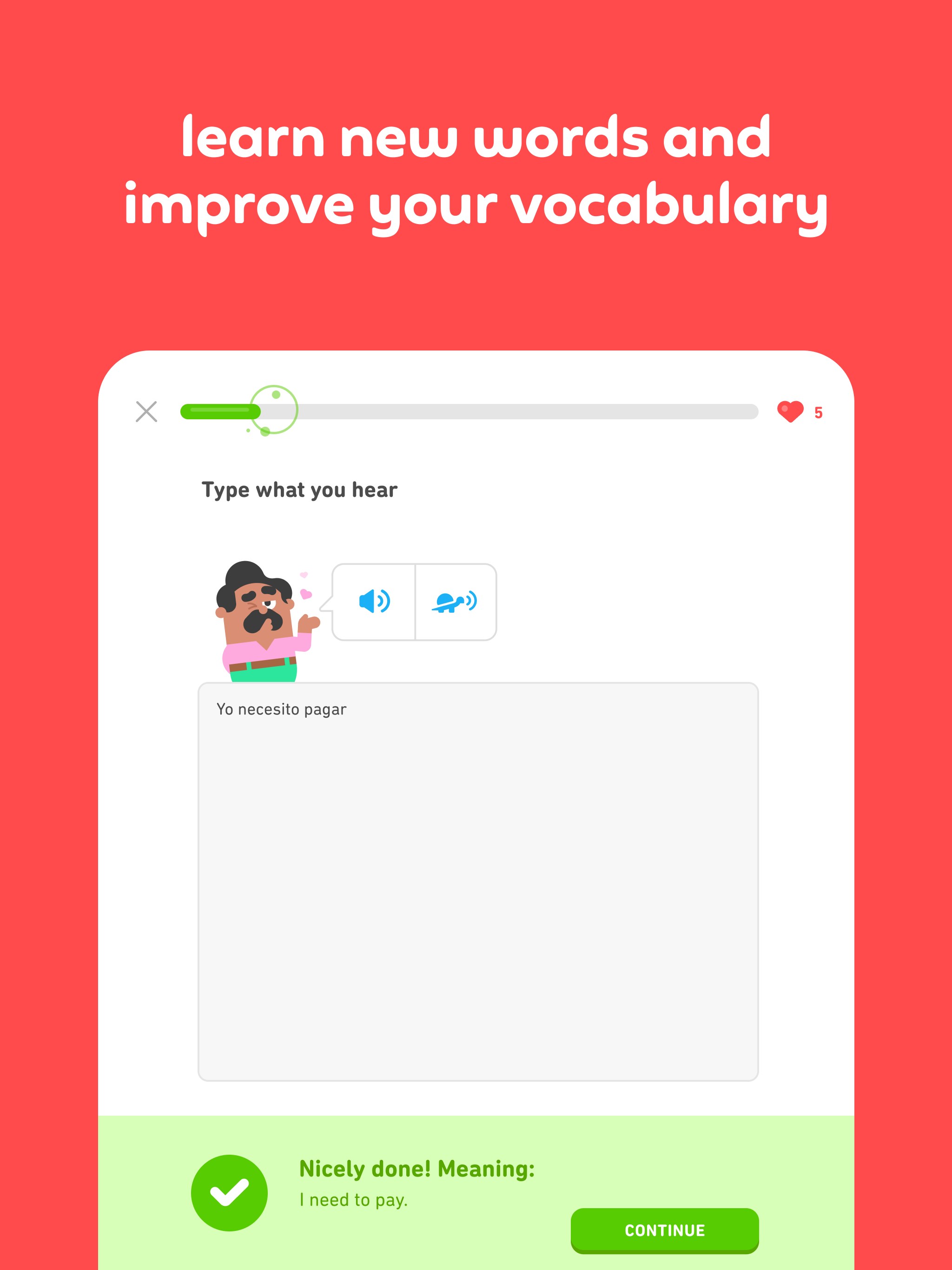
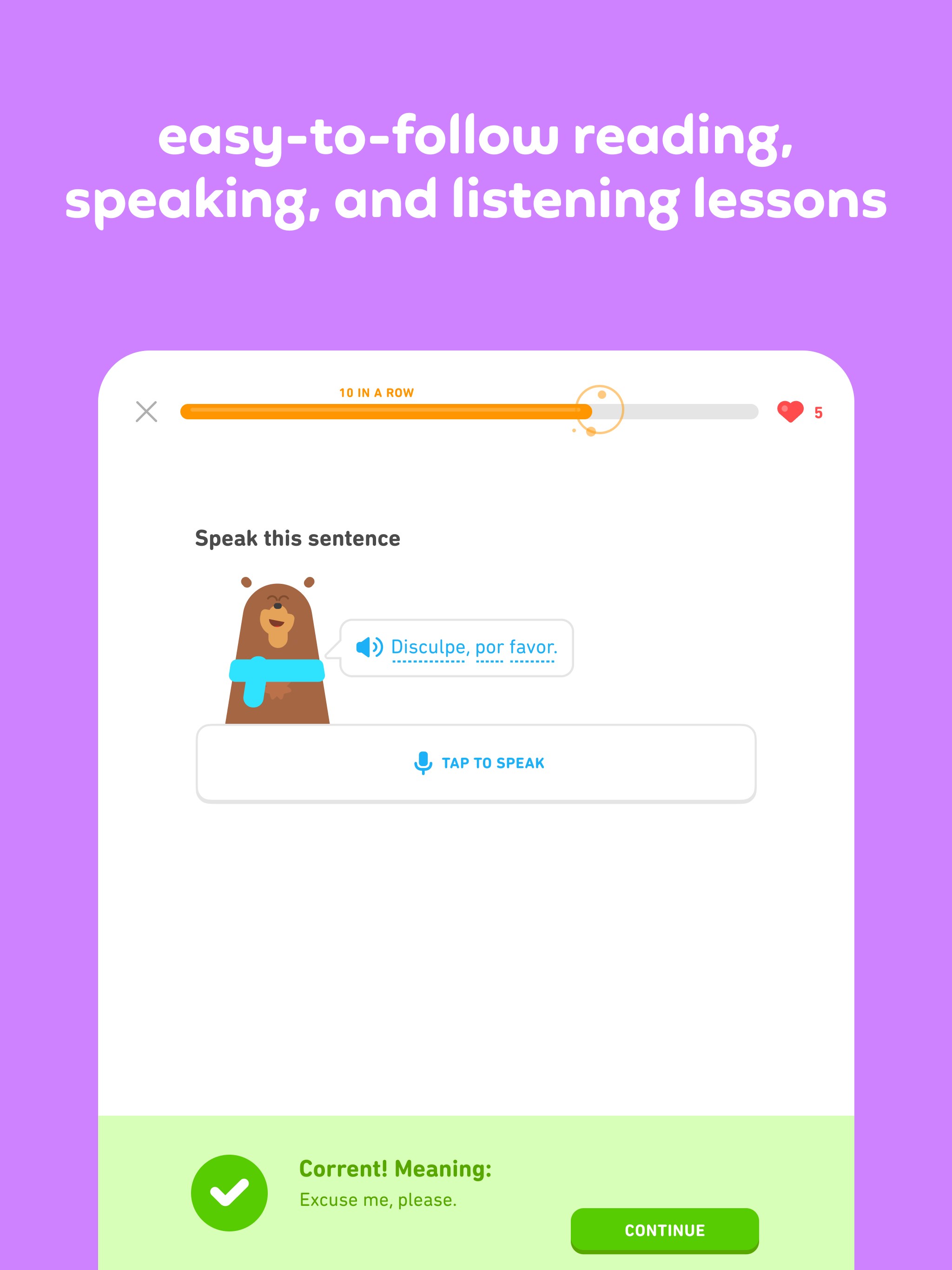
- Gamified Learning Experience: Bite-sized lessons and interactive exercises keep users motivated and make language practice feel like playing a game.
- Personalized Learning Paths: The app dynamically adapts to your progress, customizing exercises to focus on your weak spots and building on your strengths.
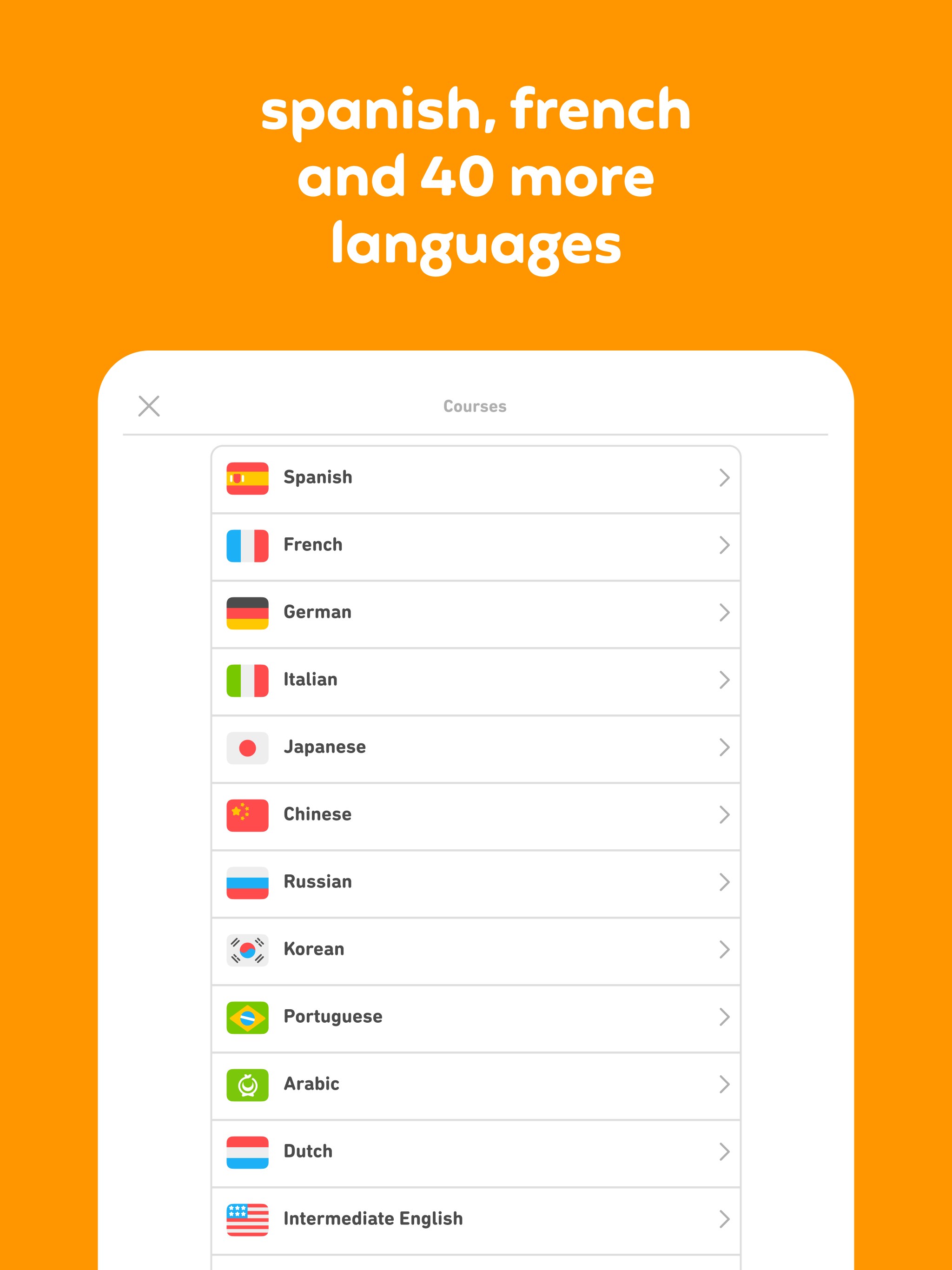
- Comprehensive Language Coverage: Offers a broad selection of languages, from commonly studied options like Spanish and French to less common ones such as Irish or Swahili.
- Offline Mode & Progress Tracking: Allows users to continue lessons offline and monitors their advancement with detailed statistics.
Targeted at casual learners, students, travelers, and anyone eager to pick up a new language, Duolingo for Windows provides a flexible and user-friendly platform to fit into busy schedules.
Engaging and Intuitive User Experience
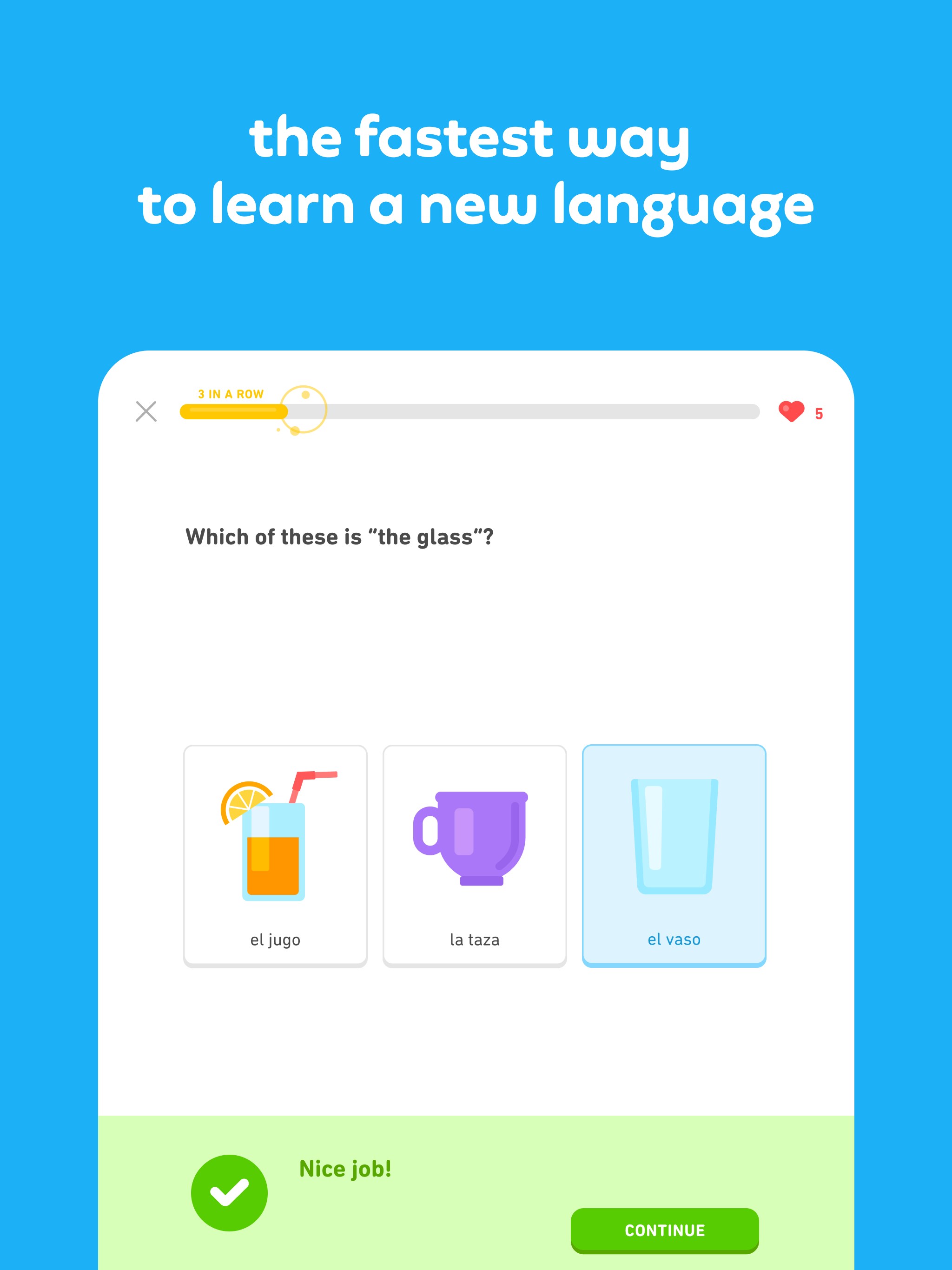
Stepping into Duolingo's interface feels like entering a colorful world of friendly cartoon characters and inspiring badges. The layout is clean, with lessons categorized into daily goals, review sessions, and themed modules, making navigation intuitive. The visual design is light-hearted but professional, striking a balance that keeps learners engaged without feeling overwhelmed.
Operation flows smoothly; clicking through lessons feels seamless, thanks to optimized performance on Windows. The app's responsiveness ensures that users can jump between activities swiftly, maintaining the momentum of learning. The learning curve is gentle—beginners find it easy to get started, while advanced users can dive into more challenging exercises without confusion. The app also provides feedback after each lesson, helping users stay motivated and aware of their progress.
What Sets Duolingo Apart: Content & Personalization
Unlike many traditional language apps that rely heavily on rote memorization or fixed curricula, Duolingo's standout feature is its tailored, adaptive learning approach. The app uses intelligent algorithms to analyze individual performance—identifying your weak spots and adjusting the difficulty and focus of lessons accordingly. This personalized learning path feels like having a dedicated tutor who knows exactly where you need more practice, making the entire process more efficient and less frustrating.
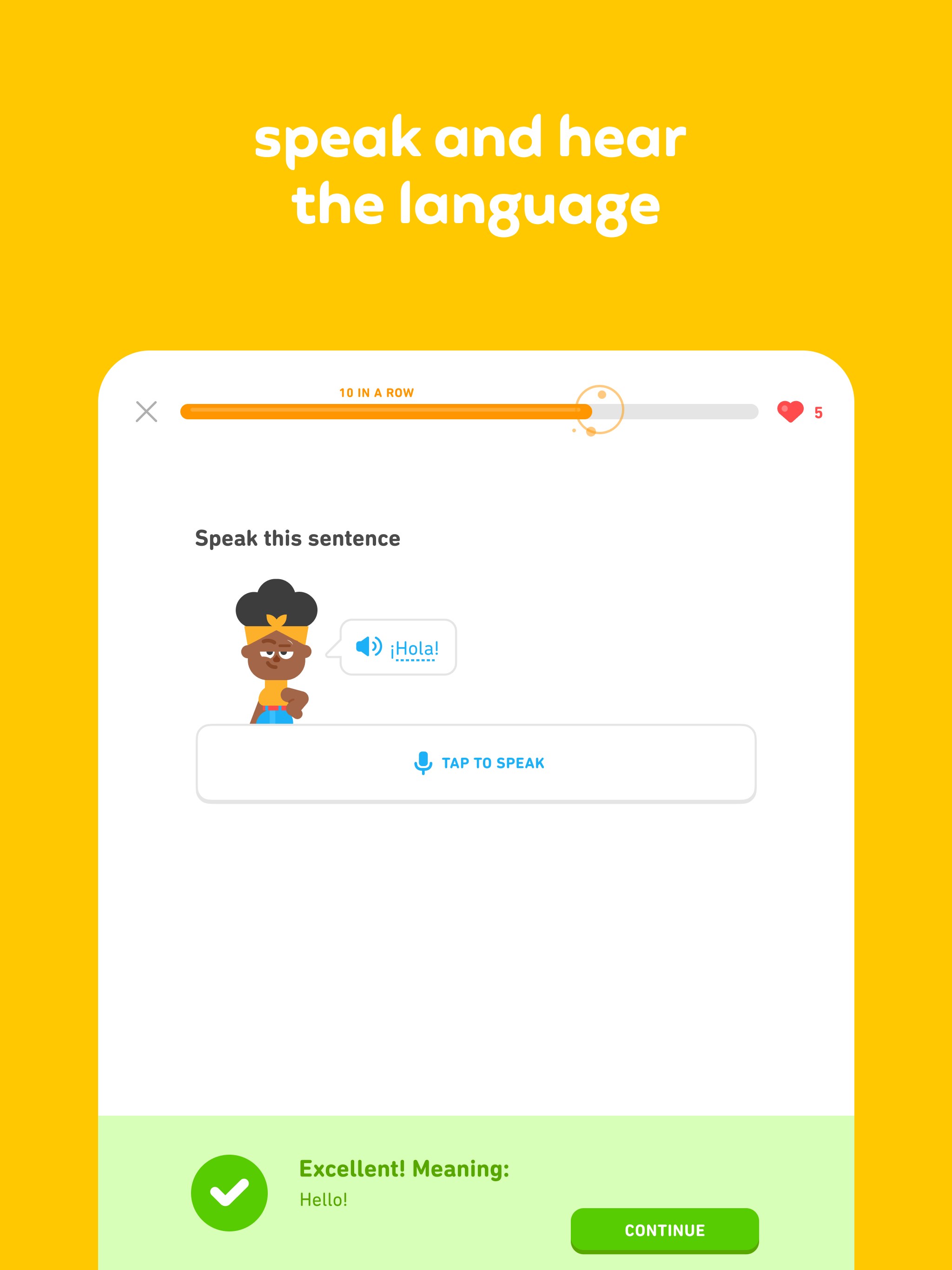
Moreover, the content quality itself emphasizes accuracy and authority. All lessons are crafted by language experts, ensuring that users learn authentic pronunciation, grammar, and vocabulary. Compared to general education apps that often provide generic content, Duolingo's emphasis on content precision enhances the credibility and educational value of each session.
Final Thoughts and Recommendations
Duolingo for Windows is an excellent tool for those looking to introduce or reinforce a new language in a fun, flexible manner. Its most noteworthy features—adaptive personalization and high-quality content—are particularly beneficial for learners wanting a tailored experience that respects their pace and goals.
If you're seeking an app that combines engaging visuals, smooth usability, and smart content delivery, Duolingo surely deserves a place on your desktop. Whether you're just starting out or honing your skills, I recommend giving it a try, especially if you appreciate personalized learning journeys that turn language study into an enjoyable adventure. Just remember, consistency is key—regular practice with this app can truly help you make steady progress toward fluency.
Pros
- Interactive and engaging lessons
- Wide variety of languages offered
- Free basic access
- Progress tracking and reminders
- Offline learning capability
Cons
- Limited depth for advanced learners
- Repetitive exercises
- Advertising interruptions in free version
- Limited grammar explanations
- Vocabulary words may lack context










