

- Category Photo & video
- Developer DVD Player, Video Player & Audio Player
- Available on PC
- OS Windows 10 version 14393.0 or higher
- languages Arabic, Chinese (Simplified), Dutch, English (United States), French, German, Italian, Japanese, Korean, Portuguese, Russian, Spanish
Introducing DVD+ for Windows: Your Go-To Media Player
DVD+ for Windows is a versatile media player designed to handle your favorite videos, DVDs, and audio files with ease, offering a simple yet powerful solution for media enjoyment on your PC.
About the Developer and Key Features
Developed by FS Tech Media, a team dedicated to creating intuitive multimedia applications, DVD+ for Windows aims to provide a seamless viewing experience. Its standout features include support for a wide range of video and audio formats, intuitive playback controls, and fast/easy DVD navigation. The app is tailored for casual viewers, media enthusiasts, and anyone seeking a reliable media player without complex features.
Engaging Yourself with a User-Friendly Interface
From the moment you open DVD+, you're greeted by a clean, modern interface that feels like a familiar media hub—think of it as turning on your TV, but on your desktop. The design emphasizes clarity and ease of use, making media browsing and playback straightforward even for beginners. Navigating through options feels akin to flipping through a well-organized media library, and the playback controls respond smoothly, making it a joy to hit play, pause, or skip through content.
Core Functionalities That Meet Everyday Needs
Wide Format Compatibility and DVD Support
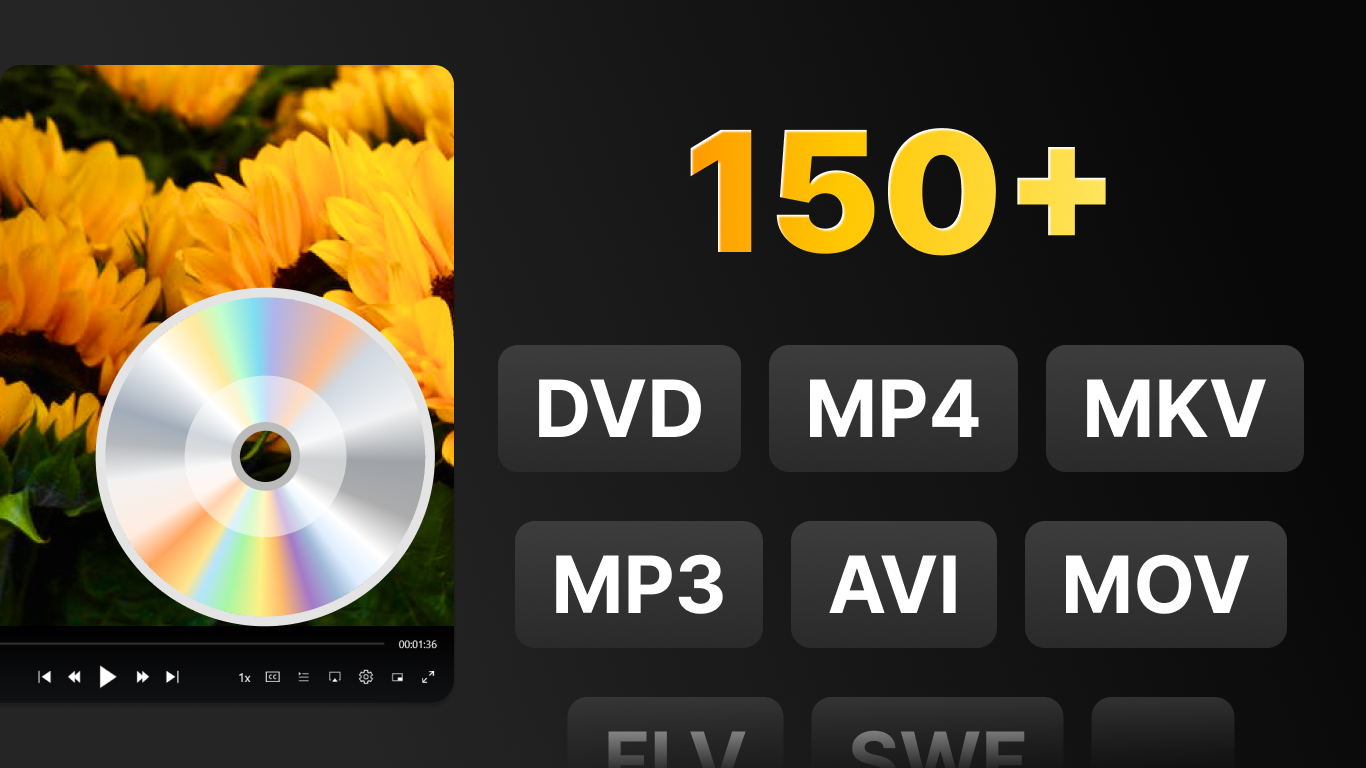
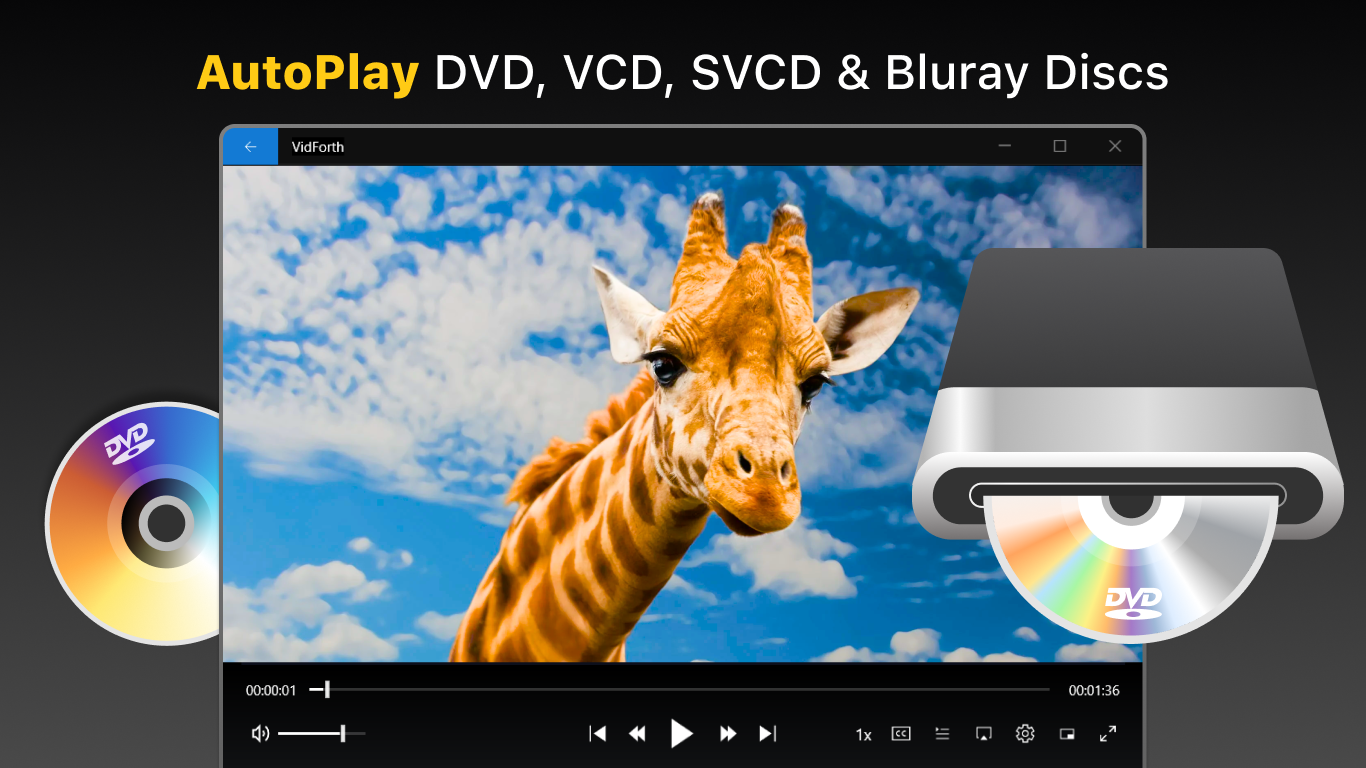
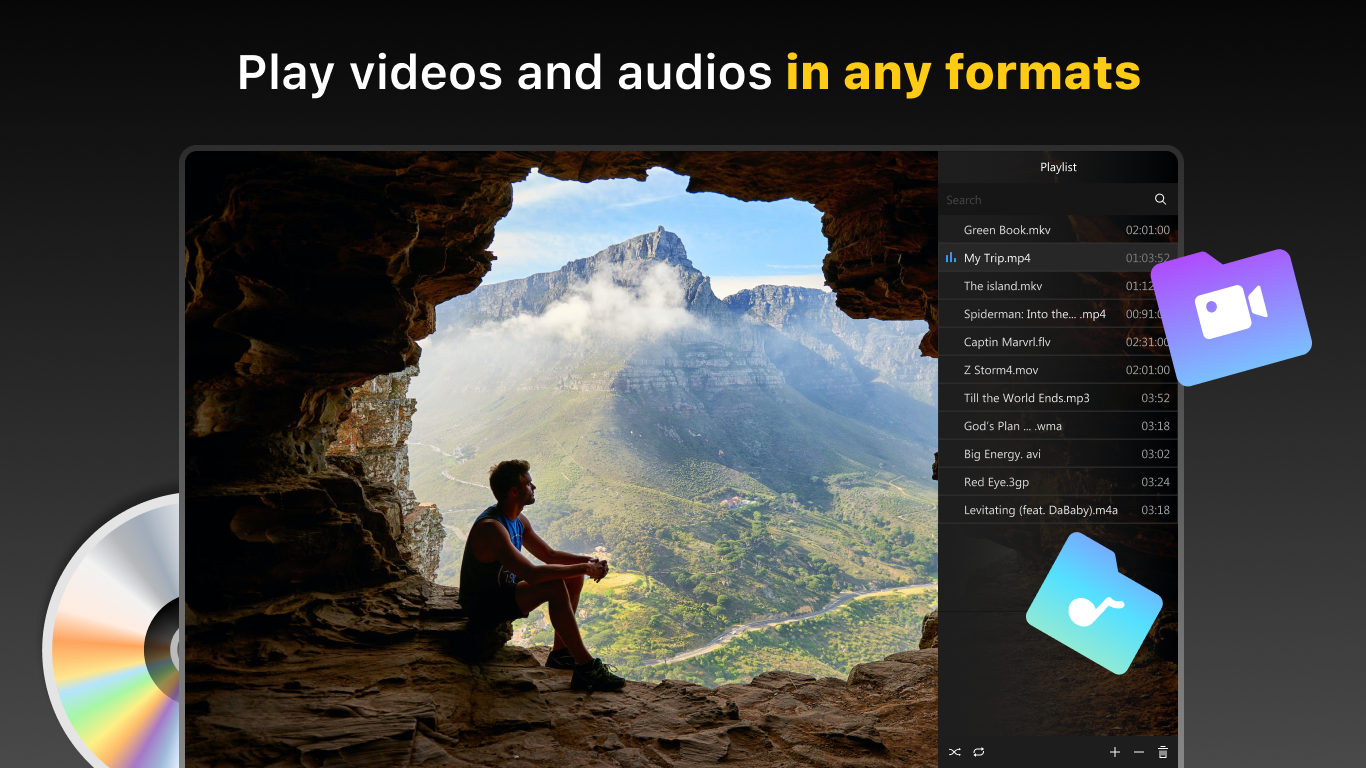
One of DVD+ for Windows's most compelling aspects is its extensive format support. Whether you're playing MKV, MP4, AVI, or MP3 files, this app handles them all without breaking a sweat. The built-in DVD playback feature is particularly notable—it provides a straightforward way to watch DVDs directly on your PC, complete with familiar navigation tools. This makes it an excellent choice for those who still enjoy physical discs or want to rip personal DVDs to enjoy digitally.
Seamless Playback and Customization Options
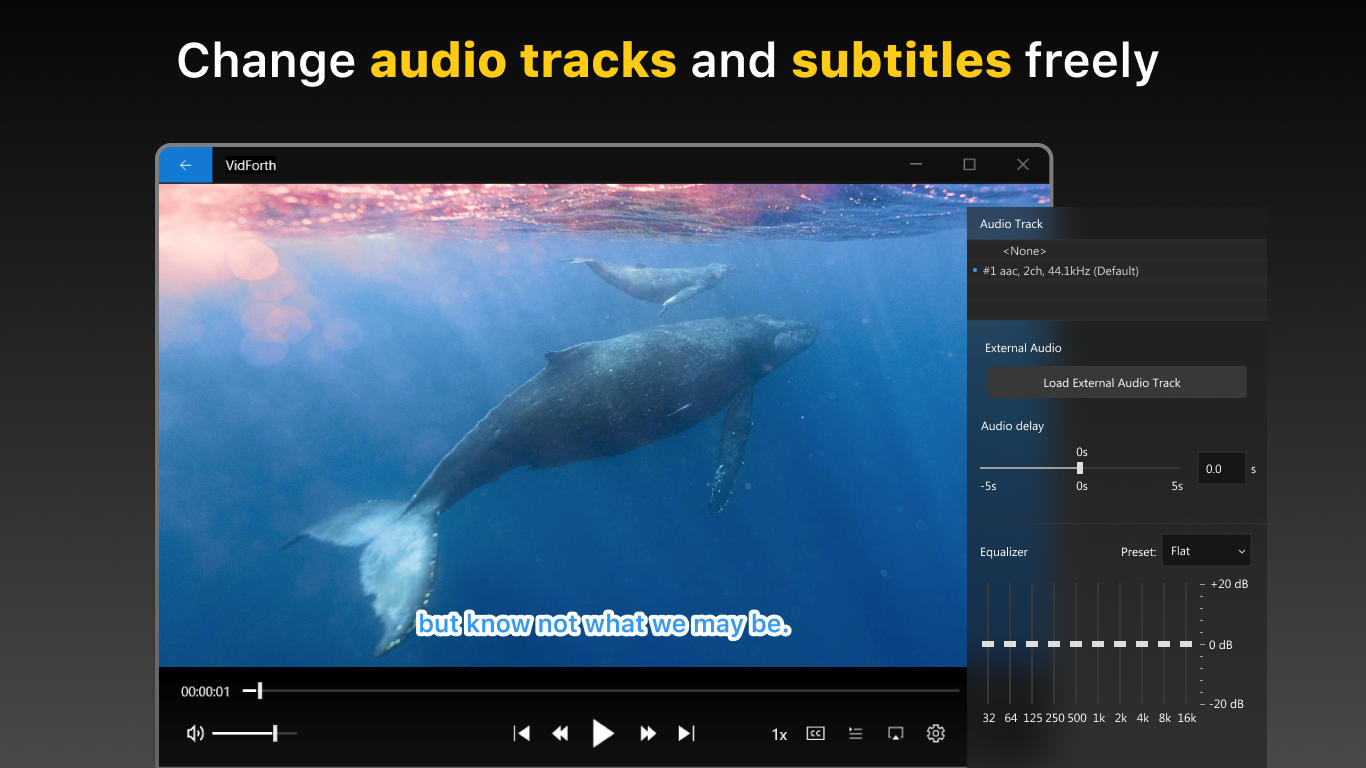
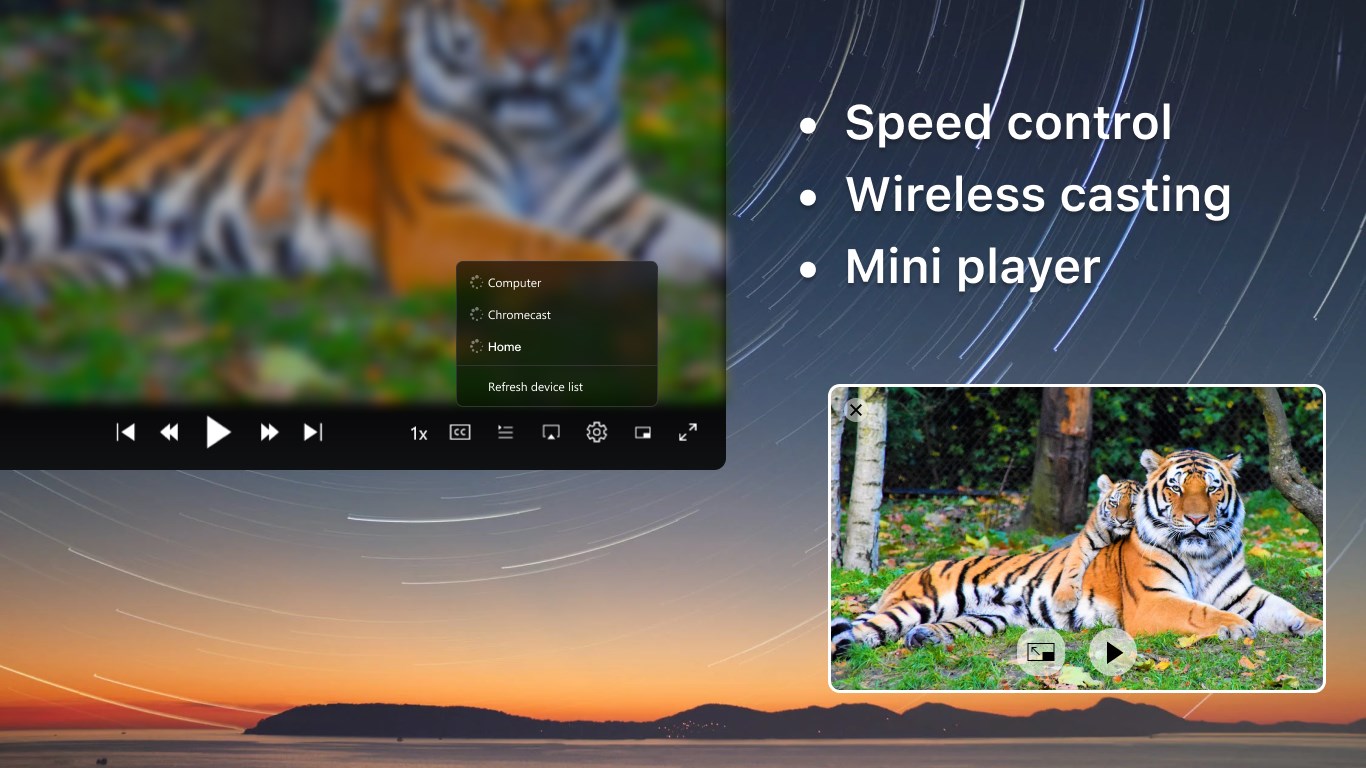
The app offers a smooth playback experience, with minimum lag or stuttering, thanks to optimized performance. It also includes handy features like adjustable subtitles, audio tracks, and playback speed controls, giving you flexibility akin to a dedicated theater experience. The customizable interface, including themes and view modes, allows you to tailor your media environment, turning your PC into a cozy home theater.
Simple User Experience and Unique Features
Learning curve? Nearly none. DVD+ is designed with simplicity in mind, making it accessible for users of all levels. Beyond basic playback, it introduces unique features like quick media library management and a mini-player mode that you can keep on your desktop while multitasking—a major plus for those who like multitasking or need background playback.
What Sets It Apart in a Crowded Market?
Compared to many free media players, DVD+ for Windows stands out with its dedicated DVD playback feature and robust format support—think of it as a Swiss Army knife for media. Its user-friendly design and fast, responsive controls make it feel less like an application and more like a familiar media companion. Unlike multimedia players that require extensive setup or plug-ins, DVD+ offers a plug-and-play experience, making it ideal for users seeking a reliable, no-fuss media solution.
Final Verdict: A Recommended Media Companion
If you're looking for a straightforward yet versatile media player that efficiently handles DVDs alongside various video and audio formats, DVD+ for Windows deserves a spot on your desktop. It's especially recommended for users who want a clean interface and quick access to multimedia content without the clutter of unnecessary features. While it may lack some advanced editing or streaming capabilities, its core strengths—ease of use, format support, and DVD playback—make it a reliable choice for daily media consumption.
Pros
- User-friendly interface
- Wide format support
- Fast performance
- Built-in DVD menu navigation
- Regular updates
Cons
- Limited advanced editing features
- Occasional slow rendering on older systems
- In-app advertisements
- Limited format conversion options
- Some regional restrictions in content access











