

- Category Entertainment
- Developer Some Media Apps
- Available on PC
- OS Windows 10 version 17763.0 or higher
- languages English (United States)
An Elegant Solution for Your Media Collection: DVD and Blu-ray PLUS for Windows
If you're someone who treasures owning physical media but craves a seamless way to manage, organize, and enjoy your collection digitally, DVD and Blu-ray PLUS offers a compelling toolkit to elevate your entertainment experience. Developed by Some Media Apps, this app aims to bridge the gap between traditional media formats and modern digital convenience, making it a noteworthy addition to any cinephile's or media collector's digital arsenal.
Quick Facts: The Core of DVD and Blu-ray PLUS
Designed to serve as an all-in-one media management companion, DVD and Blu-ray PLUS stands out by providing streamlined cataloging, effortless playback, and personalized viewing options. Developed by Some Media Apps—a team specializing in multimedia utilities—the app promises to enhance your media experience through intuitive features and thoughtful design. Its major highlights include smart media categorization, a robust playback engine, and customized content recommendations tailored to your viewing preferences. Targeted at avid home users, media collectors, and casual viewers looking to organize their digital media library efficiently, the app aims to bring convenience without sacrificing control.
Enter a World of Organized Entertainment: An Engaging Preview
Imagine opening your digital media library and finding exactly what you want in an instant—no more hunting through cluttered folders or complicated menus. DVD and Blu-ray PLUS transforms this fantasy into reality, acting like a friendly library assistant that always has your favorite titles ready. Its smooth interfaces and responsive performance make browsing feel like flipping through a well-organized catalog, turning media management from a chore into an enjoyable ritual.
Intelligent Media Organization and Discovery
At the heart of DVD and Blu-ray PLUS is its sophisticated content discovery algorithm. Unlike generic media apps that rely on basic metadata, this app employs smarter content recognition, allowing it to automatically categorize your discs by genre, year, or personal tags. This feature significantly reduces the clutter and makes finding that rare movie or beloved series a breeze. Additionally, the app's content discovery mechanism analyzes your viewing habits over time, subtly adjusting its recommendations to match your evolving preferences—like a personal concierge who learns your tastes with each visit.
Seamless Playback and User Experience
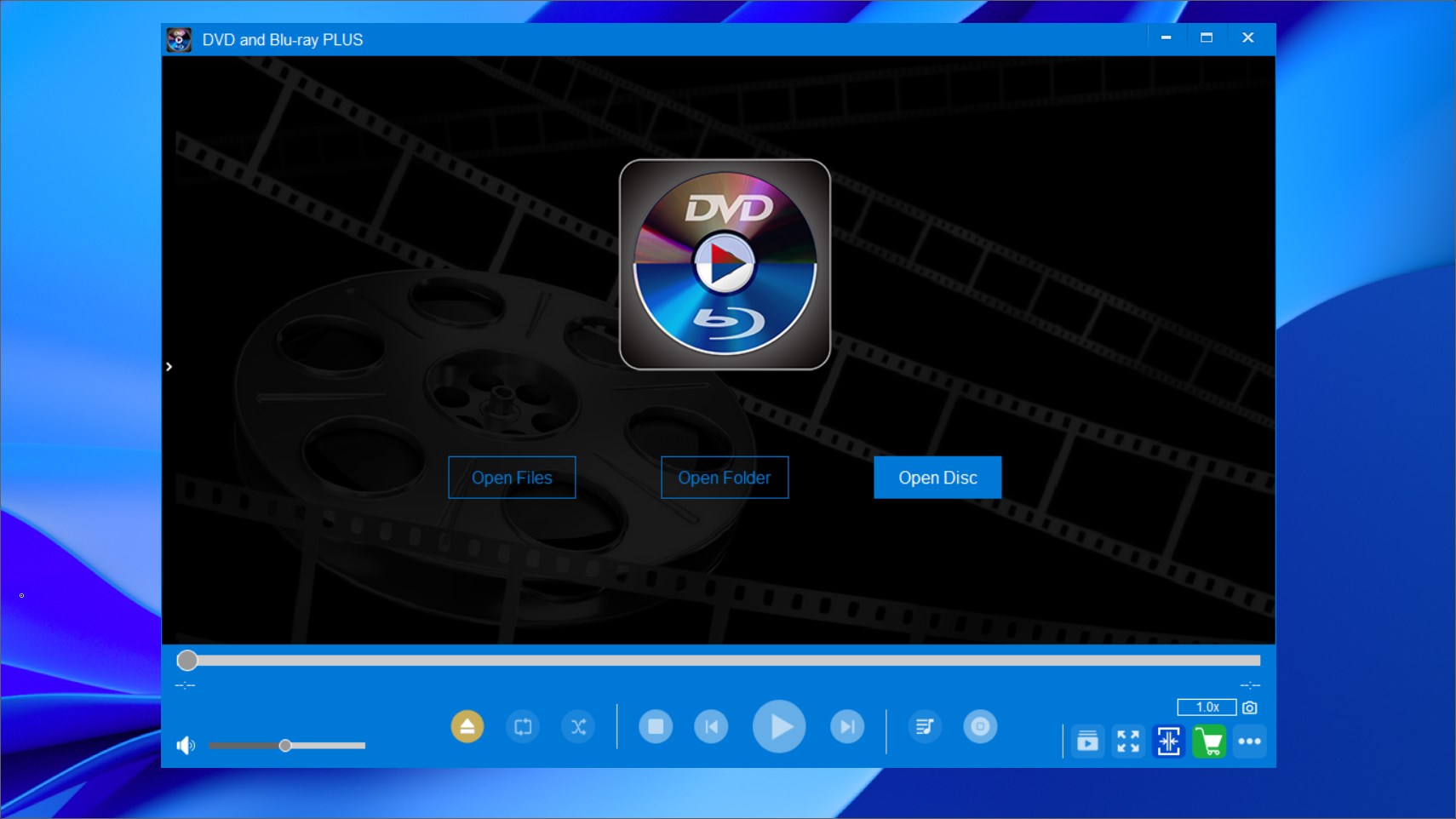
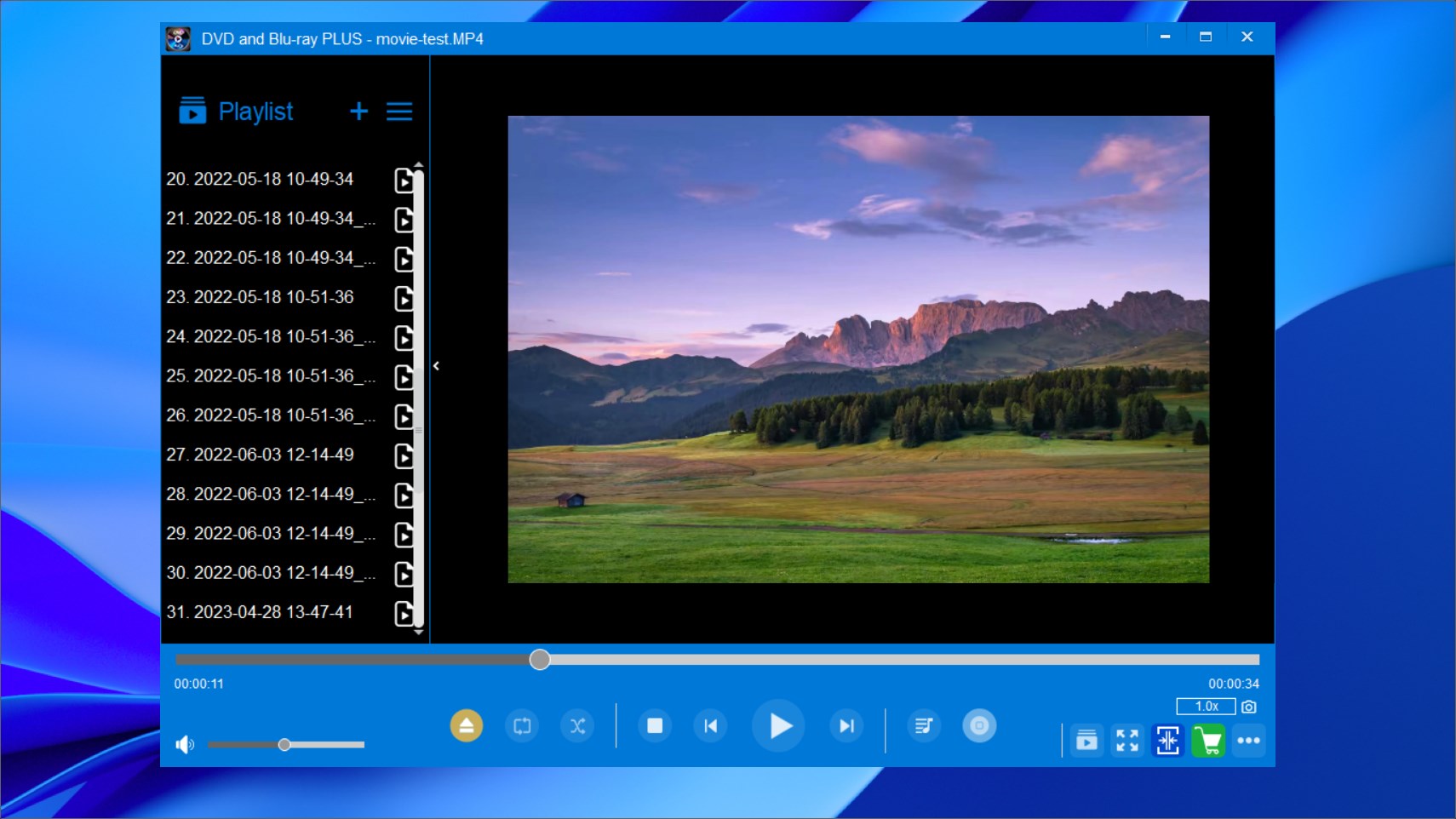
Playing your DVD or Blu-ray collection within the app feels as effortless as pressing play on a well-oiled machine. The interface is visually pleasing—clean, minimalistic, and thoughtfully organized—making navigation straightforward even for less tech-savvy users. The responsiveness of the app ensures smooth playback, with minimal buffering or lag, whether you're watching a classic film or a recent blockbuster. The learning curve is gentle; a newcomer can quickly browse, select, and enjoy their media, while seasoned users will appreciate the customizable options that grant full control over subtitle settings, audio tracks, and aspect ratios.
Unique Features That Set It Apart
The most standout aspect of DVD and Blu-ray PLUS is its personalized content recommendation system. Unlike other entertainment apps that simply shuffle your existing media or rely on broad recommendations, this application analyzes your interaction patterns to suggest new titles aligned with your tastes. Combined with its intelligent media cataloging, the app offers a tailored discovery experience—bringing a sense of surprise and delight that's often missing from conventional media players. Another advantage is its helpful, unobtrusive interface that prioritizes ease of use and quick access, perfect for both casual viewers and dedicated collectors.
Final Thoughts: Is It Worth a Try?
While DVD and Blu-ray PLUS may not reinvent media management entirely, it offers a polished, user-centric experience that addresses common pain points faced by media enthusiasts. Its standout features—smart content discovery and personalized recommendations—are particularly impressive, setting it apart from more generic apps. I'd recommend it to anyone who wants a more organized way to enjoy their physical media collection digitally. It's especially useful if you're tired of the chaos in your media folders or seek a smarter way to explore new titles based on your preferences. Overall, it's a practical, thoughtfully designed tool worth trying for those who want control, convenience, and a touch of personalized discovery in their entertainment journey.
Pros
- Wide format support
- High-quality playback
- User-friendly interface
- Additional features
- Regular updates
Cons
- Limited media format support
- Performance issues on older PCs
- Lack of advanced playback options
- Limited subtitle language options
- No direct region code management











