



- Category Productivity
- Developer FileViewer
- Available on PC, Mobile, Surface Hub, HoloLens
- OS Windows 10 version 17763.0 or higher
- languages English (United States)
A Sleek Media Playback Tool for Windows 10 and 11
If you're seeking a straightforward yet capable media player that seamlessly integrates into your Windows workflow, the DVD Player for Windows 10/11 by FileViewer might just be the companion you need. Designed to handle a variety of media formats without frills, this app aims to streamline your multimedia consumption with minimal fuss.
Meet the Developers and Core Features
Developed by the dedicated team at FileViewer and published under File Viewer Pro Inc., this application positions itself as a reliable media player optimized for Windows environments. Its primary strengths include support for multiple media formats, an intuitive interface that resembles familiar desktop players, and quick adaptation for users comfortable with Windows navigation. Targeted at everyday users, students, and casual media enthusiasts who require a no-hassle playback experience, it caters to a broad spectrum of multimedia needs.
An Engaging Dive into Its Core Functionalities
Effortless Media Format Compatibility
The standout feature of this DVD Player is its impressive ability to support a wide range of video and audio formats, including DVD discs, MP4, MKV, AVI, MP3, and more. Imagine this app as a versatile toolbox—no matter what media files you throw at it, it's ready to go, eliminating the need for multiple apps or conversions. This broad compatibility ensures that users can enjoy their favorite movies or music without worrying about format restrictions, streamlining their entertainment experience.
Simplified Interface with a Focus on User Experience
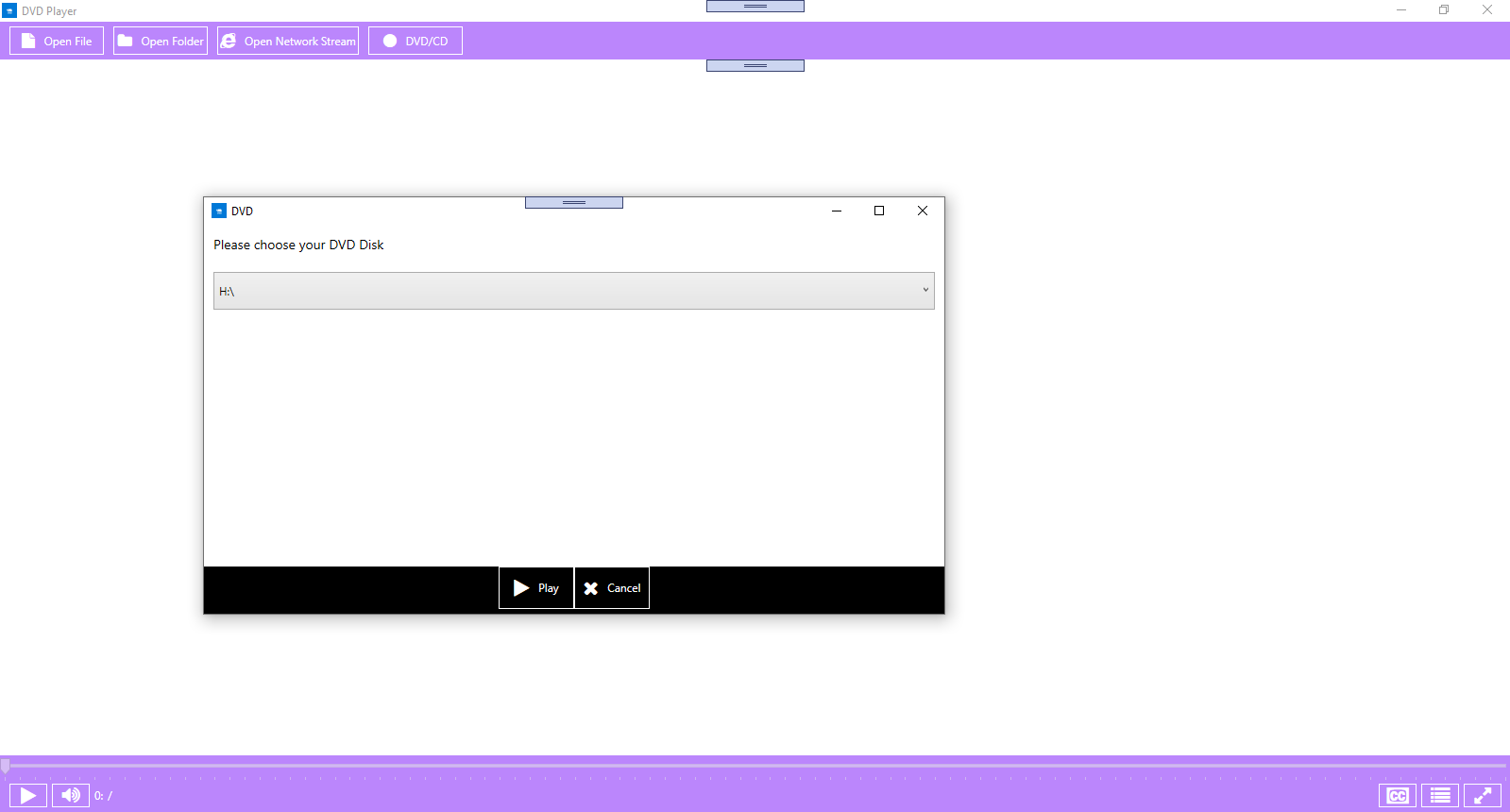
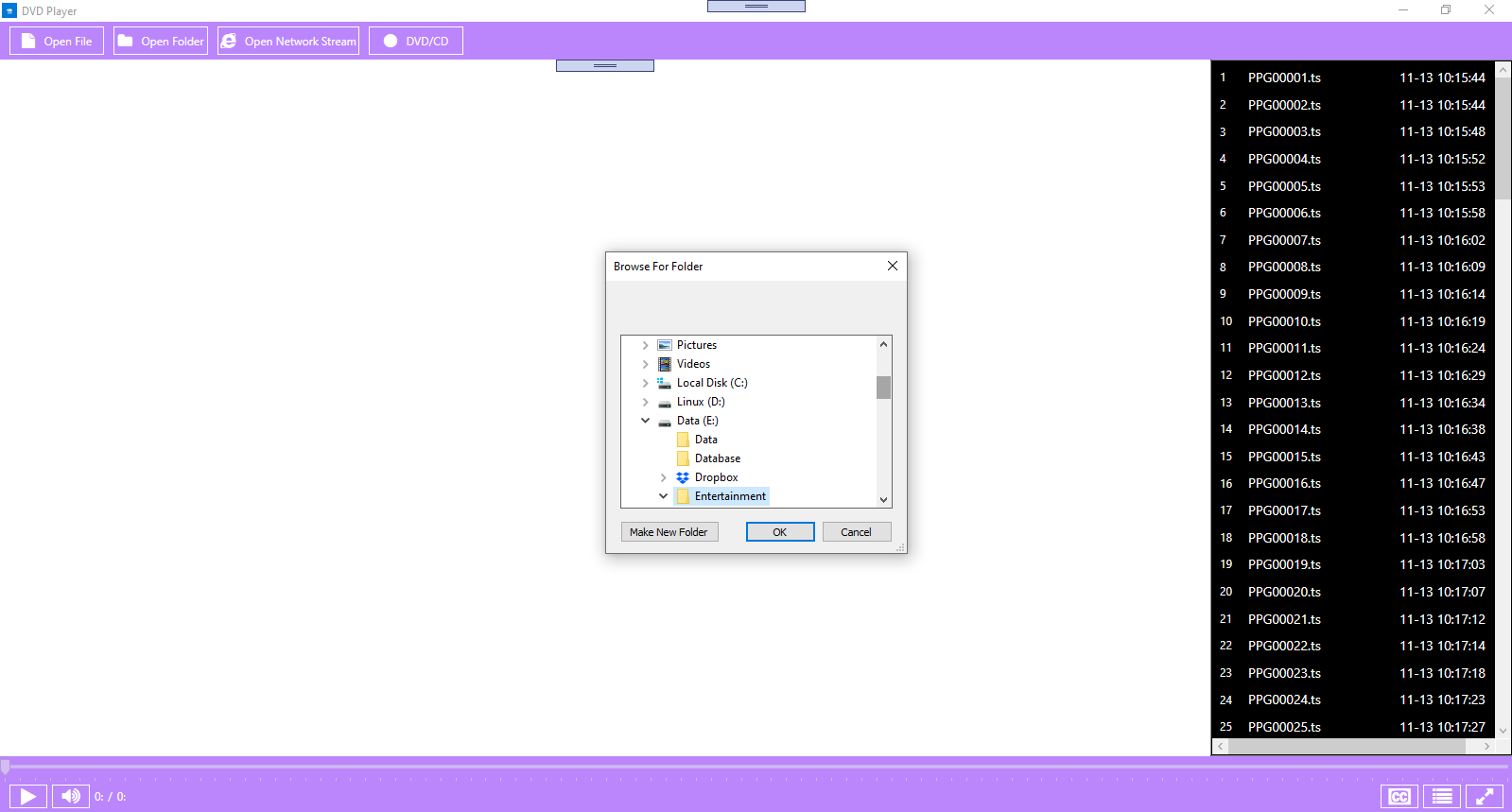
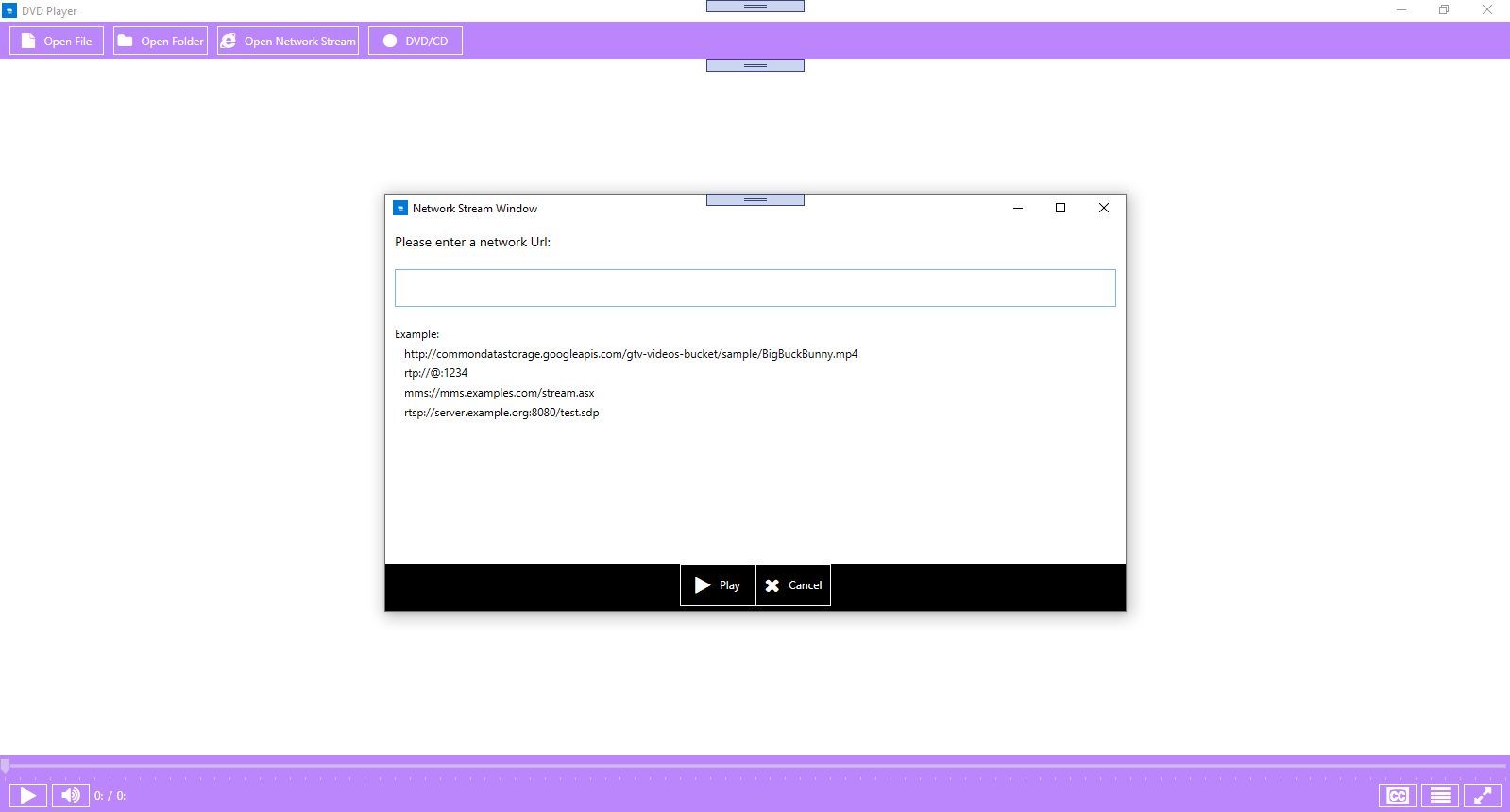
The interface adopts a clean, Familiar Windows-style layout, making it instantly recognizable and comfortable to navigate. Users can quickly locate playback controls, playlist options, and settings, thanks to an uncluttered design. The app's operation is smooth, with responsive controls that respond seamlessly to user input. Even those new to media players will find the learning curve gentle—think of it as sliding into a favorite pair of slippers, where everything is just where you expect it to be.
Efficient Workflow Integration: Less Cognitive Load, More Enjoyment
What sets this media player apart from many similar apps is its emphasis on reducing cognitive load—allowing users to focus on content rather than figuring out complicated settings. Unlike feature-heavy players that overwhelm with options, this app strips down to what matters. It integrates smoothly into your Windows environment, enabling quick access via right-click menus or system tray shortcuts. Its minimalist approach promotes a more fluid media experience, making it easier to incorporate into your daily routines without interruption, akin to having a reliable companion that anticipates your needs.
Final Thoughts and Recommendations
Overall, the DVD Player for Windows 10/11 offers a dependable, no-nonsense media playback solution that excels in simplicity and compatibility. Its most compelling attributes—wide format support and user-friendly interface—make it suitable for users who value efficiency and minimal fuss. For those tired of juggling multiple media apps or entangled in complex interfaces, this app is a promising choice.
We recommend giving it a try if you want a straightforward media player that integrates well into your Windows workflow without demanding a steep learning curve. It's like having a trusty media companion—efficient, familiar, and ready whenever you are.
Pros
- Intuitive User Interface
- Broad Format Support
- Automatic Playback
- Integration with Windows
- Lightweight App
Cons
- Limited Format Support
- Basic Playback Features
- No Media Library or Organization
- Limited Customization
- Potential Compatibility Issues with Windows Updates











