
- Category Entertainment
- Developer V3TApps
- Available on PC
- OS Windows 10 version 17134.0 or higher
- languages English (United States)
Introducing DVD Player - FREE for Windows: A Simple Yet Robust Media Companion
Imagine a lightweight, straightforward tool that transforms your Windows device into a versatile media hub, effortlessly supporting a wide array of video and audio formats without the clutter of unnecessary features. That's exactly what DVD Player - FREE aims to deliver—an unobtrusive yet capable media player for everyday entertainment.
Developed by V3TApps, Publisher: AI Photo Editor Lab
Created by the innovative team at V3TApps and published under the AI Photo Editor Lab umbrella, this app leverages their expertise in user-friendly software design, focusing on providing a seamless media playback experience without the bloat often seen in more complex players.
Key Features to Watch Out For
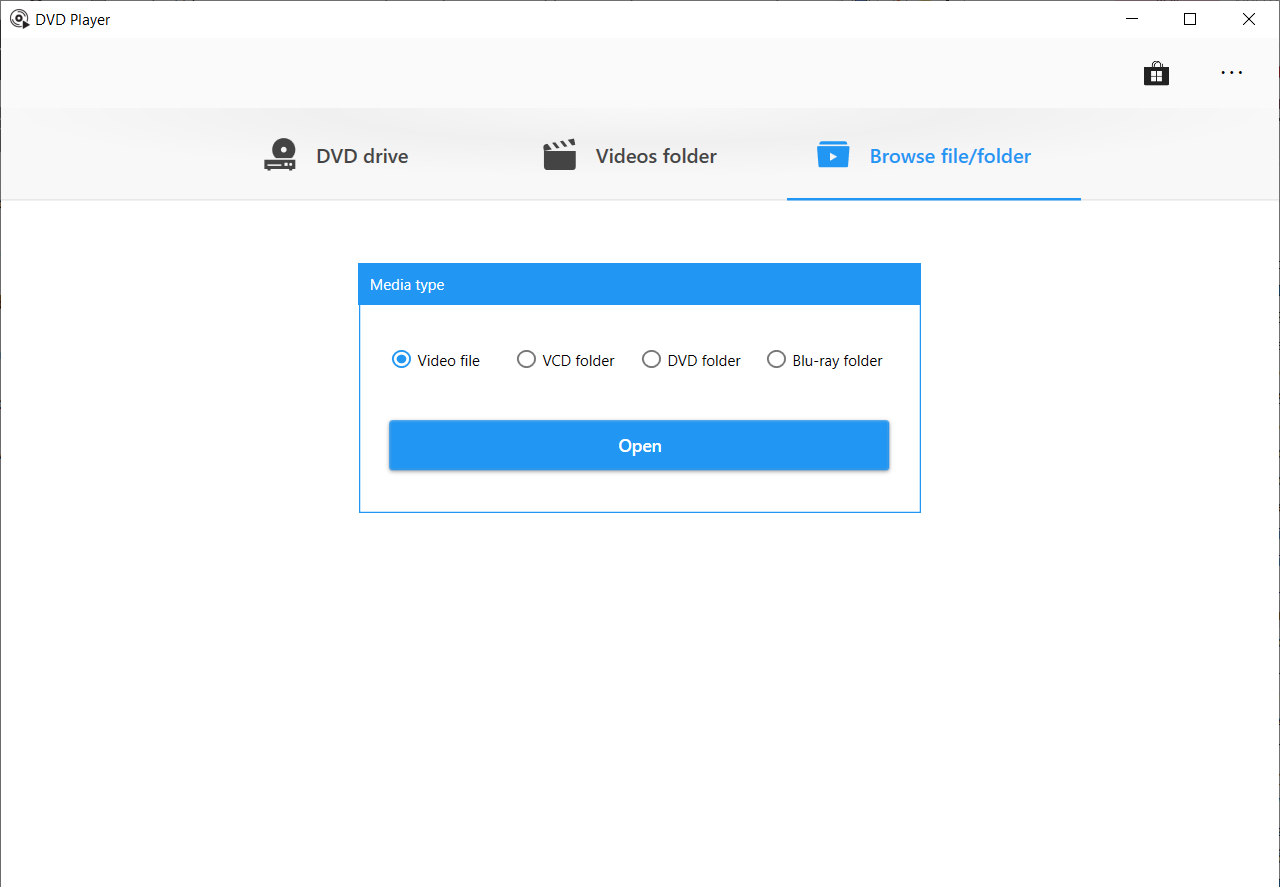
- Format Versatility: Supports a broad spectrum of media formats, including MP4, AVI, MKV, and MP3, ensuring you rarely have to worry about file compatibility.
- Ease of Use: Intuitive interface with minimal learning curve, perfect for users who want quick setup and simple operation.
- Lightweight and Fast: Precisely optimized to run smoothly without taxing system resources, making it suitable for a vast range of Windows devices.
- Minimalistic Design: Focuses on core functionality, avoiding unnecessary clutter and making navigation straightforward for all age groups.
Driving Into the Core: What's Special About This Player?
Let's make media playback fun again—like settling in for a movie night with popcorn prepared and the remote in hand. DVD Player - FREE is designed to be your reliable sidekick, handling your favorite videos with the kind of calm confidence that makes you forget you're even using a media app. Its core appeal lies in its simplicity matched with solid functionality, but there are a few standout features worth highlighting.
Robust Format Compatibility and Playback Stability
In a world where media files come in endless shapes and sizes, compatibility is king. DVD Player - FREE's support for multiple formats means less time fussing over conversion or encountering playback errors. Whether it's a high-def MKV or a classic AVI, this app handles them gracefully. Playback remains stable and glitch-free, thanks to its efficient engine—imagine it as a well-tuned engine purring smoothly under the hood—bringing peace of mind during movie marathons or music sessions.
User-Friendly Interface with Focused Simplicity
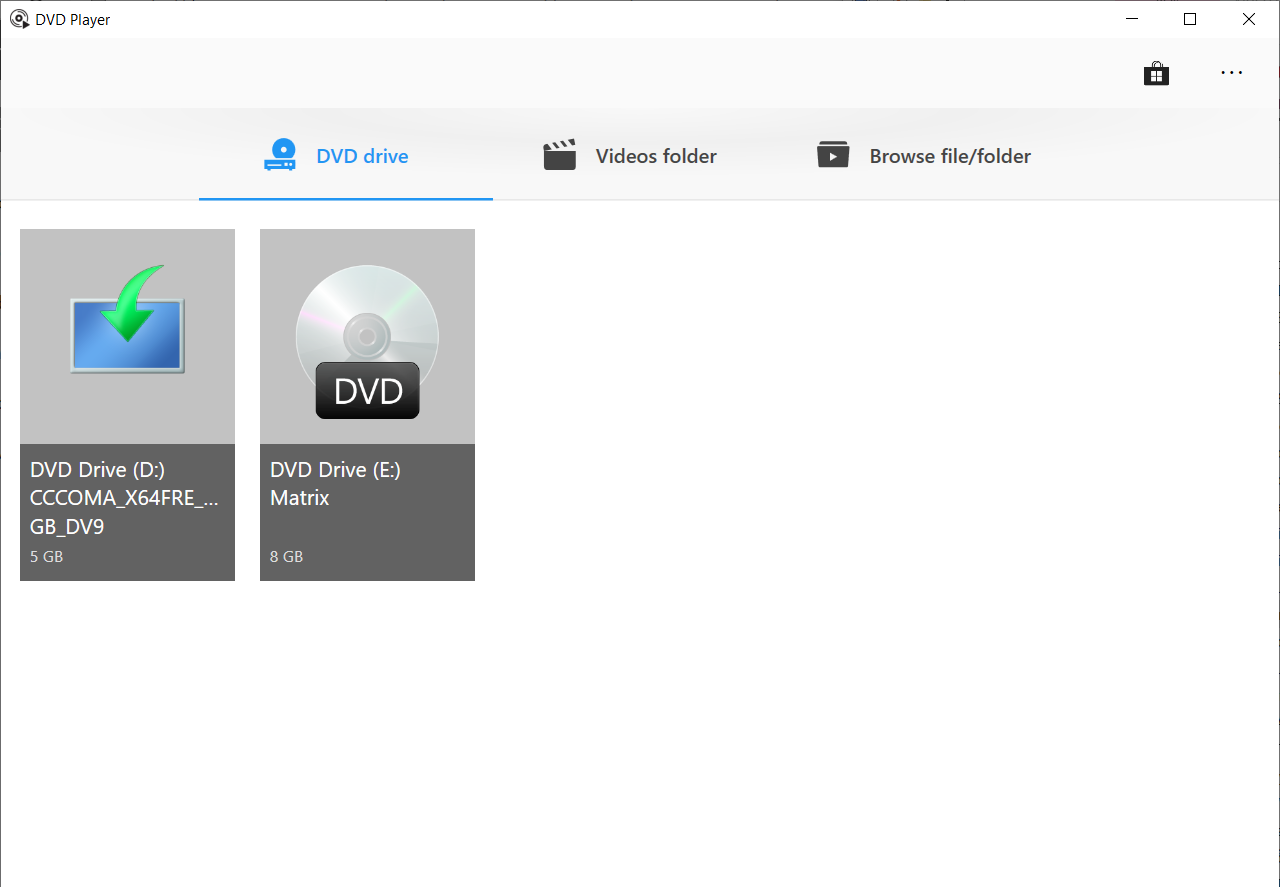
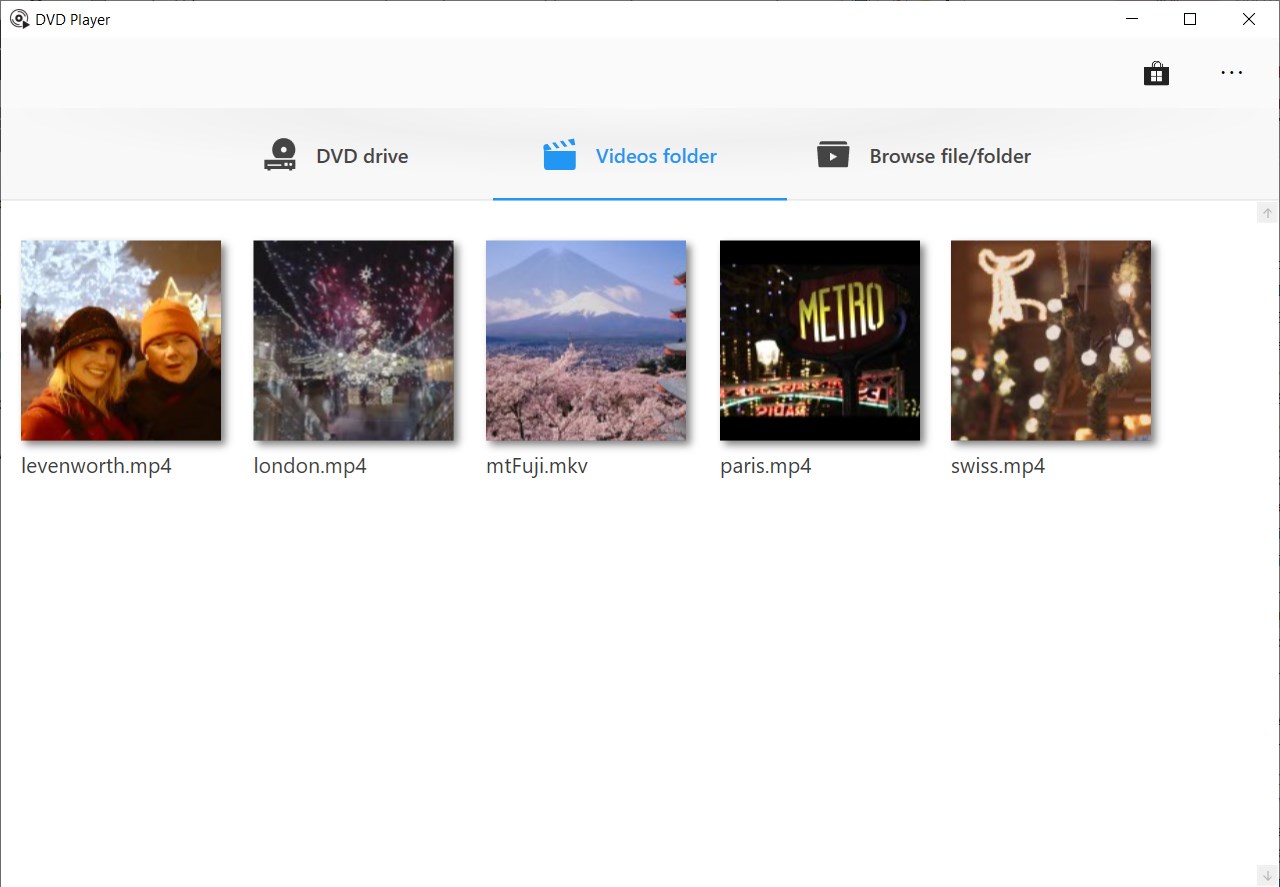
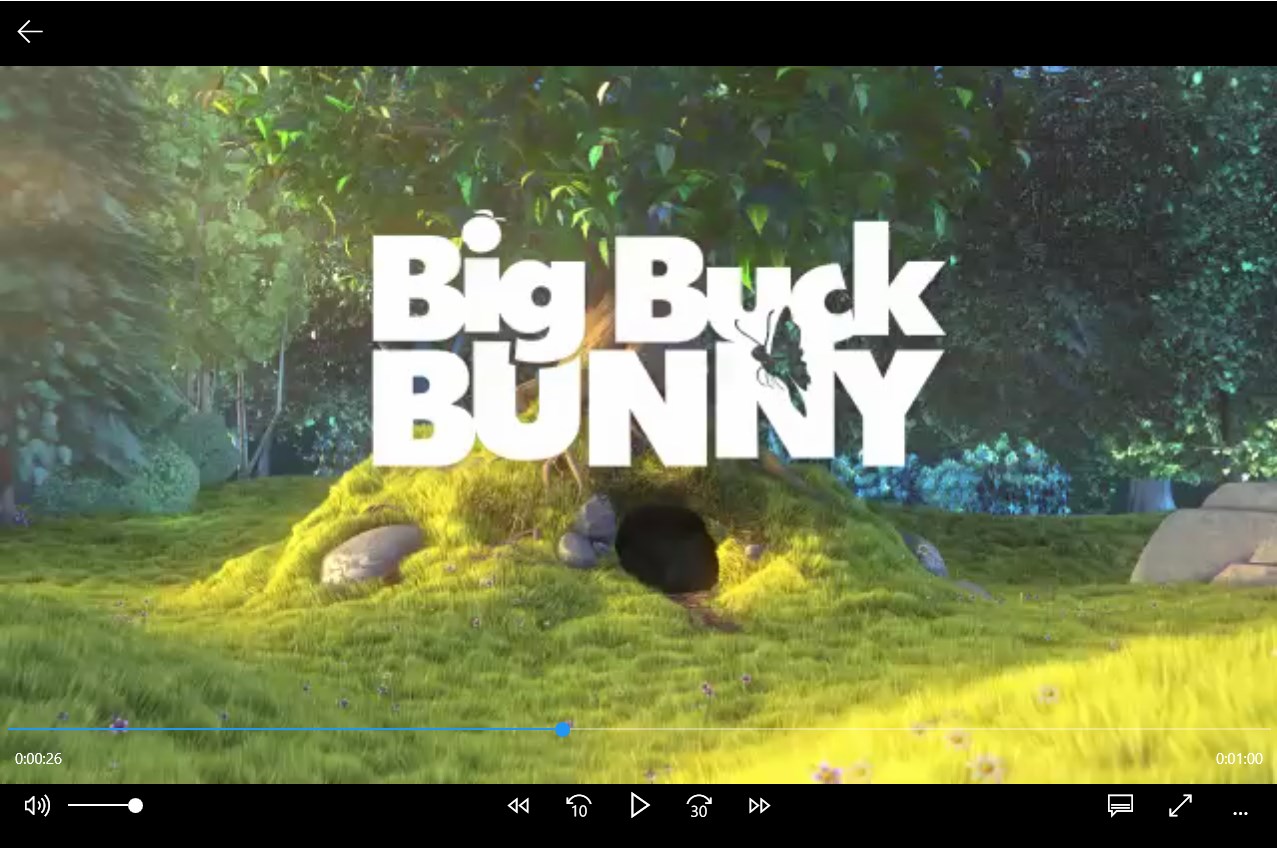
Think of this app as your digital VCR—no fuss, straightforward controls, and a clean layout. The interface design emphasizes ease, with large, clearly labeled buttons and minimal menus. Learning how to navigate it is akin to riding a bicycle—once you get the hang of it, you won't need a manual. The responsive controls and immediate feedback create a fluid user experience that feels natural, even for first-time users.
Unique Content Discovery and Personalized Recommendations
While many media players just stick to playing files, DVD Player - FREE introduces a subtle layer of intelligent content management. Its algorithms assess your viewing habits and subtly tailor recommendations, making content discovery feel less like browsing and more like chatting with a knowledgeable friend. This personalized touch enhances user engagement and sets it apart from more generic players that often deliver irrelevant suggestions. Basically, it learns your preferences over time—without being intrusive—making each viewing session more relevant and enjoyable.
Final Verdict: A Practical and Dependable Media Player
If you're searching for a no-nonsense, reliable media player that handles a wide array of formats with ease and offers a clean, user-friendly experience, DVD Player - FREE for Windows deserves your attention. Its standout features—broad format support and intelligent content recommendations—set it apart in a crowded field. Especially for casual users who prefer straightforward functionality over bells and whistles, this app shines like a trusty bookshelf full of familiar classics. I'd recommend giving it a try, especially if lightweight performance and ease of use are top priorities in your media setup.
Pros
- User-friendly interface
- Free to download and use
- Supports common DVD formats
- Lightweight application
- Fast setup process
Cons
- Limited format support
- Lack of advanced playback features
- Basic interface without customization options
- Possible limited support for newer operating systems
- No built-in DVD menu navigation features











