
- Category Personalization
- Developer Husky estudio soft
- Available on PC
- OS Windows 10 version 17763.0 or higher
- languages English (United States)
Introducing Earth 3D Real Live Wallpaper for Windows
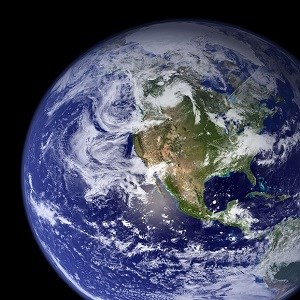
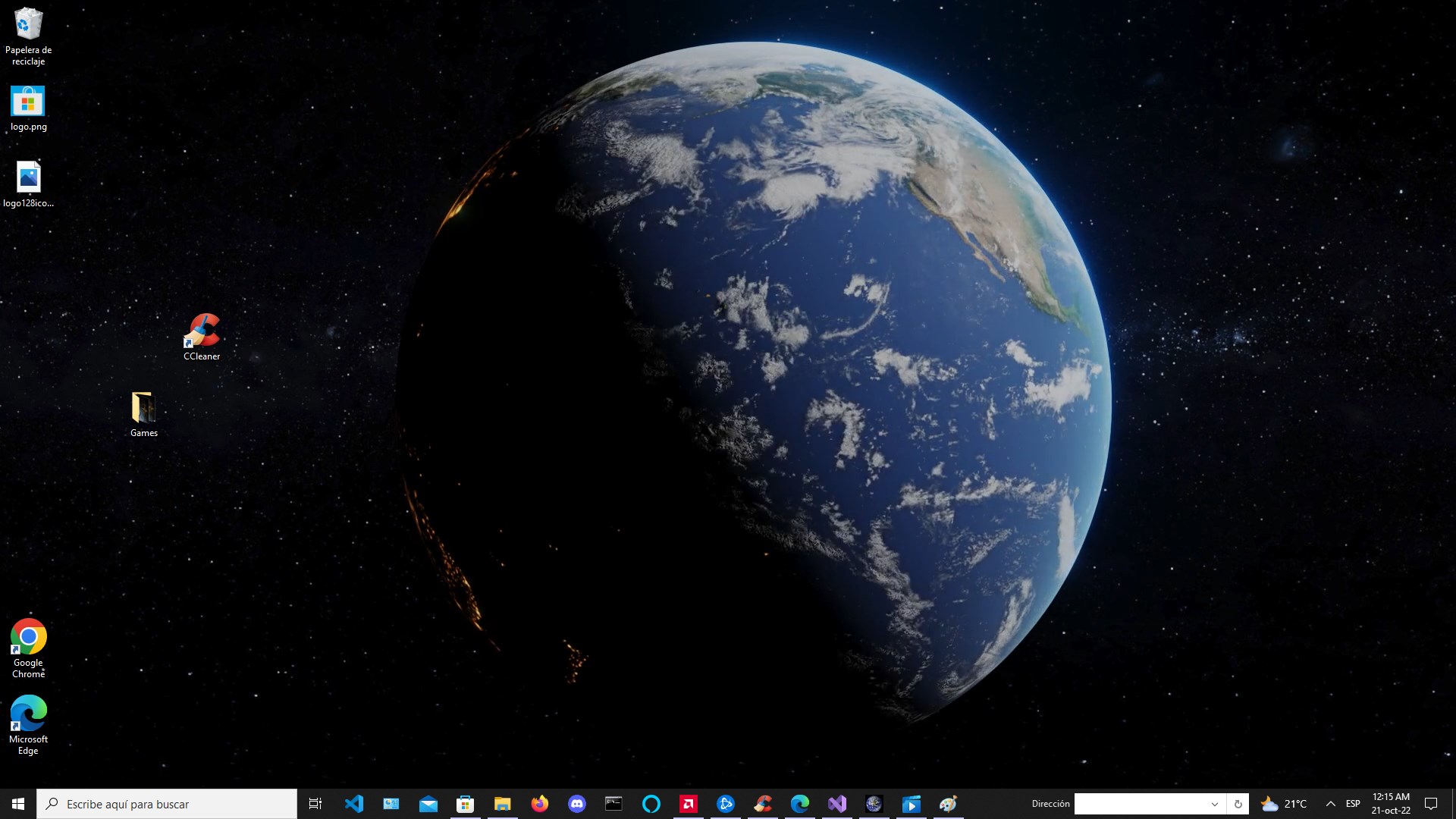
Imagine gazing at a finely detailed, rotating globe right on your desktop—this is exactly what Earth 3D Real Live Wallpaper offers. Crafted for those who crave a stunning, dynamic background, this application transforms your Windows environment into a miniature universe, blending visual appeal with functional personalization.
Who's Behind the Globe? Exploring the Developer and Main Features
Developed by Husky Estudio Soft, Earth 3D Real Live Wallpaper brings a dedicated touch to desktop customization, focusing on quality and user engagement. The app's standout features include:
- Interactive 3D Globe: Users can rotate, zoom, and explore the Earth in real-time, offering an immersive experience akin to holding a miniature planet in your hands.
- High-Resolution Visuals and Customizable Themes: The wallpaper presents detailed textures and the ability to switch between various themes, enhancing visual richness and alignment with user preferences.
- Performance Optimization: Despite its detailed graphics, the app runs smoothly without taxing system resources, ensuring minimal impact on overall performance.
- Periodic Updates and Earth Data: Some versions include live data integrations, such as weather patterns or daylight cycles, adding educational and practical value.
This application aims at users passionate about geography, visual aesthetics, or simply looking to add a touch of the cosmos to their daily workspace.
A Visual Journey: Making Your Desktop a Miniature Planetarium
From the moment you launch Earth 3D Real Live Wallpaper, you're greeted with a sleek, intuitive interface that invites exploration. The 3D globe isn't just a static image; it's a lively, rotating sphere that responds smoothly to mouse gestures. Imagine turning a physical globe with gentle fingertips — that feeling translates seamlessly into the app, thanks to its highly responsive control system. This interactivity invites you to lose yourself in the detailed textures of continents, clouds, and oceans, almost feeling like you're holding the Earth in your grasp.
Core Functionality: Deep Dive into Customization and Performance
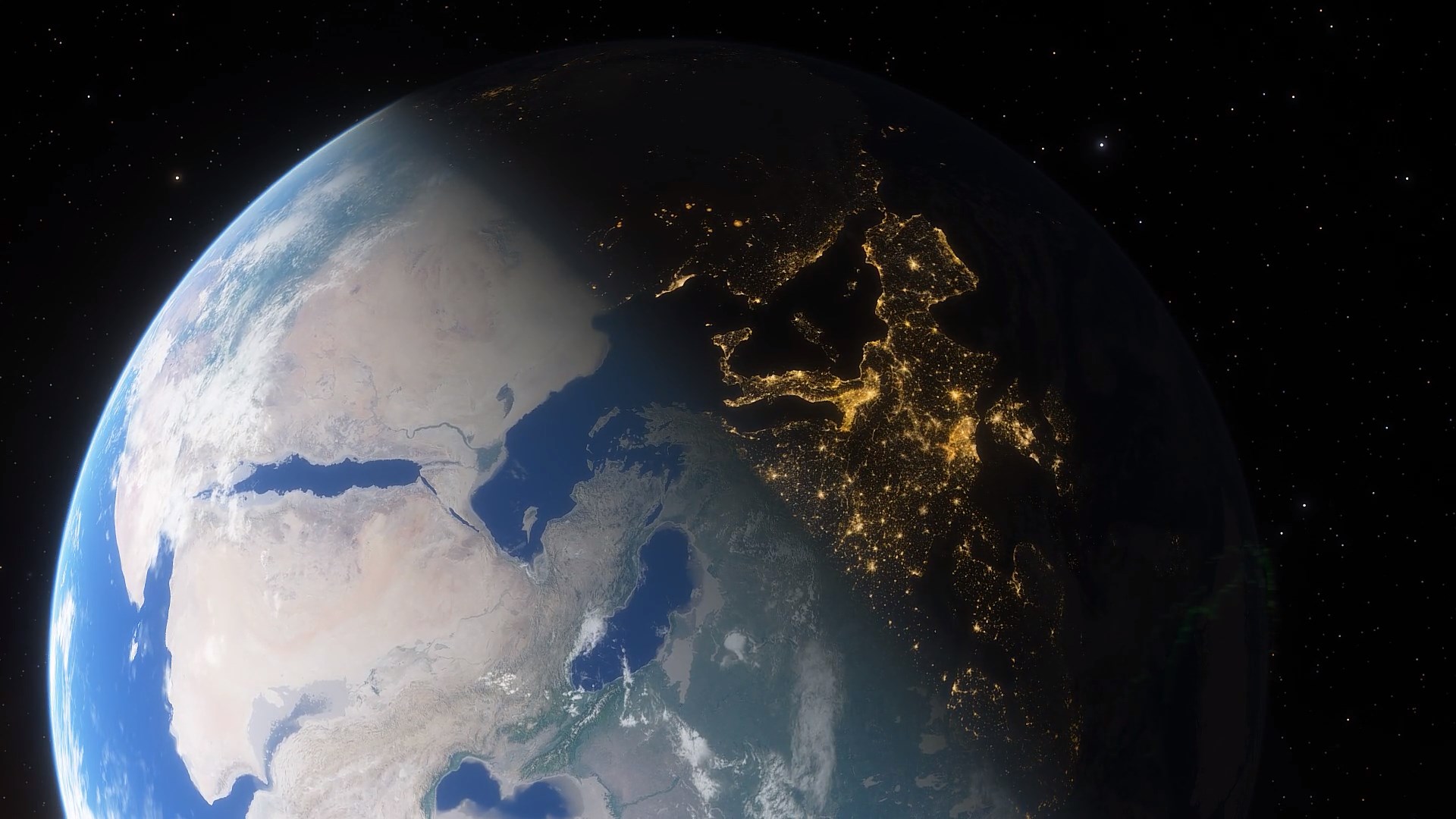
The first highlight is its high level of customization options. Unlike many wallpaper apps that offer canned images or simple slideshows, Earth 3D Real Live Wallpaper lets you tailor your environment. You can switch between day and night themes, choose different map styles—ranging from minimalist outlines to realistic satellite imagery—and even adjust the globe's rotation speed or disable rotation altogether for static viewing. This flexibility ensures that users with specific aesthetic preferences, whether they prefer a sleek scientific look or more artistic renderings, will find options that suit their taste.
The second core aspect is theme compatibility and data accuracy. Earth 3D integrates well with Windows themes, enhancing overall cohesion on your desktop. Its support for daylight cycles, weather overlays, and even some live data integrations makes it more than just a passive wallpaper; it becomes an active window into our planet's current state. This feature is particularly compelling for geography buffs or students eager to have a constantly updating planetary view, making the app a mini-educational station.
User Experience: Flow, Interface, and Learning Curve
The interface strikes a balance between minimalism and functionality. Clear icons and straightforward controls make it easy for new users to navigate without feeling overwhelmed. The learning curve is gentle—most features are self-explanatory and accessible within a few clicks. Performance-wise, the app feels fluid; the globe rotates smoothly even with high-resolution textures, thanks to optimization under the hood. Even users with modest hardware should experience lag-free operation, which sets it apart from more resource-heavy alternatives. This focus on user experience ensures that you spend more time enjoying your planet and less fussing with settings.
What Sets Earth 3D Apart? Unique Advantages in Personalization
In the crowded landscape of desktop wallpapers, Earth 3D Real Live Wallpaper stands out due to its exceptional customization options. Its ability to seamlessly blend multiple themes, support live data overlays, and let users control rotation and detail levels gives it a flexibility many competitors lack. Unlike simpler wallpapers that merely display a static image or slow slideshow, this app offers an active, engaging experience that feels personalized and alive. Its design philosophy focuses on depth and variety—allowing the user to tailor the planetary view down to minute details—making it not merely a background but an interactive feature of your desktop environment.
Final Verdict and Usage Tips
Overall, I'd recommend Earth 3D Real Live Wallpaper to anyone with a curiosity for the planet or those seeking a dynamic aesthetic upgrade for their Windows desktop. It's particularly suitable for geography enthusiasts, students, or professionals wanting an engaging background that doesn't compromise system performance.
For the best experience, I suggest exploring its customization settings early on—try different themes, adjust rotation speeds, and activate live data overlays if available. This will help you personalize your desktop effectively and appreciate the app's full potential. As a final note, considering that it is regularly updated and well-supported by Husky Estudio Soft, this wallpaper application holds the promise of both beauty and functionality for a long time to come.
Pros
- Realistic 3D Earth visuals
- Live rotation and animated effects
- Customizable features
- Low battery consumption
- Easy to install and set up
Cons
- Limited interactive options
- Occasional lag on older devices
- In-app advertisements in free version
- Limited geographic detail for some regions
- Temperature and climate animations are simplified











