
- Category Navigation & maps
- Available on PC, Surface Hub, HoloLens
- OS Windows 10 version 14393.0 or higher
- languages English (United States)
Introducing Earth 3D Suite: A Stunning Virtual Globe Experience
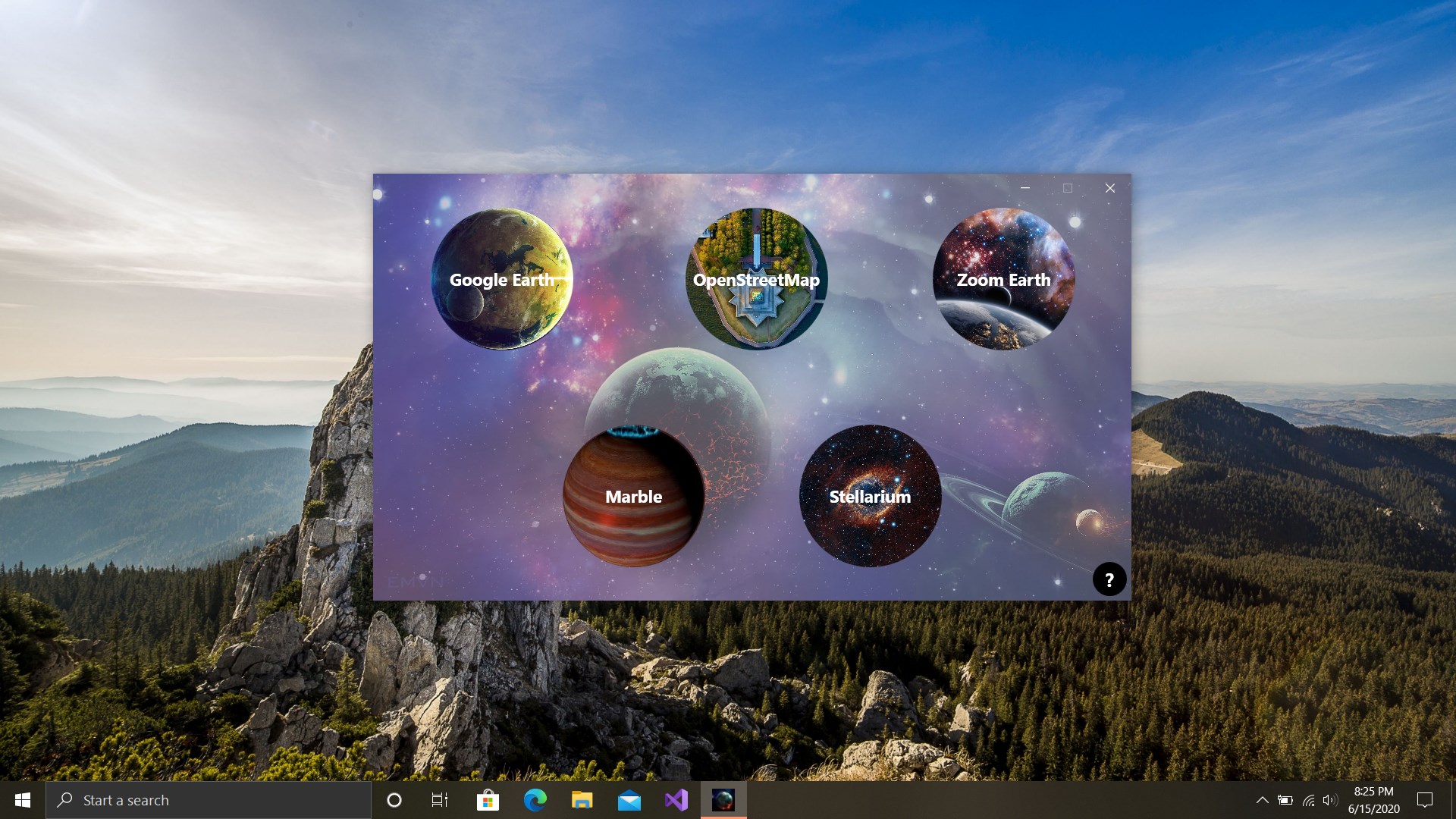
Earth 3D Suite: Earth Pro, Street View for Windows, offers users an immersive and visually captivating way to explore our planet, combining detailed globe visuals with interactive street-level views—all with a user-friendly interface.
About the Developer and Core Features
Developed by Varapps, a team dedicated to creating engaging geographic and mapping applications, Earth 3D Suite aims to bring the world closer to you through high-quality 3D visuals and seamless navigation. The main highlights include:
- Realistic 3D Earth visualization with high-resolution textures.
- Street View integration that allows for street-level exploration anywhere on the globe.
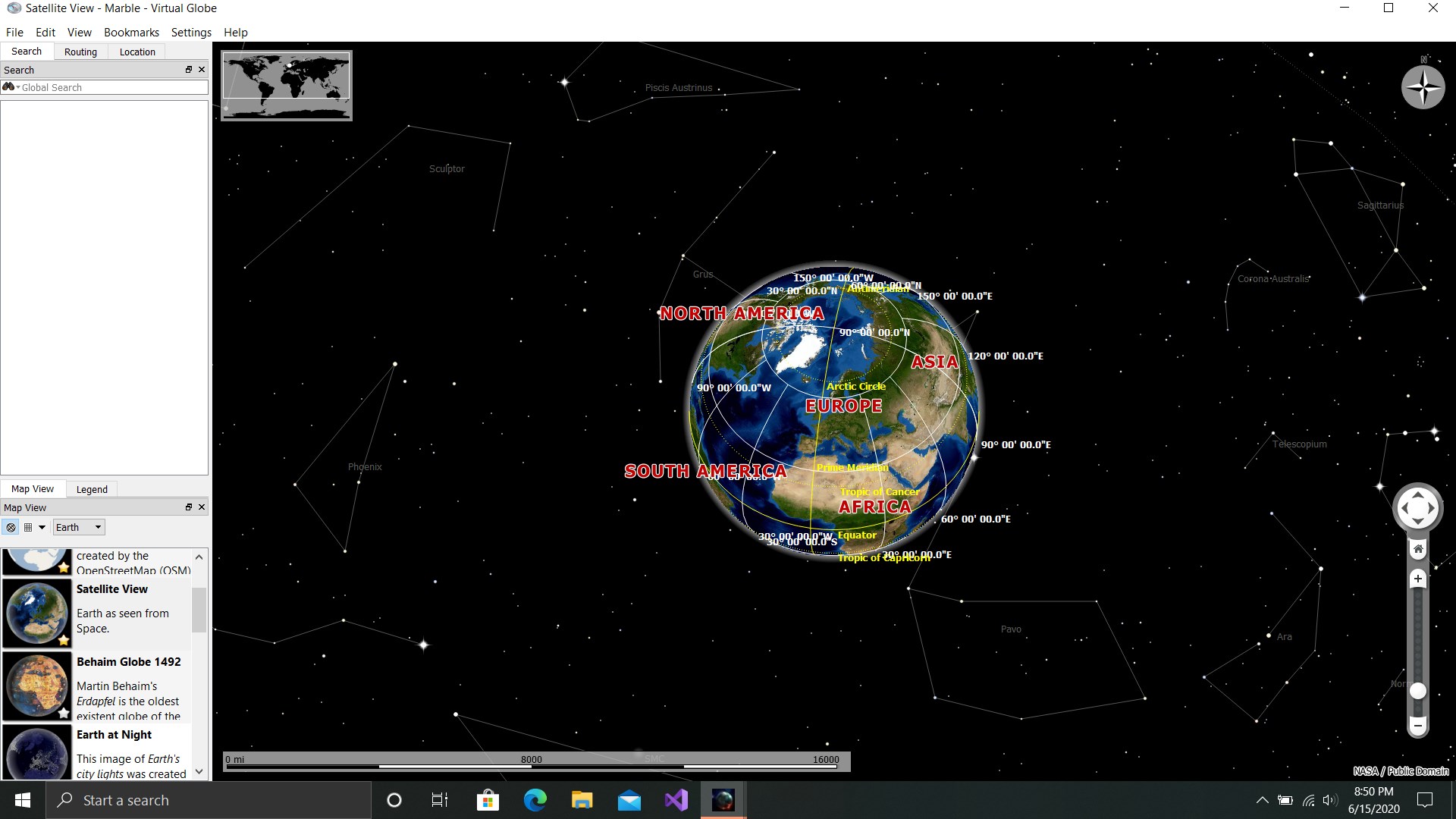
- Intuitive navigation tools including zoom, rotate, and time-lapse features, making exploration fluid and engaging.
- Easy-to-use interface suitable for both casual users and enthusiasts.
Designed for geography buffs, travel enthusiasts, educators, and students, this app caters to anyone interested in a realistic and immersive virtual globe experience.
A Tour Through the Globe: Exploring with Earth 3D Suite
Imagine holding a miniature Earth in your hands, where every terrain detail beckons you to explore—this is what Earth 3D Suite offers. It's like taking a virtual journey that sparks curiosity at every turn, whether you're spotting your hometown or uncovering distant landscapes.
Stunning 3D Visuals that Bring the World to Life
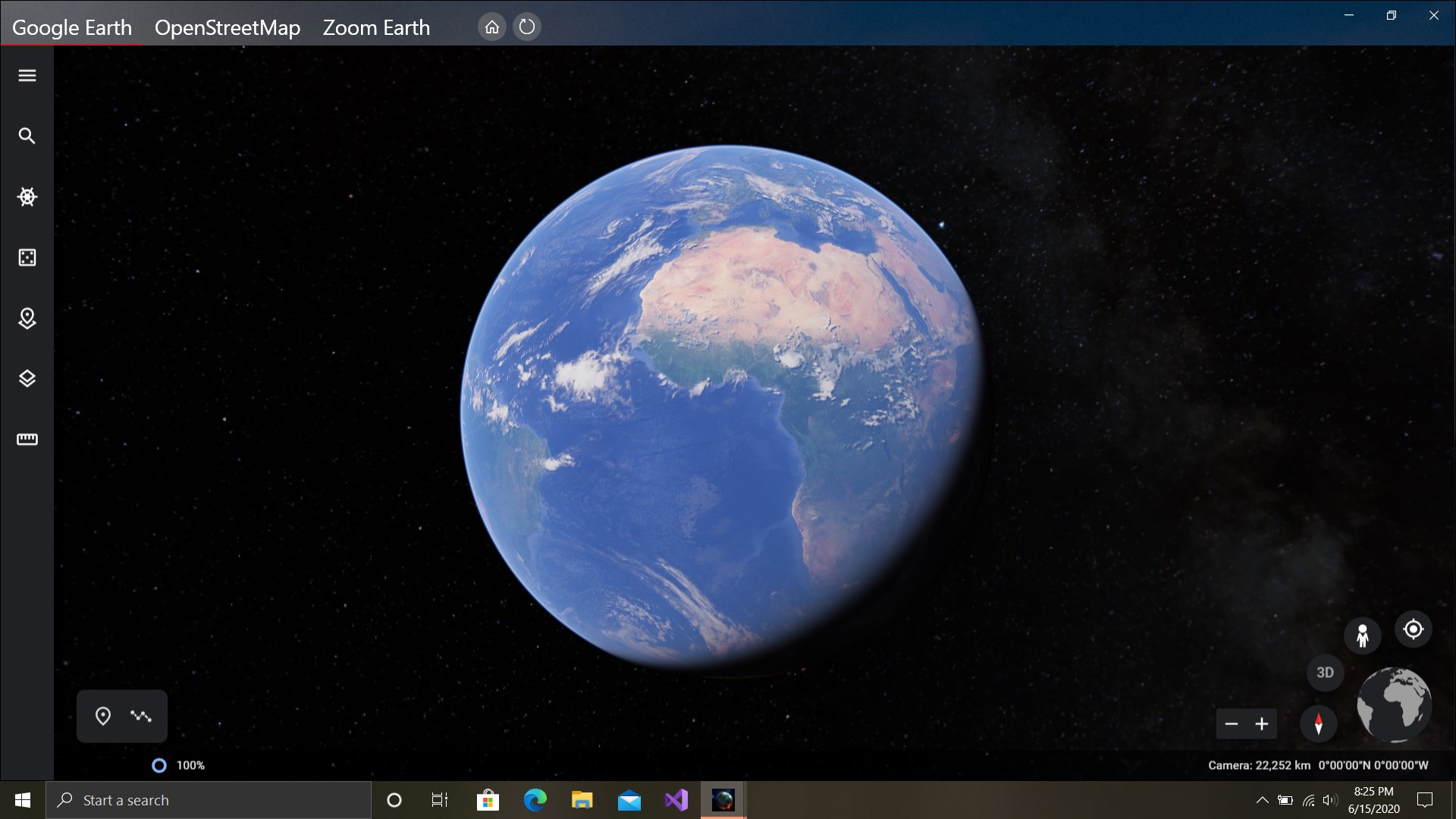
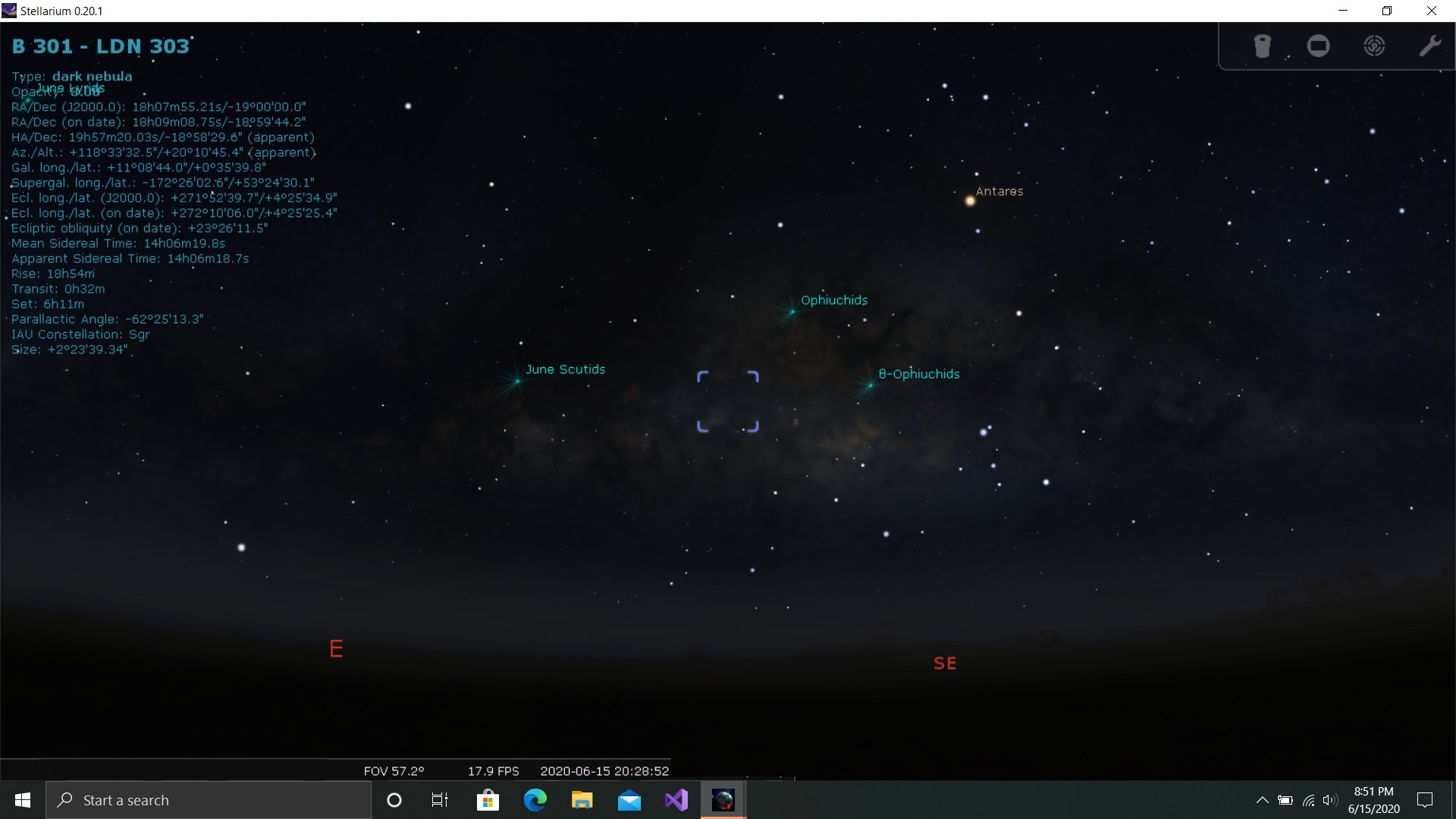
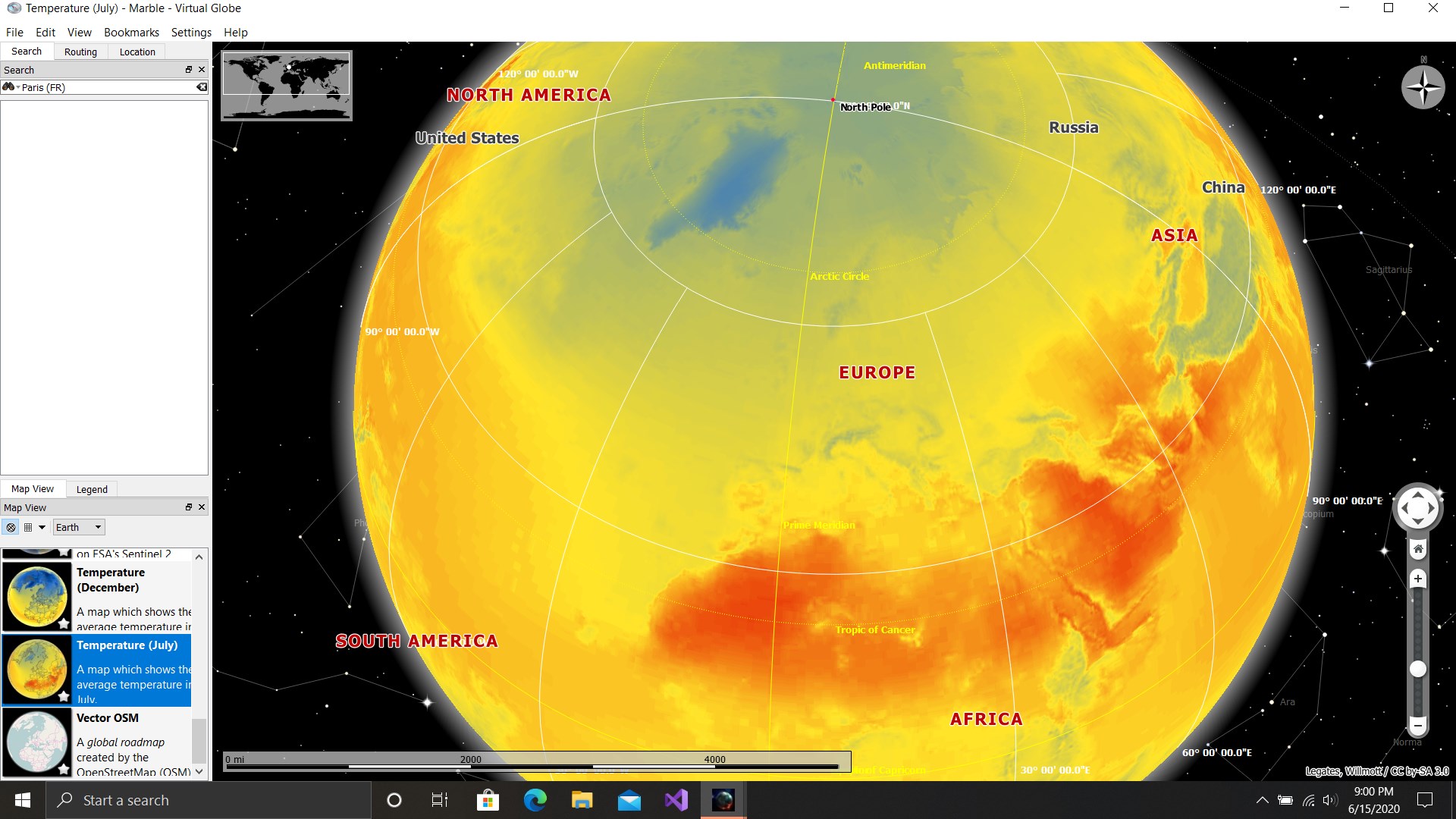
The app's most striking feature is its realistic 3D globe. The textures are sharp, and the shading gives a sense of depth, making the Earth appear lifelike. This visual quality transforms the screen into a window, allowing users to marvel at mountain ranges, forests, and oceans as if they were looking through a digital window into the planet's surface. Compared to typical map apps, Earth 3D Suite offers a more immersive and detailed visualization, turning passive viewing into an engaging experience.
Street View: Your Personal Virtual Street Tours
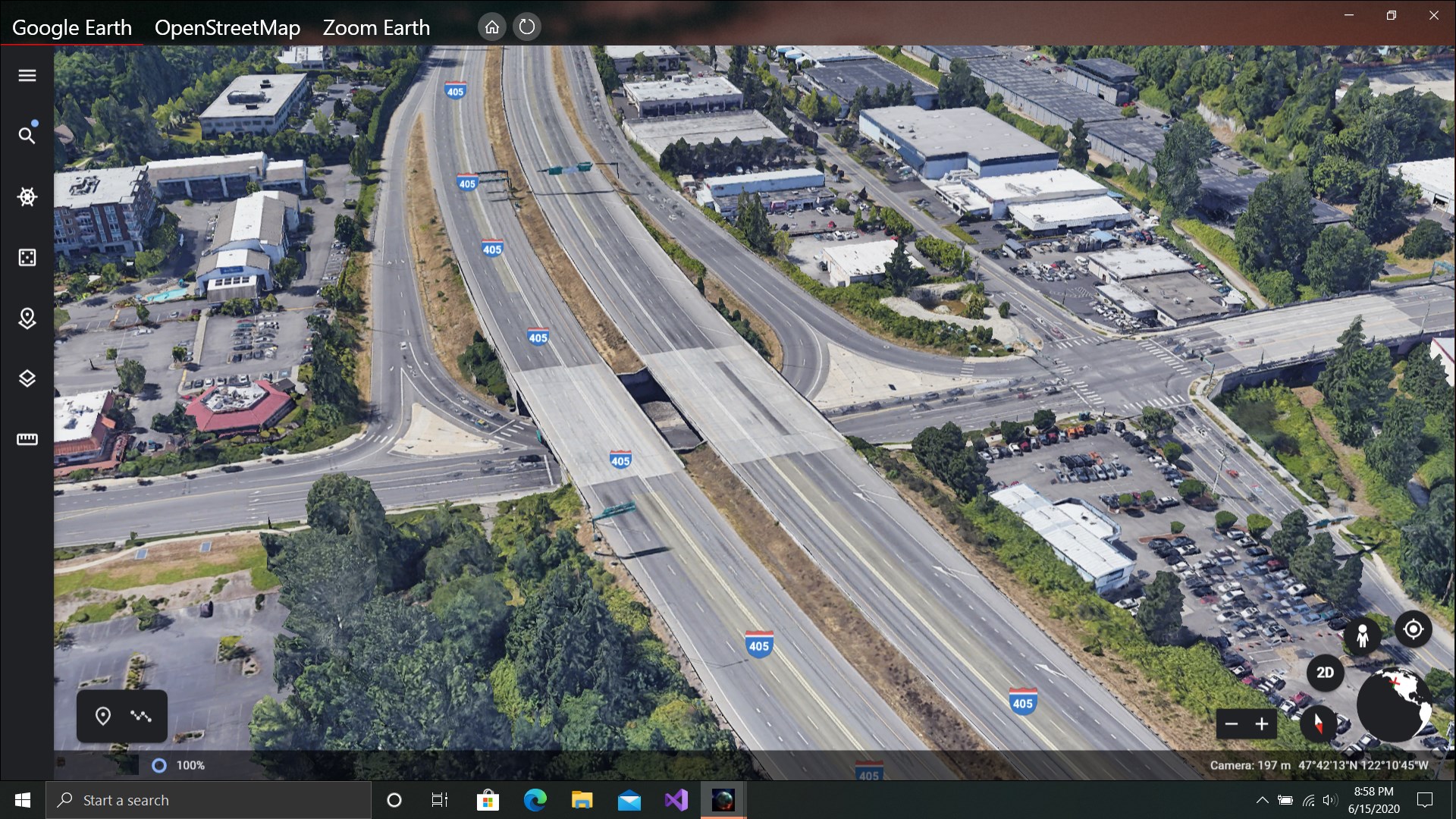
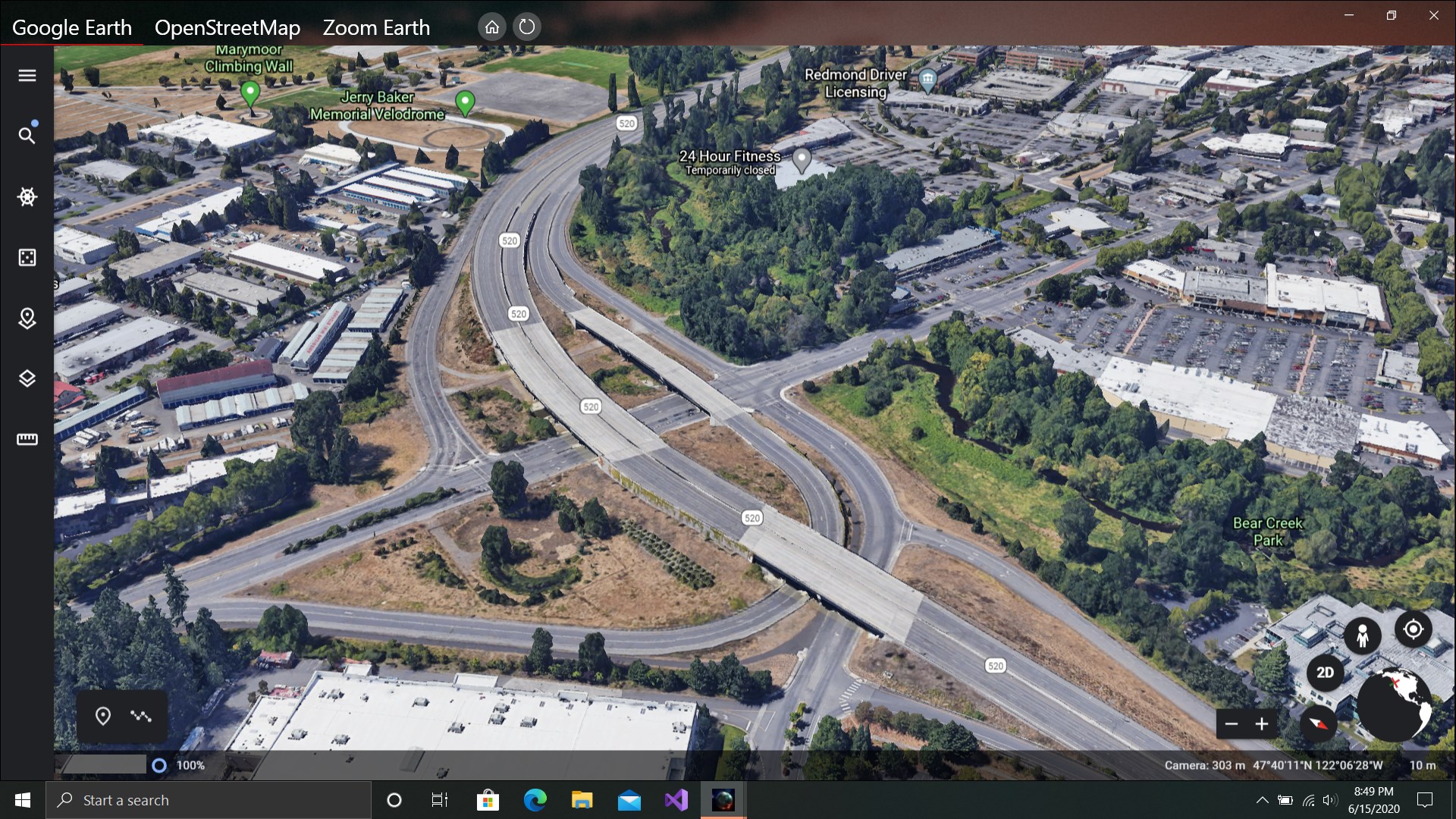
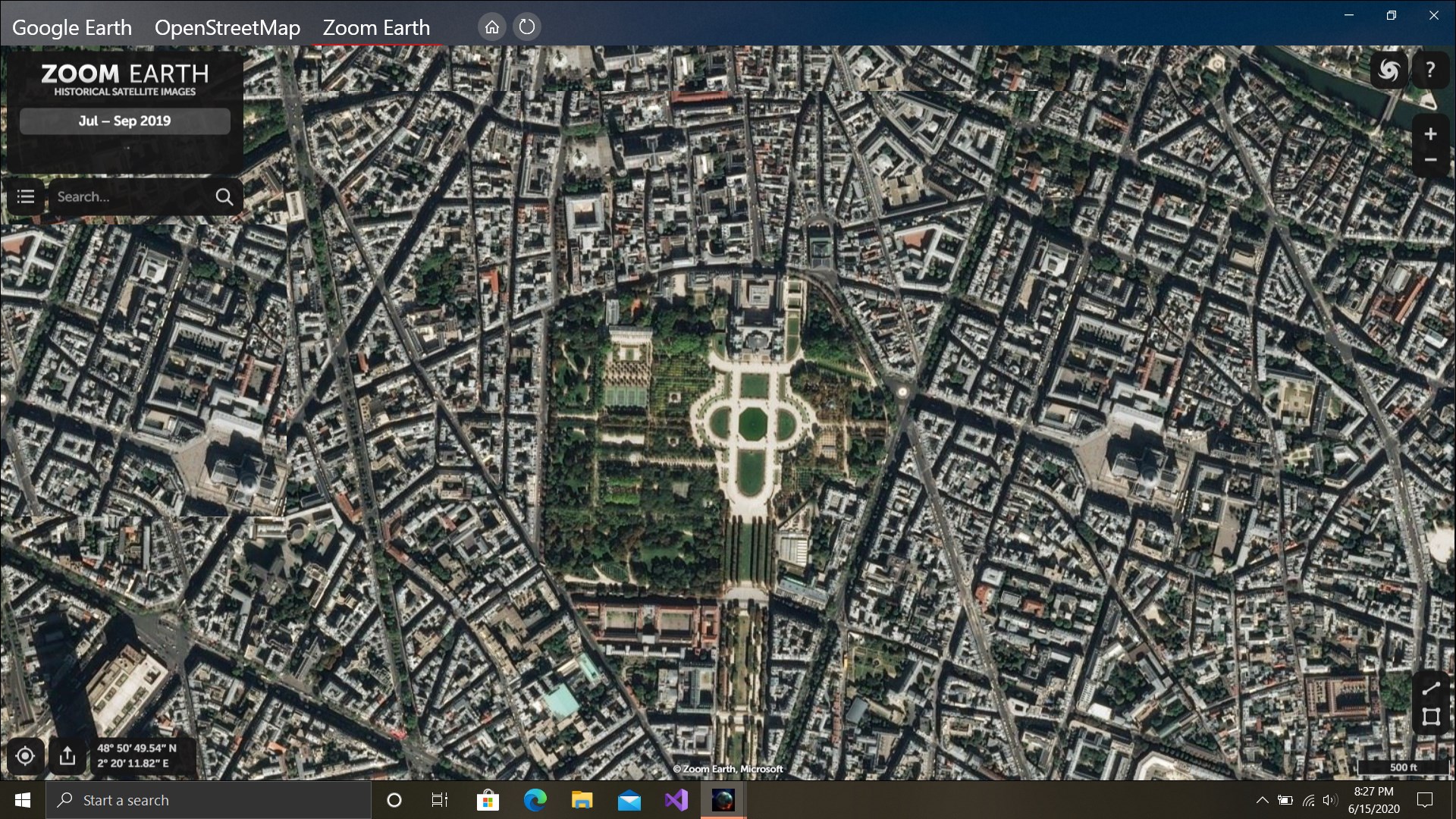
One of the standout features is the integrated Street View. Once you pinpoint a location on the globe, you can seamlessly transition from a broad planetary view to a street-level panorama. It's akin to hopping onto a virtual tour bus—zooming down city streets, exploring neighborhoods, or checking out famous landmarks all from your desktop. This feature sets Earth 3D Suite apart from many standard mapping applications by providing realistic, interactive street-level content that makes virtual exploration feel like a live experience.
User Experience: Navigating the World with Ease
The interface design strikes a good balance between aesthetic appeal and functionality. Navigating the globe is smooth; zooming in and out feels natural, and rotating the Earth is fluid, thanks to optimized rendering. The learning curve is gentle—new users can pick up the app quickly, thanks to clear icons and minimal clutter. The app also offers quick tutorials or tooltips that guide users through its features, making exploration accessible even to first-time virtual globe explorers.
Unique Selling Points and Differentiators
Unlike many mapping tools that serve as simple navigational aides, Earth 3D Suite elevates the experience through its high-fidelity visuals and street-level immersion. Its ability to deliver a realistic 3D globe combined with interactive street views creates a compelling hybrid of global overview and local detail, akin to owning a digital planetarium with live street explorations. This dual-layer approach makes it particularly attractive for educational uses or virtual travel without leaving home.
Final Thoughts: A Recommended Digital Globe Companion
If you're searching for a versatile, visually appealing globe explorer with immersive street views, Earth 3D Suite is worth trying. While it might not replace dedicated GIS tools for professional cartographers, it offers a delightful experience for casual explorers and educators alike. I would recommend it to users who value high-quality visuals and interactive exploration—think of it as your digital passport to the world's streets and landscapes. Perfect for weekend virtual sightseeing or for enriching geography lessons, this app strikes a fine balance between realism and ease of use.
Pros
- Stunning 3D Earth Visualization
- Extensive Street View Features
- User-Friendly Interface
- Educational Value
- Regular Updates and Improvements
Cons
- High System Requirements
- Limited Offline Access
- Occasional Lag During Load Times
- Some Features are Region-Locked
- Lack of Customization Options