



- Category Productivity
- Developer EaseUS
- Available on PC
- OS Windows 10 version 0.0 or higher
- Keyboard Integrated Keyboard
- Mouse Integrated Mouse
- Memory 1 GB
- languages English, Japanese, French, German, Spanish, Italian, Korean, Chinese (Traditional)
EaseUS Fixo for Windows: Your All-in-One Fix-It Companion
EaseUS Fixo for Windows is a versatile troubleshooting tool designed to streamline system repairs and optimize your PC's performance, making it a go-to solution for both tech novices and seasoned users alike.
About the Developer and Main Highlights
Developed by Chengdu Yiwotech Development Co., Ltd., EaseUS Fixo leverages years of expertise in data management and system utilities to deliver an intuitive repair experience. Its core strengths include:
- One-Click Fixes: Simplifies complex system repair processes into straightforward, single-step operations.
- Extensive Device Compatibility: Supports a wide range of hardware and system issues, from driver errors to system crashes.
- Smart Diagnostics: Provides detailed system health analysis to identify underlying problems quickly.
- Data Preservation Focus: Ensures data safety during repair procedures, reducing user anxiety about data loss.
The application particularly targets everyday Windows users seeking efficient troubleshooting solutions without the need for technical expertise.
Vivid and Engaging Repair Experience
Imagine your Windows PC as a busy city, bustling but occasionally clogged with traffic jams—EaseUS Fixo acts like an intelligent traffic controller, clearing blockages and restoring smooth flow. Its friendly user interface invites even the novice technician to embark on a repair journey with confidence.
Streamlined Troubleshooting with One-Click Repairs
EaseUS Fixo's standout feature—its one-click repair feature—can be likened to pressing the ‘easy button' for common PC issues. Whether it's fixing system errors, repairing corrupt drivers, or resolving startup problems, this function simplifies what used to be complex, intimidating tasks. The process feels like having a seasoned technician at your side, guiding the process seamlessly and efficiently. The app scans your system, pinpoints issues, and applies fixes, all within a user-friendly interface that minimizes cognitive load and avoids overwhelming the user with technical jargon.
In-Depth System Diagnostics and Optimization
The diagnostic module of EaseUS Fixo provides a detailed health report of your PC, highlighting areas that need attention. Think of it as a health check-up for your computer: identifying outdated drivers, fragmented disks, or security vulnerabilities. The diagnostics are presented clearly, with actionable insights that empower users to understand their system's status without drowning in technical details. This depth of analysis helps users make informed decisions, optimizing their workflow by preemptively catching issues before they escalate.
Intuitive Interface and User Experience
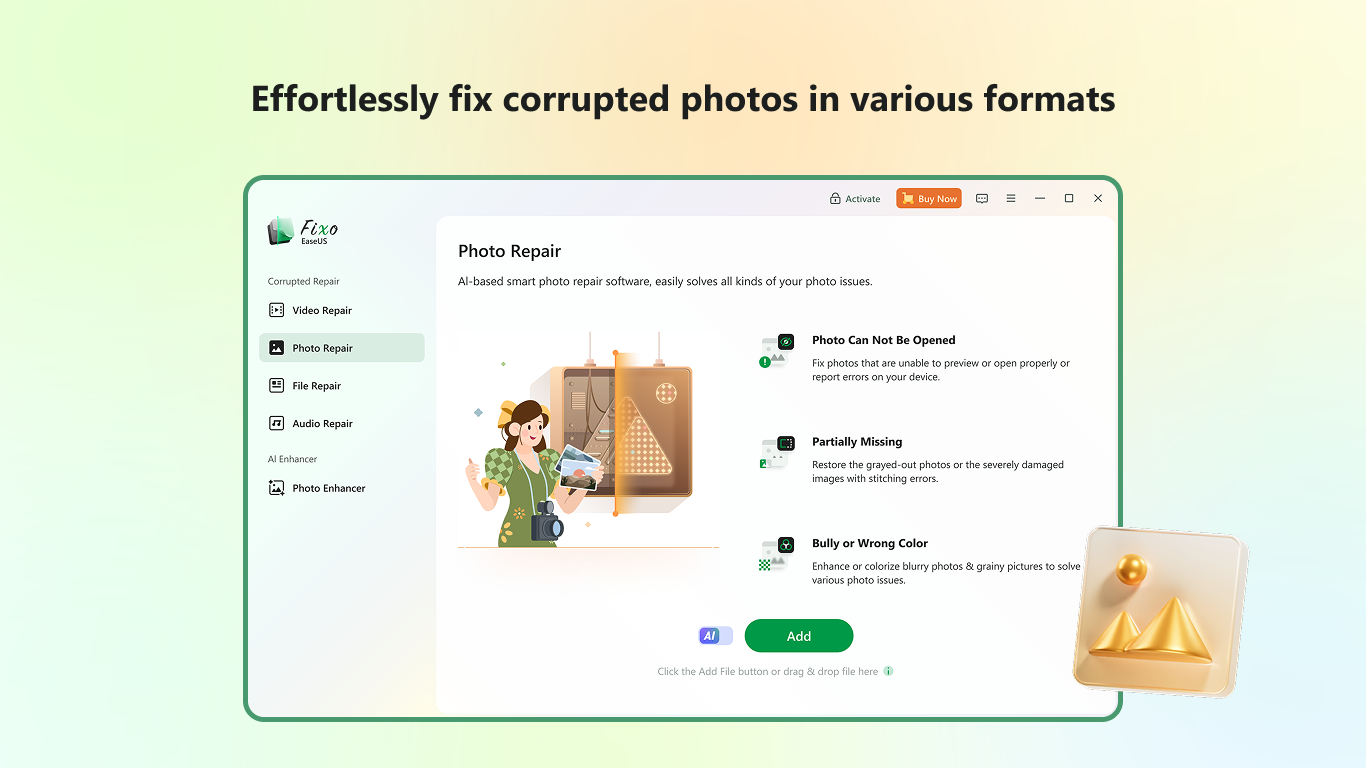
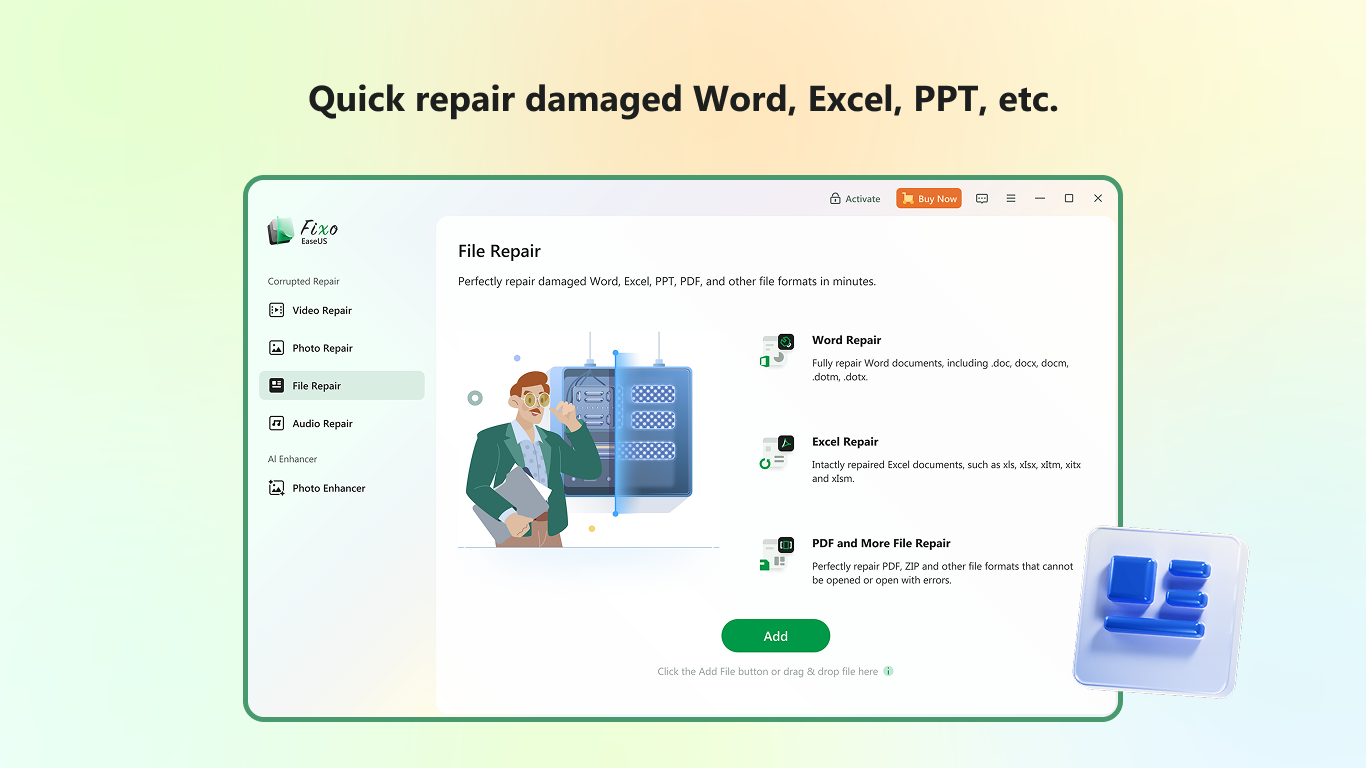
EaseUS Fixo's interface resembles a neat dashboard—organized, approachable, and devoid of clutter. Navigating through features feels like flipping through a well-designed control panel, with logical flow and minimal learning curve. Repair and optimization tasks are performed swiftly, thanks to streamlined operation flows that eliminate unnecessary steps. The application's design reduces the cognitive load often associated with troubleshooting, making system maintenance less stressful and more intuitive, even for those with limited tech background.
Unique Advantages and Differentiators
Compared to other productivity tools, EaseUS Fixo's key differentiator lies in its workflow integration and focus on reducing user effort. Unlike tools that overload users with multiple features and options, Fixo emphasizes a simplified, guided approach—much like a GPS that recalculates your route, only when necessary. Its ‘smart fix' algorithms dynamically adapt to various system issues, providing tailored solutions that balance effectiveness with simplicity. This reduces the cognitive effort required to manage complex repairs, making it an efficient addition to your digital toolbox.
Final Recommendations: Why and When to Use
EaseUS Fixo for Windows holds a solid spot in your software arsenal, especially if your goal is to keep your PC healthy with minimal fuss. Its best suited for routine maintenance, troubleshooting common issues, and preemptively diagnosing system health. I'd recommend it to users who prefer a straightforward, reliable, and safe way to maintain their systems without the intimidation of complex technical procedures.
Overall, EaseUS Fixo shines as a practical, user-centered utility that bridges the gap between powerful repair capabilities and user-friendly operation. Whether you're a busy professional or a casual user wanting peace of mind, this app offers a dependable, efficient pathway to keep your Windows PC in top shape.
Pros
- Effective File Repair Tool
- User-Friendly Interface
- Supports Multiple File Formats
- Preview Functionality
- Batch Repair Support
Cons
- Limited Free Features
- Slow Repair Process for Large Files
- Occasional False Positives
- Limited Support for Rare Formats
- Requires Stable Internet for Activation











