

- Category Productivity
- Available on PC
- OS Windows 10 version 0.0 or higher
- Keyboard Integrated Keyboard
- Mouse Integrated Mouse
- languages Chinese (Simplified) (China), Chinese (Traditional Chinese), English, French, German, Hindi, Italian, Korean , Portuguese, Russian, Spanish
Easy Connection to Screen for Windows: Seamless Screen Mirroring Made Simple
In today's digital workspace, the ability to effortlessly project your device's screen onto a larger display can transform your productivity and collaboration. Easy Connection to Screen for Windows by Samsung Electronics offers a straightforward solution to connect your Windows PC with external screens, making presentations, remote work, or media sharing smoother than ever. Whether you're in a conference room or working remotely, this app aims to eliminate technical hurdles and bring clarity to your visual communication.
About the App and Its Core Strengths
Designed for users seeking a hassle-free screen mirroring experience, Easy Connection to Screen for Windows positions itself as a reliable yet simple tool. Developed by Samsung Electronics Co. Ltd., it reflects the company's commitment to enhancing connectivity across devices.
- Main Features Highlight:
- Quick device discovery and effortless pairing with a single click
- High-quality, lag-free video and audio streaming for professional presentations or media viewing
- Support for multiple display protocols including Miracast, DLNA, and Samsung DeX
- User-friendly interface designed for both tech-savvy users and beginners
- Target Audience: Tech enthusiasts, business professionals, educators, and remote workers who need reliable screen sharing without complex setup or advanced technical knowledge.
Engaging and Intuitive User Experience
Think of this app as your digital bridge—connecting your device to a larger canvas with the ease of flipping on a switch. The initial setup is as simple as selecting your target device from a list, which appears as if your screens are holding hands across a digital street. The interface features minimal clutter, with sleek icons and clear instructions, making it feel more like a well-orchestrated dance than a technical chore.
Operation is notably smooth; once connected, users encounter essentially lag-free video streaming, making it suitable for live presentations or watching videos. The app's responsiveness and quick discovery process reduce tasks like fiddling with settings, which is often a frustration point in similar tools. For newcomers, the learning curve is gentle—think of it as picking up a new, familiar gadget rather than navigating a complicated maze.
Core Functionalities in Focus
Effortless Device Discovery and Pairing
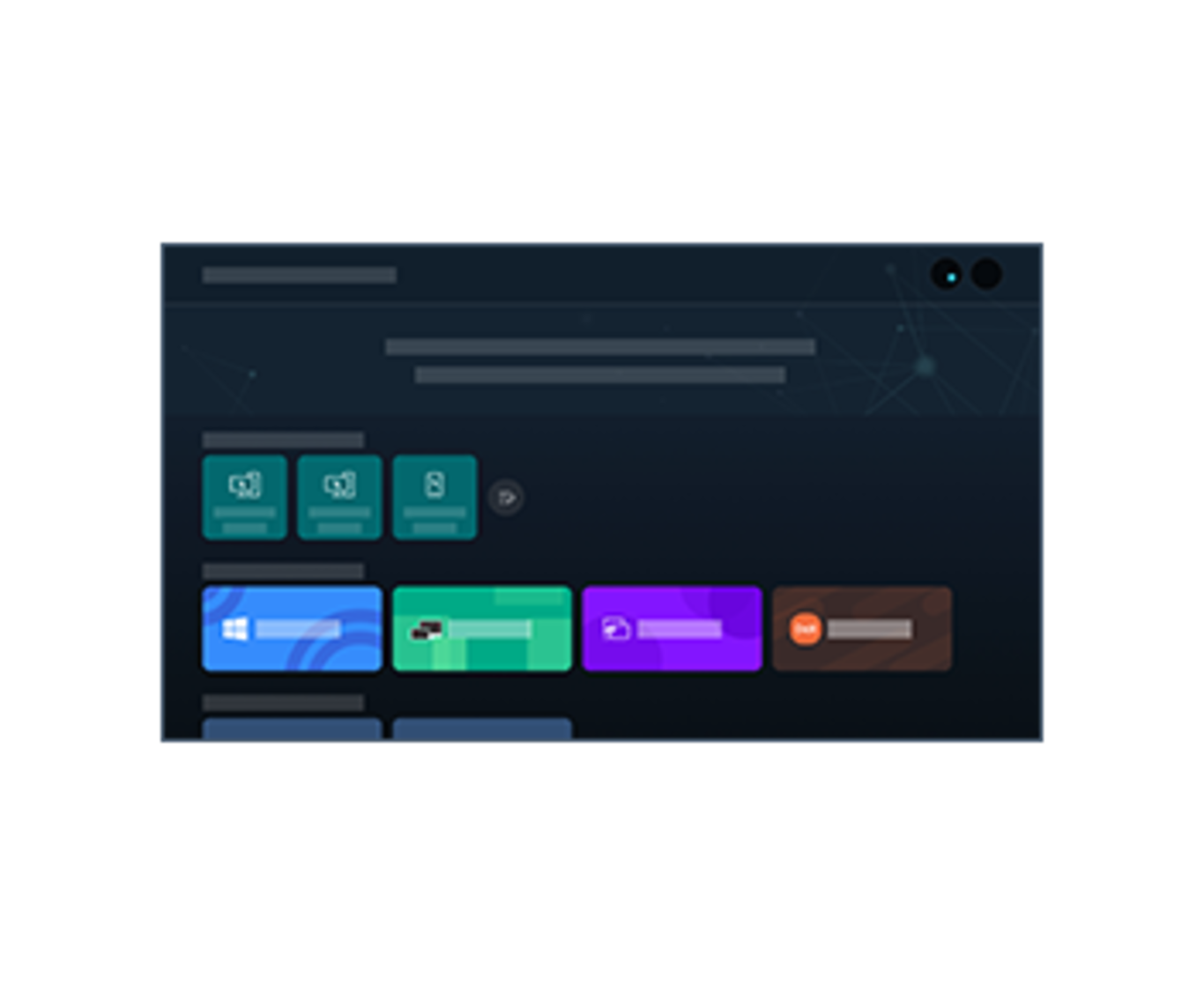
The app excels at simplifying the connection process. When you open it, the interface displays nearby compatible devices with vivid icons, much like a map highlighting hotspots. A single tap on your target device establishes the connection swiftly, minimizing waiting times. This feature cuts down on the cognitive load, especially for users who might otherwise struggle with network settings or protocol configurations.
Streamlined Media Casting with Quality Assurance
The primary strength lies in delivering high-quality video and audio streams without significant lag or buffering—think of a live performance where every note reaches the audience in perfect harmony. The app intelligently optimizes wireless transmission, allowing you to share presentations, videos, or even gaming content smoothly. This feature positions it as a practical choice for scenarios demanding visual clarity and synchronized sound, providing a notable advantage over more complex or slower alternatives.
Multi-Protocol Support for Flexibility
Unlike some competing apps that lock you into a single protocol, Easy Connection to Screen offers support for Miracast, DLNA, and Samsung DeX. This flexibility is like having a Swiss Army knife—a versatile tool adaptable to various devices and use cases. For example, if you want to mirror your phone on a TV or broadcast media to a network-connected device, this app adapts seamlessly, enhancing workflow integration rather than complicating it.
Comparative Advantages and Recommendations
Compared to other productivity tools, this app's standout feature is its focus on reducing cognitive load and minimizing feature complexity. It isn't packed with hundreds of options that can overwhelm users; instead, it emphasizes quick, reliable connections and high-quality streaming. It's akin to a well-designed bridge—functional, dependable, and easy to cross.
For users who frequently need to project their screens with minimal fuss, and especially those relying on Samsung devices or ecosystems, this app is a clear recommendation. Its straightforward approach makes it suitable for both casual use and professional environments where time and clarity matter. However, those seeking advanced management features or multi-user support may find it somewhat limited.
In conclusion, Easy Connection to Screen for Windows embodies a refined balance of simplicity and functionality, making screen sharing more accessible, more reliable, and less stressful. It's a trusted companion for enhancing your visual workflows without the frustration of technical complexity. For anyone tired of tangled cables and complicated setups, this app is worth a try—think of it as a direct, no-nonsense link to your visual needs.
Pros
- Easy Setup and User-Friendly Interface
- Smooth Wireless Connectivity
- Compatible with Multiple Devices
- High-Quality Screen Sharing
- Low Latency Performance
Cons
- Limited Customization Options
- Occasional Connection Drops
- Compatibility Constraints on Older Devices
- Limited Support for External Monitors with Certain Adapters
- Basic Documentation and Help Resources











