


- Category Productivity
- Developer WunderApps GmbH
- Available on PC
- OS Windows 10 version 19041.0 or higher
- Memory 2 GB
- Keyboard Not specified
- Mouse Not specified
- languages English, French, German, Italian, Portuguese, Portuguese (Brazil), Spanish, Spanish (Spain)
Easy Mail: A Fresh Take on Email & Messaging for Windows
If you've ever felt overwhelmed by the clutter of multiple messaging platforms or struggled to keep your inbox organized, Easy Mail might just be the digital assistant you didn't know you needed. Designed with simplicity and efficiency in mind, this app aims to streamline your communication workflow without adding unwanted complexity.
Getting to Know Easy Mail
Developed by WunderApps GmbH and brought to you by publisher Tim Grabinat, Easy Mail is positioned as an all-in-one messaging hub for Windows users. Its core promise is to simplify email and messaging management by consolidating various services into a single, user-friendly interface.
- Key Features Highlights:
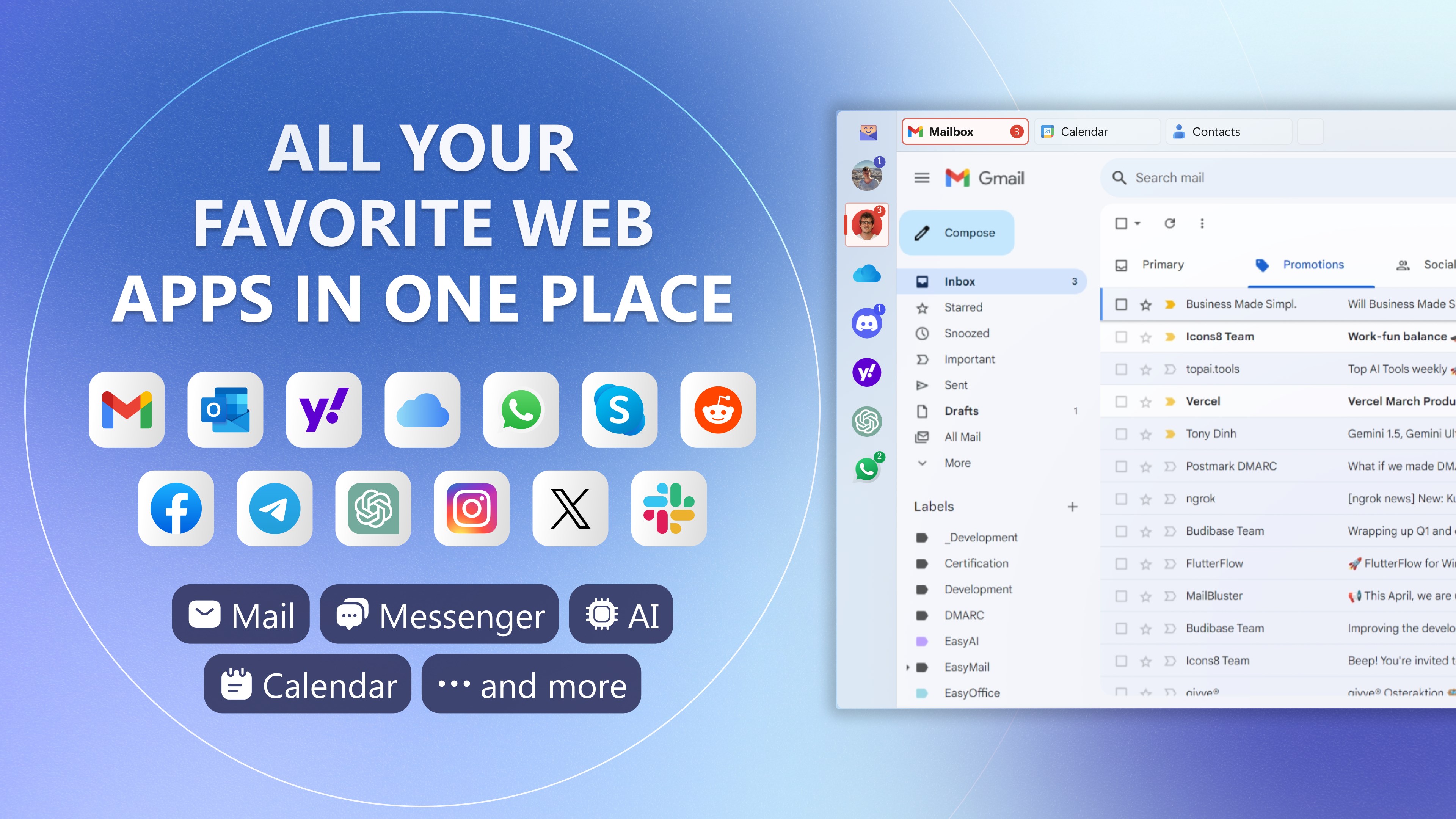
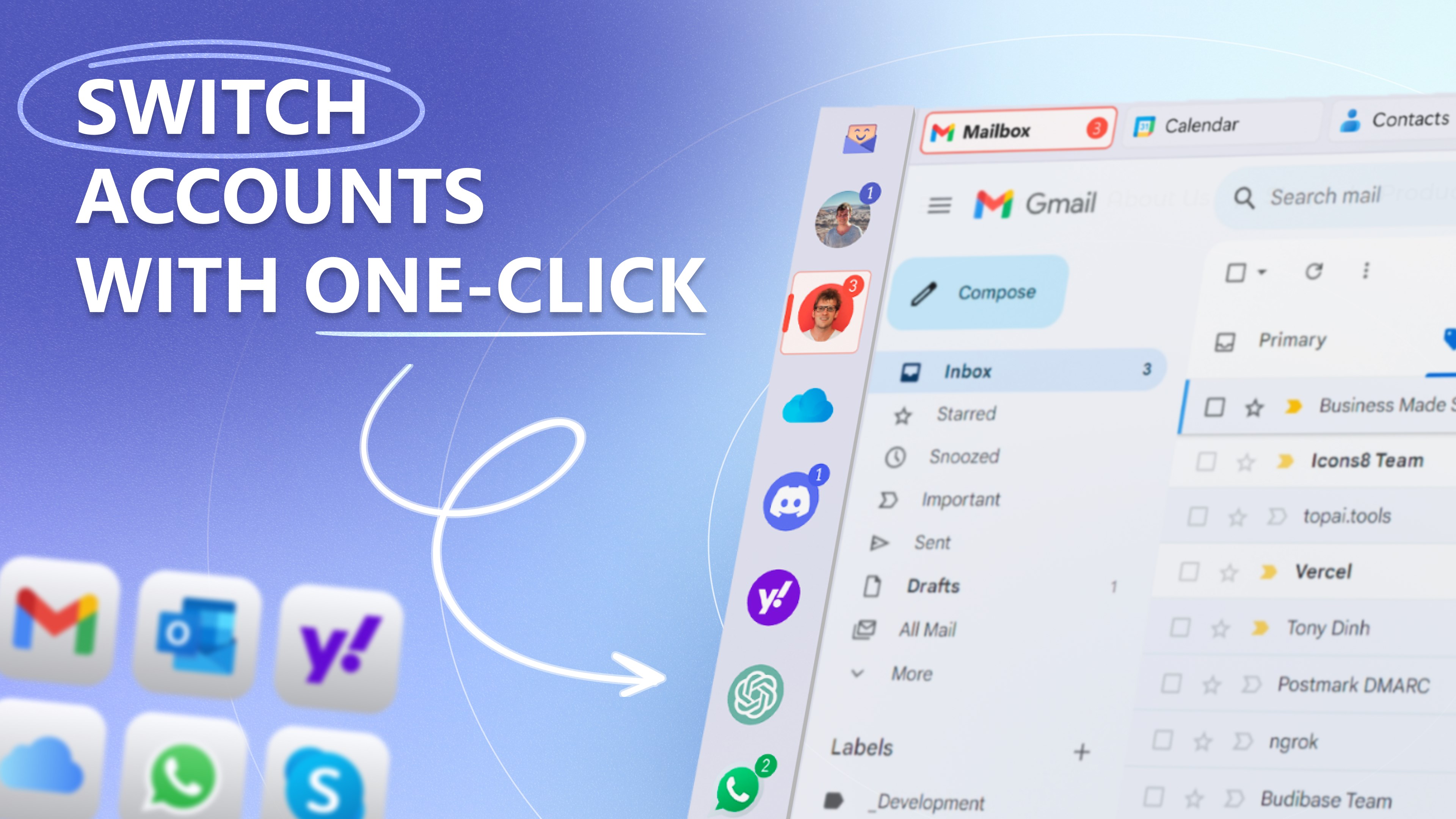
- Unified inbox that supports multiple email accounts and messaging platforms
- Smart organization tools to prioritize and categorize messages effortlessly
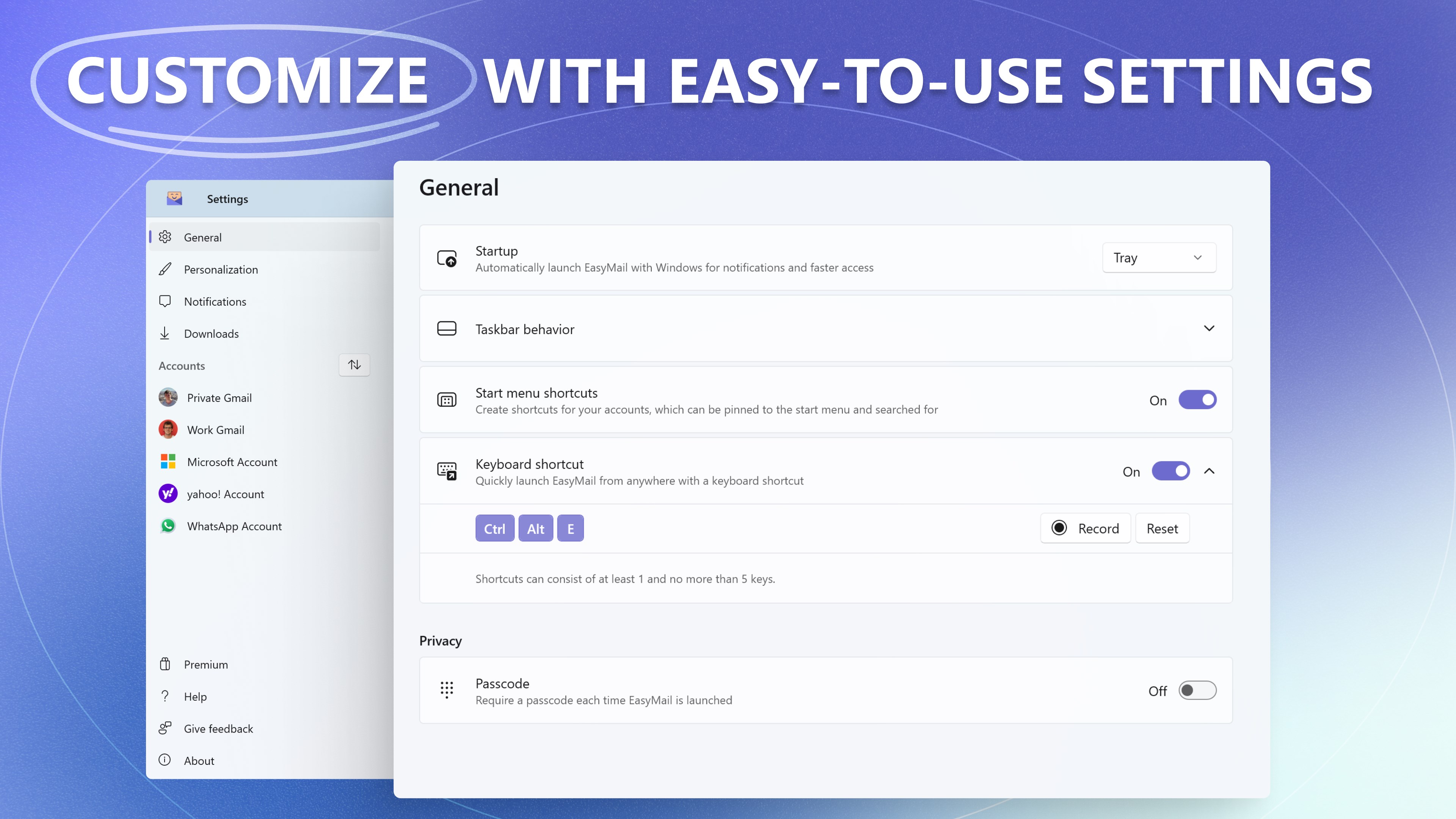
- Customizable interface with theme options for a personalized experience
- Secure and privacy-focused design ensuring your data stays protected
Targeted at professionals, students, or anyone juggling multiple communication channels, Easy Mail seeks to enhance productivity with minimal fuss.
A Fun Dive into the User Experience
Imagine opening your digital mailbox to find a tidy, organized space where your emails and messages happily coexist—no more frantic tab-switching or missing important notifications. That's the promise Easy Mail delivers with its clean, inviting interface that whispers, “You've got this.” From the get-go, the app's layout feels intuitive—like opening a well-organized filing cabinet rather than rummaging through an overflowing drawer.
Elegant Interface Design and Seamless Operation
Easy Mail sports a modern, minimalistic design that emphasizes clarity over clutter. The layout is crisp, with side panels for account management and a central pane showing your latest messages in digestible snippets. Navigating through your emails or messages is smooth and responsive, even on lower-spec devices. The app's responsiveness and quick loading times give the impression of a well-oiled machine, making it pleasant to spend time within.
Every click and swipe feels natural, with minimal learning curve—a real boon for both tech-savvy users and newcomers alike. The app's thoughtful design minimizes cognitive load, allowing you to focus more on your messages rather than figuring out how to navigate the interface.
Core Features Unpacked
One of the standout features of Easy Mail is its unified inbox—think of it as a master control room for all your communication channels. Whether you're managing work emails, personal correspondence, or messaging apps integrated within the platform, Easy Mail consolidates these streams into a single view. This significantly boosts workflow efficiency, reducing the mental juggling act of switching between apps or tabs.
Another key highlight is the intelligent organization system. It employs smart filtering and categorization, automatically sorting messages into folders or highlighting priority emails. This not only saves time but reduces the cognitive effort needed to locate important messages amidst the noise. The app's ability to adapt to your usage patterns over time adds a layer of personalized convenience that keeps you one step ahead.
Customization also takes center stage. From choosing themes and layouts to setting notification preferences, Easy Mail adapts to your style without overwhelming you with options. This balance between flexibility and simplicity makes it a well-rounded tool that enhances, rather than complicates, your communication workflow.
Standing Out from the Crowd
Compared to other productivity tools, Easy Mail's most distinctive strength lies in its focus on reducing cognitive load through streamlined interfaces and integrated workflows. Unlike some apps that cram in myriad features at the expense of usability, Easy Mail emphasizes core functions that genuinely improve daily communication. Its ability to unify multiple messaging formats into a single, coherent hub exemplifies efficiency without the distraction of unnecessary complexity, akin to having a well-organized digital inbox instead of a chaotic desk.
This focus on workflow integration makes Easy Mail particularly suitable for busy users who value clarity and speed over feature bloat. The app's design philosophy aligns with modern productivity principles—less clutter, more focus, better results.
Should You Try It? Recommendations
In conclusion, Easy Mail earns a solid nod for anyone seeking a clean, efficient way to manage multiple communication channels on Windows. Its intuitive design, combined with smart organization features—especially its unified inbox and adaptive filtering—make it stand out in the crowded productivity app landscape. While it may not replace specialized tools for advanced email or messaging needs, it excels as a default communication hub that simplifies the daily digital grind.
For those looking to improve their workflow, reduce mental clutter, and enjoy a more streamlined messaging experience, Easy Mail is definitely worth a shot. Given its user-friendly design and focus on core efficiencies, I'd recommend it to professionals, students, and anyone eager to keep their digital communication well-organized without sacrificing ease of use.
Pros
- User-friendly interface
- Supports multiple email providers
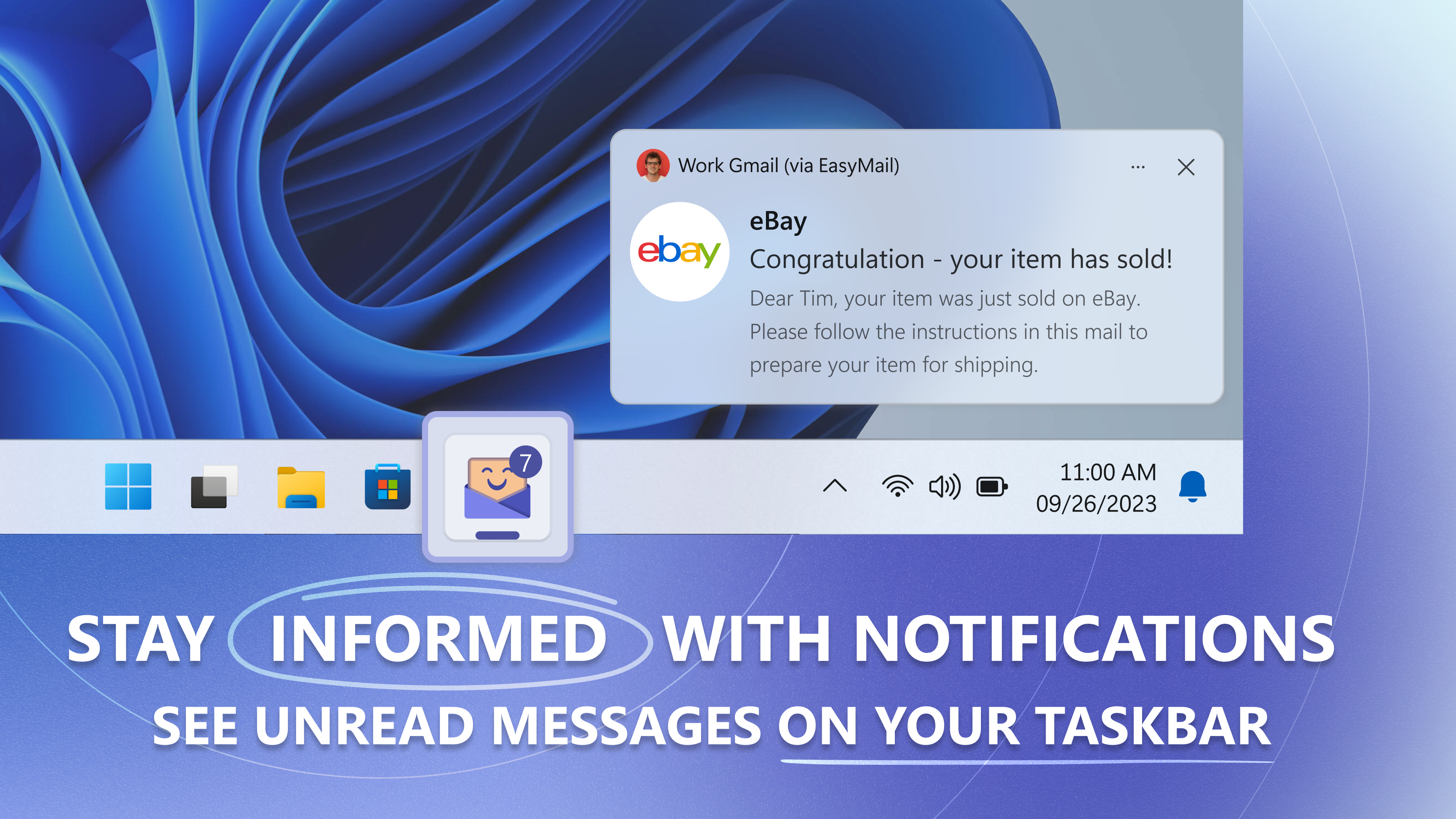
- Real-time notifications
- Customization options
- Secure login features
Cons
- Limited offline access
- Occasional sync delays
- Basic customization options
- In-app advertisements
- Initial setup complexity











