

- Category Productivity
- Developer WunderApps GmbH
- Available on PC
- OS Windows 10 version 17763.0 or higher
- Memory 1 GB
- Keyboard Not specified
- Mouse Not specified
- languages Arabic, Chinese (Simplified), Chinese (Traditional), Czech, Dutch, English, English (South Africa), English (United Kingdom), English (United States), French, German, Hebrew, Hindi, Italian, Japanese, Korean, Polish, Portuguese, Russian, Spanish, Turkish
Streamlining Productivity with Easy Office Suite for Windows
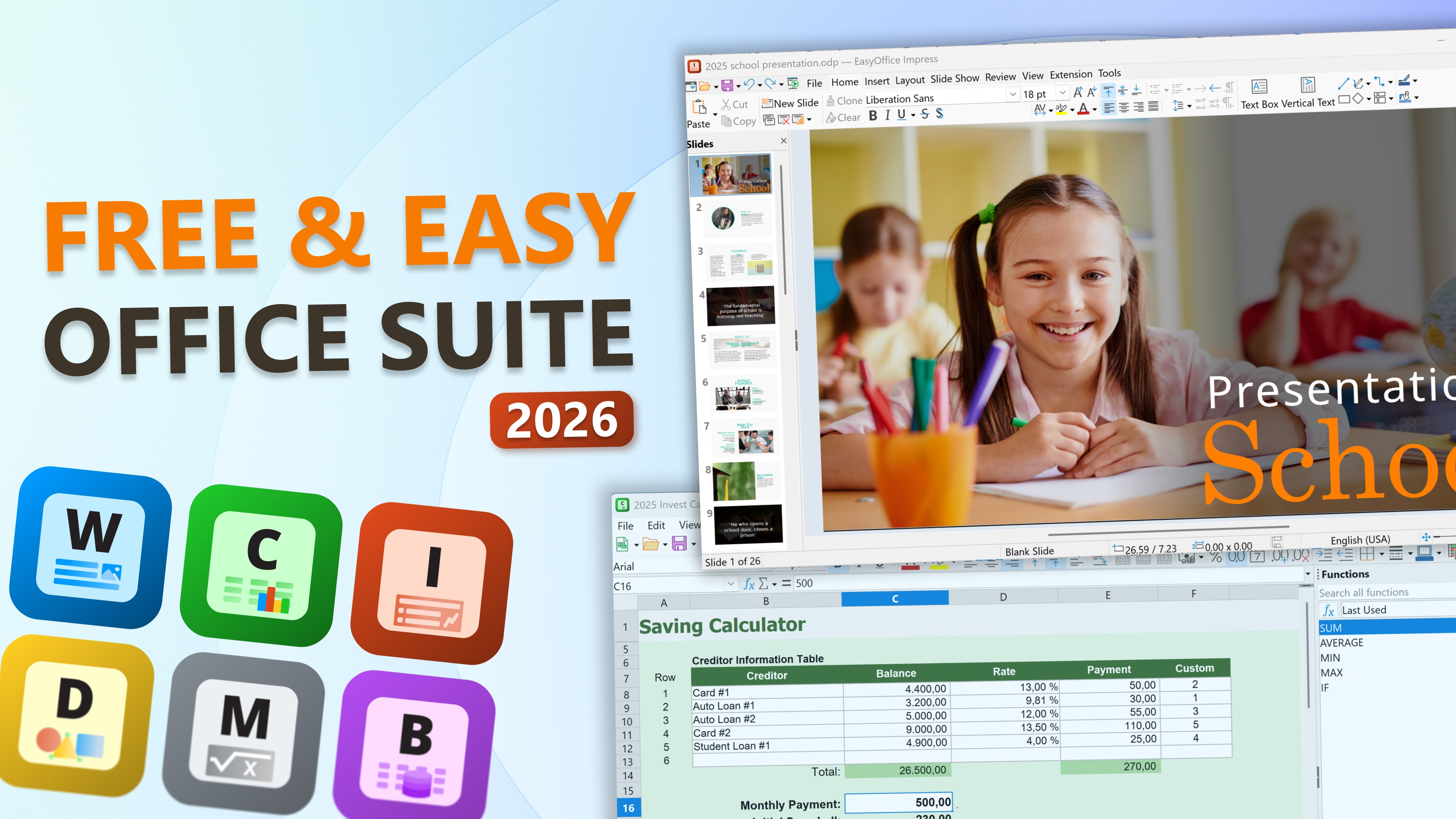
Easy Office Suite for Windows by WunderApps GmbH offers a comprehensive, user-friendly solution for managing documents, spreadsheets, and presentations—all within a single, cohesive interface. If you're tired of juggling multiple apps or drowning in cluttered workflows, this app promises to be your efficient companion for day-to-day office tasks.
Who's Behind the Curtain?
Developed by WunderApps GmbH and published by Tim Grabinat, Easy Office Suite is the latest entrant into the world of productivity tools designed specifically for Windows users. The team behind it brings a focus on seamless integration and minimal friction, making it appealing to both casual users and professionals seeking a lightweight, versatile alternative to traditional office suites.
Why It Stands Out: Key Features in the Spotlight
- All-in-One Workspace: Combines Word processing, spreadsheets, and presentation creation into a single app—eliminating the need to switch between various tools.
- Intuitive User Interface: A clean, modern design with a familiar layout reduces the learning curve, making productivity accessible even for first-time users.
- Workflow Integration & Efficiency: Built-in templates, quick-access features, and real-time sync capabilities streamline your editing process from start to finish.
- Reduced Cognitive Load: The app intelligently prioritizes essential features, avoiding unnecessary complexity and allowing you to focus on your tasks.
Making Your Office Workflow Smooth & Seamless
The first thing you notice upon launching Easy Office Suite is its sleek and minimalistic interface. Unlike some bulky office programs that bombard you with menus and options, this app adopts a more curated approach. The layout resembles a familiar office desk—organized, uncluttered, and ready to work. Navigating between document types feels natural, with clearly labeled tabs and icons that guide you effortlessly.
In terms of operation, most actions are fluid and responsive. Opening a new document, editing a spreadsheet, or designing a presentation feels snappy, almost like having a virtual assistant whispering, “Go ahead, I've got this.” The learning curve is gentle—an initial exploration reveals powerful features hidden behind simple icons, making the transition smooth even for users unfamiliar with advanced office tools.
Core Functionalities: Focus on Efficiency & Ease
Document Creation & Editing
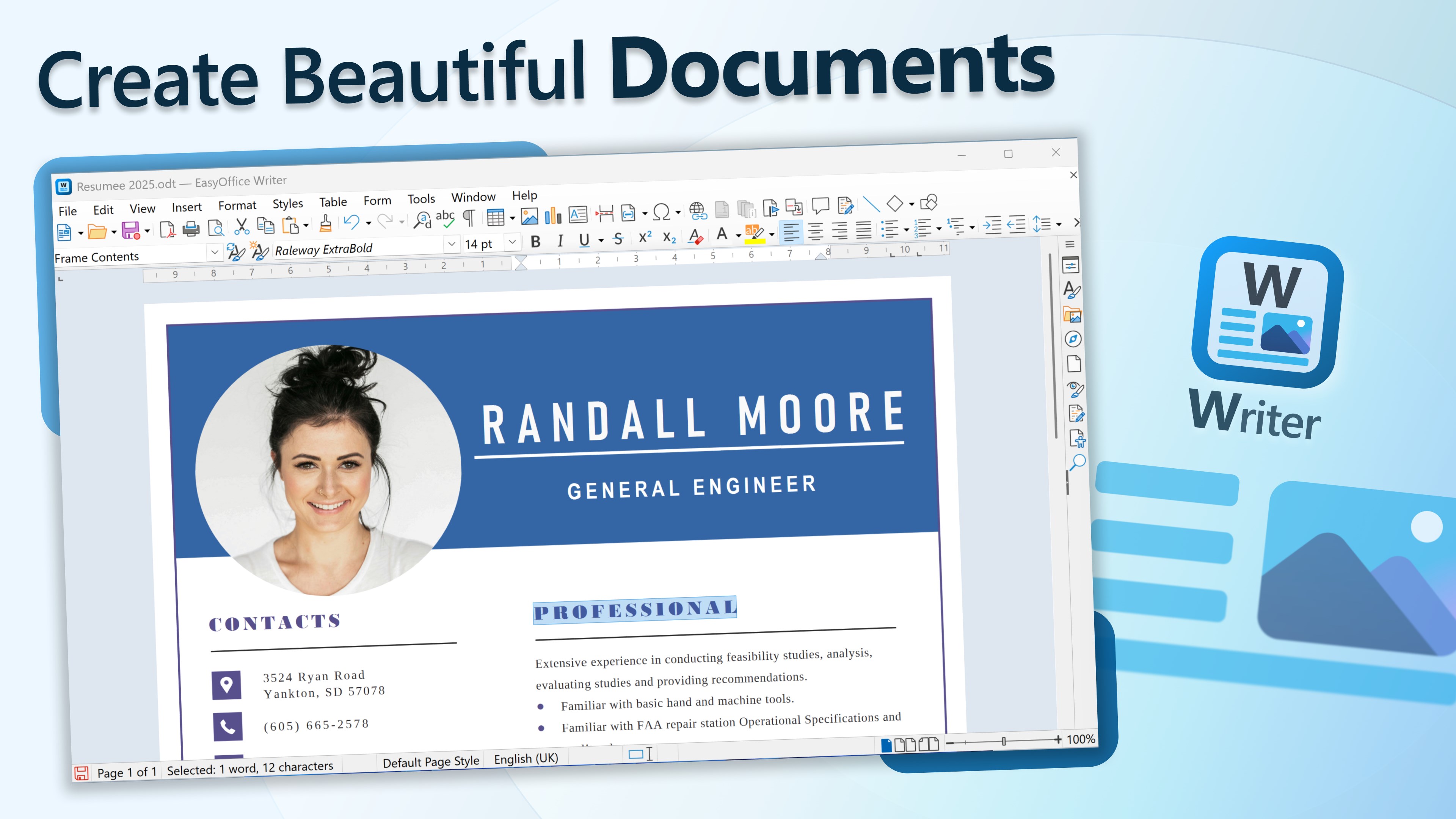
The core of Easy Office Suite is its robust document editor. It provides a familiar word-processing environment that supports all typical features—rich text formatting, insertions, comments, and collaboration options. Yet, it avoids overwhelming users with overly complex toolsets, focusing instead on facilitating quick, effective writing. Real-time saving ensures your work is never lost, and the integrated cloud sync allows seamless access from different devices or locations.
Spreadsheet & Data Management
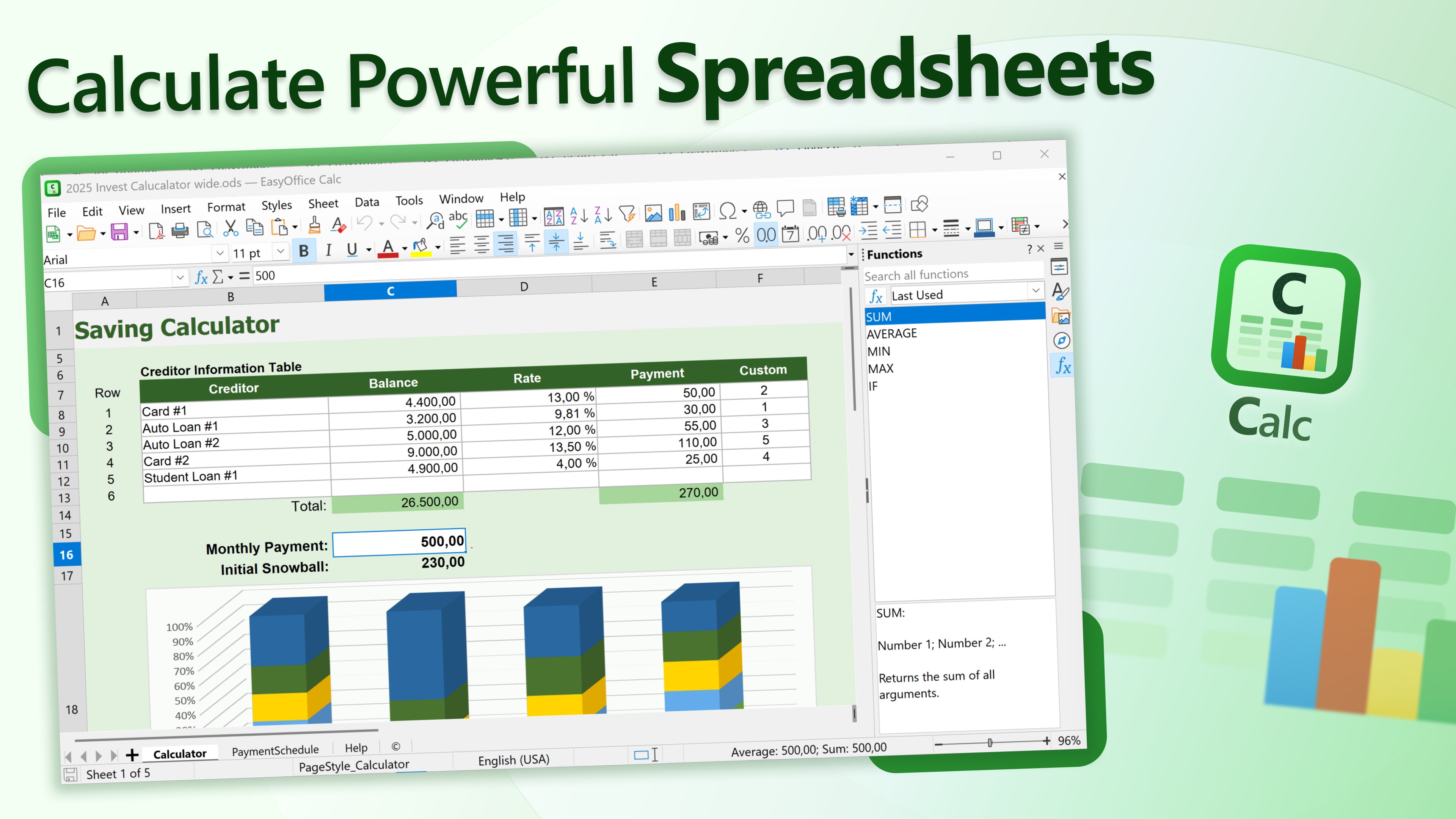
Handling data is smooth and intuitive. The spreadsheet module offers essential formulas, charts, and data visualization tools presented with clarity. Unlike some competitors that bombard you with options, this app keeps features accessible, empowering you to analyze data without cognitive overload. Its compatibility with common formats (like XLSX) makes it easy to collaborate without friction.
Presentations & Visual Design
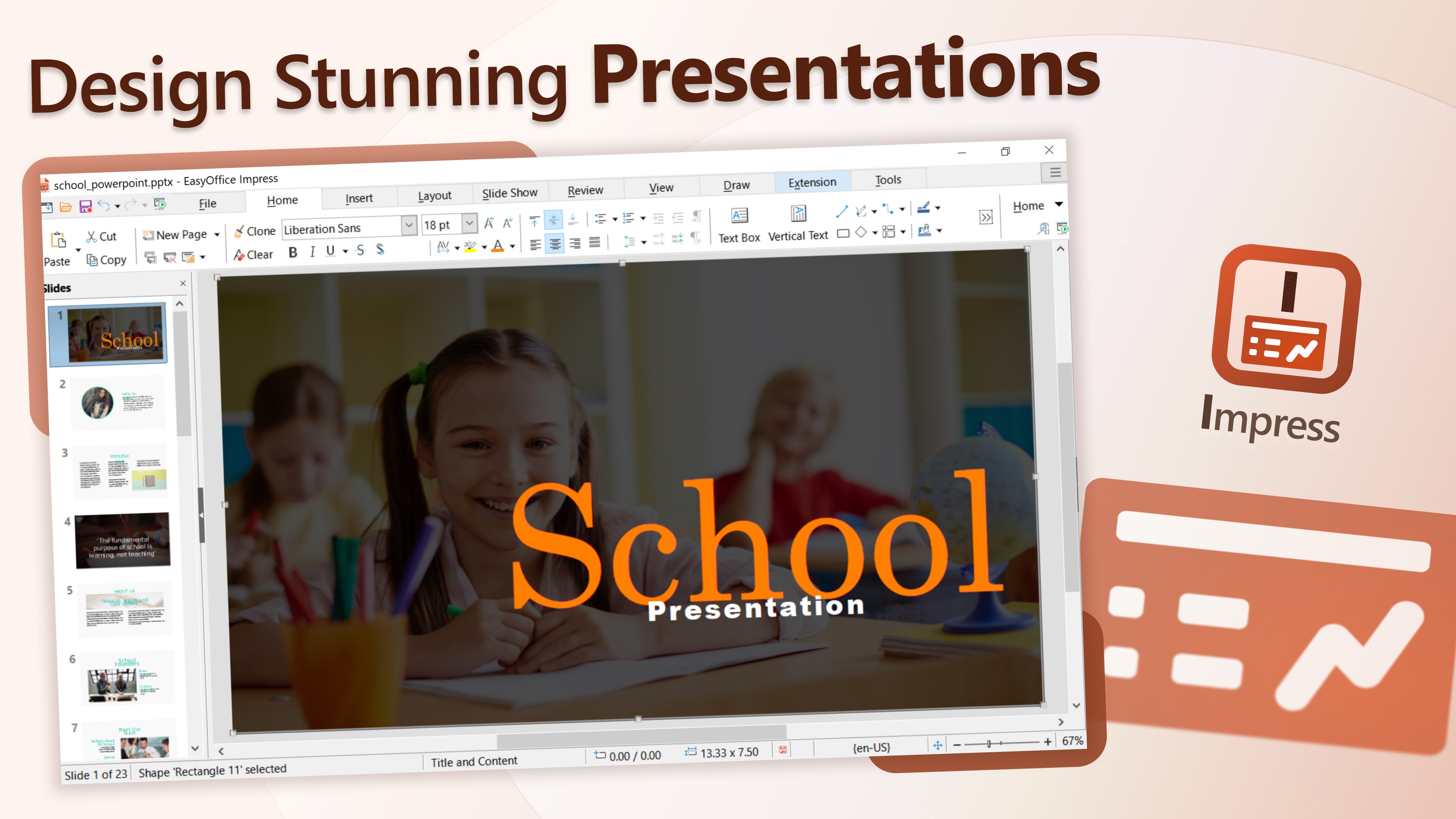
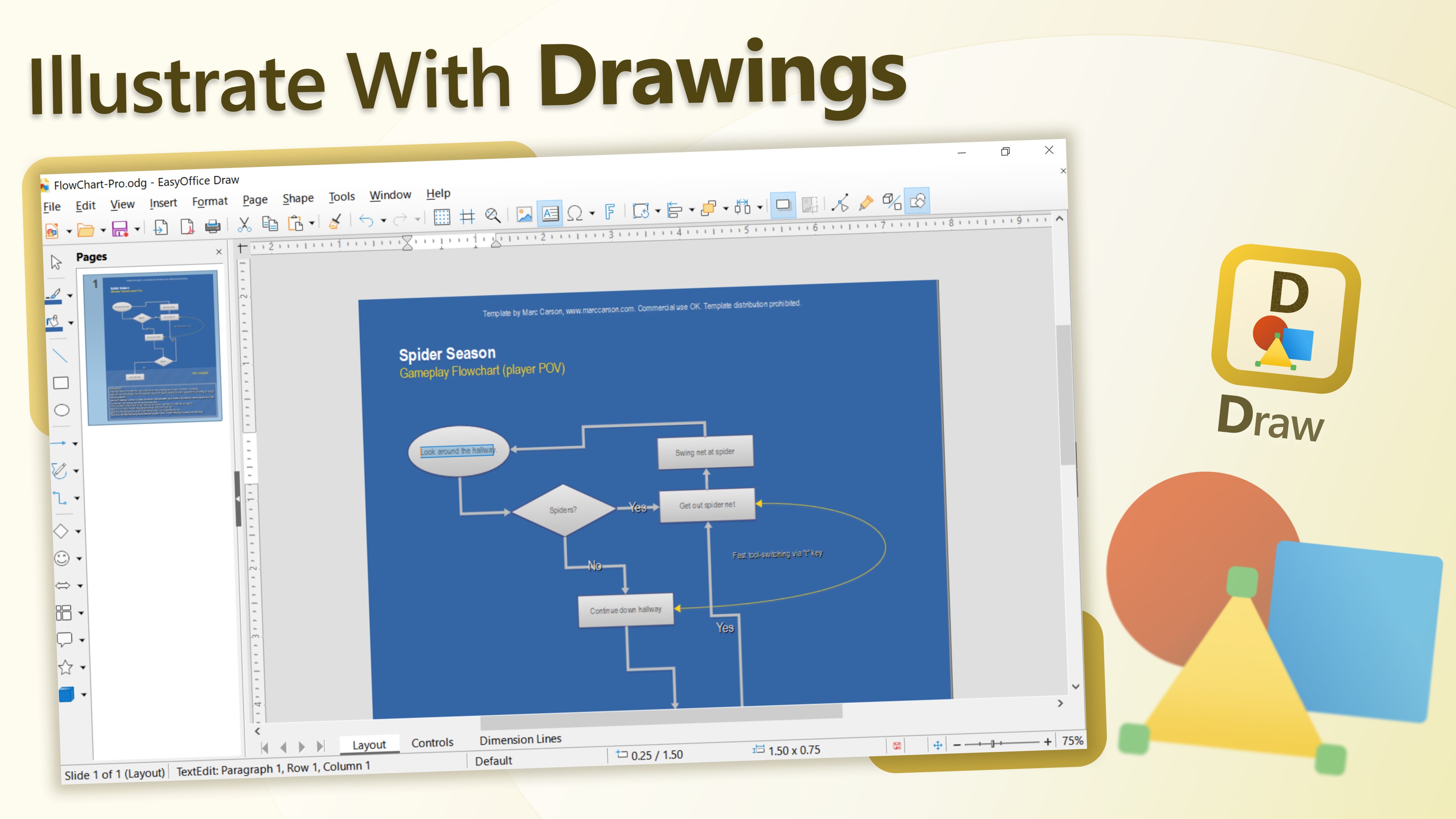
Designing slides feels like assembling a story rather than battling a complex interface. Templates are plentiful yet not overwhelming, and drag-and-drop functionalities streamline the process. The app's visual effects and animations are subtly integrated, enabling polished presentations that are visually engaging without excessive fuss.
Unique Advantages & Differentiators
Compared to traditional productivity suites like Microsoft Office or Google Workspace, Easy Office Suite emphasizes streamlined workflow integration. Its focus on reducing cognitive load—by offering simplified feature sets tuned for efficiency—sets it apart. Rather than presenting every possible tool, it intelligently surfaces only the most relevant options, allowing users to stay in the flow without distraction. This distinction makes it more suited for quick edits, team collaborations, or those who value clarity over clutter.
Moreover, the app's ability to sync instantly and operate smoothly across different environments enhances its appeal as a versatile, lightweight option for everyday office needs.
Final Thoughts & Recommendations
For Windows users seeking a straightforward, efficient office suite, Easy Office Suite offers a compelling package. Its well-thought-out interface, focus on workflow efficiency, and cognitive simplicity make it suitable for students, small teams, or anyone who wants a capable yet unobtrusive productivity tool.
If your priority is minimizing learning overhead and maximizing task flow, I would recommend giving this app a try. It may not replace all the advanced features of larger suites, but for everyday use, it strikes a fine balance between functionality and simplicity. Consider it your new virtual desk—organized, accessible, and ready whenever you are.
Pros
- User-Friendly Interface
- Comprehensive Office Tools
- Compatibility with Multiple Formats
- Cloud Integration
- Free Basic Version
Cons
- Limited Advanced Features
- Occasional Performance Lag
- File Compatibility Issues
- Limited Offline Capabilities
- Ads in Free Version











