

- Category Productivity
- Developer App Eso
- Available on Xbox console, PC, Mobile
- OS Windows 10 version 17763.0 or higher
- languages English (United States)
Easy To Do for Windows: A Streamlined Task Management Companion
In the ever-busier digital landscape, keeping track of your tasks without feeling overwhelmed is a challenge, but Easy To Do for Windows offers a breath of fresh air—combining simplicity with efficiency in a sleek, user-friendly package.
About the App: Clear Focus for Task Organization
Easy To Do is a productivity app designed to help users create, organize, and complete tasks effortlessly. Developed and published by App Eso, this application aims for those who seek a straightforward yet powerful tool to manage daily to-dos without the clutter of unnecessary features.
- Core Highlights: Intuitive task creation with quick add, seamless categorization for better organization, effortless prioritization of tasks, and smooth synchronization across devices.
- Target Users: Busy professionals, students, freelancers, or anyone looking for a clean and efficient way to handle their daily tasks without distraction.
Engaging and User-Friendly Interface
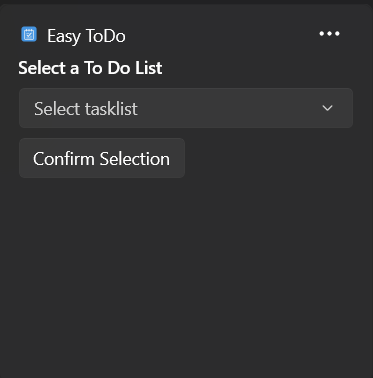
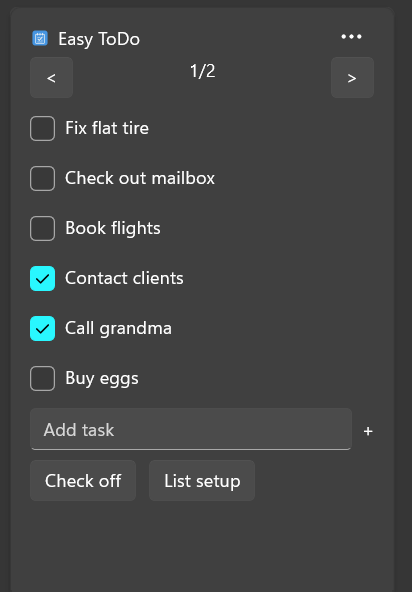
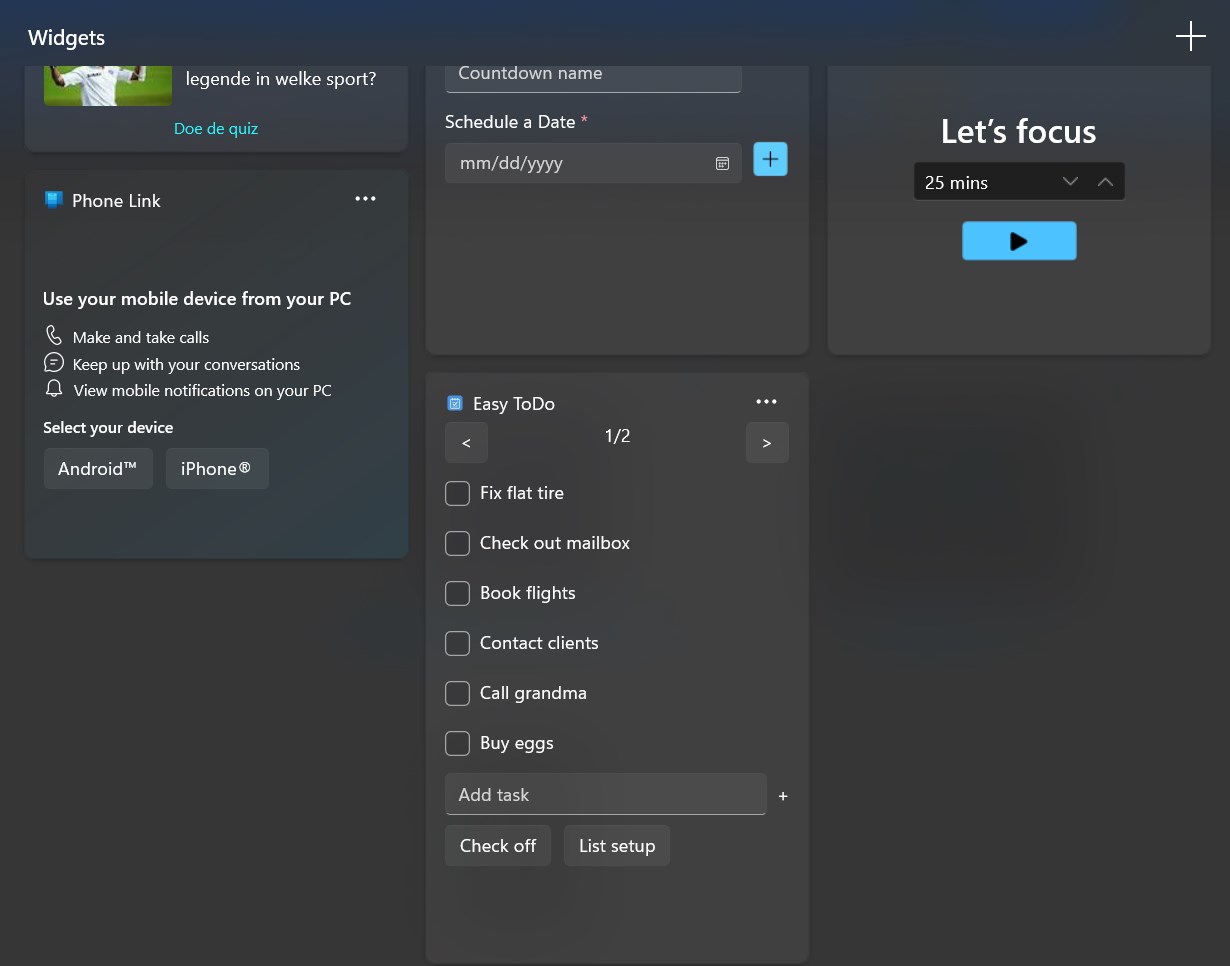
From the moment you open Easy To Do, you're greeted with a minimalistic, visually calming dashboard—think of it as your digital notepad where the chaos of a cluttered workspace is replaced by a neat, organized layout. The interface design emphasizes clarity, making task entry feel like a quick scribble on a sticky note. The app's clean lines and understated color scheme reduce cognitive load, enabling users to focus solely on what needs to be done.
Smooth Navigation and Intuitive Workflow
Operation flow is remarkably fluid—adding a task is as simple as clicking a "+" button and typing, with no complicated menus or extra steps. Categorization and prioritization are achieved through drag-and-drop or simple dropdowns, making task management feel like a casual arranging of sticky notes on a board. The app's responsiveness fosters a sense of reliability—no lag or glitches, even with multiple tasks active. For first-time users, the learning curve is shallow; after just a few minutes, you're categorizing, scheduling, and ticking off tasks with confidence.
The Two Pillars of Its Uniqueness
1. Focused Workflow Integration
Unlike bulkier productivity tools packed with extraneous features, Easy To Do zeroes in on core task management functions that seamlessly integrate into your daily workflow. Its straightforward design means minimal cognitive friction—users can quickly switch between tasks or priorities without hunting through layers of menus. This setup echoes the natural flow of jotting tasks onto sticky notes and sticking them on a wall—only now, digitally and organized, with less clutter and more clarity.
2. Cognitive Load Reduction vs. Feature Bloat
One of this app's most commendable aspects is how it reduces mental strain. Instead of overwhelming users with options and settings, Easy To Do offers a clean, focused environment that emphasizes action over configuration. With fewer distractions, users can concentrate on accomplishing tasks rather than managing the app itself. This streamlined approach is particularly advantageous for users who prefer simplicity or are easily overwhelmed by feature-heavy apps.
Final Verdict: A Practical Choice for Daily Task Management
In summary, Easy To Do for Windows embodies the philosophy of "less is more." Its core strength lies in its ability to deliver an efficient, distraction-free task management experience that integrates naturally into your daily routine. For those tired of convoluted apps that promise productivity but end up complicating tasks, this app offers a refreshing alternative. I'd recommend it wholeheartedly to anyone seeking a straightforward, reliable tool to boost their daily organization. Just think of it as your digital sticky note—a reliable, no-nonsense companion that helps keep your tasks in check without adding unnecessary mental clutter.
Pros
- User-friendly Interface
- Lightweight and Fast
- Useful Reminder Functionality
- Customizable Tasks
- Syncs Across Devices
Cons
- Limited Advanced Features
- Basic Design
- Notification Customization Restrictions
- Offline Access Restrictions
- Lack of Integration with Other Apps











