
Frequently Asked Questions
How do I start playing Egging On as a beginner?
Download the game, open it, and follow the in-game tutorial to learn basic controls and mechanics to get started easily.
What are the main controls I need to master to progress?
Master timing your jumps and rolls, synchronize your roll-cycle, and leap at the right moment for maximum height during climbs.
How do I customize my egg's appearance?
Go to the menu, select 'Customization,' then choose different shells and decorations to personalize your egg's look.
What are the different environments or levels available?
Explore diverse environments like chainsaw zones and farm areas, each with unique challenges and interactive elements.
How do I collect stamps and earn rewards?
Gather stamps by successfully completing levels and uncovering secrets; check the 'Rewards' section for progress and prizes.
Are there any in-app purchases or subscriptions?
Yes, you can unlock decorative shells and exclusive content via in-app purchases; check the store for options.
How can I upgrade or purchase new shells?
Visit the in-game shop, tap 'Shells,' and use earned or purchased credits to unlock new decorative options.
Can I play Egging On offline?
Yes, the game is playable offline after initial download and setup, so you can enjoy it without an internet connection.
What should I do if the game glitches or crashes?
Try restarting your device, updating the app to the latest version, or reinstalling the game from the app store.
Is there a way to reset my progress or delete my account?
Navigate to Settings > Account, then select 'Reset Progress' or 'Delete Account' to start fresh or remove your data.
You May Like

Cuphead
for Windows
4.7
Cuphead & The Delicious Last Course
for Windows
4.7
Celeste
for Windows
4.6
Ultimate Chicken Horse
for Windows
4.4
Level Devil: Troll Platformer
for Windows
4
Planet of Lana II
for Windows
3.8
Crash Bandicoot™ N. Sane Trilogy
for Windows
3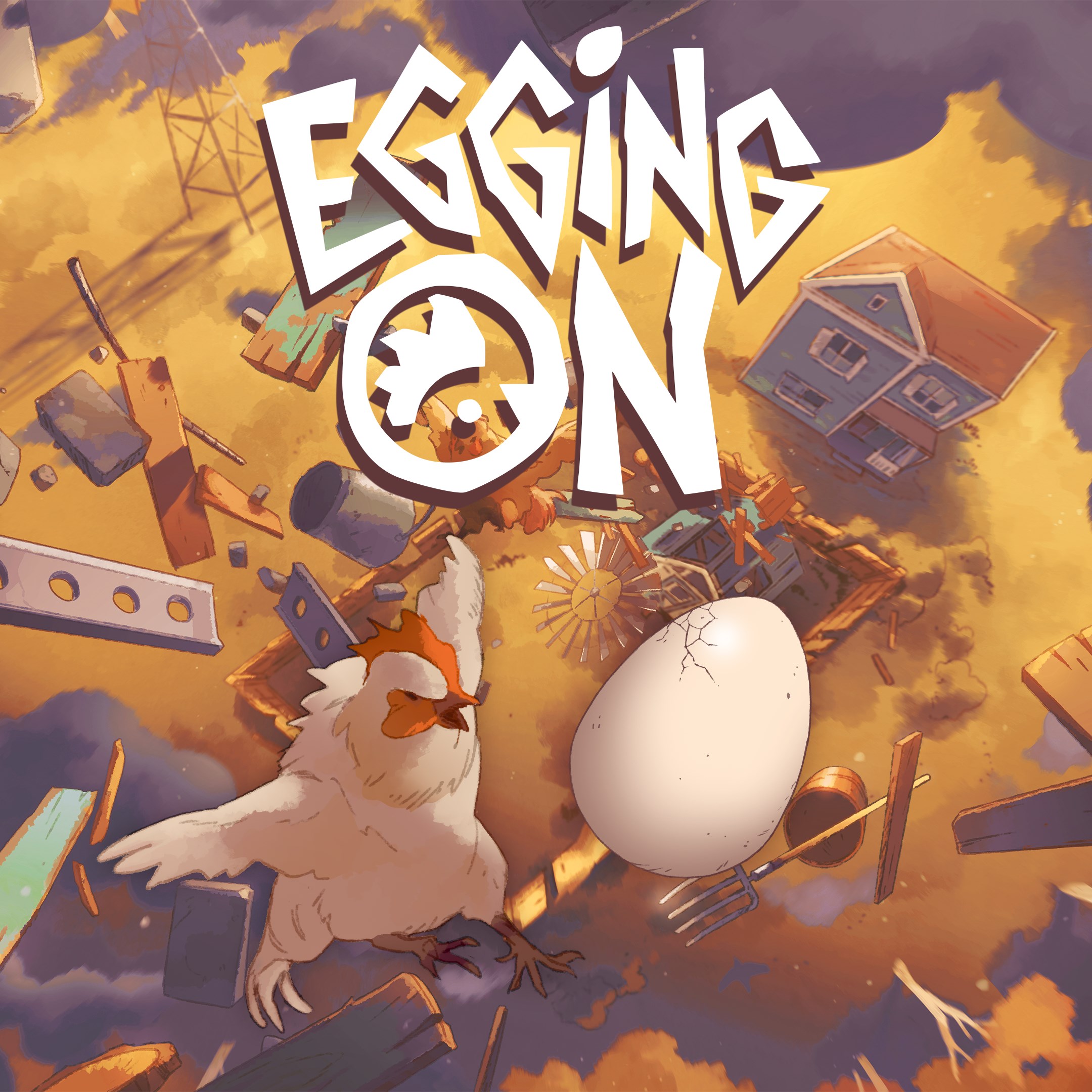
Egging On
for Windows
2.6
BEAR ESCAPE MISSION (WINDOWS)
for Windows
0
Metal Shoot (Windows)
for Windows
0
Stellar Docks (Windows)
for Windows
0
Penguin Flight (Windows)
for Windows
0