


- Category Productivity
- Developer BALARAD, s.r.o.
- Available on PC
- OS Windows 10 version 0.0 or higher
- Keyboard Integrated Keyboard
- Mouse Integrated Mouse
- Memory 4 GB
- languages Albanian, Arabic, Belarusian, Bulgarian, Chinese, Croatian, Czech, Danish, Dutch, English, Filipino (Latin), Estonian, Finnish, French, German, Greek, Hebrew, Hungarian, Hindi, Indonesian, Irish, Italian, Japanese, Kiswahili, Korean, Latvian, Lithuanian, Malay, Marathi, Norwegian, Persian/Farsi, Polish, Portuguese, Romanian, Russian, Serbian, Slovak, Slovenian, Spanish, Swedish, Tajik, Tamil, Turkish, Thai, Ukrainian, Urdu, Vietnamese
Embroidery Creativity Made Easy: An Insider's Look at Embird Embroidery Software for Windows
Imagine transforming a simple digital design into a stunning embroidery masterpiece effortlessly—Embird Embroidery Software for Windows brings this vision to life with a suite of user-friendly features tailored for hobbyists and professionals alike. Developed by BALARAD, s.r.o., this software aims to streamline your embroidery workflow, combining powerful tools with an intuitive interface.
Core Features That Elevate Your Embroidery Projects
Versatile Design Editing and Conversion Tools
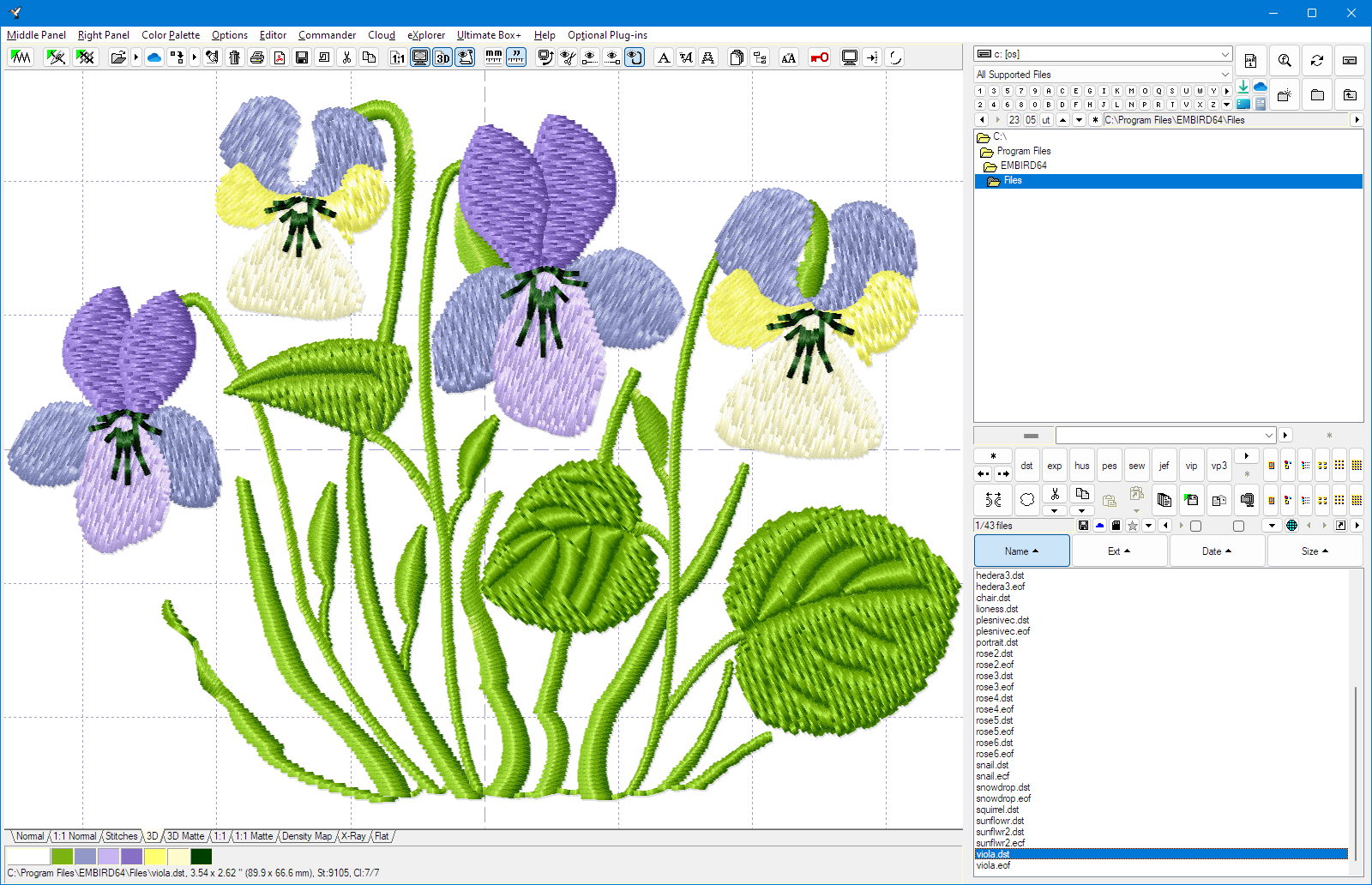
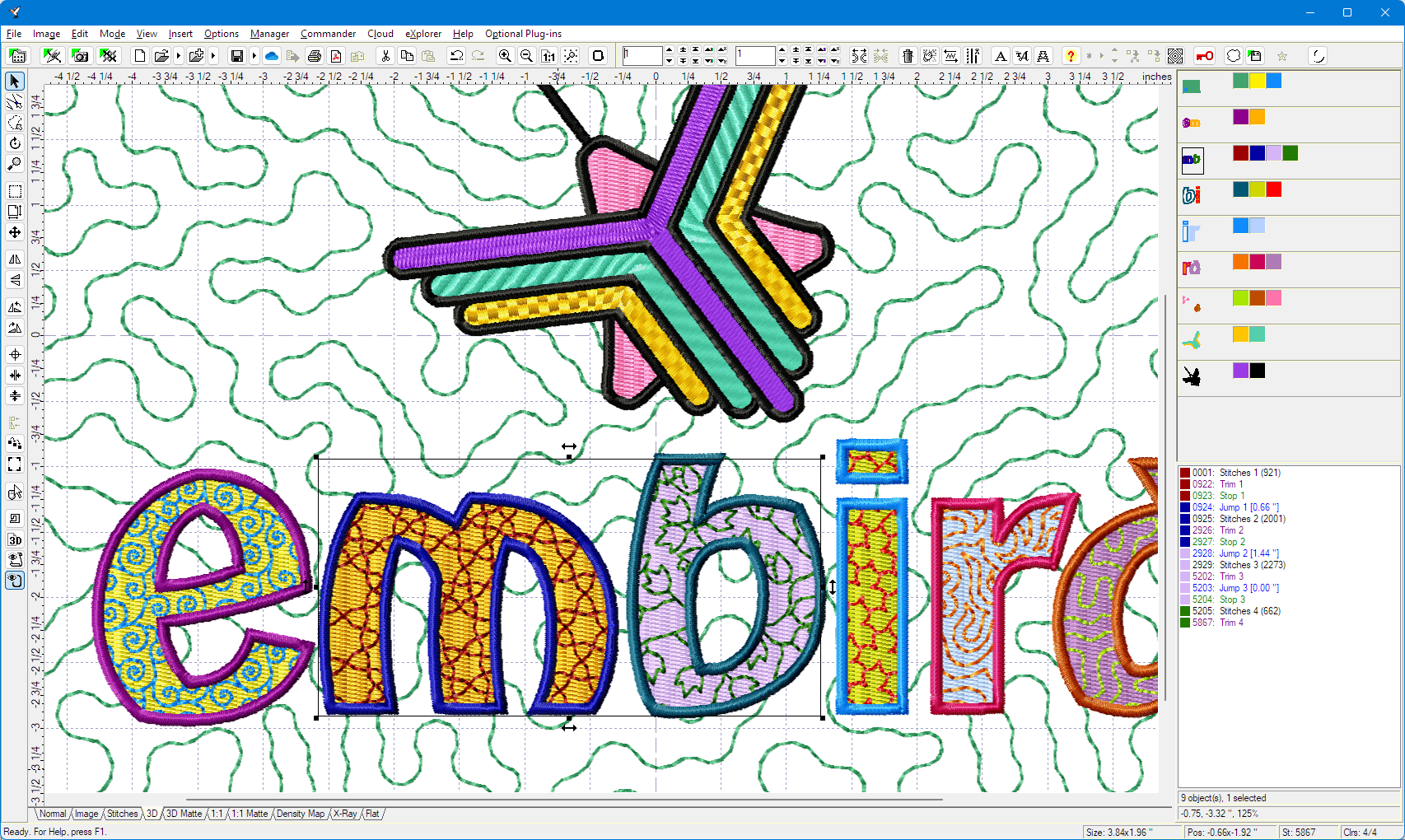
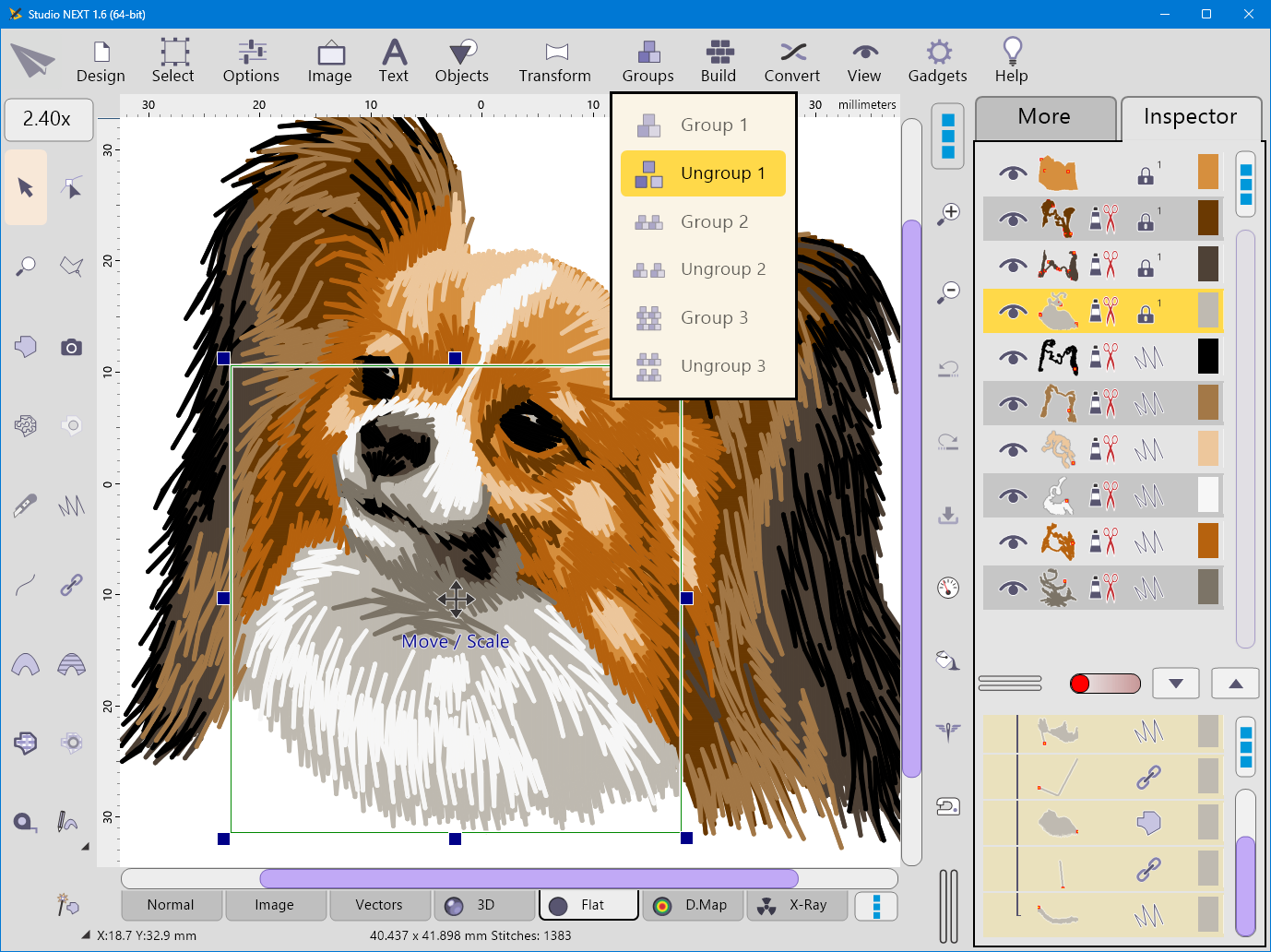
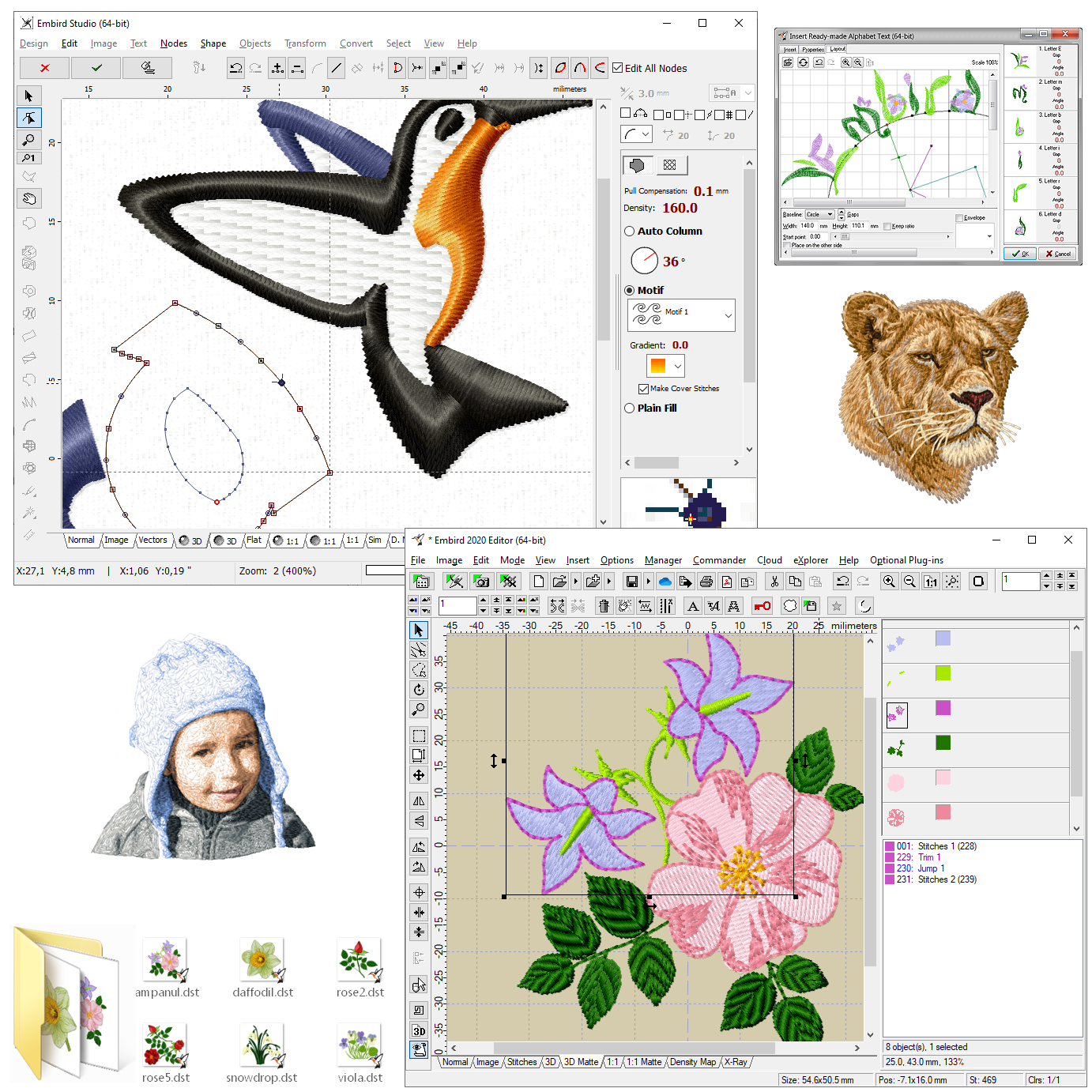
At the heart of Embird lies its robust design editing capabilities. Whether you're modifying existing patterns or creating new ones from scratch, the software provides precision tools to resize, rotate, and customize embroidery designs. It also supports conversion between various embroidery formats, broadening your creative horizons and ensuring compatibility across multiple machines. This flexibility makes Embird a compelling choice for users juggling different brands or expanding their design collection.
Automatic and Manual Stitch Optimization
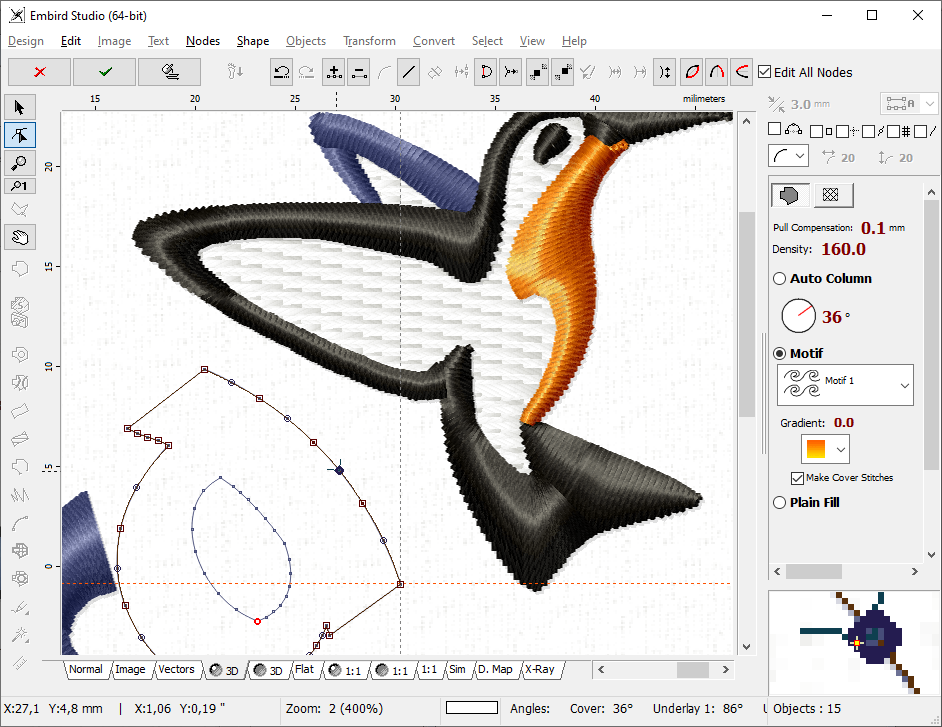
One of Embird's standout features is its intelligent stitch management system. It can automatically analyze designs to optimize stitch types and density, reducing redundant stitches and speeding up the sewing process. For those who prefer a hands-on approach, manual adjustment options let you fine-tune stitch direction, length, and fill patterns. This dual approach allows both beginners and experienced users to achieve high-quality results with minimal fuss.
Rich Library and Plug-in Ecosystem
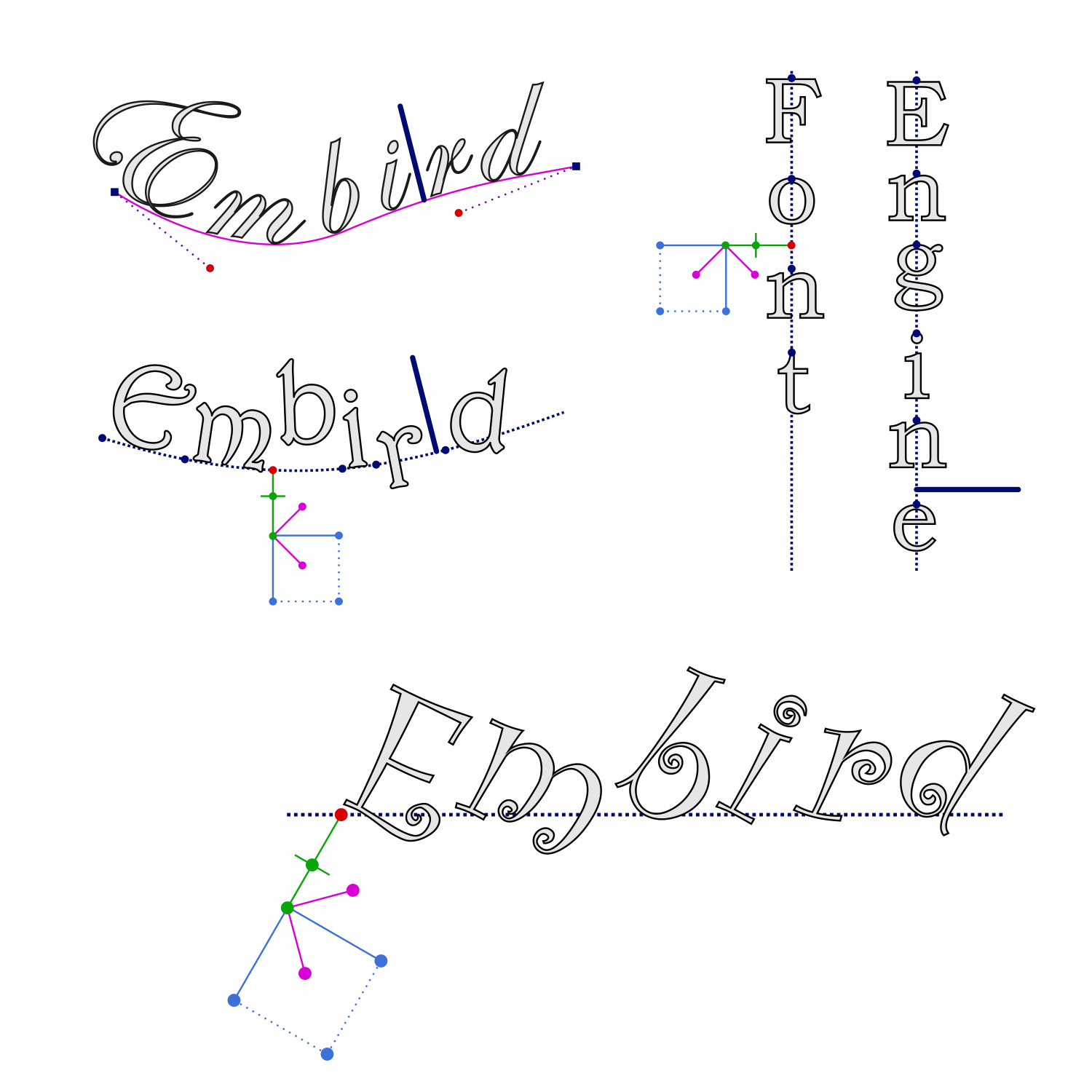
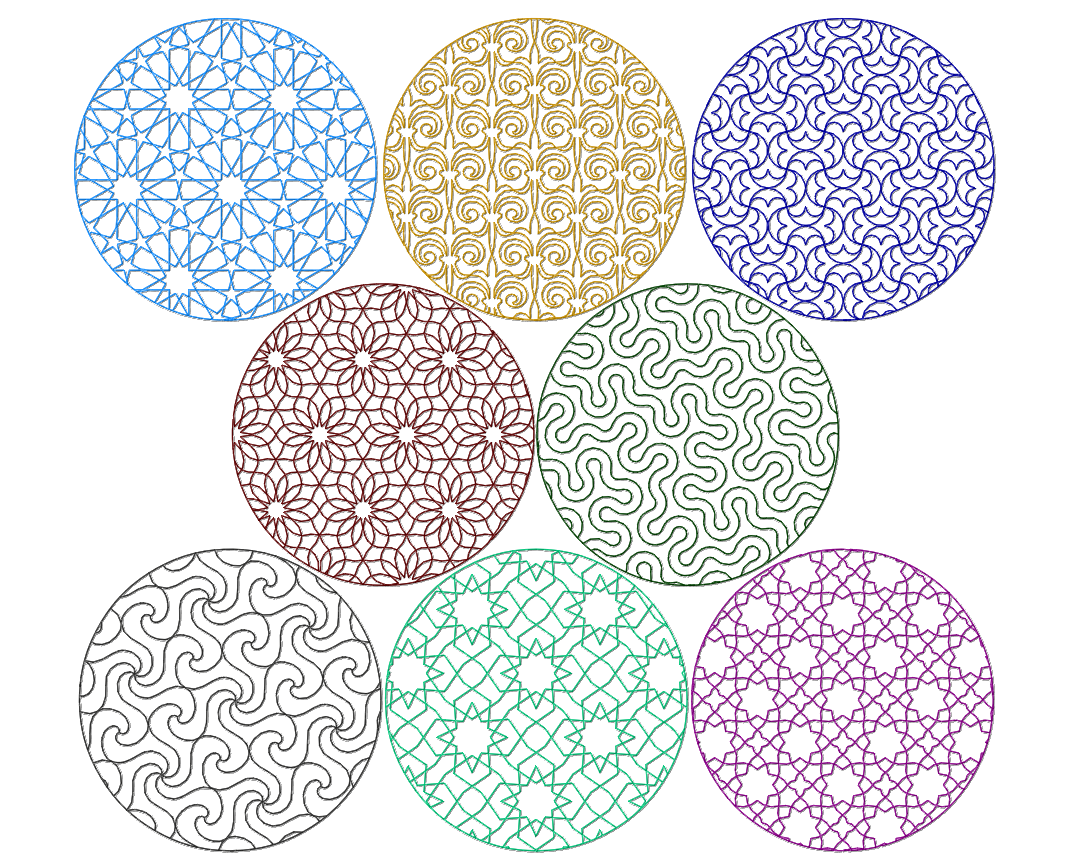
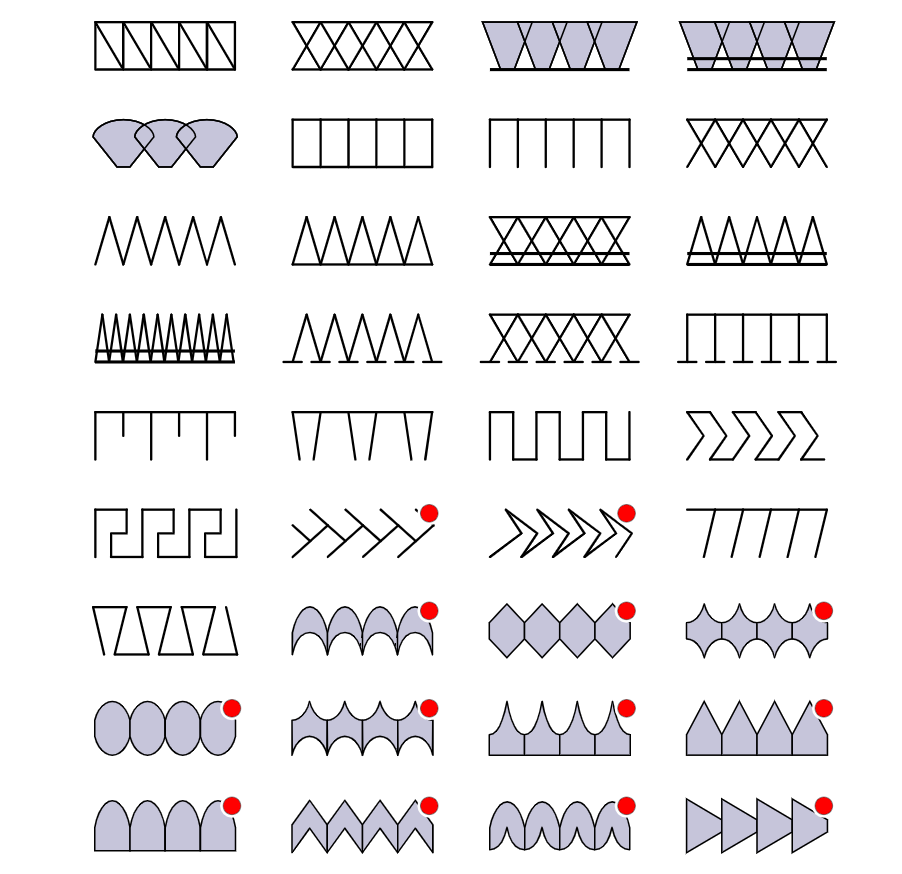
Embird extends its functionality through an extensive library of built-in embroidery motifs and a flexible plug-in system. This modular approach allows users to add specialized tools, such as font editors or digitizing modules, tailoring the software to individual workflows. It's akin to expanding your embroidery toolkit as your skills grow, ensuring that Embird remains relevant and adaptable for years to come.
User Experience: Navigating with Comfort and Confidence
From the moment you launch Embird, its clean and visually appealing interface feels like walking into a well-organized craft room—you know where everything is, and it invites you to start creating. The layout is thoughtfully designed, with tools logically grouped to minimize clutter and maximize efficiency. For instance, core functions like design editing, stitching preview, and format conversion are accessible within a few clicks, making the process feel seamless and intuitive.
Speed-wise, Embird handles complex designs with commendable responsiveness. Even when working with large files or intricate patterns, the software maintains smooth operation, which is crucial for maintaining your creative flow. Learning curve? Relatively gentle, thanks to comprehensive tutorials and an active user community. It's like having a helpful friend guiding you through each step, ensuring you gain confidence as you explore the functionalities.
What Sets Embird Apart from the Rest?
Unlike many embroidery programs that overwhelm users with a daunting array of features, Embird strikes a commendable balance between power and simplicity. Its standout feature is the intuitive Stitch Optimization system—think of it as your digital quilting assistant that smartly arranges stitches to improve efficiency and reduce machine wear, all while maintaining visual appeal. Meanwhile, the modular plug-in system offers a unique advantage: a customizable workspace that can grow with your skills and project complexity. This focus on workflow integration and cognitive load reduction makes Embird not just a tool, but a reliable partner in your embroidery journey.
Final Verdict and Recommendations
Overall, Embird Embroidery Software for Windows is a solid choice for both amateurs and seasoned embroidery enthusiasts looking for a program that combines essential editing features with an adaptable, user-friendly interface. Its intelligent stitch optimization and modular design set it apart from many competitors, focusing on making your workflow more efficient without sacrificing control or quality.
We recommend Embird if you desire a software that simplifies complex designs, offers room for growth through plug-ins, and minimizes the learning curve. Whether you're digitizing amateur projects or refining professional designs, Embird can be a valuable addition to your creative toolkit. For best results, newcomers should approach with patience and engage with the available tutorials—after that, you'll find it a reliable, inspiring companion for your embroidery endeavors.
Pros
- User-Friendly Interface
- Extensive Library of Embroidery Designs
- Customizable Stitch Options
- Compatibility with Various Embroidery Machines
- Regular Updates and Support
Cons
- Learning Curve for Advanced Features
- Occasional Software Crashes
- Limited Free Trial Version
- Compatibility Issues with Older Operating Systems
- Help Resources Could Be More Comprehensive










