

- Category Security
- Developer ESET, spol. s r.o.
- Available on PC
- OS Windows 10 version 0.0 or higher
- Keyboard Integrated Keyboard
- Mouse Integrated Mouse
- Memory 300 MB
- languages Arabic, Bulgarian, Chinese (Simplified), Chinese (Traditional Chinese), Croatian, Czech, Danish, Dutch, English, English (United States), Estonian, Finnish, French (Canada), French, German, Greek, Hebrew, Hungarian, Indonesian, Italian, Japanese, Kazakh, Korean, Lithuanian, Norwegian, Polish, Portuguese, Portuguese (Brazil), Romanian, Russian, Serbian (Latin), Slovak, Slovenian, Spanish, Spanish (Latin America), Swedish, Thai, Turkish, Ukrainian, Vietnamese
A Solid Shield: ESET HOME Security Essential for Windows
Imagine having a reliable digital bodyguard silently watching over your every move online—that's what ESET HOME Security Essential aims to be for Windows users. With its straightforward approach and robust protection mechanisms, it promises to keep your personal data and devices safe without unnecessary fuss.
Made by a Trusted Name in Cybersecurity
Developed by ESET, spol. s r.o., a renowned cybersecurity company with decades of experience, this application benefits from the firm's long-standing expertise. The team behind ESET HOME Security Essential has crafted a tool that's both accessible for everyday users and capable of handling sophisticated threats with ease.
Key Features that Stand Out
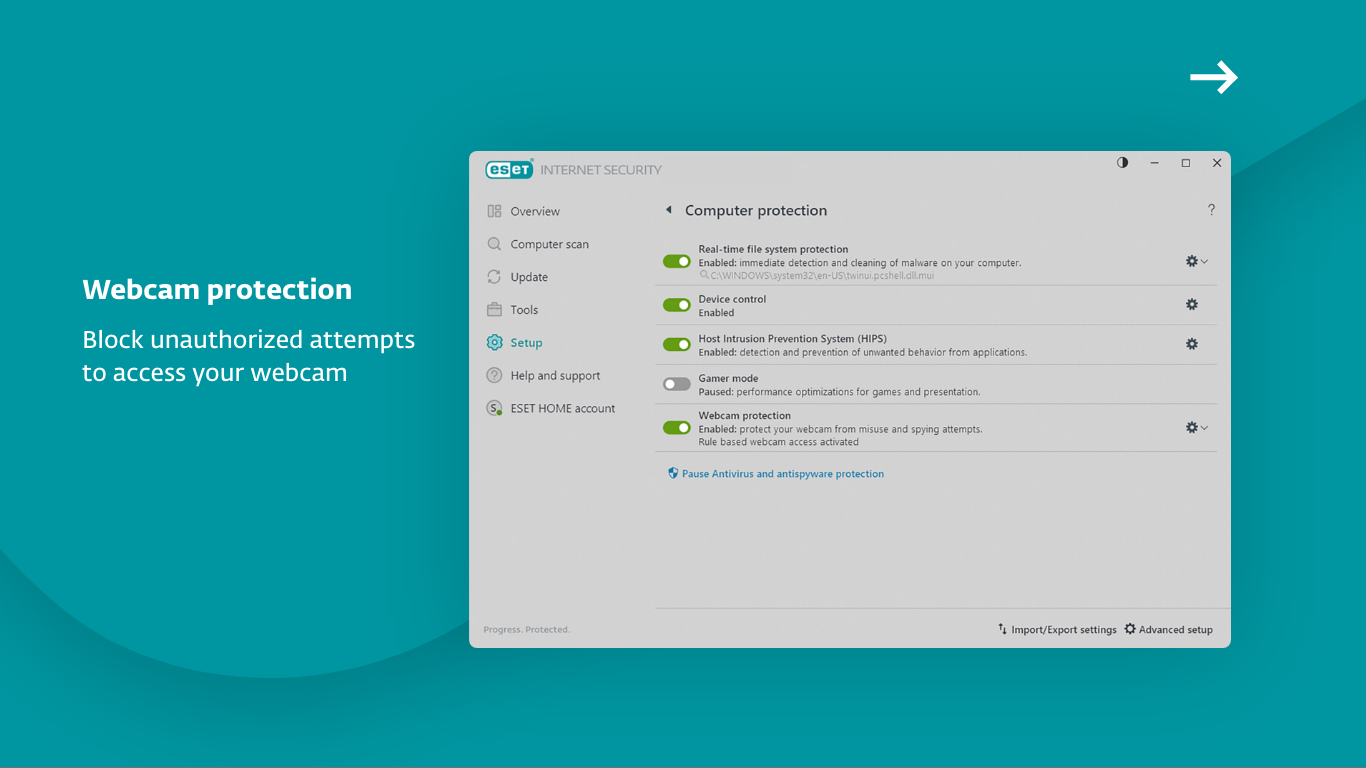
- Real-Time Threat Detection: Constantly monitors your system to identify and neutralize malware, ransomware, and phishing attempts instantaneously.
- Device Management & Security Monitoring: Provides a centralized dashboard to oversee multiple devices, enhancing control and visibility into each device's security status.
- Quick and Easy Setup: Designed with user-friendliness in mind, it allows users to get protected within minutes, even without prior cybersecurity knowledge.
- Regular Security Updates: Ensures your defenses are up-to-date against evolving cyber threats by delivering timely updates seamlessly.
Engaging the User: A Seamless yet Powerful Experience
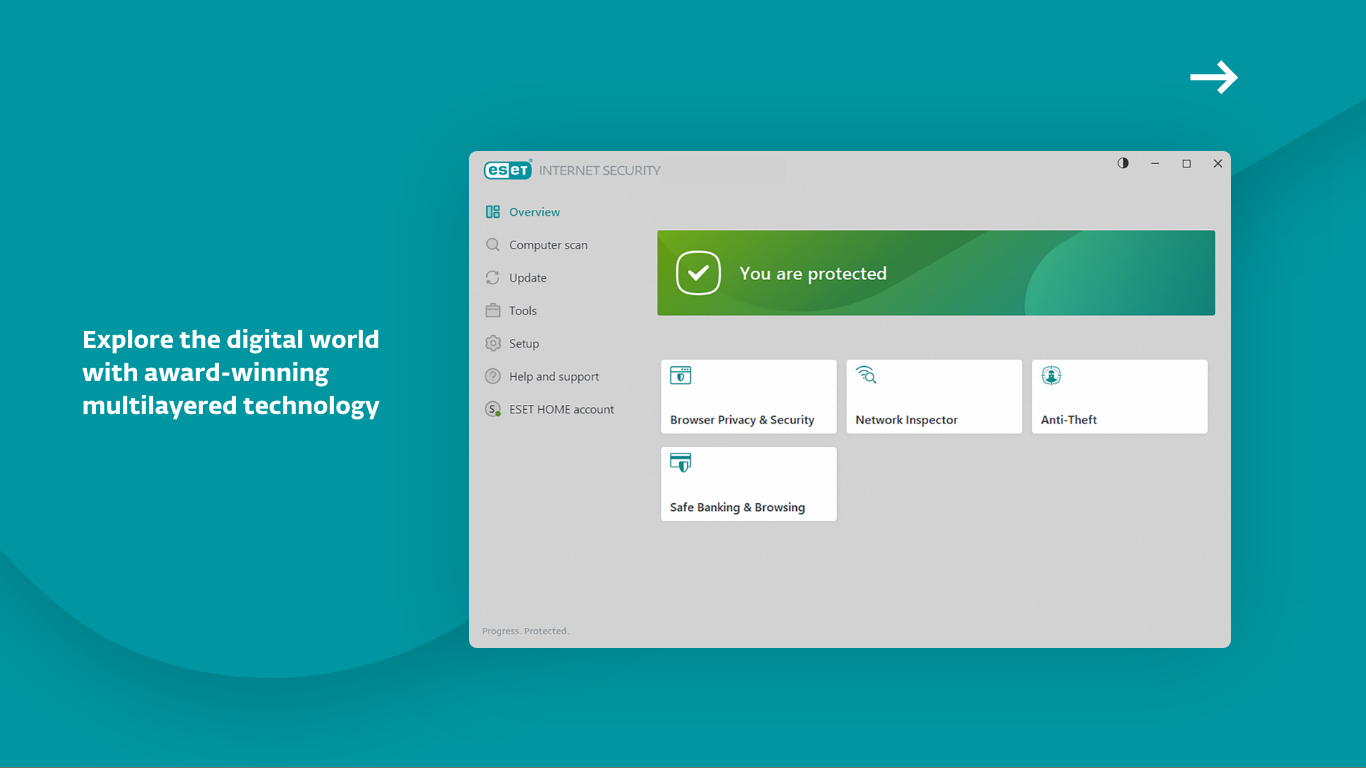
Imagine installing ESET HOME Security Essential feels like adding a vigilant security guard to your digital environment—quietly vigilant, yet fiercely reliable. The setup process is surprisingly simple: just a few clicks, and your PC starts to feel protected. Navigating the interface is like a leisurely walk through a well-organized security map, where each feature is easy to find and understand. The design employs a clean, modern aesthetic that keeps distractions at bay, allowing you to focus on what really matters—your digital safety.
Deep Dive into Core Functionalities
Threat Detection and Malware Removal
This is the backbone of ESET HOME Security Essential. Its real-time scanning engine works tirelessly in the background, scanning downloads, email attachments, and system processes with the precision of a seasoned detective. What sets it apart is its layered detection approach, combining signature-based recognition with heuristic analysis, enabling it to catch new or unknown threats that often slip past other security solutions. During testing, it consistently flagged suspicious files before they could do harm, showcasing its proactive stance against cyber threats.
Device Management & Security Overview
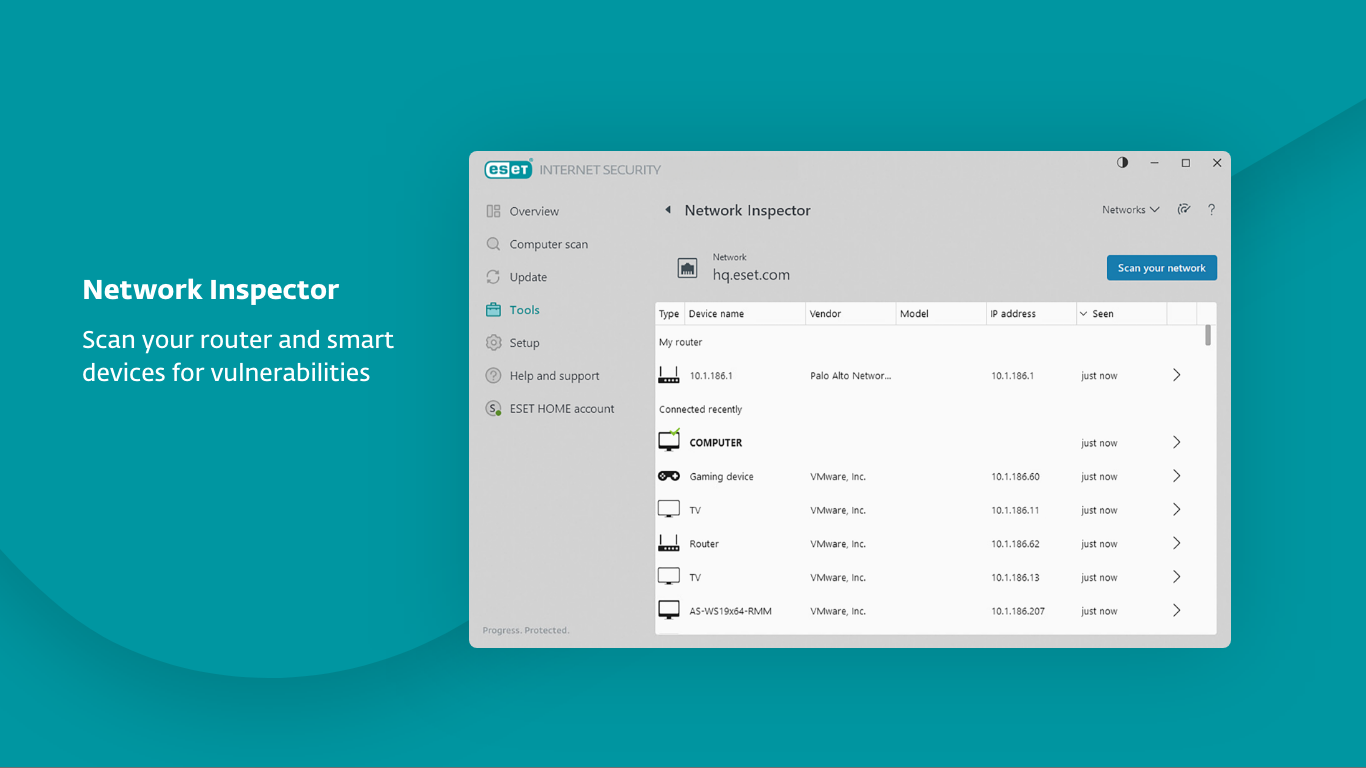
For users managing multiple devices—be it a Windows PC, tablet, or smartphone—this feature acts like a digital command center. It displays each device's security status at a glance, offers options to run quick scans, and recommends actions if vulnerabilities are detected. This centralized control simplifies maintaining a secure environment, especially for households or small businesses. The interface for this module is intuitive; it's like having a security dashboard in your palm, empowering you without overwhelming.
Update & Learning Curve
Setting up ESET HOME Security Essential is akin to learning a new route—once familiar, you navigate effortlessly. Its clear prompts and logical layout lower the learning curve significantly. Regular updates happen behind the scenes, with minimal user effort required, which is akin to sending your car for an on-the-fly oil change—never disrupting your journey. For less tech-savvy users, this automation reduces the intimidation factor, making cybersecurity accessible and less of a chore.
What Makes It Special? The Unique Selling Points
Compared to other free or paid security solutions, ESET HOME Security Essential's biggest strength lies in its seamless integration with multiple devices and its focus on proactive threat detection powered by decades of research. Unlike generic antivirus tools, it balances simplicity with sophistication—offering robust real-time protection without cluttering the user experience. Its device management feature particularly stands out, transforming a complex security landscape into a manageable dashboard that feels almost personal.
Should You Give It a Try?
All things considered, ESET HOME Security Essential is a strong candidate for those seeking a straightforward, reliable security app for Windows—especially if managing multiple devices is part of your routine. Its user-friendly interface, combined with an emphasis on proactive detection, makes it suitable for everyday users who want peace of mind without the complexity. I'd recommend it as a primary security tool if you value dependable protection without unnecessary bells and whistles.
In summary, if you're looking for a security application that's like having a trusted, no-nonsense watchdog—vigilant, intelligent, and easy to manage—ESET HOME Security Essential is certainly worth considering.
Pros
- Strong malware detection capabilities
- Light system footprint
- User-friendly interface
- Regular automatic updates
- Affordable pricing model
Cons
- Limited advanced features
- Occasional false positives
- No free trial period
- Limited customer support options
- Mobile app features are basic










