



- Category Sports
- Developer Disney
- Available on PC, HoloLens
- OS Windows 10 version 19041.0 or higher
- Keyboard Integrated Keyboard
- Mouse Integrated Mouse
- languages Dutch, English, Portuguese, Spanish
ESPN for Windows: Your Gateway to Live Sports at Your Fingertips
ESPN for Windows offers sports enthusiasts a convenient and comprehensive way to access live scores, news, and exclusive content right on their desktop. Developed by Disney, this app aims to bring the thrill of the game directly to your PC, delivering timely updates and immersive experiences for sports fans worldwide.
About the App: A Snapshot
ESPN for Windows is a dedicated sports application designed to provide real-time sports coverage in a user-friendly format. Created by Disney, a giant in entertainment and media, the app combines trusted content sources with innovative features. Its core highlights include live game tracking, personalized news feeds, and engaging community features. The primary target audience comprises sports enthusiasts who want instant access to scores, updates, and community interaction without switching between multiple platforms or browsers.
Juicy Sports Content, Now on Your Desktop
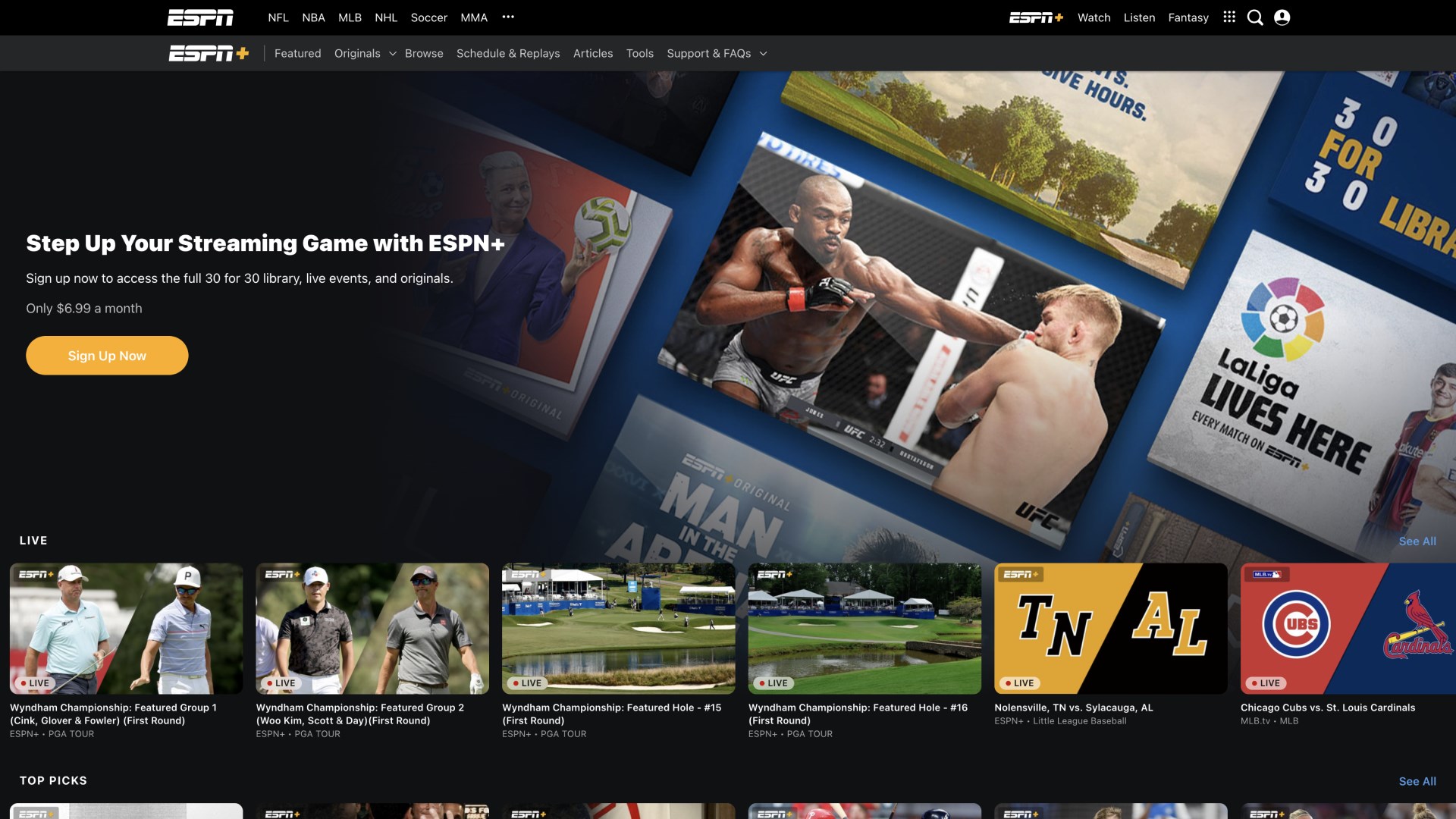
Imagine sitting at your workstation or comfortably at home, and with just a few clicks, you're transported straight into the middle of the game. ESPN for Windows offers a lively, dynamic environment that turns your computer into a personal sports hub. The app's real-time updates ensure you never miss a buzzer-beater or a game-changing moment—it's like having a sports newsroom right on your desktop, tuned in 24/7.
Core Functionalities: All About Staying in the Game
1. Real-Time Live Scores & Play-by-Play Updates
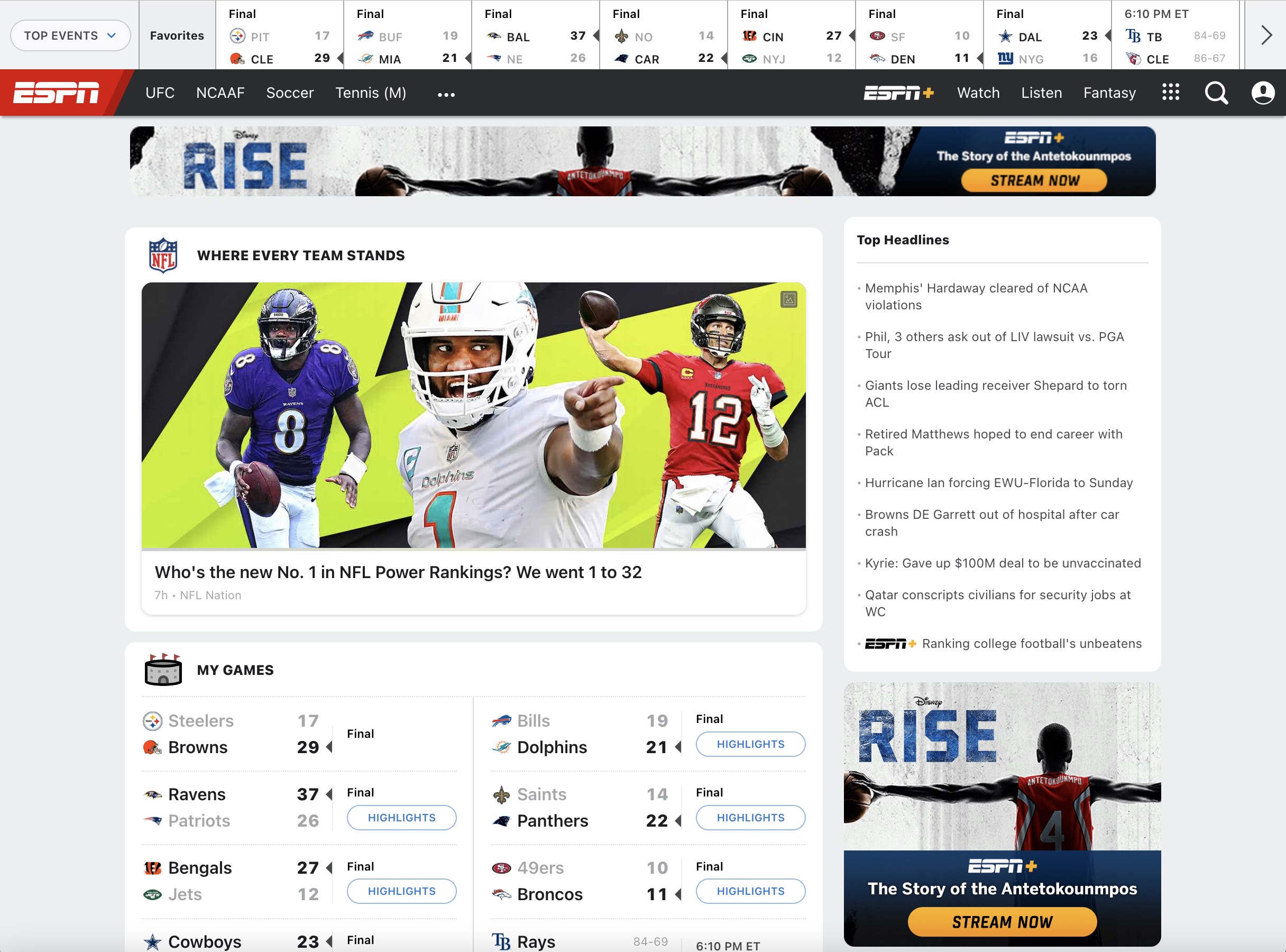
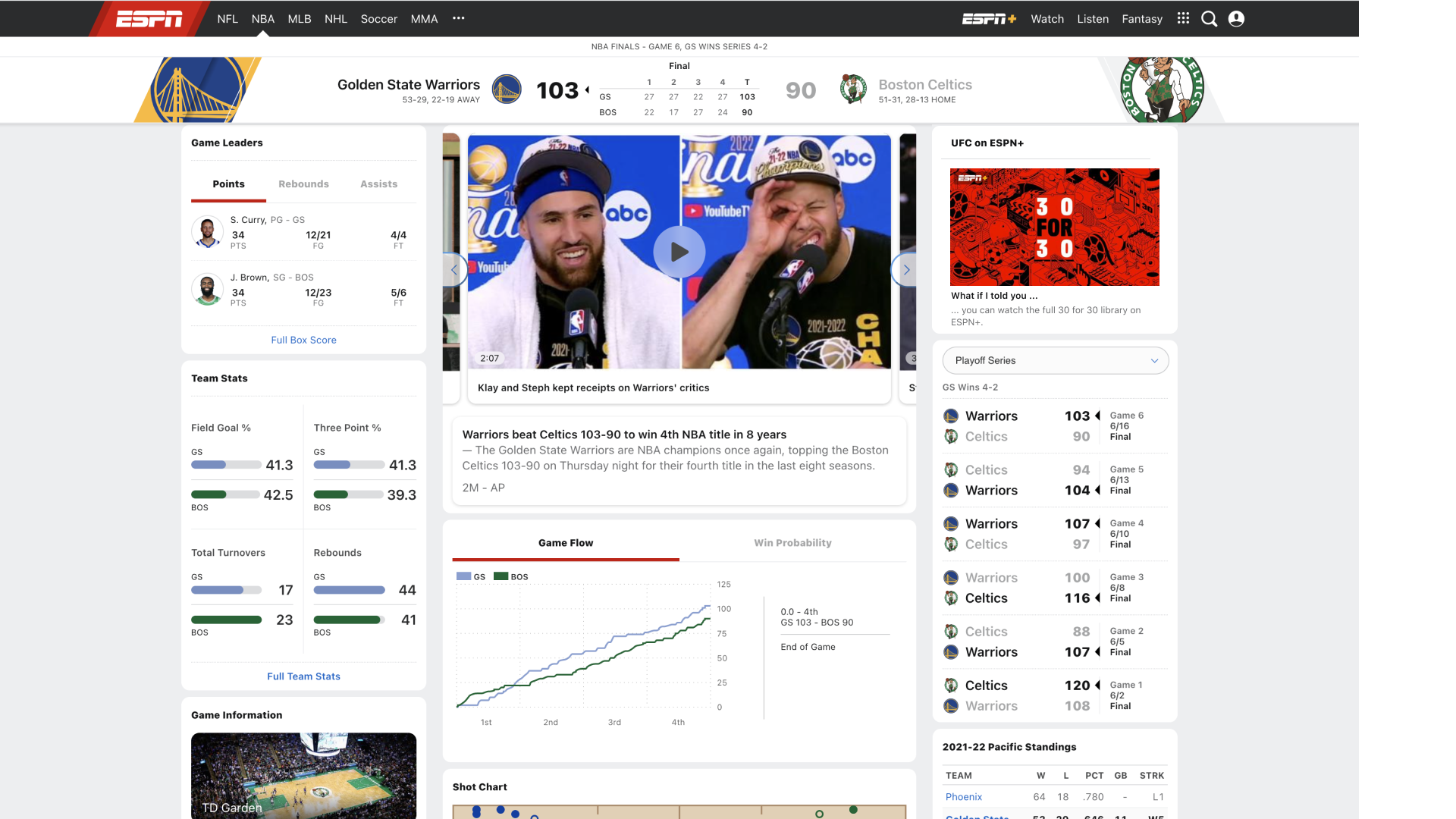
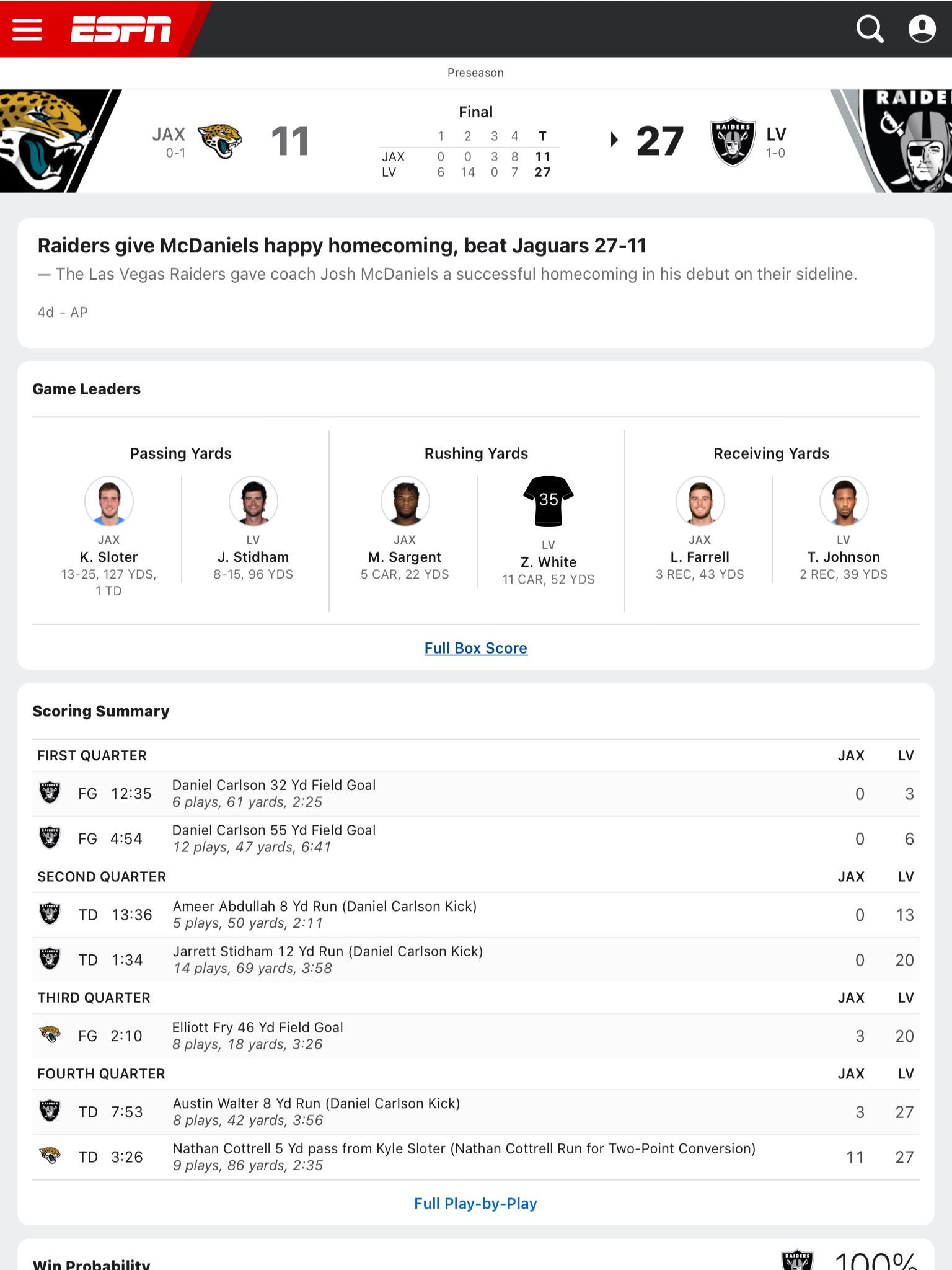
One of ESPN's marquee features is its lightning-fast live scoring system. Whether it's the NFL, NBA, MLB, or international soccer, this app delivers instant updates that make you feel like you're courtside or in the middle of the action. The play-by-play commentary is refreshingly detailed, making it perfect for fans who crave comprehensive game insights. What sets this apart is its excellent data latency—your updates arrive with minimal delay, rivaling that of dedicated broadcasters.
2. Personalized News & Highlights Feed
The app intelligently curates sports news according to your preferences. As a user, you can select favorite teams and sports, and the interface then becomes your personalized newspaper. Breaking news, injury reports, highlight reels—everything appears in an organized, visually appealing manner. This feature acts like having a dedicated sports journalist at your side, keeping you updated without information overload.
3. Community Engagement & Interactive Features
What truly differentiates ESPN for Windows is its emphasis on community participation. The app integrates comment sections, polls, and social sharing options, allowing fans to cheer, debate, and connect directly within the platform. These mechanics foster a dynamic sense of belonging—imagine being part of a lively sports bar where everyone shares your passion. Plus, the app facilitates live chats during games, offering a richer, more interactive experience that enhances user engagement beyond passive consumption.
Design, Usability, and User Experience
The user interface design of ESPN for Windows is clean and intuitive, resembling a sleek dashboard rather than cluttered news clutter. Navigation is smooth; switching between scores, news, videos, or community sections feels seamless, like flipping through channels on a well-organized remote. The app's responsiveness is notable—scrolling, clicking, and data loading are swift, with no frustrating delays. As for the learning curve, new users will find it straightforward to customize their feeds and explore features, thanks to thoughtful onboarding prompts.
What Sets It Apart? The Sports Data & Community Edge
Perhaps ESPN for Windows's most compelling attribute is its commitment to delivering highly accurate real-time data with minimal latency. Compared to other sports apps, it maintains a delicate balance—providing rapid updates without sacrificing correctness. This precision ensures you trust the data you're acting on. Additionally, its community engagement mechanics aren't mere add-ons; they are integrated thoughtfully, cultivating a real sports fan community that actively shares opinions and reacts in live scenarios. These features make the app not just a tool for information but a vibrant social space.
Conclusion: To Hit or Not to Hit Play?
Overall, ESPN for Windows strikes a commendable balance between functionality, usability, and community integration. It is especially recommended for dedicated sports fans who appreciate real-time updates and interactive experiences on their desktop. While it may not replace a live TV broadcast for visual immersion, its immediacy and social features make it a valuable companion for game days, score check-ins, or engaging with fellow fans. If you're looking for a straightforward, reliable sports app with standout real-time data accuracy and community mechanics, this one deserves a spot on your desktop.
Pros
- Comprehensive live sports coverage
- High-quality video streaming
- Personalized notifications and updates
- User-friendly interface
- Accessible on multiple devices
Cons
- Limited free content
- Occasional streaming interruptions
- Content loading delays
- Limited customization options for alerts
- Inconsistent user interface performance across devices