



- Category Personalization
- Developer PicsArt, Inc.
- Available on PC
- OS Windows 10 version 18362.0 or higher
- languages English (United States)
Introducing Ethereal Escapes for Windows: A Personalization Journey
Imagine stepping into a virtual world where your imagination paints the landscape—Ethereal Escapes for Windows by PicsArt offers just that, transforming your desktop environment into a serene and customizable haven. This application is crafted for users who crave a personal touch to their digital space, blending stunning visuals with intuitive design to enhance everyday interaction with your PC.
A Developer with a Creative Edge: PicsArt Inc.
Developed and published by PicsArt, Inc., renowned for their expertise in creative tools and visual customization, Ethereal Escapes leverages the company's legacy of empowering users to craft visually distinctive experiences. This background ensures a polished, user-centric design approach, focusing on flexibility and artistic freedom.
Core Features That Make Ethereal Escapes Shine
First and foremost, Ethereal Escapes offers a wealth of high-quality, nature-inspired backgrounds that evoke tranquility — perfect for creating a calming workspace. Secondly, the app provides dynamic customization options that allow users to tweak themes, overlays, and visual effects seamlessly. Lastly, it supports real-time updates and integrations, ensuring your desktop ambiance can evolve along with your mood or season.
Engaging and Immersive Visuals: Setting the Scene
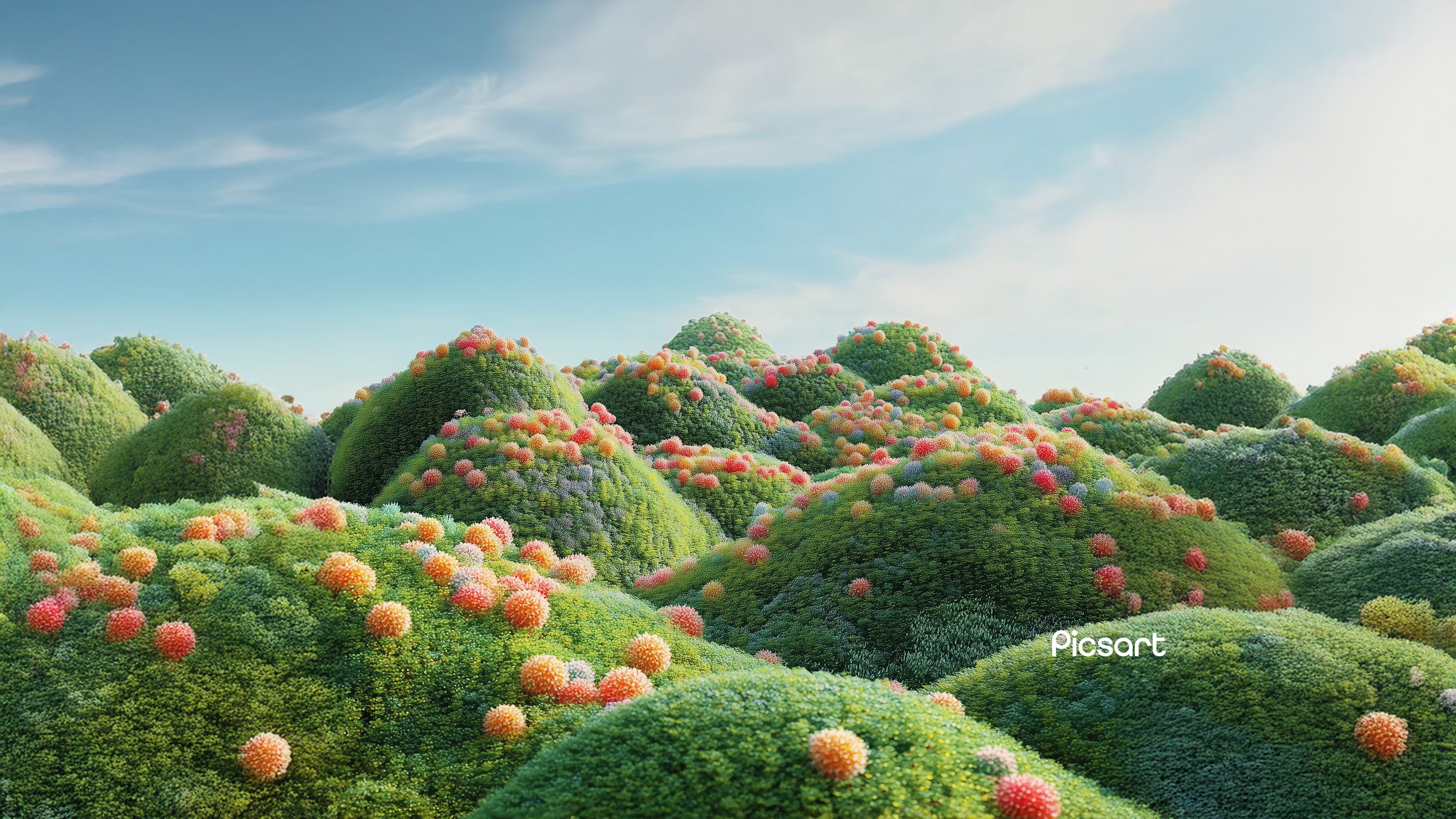
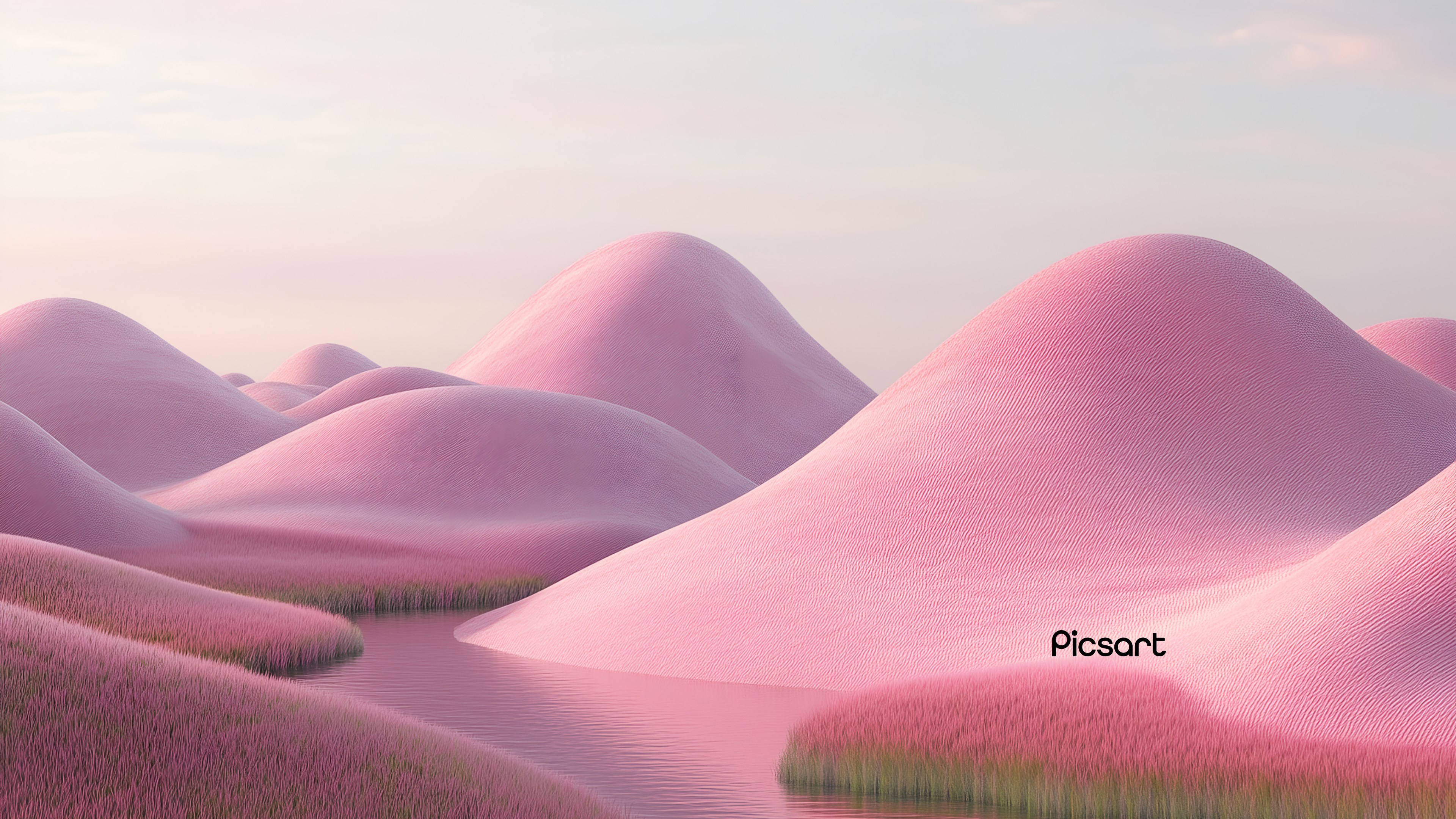
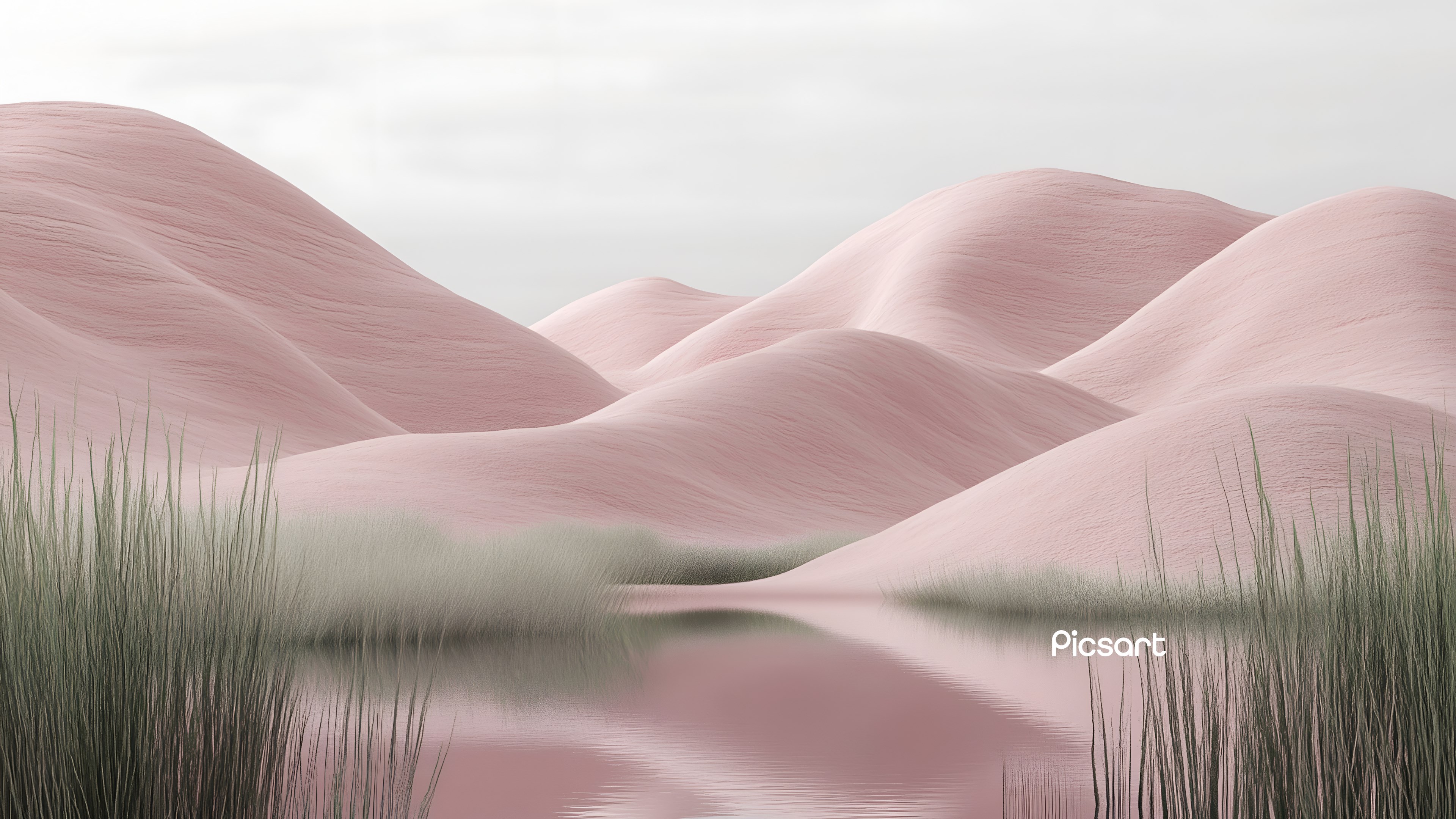
Imagine your desktop as a canvas, and Ethereal Escapes as your palette. From misty mountain mornings to glowing sunsets over a tranquil lake, the app immerses you in breathtaking imagery. Navigating through the interface feels like unfolding a diary of serenity—clean, minimalistic, and user-friendly. The visuals are displayed with sharpness and clarity, and the app's smooth transitions make browsing these ephemeral landscapes a pleasure rather than a chore. The experience balances sophistication with accessibility, making it easy for beginners to pick up and for seasoned users to fine-tune their aesthetic preferences.
Deep Dive into Customization and Theme Compatibility
The standout feature of Ethereal Escapes lies in its extensive customization options. Unlike many wallpaper apps that limit you to static images, it offers layered overlays, subtle animated effects, and adjustable filters that breathe life into each scene. These features allow users to craft a truly unique environment that reflects their personality. Moreover, the app exhibits thoughtful theme compatibility—integrated with Windows themes, it ensures your visual choices harmonize with existing system settings, including cursor styles and accent colors. This creates a cohesive aesthetic experience that feels intentional and refined. The variety of customization options ensures no two landscapes need look alike, catering to both minimalists and elaborate design lovers alike.
Our Verdict: A Personalization Tool Worth Exploring
Overall, Ethereal Escapes stands out in the crowded space of desktop personalization tools due to its focus on quality visuals and comprehensive customization. Its intuitive interface makes it accessible, while the rich, immersive content keeps users coming back for fresh inspiration. For users who constantly seek a personalized, calming backdrop that seamlessly integrates with their Windows experience, this app comes highly recommended. Beginners can start with preset themes, while advanced users will appreciate the depth of customization options available to craft their perfect digital landscape.
In an era where our digital environments influence mood and productivity, Ethereal Escapes by PicsArt takes the approach of turning a simple wallpaper into a curated escape—an oasis for your eyes and mind. For anyone interested in elevating their desktop aesthetic with a polished, customizable, and beautifully curated collection of visuals, this app deserves a spot on your PC.
Pros
- Immersive Gameplay
- Innovative Puzzle Mechanics
- User-Friendly Interface
- Regular Content Updates
- Solid Performance
Cons
- Limited Tutorial Guidance
- Battery Consumption
- Occasional Glitches
- Limited Compatibility Details
- In-App Purchases Clarity











