

- Category Productivity
- Developer ILIUM SOFTWARE, INC.
- Available on PC
- OS Windows 10 version 0.0 or higher
- Keyboard Integrated Keyboard
- Mouse Integrated Mouse
- languages English
An Introduction to eWallet for Windows: Your Digital Vault Simplified
eWallet for Windows by ILIUM SOFTWARE is a streamlined digital wallet designed to keep your sensitive information safe and accessible. Ideal for anyone seeking a secure, organized solution for managing passwords, login details, and personal data, this app promises to make everyday digital interactions smoother and more secure.
About the Developer and Core Features
Who's Behind the App?
Developed and published by ILIUM SOFTWARE, INC., a company renowned for crafting practical and reliable organizational tools for Windows users, ensuring high standards of security and user friendliness.
Key Highlights
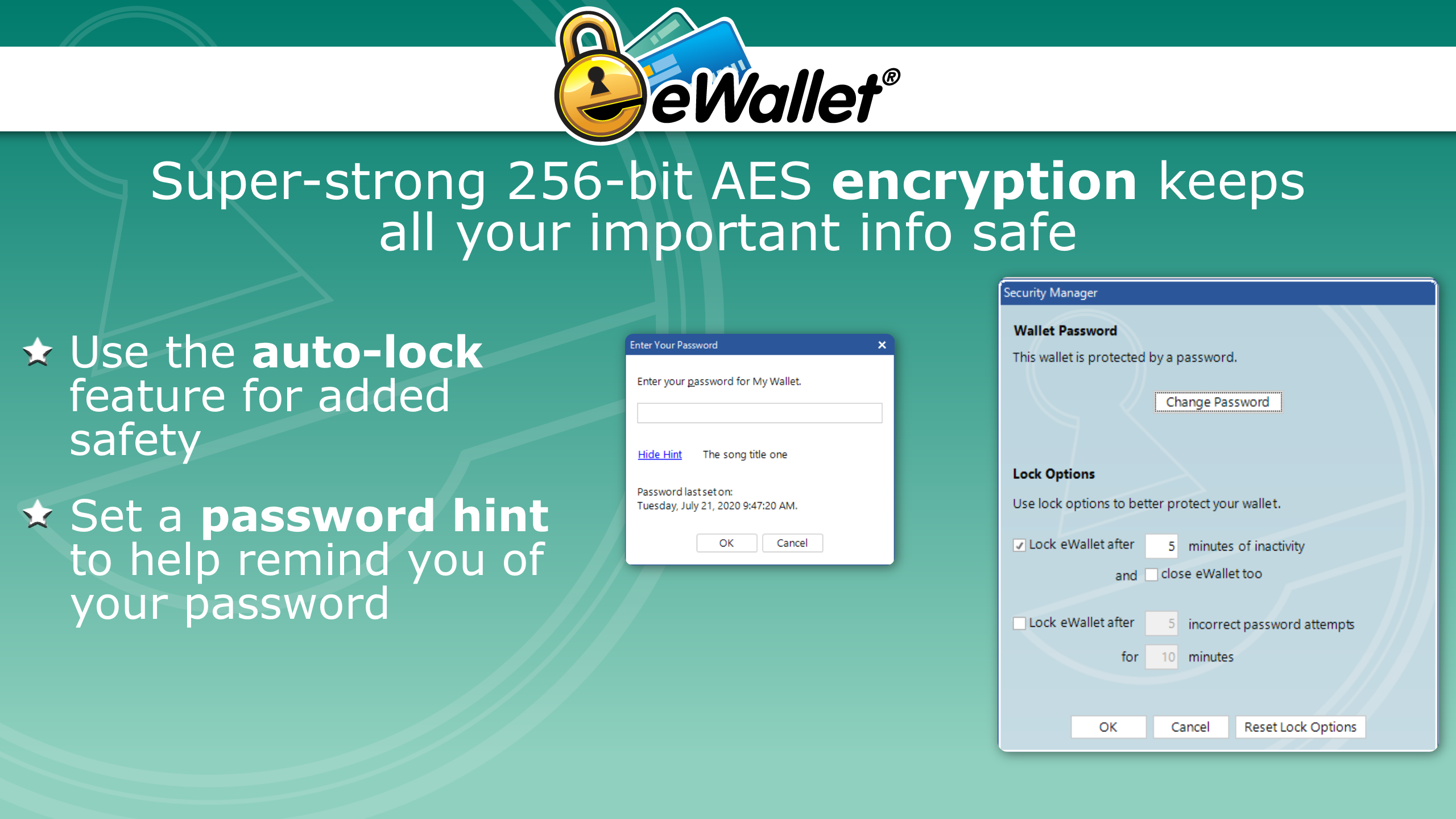
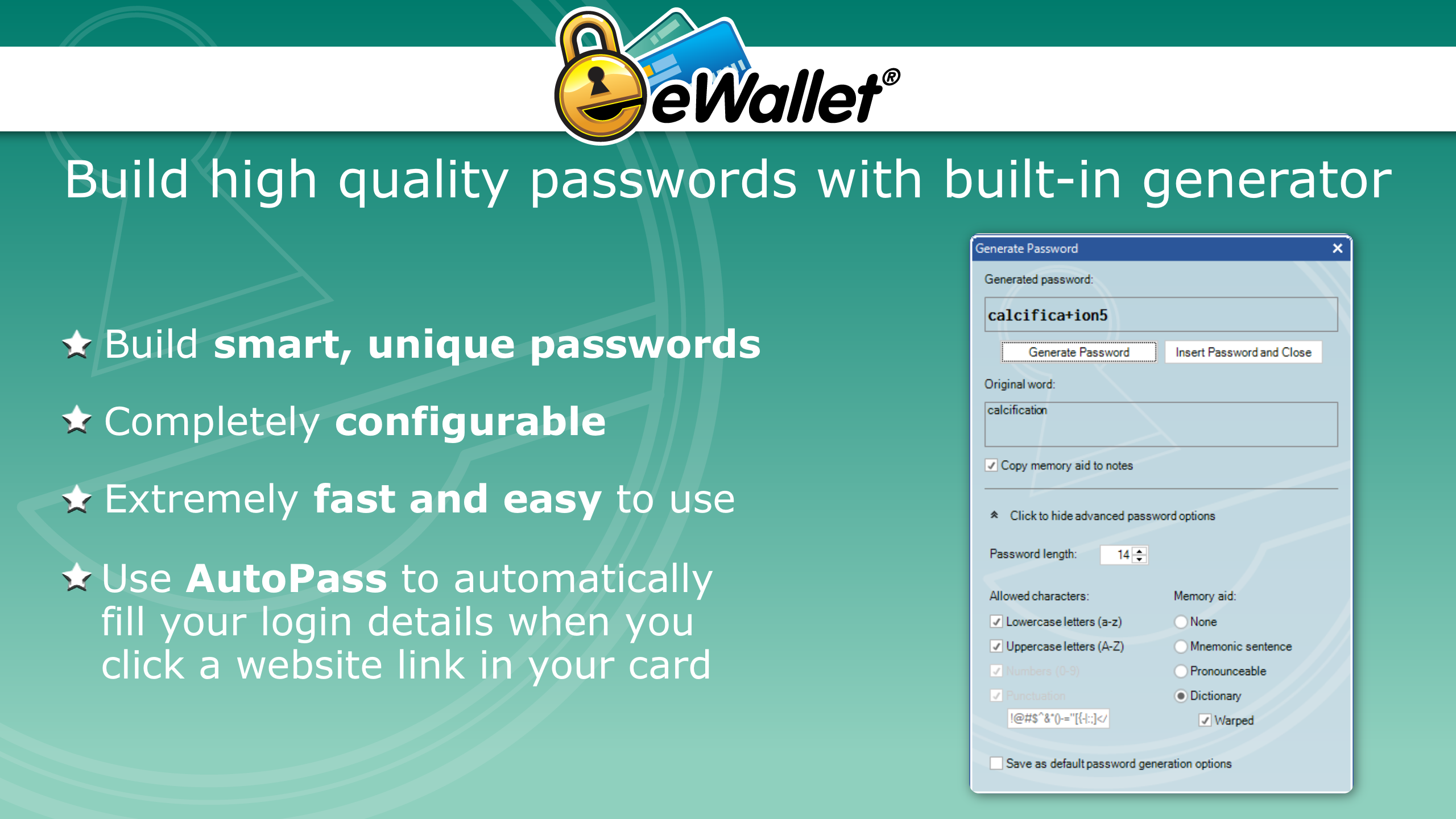
- Robust Security: Implements advanced encryption to protect your sensitive data from unauthorized access.
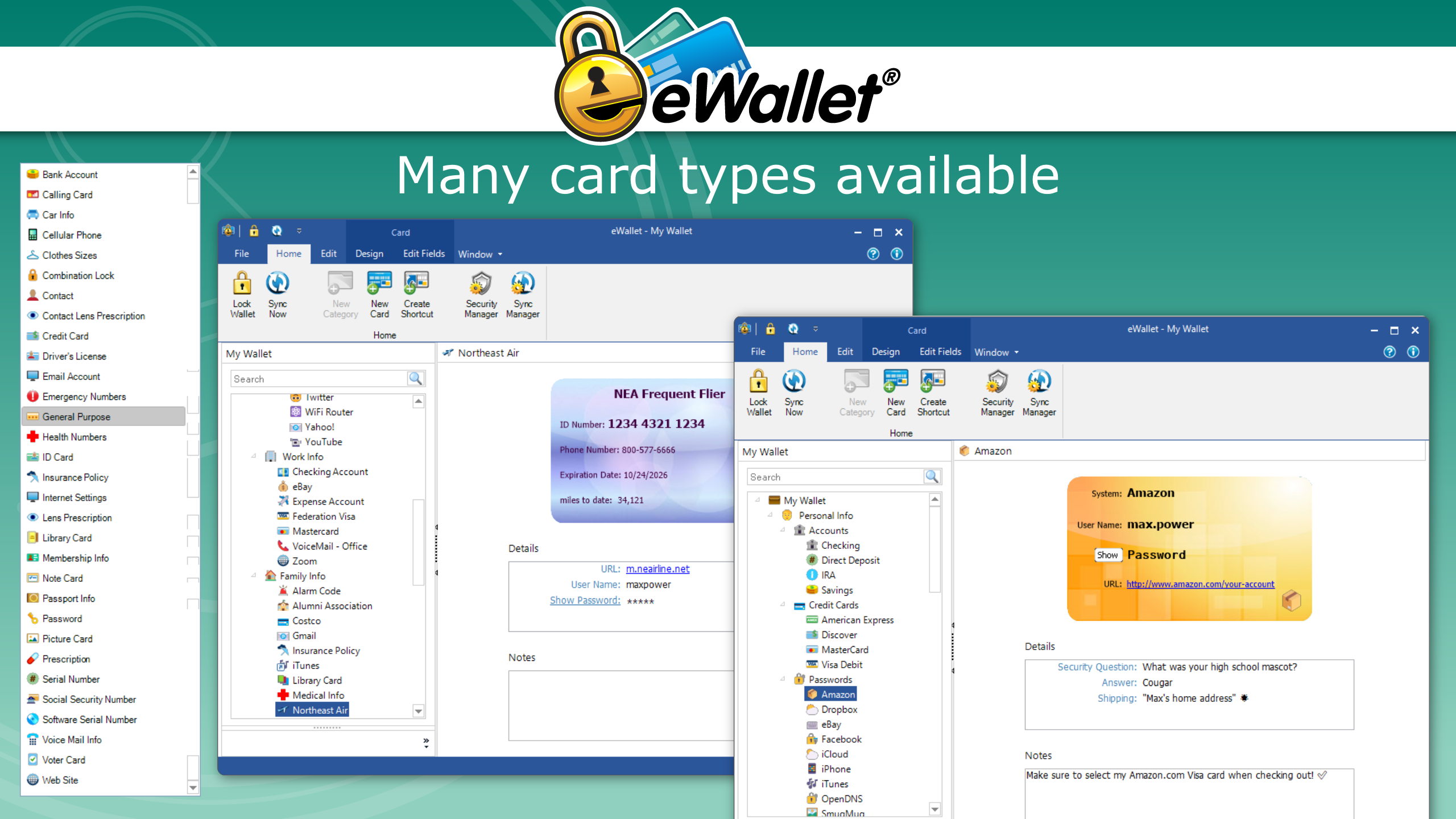
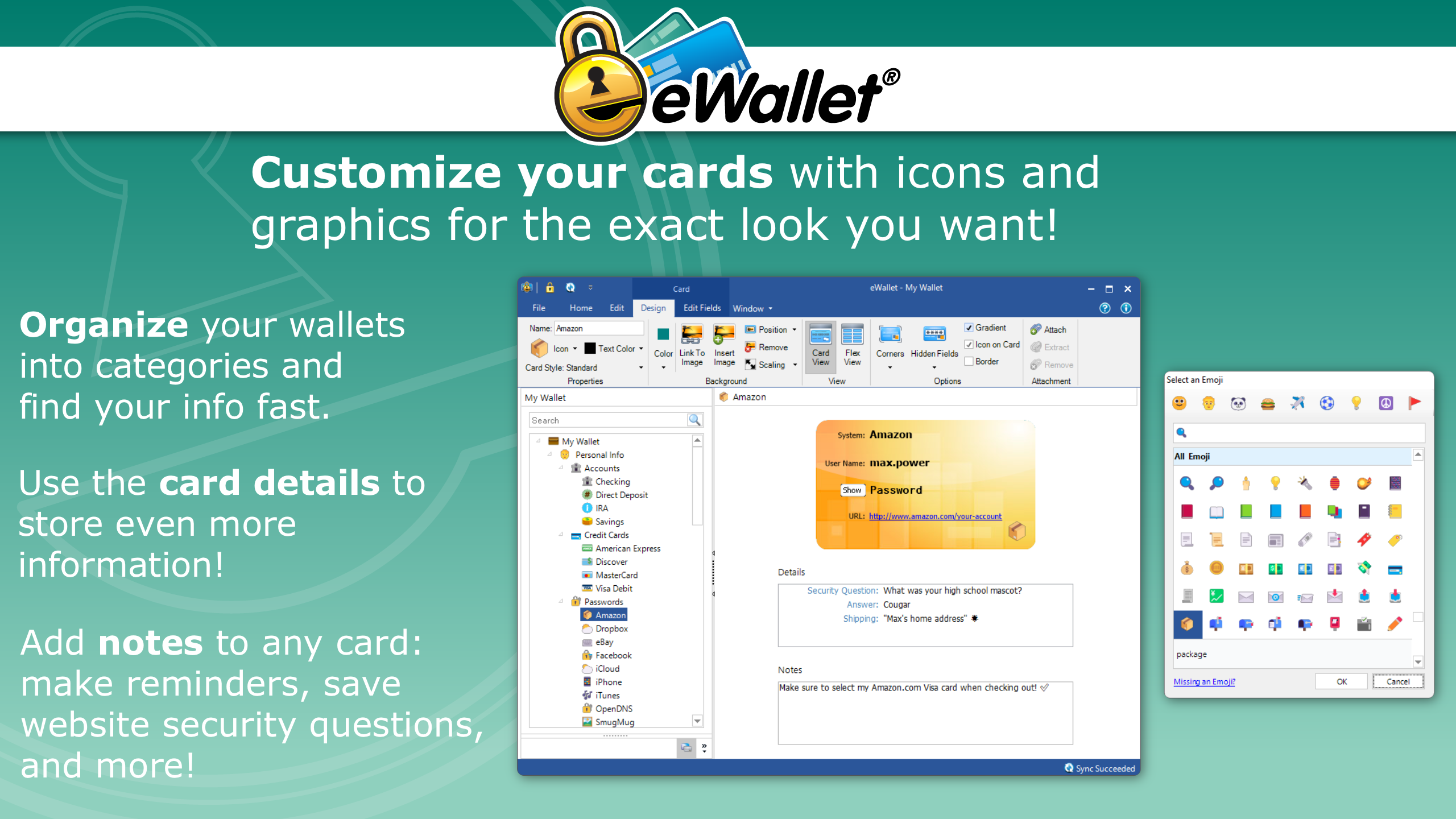
- Organized Data Management: Offers customizable categories and tags to keep your passwords and information tidy and easy to find.
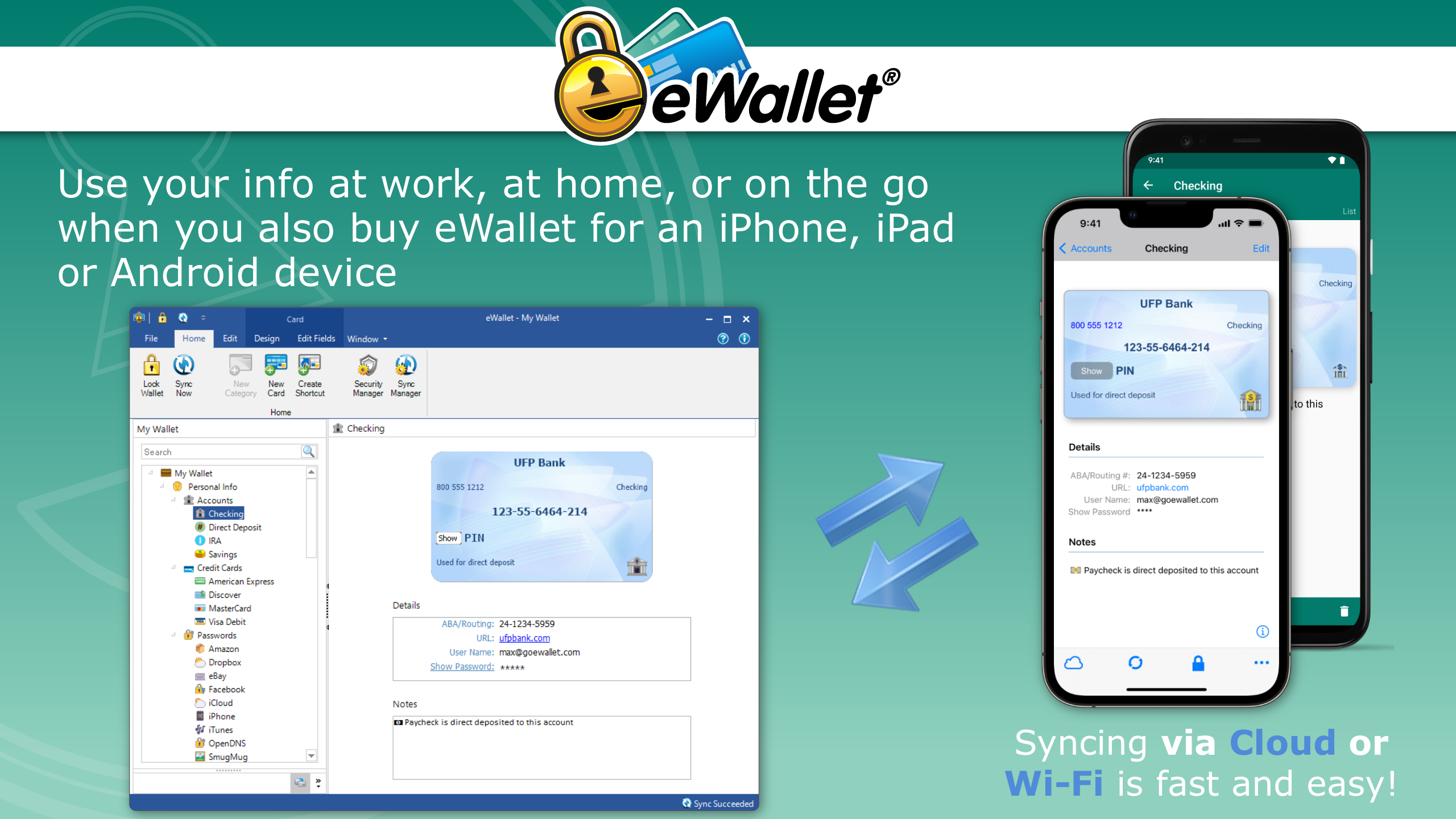
- Automatic Data Backup & Sync: Supports seamless backup options and synchronization across devices, minimizing data loss risks.
- User-Friendly Interface: Designed with simplicity in mind, enabling quick learning curve and effortless navigation.
A Fun and Functional Dive Into eWallet's Core Capabilities
Secure Data Vaulting Made Simple
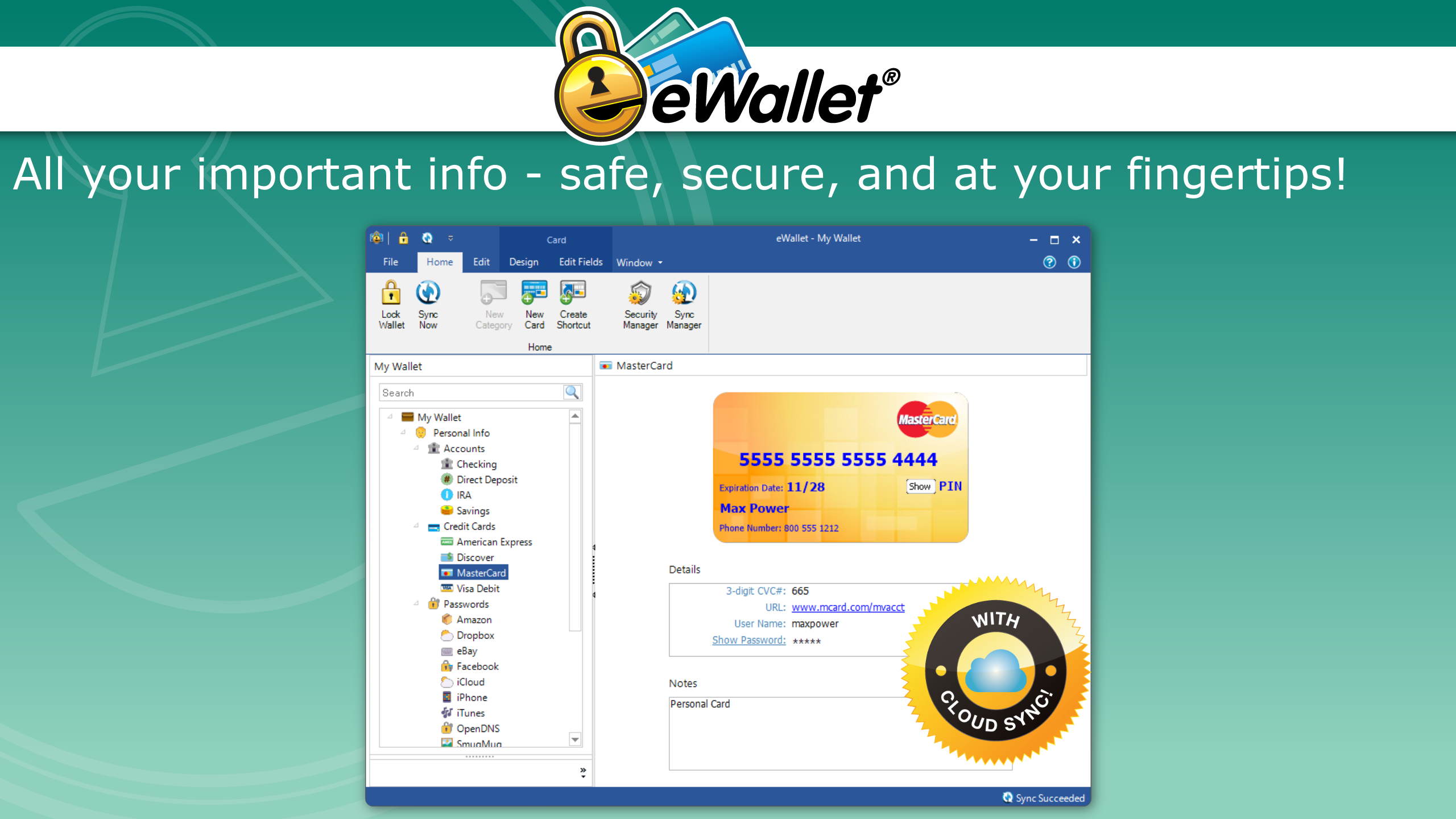
Imagine having a tiny, high-tech safety deposit box nestled right on your desktop. eWallet excels as a digital vault, encrypting all your passwords, credit card info, and personal details with military-grade security. Its intuitive interface invites you to populate this vault with data just like filing papers in a digital file cabinet, yet without the clutter. The app's emphasis on security is palpable; it's like having a trustworthy digital bodyguard watching over your data, giving you peace of mind whether you're managing banking info or online memberships.
Streamlined Workflow and Data Entry
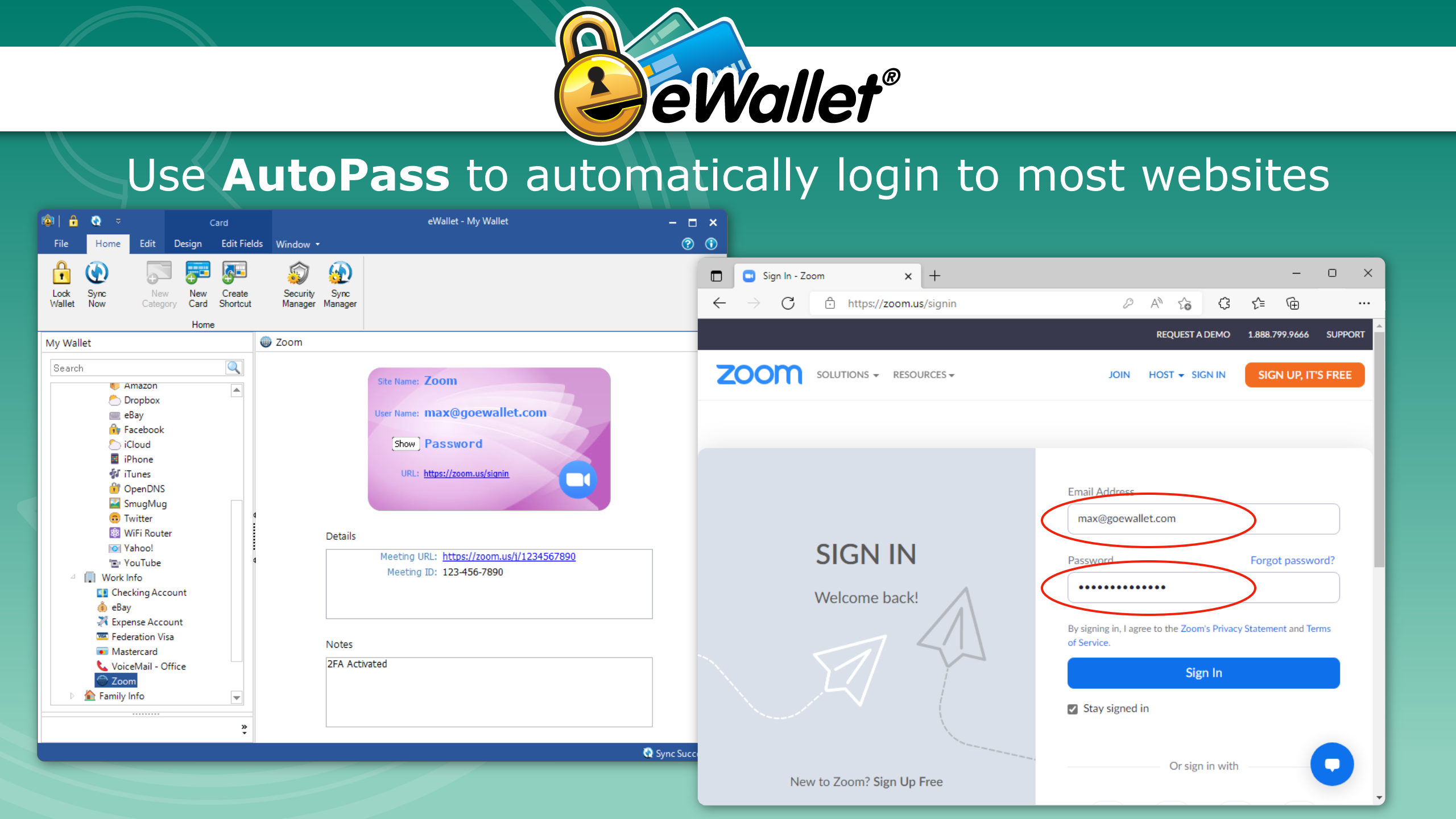
One of eWallet's standout features is how effortlessly it integrates into your daily routines. Adding a new password or card detail is a breeze—much like slipping a new card into your wallet—but with the added advantage of instant electronic access. The app supports quick fields, auto-fill capabilities, and customizable categories. This means you're not fumbling through chaotic lists but following a smooth, logical flow that minimizes cognitive load. Think of it as transforming a tedious chore into a swift, almost automatic process—your digital assistant handling the busy work behind the scenes.
User Experience: Design, Flow, and Learning Curve
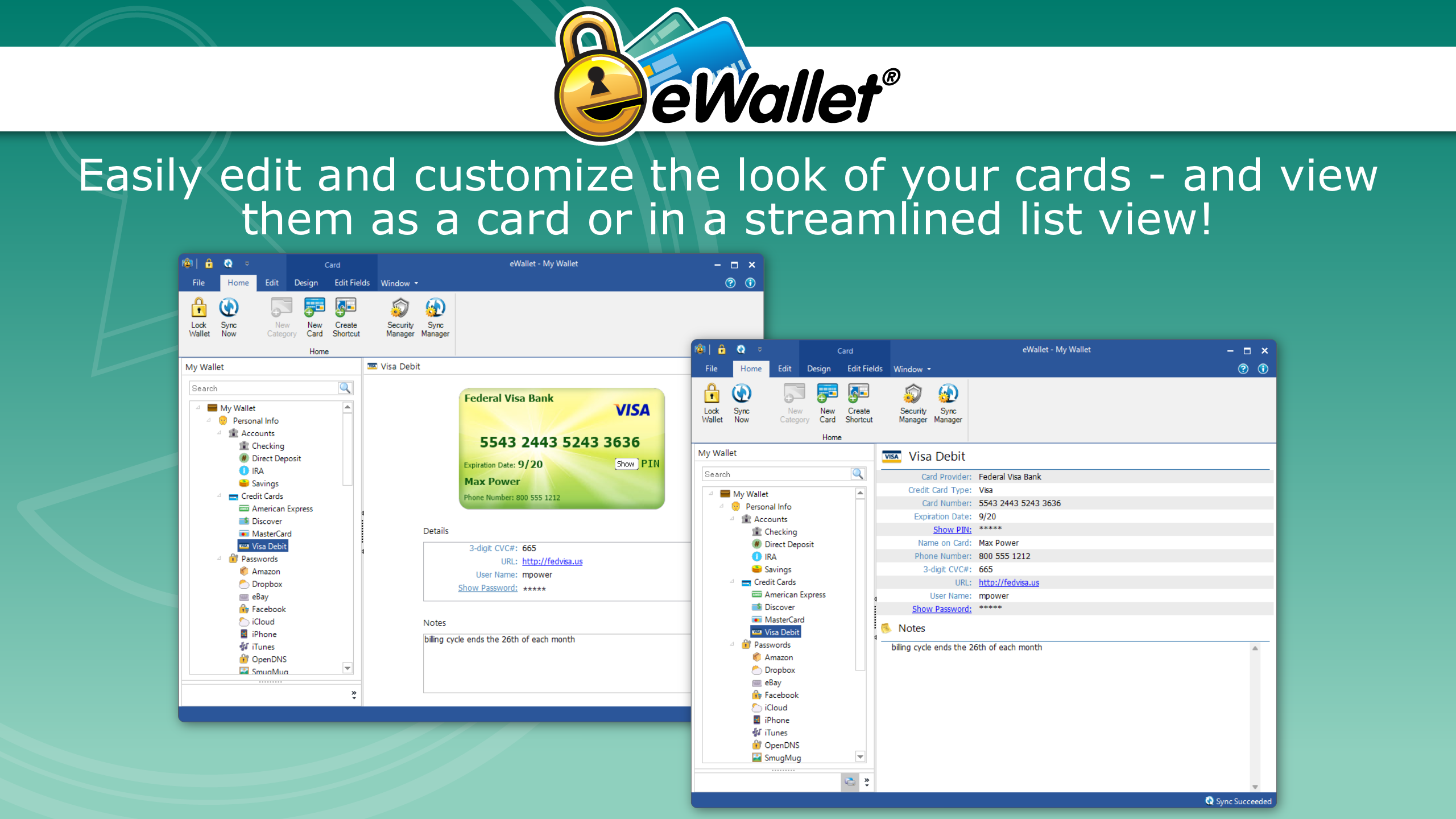
Slick and straightforward, eWallet's interface feels like a well-organized desktop—clean, crisp, and easy to navigate. The layout is akin to a familiar filing cabinet, where each category or portal is just a click away, eliminating the need for steep learning curves. Operation is snappy; responses are instantaneous, making data retrieval feel as natural as flipping a light switch. Even first-time users can pick up the app within minutes, thanks to clear icons and logical workflows that mirror real-world organizational habits.
What Sets eWallet Apart? Workflow Efficiency & Cognitive Ease
Compared to typical password managers jammed with features that often complicate rather than simplify, eWallet strikes a delicate balance. Its core strength lies in reducing cognitive load — making data entry, retrieval, and management feel almost automatic. Unlike cluttered apps that drown users in options, eWallet's streamlined design emphasizes essential functions, allowing users to focus on their workflow rather than battling interfaces. Its integration with Windows OS enhances this experience, enabling auto-fill and quick access, akin to having a digital assistant that anticipates your needs. Essentially, eWallet isn't just about storing data; it's about making your digital life easier and less stressful.
Final Thoughts and Recommendations
All in all, eWallet for Windows presents a reliable, user-centric approach to managing sensitive information. Its standout feature—the seamless integration of security with ease of use—makes it a solid choice for individuals who value both safety and efficiency. Beginners will appreciate its intuitive design, while power users will benefit from its backup and synchronization capabilities. I'd recommend this app to professionals, students, or anyone tired of juggling multiple passwords and data clutters. Though not overly feature-packed, its focus on core functionality ensures a hassle-free experience that genuinely enhances daily workflow. Consider giving it a try—you might find your digital life just got a whole lot simpler.
Pros
- Secure storage of multiple card details
- User-friendly interface for quick access
- Supports NFC and barcode scanning for easy transactions
- Syncs seamlessly across Windows devices
- Regular updates with security patches
Cons
- Limited payment options compared to other digital wallets
- Occasional sync delays between devices
- Lack of biometric authentication support
- Some users report occasional app crashes
- Limited customization options for UI










