

- Category Music
- Developer NCH Software
- Available on PC
- OS Windows 10 version 15063.0 or higher
- Keyboard Integrated Keyboard
- Mouse Integrated Mouse
- languages English (United States)
Express Rip for Windows: Your Reliable CD Ripping Companion
Express Rip is a straightforward, efficient tool designed to convert your audio CDs into high-quality digital files, making music library management simpler and more organized. Crafted by NCH Software, this application caters to users seeking a hassle-free ripping experience without the complexity of advanced editing features.
About the Developer and Core Features
NCH Software: A Trusted Name in multimedia solutions
Developed and published by NCH Software, a company renowned for its user-friendly multimedia and utility software, Express Rip exemplifies their commitment to simplicity and performance. With years of experience, NCH Software aims to provide practical tools accessible to both casual users and audiophiles.
Main Features Spotlight
- Fast and Accurate Ripping: Converts CDs into MP3 or WAV formats swiftly while preserving audio quality.
- Automatic Track Detection: Recognizes track boundaries seamlessly, reducing manual adjustments.
- Batch Processing Capability: Rip multiple discs or tracks consecutively, saving time on large collections.
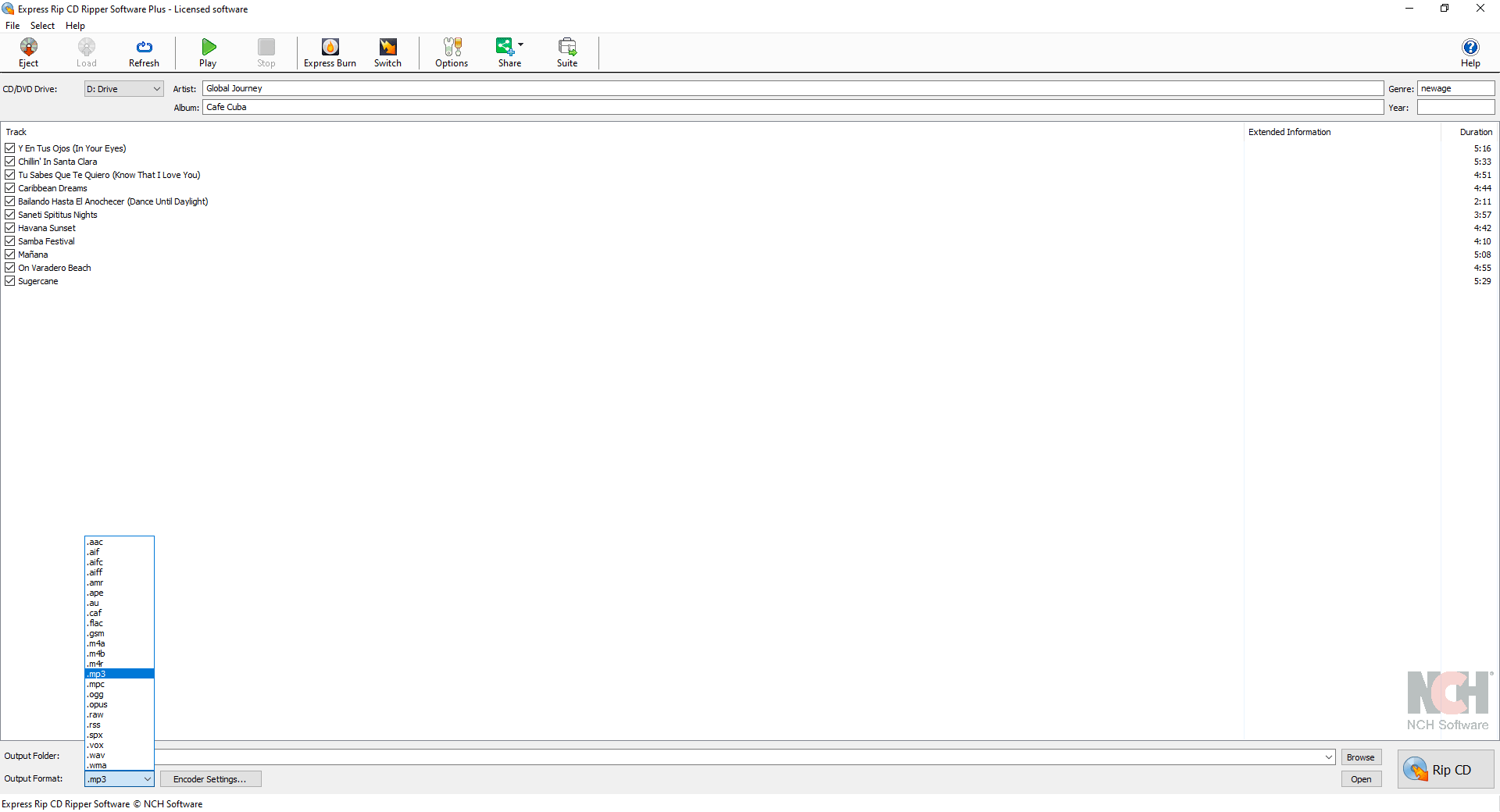
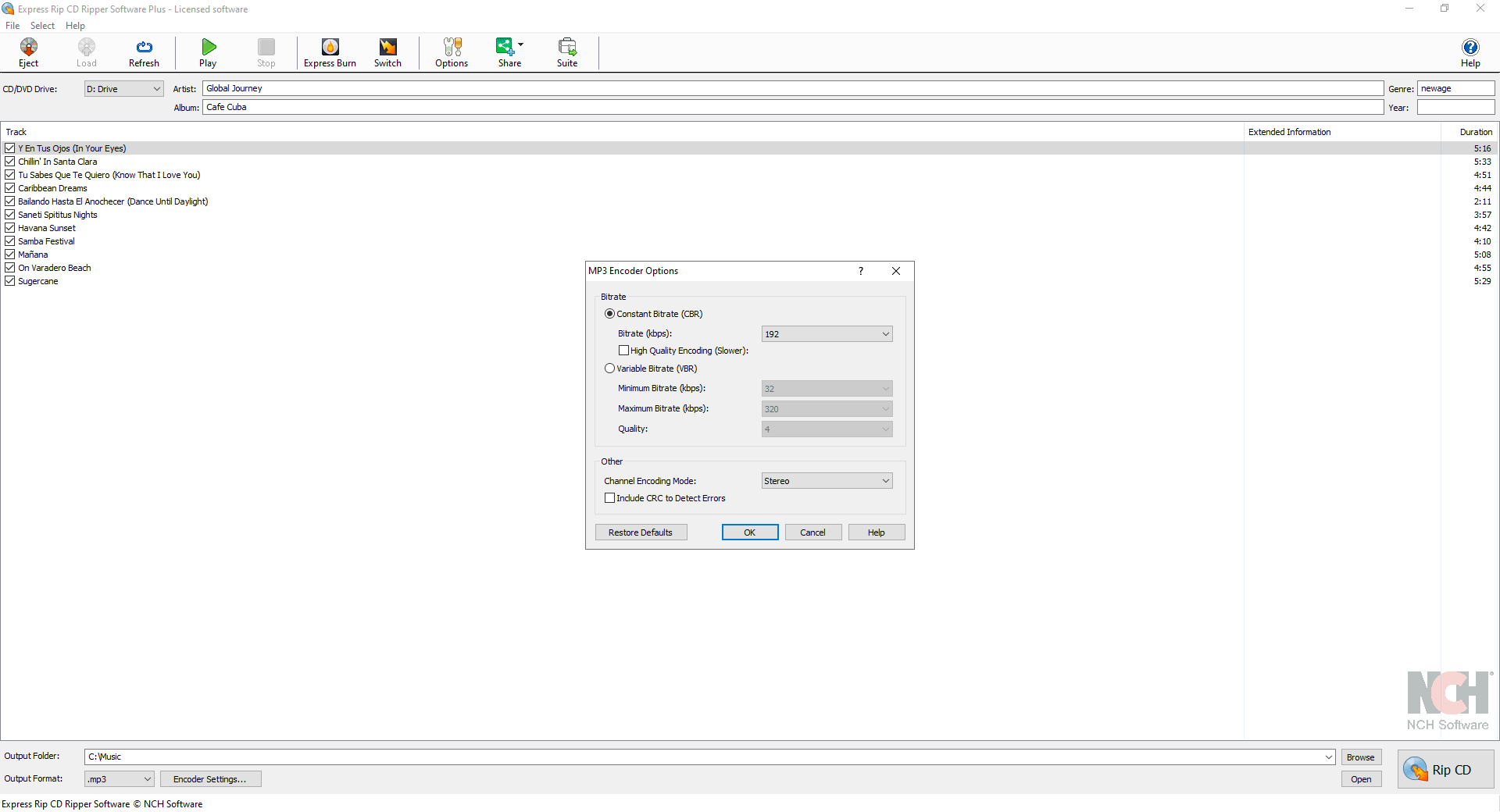
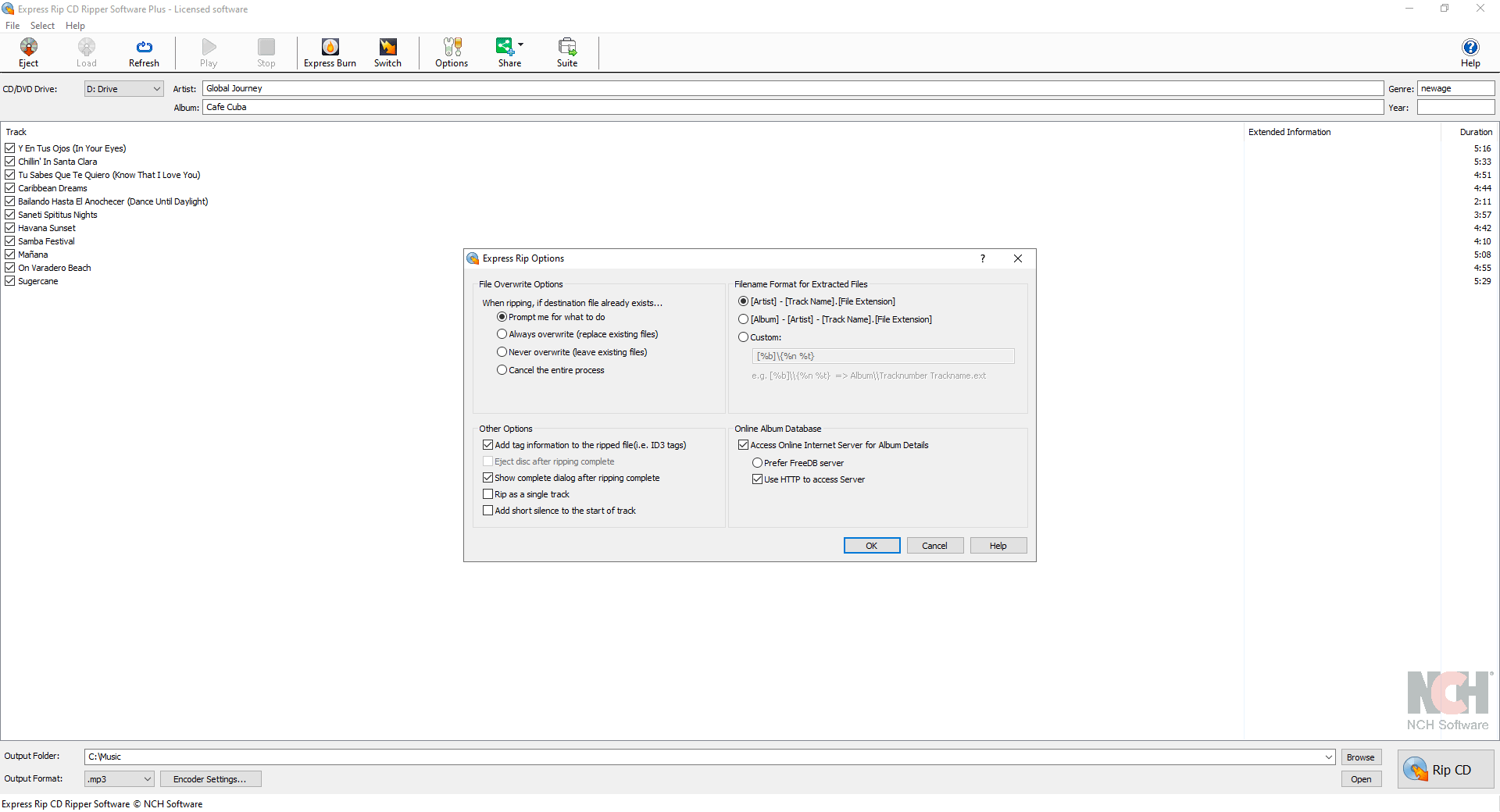
- Customizable Output Settings: Allows users to select file formats, bitrates, and output directories tailored to their preferences.
Target Audience
This application is perfect for music enthusiasts, librarians, and casual users who want a straightforward tool to digitize their CD collections without fuss. It's particularly suited for those who prioritize speed and reliability over advanced editing or tagging features.
A Fun, Effortless Ripping Experience
Imagine opening a dusty box of old CDs, eager to relive those nostalgic tunes on your modern device. Express Rip steps in like a dependable friend, transforming physical discs into digital assets with just a few clicks. Its clean interface and uncluttered workflow make the process feel almost like a friendly chat rather than a technical chore. Whether you're organizing a prized collection or quickly digitizing holiday playlists, this app makes it feel effortless and almost fun—turning what could be a tedious task into a simple, satisfying routine.
Core Functionality Deep Dive
Speed and Precision in Ripping
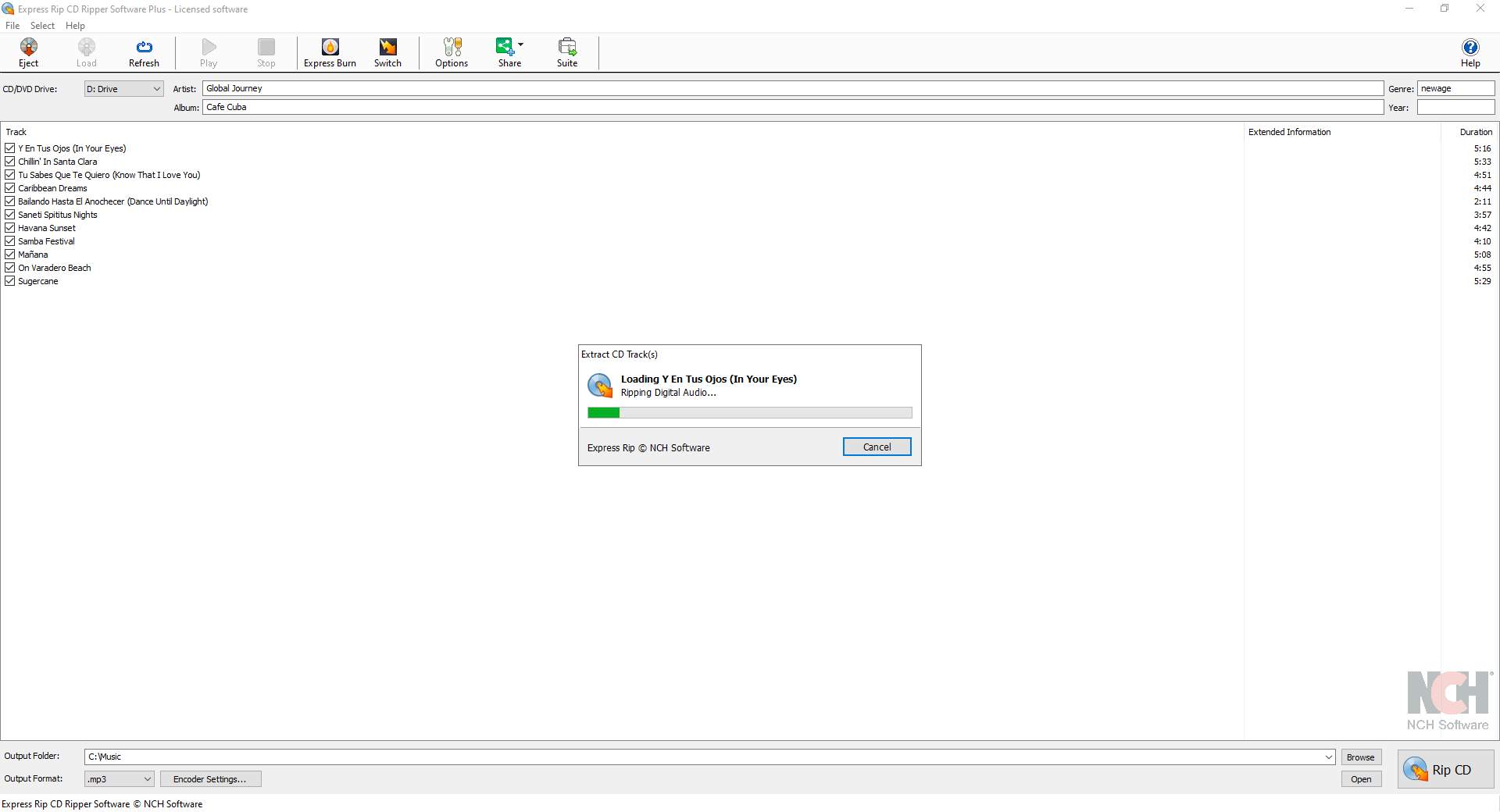
The heart of Express Rip lies in its speed and straightforward accuracy. It employs optimized algorithms that minimize the time spent per disc, unlike some bulkier tools that bog down with unnecessary extras. For users who want to quickly transport their music from discs to digital, this speed acts like a turbocharged engine—getting you onto your playlist faster than ever.
Automatic Track Detection and Format Flexibility
The application's key standout feature is its ability to automatically detect track divisions, saving users from tedious manual tagging. Plus, with support for multiple formats such as MP3 and WAV, it offers flexibility akin to having a Swiss Army knife for audio conversion. The user can specify preferred bitrates, ensuring their music sounds great without taking up excessive storage space. This dual capability of smart automation and customization makes it adaptable to different user needs.
User Experience: Interface, Flow, and Learning Curve
Express Rip sports a minimalistic yet intuitive interface that's as friendly as a well-organized workshop. Buttons are clearly labeled, and the two-step ripping process guides users smoothly from disc insertion to file saving. Transitioning from novice to proficient user is straightforward—they can master the workflow after just one or two attempts, making it ideal for those new to digital audio conversion.
What Sets It Apart from Similar Tools
Compared to more complex audio ripping applications, Express Rip's most distinctive trait is its laser focus on speed and simplicity, particularly its ability to quickly assess rhythm or pattern variety even in different music genres. Its optimized ripping engine not only maintains high audio fidelity but also tolerates minor inconsistencies in disc quality, ensuring a consistent output. Unlike some competitors that laboriously analyze rhythm patterns or require extensive manual tagging, Express Rip's streamlined approach offers a no-fuss experience perfect for everyday use.
Final Recommendation and Usage Tips
All in all, I'd recommend Express Rip to users seeking a straightforward and reliable CD ripping tool without extra bells and whistles. It's like a dependable cart that's always ready to help you load your music collection onto your device with minimal fuss. For those with large collections or who enjoy customizing sound quality, combining Express Rip with a dedicated media manager or editor might be a good idea. But for quick digitization, it's hard to beat for its efficiency and ease of use.
Pros
- User-Friendly Interface
- Wide Format Support
- Fast Ripping Speed
- Accurate Tagging
- Limited Resource Consumption
Cons
- Limited Export Options
- Basic Editing Features
- No CD Metadata Editing
- Limited Customization Settings
- Compatibility with Newer Operating Systems











