

- Category Multimedia design
- Developer Expressive
- Available on PC
- OS Windows 10 version 0.0 or higher
- Keyboard Integrated Keyboard
- Mouse Integrated Mouse
- Memory 4 GB
- DirectX Version 11
- languages English
Expressive Animator for Windows: Bringing Your Animations to Life with Simplicity and Style
In the world of digital animation, finding an accessible yet powerful tool can feel like searching for a needle in a haystack. Enter Expressive Animator—an app designed to transform your creative visions into smooth, expressive animations right within Windows. With its intuitive interface and standout features, it aims to serve both amateur enthusiasts and seasoned creators alike, making the art of animation more approachable and fun.
About the App: Who, What, and Why?
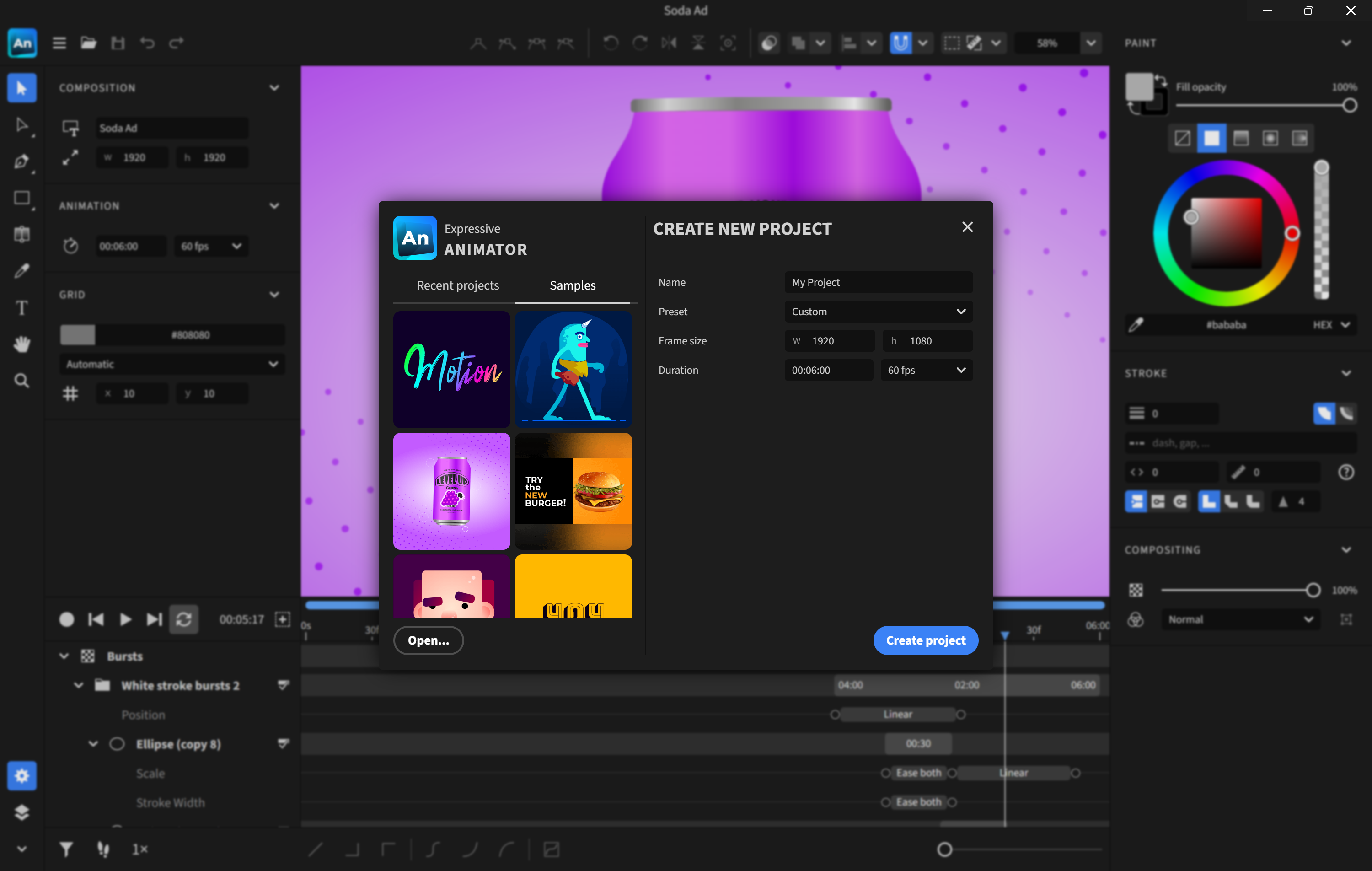
Expressive Animator is a Windows application developed and published by the team at Expressive. In a nutshell, it positions itself as a user-friendly yet versatile animation tool tailored for expressive character movement and scene creation.
Core Highlights
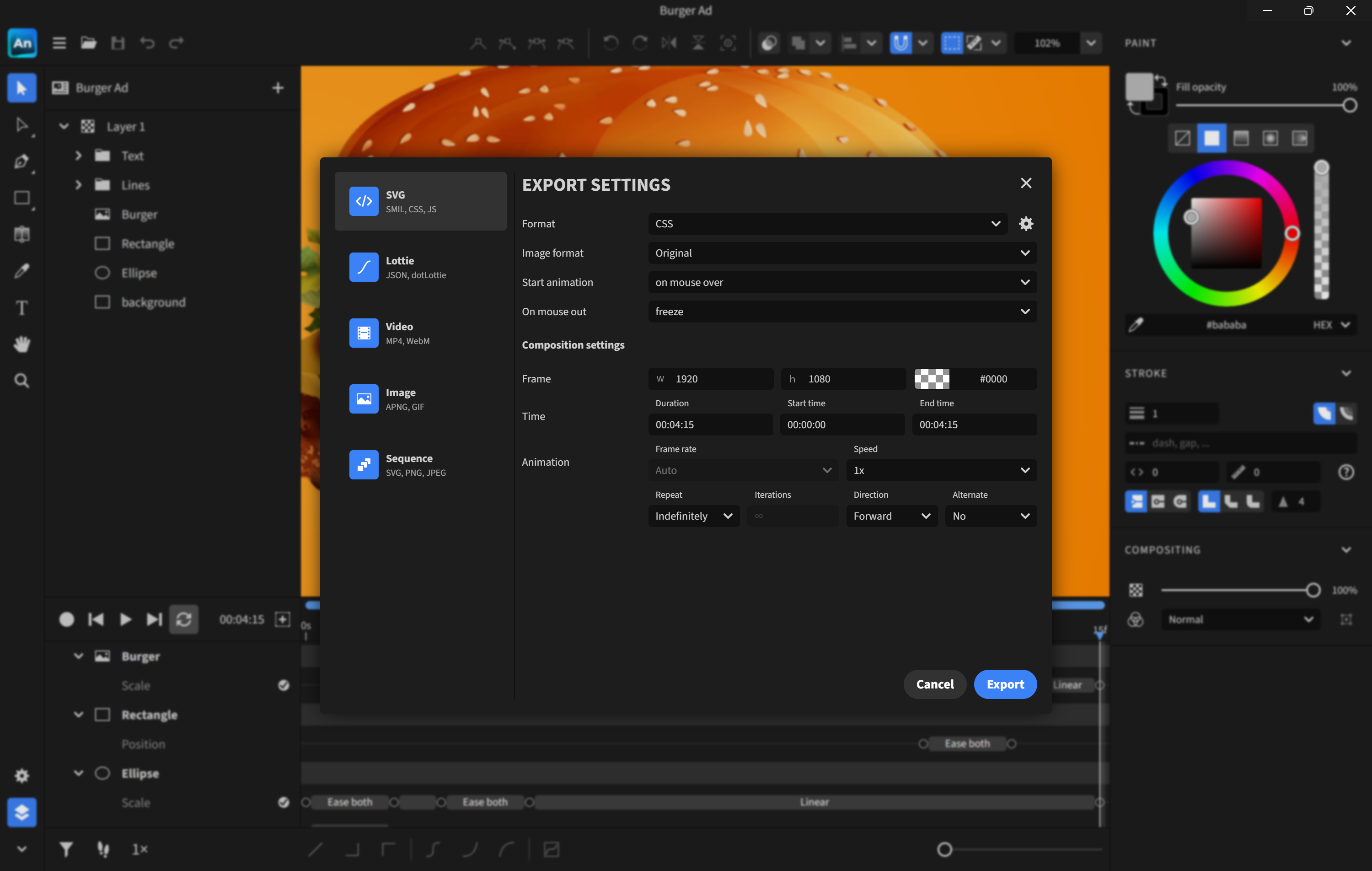
- Intuitive Motion Scripting: Allows users to create complex animations through simple drag-and-drop and keyframing, minimizing the technical barrier.
- Expressive Character Controls: Offers a rich library of facial expressions and body language options to bring characters vividly to life.
- Scene Management & Export: Facilitates easy scene organization and high-quality export options, making sharing your work straightforward.
- Learning Curve Catering: Designed with user-friendly tutorials and interface elements that reduce the intimidation for beginners while still offering depth for advanced users.
The app targets hobbyists, digital artists, educators, and small studios who want to craft expressive animations without diving into overly complex software.
A Bright New Stroke in Animation Utility
Stepping into the vibrant realm of Expressive Animator, one is greeted by a lively interface that feels less like booting up a software and more like assembling a creative toolkit for storytelling. It's akin to opening a sketchpad filled with colorful options, ready to craft motion with ease and flair. As a reviewer, I found this app to be a breath of fresh air—approachable yet surprisingly powerful—not just a toy but a serious companion for expressive animation projects.
Core Functionality Breakdown
Expressive Character Controls – Breathing Life into Your Characters
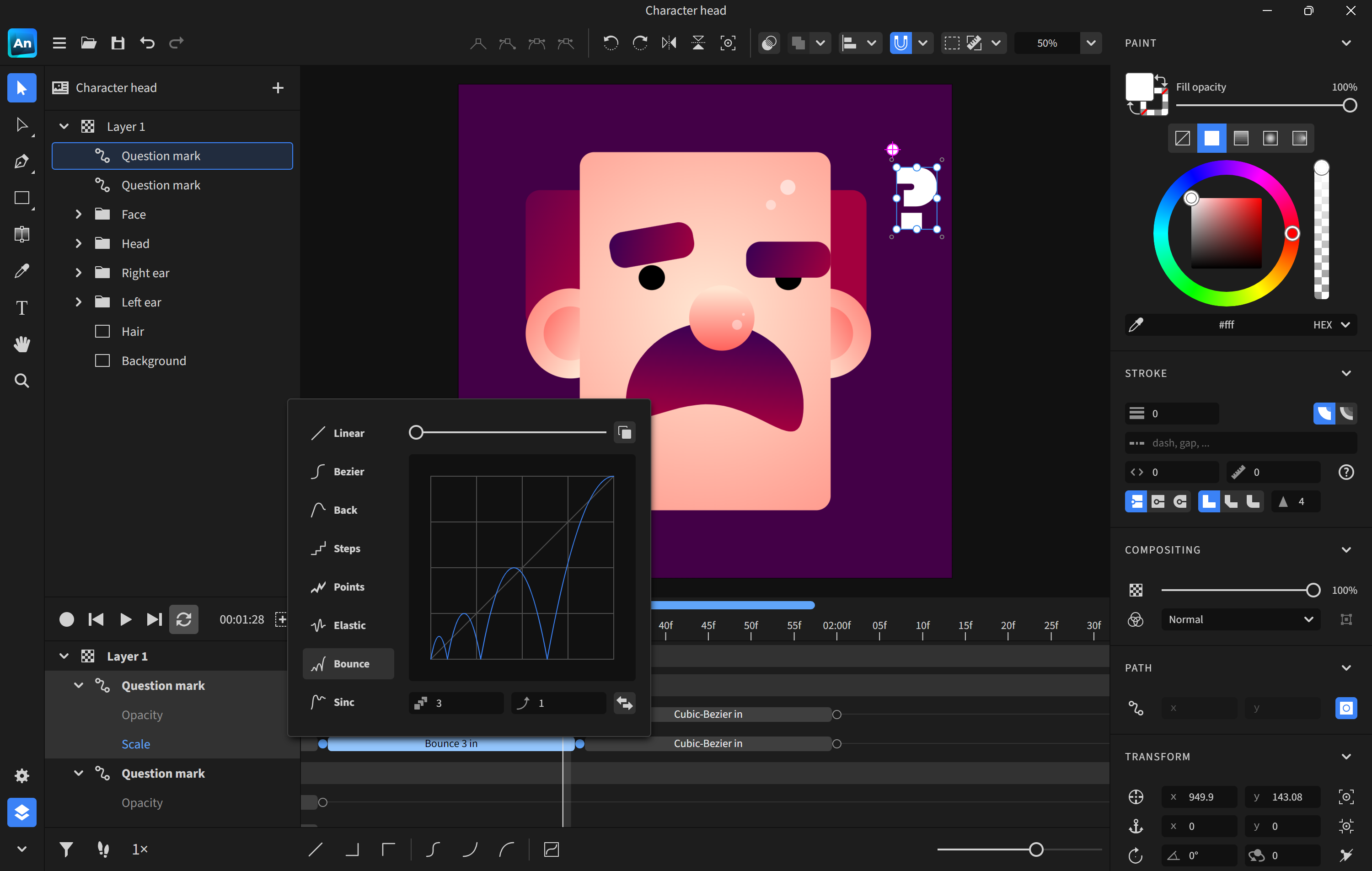
The standout feature here is the rich library of facial expressions and body gestures that can be easily applied to characters. Think of it as having a set of expressive puppet strings—manipulate eyebrows, smiles, or gestures with simple sliders or preset options. This makes conveying emotion intuitive, elevating your characters from static figures to lively personalities. The inclusion of adjustable keyframes for each expression allows nuanced performances that feel natural and engaging.
Intuitive Motion & Scene Management
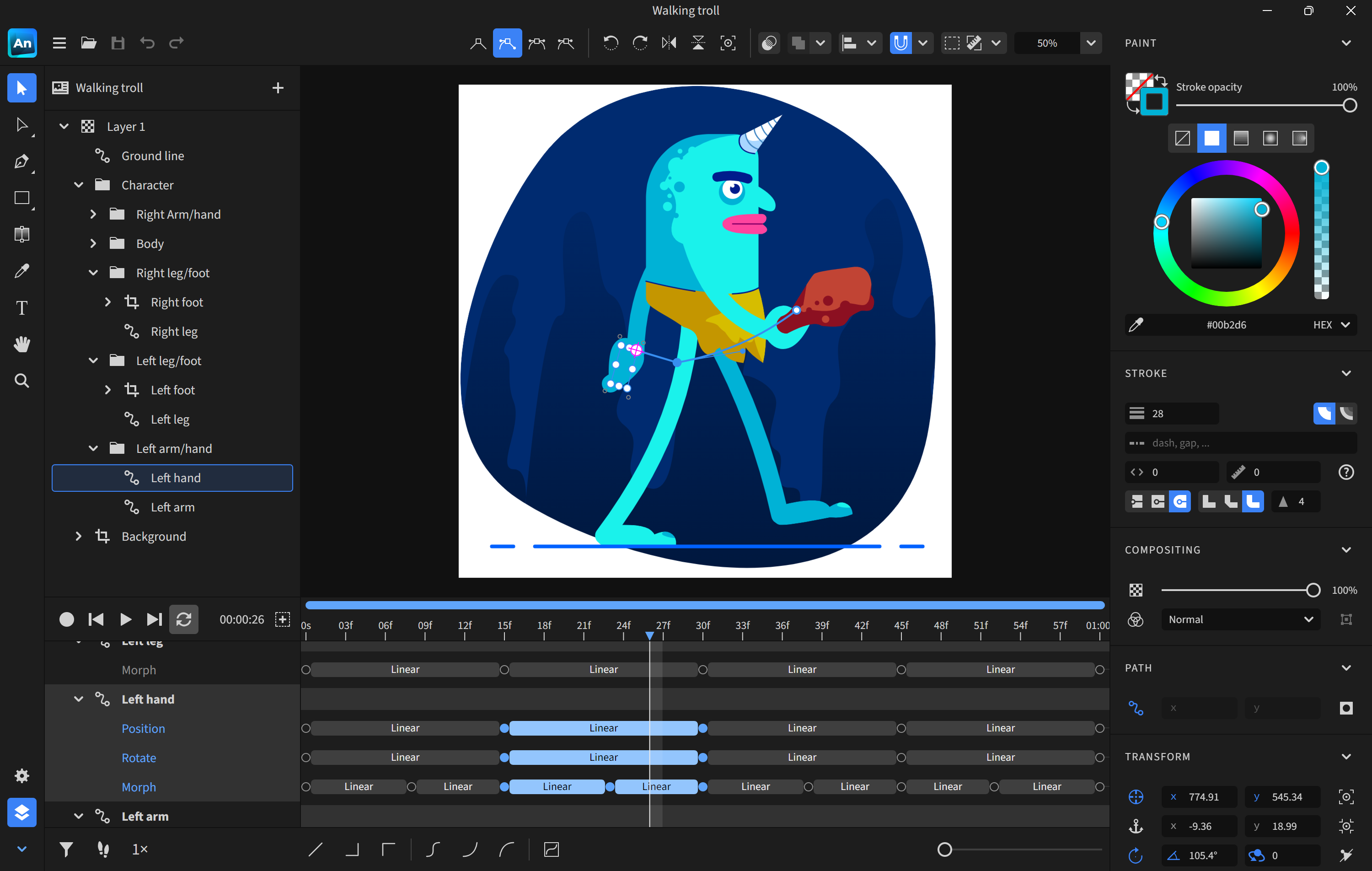
The app's drag-and-drop timeline and keyframe system simplify the animation process, making it accessible for beginners. Creating a bouncing ball, a walking cycle, or emotional reactions becomes a matter of selecting pre-made motions or customizing from scratch. Scene management tools enable rapid organization, letting you layer multiple character actions or background elements seamlessly. Export options support various formats, ensuring your animations are ready for sharing or further editing.
User Experience & Unique Differentiators
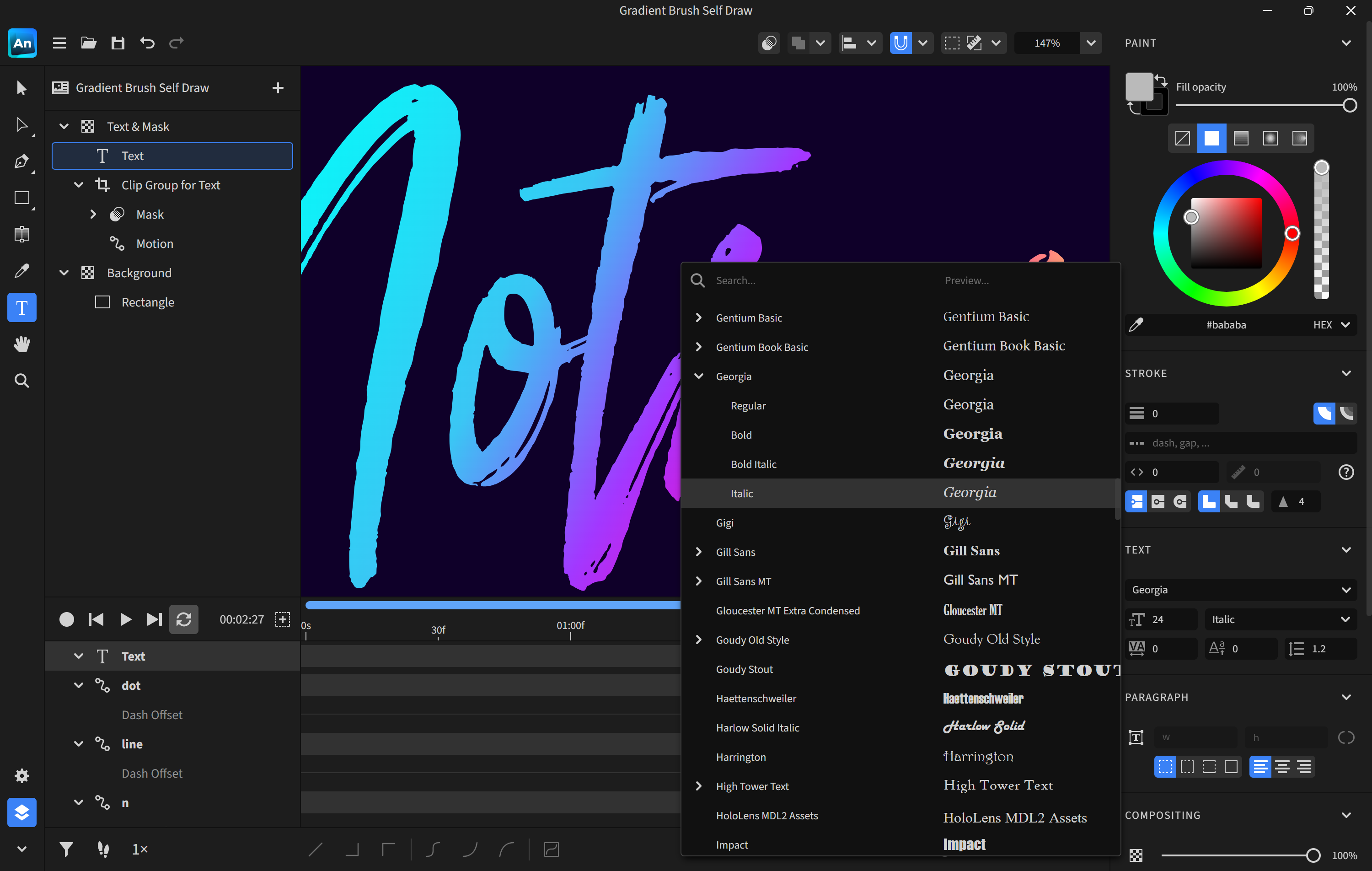
From a user interface perspective, Expressive Animator exudes clarity—buttons, panels, and controls are logically arranged, reducing the learning curve significantly. The app runs smoothly on typical Windows setups, with responsive controls that don't cause frustration. What sets it apart from other multimedia design apps is its focus on expressiveness combined with ease of use. While many animation tools require steep learning curves and complex workflows, this app's approachable design fosters quick experimentation and creative confidence.
Final Verdict: A Recommended Tool for Creative Souls
I see Expressive Animator as a practical yet inspiring tool that fills a niche: making expressive animation accessible without sacrificing quality. For beginners, it's a gentle entry point into the world of animation; for experienced users, it offers enough depth to craft expressive scenes efficiently. I recommend it mainly for those interested in character-driven animation projects, storytelling, or educational purposes. Keep in mind, it may not replace high-end professional animation software for intricate projects, but it certainly excels in its target realm.
In summary, if you're yearning to quickly animate lively characters with clear expressions and smooth motion, Expressive Animator offers a compelling mix of simplicity, power, and fun. Give it a try—you might find your storytelling talents blossoming faster than ever!
Pros
- Intuitive User Interface
- Rich Animation Tools
- Fast Export Options
- Affordable Pricing
- Regular Updates and Improvements
Cons
- Limited 3D Animation Support
- Performance Issues on Older Devices
- Limited Export Formats
- Learning Resources Are Basic
- Occasional Stability Bugs










