

- Category Social
- Available on PC
- OS Windows 10 version 19041.0 or higher
- Memory 2 GB
- languages English
A Fresh Take on Social Connectivity: Facebook for Windows
Facebook for Windows is a dedicated desktop application offering users a streamlined, familiar way to connect, share, and explore their social universe without relying on a web browser. Developed by Meta, it brings the social media experience directly to your desktop environment, aiming to enhance accessibility and convenience for its users.
Core Features That Make a Difference
1. Seamless Desktop Integration with Optimized Performance
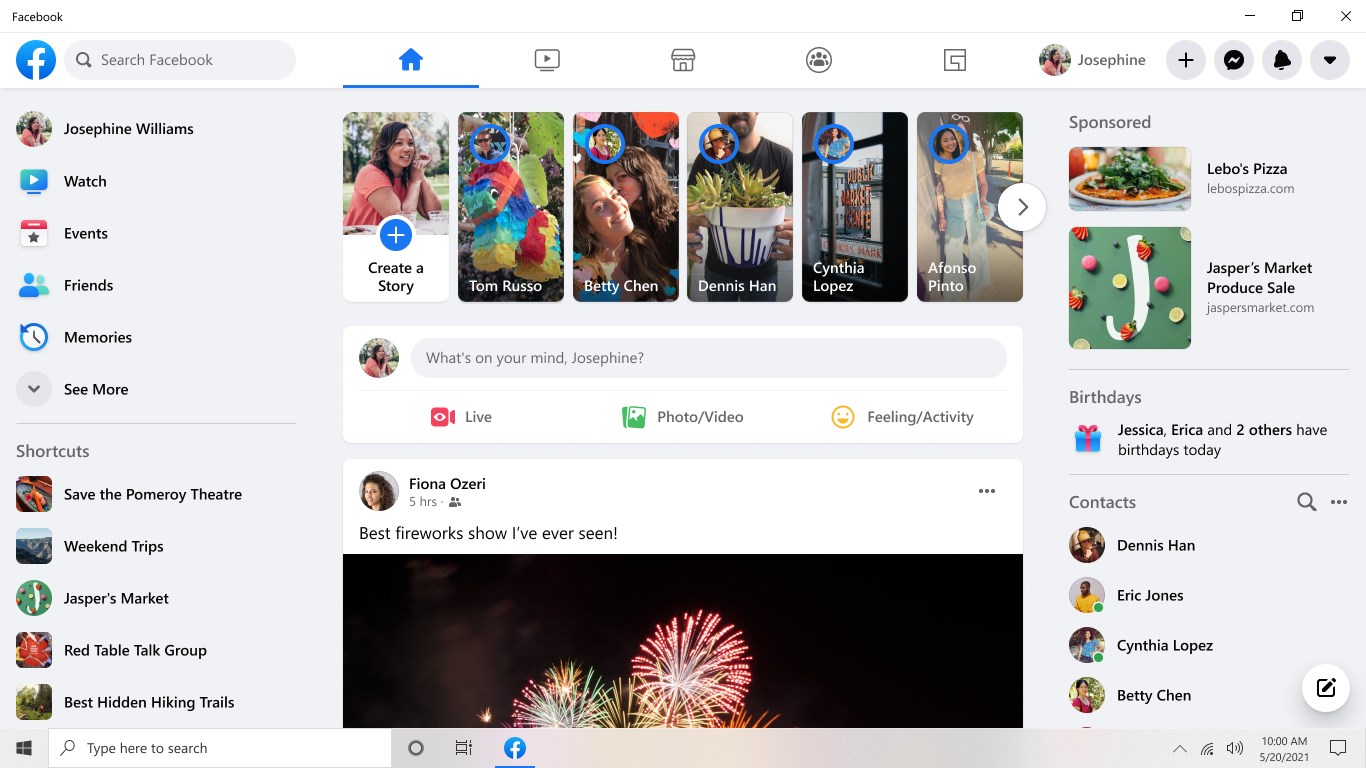
The app provides a native experience on Windows, meaning it's more than just a web wrapper. Its interface is designed specifically for desktop use, resulting in faster load times and smoother interactions. Whether you're scrolling through your news feed or messaging friends, the experience feels fluid and responsive, akin to flipping through a well-organized digital scrapbook. This direct integration reduces reliance on browser tabs and offers a more stable platform for frequent usage.
2. Robust User Profile Customization & Authenticity Verification
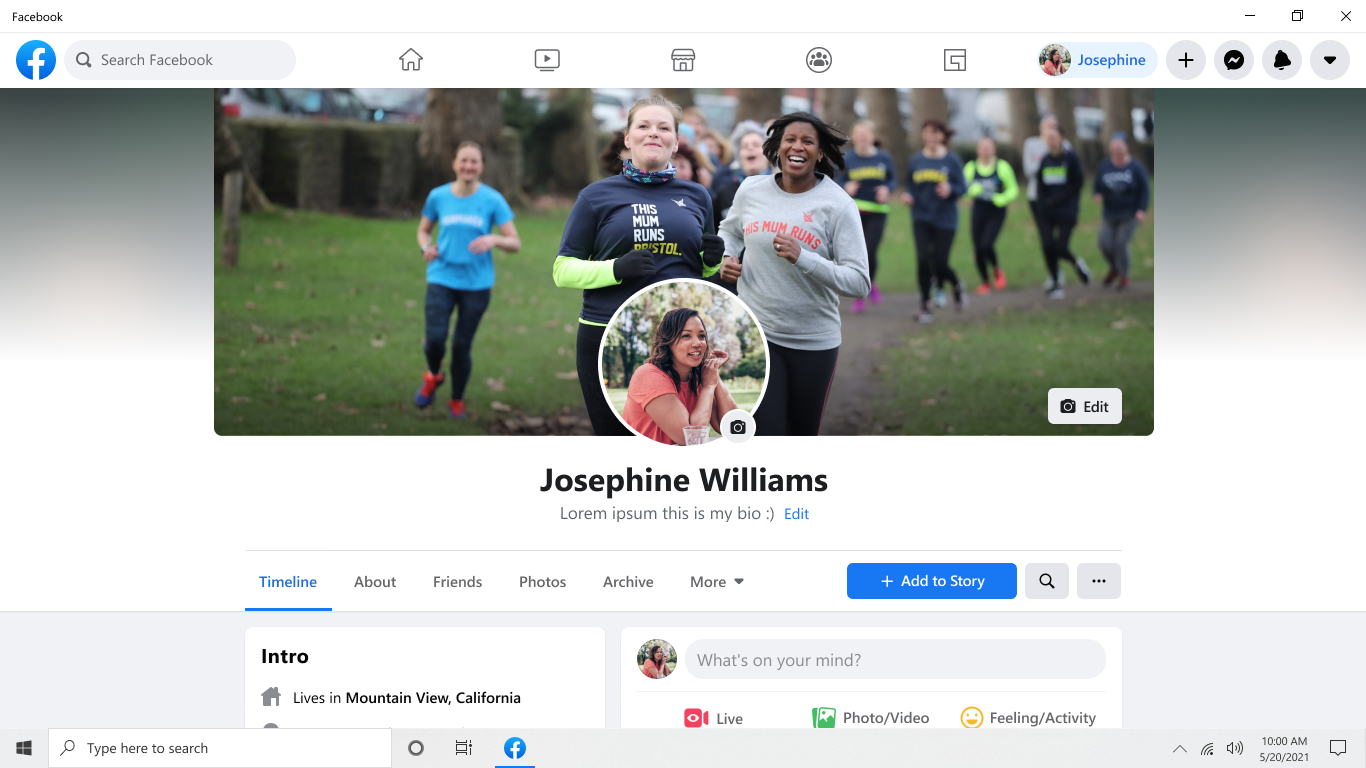
One standout feature is the app's focus on profile authenticity. It incorporates clear verification indicators and offers enhanced options for users to customize their profiles, making it easier to showcase genuine identities. This not only fosters trust within communities but also helps users quickly identify real contacts amid the sea of profiles. The dedicated area for profile modifications is intuitive, simplifying the process for users who wish to update their details or enhance their online presence.
3. Connection Discovery & Content Personalization
The app excels in helping users rekindle old connections and discover new ones through its connection discovery tools. It provides tailored suggestions based on mutual friends, interests, and activity patterns. This personalized approach acts like an social GPS, guiding users to find authentic and meaningful interactions. Additionally, content algorithms prioritize posts relevant to the user, making each scroll feel personalized rather than generic.
Examining User Experience and Design
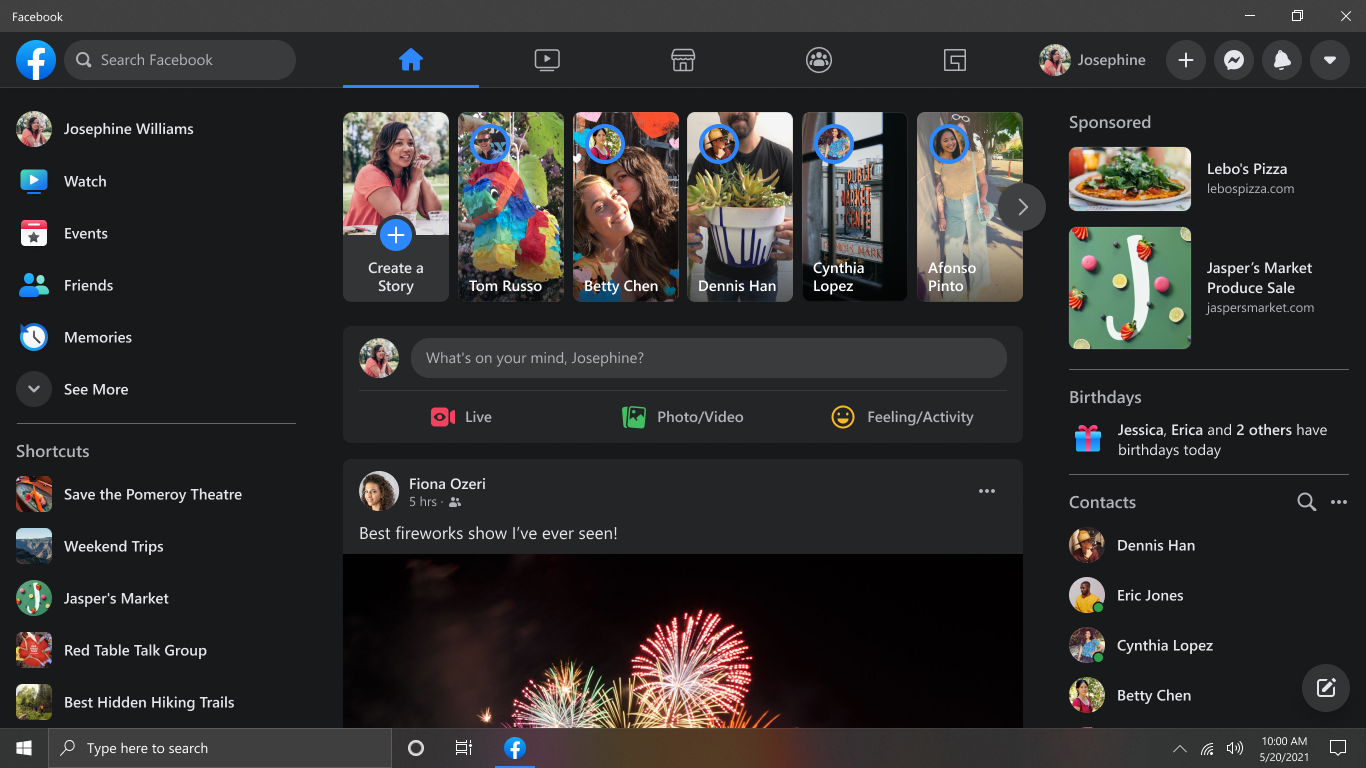
Facebook for Windows boasts a clean, modern interface that mirrors its mobile counterparts, ensuring friends familiar with the app feel right at home. Navigation is intuitive—think of it as having a well-mapped city where each landmark (menu) is easily reachable. The app operates with remarkable smoothness; transitions between sections are seamless, and there's minimal lag even with multiple windows open. For new users, the learning curve is gentle, thanks to thoughtfully designed onboarding cues and tooltips. Overall, the user experience is akin to a friendly guide leading you effortlessly through your social adventures.
Unique Strengths: What Sets It Apart
Beyond the fundamental features, the app's most compelling uniqueness lies in its emphasis on profile authenticity and tailored connection discovery. Unlike many social media clients that prioritize content consumption, Facebook for Windows actively encourages meaningful interactions by verifying identities and suggesting relevant contacts based on genuine connections. This creates a safer and more personalized social environment, fostering trust and authenticity—crucial elements in today's digital engagement landscape.
Final Verdict: Is It Worth Your While?
Considering its blend of performance, user-centered features, and security-focused enhancements, Facebook for Windows stands out as a worthy addition for users seeking a reliable desktop Facebook experience. It's particularly recommended for active users who prefer a dedicated app over browser usage and value profile authenticity and personalized connection tools. While it might not overhaul your social engagement, it effectively complements your existing Facebook habits with a smoother, more integrated experience.
Pros
- Intuitive User Interface
- Fast Loading Times
- Rich Media Support
- Notification Alerts
- Seamless Integration
Cons
- Occasional App Crashes
- Limited Offline Access
- Battery Consumption
- Filtering and Privacy Options
- Inconsistent Notifications











