
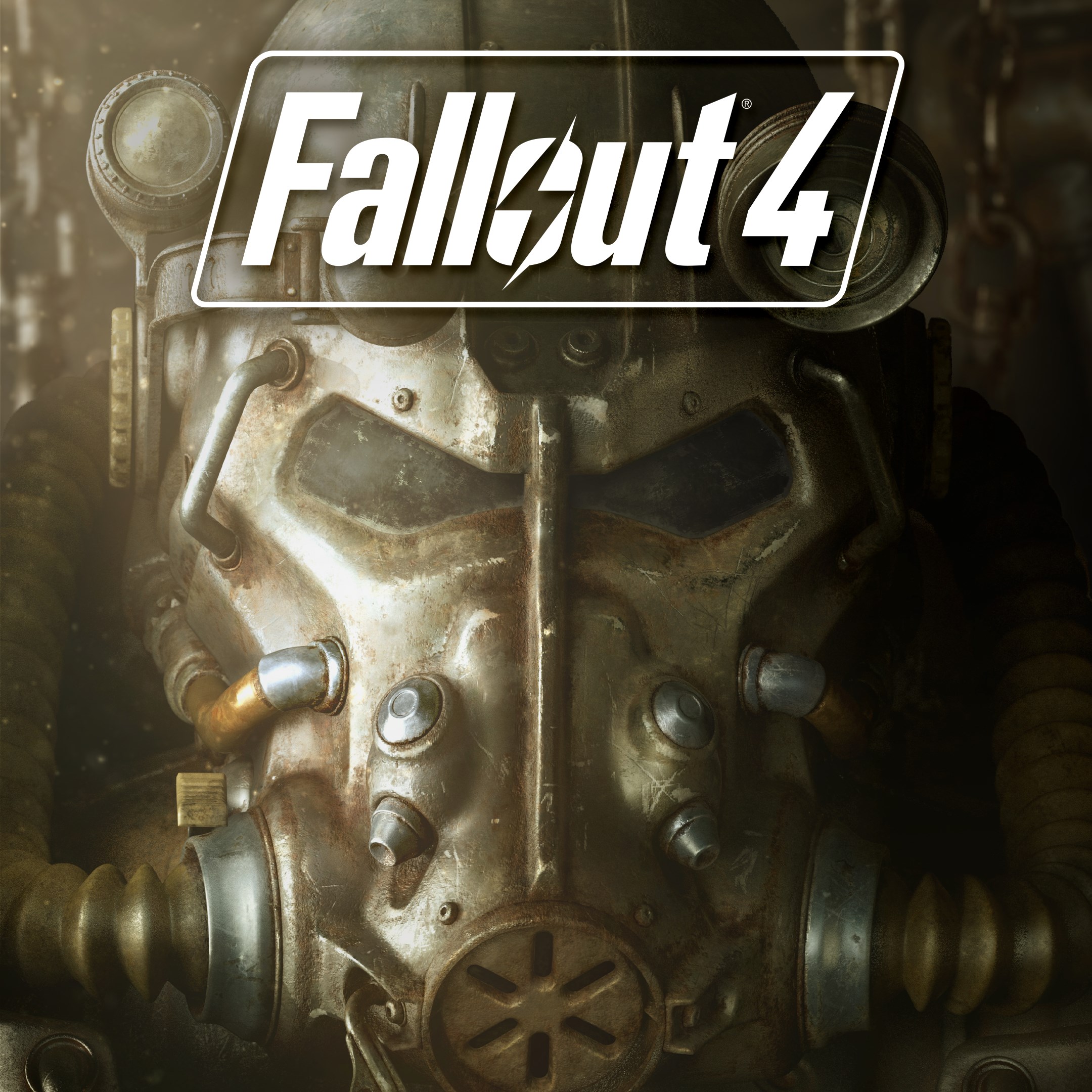
Frequently Asked Questions
How do I start playing Fallout 4 for the first time?
Download and install the app, then follow the in-game tutorial to learn the basics of movement, combat, and character customization.
How can I save my progress in Fallout 4?
The game auto-saves at checkpoints, but you can manually save via the pause menu under 'Save Game'.
What is the S.P.E.C.I.A.L. system, and how do I customize it?
The S.P.E.C.I.A.L. system is character stat setup. Access it in the character creation menu or by pressing 'Skills' during gameplay to allocate points.
How do I build and manage settlements?
Use the Workshop mode by entering the workshop interface, then select and place structures, defenses, and assign settlers via the build menu.
What are V.A.T.S. and how do I use it during combat?
V.A.T.S. slows time, allowing precise targeting. Activate it by pressing the dedicated button during combat, then select your targets.
Are there in-app purchases or paid content?
Fallout 4 offers optional downloadable content and expansions which may involve additional payment. Check the app store for details.
Can I buy a subscription to access additional features?
No, Fallout 4 is a standalone game; there are no subscription plans. Additional content is available as paid DLCs.
What should I do if the game crashes or freezes?
Try restarting your device, ensuring your app is updated, or reinstall the game. Contact support if issues persist via the app's help section.
Is Fallout 4 compatible with my device?
Check the device requirements in the app store listing to ensure your device is compatible with Fallout 4.
How can I change game settings like controls or graphics?
Access settings via the pause menu, then customize controls, graphics, and gameplay options to your preference.
You May Like

Persona 5 Royal
for Windows
4.9
Persona 3 Reload
for Windows
4.9
Stardew Valley
for Windows
4.8
Persona 4 Golden
for Windows
4.8
Undertale (PC)
for Windows
4.8
The Elder Scrolls V: Skyrim Special Edition (PC)
for Windows
4.7
Royal Revolt 2: Tower Defense
for Windows
4.6
Clair Obscur: Expedition 33
for Windows
4.6
Fallout: New Vegas Ultimate Edition
for Windows
4.6
Warhammer: Chaos & Conquest
for Windows
4.6
FINAL FANTASY
for Windows
4.5
The Elder Scrolls V: Skyrim Anniversary Edition (PC)
for Windows
4.4