
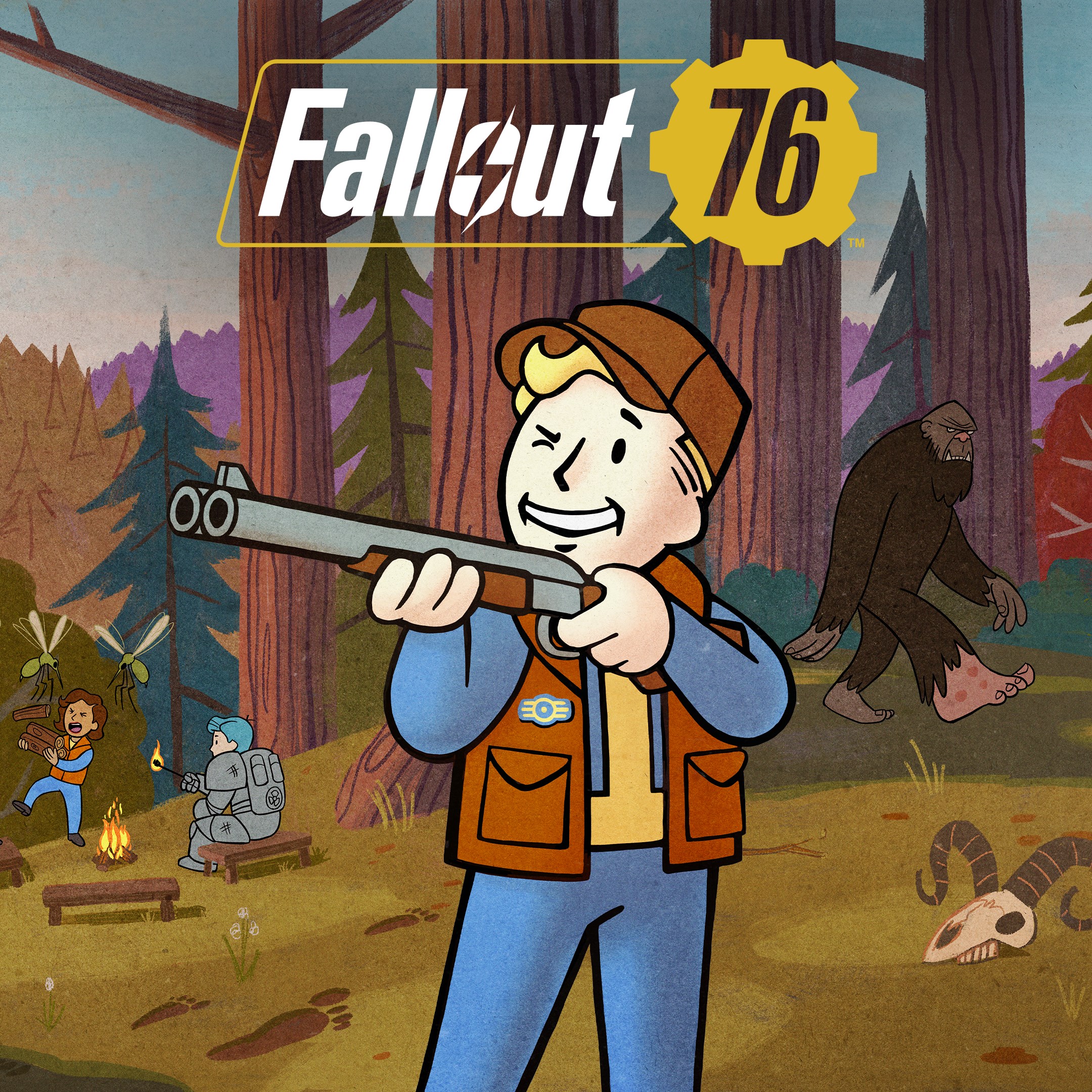
Frequently Asked Questions
How do I start playing Fallout 76 on PC for the first time?
Download the game from your platform, create a Bethesda account if needed, and follow the on-screen setup instructions to start your adventure.
What are the basic controls and gameplay features I need to know?
Familiarize yourself with movement, combat, crafting, and building systems through the tutorial or settings menu for a smooth start.
How do I join multiplayer sessions or play with friends?
Add friends via the social menu, invite them to your game, or join existing servers from the multiplayer menu for cooperative gameplay.
Can I customize my character and how do I do that?
Use the S.P.E.C.I.A.L system at character creation to customize traits, appearance, and skills during the onboarding process.
What is the C.A.M.P. system and how do I build in the game?
Access the C.A.M.P. menu from the build tab, place and customize your shelter anywhere, then gather materials to craft and expand.
How do I participate in Seasons and earn rewards?
Complete limited-time challenges during each season from the Seasons menu to unlock free rewards like items and consumables.
What are Fallout Worlds and how can I customize my gameplay?
Access Fallout Worlds from the main menu, select or create a world with customized settings to explore unique gameplay experiences.
Are there any subscription or in-app purchase options for Fallout 76?
Yes, you can purchase in-game items or seasonal passes via the in-game store or relevant platform store under the 'Payments & Subscriptions' section.
How can I manage my Bethesda account for in-game purchases or subscriptions?
Go to Bethesda.net, click on 'Account Settings' > 'Subscriptions' or 'Payment Methods' to view and manage your purchases.
What should I do if I experience game crashes or technical issues?
Try verifying game files, updating your graphics drivers, or reinstalling the game through your platform's support options for troubleshooting.
You May Like

Persona 5 Royal
for Windows
4.9
Persona 3 Reload
for Windows
4.9
Stardew Valley
for Windows
4.8
Persona 4 Golden
for Windows
4.8
Undertale (PC)
for Windows
4.8
The Elder Scrolls V: Skyrim Special Edition (PC)
for Windows
4.7
Royal Revolt 2: Tower Defense
for Windows
4.6
Clair Obscur: Expedition 33
for Windows
4.6
Fallout: New Vegas Ultimate Edition
for Windows
4.6
Warhammer: Chaos & Conquest
for Windows
4.6
FINAL FANTASY
for Windows
4.5
The Elder Scrolls V: Skyrim Anniversary Edition (PC)
for Windows
4.4