

- Category Puzzle & trivia
- Developer Play Flock
- Available on PC, Mobile, Surface Hub, HoloLens
- OS Windows 10 version 10240.0 or higher
- DirectX Version 10
- languages Chinese (Simplified), English (United States), French, German, Indonesian, Italian, Japanese, Korean, Portuguese, Russian, Spanish
Introducing Family Hotel for Windows: A Cozy Puzzle Adventure
Family Hotel for Windows is an engaging puzzle and trivia game that invites players into a charming hotel management universe filled with quirky challenges and clever riddles. With its inviting visuals and thoughtfully designed gameplay, it aims to capture the curiosity of puzzle enthusiasts and casual gamers alike.
Meet the Creative Minds Behind the App
Developed and published by Play Flock, a studio known for crafting casual, family-friendly games that harmonize puzzle-solving with engaging storytelling. Their focus is on creating accessible yet stimulating experiences that appeal to a wide audience, making Family Hotel for Windows a delightful addition to their portfolio.
Key Features That Make Family Hotel Shine
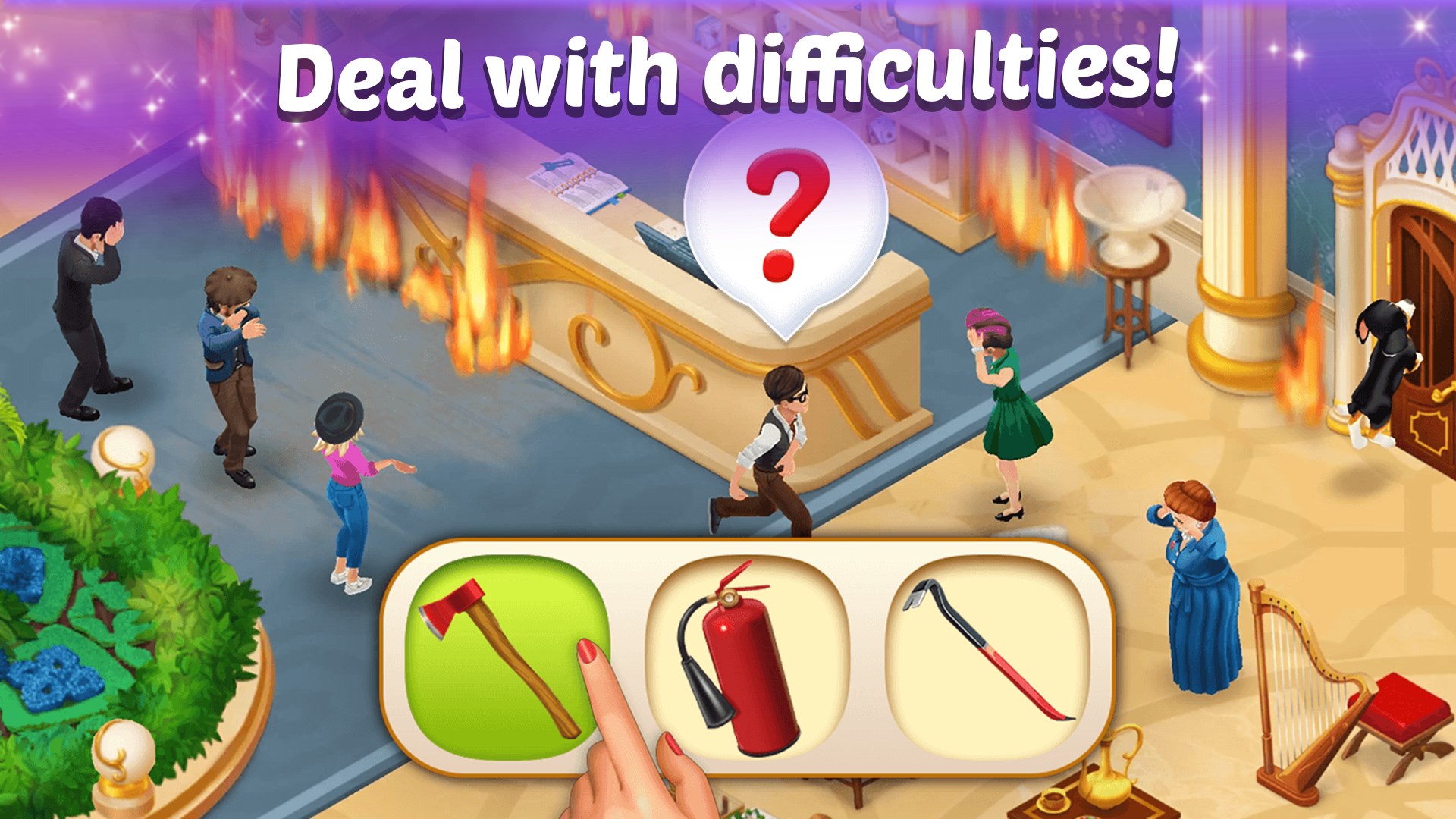
- Unique Hotel Management Puzzle Mechanics: Unlike typical match-3 or word games, this app combines hotel restoration with complex puzzle challenges, requiring players to think critically about resource management and problem-solving to rebuild the hotel.
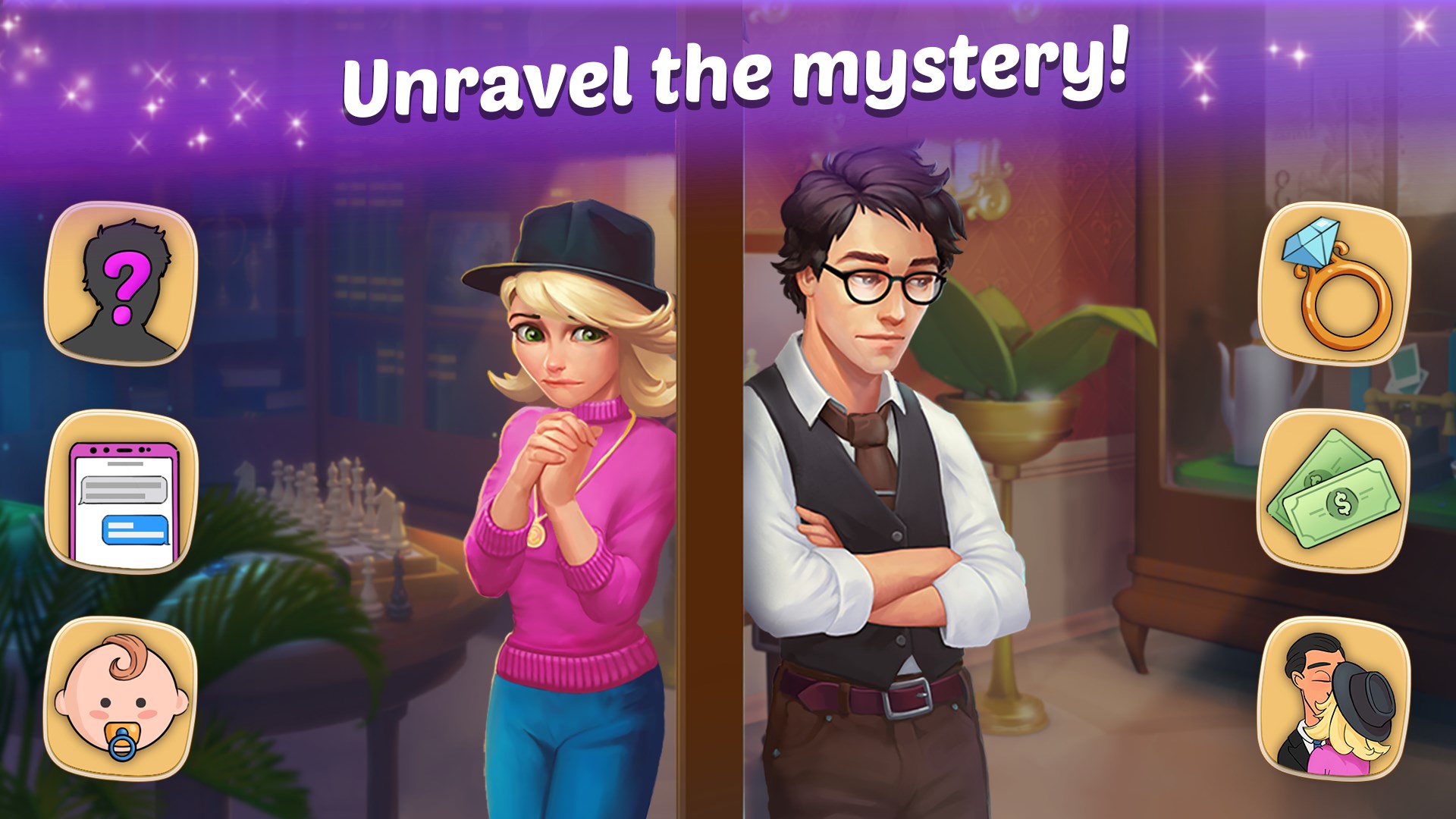
- Rich Trivia and Riddles: Embedded within gameplay are numerous trivia and riddles that add a layer of educational fun, encouraging players to learn new facts while enjoying the game.
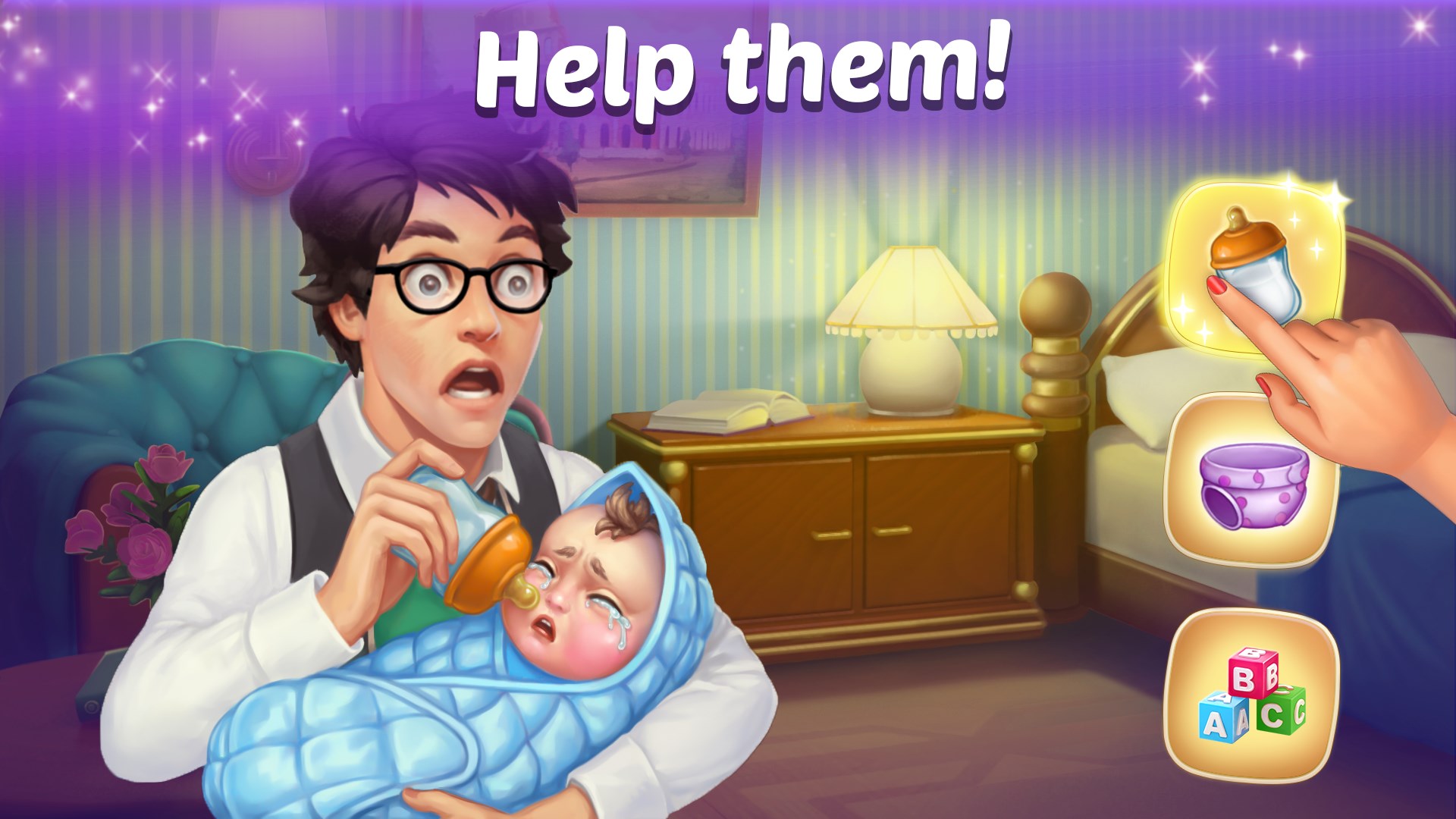
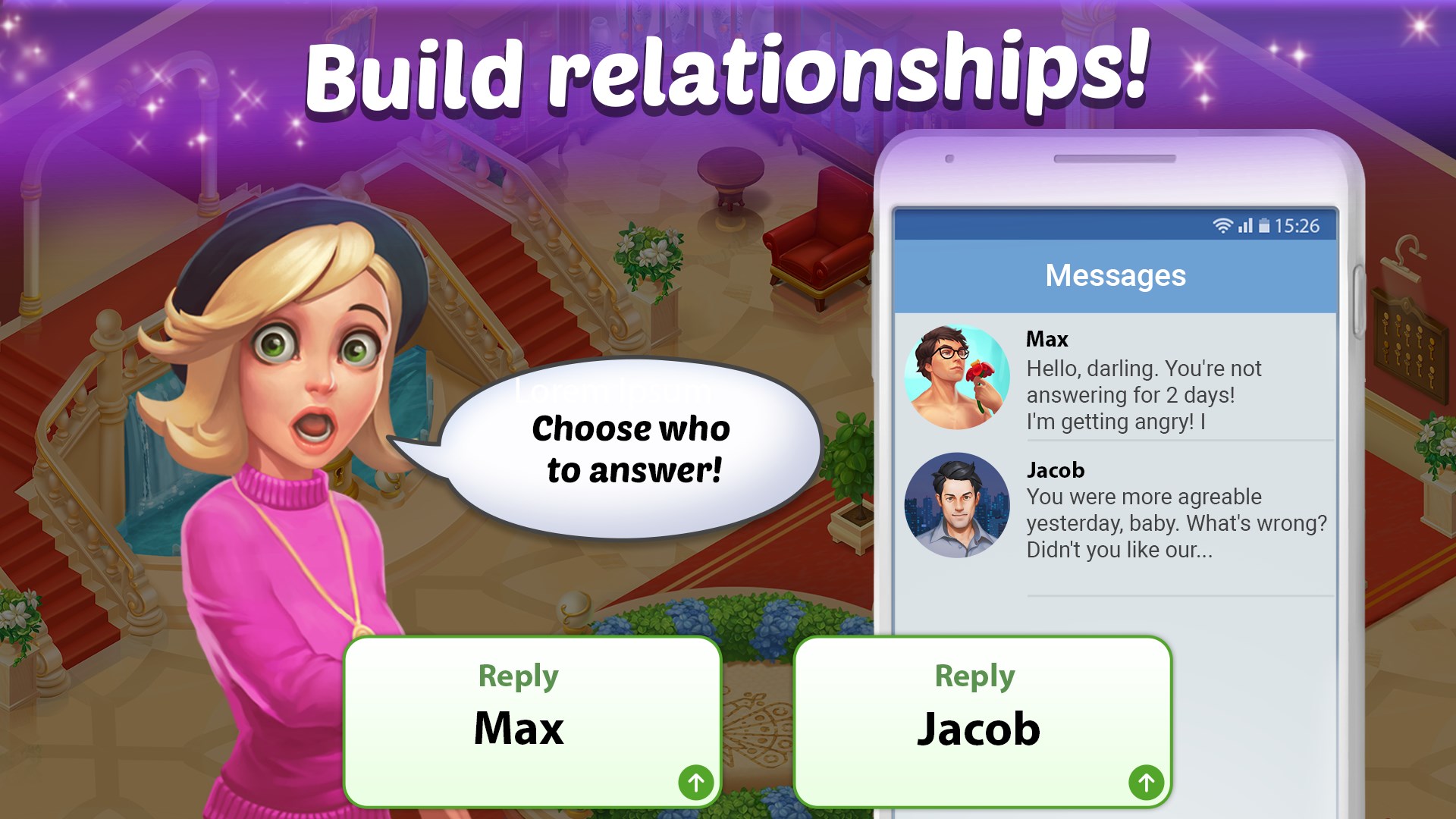
- Vibrant and Inviting Visuals: The game boasts a colorful, cartoonish aesthetic that evokes a cozy, family-friendly atmosphere akin to unfolding a storybook, making it pleasing to the eye and easy to navigate.
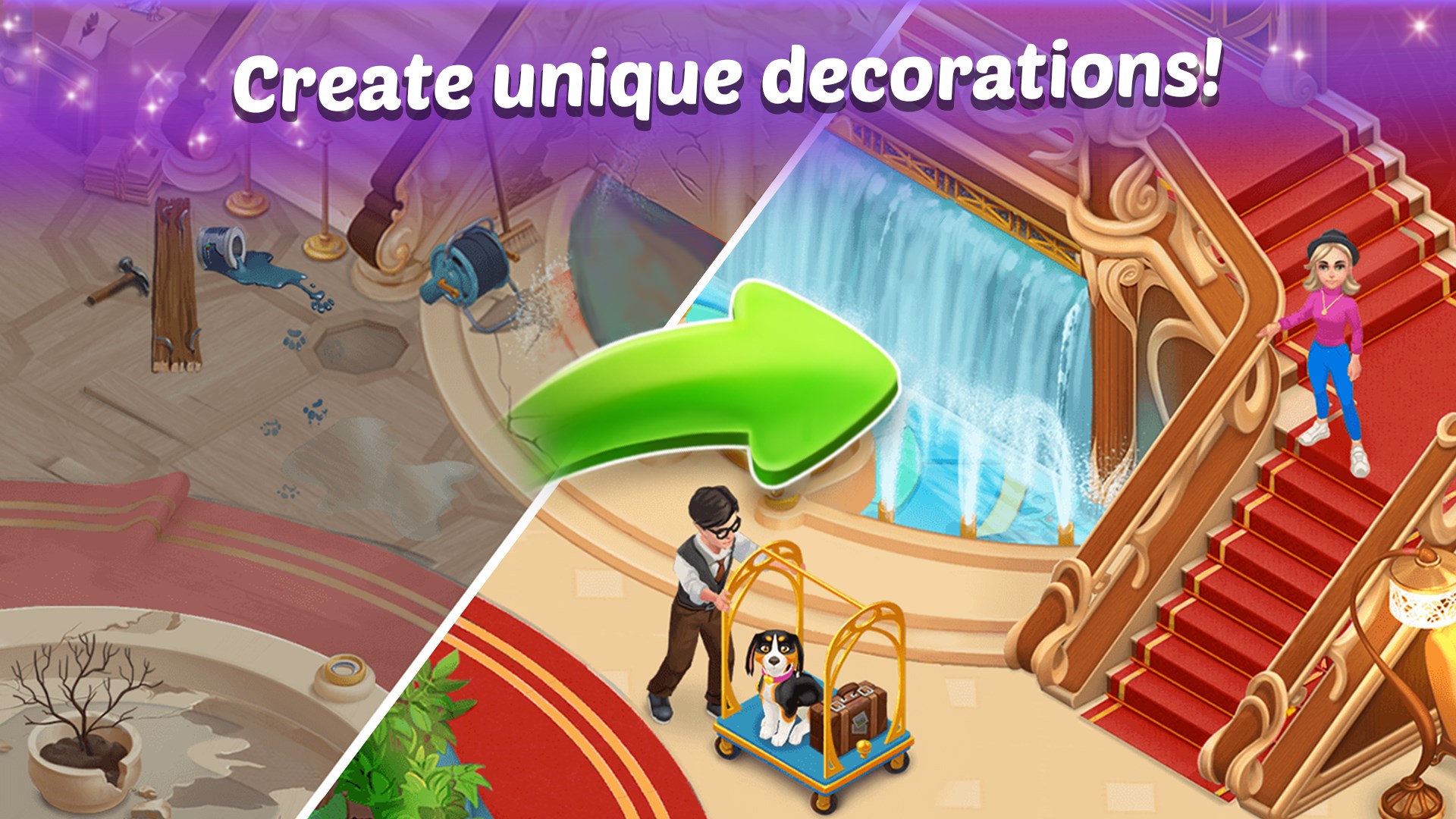
- Progression and Customization: Players can unlock new rooms, decorate interiors, and customize their hotel environment, creating a sense of ownership and continuous motivation to advance.
A Joyful Puzzle Journey with a Homey Feel
Stepping into Family Hotel for Windows feels like entering a warm, inviting inn on a crisp autumn day. The opening scenes draw you into the bustling hotel lobby, where every puzzle solved feels like a step closer to reopening the doors to a bustling, beautiful guesthouse. The game's tone balances a friendly, approachable vibe with clever challenges that keep your mind engaged, making it suitable for both casual players and serious puzzle lovers. Its narrative-driven approach transforms a simple puzzle game into a storytelling experience—each room, guest, and puzzle contributes to a sense of progress and accomplishment.
Core Gameplay: Puzzles with a Purpose
Hotel Restoration as a Puzzle Framework
The heart of the game lies in its hotel restoration mechanic. You're tasked with rebuilding a dilapidated hotel by completing puzzles that involve matching items, solving riddles, or sorting various hotel-related tasks. This feature stands out because it integrates resource management into puzzle gameplay—deciding which rooms to refurbish first, how to allocate your coins or materials, and balancing your upgrades to optimize hotel appeal. It's akin to being a hotel mogul and puzzle master simultaneously, blending strategic planning with casual fun.
Trivia and Riddles as Brain Teasers
Interwoven with the hotel management are trivia questions and riddles that serve both entertainment and educational purposes. These snippets add a layer of variety, ensuring gameplay remains fresh and mentally stimulating. For example, a trivia pop-up might challenge your knowledge of world landmarks, or a riddle might require lateral thinking to unlock a new area. The game's curated collection of trivia not only diversifies the challenge but also encourages players to learn something new with each playthrough, making the experience both enjoyable and enriching.
Design and User Experience
The interface of Family Hotel for Windows is intuitive and colorful, reminiscent of a cheerful storybook. Navigating through menus, selecting puzzles, and customizing your hotel feels smooth and responsive, with no noticeable lag or complicated controls. The learning curve is gentle; new players quickly grasp the mechanics, while seasoned puzzle enthusiasts can delve deeper into the strategic customization options. This balanced design makes the game accessible for all age groups, fostering a relaxed yet engaging experience.
What Sets Family Hotel Apart?
Compared to other puzzle and trivia apps, Family Hotel for Windows distinguishes itself through its immersive hotel management narrative combined with puzzle-solving. While many apps focus solely on match-3 or word games, this title integrates a cohesive storyline and creative resource management, making每 playing session feel like mid-level planning in a cozy inn. Its emphasis on education through trivia, combined with the charming aesthetic and customization options, offers a unique flavor that stands out in its genre.
Final Verdict & Recommendations
Overall, I would recommend Family Hotel for Windows to puzzle fans looking for a fresh twist on the genre, as well as families seeking light, educational entertainment. Its core features—particularly the hotel restoration mechanic and embedded trivia—highlight its innovative approach, making it more than just a typical puzzle game. For those who enjoy combining strategic thinking with a warm, storybook environment, this app is a worthwhile download. Though it may not be suited for players craving intense, fast-paced challenges, it excels in delivering a relaxed, rewarding experience that can be enjoyed in short sessions or extended play.
Pros
- User-friendly interface
- Comprehensive family management tools
- Enhanced security features
- Customizable profiles
- Regular updates and improvements
Cons
- Occasional lag during high activity
- Limited content filtering options in free version
- Insufficient offline functionality
- Minor UI inconsistencies on certain devices
- Learning curve for new users











