
- Category Productivity
- Developer Flexibits Inc.
- Available on PC, Mobile, Surface Hub, HoloLens
- OS Windows 10 version 19041.0 or higher
- languages English (United States)
Fantastical for Windows: A Sleek, Intuitive Calendar Companion
Fantastical for Windows positions itself as a sophisticated yet user-friendly calendar app designed to streamline your daily scheduling, making complex workflows feel effortless. Developed by Flexibits Inc., renowned for their Mac and iOS calendar solutions, this app aims to bridge the gap between powerful functionality and approachable design, now tailoring that experience for Windows users.
About the Developer and Core Offerings
Flexibits Inc. is a well-regarded developer in the productivity space, known for creating intuitive tools that integrate seamlessly into users' lives. Their flagship product—Fantastical—has long been celebrated on Apple platforms for its elegant design and robust features. With Fantastical for Windows, the developer extends this legacy, focusing on delivering a unified and efficient scheduling experience for Windows users.
Key highlights include:
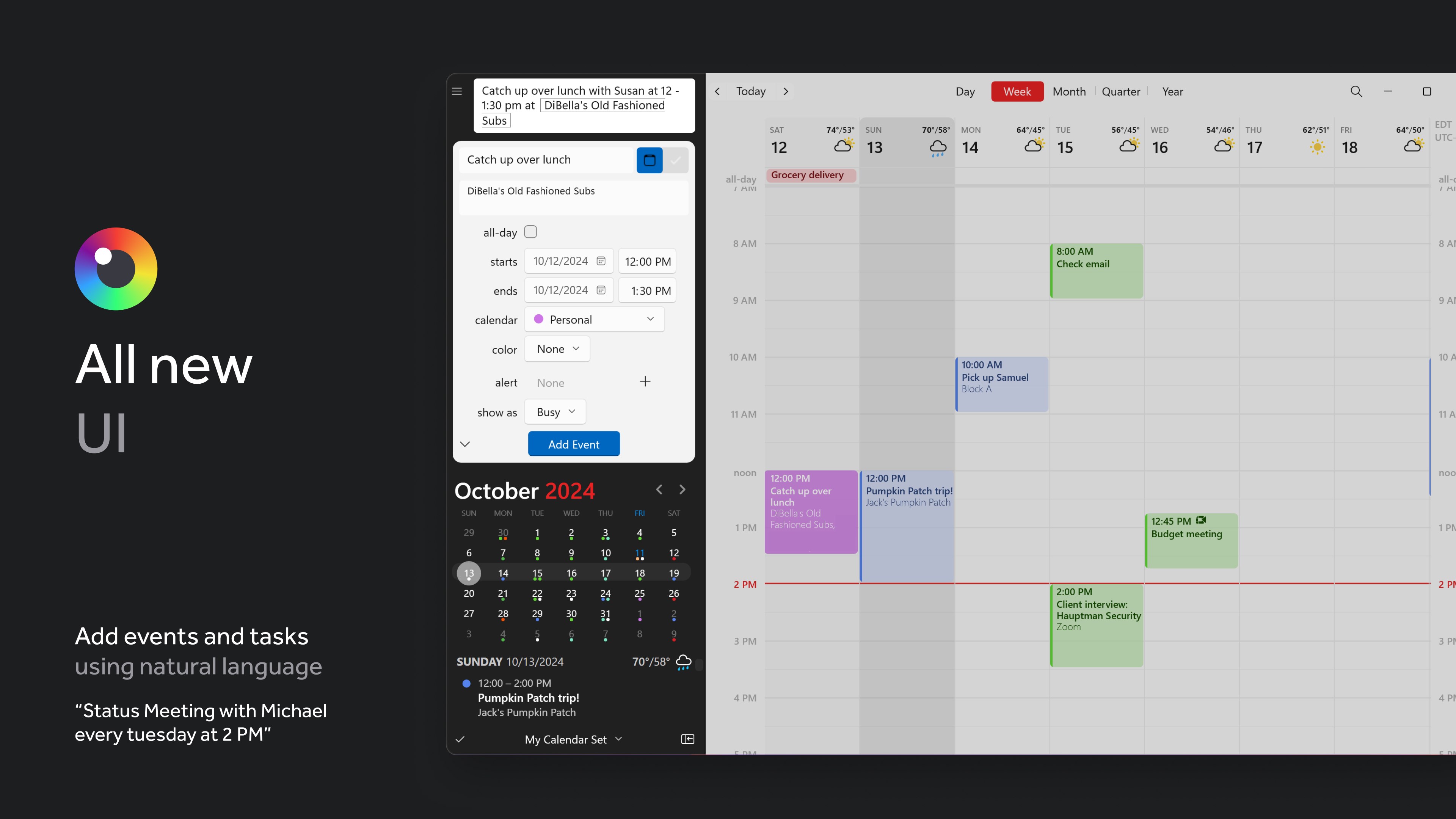
- Natural Language Event Input: Quickly add events and reminders using conversational phrases, making calendar management feel more natural and less tedious.
- Intelligent Agenda View: An e-legant overview of upcoming events, tasks, and reminders—optimized for clarity and quick comprehension.
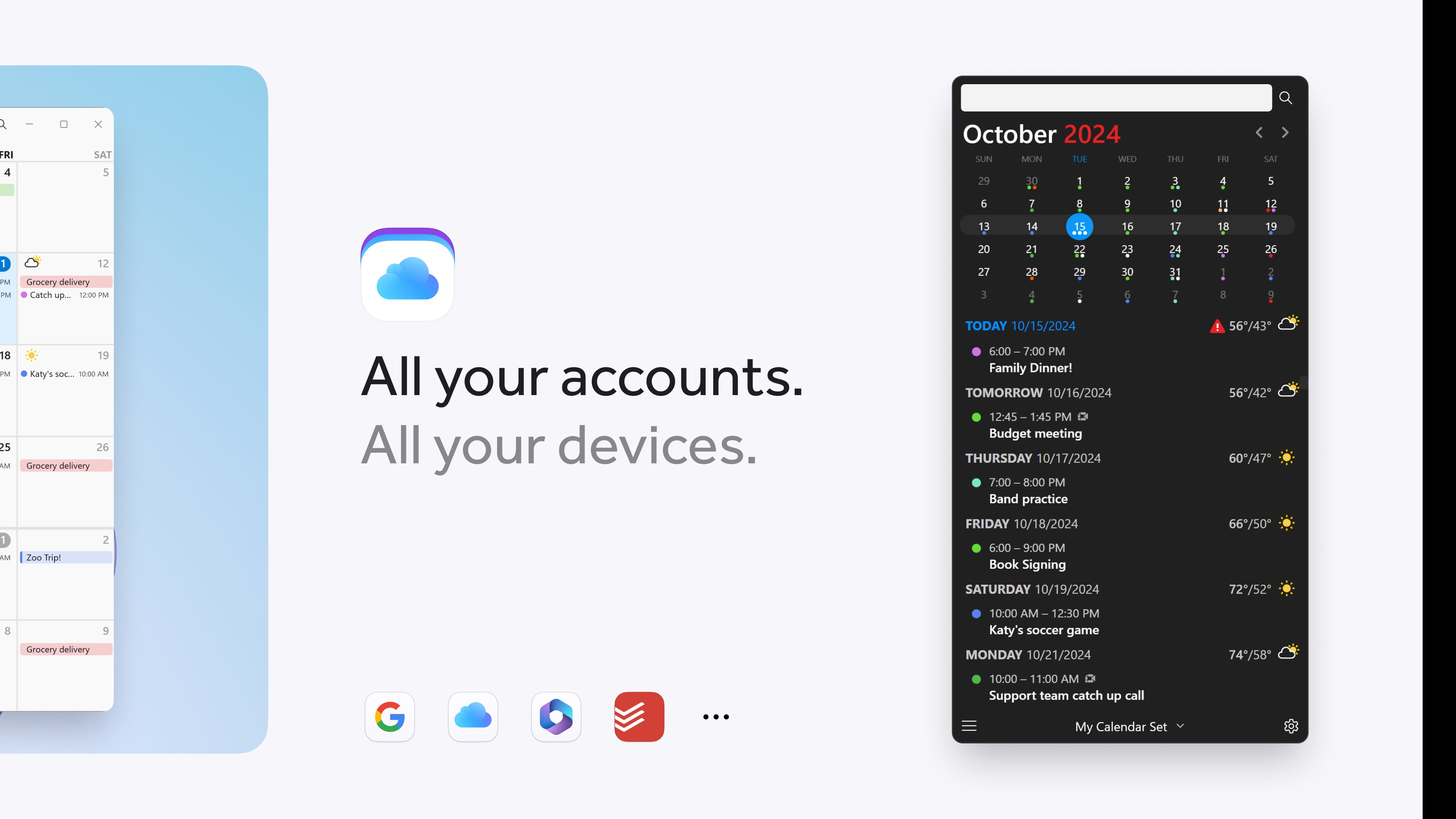
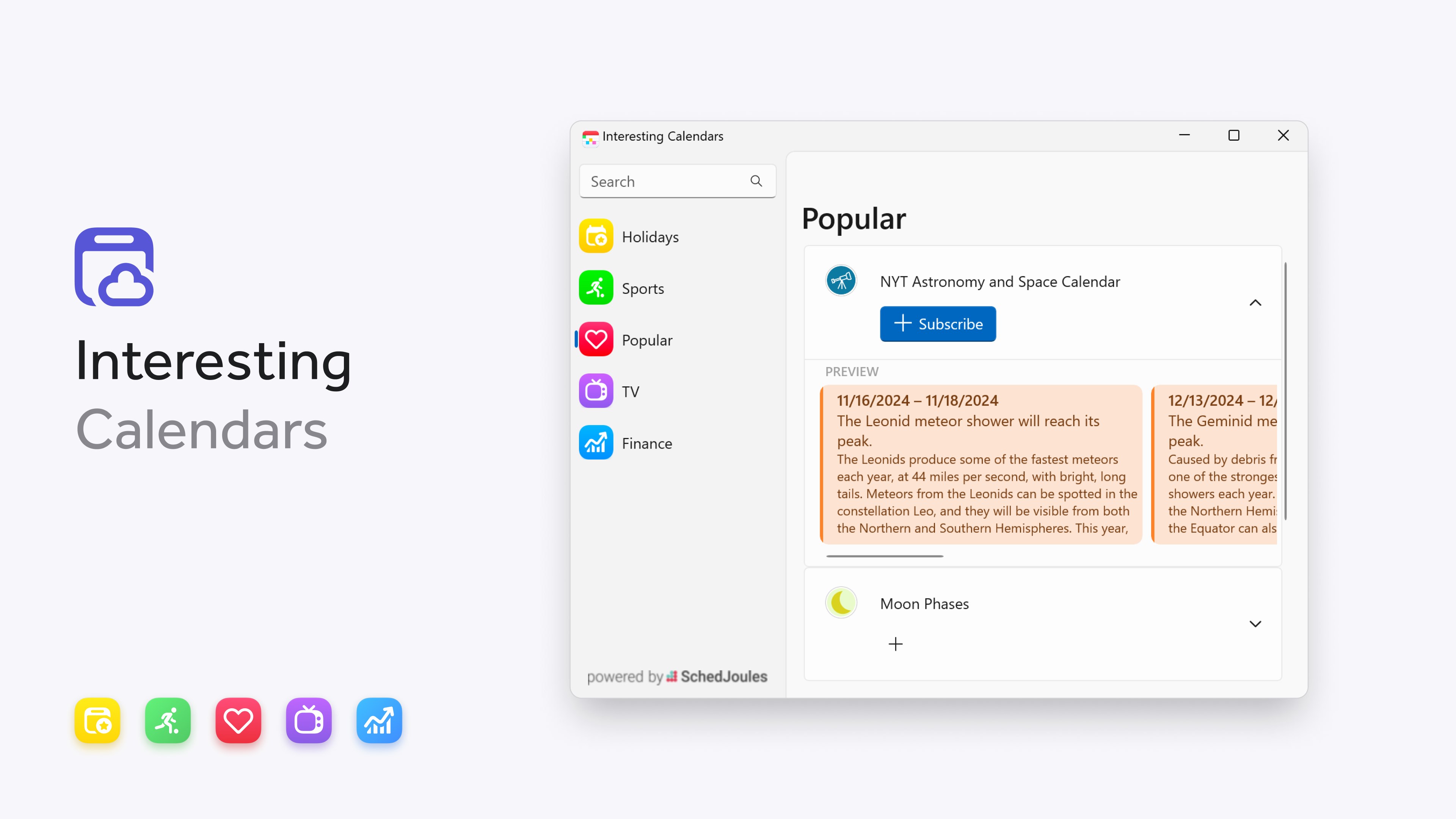
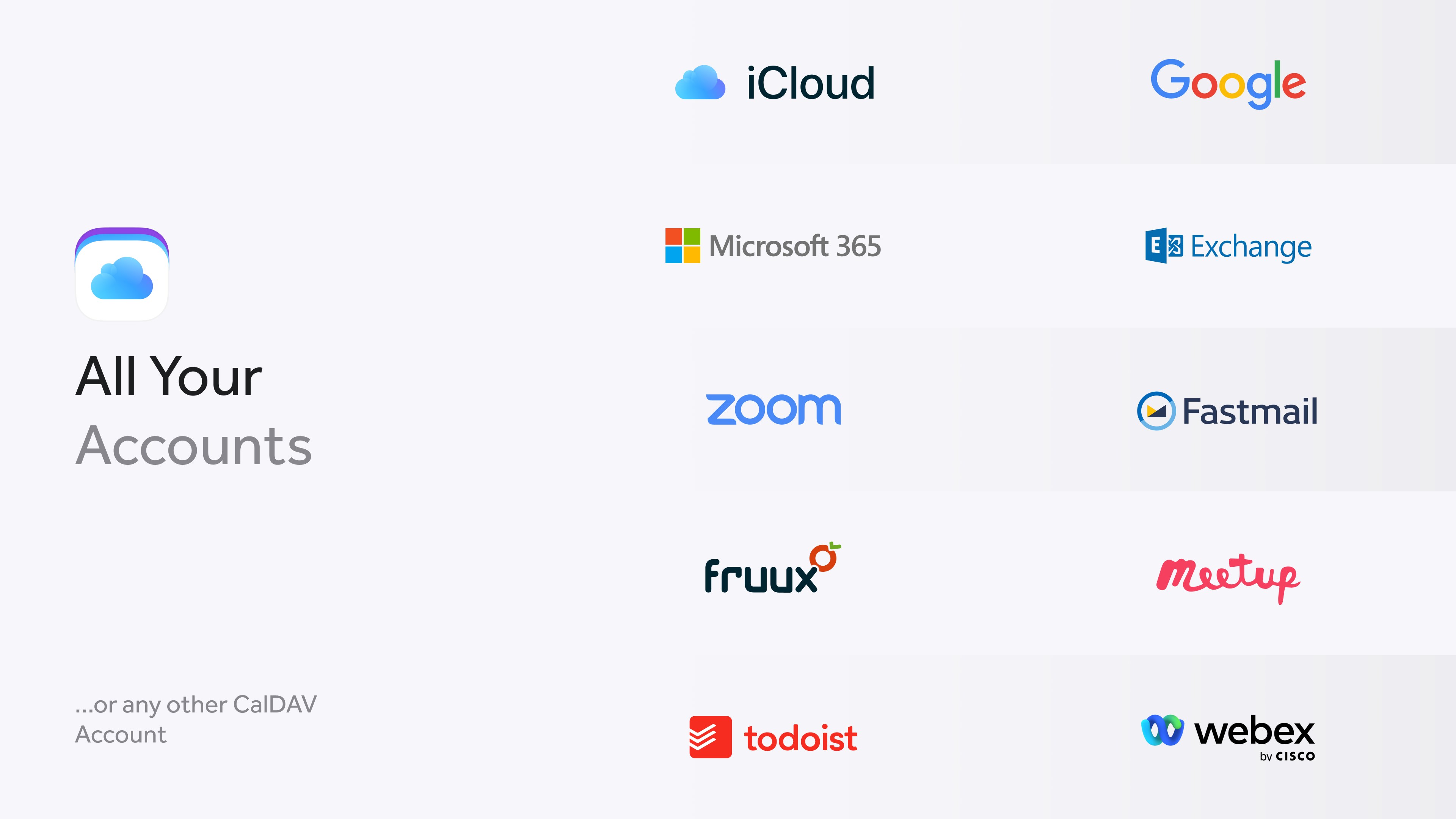
- Deep Workflow Integration: Seamless syncing with existing calendar services (Google Calendar, Outlook, iCloud), plus integrated to-do lists and reminders for a holistic productivity view.
- User-Centric Design: Focused on reducing cognitive load with a clean, unobtrusive interface that prioritizes essential information.
This application primarily targets professionals, students, and busy individuals who seek an efficient, clutter-free way to manage their schedules across various platforms while maintaining simplicity and power in a single app.
Vivid First Impressions and Interface Elegance
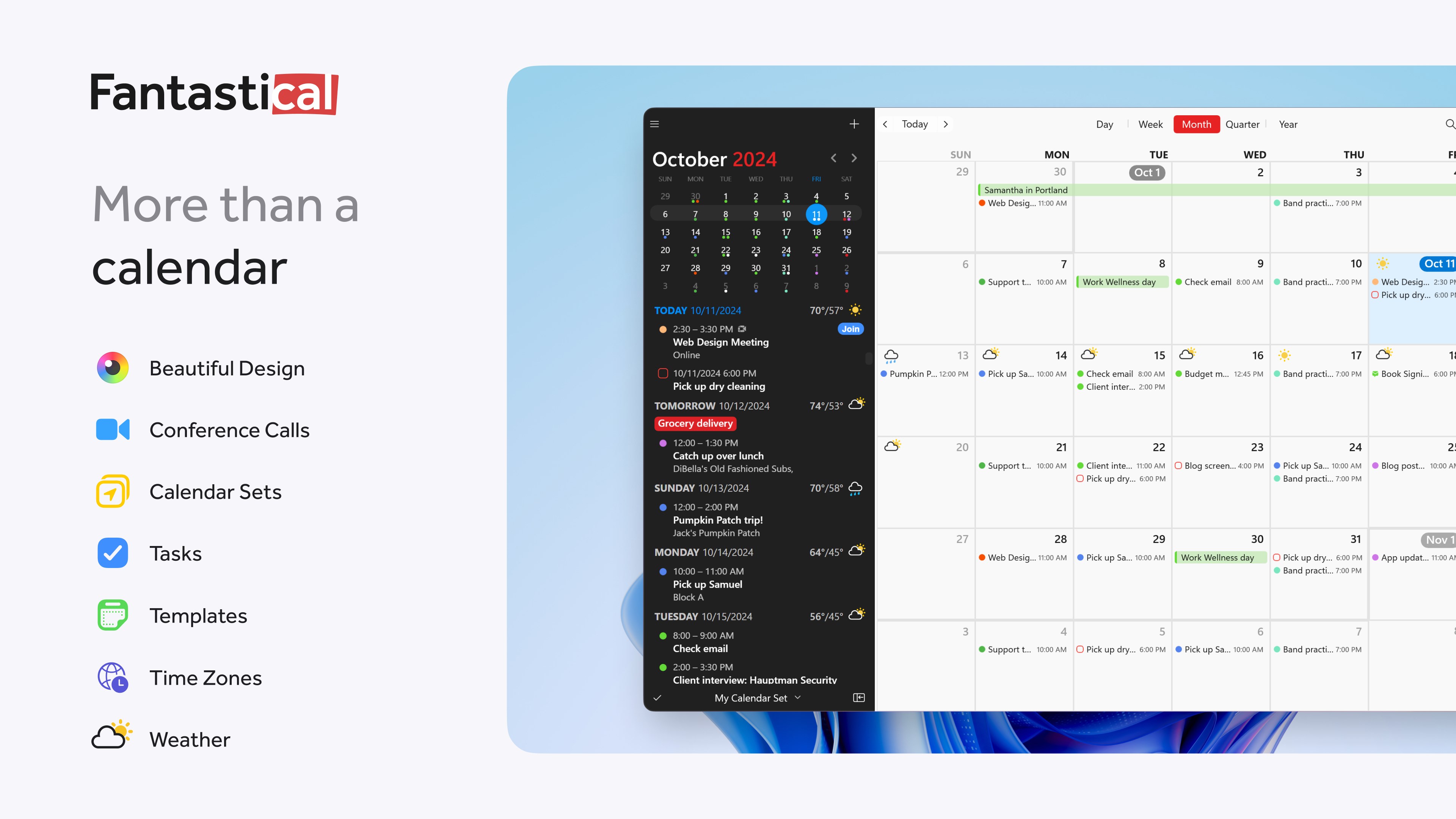
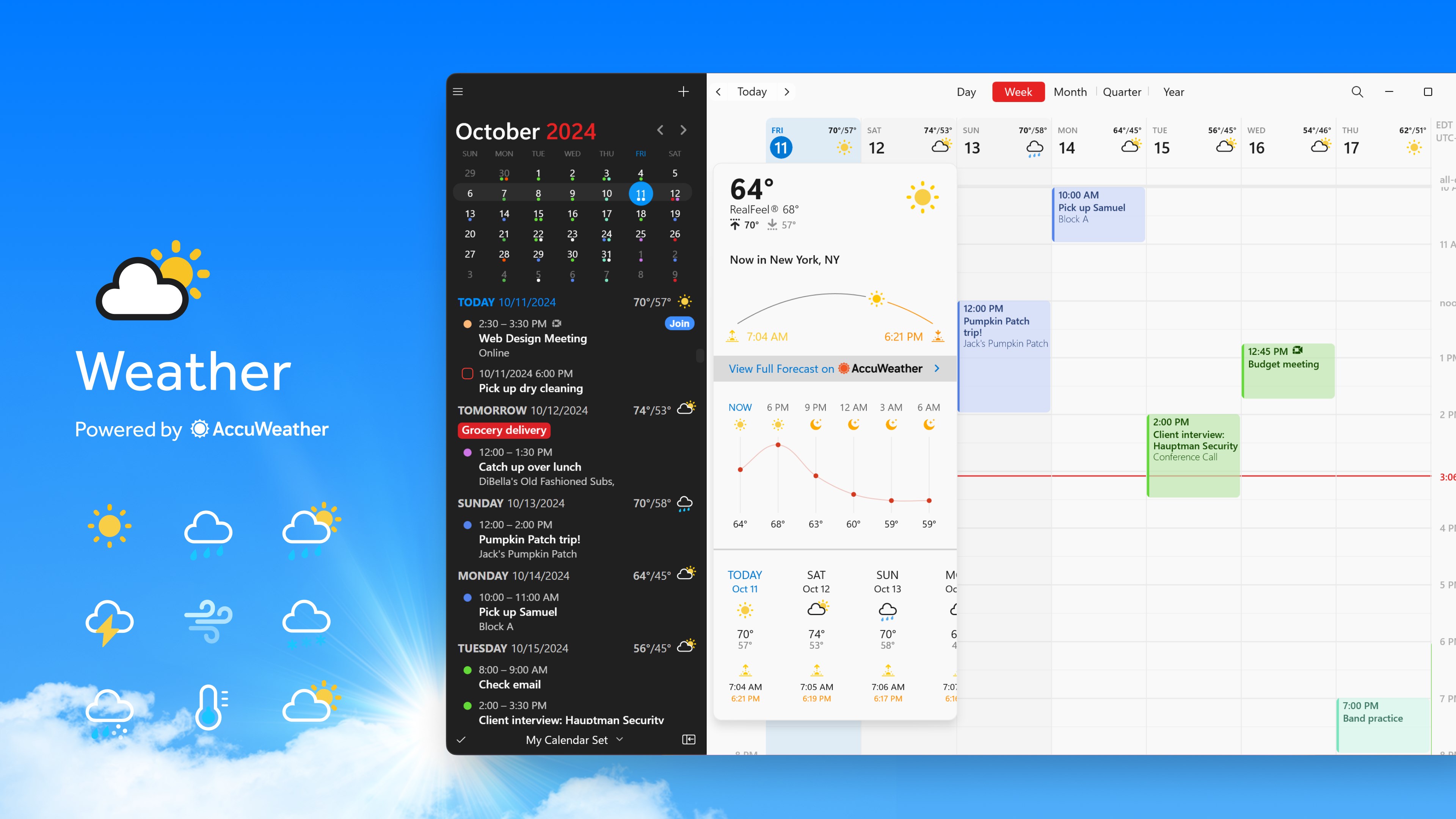
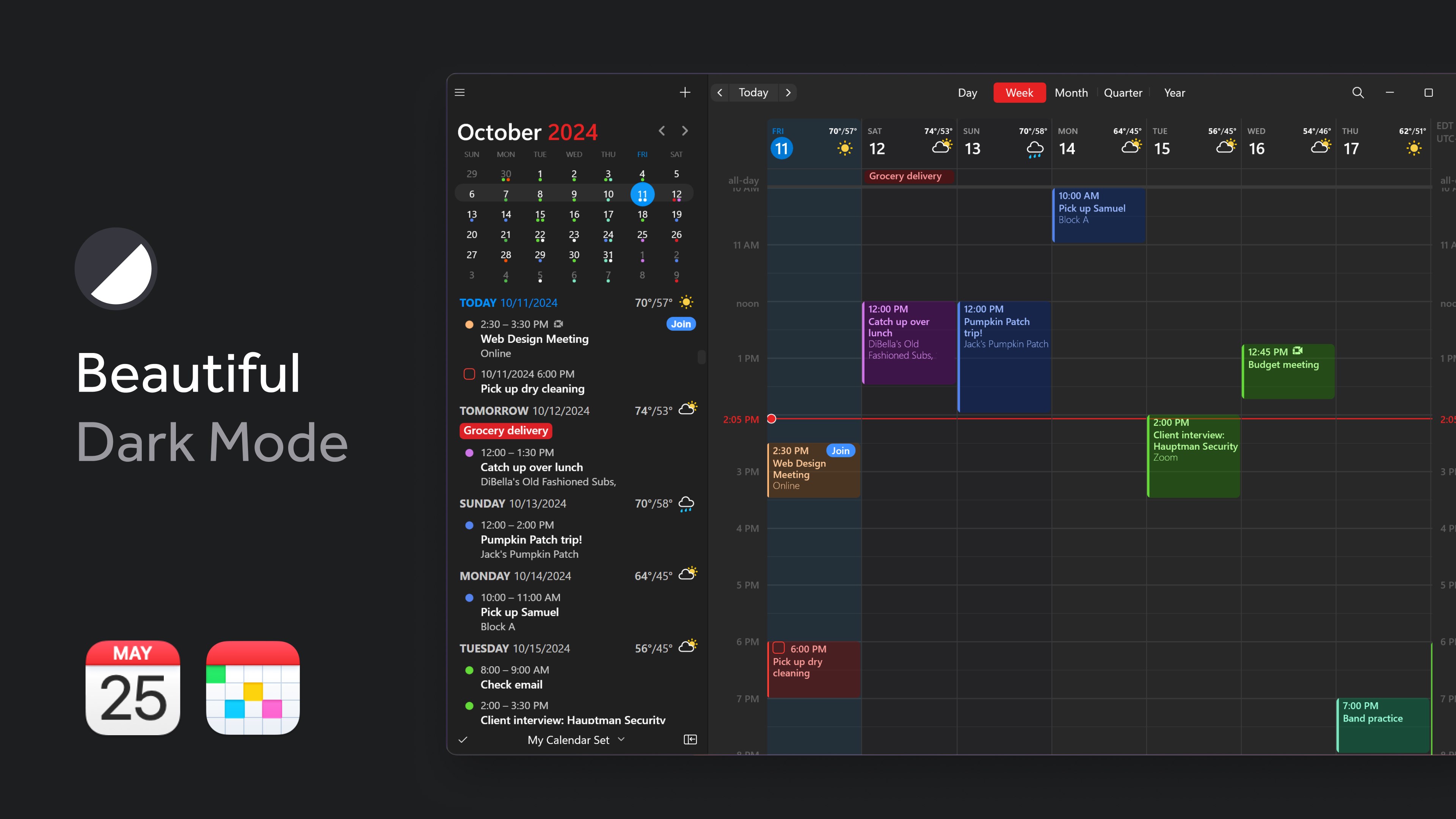
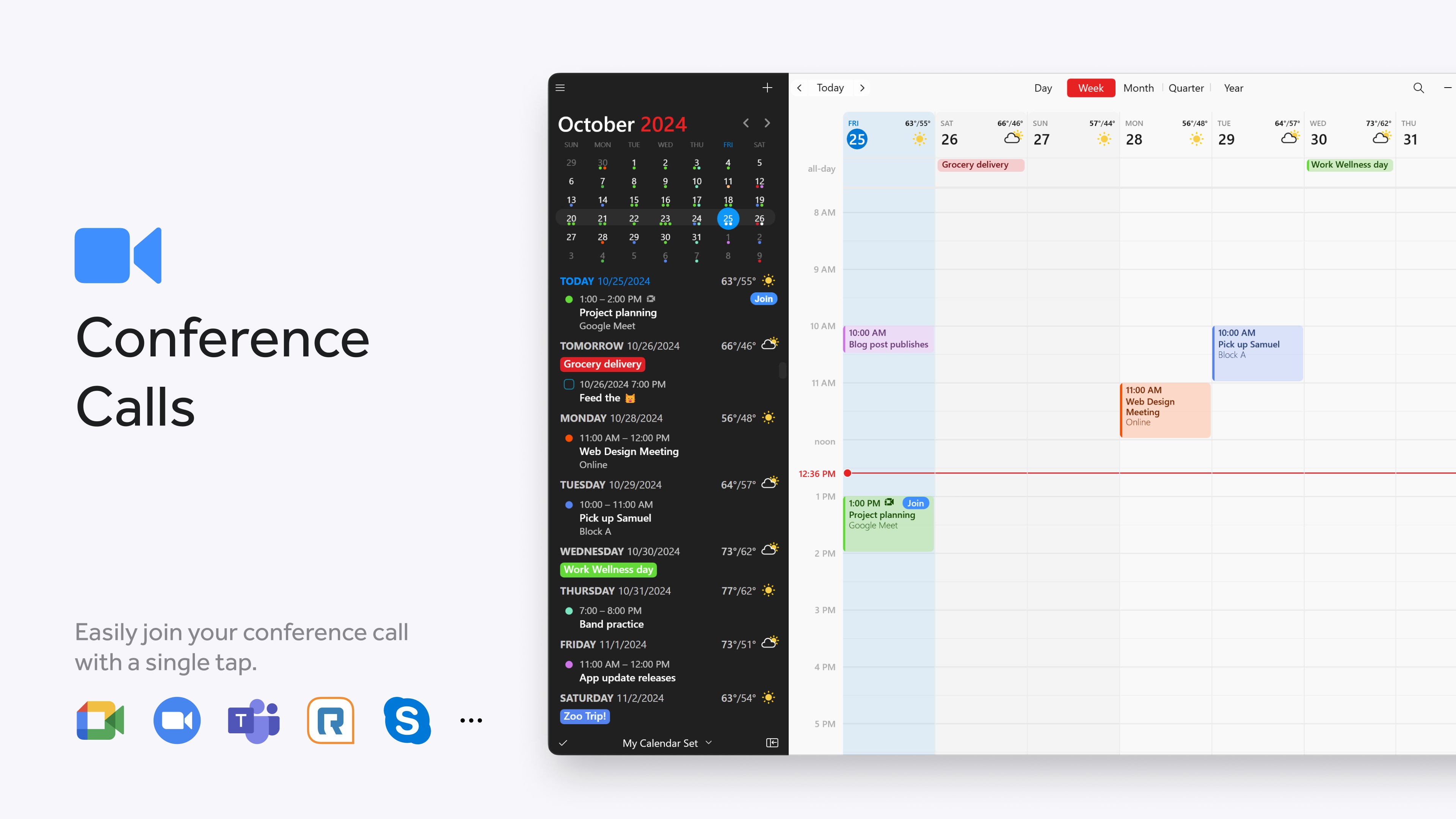
Imagine opening a calendar app that feels like stepping into a well-organized workspace—clear, bright, and inviting. Fantastical for Windows impresses immediately with its sleek, minimalistic interface that echoes the aesthetic qualities fans love on other platforms. The visual hierarchy is thoughtfully designed: upcoming events pop with subtle color cues, while the main view provides an at-a-glance snapshot of your day, week, or month. The interface is both modern and approachable, lowering the barrier for new users without sacrificing advanced features for power users.
Navigation is fluid and intuitive, akin to flipping through pages of a well-loved planner. Transitions between views—daily, weekly, or monthly—are seamless, thanks to optimized animations that keep the user immersed without interruptions or lag. Even during operations like event editing or syncing, interactions feel rapid and responsive, ensuring your focus remains on planning rather than troubleshooting.
The Heart of Excellence: Natural Language Input & Workflow Integration
At the core of Fantastical's appeal lies its exceptional natural language processing. Picture telling your calendar, "Lunch with Sarah at 1 pm tomorrow," and having the event automatically created with all details appropriately parsed and scheduled. This feature significantly reduces manual entry, saving cognitive effort and time—especially beneficial when juggling multiple commitments. Compared to traditional date pickers or slow form inputs, Fantastical turns calendar management into a conversational, almost conversational task that feels more like chatting than clicking.
Complementing this is the app's workflow integration. Unlike other productivity tools that fragment your tasks across various apps, Fantastical expertly pulls together your events, reminders, and to-do lists within a unified interface. Synchronization across Outlook, Google Calendar, and iCloud ensures consistency, no matter what device or platform you're using. This thoughtful integration minimizes the mental overhead of switching apps or reconciling conflicting schedules—it's like having a personal assistant who consolidates all your commitments into one view.
Balancing Simplicity and Power: A User Experience That Delights
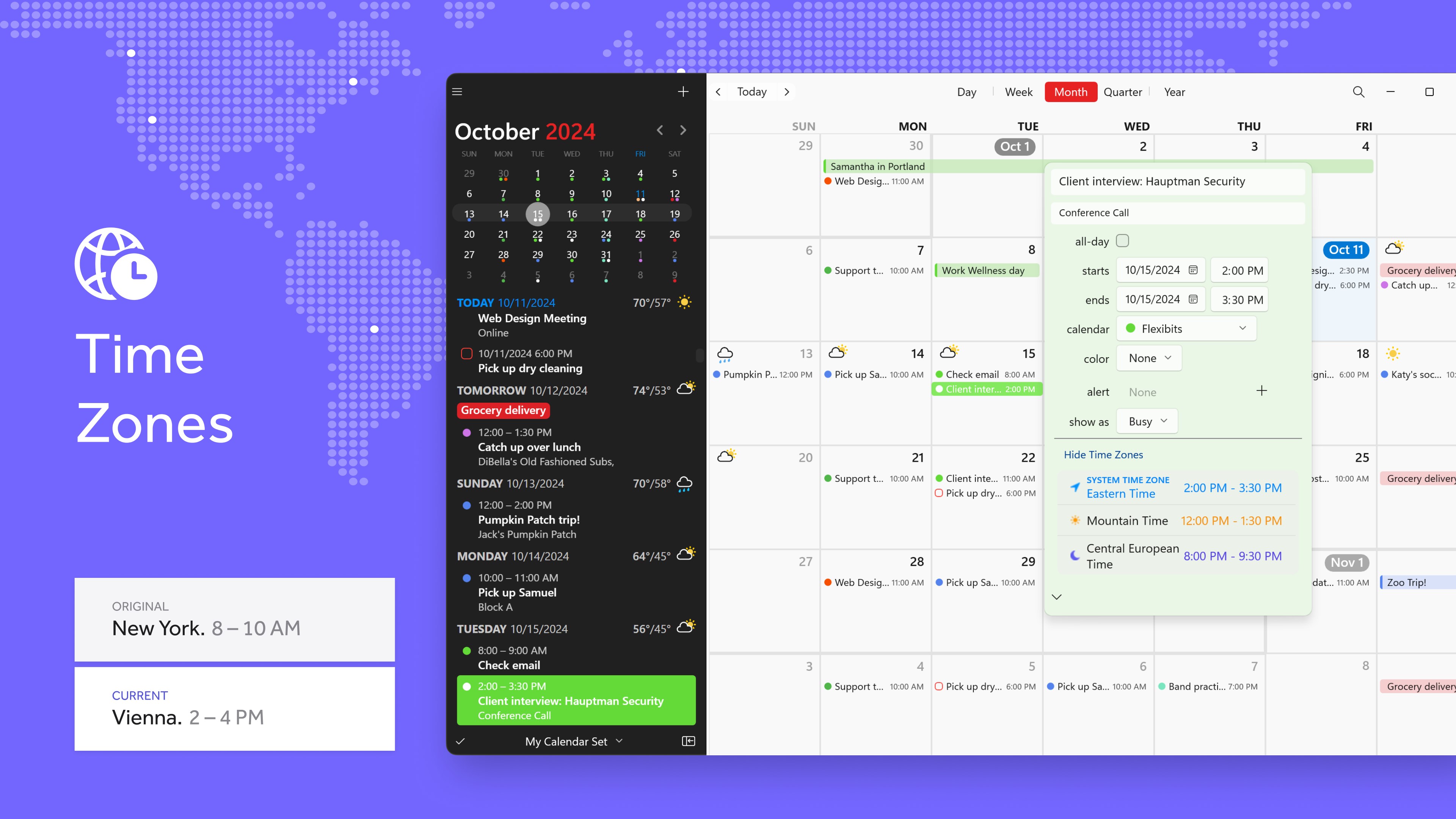
From a user experience perspective, Fantastical for Windows strikes a remarkable balance. Its learning curve is gentle; even users unfamiliar with advanced calendar features will find their footing within minutes. The app's minimalistic layout removes clutter, reducing cognitive load and allowing users to focus on what truly matters: their plans. Despite its simplicity, the app doesn't skimp on core functionalities, offering customizable alerts, time zone support, and event templates—features that cater to both casual planners and power users.
Compared to other productivity apps like Calendar or Outlook, Fantastical's standout is its ability to reduce mental effort through intelligent design. The natural language input, combined with a highly responsive UI, ensures you spend less time managing your schedule and more time executing your plans. This makes it ideal for people who value efficiency and clarity over feature overload.
Final Verdict and Recommendations
All considered, Fantastical for Windows earns a solid recommendation for anyone seeking a modern, efficient calendar app that simplifies scheduling without overwhelming the user. Its strongest points—natural language event creation and seamless workflow integration—set it apart in the crowded productivity landscape. Ideal for busy professionals, students, or anyone who wants to keep their schedule streamlined and intuitive.
For those already accustomed to Fantastical on Mac or iOS, this is the natural extension onto Windows, offering continuity and familiarity. New users will appreciate its ease of use, while power users will benefit from its robust syncing and organizational tools. Overall, Fantastical strikes an exemplary balance between approachability and depth—making it a smart choice for enhancing your daily productivity with minimal fuss.
Pros
- Intuitive User Interface
- Deep Calendar Integration
- Natural Language Input
- Multiple View Options
- Rich Notification Support
Cons
- Limited Free Version
- Sync Delays Occasionally Occur
- Customization Options Are Basic
- Learning Curve for Advanced Features
- Compatibility Limited to Apple Ecosystem











