
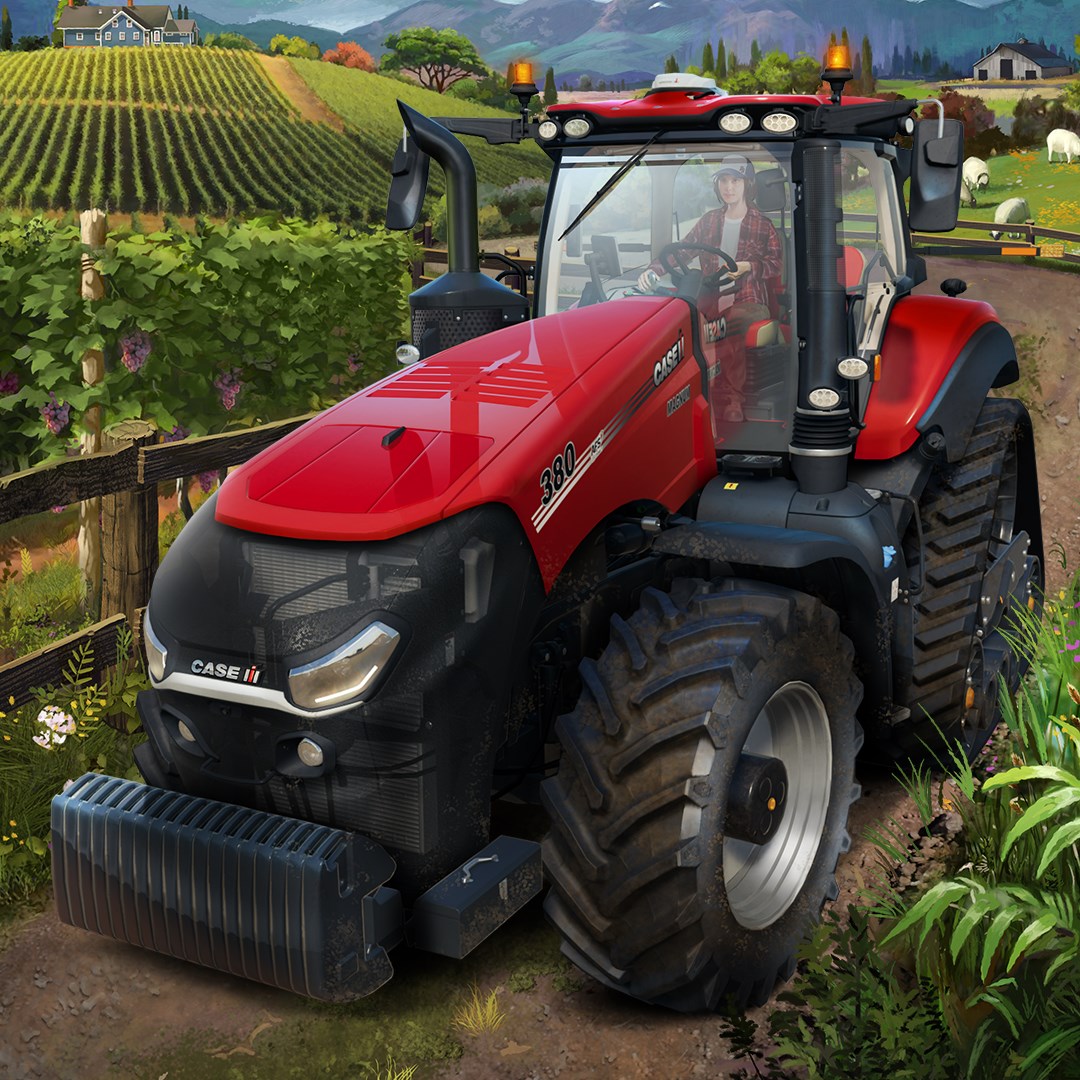
Frequently Asked Questions
How do I start a new game in Farming Simulator 22 on PC?
Launch the game, select 'New Farm', choose your location and settings, then start farming to begin your experience.
What are the basic controls to operate machines and tools?
Use the keyboard and mouse to control vehicles, with in-game prompts guiding you; customize controls via Settings > Controls if needed.
How can I extend my farm with new production chains?
Access the Build Mode, select new structures like greenhouses or beehives, and connect production chains through the building menu.
What new gameplay features does Farming Simulator 22 introduce?
It adds mulching, stone picking, greenhouses, beehives, and a character creator, enhancing realism and customization options in your farming experience.
How do I manage the four seasons and winter challenges?
Season management is automatic, but you can adjust settings in the options menu; winter impacts crop growth and vehicle performance, so plan accordingly.
Can I play Farming Simulator 22 with friends across different platforms?
Yes, the game supports cross-platform multiplayer, allowing you and friends to farm together via the multiplayer menu.
Are there in-game purchases or subscriptions required for full access?
The core game is a one-time purchase, but optional DLCs and mods may be available for additional content, which you can buy separately.
How do I purchase or subscribe to extra content or DLCs?
Go to the in-game Shop or official store via the main menu, then select and purchase DLCs or content packs you're interested in.
What should I do if the game crashes or has technical issues?
Update your graphics drivers and game version, restart your PC, and verify game files through your platform's options; consult official support if needed.
You May Like

Dragon City
for Windows
4.8
Township
for Windows
4.8
Cooking Live: Restaurant game
for Windows
4.8
Global City
for Windows
4.8
Roadside Research (Game Preview)
for Windows
4.8
The Tribez
for Windows
4.7
Cooking Diary®: Restaurant Game
for Windows
4.7
Five Nights at Freddy's: Original Series
for Windows
4.7
Jurassic World Evolution 3: Deluxe Edition
for Windows
4.7
Goat Simulator 3: Windows Edition
for Windows
4.7
Crime Scene Cleaner
for Windows
4.7
Date Everything!
for Windows
4.6