
- Category Business
- Available on PC, Mobile, Surface Hub, HoloLens
- OS Windows 10 version 17763.0 or higher
- languages Arabic, Chinese (Simplified), Chinese (Traditional Chinese), Chinese (Traditional), Dutch, English (United States), French, German, Hebrew, Italian, Japanese, Spanish (Spain), Turkish
An Efficient Solution for Sending and Receiving Faxes on Windows
Fax Faxing App: Send & Receive Faxes for Windows offers a straightforward way to handle traditional faxing tasks within a digital environment, bridging the gap between legacy communication methods and modern workflows. Designed to simplify fax management, this application stands out with its user-friendly interface and seamless functionality tailored for today's busy professionals.
Who's Behind the Curtain?
Developed by Amplify Ventures, a company known for creating intuitive and reliable productivity tools, Fax Faxing App aims to cater to users seeking a simple, efficient fax solution. Their experience in app development ensures a stable and cohesive user experience, making the process of sending and receiving faxes approachable even for newcomers.
Main Features That Make a Difference
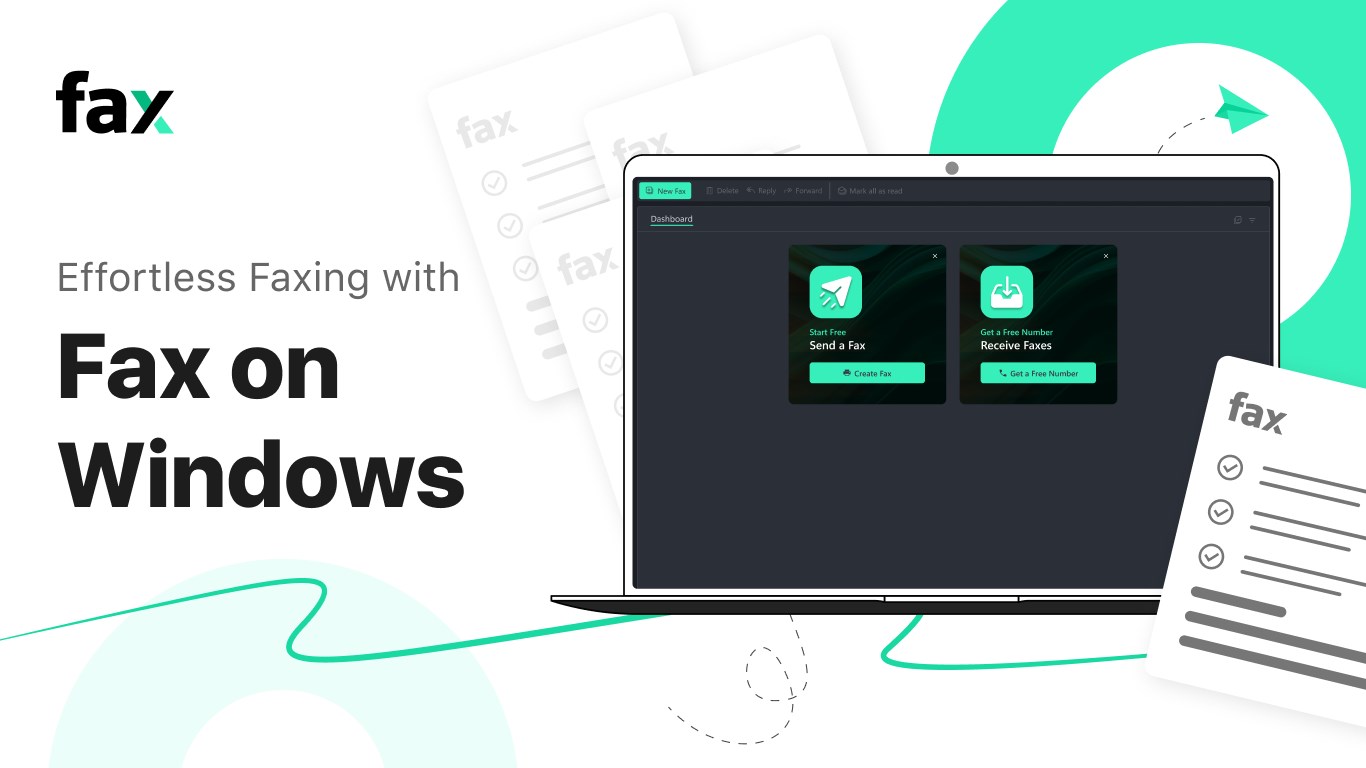
- Easy Fax Sending and Receiving: Users can effortlessly send and receive faxes directly from their Windows device without needing dedicated hardware or traditional landlines.
- Integrated Contact Management: The app allows users to store and organize contacts, simplifying repeated fax communications.
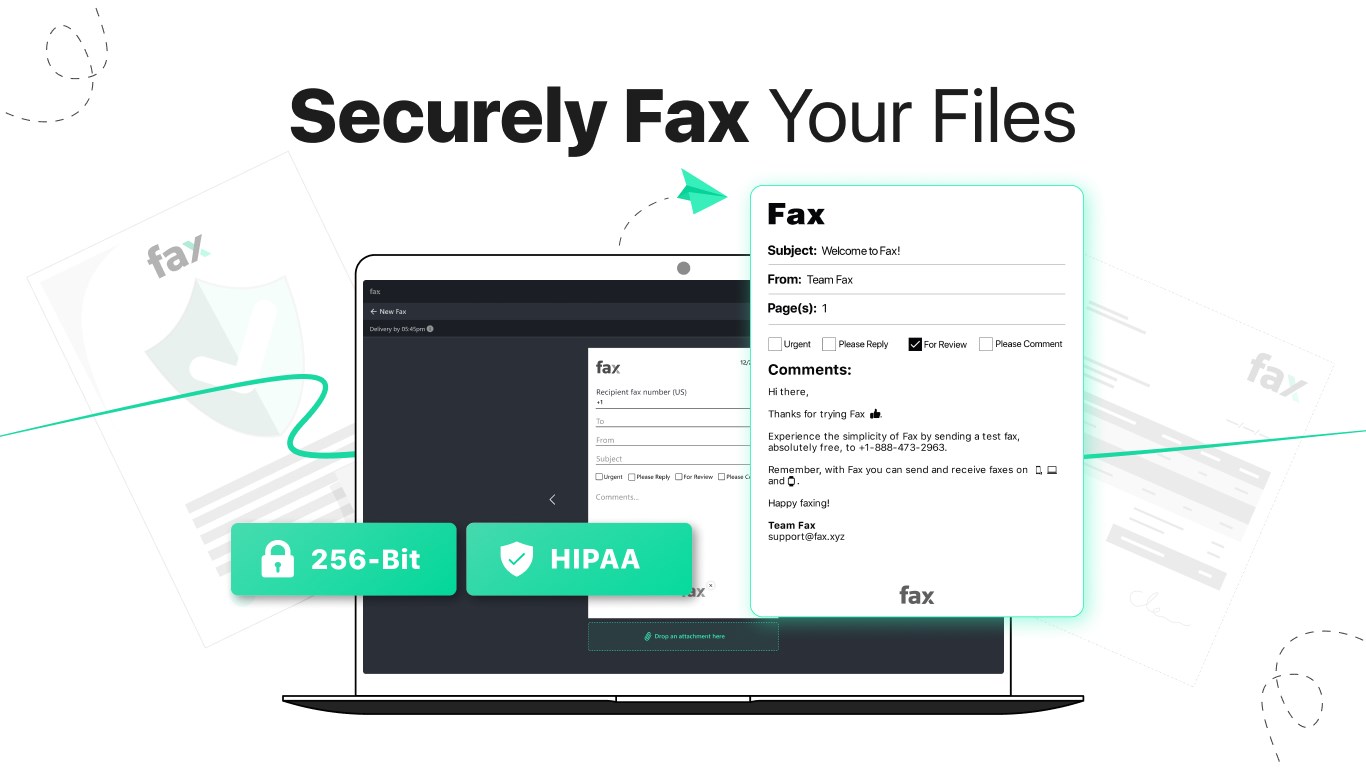
- Secure Transmission: Ensuring confidentiality, the app employs encryption standards to protect sensitive information during the fax process.
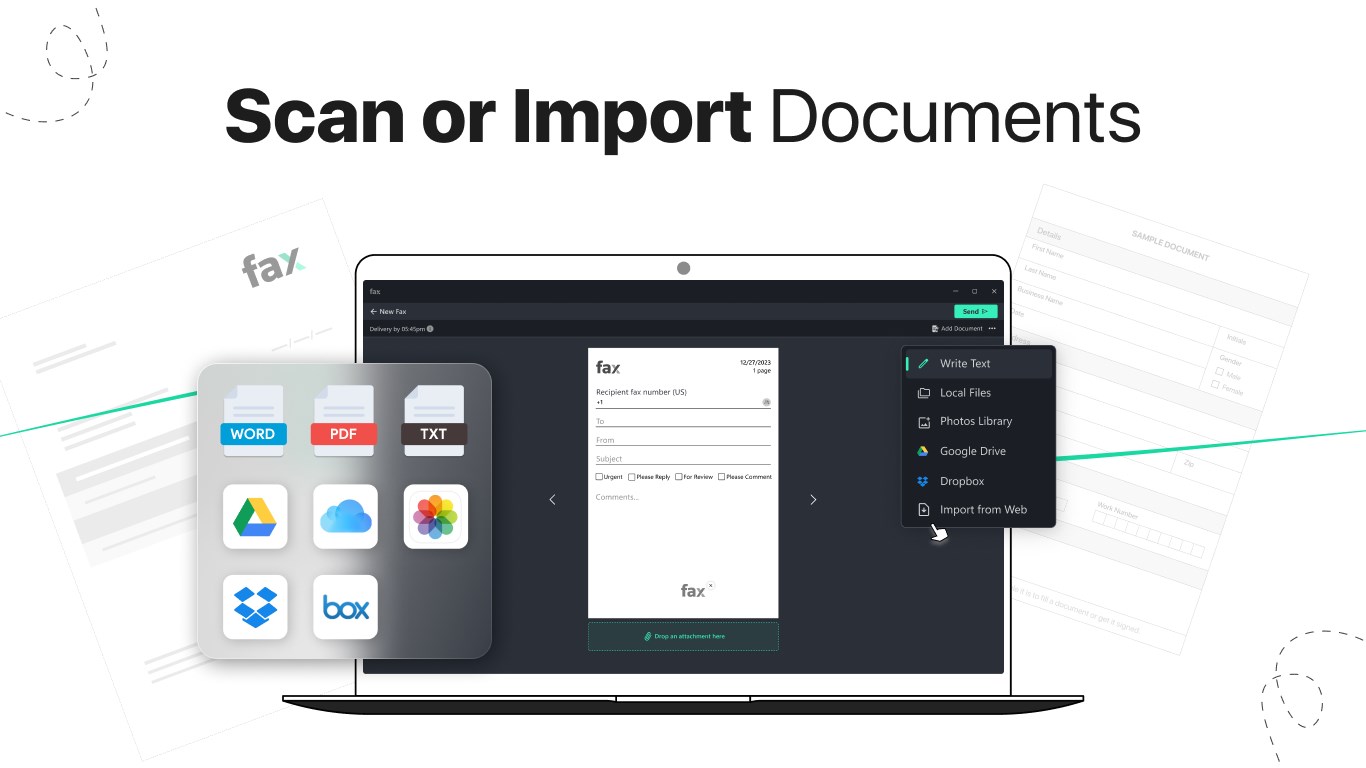
- File Compatibility and Preview: Supports various document formats and offers preview features, enabling users to verify files before transmission.
Vivid Insights into the User Experience
Jumping into the Fax Faxing App feels a bit like opening a sleek, digital mailbox—everything is within arm's reach, and the interface guides you smoothly through each step. The design is clean, with logical navigation that reduces the learning curve. Whether you're used to traditional fax machines or new to digital faxing, the app feels approachable. Actions like selecting files, inputting recipient numbers, or checking fax status happen swiftly, reflecting a well-optimized workflow.
Core Functionality Deep Dive
Sending and Receiving Faxes: The Heart of the App
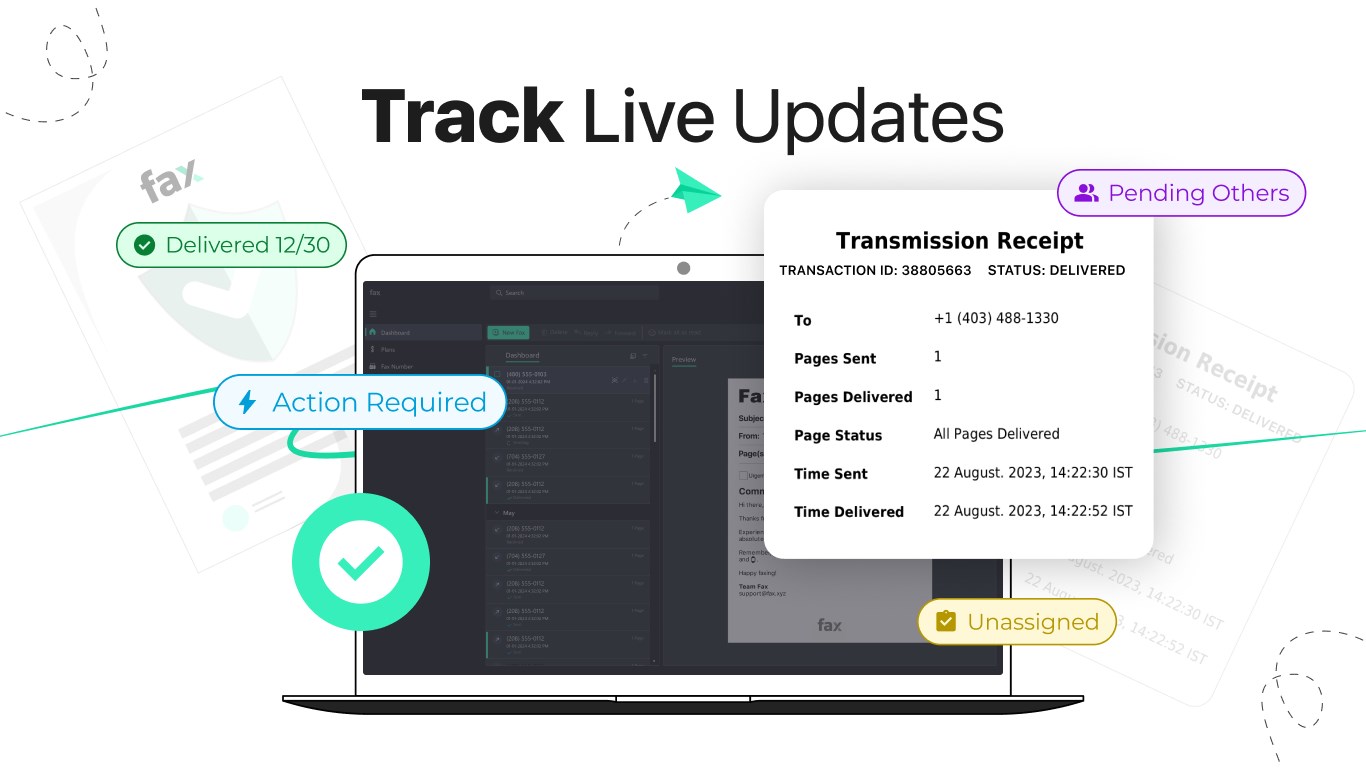
The core strength lies in its ability to handle fax transactions seamlessly. Sending a fax is as simple as selecting a document, inputting the recipient's fax number, and clicking send—no fuss about configuring settings or connecting to external hardware. Receiving faxes is equally straightforward; incoming faxes appear in a dedicated inbox, with notifications alerting you instantly. The built-in file preview feature ensures you can verify documents before you send or review, saving unnecessary resend attempts.
Contact Management & Collaboration
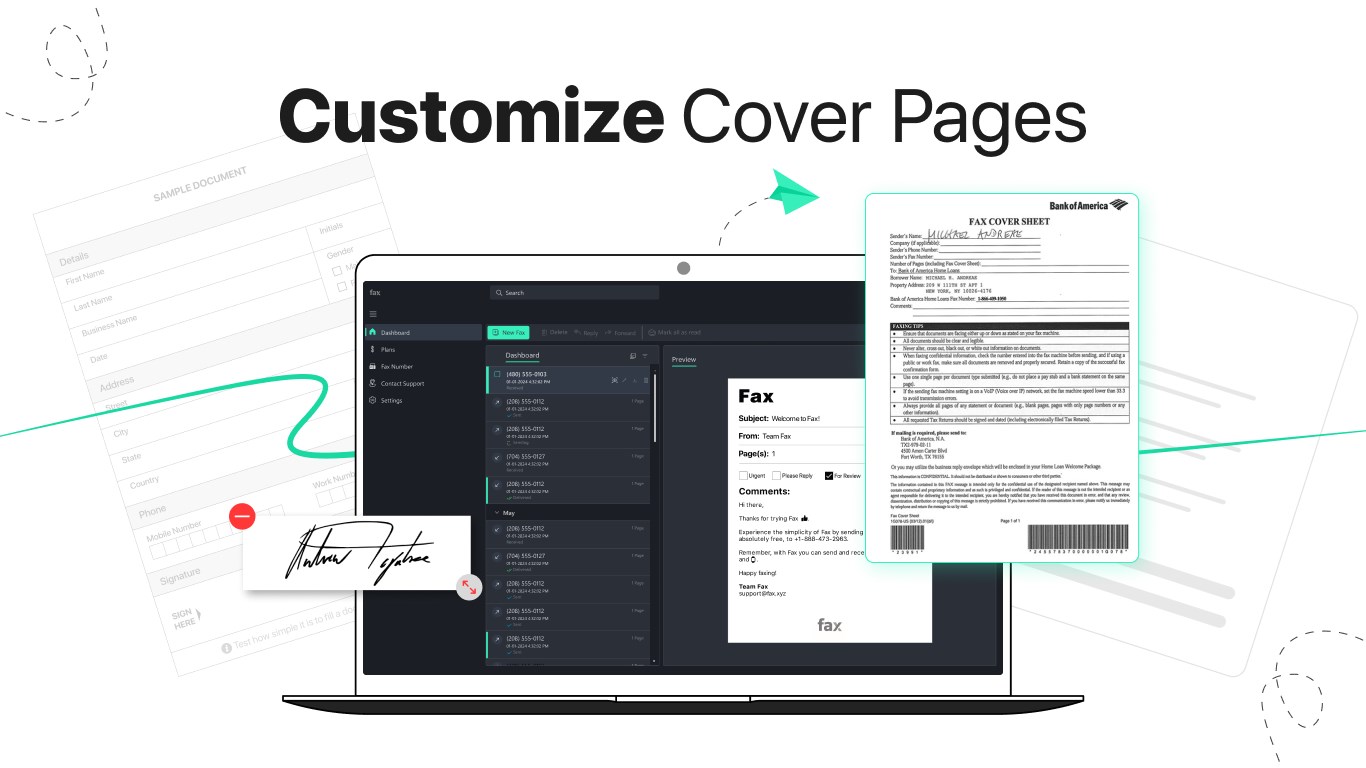
This app's approach to contact management turns what could be a tedious task into a seamless process. You can store frequently used fax numbers with personalized labels, making repeated communication faster—imagine having a virtual Rolodex tailored for your digital faxing needs. While it doesn't explicitly offer collaborative features like shared inboxes or task assignment, its organized contact system enhances collaborative workflows by reducing confusion and streamlining communication channels.
Security and File Compatibility
In a world where data security is paramount, this app doesn't cut corners. It employs encryption protocols, giving users peace of mind that their sensitive information stays protected during transit. Additionally, the support for multiple file formats—PDF, DOCX, images—means you can send a variety of documents without hassle. The preview feature acts as a safeguard, allowing you to confirm the correctness of files before transmission.
How Does It Stand Out?
Compared to traditional fax applications or those that rely heavily on auxiliary hardware, Fax Faxing App's most distinctive advantage lies in its cloud-like flexibility and simplicity of use. Its drag-and-drop interface, coupled with swift operation, makes it accessible for small business owners, legal professionals, or anyone who occasionally needs to send a fax without the headaches of legacy equipment. While many apps focus primarily on bulk or enterprise-level features, this solution's core strength is its unobtrusive, efficient design that gets the job done without fuss.
Recommendations & Usage Tips
If your workflow occasionally requires digital faxing—be it for legal documentation, client submissions, or official correspondence—this app is a solid choice. Its ease of use makes it ideal for users who don't want to fuss with complex settings or hardware configuration. However, those engaged in high-volume faxing or needing advanced collaboration tools might find it somewhat limited. I recommend this app for small to medium-scale users seeking a reliable, straightforward fax solution on Windows.
Overall, Fax Faxing App strikes a balance between functionality and simplicity, making it a commendable addition to your productivity toolkit. Its standout features—easy faxing and secure document handling—ensure you can rely on it for your essential communication needs without being weighed down by unnecessary complexity.
Pros
- User-friendly interface
- Secure transmission options
- Supports multiple document formats
- Cloud integration
- Cross-device access
Cons
- Limited free trial usage
- Occasional delays in receiving faxes
- Basic editing options for documents
- Limited international faxing options
- In-app notifications can be intrusive











