
- Category Productivity
- Available on PC
- OS Windows 10 version 17763.0 or higher
- languages English (United States)
Introducing fGadget Clock Pro for Windows
fGadget Clock Pro by futomi Co., Ltd. is a versatile desktop utility designed to elevate your productivity by seamlessly integrating clock functionalities with custom widgets. This app positions itself as the ultimate time management companion for professionals, students, and anyone who values an organized digital workspace.
Core Features That Make It Stand Out
At its heart, fGadget Clock Pro offers more than just a digital clock — it crafts an interactive environment tailored to your scheduling and task tracking needs. Its standout features include customizable clock widgets, integrated alarm and reminders, and a sleek, intuitive interface that minimizes cognitive load. Designed with efficiency in mind, it aims to streamline your workflow without overwhelming you with complicated menus.
Vivid and Engaging User Experience
Imagine waking up each morning, greeted by a sleek and lively clock widget on your desktop that not only tells the time but also subtly hints at your day's schedule. That's the kind of engaging experience fGadget Clock Pro offers. Its interface feels like a well-designed dashboard — clean, organized, and easy to navigate—reducing the typical chaos associated with multi-tool productivity apps.
Widget Customization and Visual Appeal
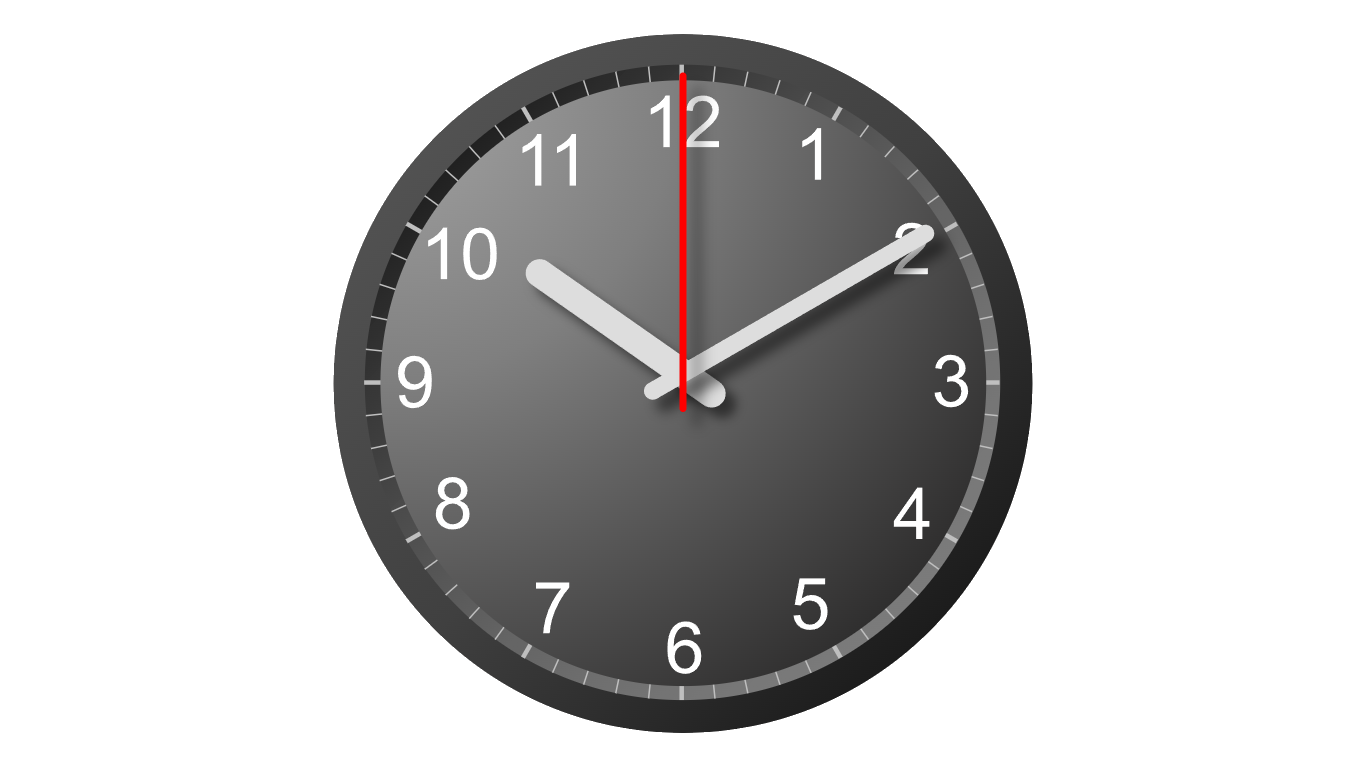
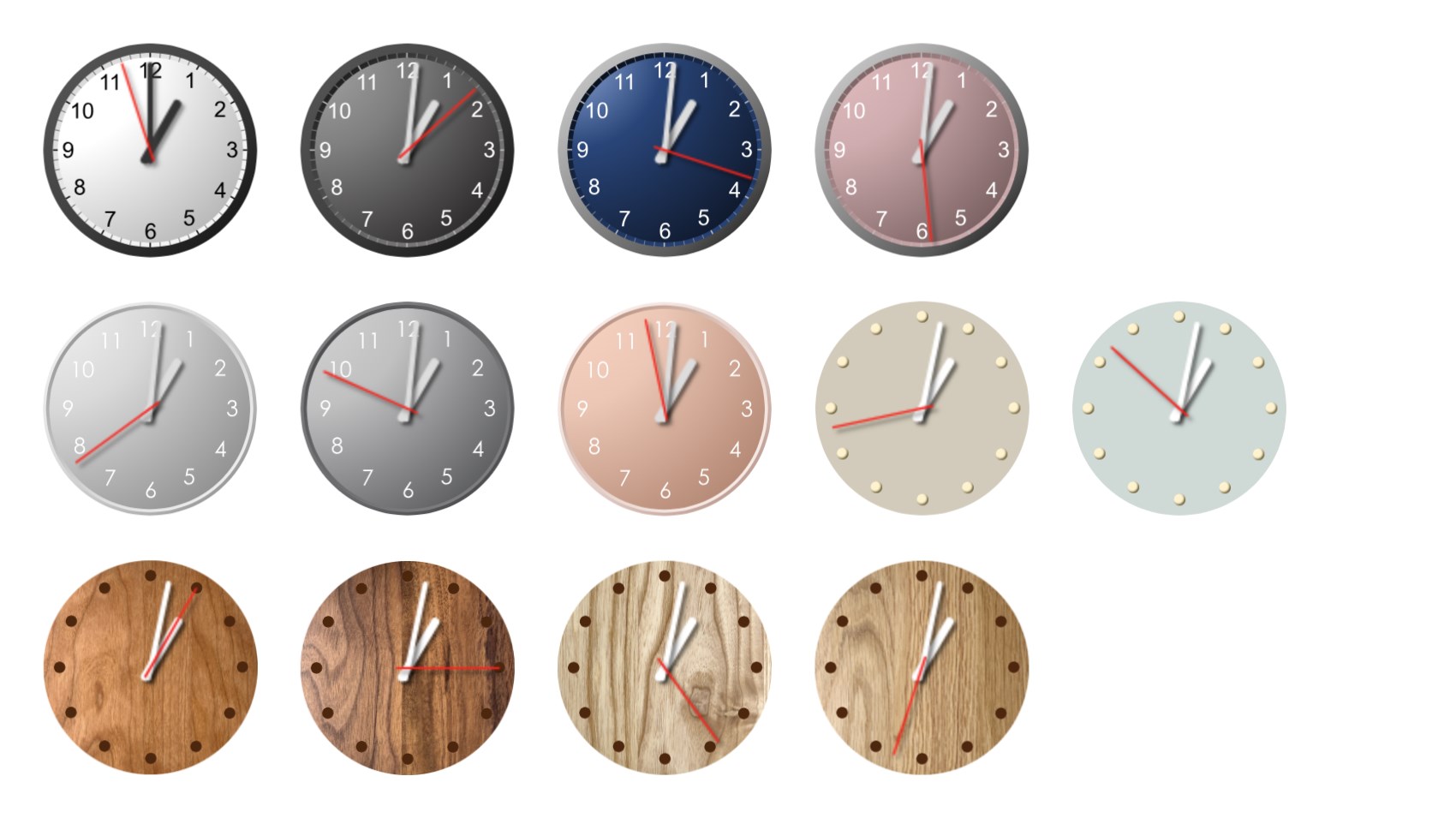
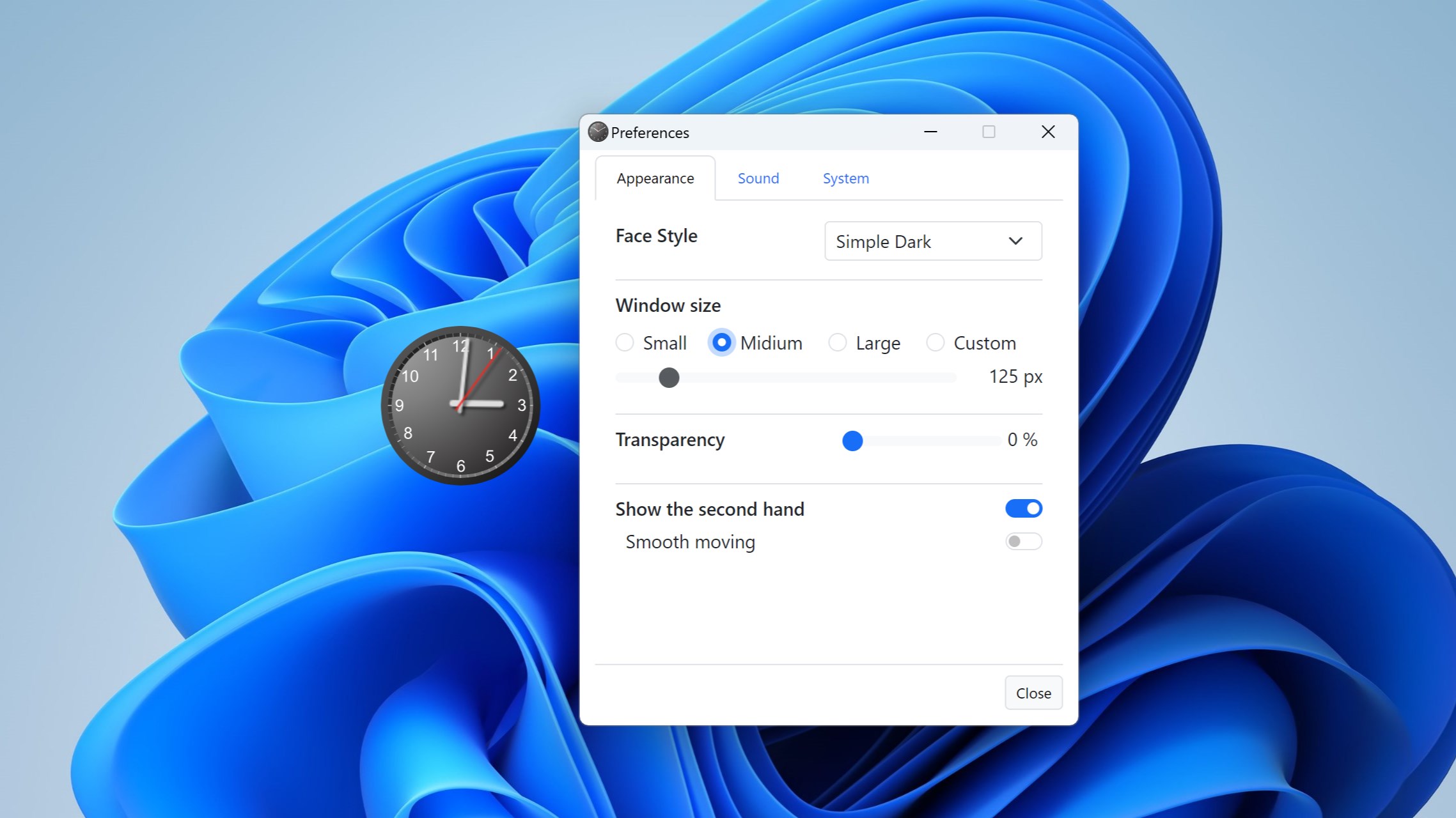
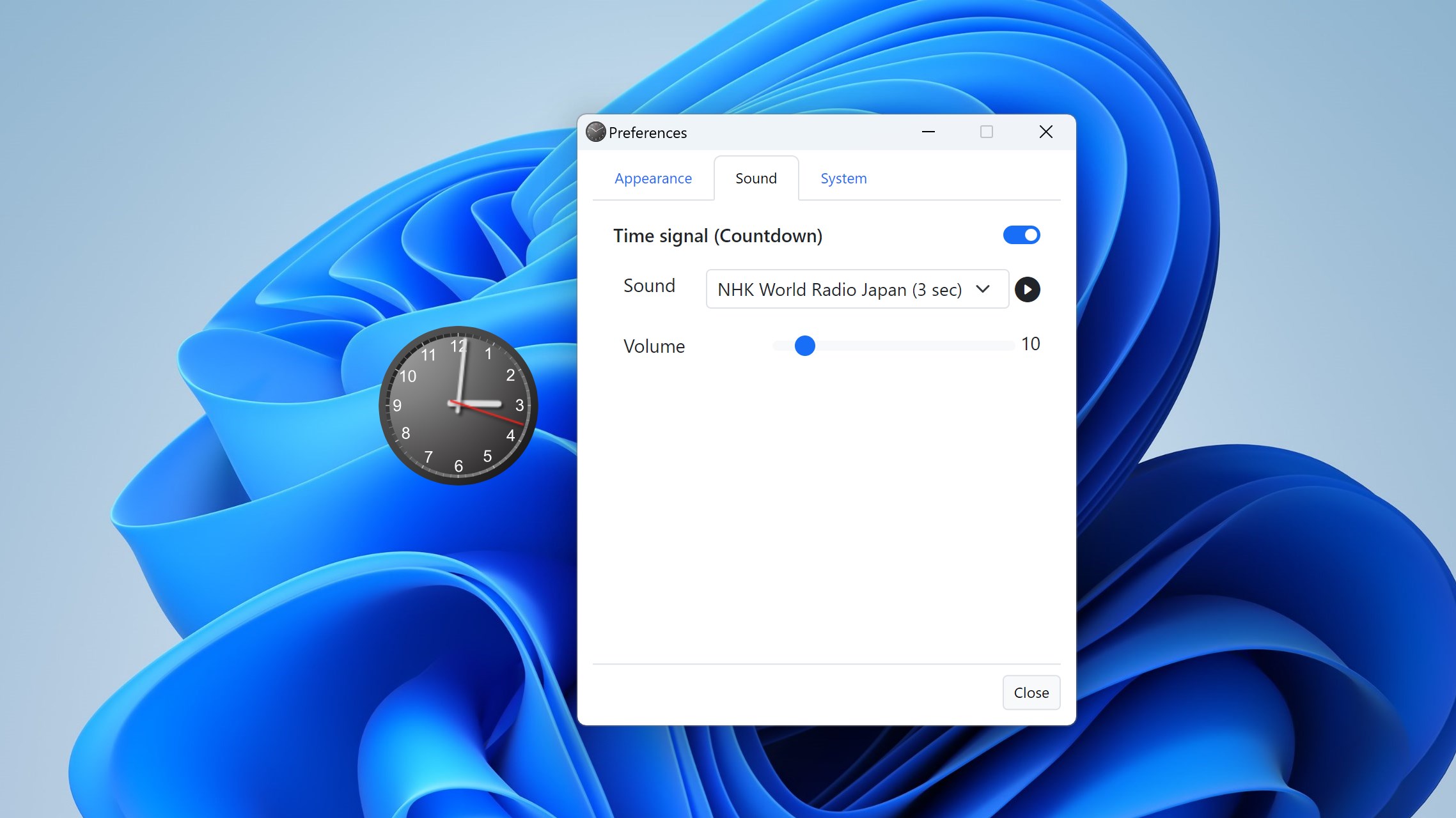
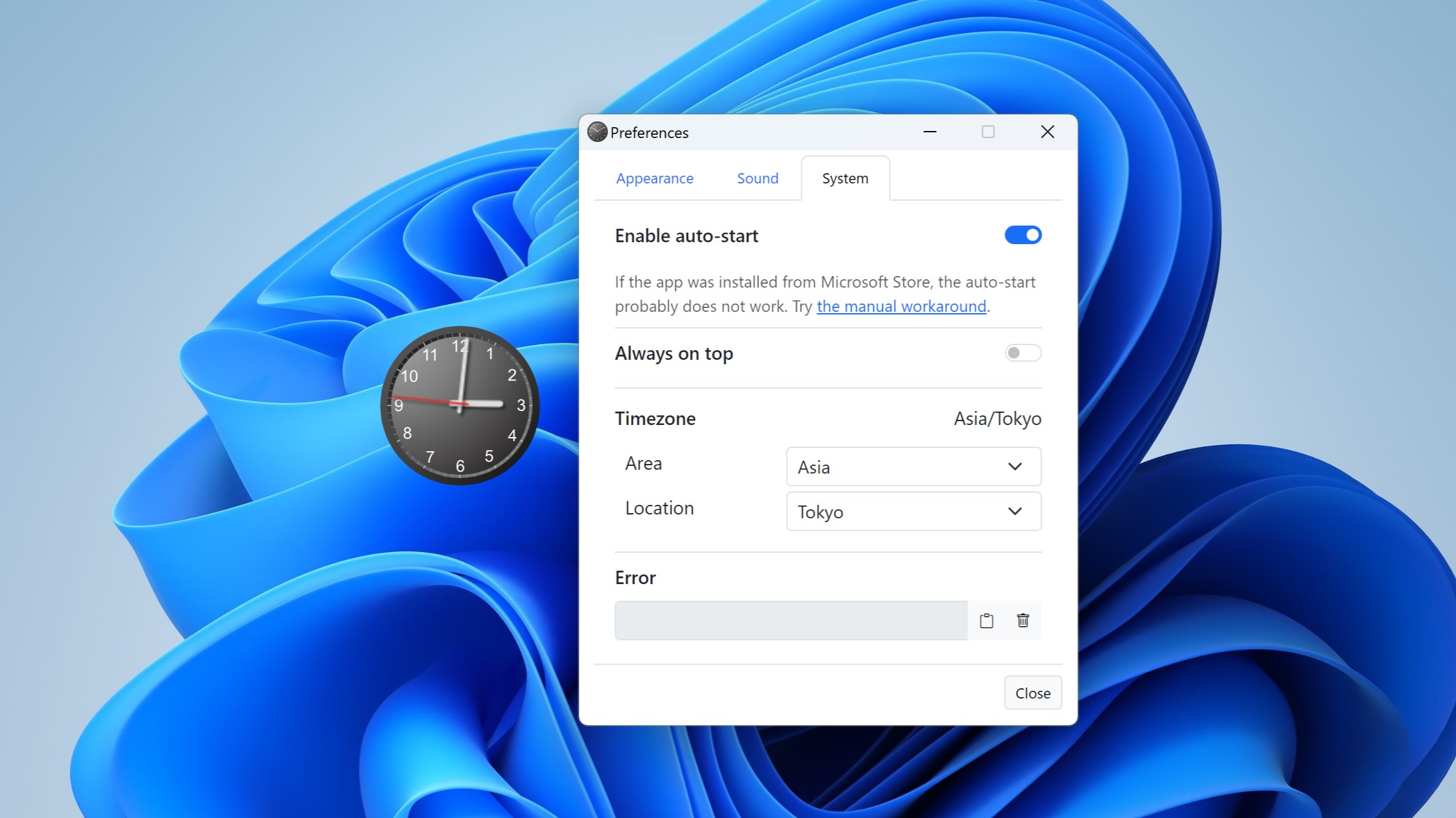
One of the app's most striking features is its high level of customization. You can choose from various clock styles, colors, and sizes, making your desktop both functional and visually appealing. This flexibility allows you to personalize your workspace—whether you prefer a minimalistic approach or a vibrant, eye-catching display. The smooth animation and crisp visuals ensure that your clock widgets feel alive rather than static components cluttering your desktop.
Efficient Workflow Integration
fGadget Clock Pro excels at integrating with your daily routine. Its built-in alarm and reminder systems are deeply embedded into the widget interface, enabling rapid access without hunting through menus. Setting a reminder is as simple as a few clicks, and the app intelligently groups related functions to minimize workflow disruption. Compared to other productivity tools, it reduces the number of steps needed to perform scheduling tasks—like a well-trained assistant who anticipates your needs—thus lowering cognitive load and keeping you focused.
Ease of Use and Learning Curve
From the moment you launch fGadget Clock Pro, there's a sense of familiarity—like slipping on a comfortable pair of shoes. The initial setup is straightforward, with clear options and inline explanations for customization. Its layout and design emphasize simplicity, making it accessible for users of all levels. Unlike some complex scheduling apps that demand steep learning curves, this tool feels like a natural extension of your desktop environment, allowing you to get started quickly and adapt as your needs evolve.
Unique Differentiators in a Competitive Landscape
Compared to other productivity apps, the true strength of fGadget Clock Pro lies in its tight focus on workflow efficiency. While many apps flood users with features, it prioritizes essentials, creating a frictionless experience. Its ability to offer customizable visual widgets combined with integrated alerts means fewer windows and fewer distractions—a key advantage for users seeking clarity rather than clutter. Furthermore, by emphasizing cognitive load reduction through intuitive design, it helps you stay on top of your schedule without feeling overwhelmed by options or settings.
Final Recommendations and Usage Tips
All in all, fGadget Clock Pro is a refined tool worth considering for anyone looking to add simple yet powerful time management features directly to their desktop. I recommend it to users who prefer a sleek, customizable clock with practical integrations—ideal for busy professionals, students, or anyone who wants to keep time and reminders close at hand without switching between multiple applications.
For optimal benefit, start with the default settings to get accustomed, then gradually explore customization options to match your aesthetic and workflow preferences. Its unobtrusive design ensures it enhances rather than distracts, making your digital workspace smarter and more organized.
Pros
- Intuitive and customizable interface
- Multiple clock formats and themes available
- Accurate time synchronization
- Useful alarm and timer functions
- Low battery consumption
Cons
- Limited widget customization options
- Occasional syncing delays with server
- In-app advertisements in the free version
- Some advanced features are locked behind a paywall
- Initial setup can be slightly complex for new users











