

- Category Productivity
- Developer Files Community
- Available on PC
- OS Windows 10 version 19041.0 or higher
- Keyboard Not specified
- Mouse Not specified
- languages Afrikaans, Albanian, Arabic, Armenian, Belarusian, Bulgarian, Catalan, Central Kurdish, Chinese (Simplified), Chinese (Traditional Chinese), Croatian, Czech, Danish, Dutch, English (United Kingdom), English (United States), Filipino, Finnish, French, Georgian, German, Greek, Hebrew, Hindi, Hungarian, Indonesian, Italian, Japanese, Khmer, Korean , Latvian, Lithuanian, Malay, Norwegian (Bokmål), Odia, Persian, Polish , Portuguese (Brazil), Portuguese (Portugal), Romanian, Russian, Serbian (Cyrillic), Slovak, Spanish (Latin America), Spanish (Spain), Swedish, Tamil, Thai, Turkish, Ukrainian, Vietnamese
Unveiling Files App for Windows: A Fresh Take on File Management
In a sea of cluttered file explorers and overlapping functionalities, Files App for Windows emerges as a thoughtfully crafted alternative designed to streamline your digital workspace. Developed by Files Community, this app aims to redefine how users navigate, organize, and manage their files effortlessly and intuitively.
Core Features That Make Files App Stand Out
1. Simplified Multi-Tab Navigation
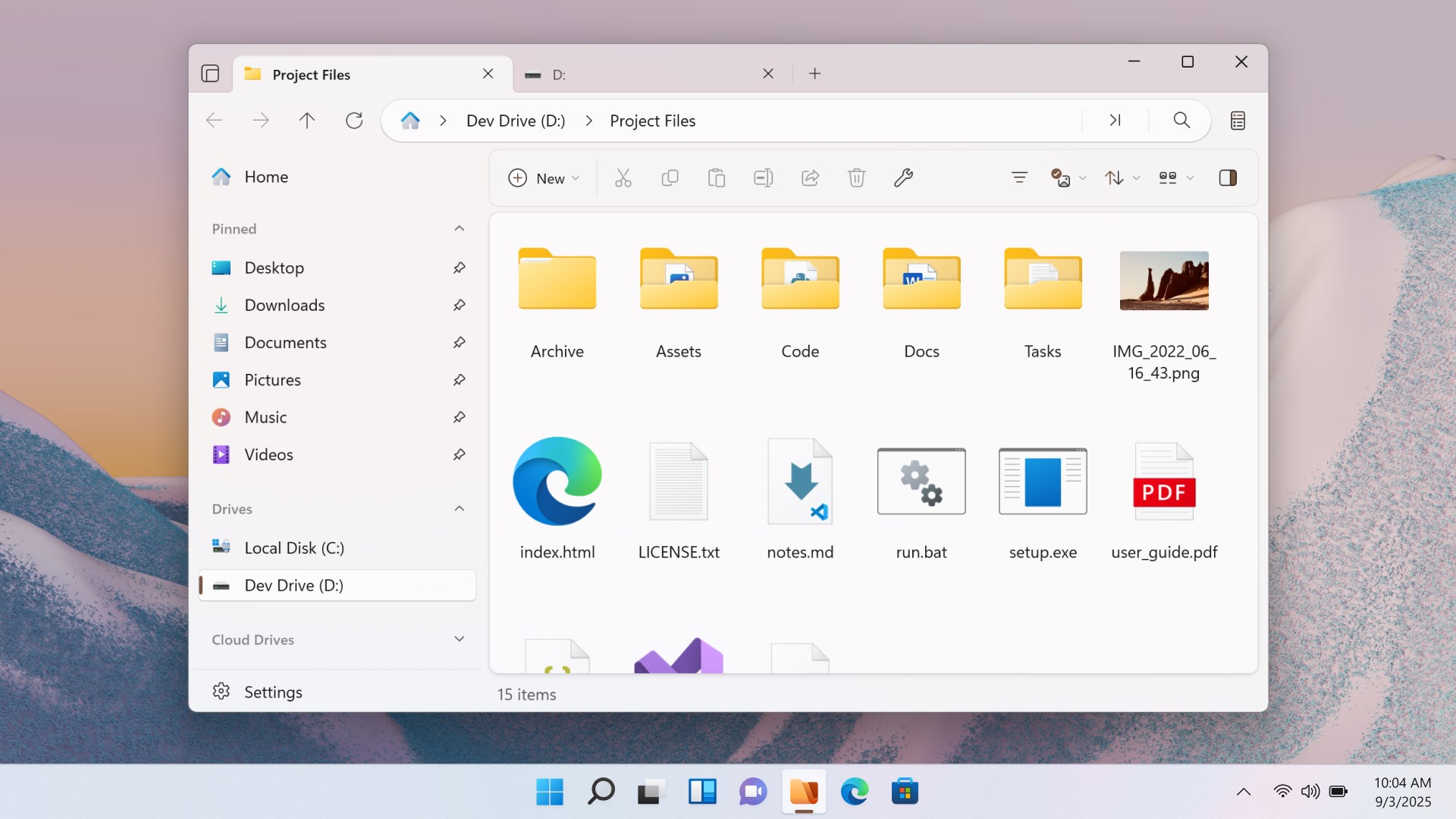
Imagine browsing your project folders as effortlessly as flipping through tabs in a well-organized notebook. Files App introduces a multi-tab interface that allows users to open multiple directories simultaneously within a single window. This feature transforms the traditional linear exploration into a dynamic, windowed experience, minimizing the need for multiple windows and reducing clutter—perfect for users juggling different projects or datasets.
2. Integrated Cloud and Local Storage Management
Managing files across various cloud services alongside local storage often feels like juggling, but Files App simplifies this with built-in integration. Whether it's OneDrive, Google Drive, or Dropbox, the app presents a unified view, allowing seamless transfer, copy, or move operations. This consolidation accelerates workflow, especially for professionals who need quick access to files stored in different locations, all within one sleek interface.
3. Customizable User Interface for Productivity
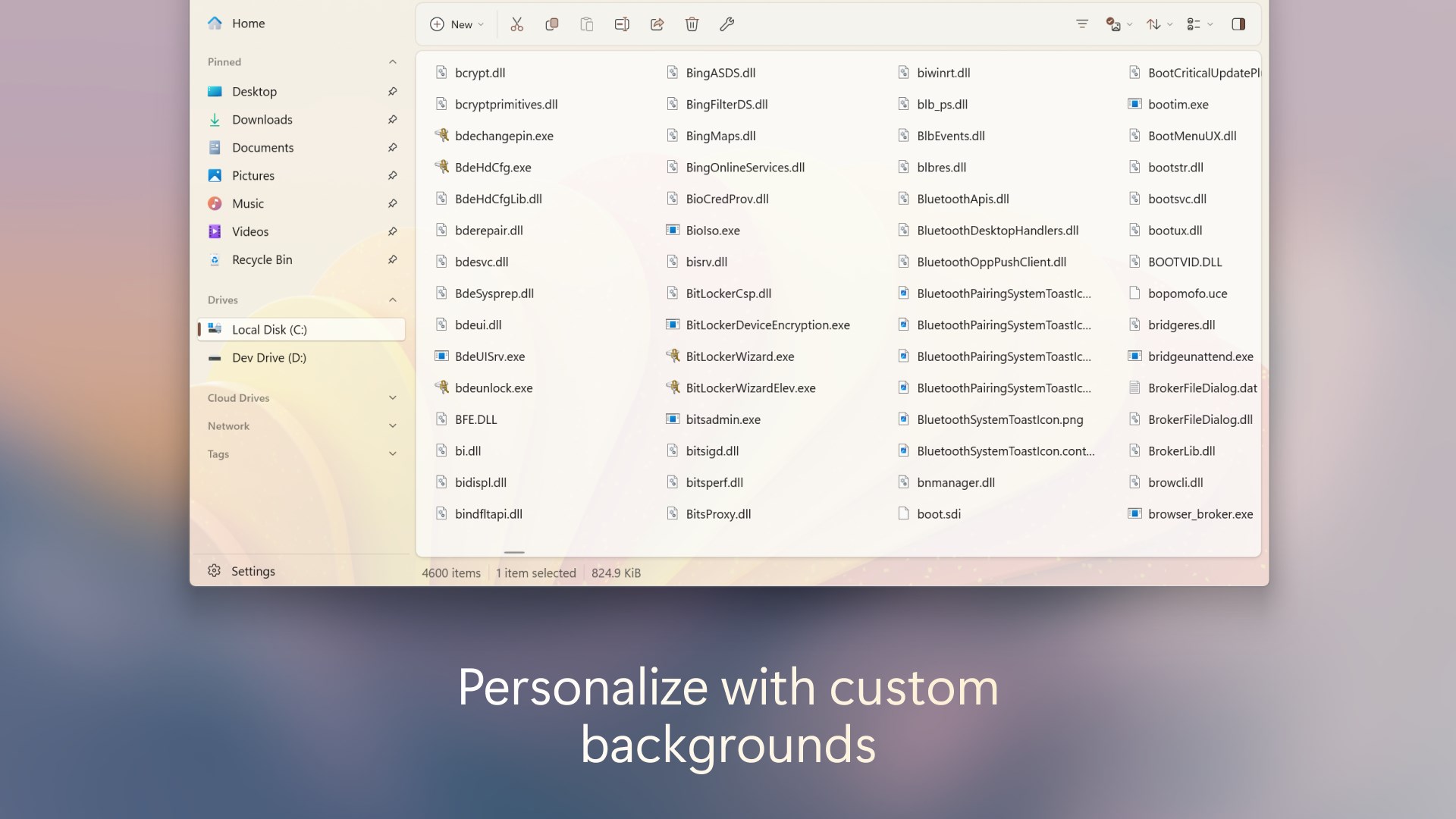
The app recognizes that no two users are alike. Its customizable interface lets users tweak themes, layout density, and toolbar options, enabling a tailored experience that aligns with individual preferences or task requirements. This flexibility, combined with a lightweight design, helps minimize cognitive load, making navigation feel intuitive rather than overwhelming.
Brighten Your Workflow: Design and User Experience
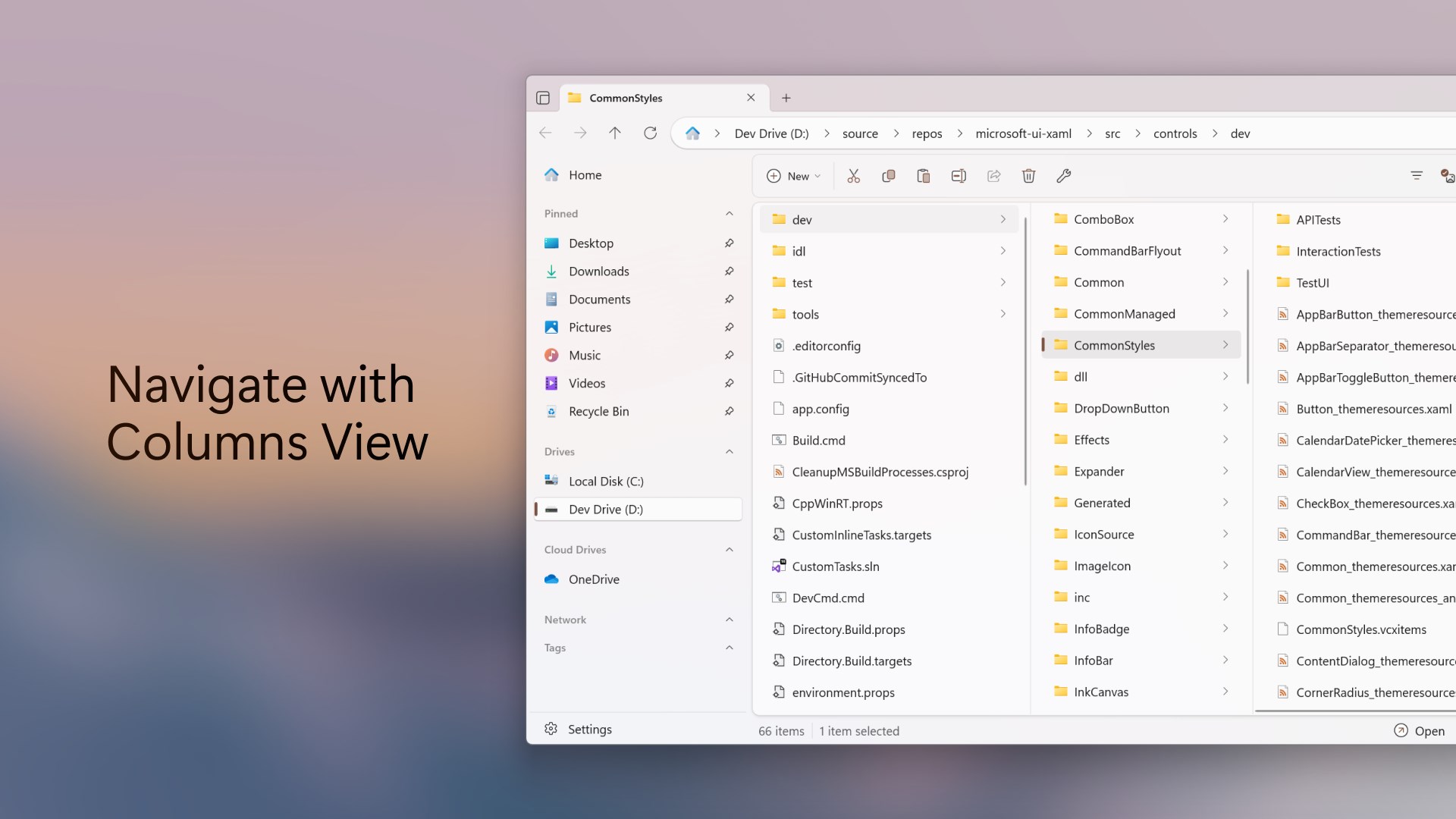
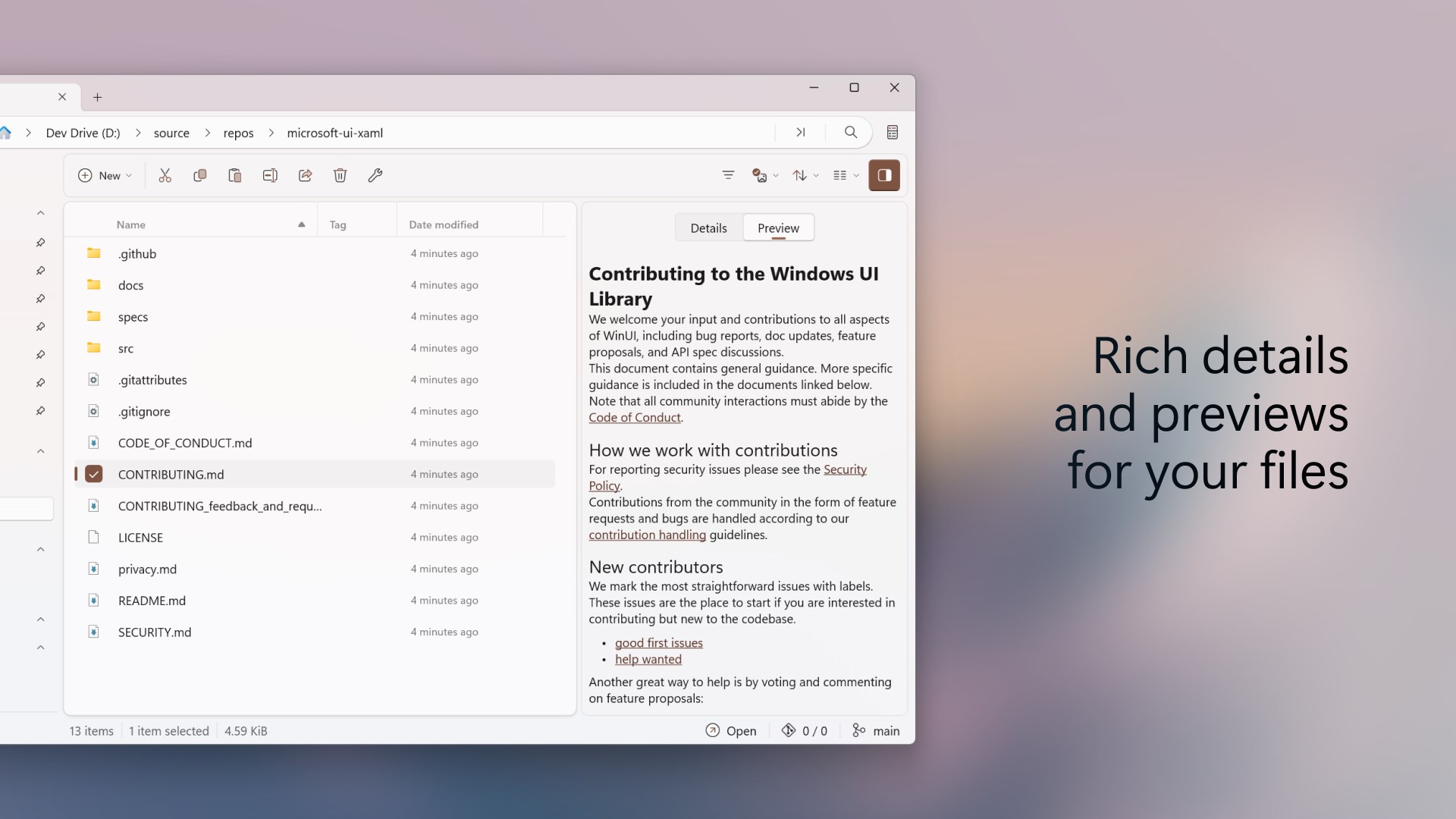
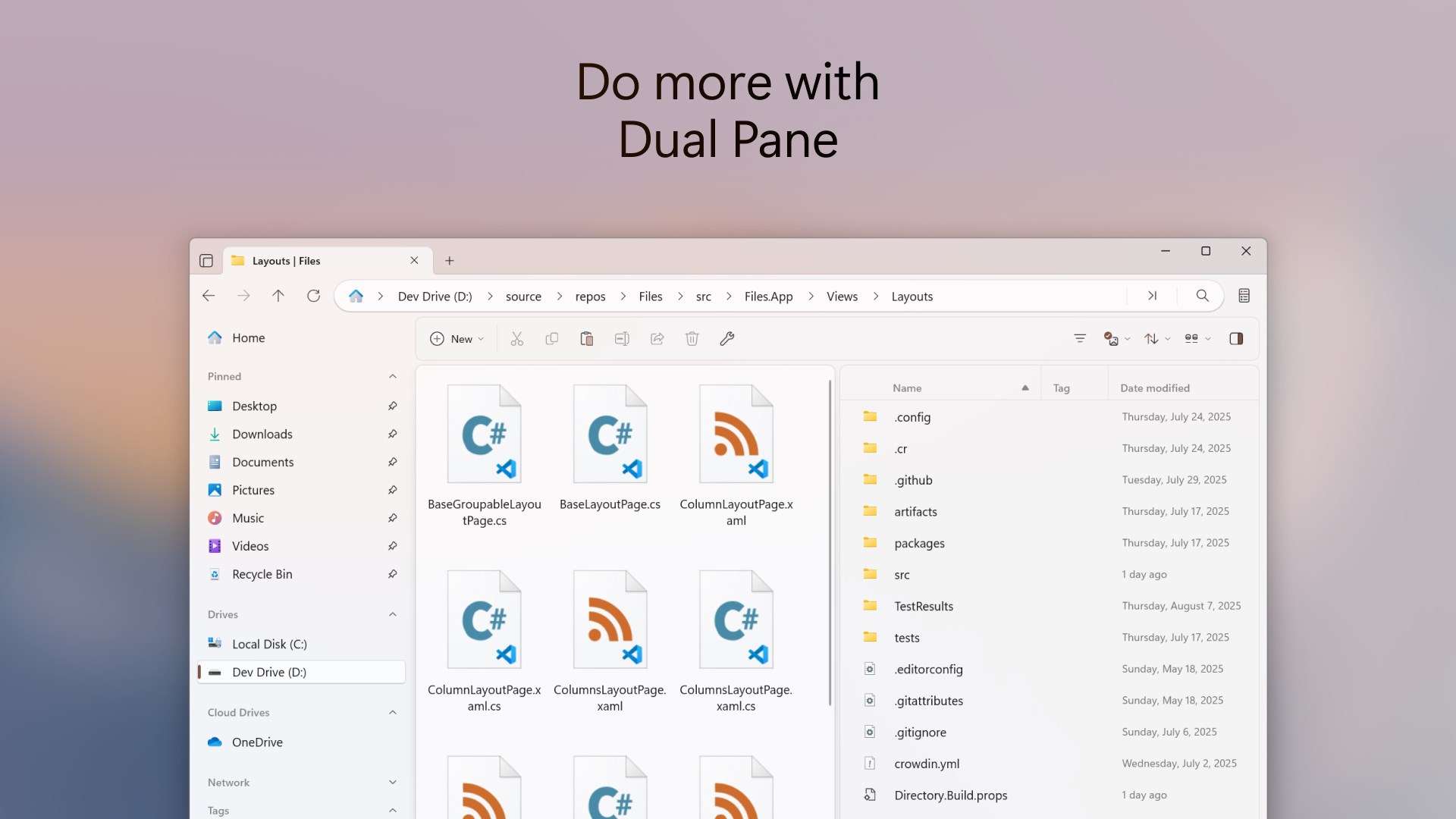
From the moment you launch Files App, its clean, modern aesthetic resembles a well-organized desk—space for everything and chaos kept at bay. The interface is simple yet thoughtful, with an emphasis on clarity and ease of use. The navigation is buttery smooth; transitioning between folders or dragging files feels natural, with animations providing feedback without causing distraction. For new users, the learning curve is gentle, thanks to its straightforward layout and contextual tooltips that act like friendly guides.
Compared to traditional file explorers or heavier productivity suites, Files App offers a lightweight sandbox - it doesn't weigh down your system nor your mental bandwidth. Instead, it acts like a helpful assistant, reducing the cognitive load of managing multiple storage locations or navigating complex folder structures. Its focus on workflow efficiency—through tabbed browsing and unified storage management—sets it apart from more feature-heavy, cluttered alternatives.
Differentiation and Unique Benefits
Unlike many conventional file managers, Files App prioritizes reducing complexity to enhance productivity. While some apps cram in myriad features that can be overwhelming, Files App strikes a balance by honing in on core workflows. Its multi-tab interface and cloud integration are not just add-ons but core pillars that facilitate quick, logical task sequences—allowing users to move swiftly from discovery to action. This emphasis on reducing mental clutter is akin to replacing a cluttered toolbox with a well-organized workstation—everything you need is within reach, and nothing gets in the way.
Final Verdict and Recommendations
Overall, Files App for Windows is a welcome breath of fresh air for users seeking a clean, efficient, and customizable file management experience. It excels particularly in its workflow integration features—multi-tab navigation and cloud management—that can significantly cut down on repetitive clicks and mental fatigue. However, if your workflows demand highly specialized features like advanced file versioning or deep automation, this app might serve better as a complement rather than a complete replacement.
I recommend it primarily for professionals and power users who value an intuitive interface that minimizes cognitive load and maximizes productivity. For casual users or those heavily reliant on complex automation, it's worth exploring alongside traditional solutions or as part of a broader toolkit.
Pros
- Intuitive File Management
- Seamless Integration with Windows
- Supports Multiple File Types
- Cloud Backup and Sync Features
- Lightweight and Fast Performance
Cons
- Limited Advanced Features
- Occasional Sync Errors
- Basic Customization Options
- Offline Access Limitations
- Search Functionality Could Improve











