

- Category Productivity
- Developer Files Community
- Available on PC
- OS Windows 10 version 19041.0 or higher
- Keyboard Not specified
- Mouse Not specified
- languages Afrikaans, Albanian, Arabic, Armenian, Belarusian, Bulgarian, Catalan, Chinese (Simplified), Chinese (Traditional Chinese), Croatian, Czech, Danish, Dutch, English (United Kingdom), English (United States), Filipino, Finnish, French, Georgian, German, Greek, Hebrew, Hindi, Hungarian, Indonesian, Italian, Japanese, Khmer, Korean , Latvian, Lithuanian, Malay, Norwegian (Bokmål), Persian, Polish , Portuguese (Brazil), Portuguese (Portugal), Romanian, Russian, Serbian (Cyrillic), Slovak, Spanish (Latin America), Spanish (Spain), Swedish, Tamil, Thai, Turkish, Ukrainian, Vietnamese
A Fresh Take on File Management: Exploring Files Preview for Windows
Imagine having your entire file library laid out before you with effortless access and enhanced productivity. Files Preview for Windows aims to transform how users navigate and manage their files by offering a unified, intuitive preview experience directly within the File Explorer. Developed by Files Community, this application promises to streamline workflows, reduce cognitive load, and eliminate the hassle of juggling multiple apps or windows—making your daily file handling feel more like a well-orchestrated symphony than a chaotic scramble.
Core Features that Reshape Your File Experience
Seamless In-Explorer Previews Across File Types
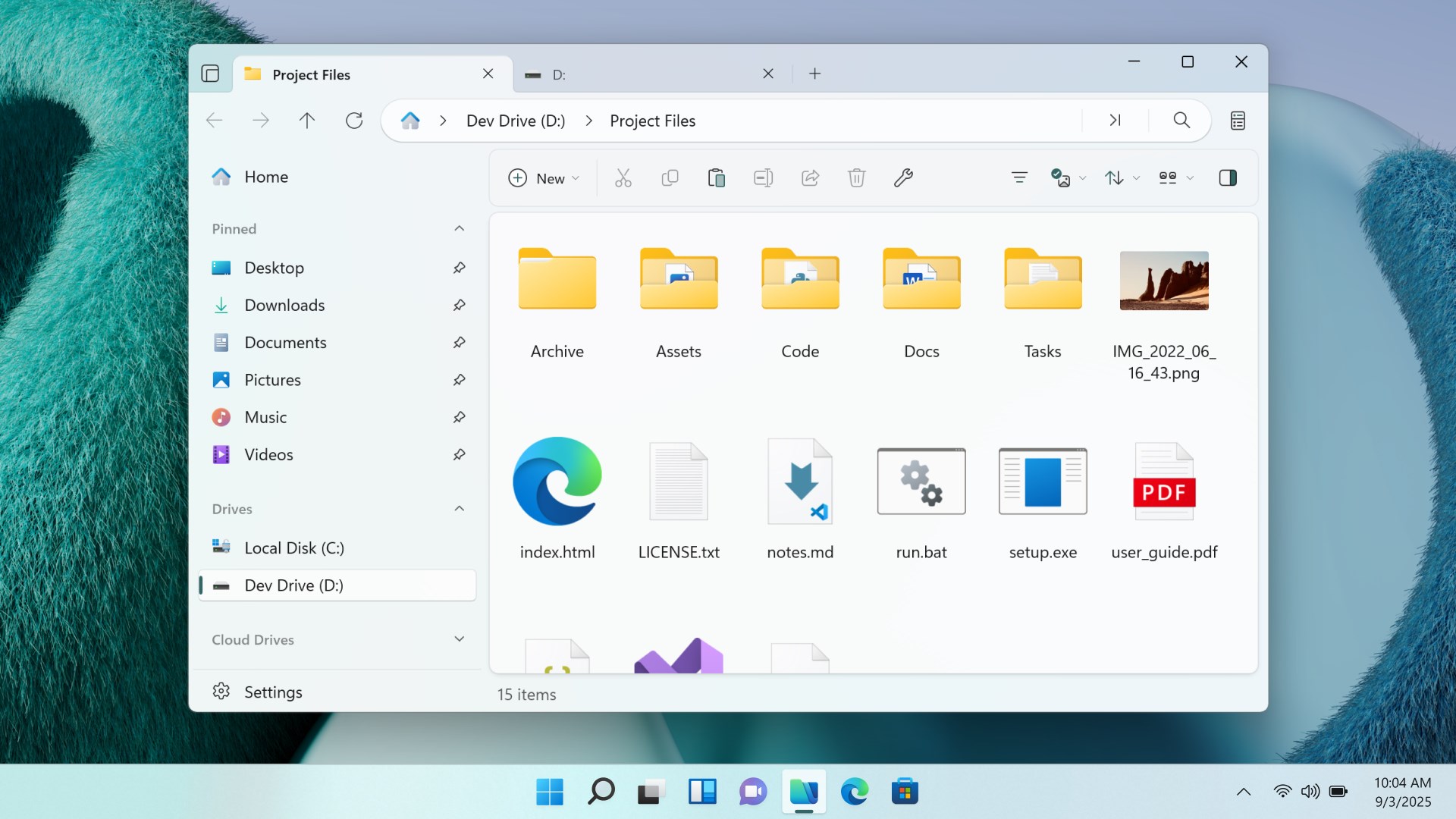
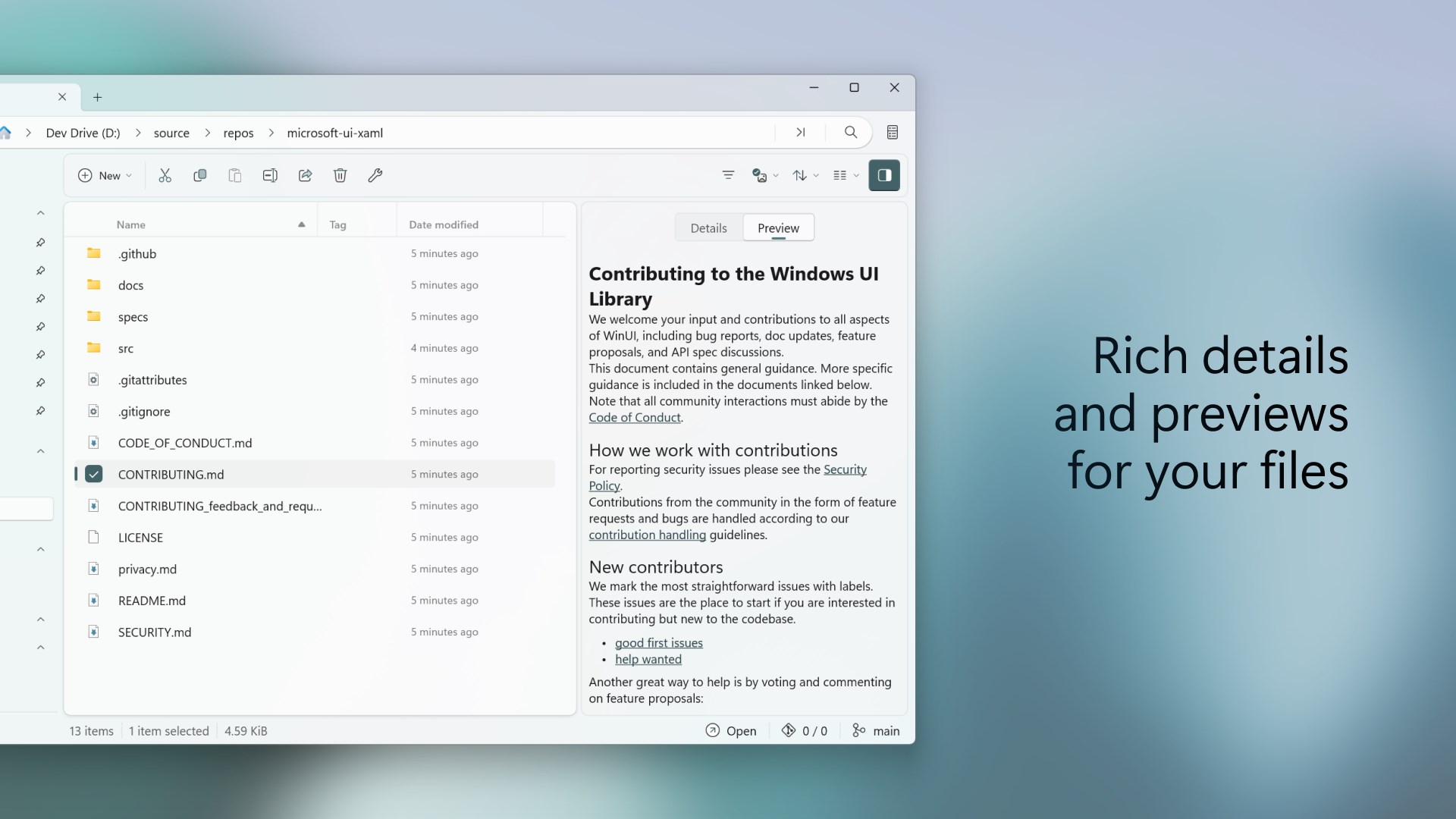
At its heart, Files Preview integrates a robust preview pane directly into Windows File Explorer. No more hunting for third-party viewers or switching between apps; this tool grants instant access to previews for images, videos, PDFs, and even documents like Word or Excel files. It's akin to having a crystal ball—glancing at the file gives you all the info you need without opening multiple windows, dramatically speeding up decision-making and organization.
Unified and Customizable Interface
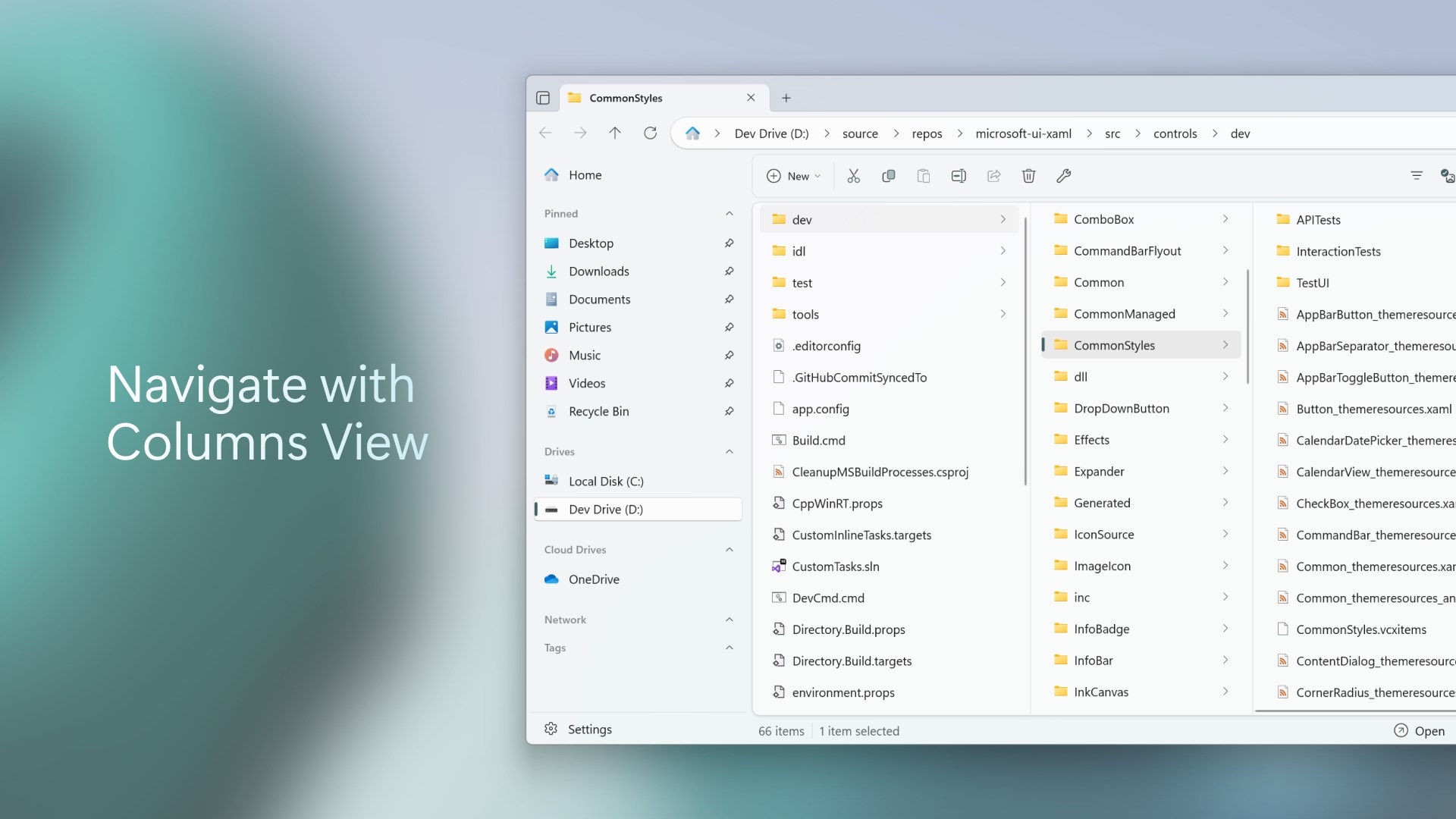
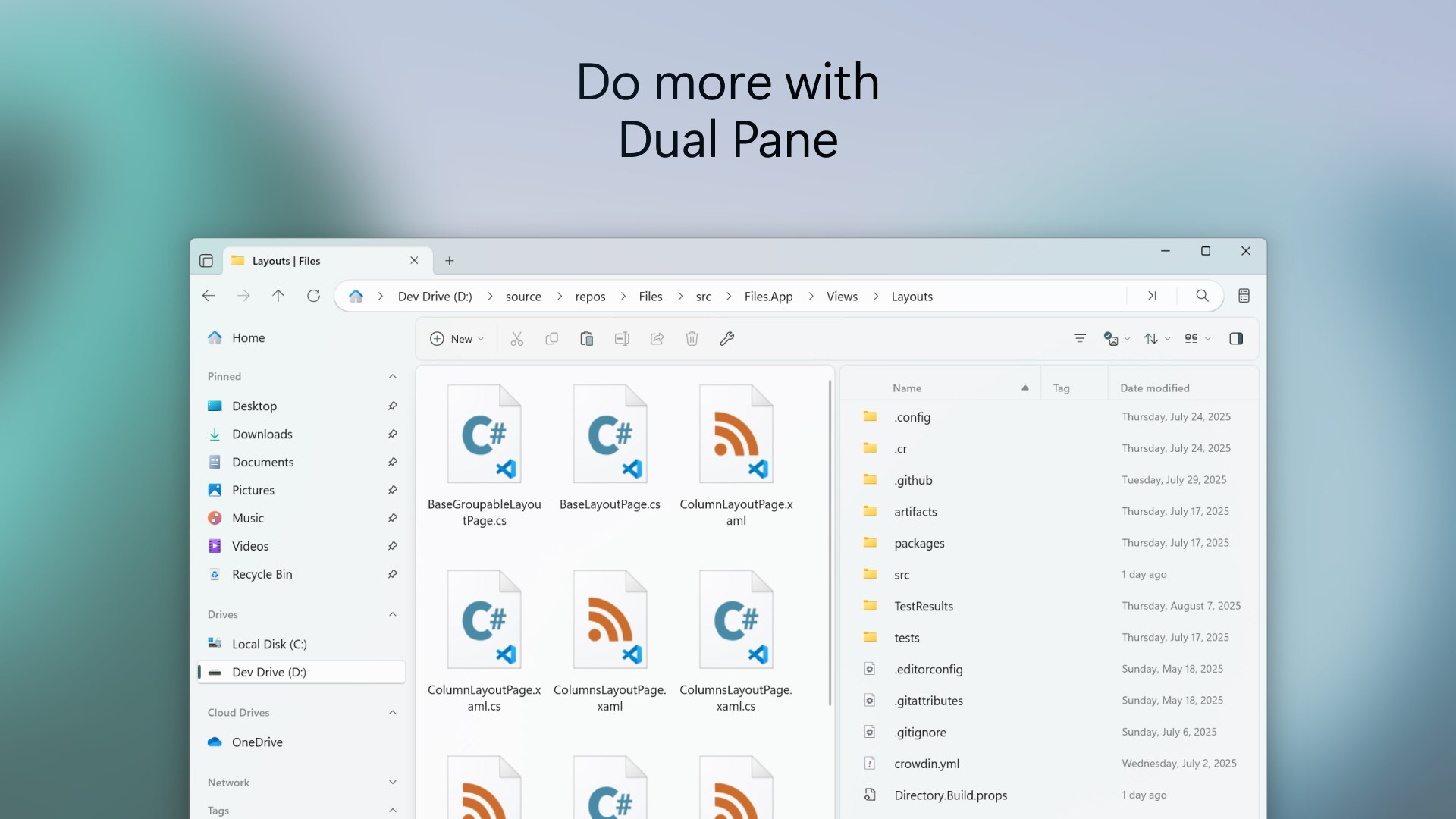
The application's interface is sleek yet straightforward, blending seamlessly into the native Explorer environment. Users can toggle previews easily, customize supported formats, and tailor the layout to fit their workflow. For instance, you might focus on image browsing during design, then switch seamlessly to document previews for office tasks—all from a familiar layout that feels natural rather than intrusive.
Smart Preview Features & Workflow Efficiency
Beyond static previews, Files Preview offers smart features like thumbnail generation, quick annotations, and even media controls for videos. These elements collectively reduce the need for opening files repeatedly, cutting down on cognitive loads and saving brainpower for more critical tasks. It's like having a digital assistant guiding you through your file maze, offering just enough info to decide your next step without overwhelming you with unnecessary options.
Evaluating User Experience and Interface
The interface design of Files Preview strikes an admirable balance—familiar enough not to confuse Windows users, yet enhanced with the features needed for modern workflows. The preview pane integrates smoothly into Explorer, responding swiftly to mouse clicks and navigation commands, indicating high operation fluidity. Learning curve? Minimal. Even new users can get up and running within minutes, exploring the powerful preview abilities without extensive tutorials. The app's design reduces cognitive load by offering clarity and immediacy, unlike more complex suites that bombard users with options and settings.
Breaking Away from the Crowd: What Sets It Apart?
Many file management tools focus solely on organization or editing—yet Files Preview emphasizes workflow integration efficiency. Its unique strength lies in reducing the mental effort needed to identify and vet files quickly, akin to having an assistant that highlights key info at a glance. Unlike some productivity apps that tend to be feature-heavy and intimidating, Files Preview prioritizes delivering essential previews with minimal fuss. This approach directly correlates with lower cognitive load, making it an excellent choice for users seeking swift, effortless file checks without the clutter.
Should You Give It a Try? Recommendations and Usage Tips
Considering its strengths, I would recommend Files Preview for Windows to professionals and everyday users alike who handle large volumes of files regularly—think researchers, designers, office workers, or students. Its unobtrusive design and emphasis on workflow enhancement make it a smart addition to any productivity arsenal. For best results, customize supported file types to match your routine, and take advantage of the preview options for complex documents and media—saving time and mental energy in the process.
In summary, Files Preview for Windows offers a refreshingly straightforward yet powerful way to elevate your file browsing experience. Its focus on reducing clicks and cognitive effort, while enriching the preview capabilities, makes it a valuable asset—particularly for those who seek efficiency without the complexity.
Pros
- Intuitive File Previewing
- Lightweight and Fast
- Seamless Integration with Windows
- Supports a Wide Range of File Formats
- Regular Updates and Improvements
Cons
- Limited Format Support
- Occasional Crashes with Large Files
- Basic User Interface
- Limited Customization Options
- No Support for Cloud Files Directly











