

- Category Developer tools
- Developer Tim Kosse and Business Follows
- Available on PC
- OS Windows 10 version 17763.0 or higher
- Keyboard Integrated Keyboard
- Mouse Integrated Mouse
- Memory 300 MB
- languages English (United States)
FileZilla Pro for Windows: A Robust Companion for File Transfers
FileZilla Pro for Windows is a versatile and reliable FTP client designed to streamline your file transfer tasks, whether you're managing websites, cloud storage, or remote servers.
Who's Behind the Curtain?
Developed by Tim Kosse and Business Follows, a team dedicated to creating powerful tools for web developers and IT professionals, FileZilla Pro benefits from years of experience in creating user-friendly, efficient file transfer solutions.
Core Features That Stand Out
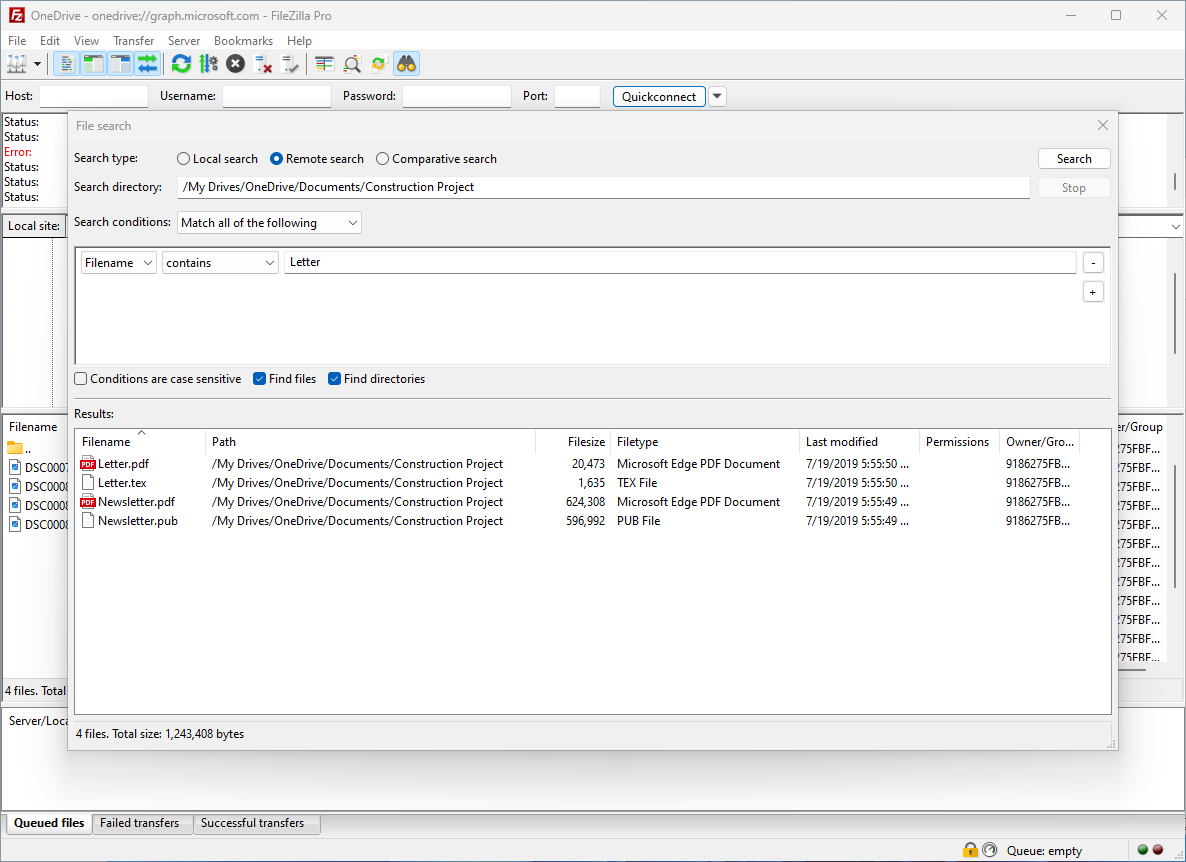
- Multi-Protocol Support: Seamlessly connect via FTP, SFTP, FTPS, WebDAV, and cloud storage services like Amazon S3, Dropbox, and OneDrive, all within a single interface.
- Drag-and-Drop Simplicity: Easily transfer files between your local machine and remote servers with intuitive drag-and-drop capabilities, making complex tasks feel like a breeze.
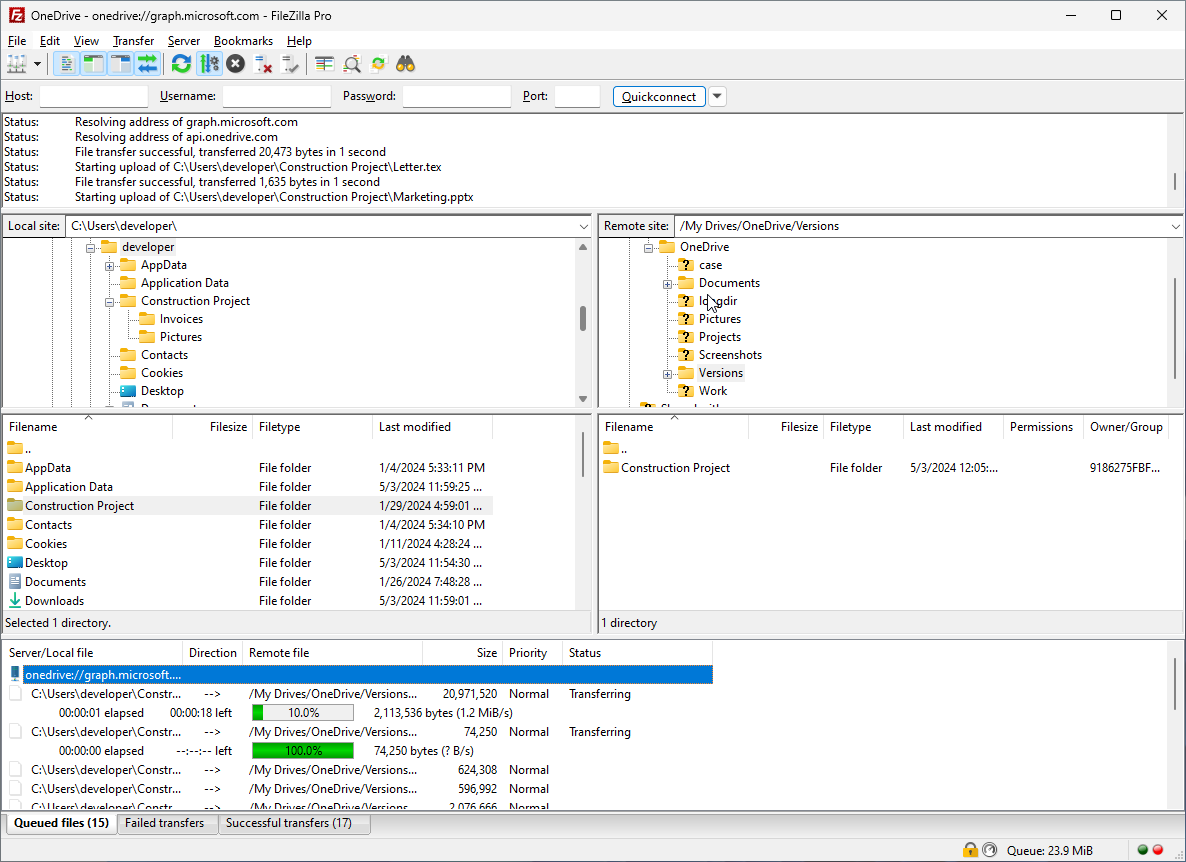
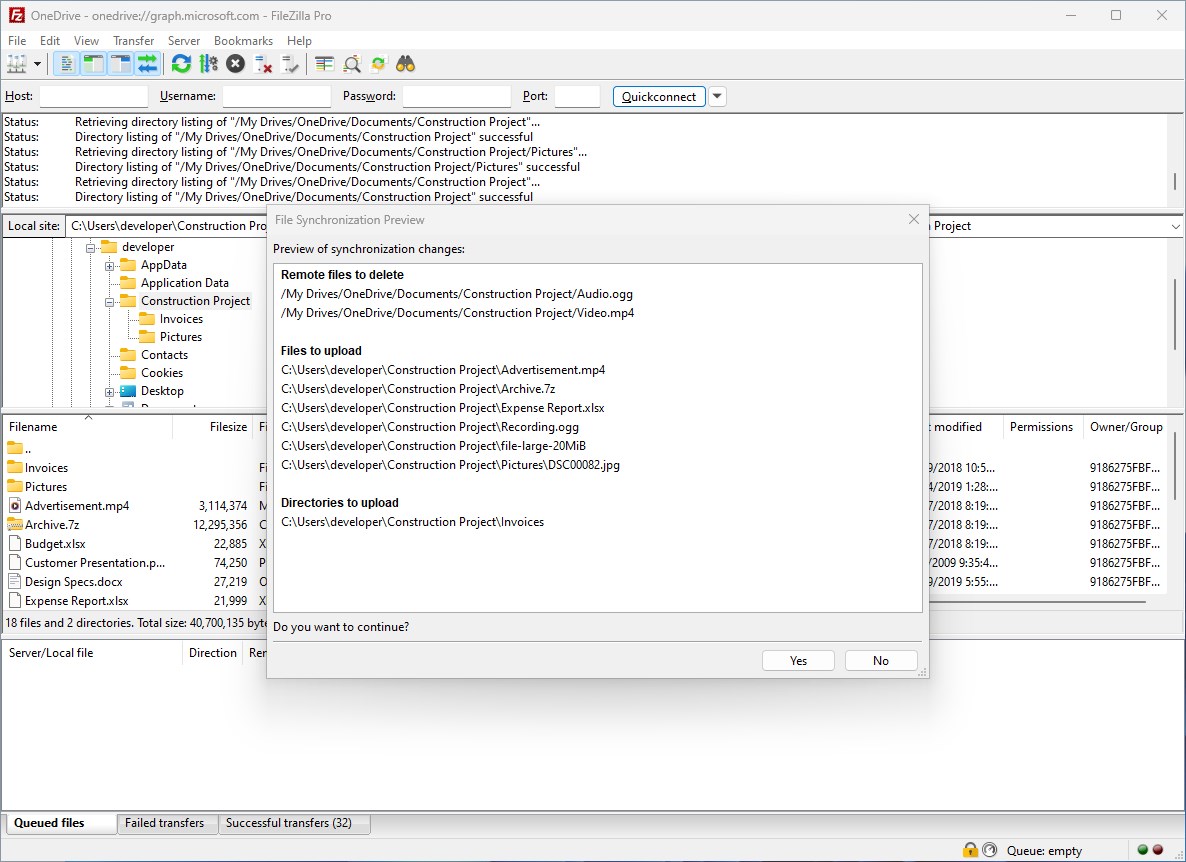
- Advanced Transfer Management: Features like queued transfers, bandwidth limiting, and detailed logging ensure you have full control and visibility of your file operations.
- Windows Integration: Deep integration with Windows OS allows for smooth operation within the familiar environment, including right-click context menus and Explorer integration.
Engaging the User: A Day in the Life with FileZilla Pro
Imagine you're a web developer preparing to deploy a new site. You open FileZilla Pro, and instantly, a familiar, tidy interface greets you—like a well-organized toolbox ready for action. The moment you drag your local files into the remote server pane, you're reminded of how effortlessly complex tasks can be simplified. Whether managing multiple servers or connecting to cloud services, FileZilla Pro transforms what could be a tedious chore into a streamlined workflow.
Intuitive Interface and User Experience
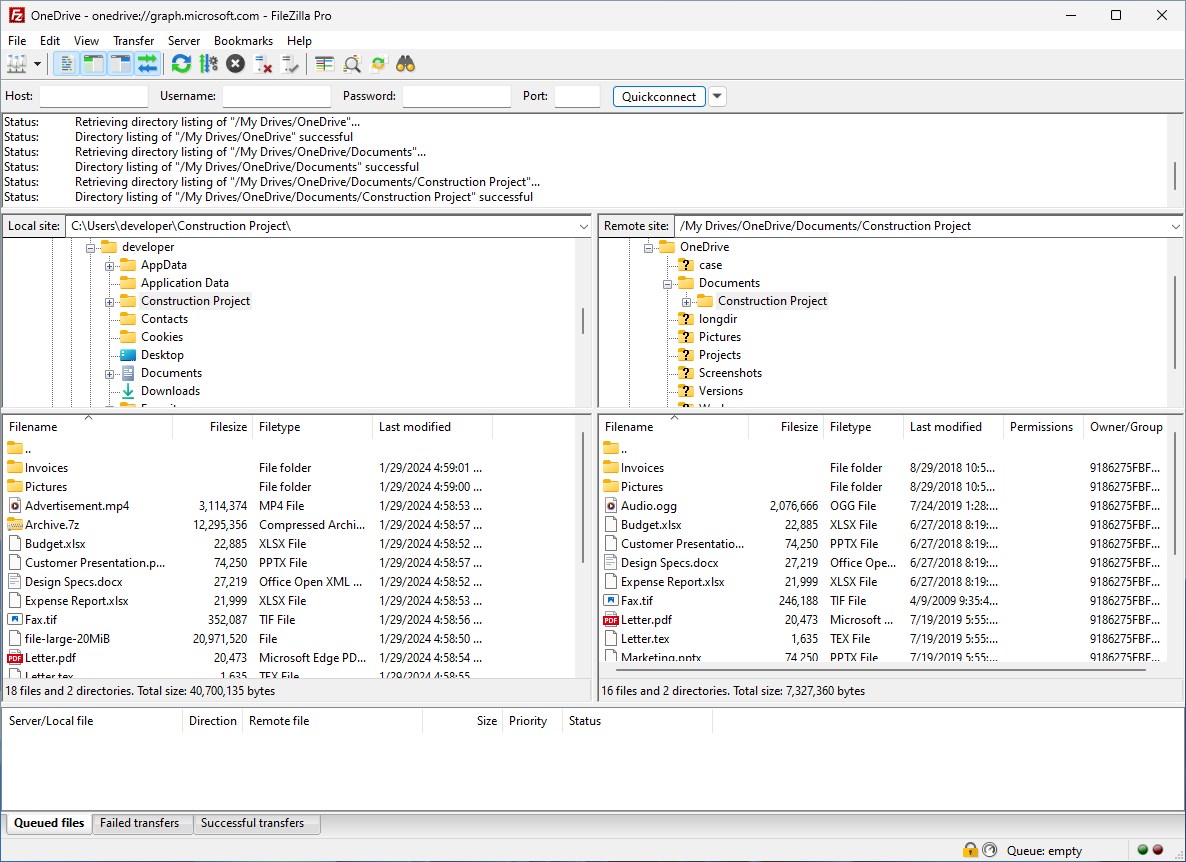
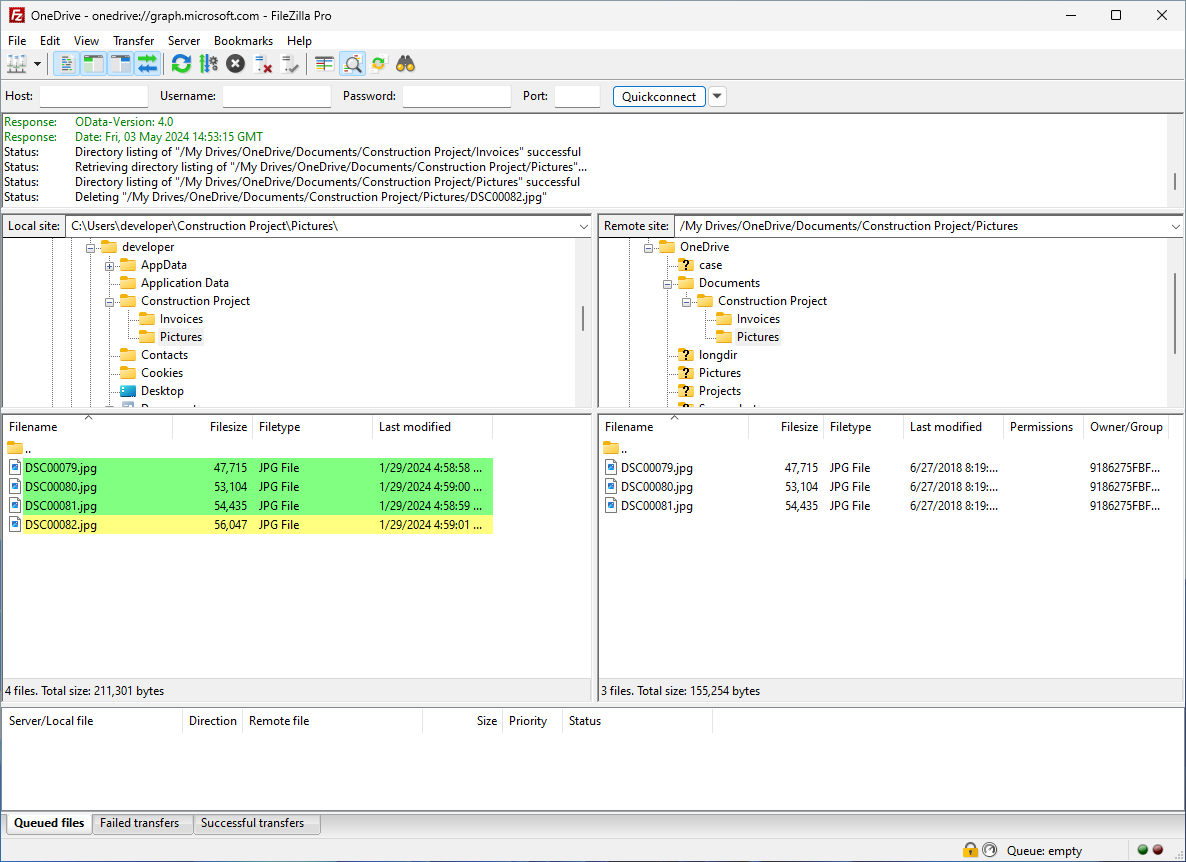
The application boasts a clear, uncluttered interface that adopts a classic dual-pane layout—your local files on one side, server files on the other. The design echoes the familiar Windows Explorer, easing the learning curve for new users while seasoned pros will appreciate the customizable toolbar and detailed transfer logs. The responsiveness is smooth; operations like file transfers, folder navigation, and server connections feel instantaneous, reducing waiting times and frustration. For beginners, the step-by-step connection setup and transfer status updates make onboarding straightforward, while experienced users can leverage advanced options for more complex tasks.
Unique Selling Points: Without the Jargon
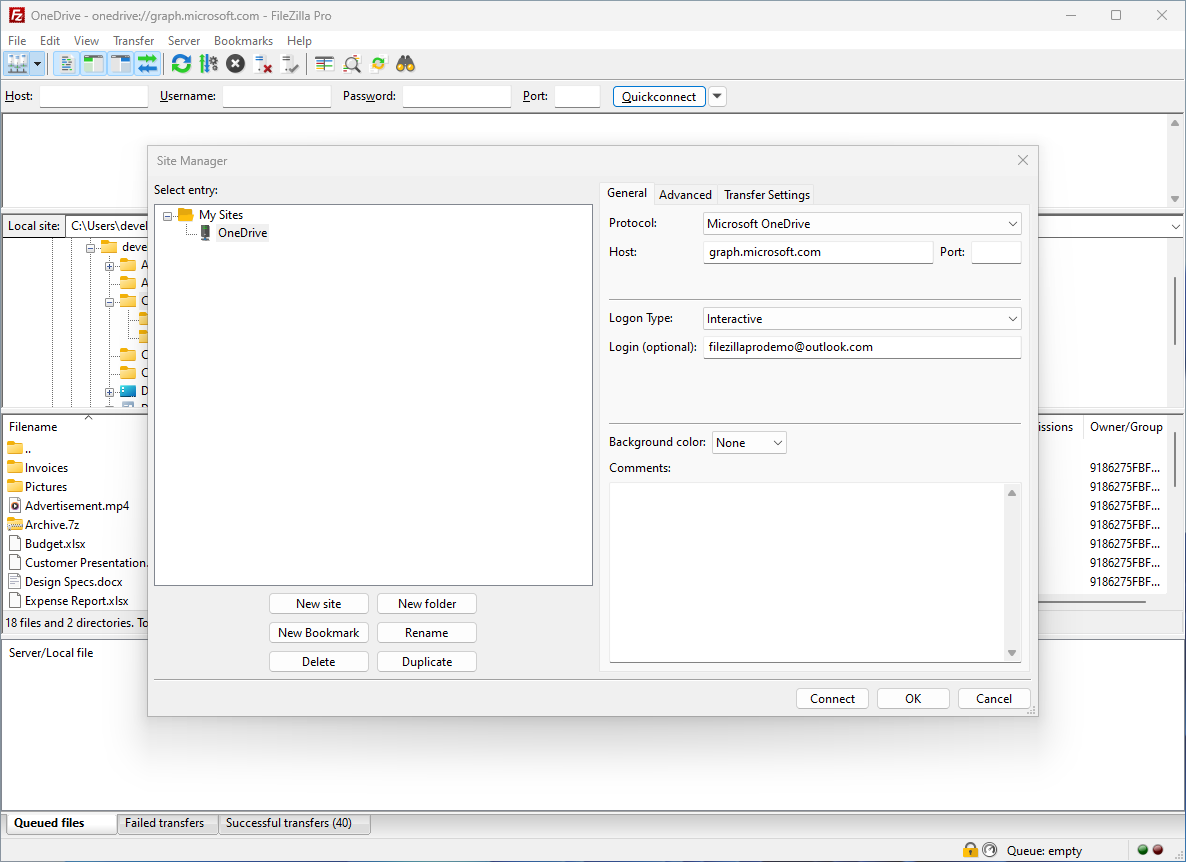
What sets FileZilla Pro apart from similar tools? Its most compelling feature is the seamless integration of cloud storage services alongside traditional FTP connections. If you've ever found yourself juggling multiple apps to manage different storage types, FileZilla Pro consolidates everything into one cohesive platform. Think of it as a universal remote control for your digital storage universe. Moreover, the multi-protocol support isn't just a flashy addition; it's a crucial advantage that caters to varied requirements—be it secure SFTP access or connection to enterprise-grade cloud platforms.
Final Verdict: Worth the Investment
Considering its comprehensive feature set, solid performance, and user-friendly design, I'd recommend FileZilla Pro for Windows to both professionals and serious hobbyists involved in web development, data backup, or cloud management. While it might feel a bit overwhelming for absolute newbies, the intuitive layout and helpful defaults lower the learning curve. This app's standout capability—integrating multiple cloud services—really makes it a unique tool in a crowded field.
In summary, if you're seeking a dependable, feature-rich, and easy-to-use file transfer application, FileZilla Pro is certainly worth exploring. Its ability to serve as a one-stop solution for diverse connection protocols, including popular cloud platforms, makes it a practical choice for those who need versatility without sacrificing simplicity.
Pros
- User-friendly interface
- Supports multiple protocols
- Cross-platform compatibility
- Robust transfer features
- Strong security options
Cons
- Initial setup can be complex for new users
- Limited editing capabilities within the app
- Occasional interface lag on some machines
- Lacks built-in cloud file versioning
- Pricing may be high for some users











