
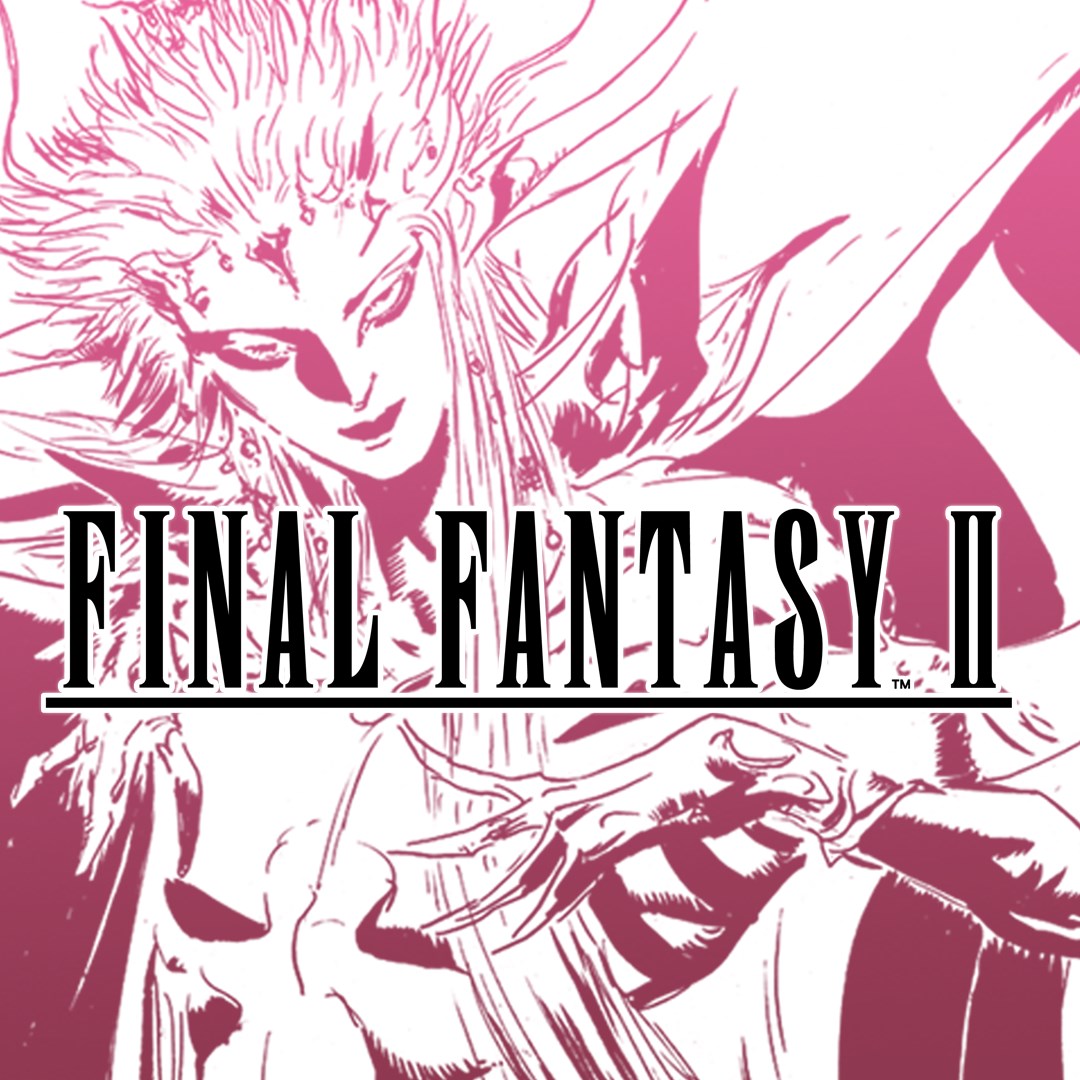
Frequently Asked Questions
How do I start playing FINAL FANTASY II for the first time?
Download the app, open it, and follow the on-screen tutorial to get familiar with the basic controls and story setup.
What are the key new features in this remastered version?
The game features updated 2D graphics, rearranged music, modern UI, auto-battle, font switching, and gameplay boosts like encounter toggles. Access these in Settings.
How can I switch between original and rearranged soundtracks?
Go to Settings > Sound, then select either the Original or Rearranged soundtrack option for your preferred audio experience.
Can I customize the font style during gameplay?
Yes, in Settings > Display, choose between the default font and the pixel-based font to suit your preference.
How does the skill level system work in this version?
Characters improve different attributes based on fighting styles instead of traditional levels; use the skill menu to view and upgrade abilities.
Are there any premium features or in-app purchases available?
The app may be part of a bundle; please avoid purchasing multiple copies. Check Settings > Store for available in-app options or bundles.
Is there a subscription option for additional content or features?
Currently, the app does not offer subscriptions. You can purchase optional extras via in-app purchases if available under Settings > Store.
What should I do if the game crashes or experiences issues?
Try restarting your device, updating the app, or reinstalling. If problems persist, contact support through Settings > Help & Support.
Can I save my progress across devices?
Yes, enable cloud save in Settings > Account to synchronize your game progress across multiple devices.
Does the app include any additional content like extras or galleries?
Yes, access the bestiary, illustration gallery, and music player from the Extras menu within the app to enhance your experience.
You May Like
Persona 5 Royal
for Windows
4.9
Persona 3 Reload
for Windows
4.9
Stardew Valley
for Windows
4.8
Persona 4 Golden
for Windows
4.8
Undertale (PC)
for Windows
4.8
The Elder Scrolls V: Skyrim Special Edition (PC)
for Windows
4.7
Royal Revolt 2: Tower Defense
for Windows
4.6
Clair Obscur: Expedition 33
for Windows
4.6
Fallout: New Vegas Ultimate Edition
for Windows
4.6
Warhammer: Chaos & Conquest
for Windows
4.6
FINAL FANTASY
for Windows
4.5
The Elder Scrolls V: Skyrim Anniversary Edition (PC)
for Windows
4.4