
Frequently Asked Questions
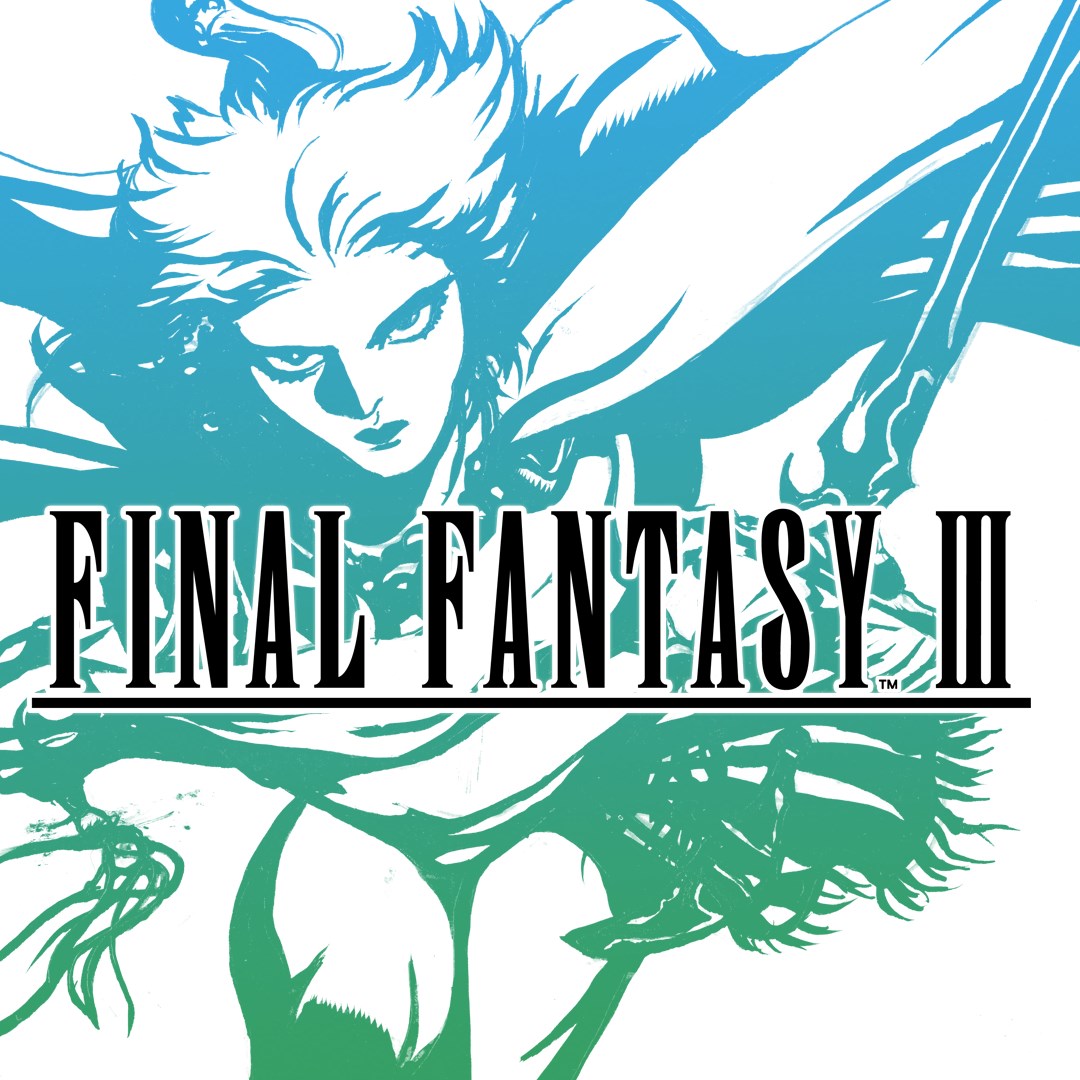
How do I start playing FINAL FANTASY III on my device?
Download the app from your app store, open it, and follow the on-screen instructions to start a new game or load a saved one.
Can I change the game's graphics or sound settings?
Yes, go to Settings > Graphics & Sound to switch between original and rearranged soundtracks, and toggle graphics options as desired.
What are the main gameplay features of FINAL FANTASY III?
Key features include job switching, turn-based combat, auto-battle, encounter controls, and customizable experience gain, enhancing strategic gameplay.
How do I switch jobs or classes during the game?
Access the Job menu from your party screen, then select the character and choose a new class to change jobs at any save point.
Can I customize the game's difficulty or gameplay options?
Yes, go to Settings > Gameplay, where you can disable random encounters, adjust experience multipliers, and activate auto-battle features.
Are there options for different soundtracks or visual styles?
Yes, you can switch between the rearranged and original soundtracks, and change fonts in Settings > Audio & Visual for a personalized experience.
Is FINAL FANTASY III a one-time purchase or subscription-based?
It is a one-time purchase. Be aware that the app may be part of a bundle, so check your purchase to avoid multiple copies.
How do I restore my purchase if I reinstall the app?
Open the app, go to Settings > Restore Purchases, and follow prompts to recover your previous purchase without additional cost.
What should I do if the app crashes or has technical issues?
Try restarting your device, updating the app, or reinstalling it. Contact support via Settings > Help for further assistance if needed.
You May Like

Persona 5 Royal
for Windows
4.9
Persona 3 Reload
for Windows
4.9
Stardew Valley
for Windows
4.8
Persona 4 Golden
for Windows
4.8
Undertale (PC)
for Windows
4.8
The Elder Scrolls V: Skyrim Special Edition (PC)
for Windows
4.7
Royal Revolt 2: Tower Defense
for Windows
4.6
Clair Obscur: Expedition 33
for Windows
4.6
Fallout: New Vegas Ultimate Edition
for Windows
4.6
Warhammer: Chaos & Conquest
for Windows
4.6
FINAL FANTASY
for Windows
4.5
The Elder Scrolls V: Skyrim Anniversary Edition (PC)
for Windows
4.4