

- Category Music
- Developer Image-Line Software
- Available on PC, Mobile, Surface Hub, HoloLens
- OS Windows 10 version 19041.0 or higher
- Memory 2 GB
- languages English (United States)
Create Music On-the-Go: An In-Depth Look at FL Studio Mobile for Windows
Imagine crafting your next chart-topping beat on your Windows device anytime inspiration strikes—that's exactly what FL Studio Mobile offers. The app seamlessly brings the familiar power and flexibility of its desktop counterpart to the Windows environment, making music production accessible and portable for both beginners and seasoned producers alike.
Developers Who Speak Your Language
Developed by Image-Line Software, a renowned name in the music production world, FL Studio Mobile for Windows carries the same pedigree of innovation and reliability. Known for their flagship FL Studio DAW, Image-Line's experience ensures that this mobile version is not just a scaled-down tool but a thoughtfully designed production environment tailored for Windows users.
Core Features That Stand Out
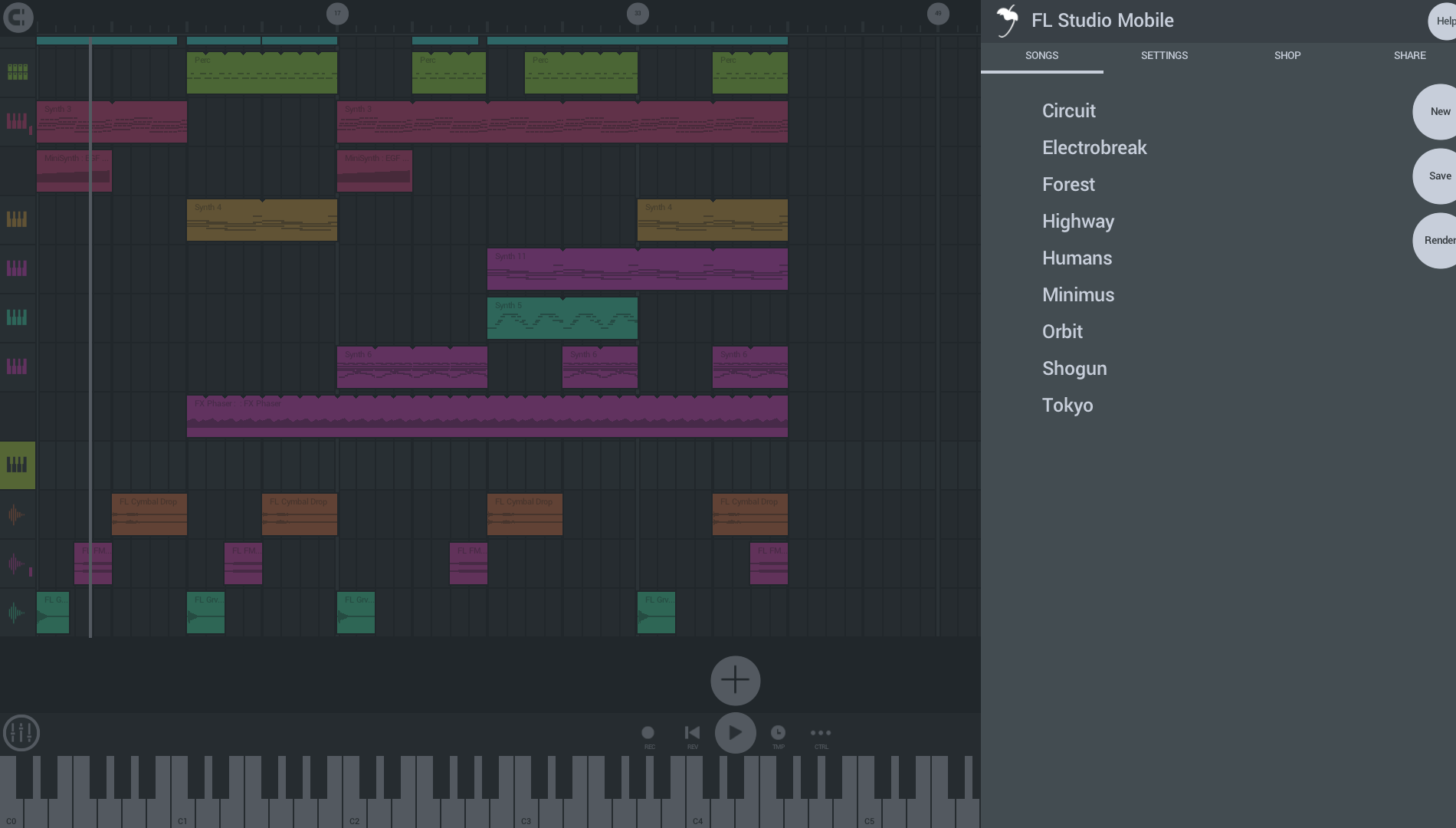
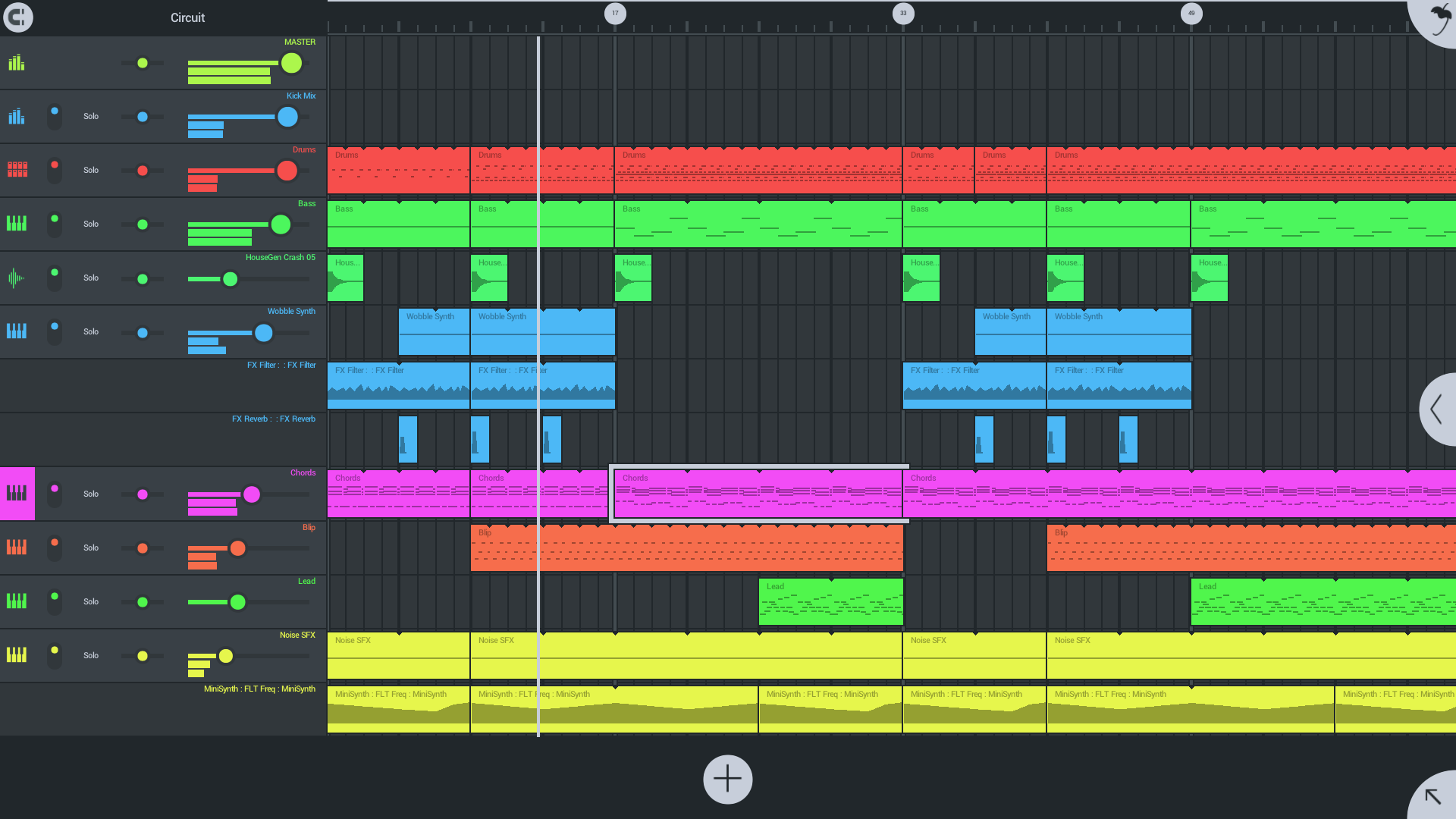
- Intuitive Multi-Track Sequencing: Offers up to 99 tracks, allowing complex arrangements, layered compositions, or simple melodies with ease.
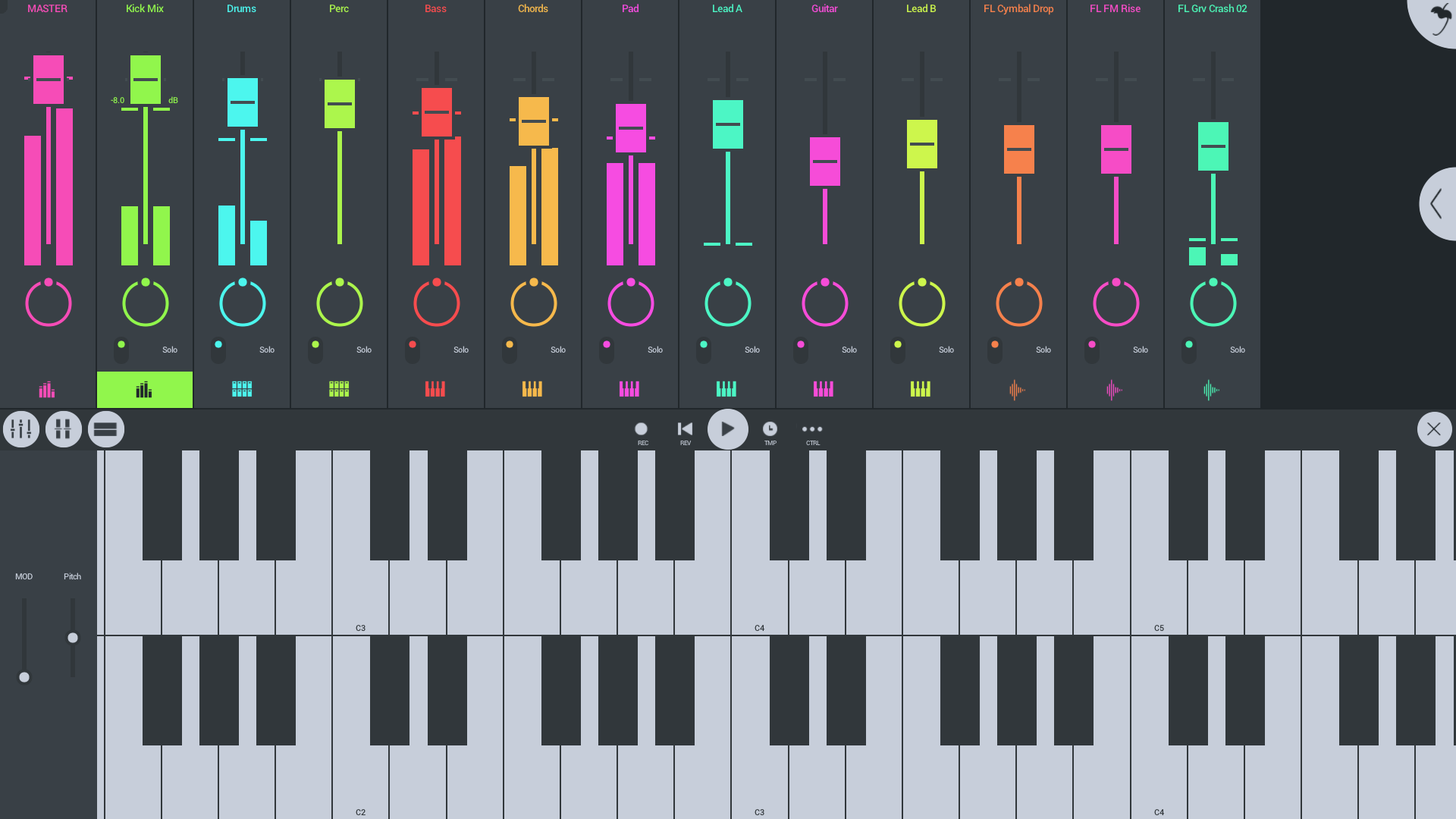
- Built-in Instruments & Effects: Comes with a collection of high-quality synths, drum kits, and effects, giving users abundant sonic palette options.
- Seamless Export & Integration: Supports exporting finished projects directly to PC formats, facilitating a smooth workflow from mobile to professional editing.
- Touch-Friendly Interface: Designed for touchscreen interaction (or mouse/keyboard), providing precise control over editing and mixing.
Unpacking the Experience: How Does It Feel to Use?
Imagine holding a studio in your hands—FL Studio Mobile's interface strikes a perfect balance between simplicity and depth. The clean, colorful layout invites novice users with its intuitive controls yet offers enough complexity for experienced producers to explore layered sounds and nuanced arrangements. From the moment you open the app, it's evident that this isn't just a toy; it's a serious musical tool designed for serious creativity.
Core Functionality in Focus
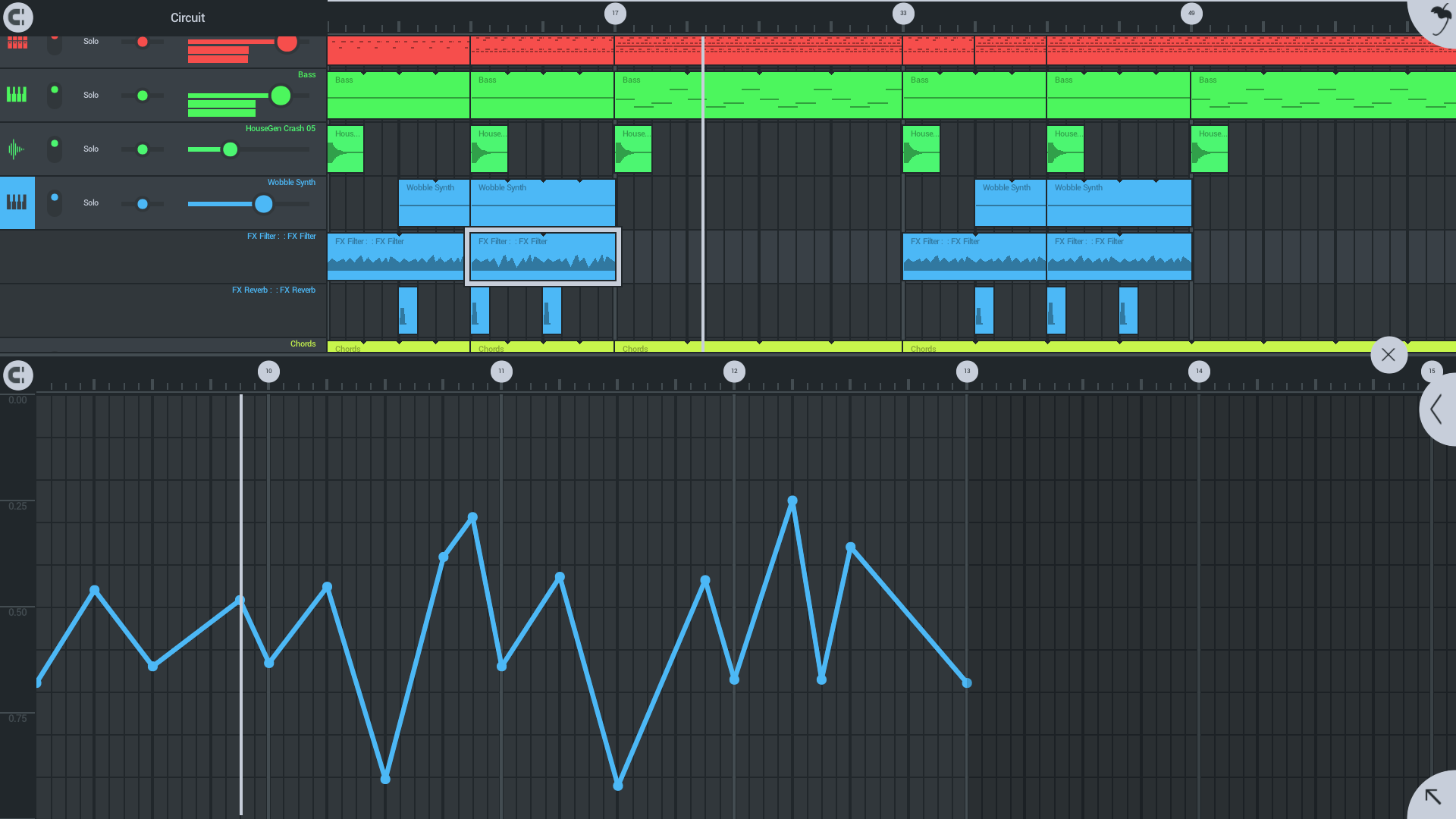
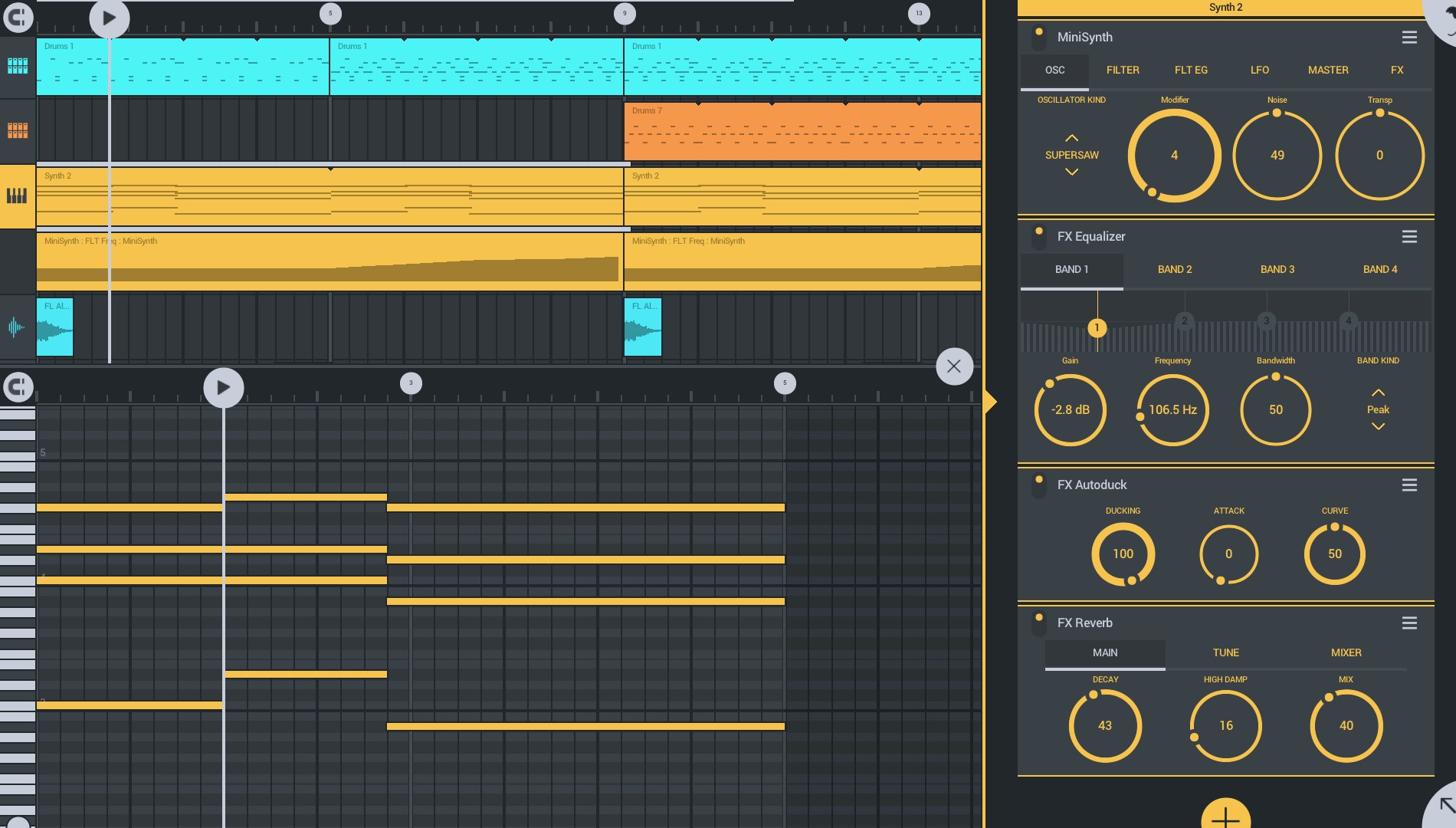
First, the multi-track sequencer is akin to a digital tape deck, but with limitless possibilities. Whether laying down a drum loop or fine-tuning a bass line, users can easily manipulate clips, adjust timing, and layer sounds. The drag-and-drop workflow simplifies complex arrangements, making it accessible even for beginners. For those looking to craft rhythm-driven music, the app's rhythm pattern capabilities let users experiment effortlessly with groove variations, ensuring your beats stay lively and engaging.
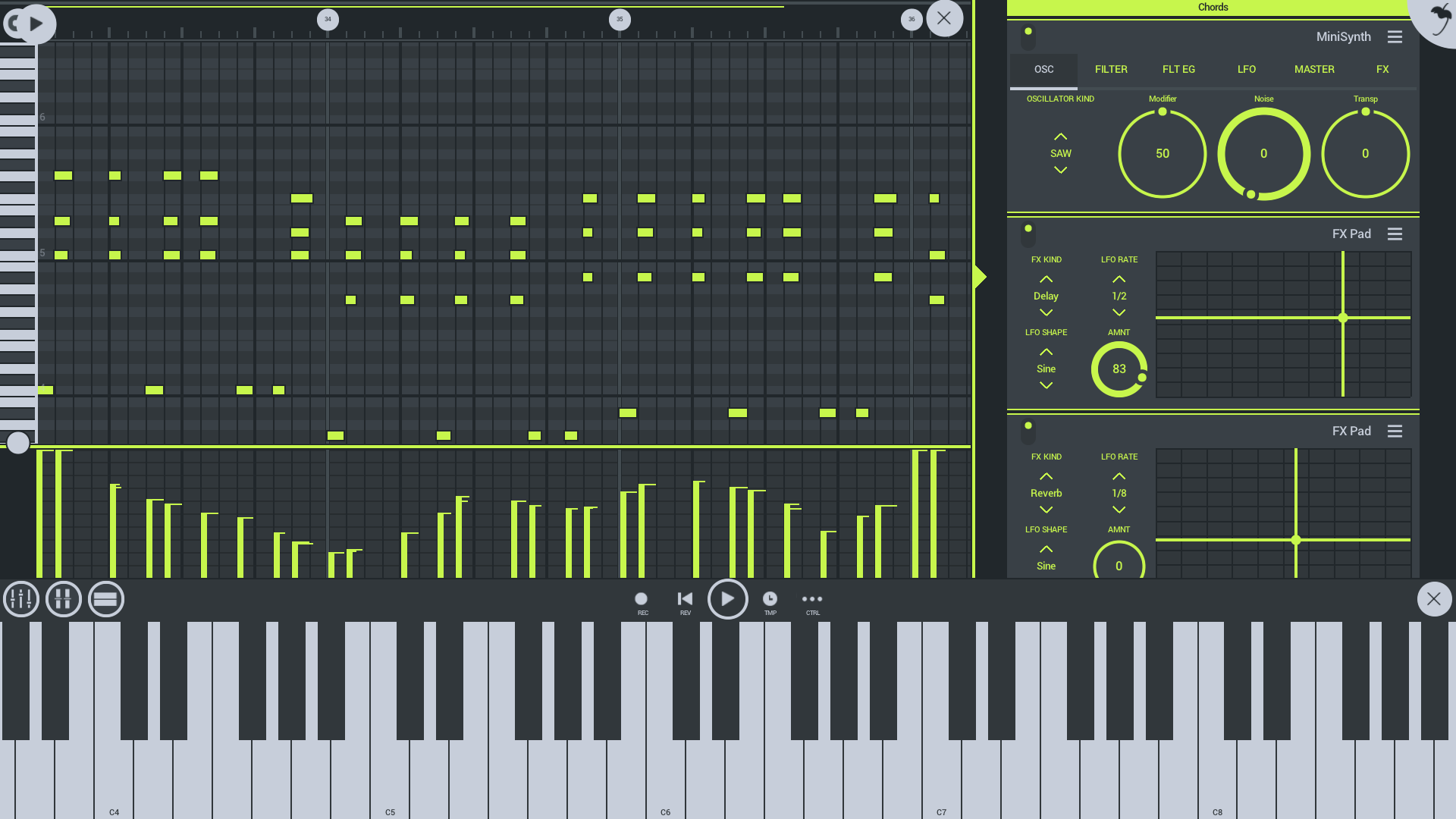
Second, the built-in instruments & effects are a playground on their own. With a library of synths, pad sounds, drum kits, and important effects like reverb and EQ, the app provides enough sonic flexibility to create complete tracks without external plugins. The real-time playback allows you to tweak your sounds on the fly, cultivating a creative flow that feels almost tactile. This combination of sound quality and responsiveness really elevates the user experience.
Third, the export and integration features are a game-changer for workflows. Once your masterpiece is born, exporting options save you time—whether sharing with collaborators or moving to a desktop DAW for final polishing. The app's capacity to handle large, complex projects without lag is impressive, especially considering the portability advantage—it's like having a mini studio pocketed in your Windows device.
UX & Usability: Smooth Sailing or Rocky Roads?
In terms of interface design, FL Studio Mobile for Windows is straightforward but polished, with a layout reminiscent of its desktop counterpart—familiar to long-time users and approachable for newcomers. Navigation is fluid, with minimal delays between actions, even during complex project edits. While some advanced features may require a brief learning curve, the app's tutorials and help sections provide solid guidance.
How Does It Differ From Other Music Apps?
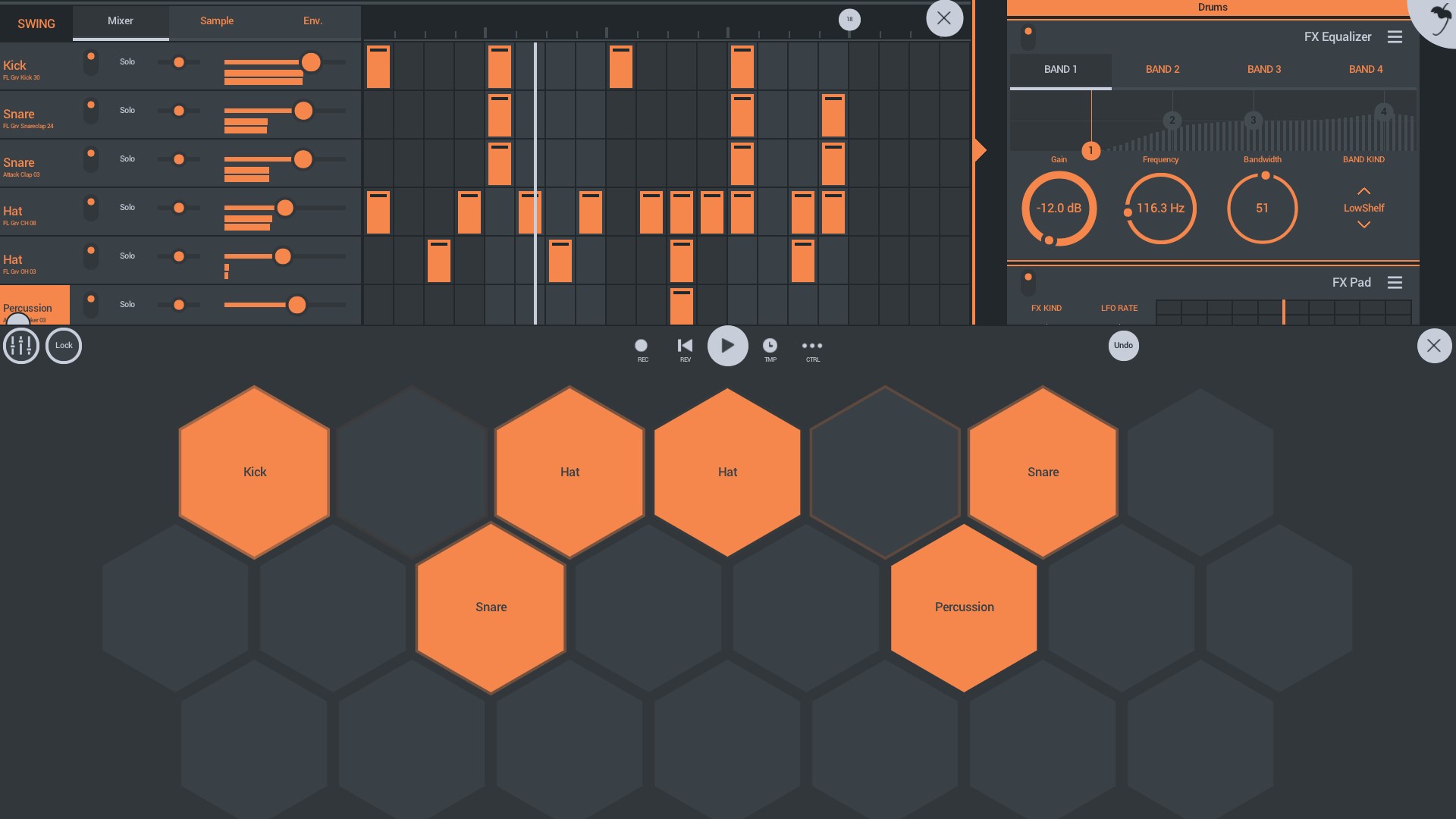
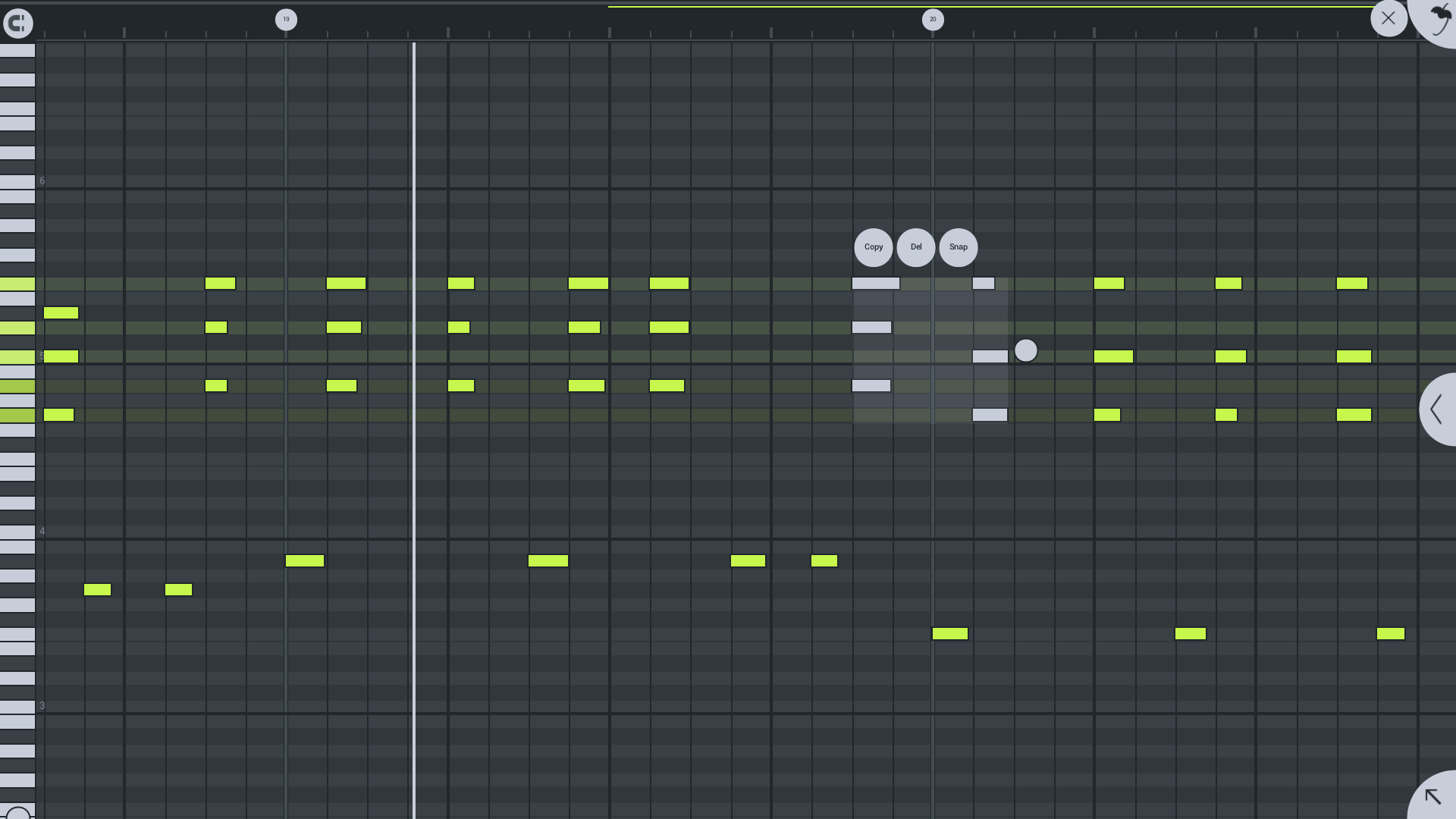
Compared to other mobile-style music apps, FL Studio Mobile's standout attribute is its clock-tolerance for input latency combined with its rhythm pattern variety. This means that when you tap a drum pattern or sequence a beat, the app accommodates slight timing differences without sacrificing musicality, akin to a skilled drummer adjusting to the groove. Additionally, its comprehensive pattern editor inspired by the desktop version lets you experiment with diverse rhythm patterns—creating intricate polyrhythms or simple four-on-the-floor beats—that are both easy to create and highly customizable. Such features are rare in similar apps, giving FL Studio Mobile a distinctive edge.
Final Verdict: Is It Worth a Spin?
For music enthusiasts craving a portable yet powerful production environment, FL Studio Mobile for Windows earns a strong recommendation. It is ideally suited for those who want a robust device for sketching ideas, practicing beat making, or even finalizing projects on the move. While it may not completely replace a professional desktop setup for advanced mixing, its unique combination of usability, sound quality, and rhythm pattern versatility makes it a compelling choice.
Personally, I'd suggest giving it a try if you're seeking an intuitive, reliable mobile DAW that respects your workflow's complexity while remaining friendly to new users. Make some noise, anytime, anywhere—FL Studio Mobile proves that the studio experience isn't confined to a desk anymore.
Pros
- Intuitive Touch Interface
- Wide Range of Instruments and Effects
- Seamless MIDI Support
- Cloud Backup and Project Sync
- Affordable Price Point
Cons
- Limited Advanced Features
- Export Options and Formats
- Audio Quality Limits
- Occasional Stability Issues
- Learning Curve for Beginners











