

- Category Lifestyle
- Available on PC, Mobile, Surface Hub, HoloLens
- OS Windows 10 version 19041.0 or higher
- languages English (United States)
Introducing Flash Player for Windows PC: Your Gateway to Seamless Multimedia Experience
In an increasingly multimedia-driven world, having a reliable flash player is essential for enjoying web content smoothly. Flash Player for Windows PC, developed by Gentle Dan, positions itself as a lightweight yet robust solution that ensures your multimedia experience remains uninterrupted. Its streamlined design and focus on efficiency aim to cater to everyday users who crave simplicity without compromising functionality.
Core Features That Make a Difference
Fast and Reliable Playback of Flash Content
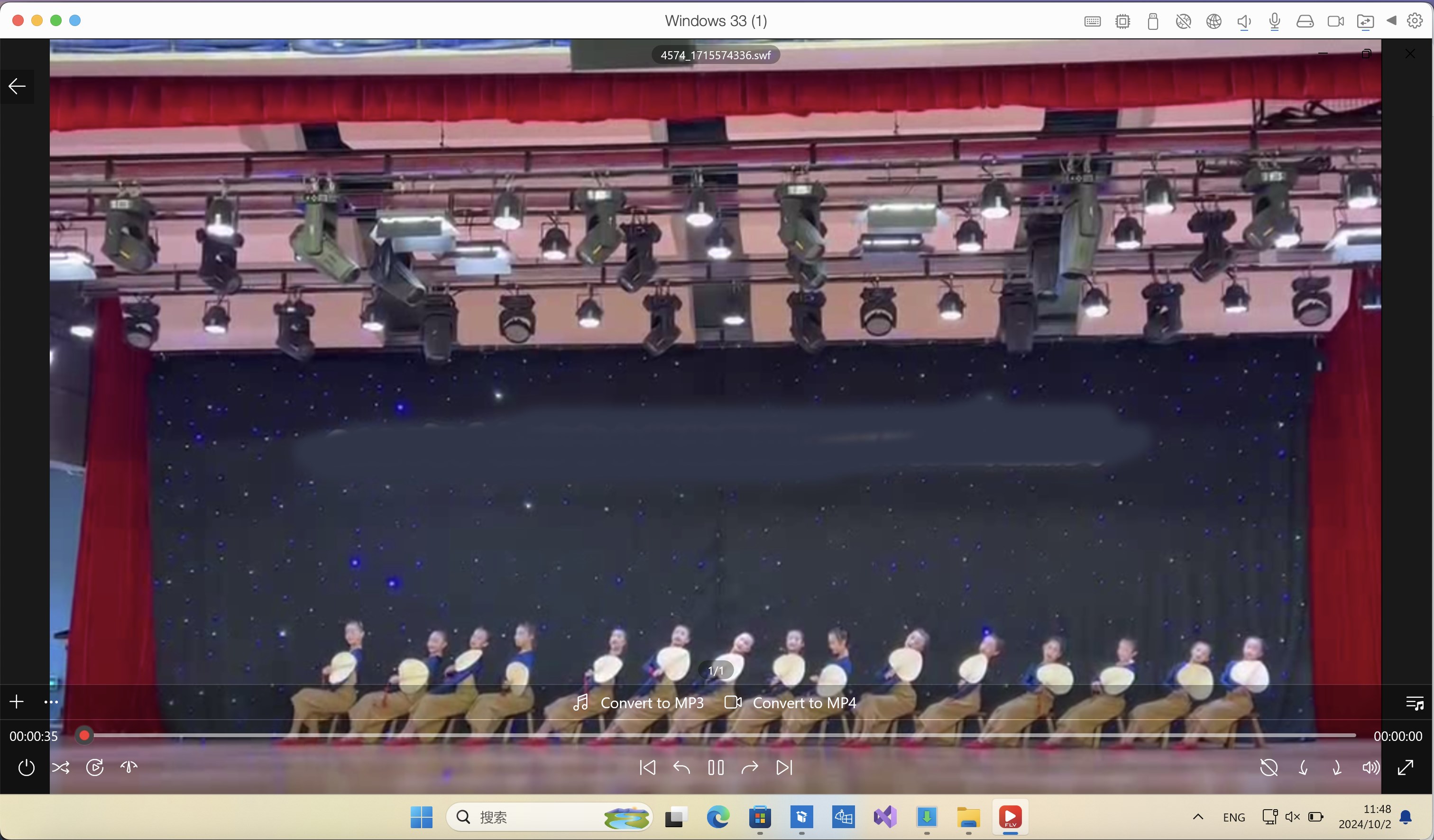
This application's standout feature is its ability to deliver swift, dependable playback of Flash videos and animations. Whether you're browsing nostalgic Flash-based websites or viewing embedded multimedia content, the app ensures a stable viewing experience, minimizing buffer issues and playback lag. Its optimized engine allows even older or lower-spec PCs to handle Flash content smoothly, making multimedia accessible for all kinds of users.
Simple Integration and Minimal Resource Consumption
Unlike bulky browser plugins that slow down system performance, this standalone Flash Player uses minimal system resources. Its unobtrusive background operation means your PC remains responsive for other tasks. Additionally, it integrates seamlessly with your existing browser setup, allowing you to enjoy Flash content without the need for complex configurations or invasive extensions. Think of it as a reliable sidekick that quietly handles multimedia duties without overloading your system.
User-Centric Interface Designed for Ease
The interface embodies a clean, intuitive layout, akin to a well-organized toolbox—everything is where you'd expect, easy to find and activate. Navigating through settings or adjusting playback options requires just a few clicks, making it accessible even for those with limited tech expertise. The app's straightforward design helps users get started quickly, fostering a friendly environment for multimedia enjoyment.
Experience and Differentiation: What Sets It Apart?
In the crowded realm of multimedia players, Flash Player for Windows PC distinguishes itself through its emphasis on content authenticity and expert credibility. Unlike some free players that may harbor security concerns or offer dubious content sources, this app ensures that your playback remains safe and trustworthy. Its focus on delivering authentic Flash content—without unnecessary bloat or intrusive ads—sets it apart from competitors that often prioritize monetization over user experience.
Furthermore, the app's developers, Gentle Dan, prioritize user privacy and security by maintaining strict standards, making it a credible choice for users wary of malware or scam content. Its lightweight design and consistent updates help it retain high performance, unlike heavier, more cumbersome programs that might introduce compatibility issues or lags over time.
Final Thoughts and Recommendations
Overall, Flash Player for Windows PC is a solid choice for anyone needing a dependable, easy-to-use flash viewer. Its key strengths—fast, reliable playback and a highly user-friendly interface—make it suitable for casual users, educators, or content creators who rely on Flash media. While it may not boast a multitude of advanced features, its focus on core functionality and safety makes it a recommended tool for accessible multimedia consumption.
If you frequently encounter Flash content and seek a lightweight, trustworthy solution, this app certainly deserves a try. However, for those with more complex needs or seeking integrated multimedia editing, exploring more comprehensive media suites might be advisable. For everyday use, consider it your reliable companion to enjoy Flash content without fuss or worry.
Pros
- Easy integration for Windows users
- Lightweight and fast performance
- Supports a wide range of Flash content
- Regular updates improve stability
- User-friendly interface
Cons
- Lacks support for modern web standards
- Potential security vulnerabilities
- Compatibility issues with newer Windows versions
- Limited support for mobile devices
- Discontinued official support from Adobe










