
Frequently Asked Questions
How do I set Flower Dreams as my wallpaper on my device?
Open the app, go to 'Settings' > 'Wallpaper', select your preferred composition, and tap 'Apply' to set it as your wallpaper.
Can I customize the themes or images within Flower Dreams?
Currently, Flower Dreams offers predefined 4-image themes; customization options are not available. Please check for updates for future features.
How do I access the core features of Flower Dreams?
Open the app and browse through the available themes under the 'Gallery' or 'Themes' section to explore the compositions.
Are the images in Flower Dreams animated or static?
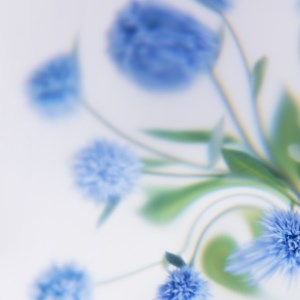
The images are static, stylized botanical compositions designed to create a dreamlike atmosphere with smooth gradients and flowing curves.
What is the process to upgrade to a paid version or subscribe?
Navigate to 'Settings' > 'Subscription' or 'Upgrade' within the app to view available plans and complete your purchase.
What are the benefits of subscribing to Flower Dreams?
Subscription provides access to premium themes, new image sets, and possibly ad-free experience, enhancing your personalization options.
Is there a free trial for Flower Dreams premium features?
Please check the 'Subscription' section in the app; some plans may offer a free trial period before billing starts.
What should I do if the app crashes or isn't responding?
Try closing and reopening the app, restart your device, or reinstall Flower Dreams. If problems persist, contact support via 'Help' in Settings.
Can I share my favorite themes or images with friends?
Currently, Flower Dreams does not support sharing directly from the app; you can use device screenshot functions instead.
You May Like

Blooming Dimensions
for Windows
5
Monotype Handwriting Font Pack
for Windows
5
Hues of Nature
for Windows
5
Dreamscapes
for Windows
5
Tales of the Teenage Mutant Ninja Turtles Theme
for Windows
5
Neon Dreams
for Windows
4.9
Cats Anytime
for Windows
4.9
Japanese Landscapes
for Windows
4.9
Sun and Sand
for Windows
4.9
Live Wallpaper Engine Plus
for Windows
4.8
Chicks and Bunnies
for Windows
4.8
Mountain Dwellings
for Windows
4.8