

- Category Multimedia design
- Available on PC, Surface Hub, HoloLens
- OS Windows 10 version 10240.0 or higher
- DirectX Not specified
- Memory Not specified
- languages English (United States)
Introducing Font Lounge for Windows: A Fresh Take on Typography Customization
Font Lounge for Windows is a versatile application designed to elevate your font management experience, offering a seamless platform to browse, organize, and preview fonts effortlessly. Whether you're a designer, developer, or hobbyist, this app aims to streamline the way you interact with your typefaces—making font selection more intuitive and enjoyable.
Developed by Erickfiveten: A Passionate Team for Font Enthusiasts
Created by Erickfiveten, the app stems from a dedicated team committed to enhancing typographic workflows within the Windows environment. Their focus is on delivering a user-friendly experience that bridges the gap between complex font management tools and simple usability.
Key Features That Make Font Lounge Stand Out
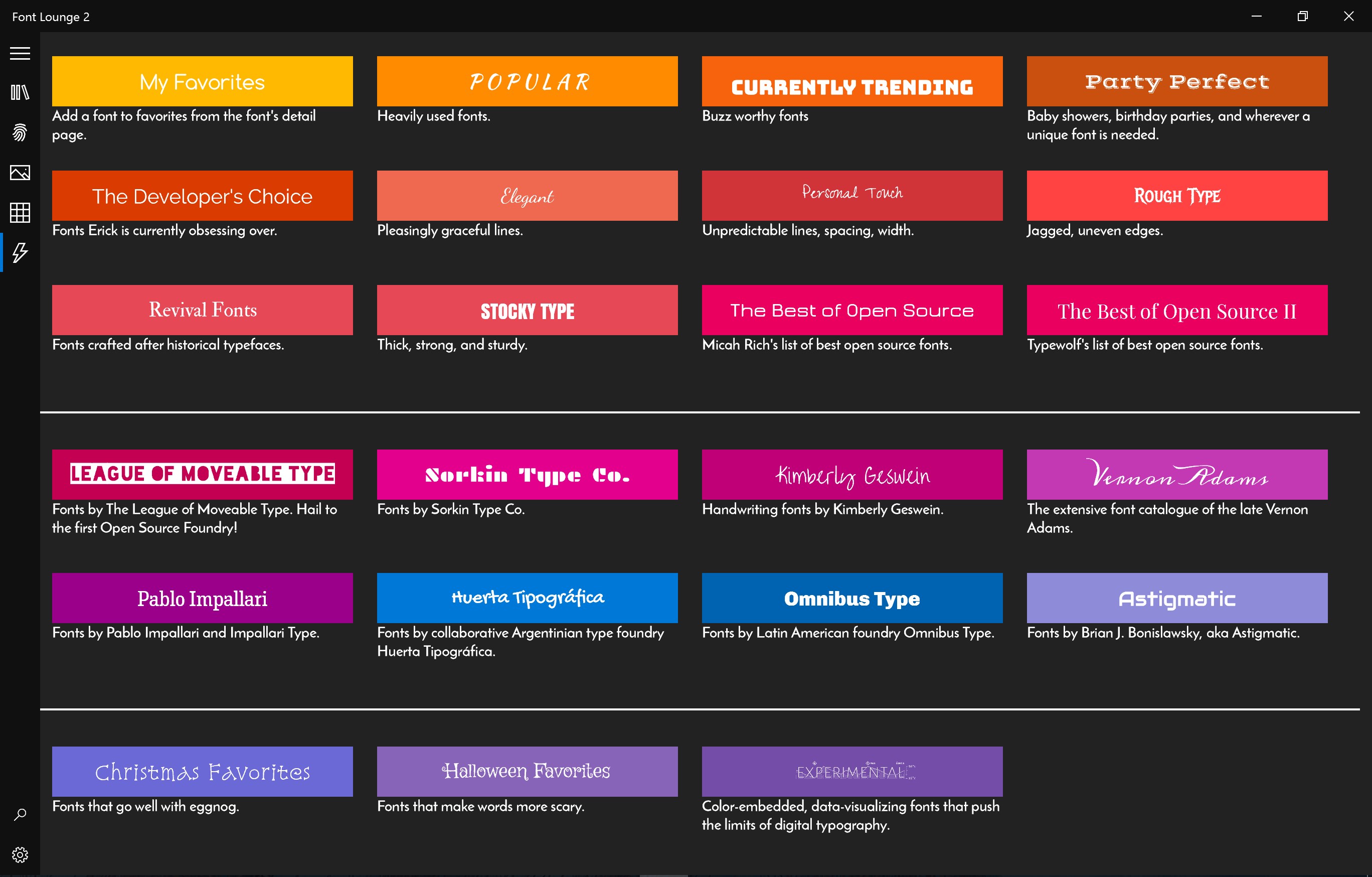
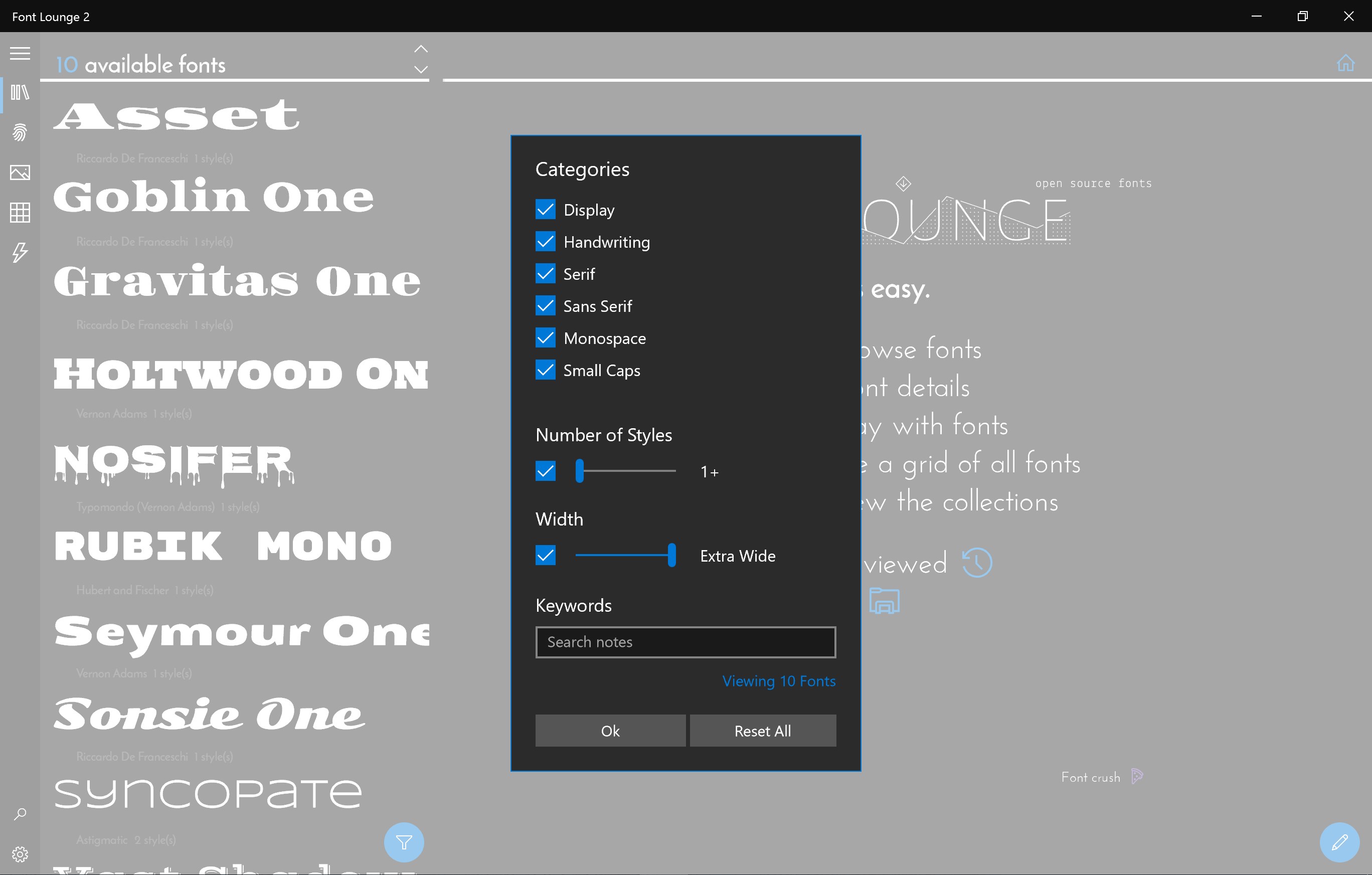
- Intuitive Font Browsing and Organization: Easily categorize and filter your fonts with a clean, navigable interface, reducing clutter and boosting productivity.
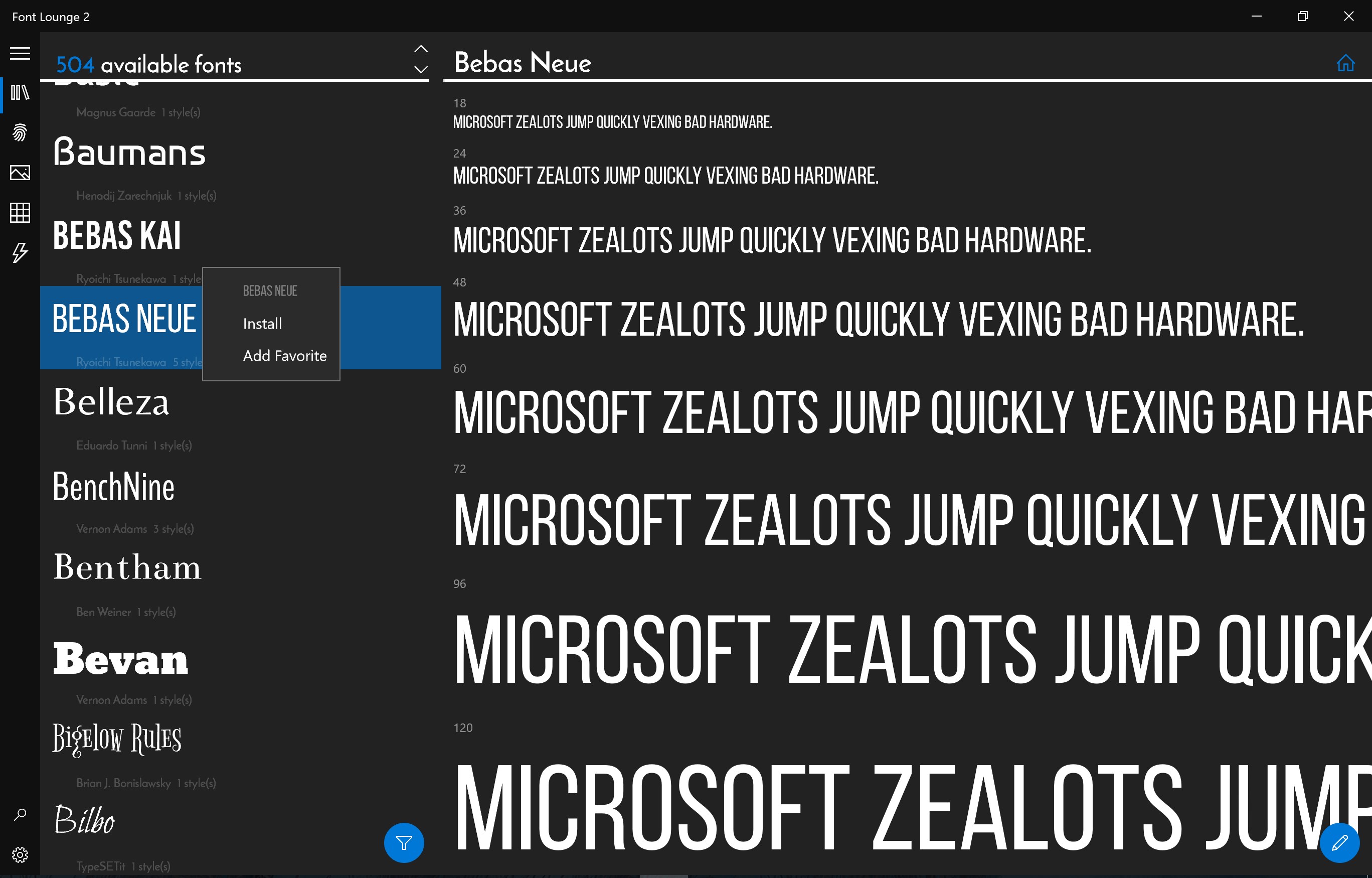
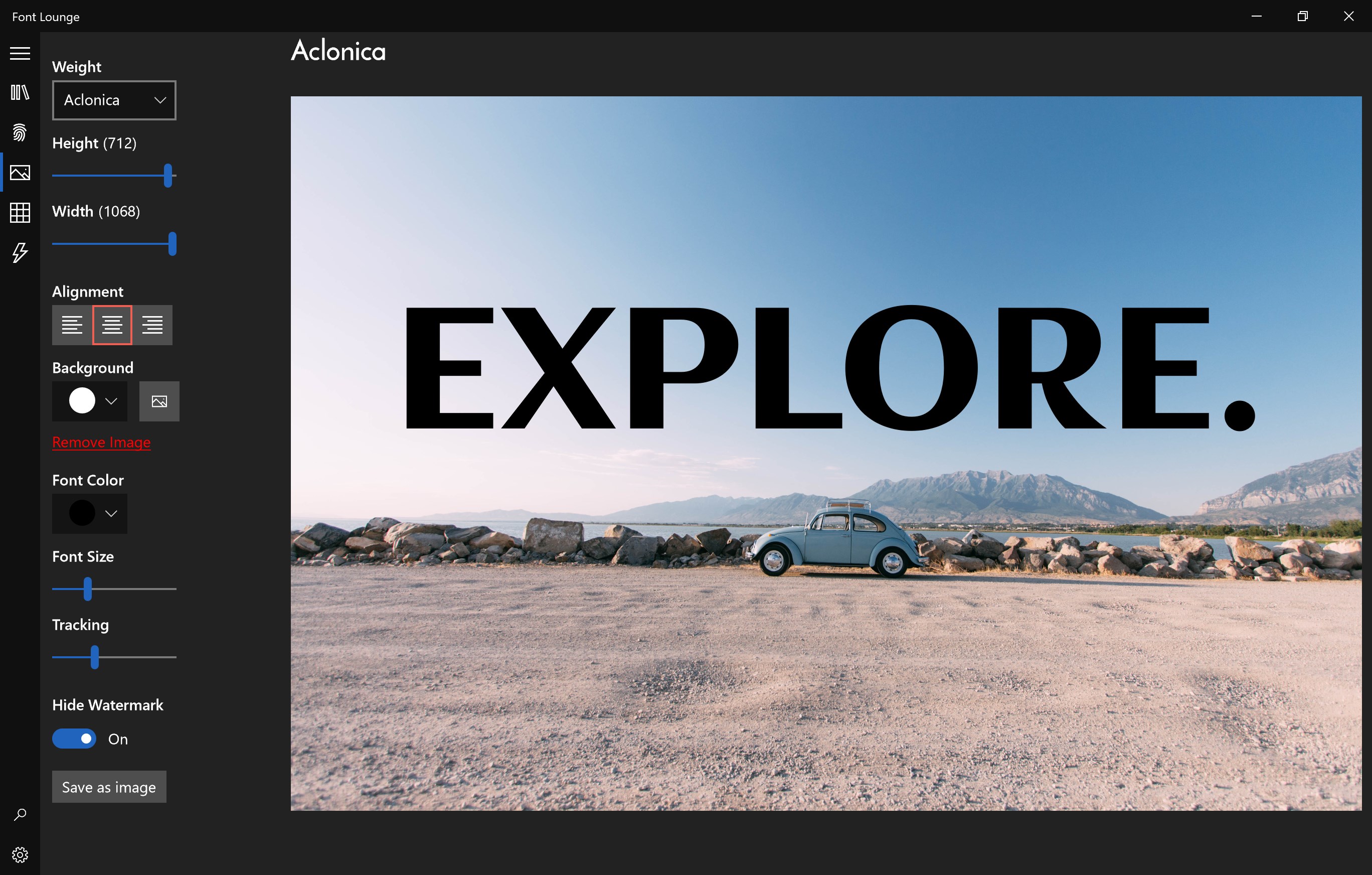
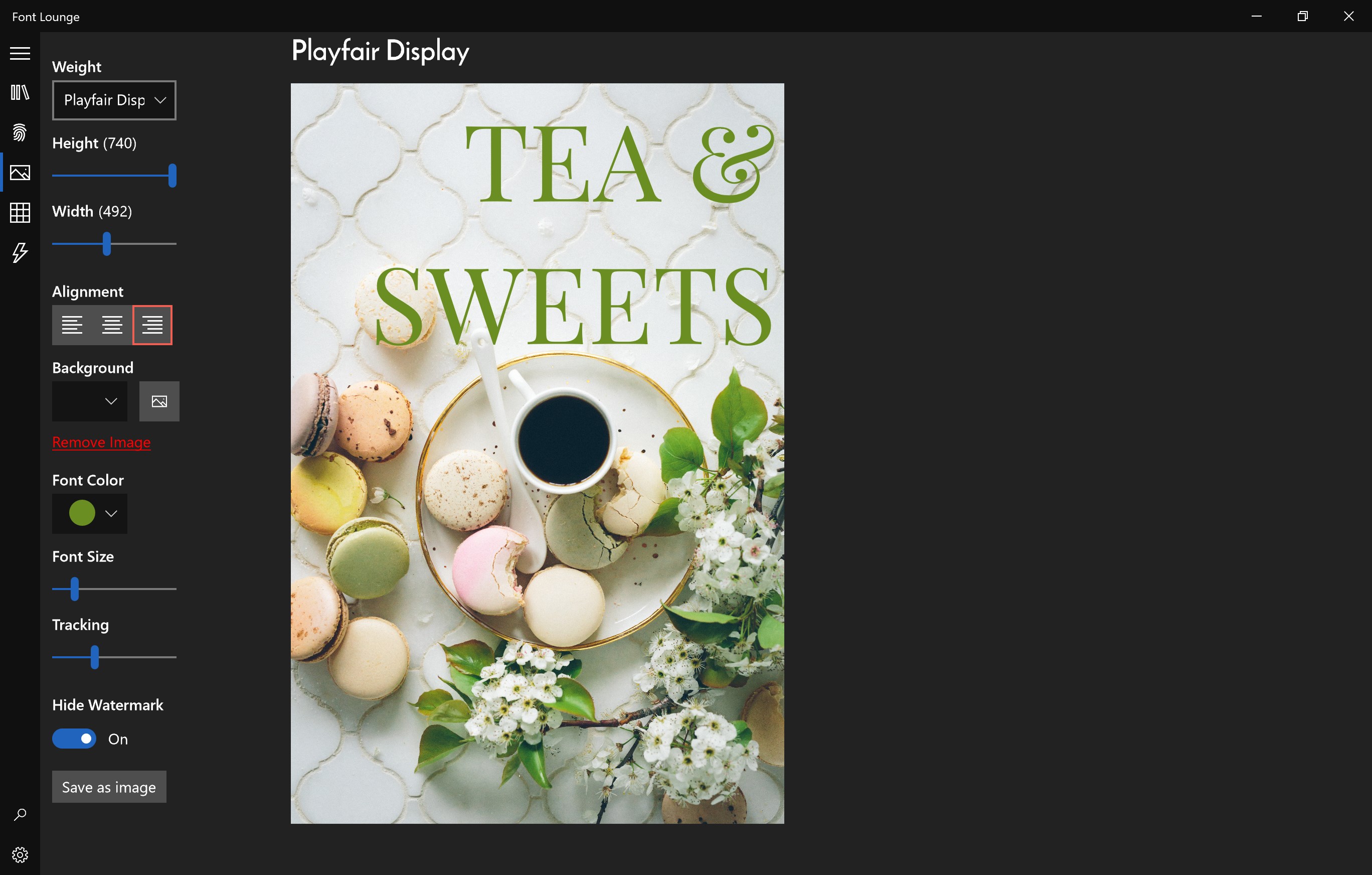
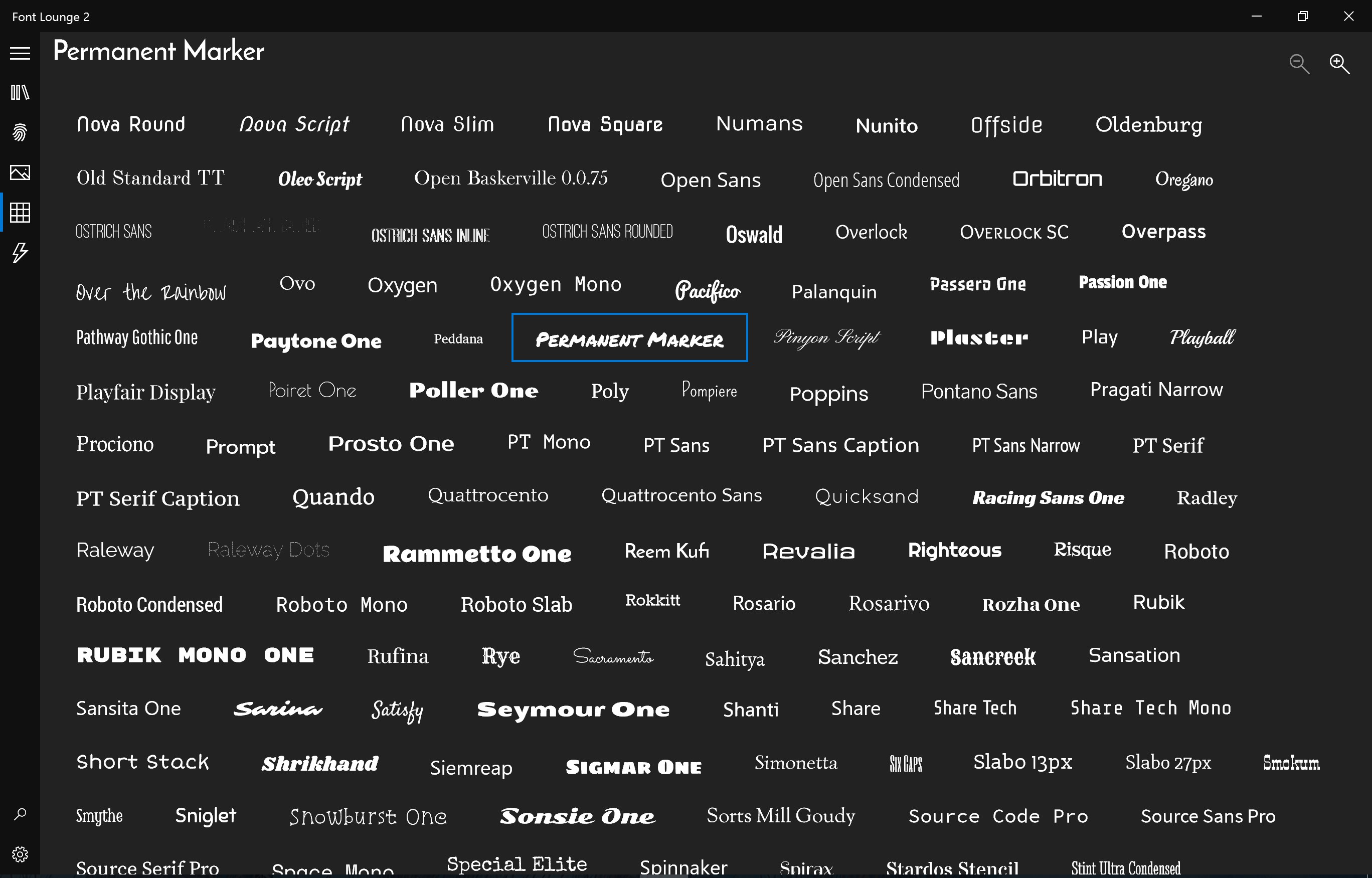
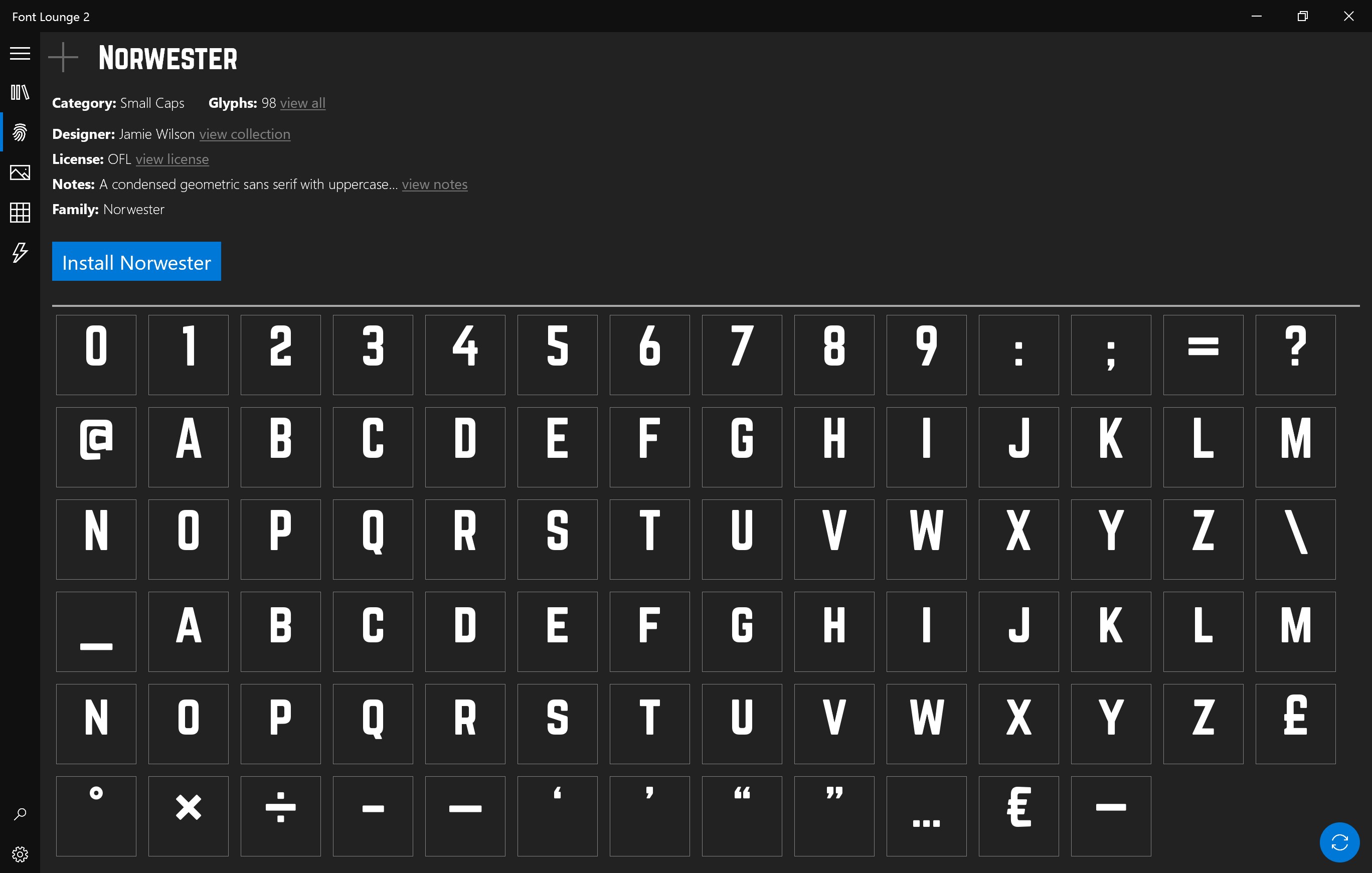
- Real-time Font Preview: Experience a dynamic preview feature that allows you to view font styles instantly in your preferred text snippets or sample images, aiding smarter choices.
- Smart Search and Tagging System: Quickly locate fonts using robust search filters or tags, saving precious time when dealing with large font collections.
- Seamless Integration with Windows: Designed to work smoothly within the Windows ecosystem, enabling effortless access and management alongside other productivity tools.
A Closer Look at Font Lounge: Elevating Your Typography Experience
Imagine stepping into a digital workspace where fonts are no longer hidden in obscure folders but are organized into a sleek, accessible library. That's exactly what Font Lounge offers—a sanctuary for font lovers to explore and manage their collections with ease. Its polished interface feels familiar yet smart, akin to organizing your favorite books on a well-designed shelf.
Dynamic Font Previews: Visualize Before You Use
The real star here is the real-time preview feature. Instead of guessing what a font might look like in your project, you get live updates by typing your sample text in a dedicated preview window. This function transforms font selection from a tedious task into an engaging visual experience. Plus, the ability to switch between styles instantly allows for quick comparisons, making it a powerful tool for designers seeking the perfect typeface.
Efficient Sorting and Tagging: A Digital Filing System
Managing extensive font collections can be overwhelming, but Font Lounge simplifies this with its robust tagging and filtering system. Think of it as a digital filing cabinet where you can label fonts by theme, style, or project. Finding that *Helvetica Neue* italic in a sea of fonts becomes a matter of seconds. This feature is especially valuable for professionals juggling multiple projects and needing rapid accessibility.
Design, Usability, and Differentiation
The interface strikes a balance between aesthetic appeal and user-friendliness. It's easy to navigate without sacrificing sophistication, making both beginners and seasoned users comfortable. The app's light-speed performance ensures that fonts load swiftly, and the learning curve is gentle—think of it as your new well-trained assistant who understands your preferences after just a short introduction.
Compared to other multimedia design apps, Font Lounge's highlight is its dedicated focus on font management paired with its real-time preview capabilities. While competitors may lump font handling into larger design suites, this app zeroes in on delivering a specialized, distraction-free environment tailored for font enthusiasts. Its tagging system is also a unique advantage, allowing you to custom-categorize your collection in ways that traditional font managers often overlook.
Final Recommendation and Usage Tips
In essence, Font Lounge for Windows is a solid choice for anyone serious about managing their fonts with clarity and efficiency. If you frequently switch fonts or work on multiple design projects, this app can serve as your reliable digital library, saving you from the frustration of searching through cluttered folders.
While it's particularly ideal for professional designers and developers, hobbyists with large font collections will also find it beneficial. I'd recommend giving it a try if you're looking for a streamlined, easy-to-navigate font management solution that emphasizes quick visualization and organization.
Overall, Font Lounge doesn't aim to replace comprehensive design suites but complements them by simplifying the font handling process—making your creative workflow smoother and more enjoyable.
Pros
- Extensive Font Library
- User-Friendly Interface
- High-Resolution Font Previews
- Custom Font Organization
- Regular Updates
Cons
- Limited Free Fonts
- Occasional Slow Loading
- Search Functionality Needs Improvement
- Limited Customization Options
- Occasional App Crashes










