
- Category Personalization
- Developer Crazy Developers
- Available on Xbox console, PC, Mobile, Surface Hub, HoloLens
- OS Windows 10 version 10586.0 or higher
- languages Arabic, Bangla, Chinese (Simplified), Chinese (Traditional Chinese), Czech, English (United States), French, German, Hindi, Indonesian, Italian, Japanese, Portuguese, Russian, Spanish, Urdu
Introducing Fonts for Text for Windows
If you're someone who loves customizing every pixel of your workspace, Fonts for Text for Windows by Crazy Developers might just be your next favorite tool. It promises to enhance your Windows text presentation with an array of font management and personalization features, making text both functional and visually appealing.
Basic Information About the App
Fonts for Text for Windows is a dedicated application designed to streamline font management and customization on Windows PCs. Developed and published by Crazy Developers, this app aims to provide users with an easy-to-use platform for exploring, organizing, and applying fonts seamlessly.
- Core Highlights:
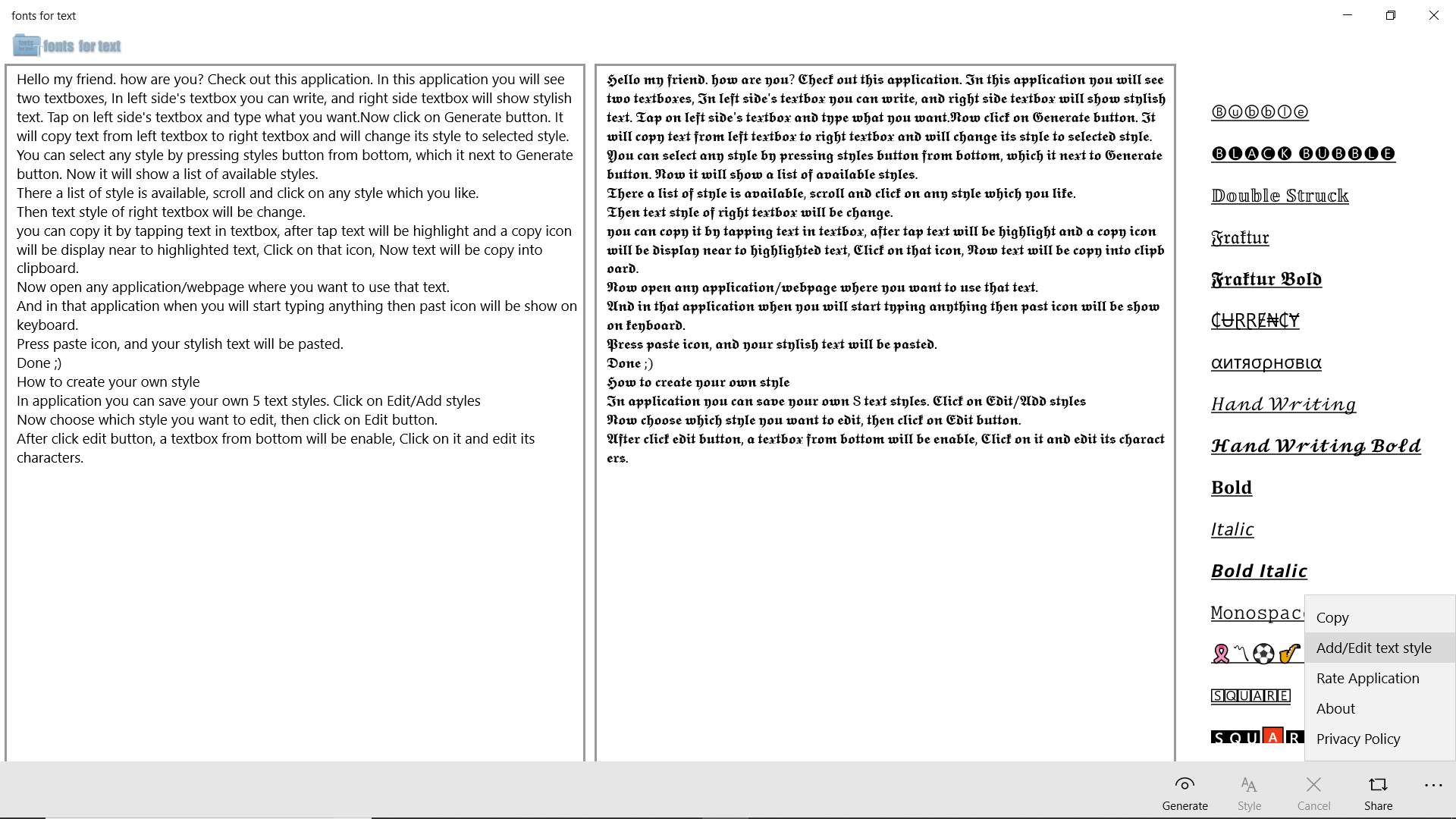
- Extensive font preview options allowing users to see how fonts look in various contexts
- Customizable font themes and styles that can be applied to system UI or specific applications
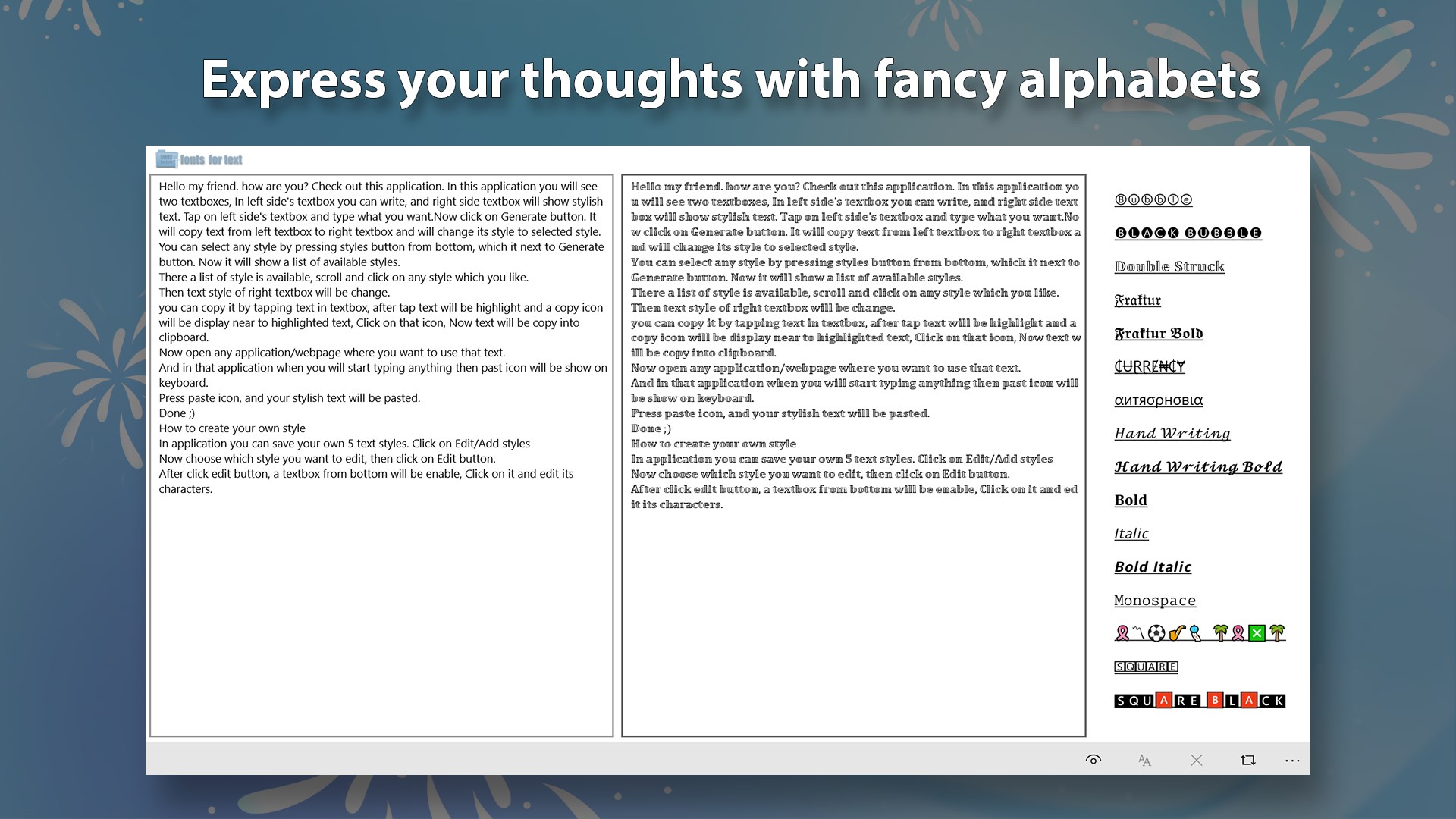
- Simple interface with an intuitive layout for quick font browsing and management
- Support for importing and exporting font collections to streamline workflow
- Target Audience: Graphic designers, content creators, developers, or any Windows user eager to personalize their text environment with ease.
A Fresh Take on Font Customization
Imagine sitting down at your PC, ready to craft a presentation or simply wish to spice up your desktop. Fonts for Text for Windows offers an inviting gateway into the world of font discovery—think of it as a treasure chest filled with typographic gems. Its sleek, modern interface beckons users to dive into a universe where fonts are no longer just words, but expressions of personality.
Core Functionality Breakdown
Preview and Selection Made Simple
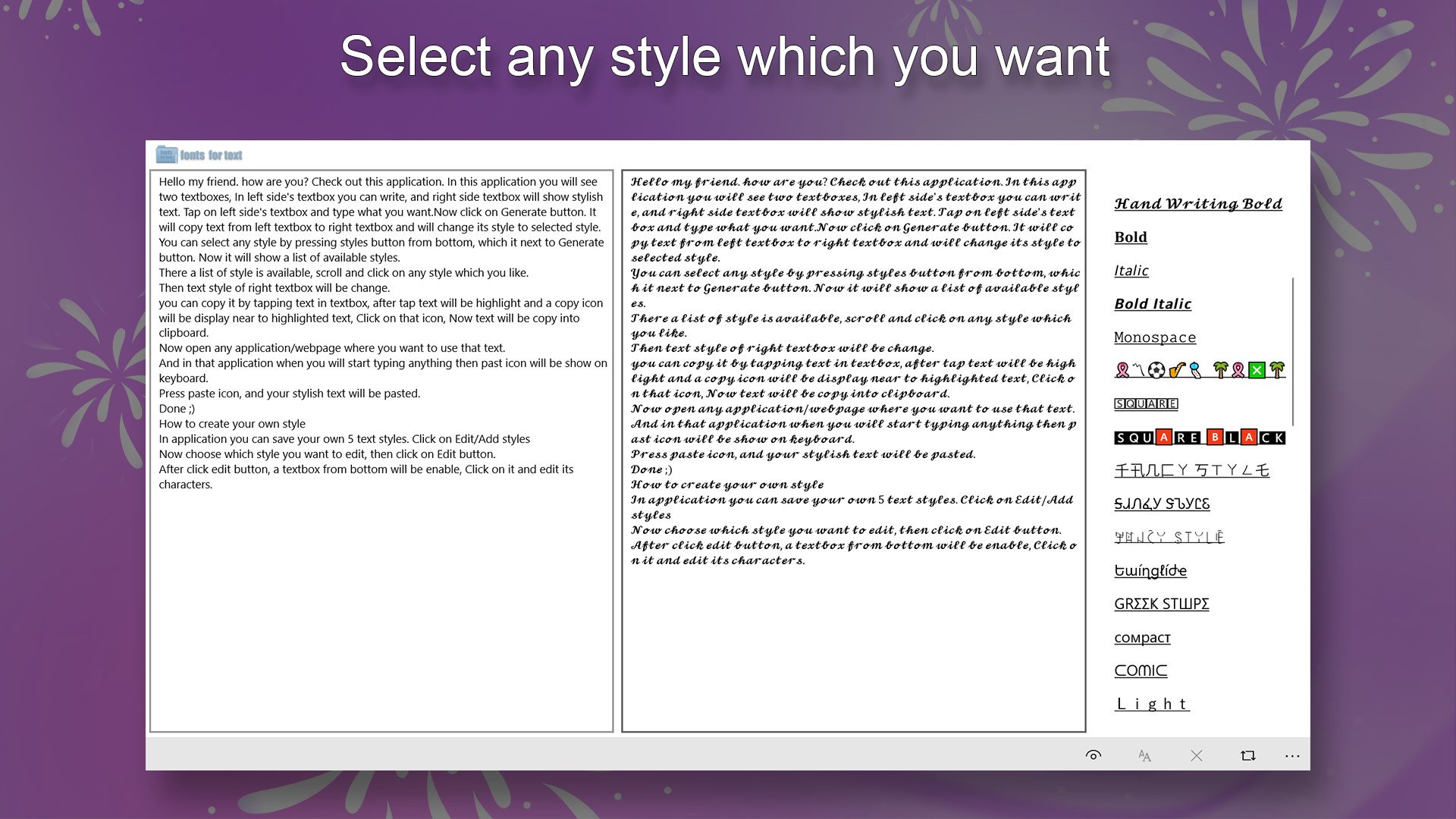
One of the standout features is its robust font preview system. Instead of rummaging aimlessly through thousands of fonts in the system folder, this app presents a visually rich interface that preview fonts in real-time across different text snippets. Users can rapidly compare styles, making the selection process both efficient and enjoyable—like flipping through a visually appealing font catalog without leaving your desk.
Personalized Themes and Styles
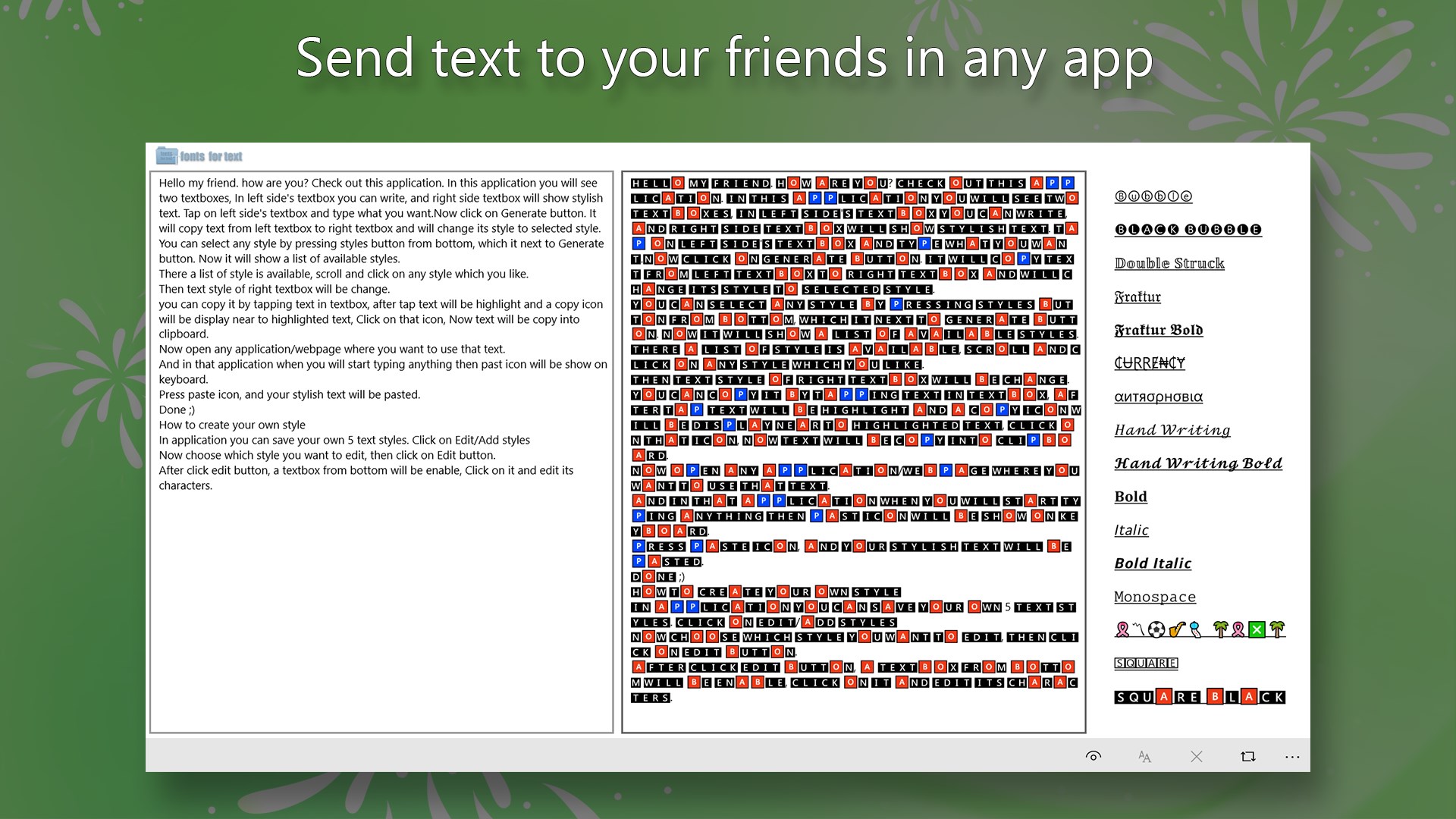
The app's real pinnacle is its ability to let users craft personalized font themes. Whether you want a sleek minimal look, vibrant, or classical typography, Fonts for Text for Windows offers a variety of customization options that can be saved and toggled at will. Unlike generic font managers, it supports theme compatibility, allowing you to apply consistent styling across your system or specific apps, maintaining aesthetic harmony—think of it as giving your Windows interface a tailored wardrobe.
Seamless Management and Exporting
Managing multiple font collections can often become a chore, but this app simplifies it by enabling users to import and export entire font sets. This functionality is particularly beneficial for professionals working across different machines or collaborating with teams—it's like carrying your personalized font wardrobe in your pocket, ready to be donned anywhere.
User Experience and Unique Selling Points
From a user experience perspective, Fonts for Text for Windows strikes a fine balance between simplicity and sophistication. The interface's clean layout ensures that even beginners can navigate effortlessly, while advanced users can appreciate the depth of customization options. The smooth operation—quick response times and minimal lag—makes the interaction feel natural, akin to flipping through a familiar book with ease.
Compared to other personalization apps, this tool's biggest differentiator lies in its customizable theme compatibility and the broad variety of font styles available for preview. Many font managers focus solely on font installation, but Crazy Developers' app elevates the experience by offering direct visual customization and quick toggling of themes—like having a personal stylist for your Windows UI.
Final Verdict: A Worthwhile Investment for Font Enthusiasts
Based on its features, usability, and distinctive advantages, I would recommend Fonts for Text for Windows to users who love to personalize their digital environment and want an intuitive yet powerful tool. It's especially beneficial for creative professionals needing quick, visually rich font management. While it might be overkill for users with minimal font customization needs, for anyone looking to add a touch of personal flair to their Windows experience, this app is a solid choice.
Pros
- Extensive font collection
- Easy-to-use interface
- Quick preview feature
- Regular updates with new fonts
- Supports customization options
Cons
- Limited free fonts
- Slow loading times for large font collections
- Lack of detailed font information
- Occasional interface lag on older devices
- Limited customization options beyond basic settings











