
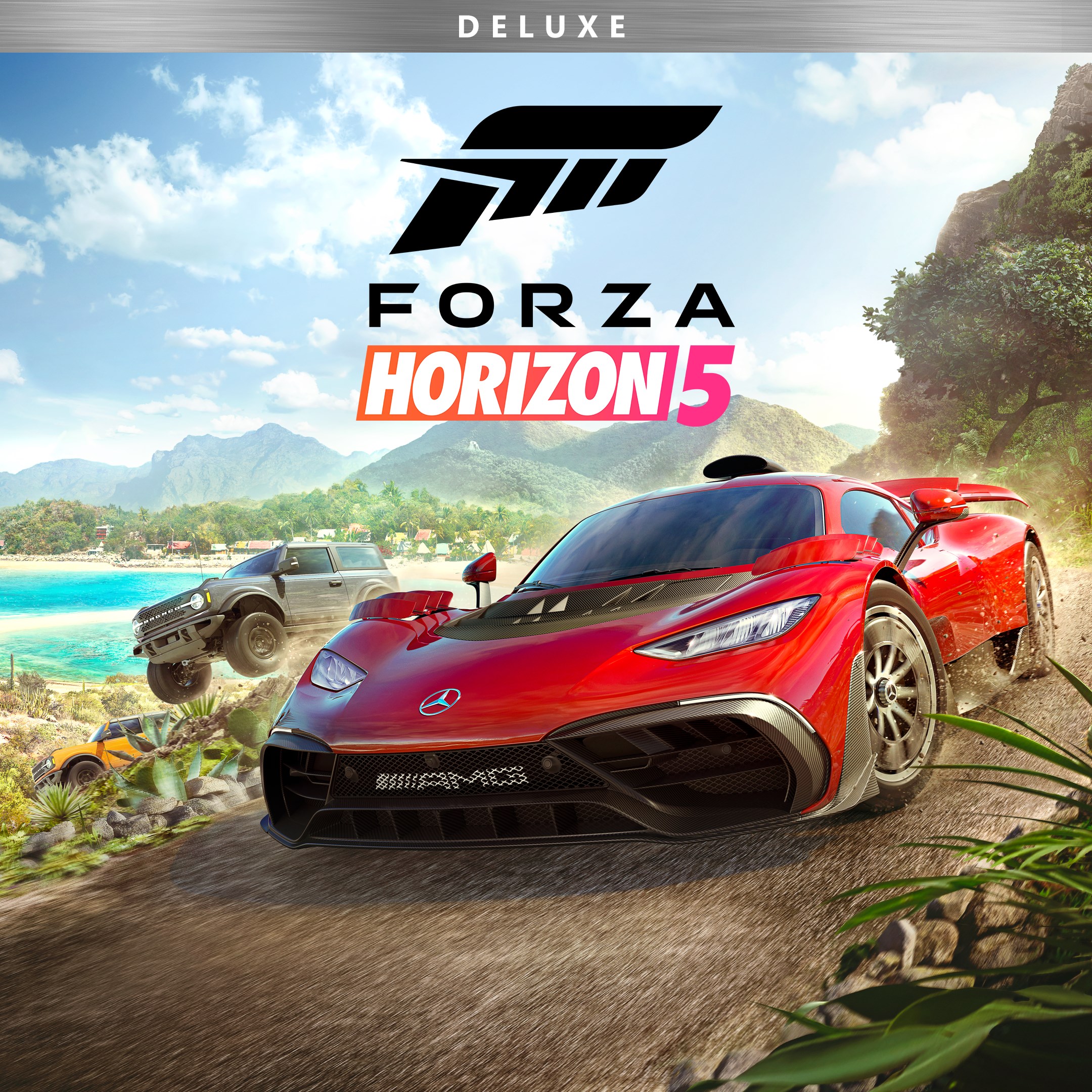
Frequently Asked Questions
How do I start playing Forza Horizon 5 Deluxe Edition for the first time?
Install the game through your platform's store, launch it, and follow the on-screen prompts to set up your profile and begin your adventure.
What are the main features of Forza Horizon 5 Deluxe Edition?
Explore Mexico's open world, race hundreds of cars, enjoy dynamic weather, and access the Car Pass for extra vehicles. The Deluxe Edition offers full game content and additional car content.
How can I customize my car controls and settings?
Go to Settings > Controls in the game menu to adjust steering, sensitivity, and control preferences according to your playing style.
What does the Car Pass included in the Deluxe Edition provide?
The Car Pass grants access to additional cars released periodically, enhancing your vehicle collection and racing experience.
Can I share my progress or game with friends?
Yes, by linking your account or platform account, you can share progress and multiplayer features with friends. Check Settings > Account for details.
Are there in-app purchases or subscriptions in Forza Horizon 5?
The Deluxe Edition includes the full game and Car Pass. Additional DLC or in-game transactions may be available via the store, accessible through Settings > Store.
How do I upgrade or purchase the Deluxe Edition?
Purchase directly from your gaming platform's store—such as the Xbox Store or Steam—and ensure the edition is selected before confirming your purchase.
What should I do if the game crashes or won't start?
Try restarting your device. Update your game and platform software. Check your internet connection or reinstall the game if issues persist.
Can I play Forza Horizon 5 offline?
Yes, the game can be played offline in single-player mode, but online features like multiplayer require an internet connection.
How can I update my game to the latest version?
Game updates usually install automatically. Ensure your device is connected to the internet and check for updates via your platform's updates section or Settings.
You May Like

Asphalt Legends
for Windows
4.8
Asphalt 8: Airborne
for Windows
4.8
Hill Climb Racing
for Windows
4.7
Beach Buggy Racing
for Windows
4.7
Trailmakers
for Windows
4.6
Trailmakers: Ultimate Edition
for Windows
4.6
Sunset Bike Racing - Motocross
for Windows
4.6
Drift Legends 2
for Windows
4.5
Forza Motorsport Premium Edition
for Windows
4.3
Forza Horizon 5 Standard Edition
for Windows
4.2
Forza Motorsport Standard Edition
for Windows
4.2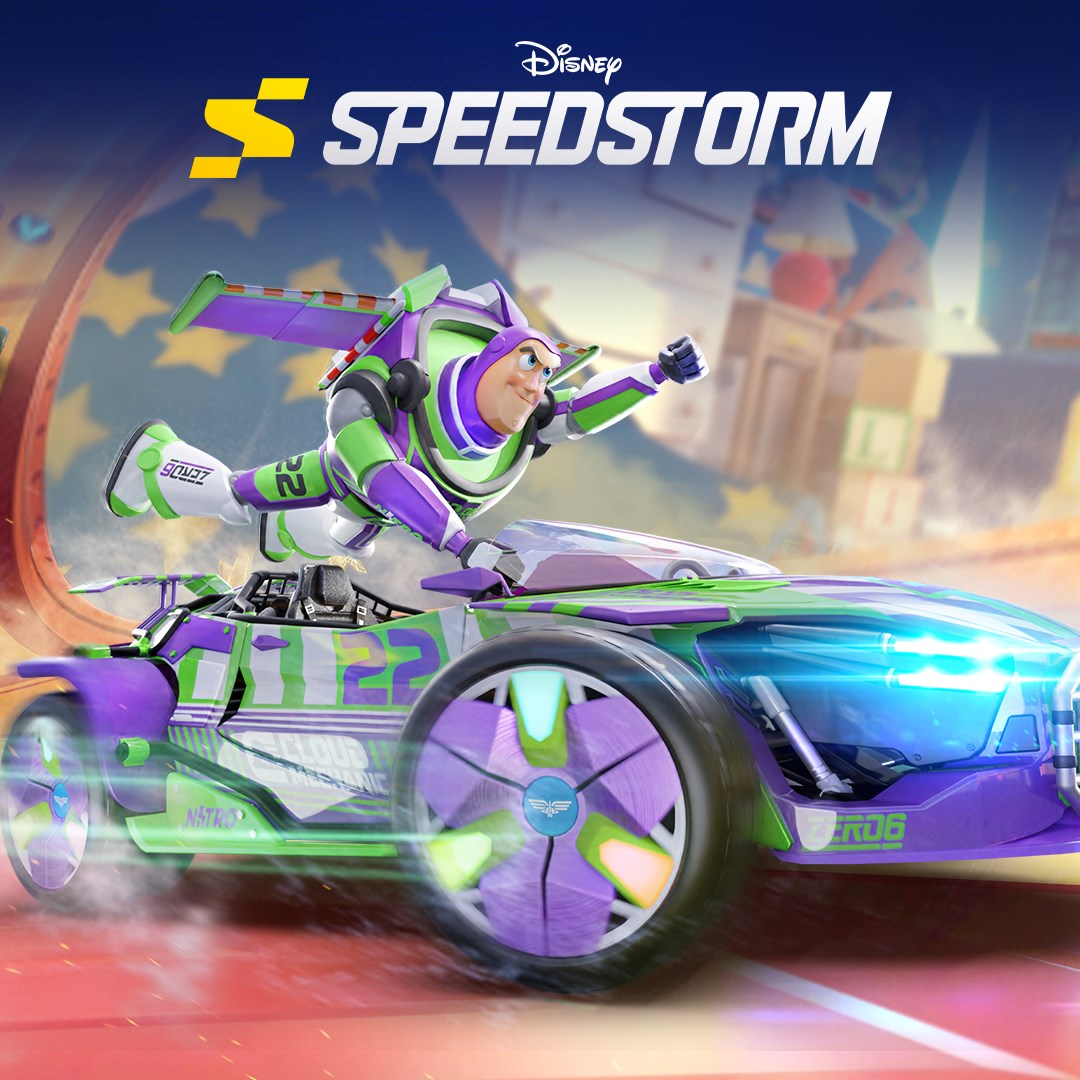
Disney Speedstorm
for Windows
4.2