
Frequently Asked Questions
How do I start playing Forza Horizon 5 for the first time?
Download and install the game from your platform's store, then launch it and follow the on-screen setup instructions to begin your adventure.
What are the main controls needed to drive in Forza Horizon 5?
Use the steering wheel, gamepad, or keyboard to control acceleration, braking, steering, and gear shifting; settings are customizable in Options > Controls.
Where can I explore the open world and discover new locations?
The entire map of Mexico is accessible from the start; reveal new areas by driving or using the map menu to set waypoints.
How do I customize my cars in Forza Horizon 5?
Select a car from your garage, then go to the Garage menu to customize paint, upgrades, tuning, and visual modifications.
What types of events and races are available in the game?
The game offers various races including road, dirt, street, and special showcase events; access them from the world map or in-game menu.
Can I subscribe or purchase additional content in the app?
Yes, you can buy car packs, expansion packs, and other content from the store menu under Marketplace or in-game shop.
What are the differences between the Standard Edition and other editions?
The Standard Edition includes the base game and access to all regular content; additional editions may offer exclusive cars or early access.
Are there in-app purchases or microtransactions involved?
In-game purchases include cars, cosmetic items, and expansion packs; access the marketplace via the main menu to browse options.
How can I manage or cancel my subscriptions in Forza Horizon 5?
Navigate to Settings > Account > Subscriptions to view, modify, or cancel your subscriptions through your platform's account management.
What should I do if the game crashes or encounters errors?
Try restarting your device, updating the game, or reinstalling; for persistent issues, contact customer support through the Help menu.
You May Like

Asphalt Legends
for Windows
4.8
Asphalt 8: Airborne
for Windows
4.8
Hill Climb Racing
for Windows
4.7
Beach Buggy Racing
for Windows
4.7
Trailmakers
for Windows
4.6
Trailmakers: Ultimate Edition
for Windows
4.6
Sunset Bike Racing - Motocross
for Windows
4.6
Drift Legends 2
for Windows
4.5
Forza Motorsport Premium Edition
for Windows
4.3
Forza Horizon 5 Standard Edition
for Windows
4.2
Forza Motorsport Standard Edition
for Windows
4.2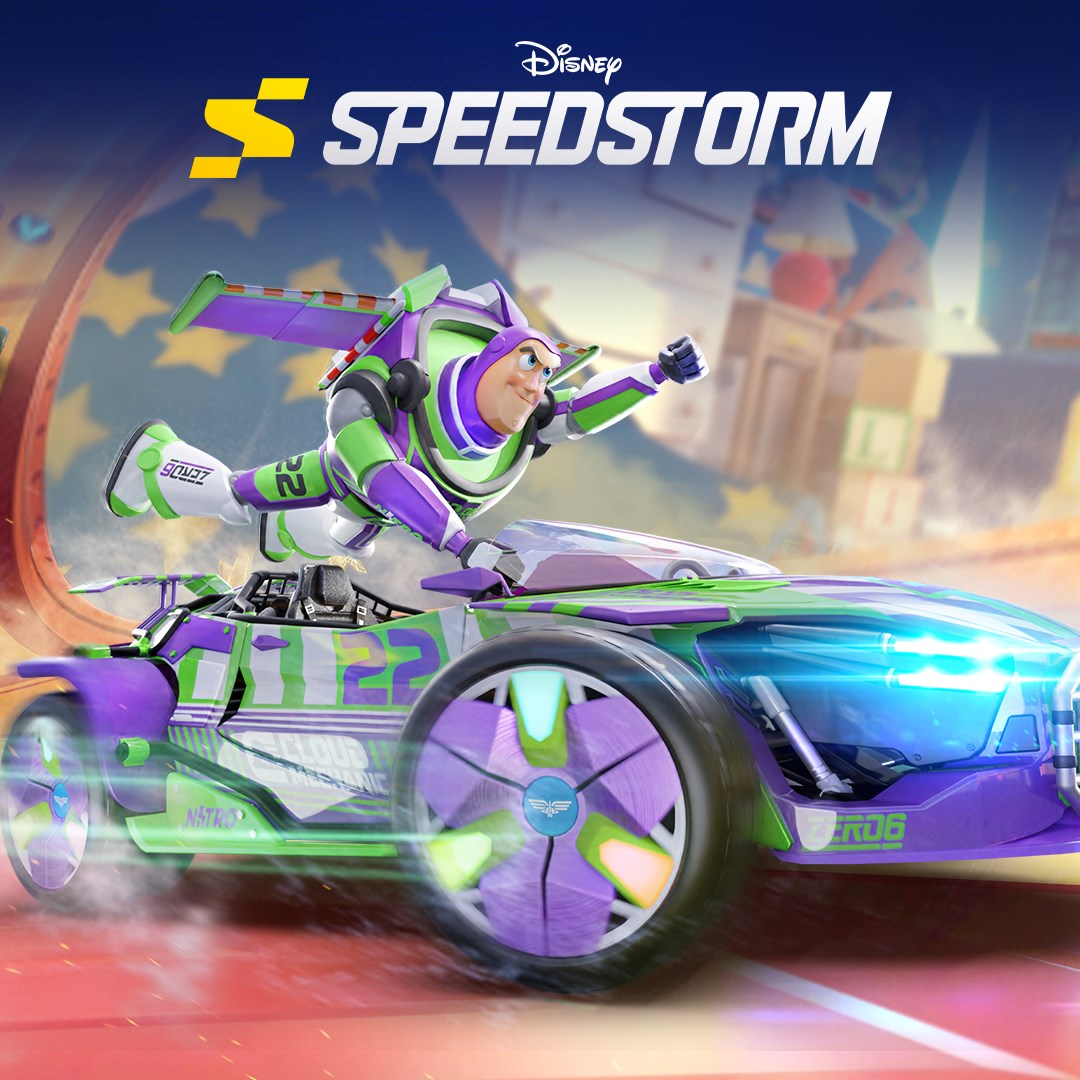
Disney Speedstorm
for Windows
4.2