

- Category Photo & video
- Available on Mobile, PC
- OS Windows 10 version 10240.0 or higher
- languages Chinese (Simplified), Chinese (Traditional), Danish, Dutch, English, English (United States), Finnish, French, German, Greek, Indonesian, Italian, Japanese, Korean, Malay, Norwegian (Bokmål), Portuguese, Russian, Spanish, Swedish, Turkish, Vietnamese
Discovering Fotogenic: A Fresh Take on Windows Photo Editing
Imagine having a versatile painter's palette right on your Windows desktop—Fotogenic: Photo Editor transforms your images with ease and creativity. Designed by Hde 7 Software, this user-friendly app aims to bring professional-grade editing into the hands of everyday users, whether you're an aspiring photographer or someone wanting to tidy up family photos. Its intuitive tools, stylish interface, and streamlined workflow make it a noteworthy contender in the realm of photo editing software.
About the App: Precision Meets Simplicity
Fotogenic is a Windows-based photo editor that combines core editing capabilities with user-centric features. Developed by Hde 7 Software, a team focused on creating accessible digital tools, the app emphasizes ease of use without sacrificing functionality.
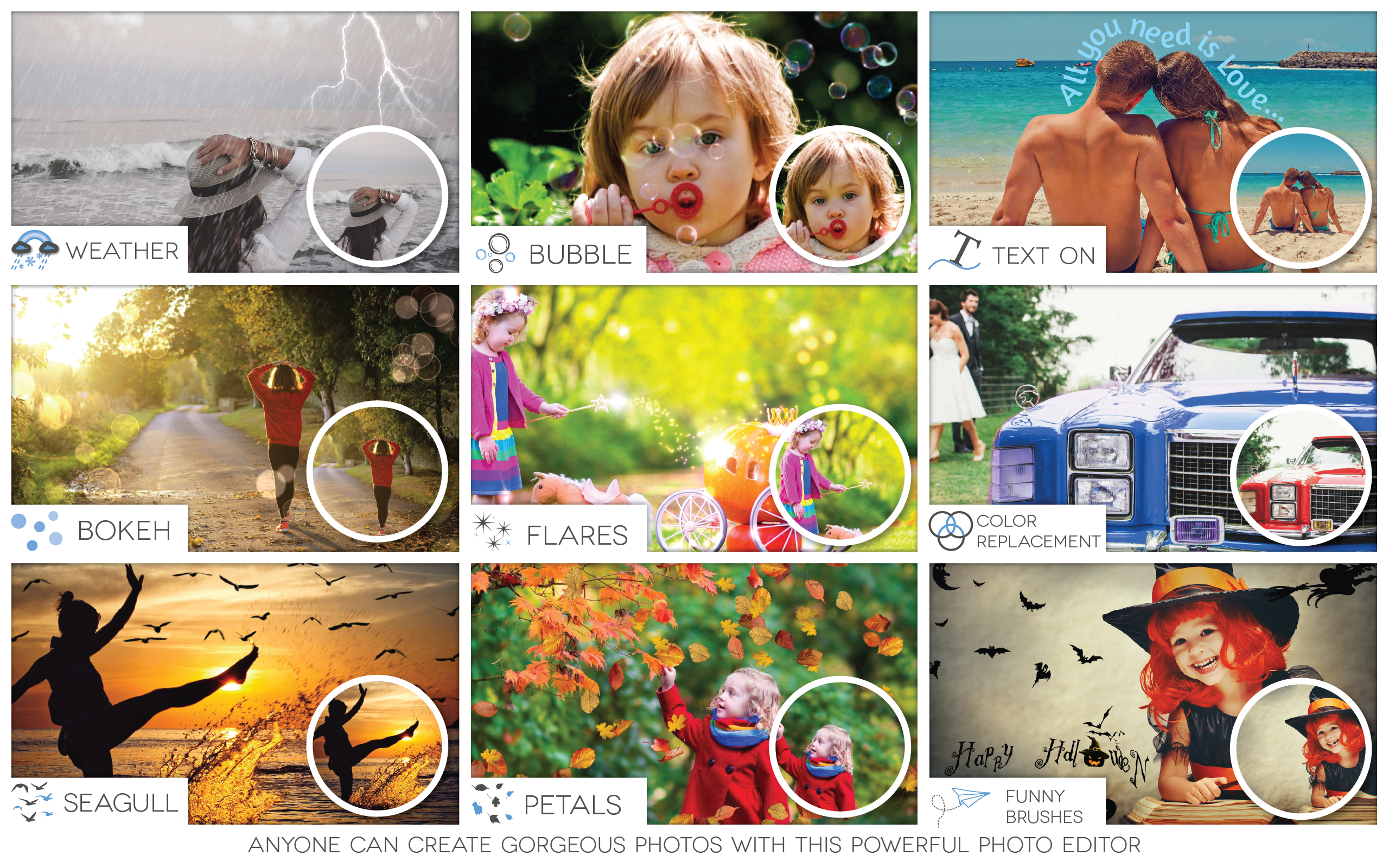
- Main features highlights: Fast photo filters and adjustments, an array of beautification tools, advanced cropping and perspective correction, and easy sharing options.
- Target audience: Casual users, social media enthusiasts, small content creators, and amateur photographers aiming for quick and stylish edits.
Vibrant, User-Friendly, and Loaded with Possibilities
If you've ever stared at a camera roll full of so-so photos and wished for a magic wand to make them pop, Fotogenic might just be your new best friend. Its interface resembles a sleek digital artist's studio—clean, inviting, and organized—encouraging users to experiment without feeling overwhelmed. The initial learning curve is gentle, allowing even novices to start crafting impressive images within minutes.
Core Feature Spotlight: Effortless Editing Magic
One of Fotogenic's standout features is its intuitive editing toolbar, which packs a punch. From quick adjustments to dramatic transformations, you can fine-tune brightness, contrast, and saturation with a few clicks. The filters and effects library affords users a variety of artistic options—think of it as giving your photos a fresh coat of paint in a sunlit studio. What makes it particularly user-friendly is the real-time preview—it's like having a personalized assistant showing you how each change looks before you commit.
Core Feature Spotlight: Beautification Tools That Feel Natural
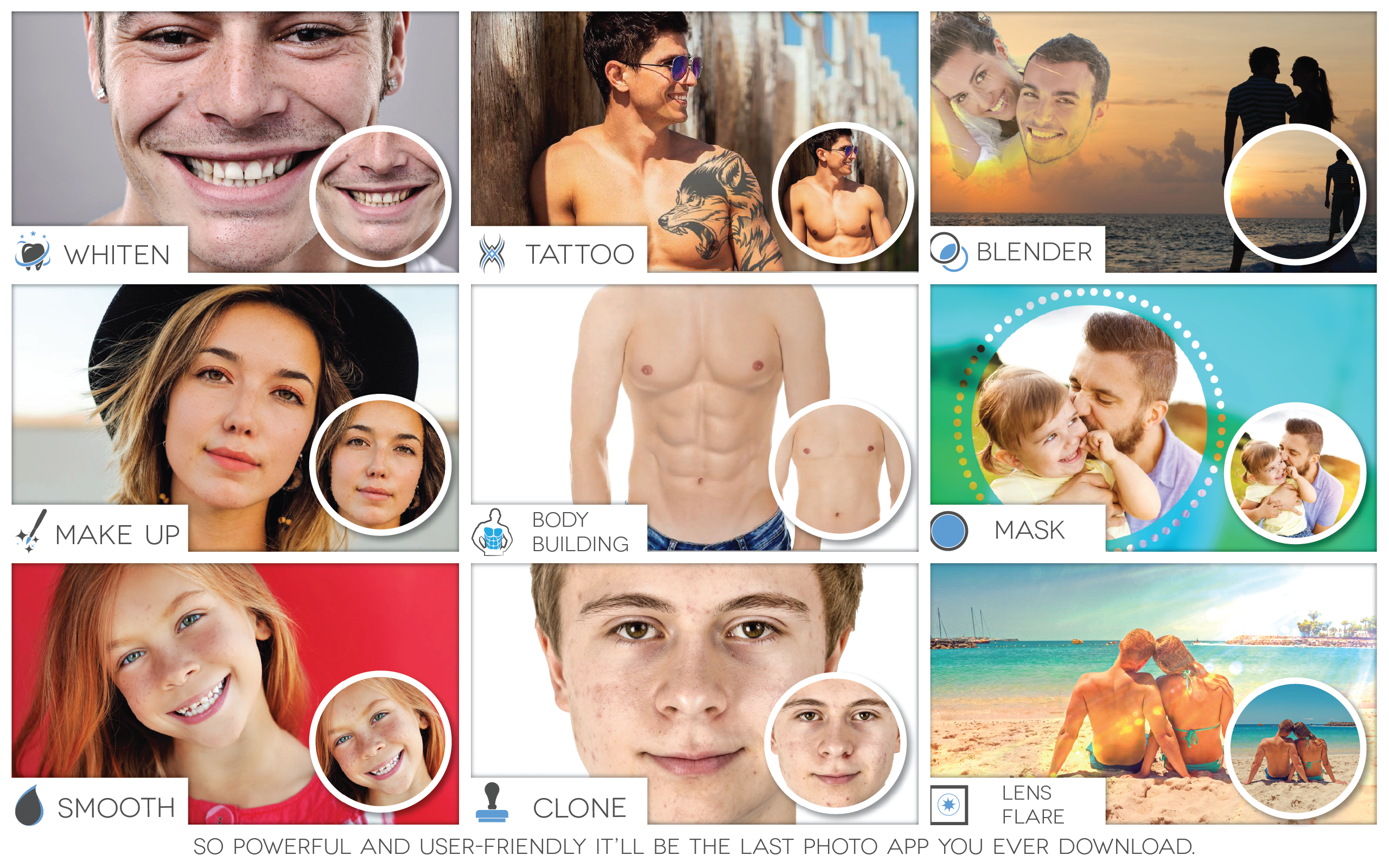
Another compelling aspect is the suite of beautification features, designed for portraits and selfies. Unlike some apps that can result in overly airbrushed results, Fotogenic's tools aim for subtle enhancements—smoothing skin, enlarging eyes, or adding a gentle glow—making your subjects look refreshed without losing their authentic charm. This focus on natural beauty makes it a hit among users who prefer authentic-looking edits over artificial perfection.
Seamless Workflow and User Experience
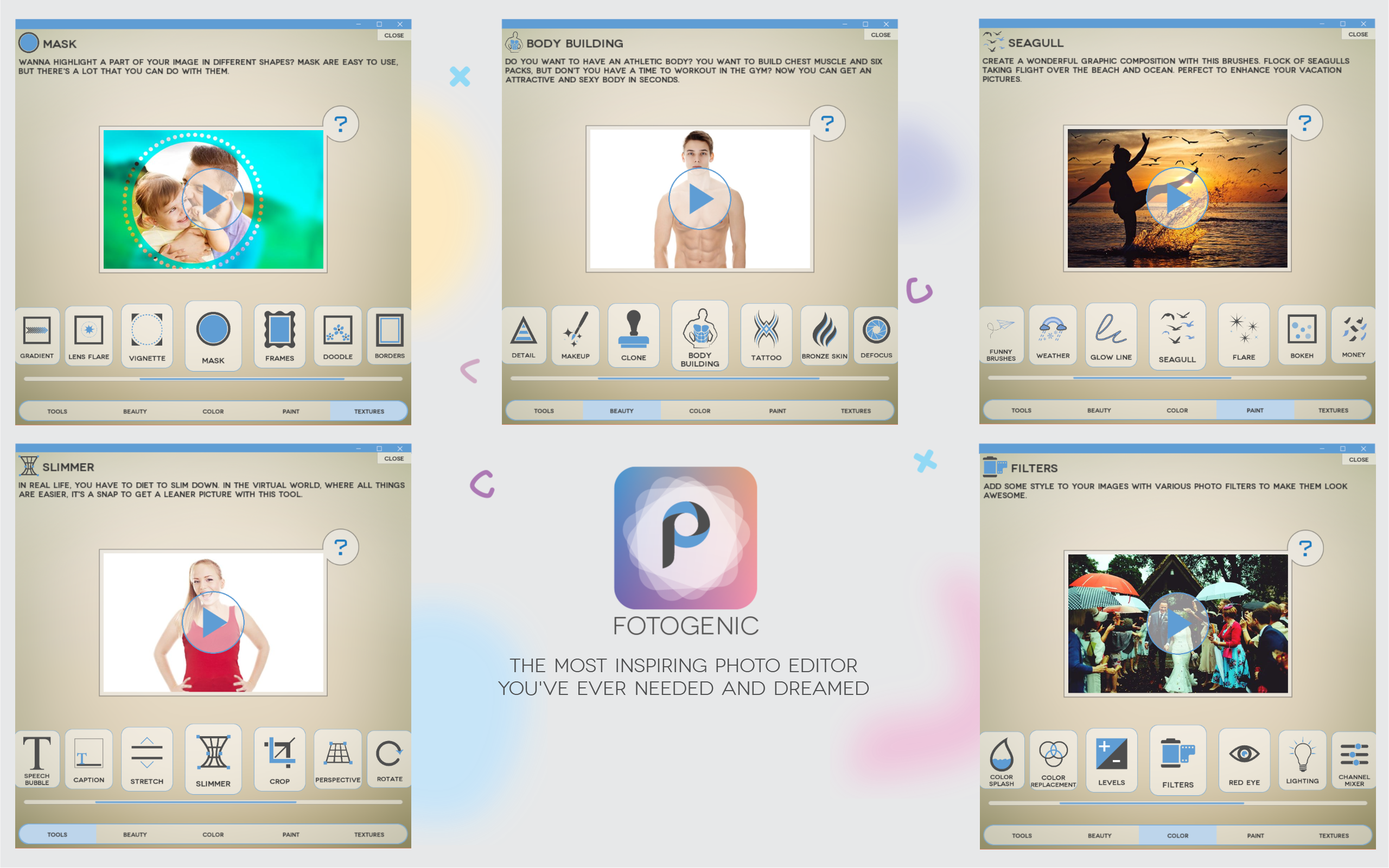
Fotogenic's interface strikes a fine balance between simplicity and functionality. Controls are logically arranged, with drag-and-drop options and straightforward menus. The app feels snappy—even when applying multiple filters or working with high-resolution images—thanks to its optimized performance. Navigating between tools is smooth, and the step-by-step layout helps new users gradually familiarize themselves with all features, reducing any intimidation typically associated with complex editing software. Additionally, the built-in tutorials and tips serve as friendly guides along the way.
Standing Out in a Crowded Market
Compared to other photo editing apps like Adobe Photoshop Express or Lightroom, Fotogenic's distinctive edge lies in its blend of simplicity and sophistication. While BIG names often cater to professional editing needs, Fotogenic's streamlined interface and specialized beautification tools make it an ideal pick for quick, high-quality edits without the learning curve. Its focus on portrait enhancement with natural results and the seamless preview experience are especially notable—it's like having a professional photo studio on your desktop, ready whenever inspiration strikes.
Final Thoughts: A Friendly Recommendation
If you're searching for a Windows photo editor that strikes a charming balance between ease of use and creative power, Fotogenic is worth exploring. Its user-friendly interface, speedy workflow, and standout beautification features make it an excellent choice for casual users and semi-professionals alike. Whether you want to enhance holiday snaps, create social media content, or just tidy up personal photos, this app offers a solid, approachable solution. While it may not replace high-end, professional editing software, it certainly holds its own as a handy, accessible tool—think of it as your friendly neighborhood artist ready to bring your photos to life.
Pros
- User-friendly interface
- Wide range of filters and effects
- High-quality editing tools
- Fast processing speed
- Free basic features
Cons
- Limited advanced features in free version
- Occasional app crashes on older devices
- Watermark on edited photos in free mode
- Limited editing tutorials
- Ads in free version










