

- Category Photo & video
- Developer FourClicks Manager
- Available on PC
- OS Windows 10 version 19041.0 or higher
- Keyboard Integrated Keyboard
- Mouse Integrated Mouse
- Memory 4 GB
- languages English (United States)
Introducing FourClicks Media: The All-in-One Photo Organizer and Creator for Windows
Imagine turning your chaotic photo library into a neatly organized showcase, all while creating stunning slideshows effortlessly. FourClicks Media steps in as a versatile all-in-one tool designed to streamline your photo management, conversion, and slideshow creation needs, making it an ideal companion for photographers, hobbyists, and even casual users eager to bring their images to life.
Developers Who Know Their Pixels: About FourClicks Manager
Crafted by the dedicated team at FourClicks Manager, this app exemplifies their focus on user-friendly yet powerful multimedia solutions. With a strong understanding of digital media workflows, the developer aims to simplify complex tasks such as photo organization, format conversion, and slideshow creation, all within an intuitive interface.
What Makes It Shine? Key Features at a Glance
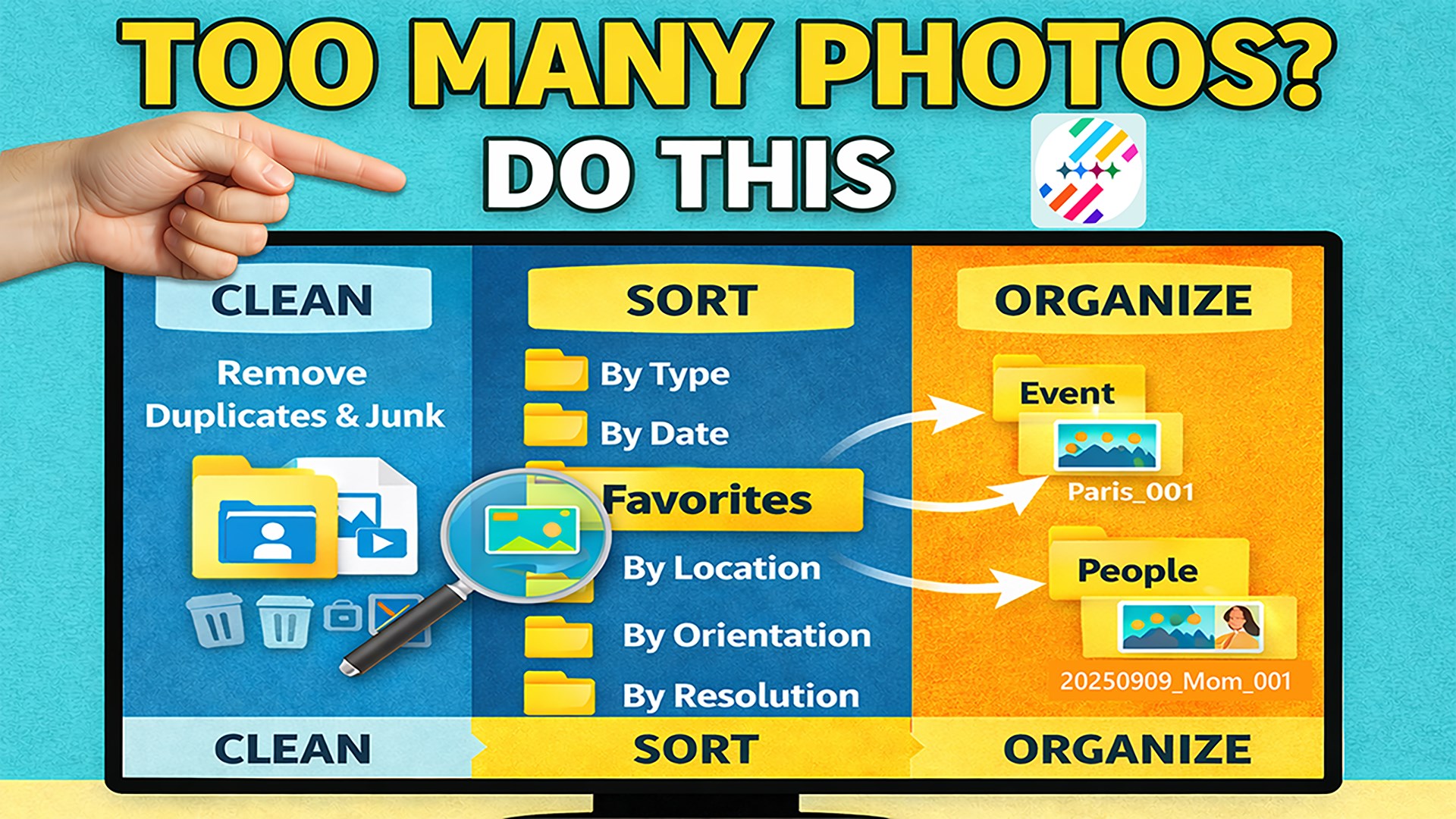
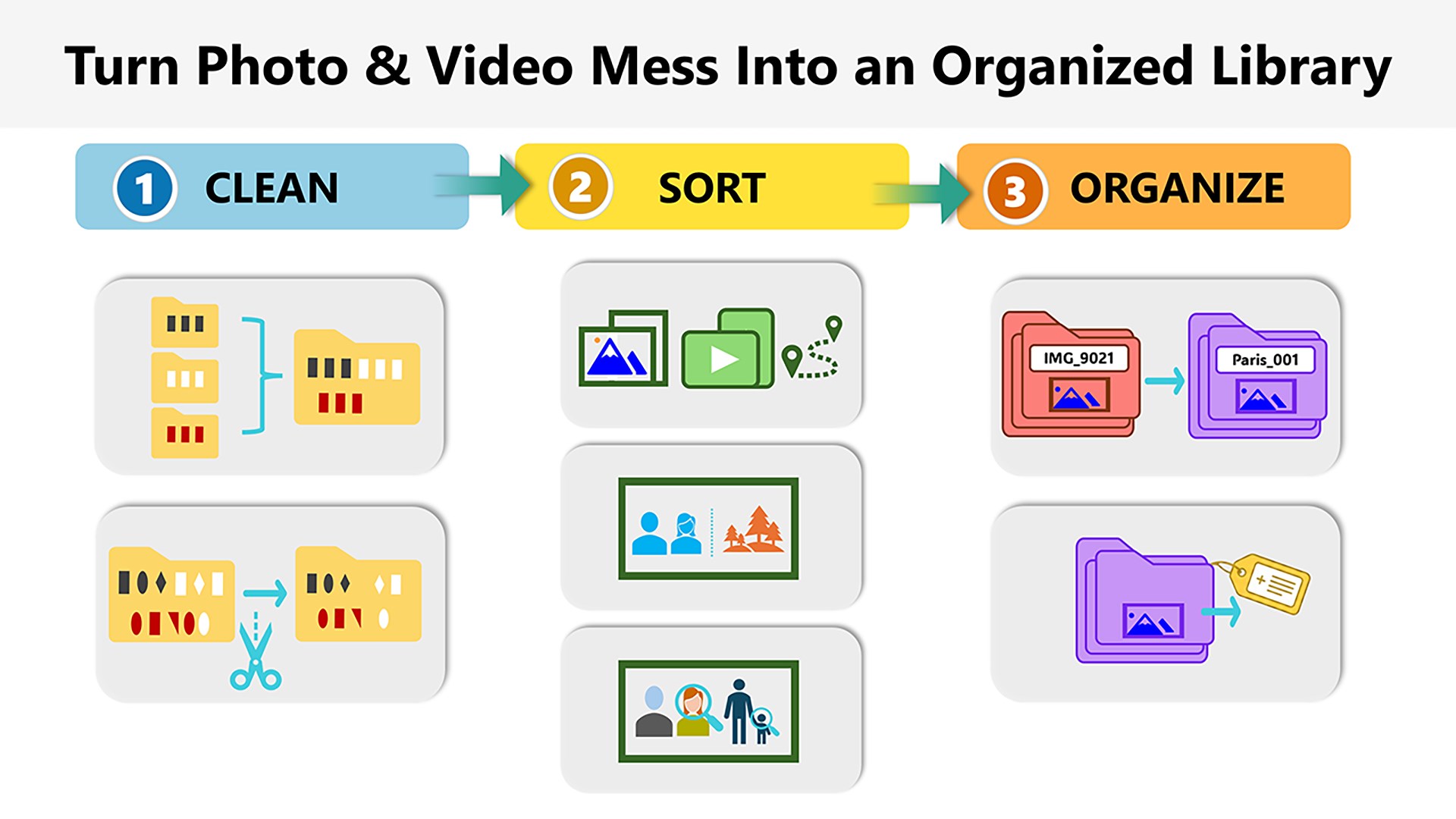
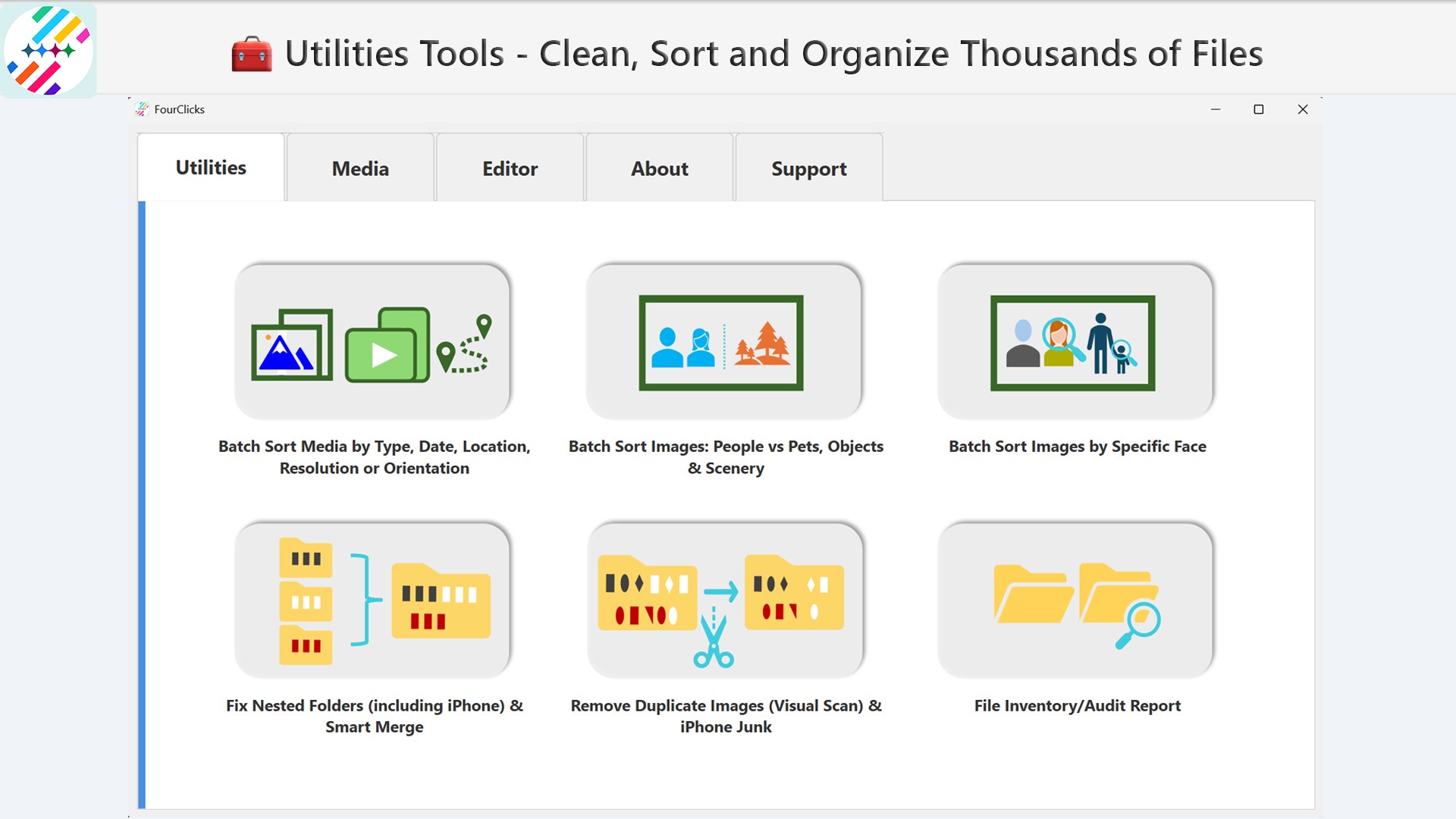
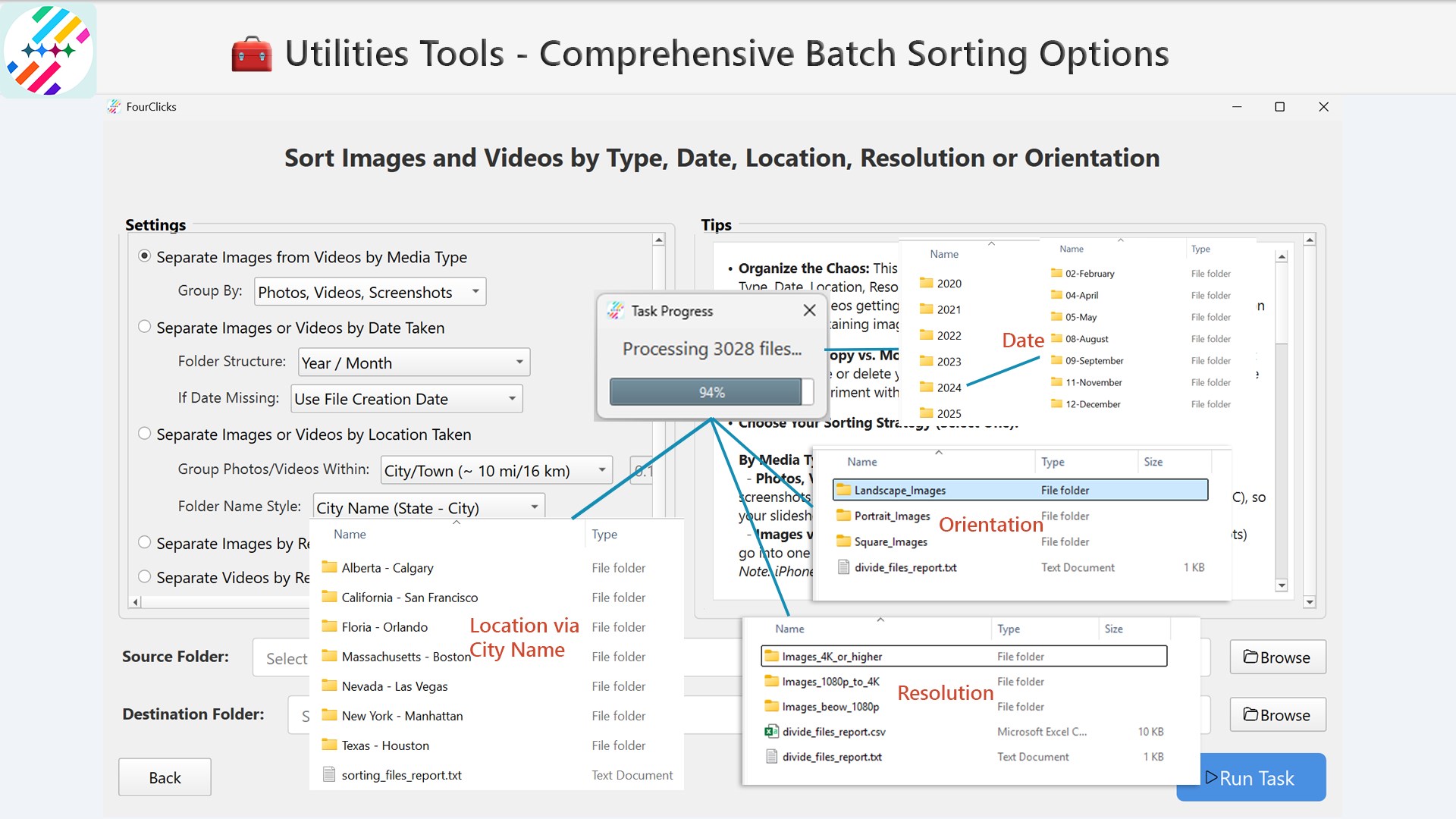
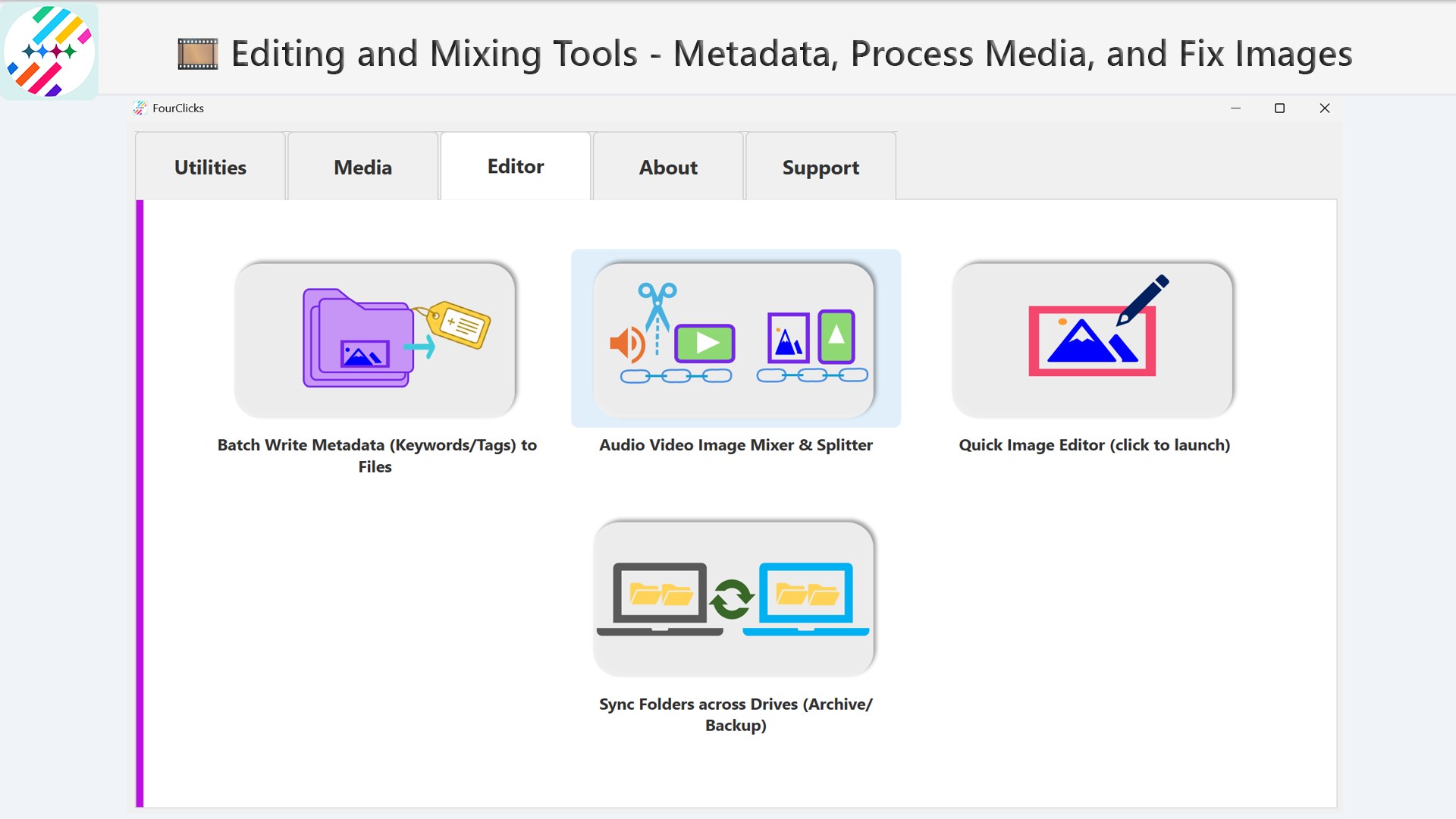
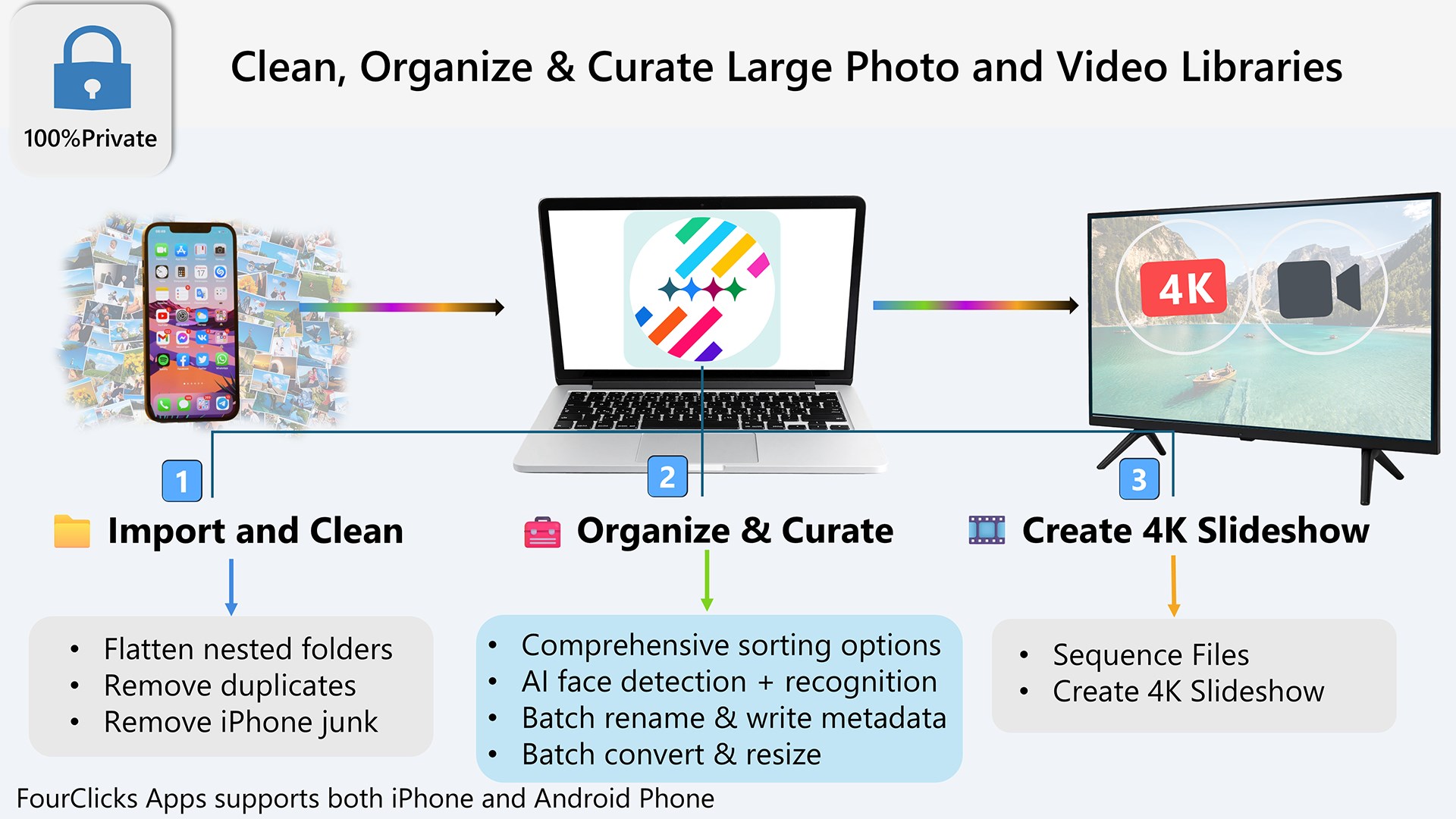
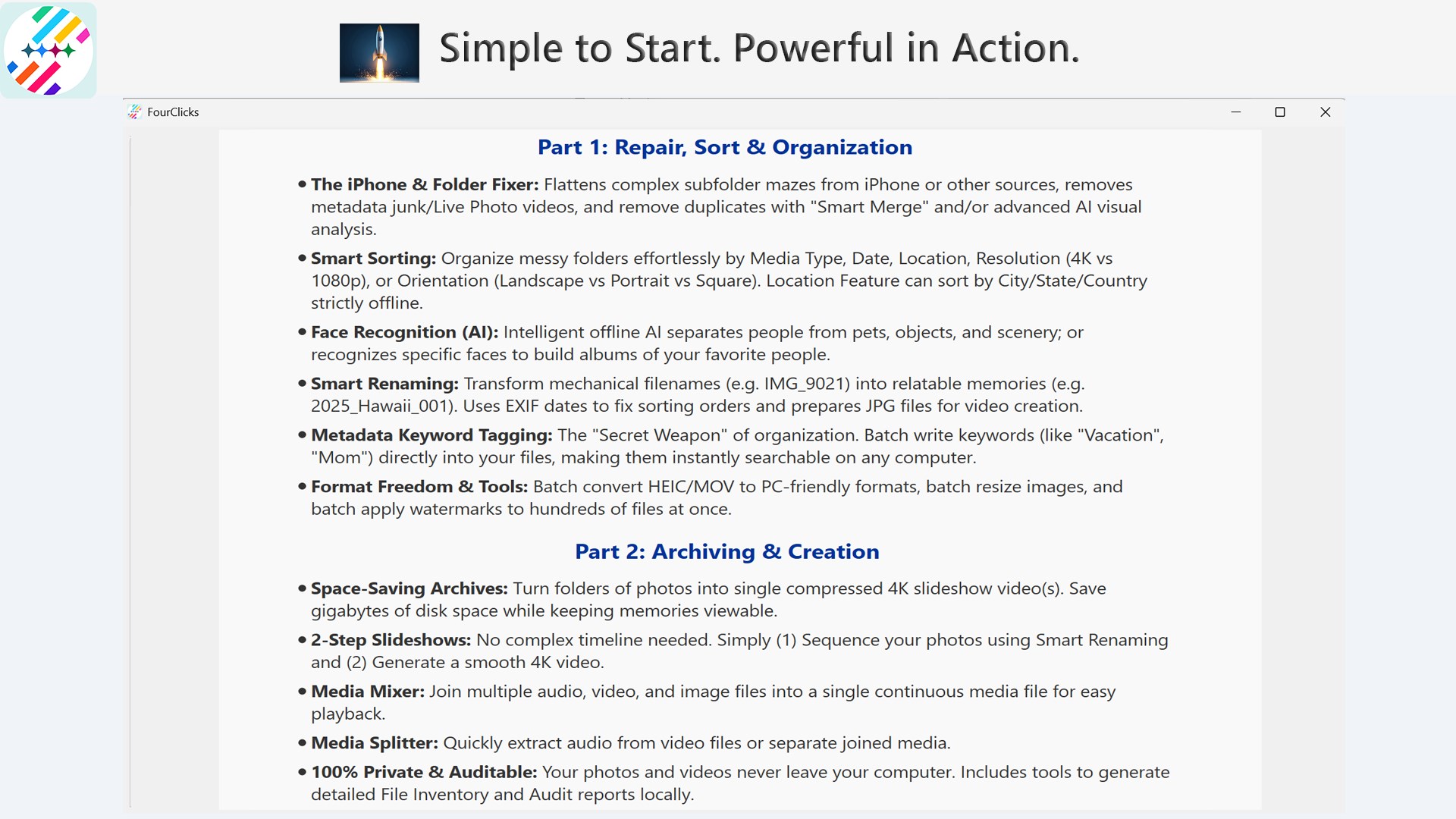
- Enhanced Photo Organization: Easily sort, tag, and categorize thousands of images to find your shots in seconds.
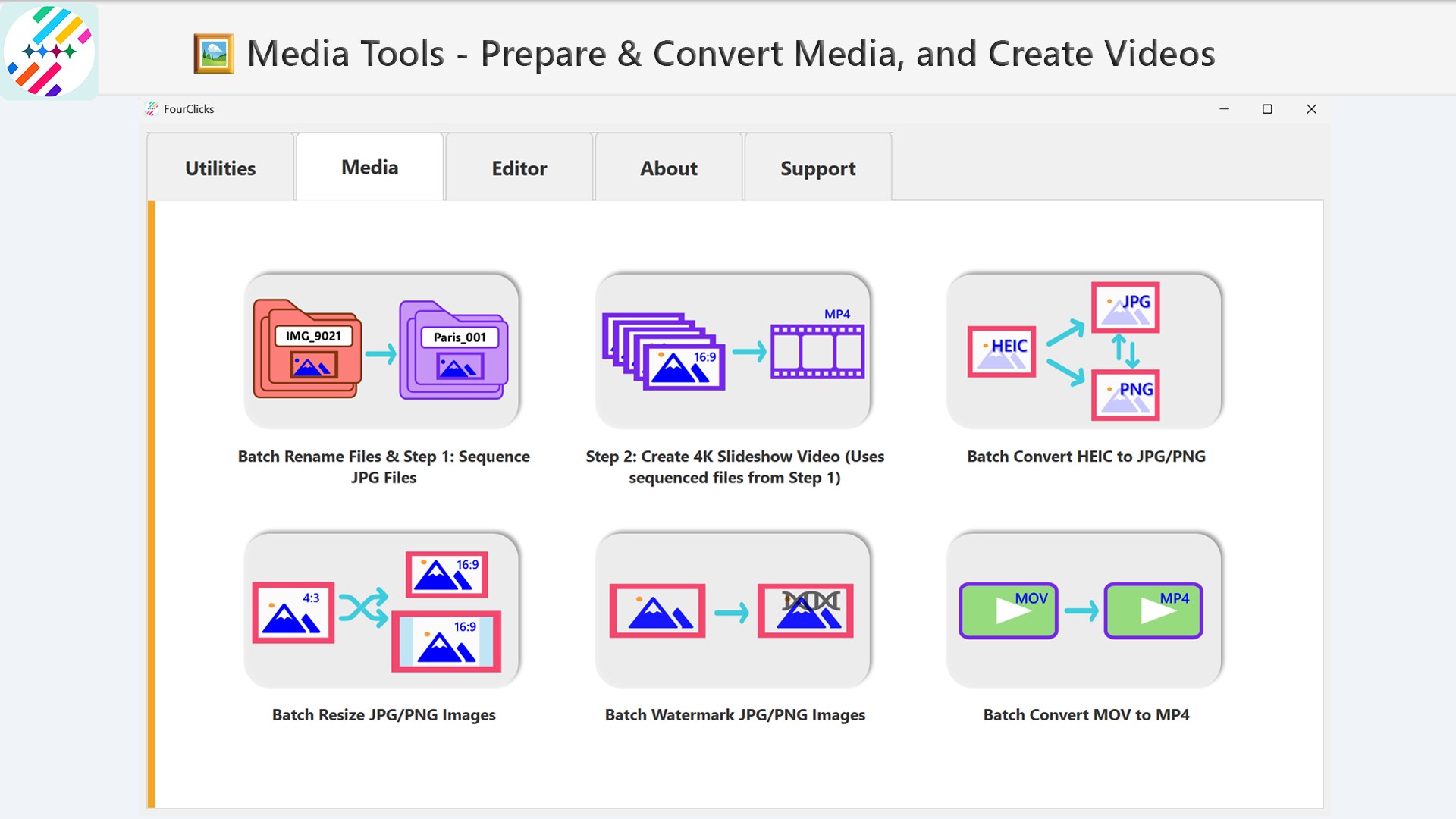
- Versatile Format Conversion: Convert images to a variety of formats, including support for 4K slideshows, ensuring compatibility across devices.
- Creative Slideshow Builder: Craft impressive 4K slideshows with customizable transitions, music, and effects—ideal for sharing memorable moments.
- User-Friendly Interface: Designed for both beginners and power users, minimizing the learning curve without sacrificing capabilities.
The target audience spans amateur photographers, social media enthusiasts, digital marketers, and anyone who needs a reliable tool to manage and showcase their photos without the fuss.
A Closer Look: The User Experience and Core Functionalities
Getting Started with a Friendly Touch
Launching FourClicks Media feels like greeting an old friend. The interface presents your photo library in a clean, organized manner, with intuitive icons guiding you through sorting, editing, sharing, and slideshow creation. The overall design emphasizes simplicity, reducing frustration and encouraging exploration. Navigating from one feature to another is smooth—transitions are seamless, making the process pleasant and efficient. Moreover, users new to photo management will find the learning curve gentle, thanks to clear instructions and minimal clutter.
Powerful Photo Management and Conversion
The core strength of FourClicks Media lies in its ability to handle massive photo collections with ease. Its organization tools allow tagging, rating, and categorizing images—think of it as creating digital photo albums, but smarter. Need to convert formats? This app supports a wide array of image formats, including JPEG, PNG, BMP, and TIFF, with a special emphasis on high-resolution outputs up to 4K quality. The conversion process is swift, preserving image quality and metadata. This feature particularly sets FourClicks Media apart from many simpler photo apps that only offer basic editing, providing a professional-grade solution accessible to all users.
Creative and Customizable 4K Slideshow Creation
If you've ever tried to craft a slideshow that looks polished and professional, you'll appreciate the app's intuitive slideshow builder. With just a few clicks, import your images, drag to reorder, and choose from a variety of transition effects—ranging from classic fades to fun 3D flips. Adding music and narration is straightforward, transforming your photo collection into a narrative experience. The highlight here is the ability to export in 4K resolution, making your slideshows suitable for large screens or high-quality sharing. This focus on 4K output is a standout feature that gives your creations a cinematic feel, easily surpassing many competitors in the same space.
The Differentiator: A Unique Blend of Simplicity and Power
Unlike many photo management tools that focus solely on organization or editing, FourClicks Media combines these functions into a streamlined workflow. Its standout feature is the ability to produce high-resolution slideshows directly from the app, reducing the need for multiple software tools. Additionally, the interface's clarity and logical layout lower the barrier for beginners, yet packing in sufficient advanced features makes it appealing to more experienced users who seek efficiency without complexity. This approach positions FourClicks Media as a versatile, all-in-one multimedia companion rather than just another photo app.
Final Verdict: A Recommended Choice for Photographers and Creatives
Considering its balance of user-friendliness and advanced features, FourClicks Media is a solid choice for those wanting to organize, convert, and showcase their photos in stunning resolution. Its unique emphasis on 4K slideshow creation distinguishes it from typical photo apps, making it especially suitable for professional presentations or memorable personal projects. I recommend it to users seeking an integrated solution that simplifies complex workflows while delivering high-quality outputs. For casual users, it's a powerful yet approachable tool that can grow with your needs.
Pros
- Intuitive Photo Organization
- Versatile File Conversion
- High-Quality 4K Slideshow Creation
- User-Friendly Interface
- Batch Processing Ability
Cons
- Limited Editing Features
- Occasional Performance Lag
- Semi-Introductory Documentation
- Compatibility Constraints
- Limited Free Trial Duration










