

- Category Productivity
- Developer Foxit Software Inc.
- Available on PC
- OS Windows 10 version 0.0 or higher
- Mouse Integrated Mouse
- Memory 750 MB
- languages Chinese (Simplified), Chinese (Traditional Chinese), Danish, Dutch, English (United States), Finnish, French, German, Italian, Japanese, Korean , Norwegian, Polish, Portuguese (Brazil), Russian, Spanish, Swedish
Discover the Power of Foxit PDF Editor for Windows
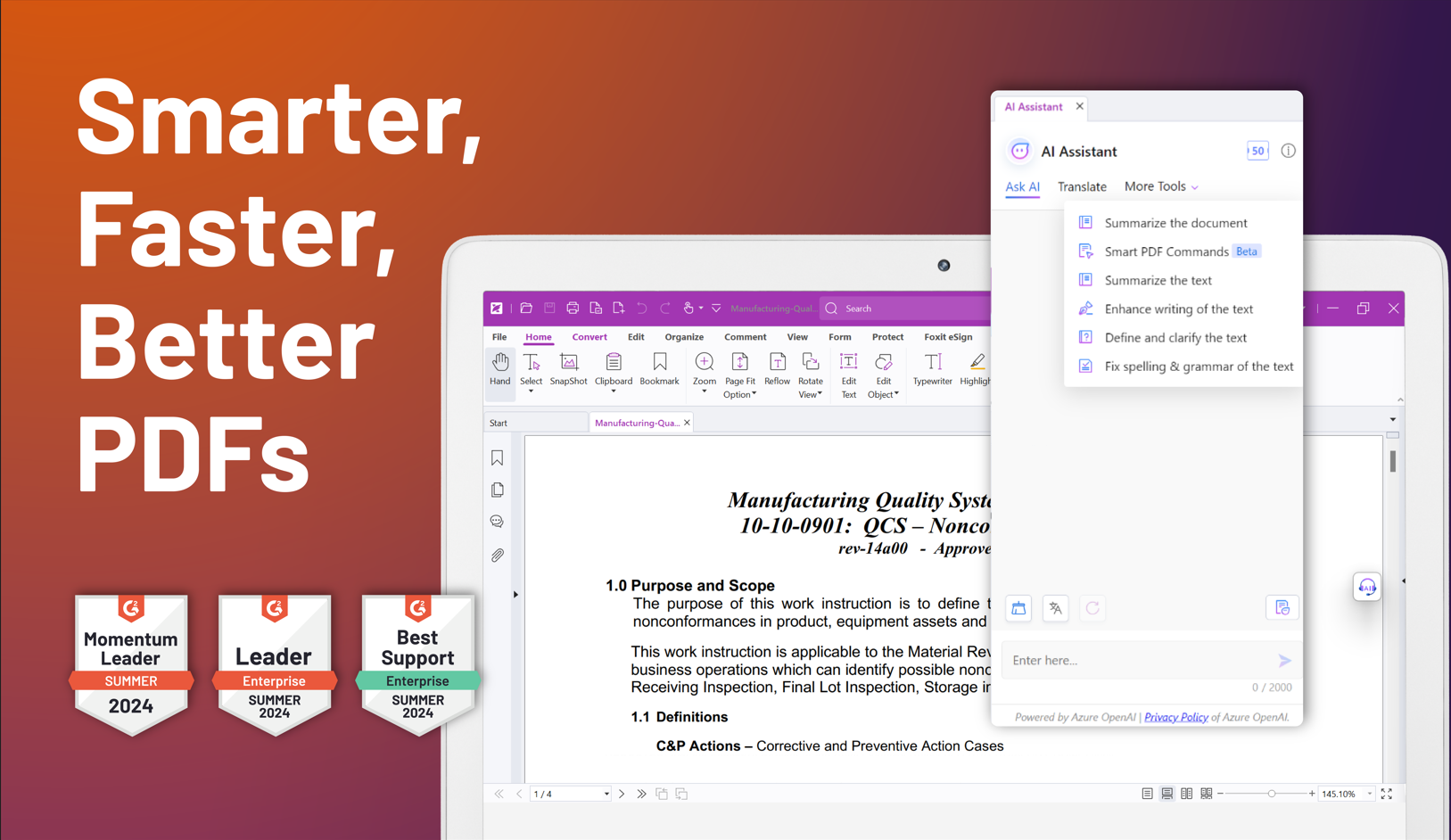
If you're seeking a reliable, feature-rich PDF editing tool that seamlessly integrates into your workflow, Foxit PDF Editor for Windows stands out as a compelling choice. Designed by Foxit Software Inc., this application offers a professional-grade solution for managing, annotating, and modifying PDF documents with ease and efficiency.
Meet Foxit PDF Editor: The Developer Behind the Magnet
Developed and published by Foxit Software Inc., a well-established name in the digital document industry, Foxit PDF Editor for Windows benefits from years of expertise in providing robust PDF solutions that cater to both individual and enterprise needs. The company's commitment to innovation and user-centric design makes this app a noteworthy addition to your productivity toolkit.
Key Features That Make a Difference
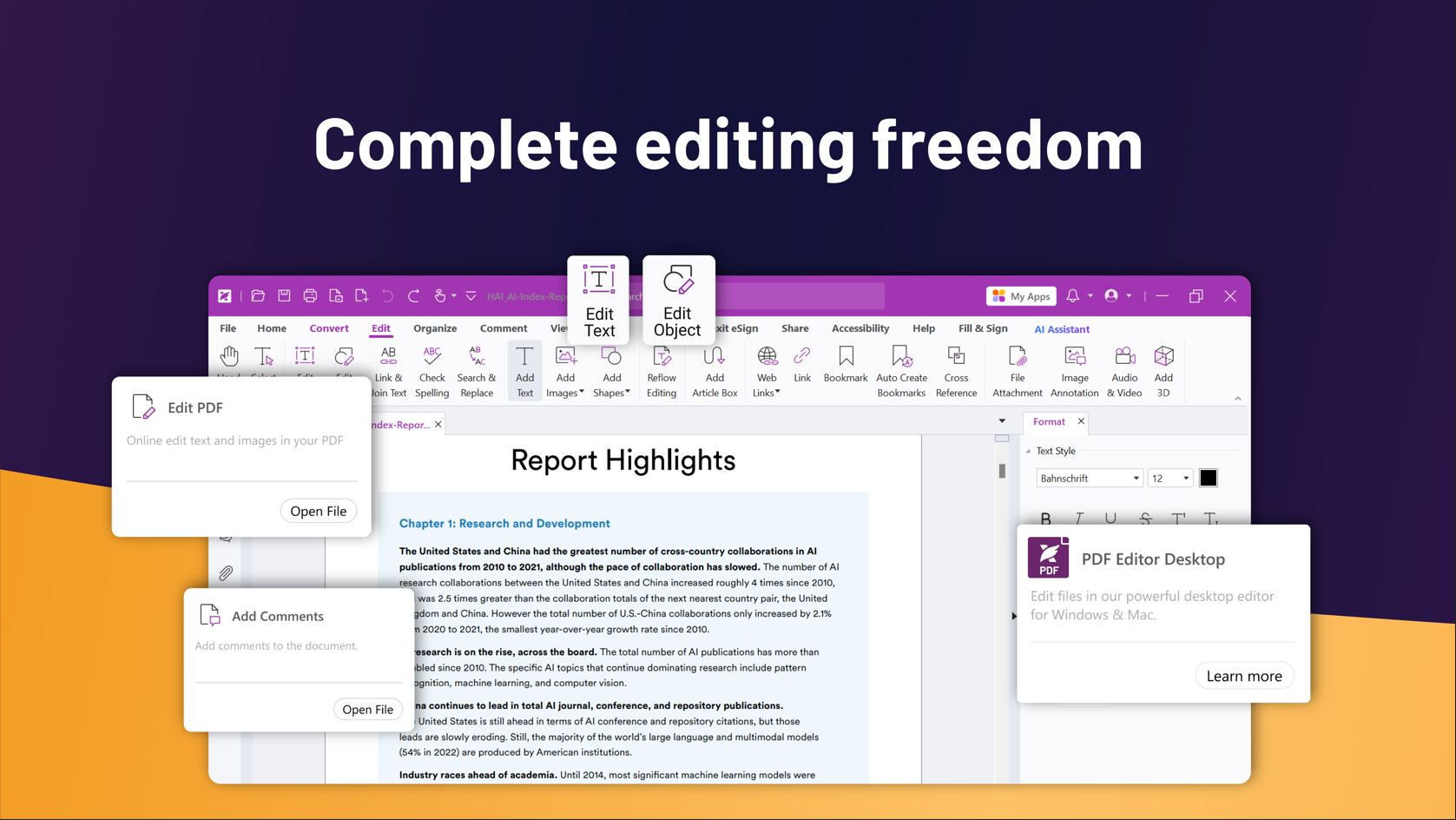
- Intelligent PDF Editing: Offers granular editing capabilities, allowing you to modify text, images, and layout effortlessly—think of it as having a digital press on your desktop, enabling precise document customization.
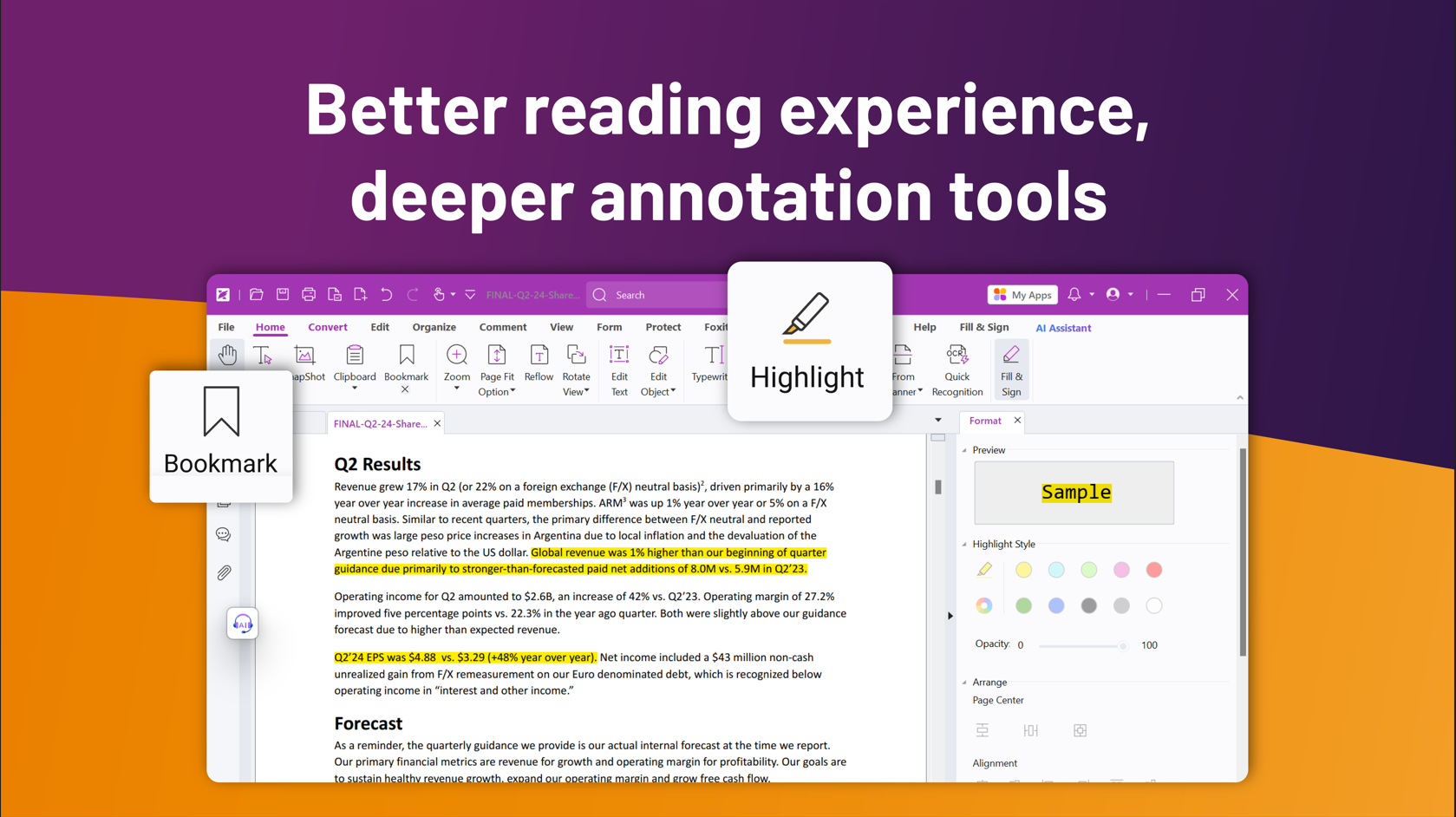
- Advanced Annotation and Collaboration Tools: Facilitates seamless commenting, highlighting, and note-taking, supporting team collaboration just like a shared workspace but within your PDF environment.
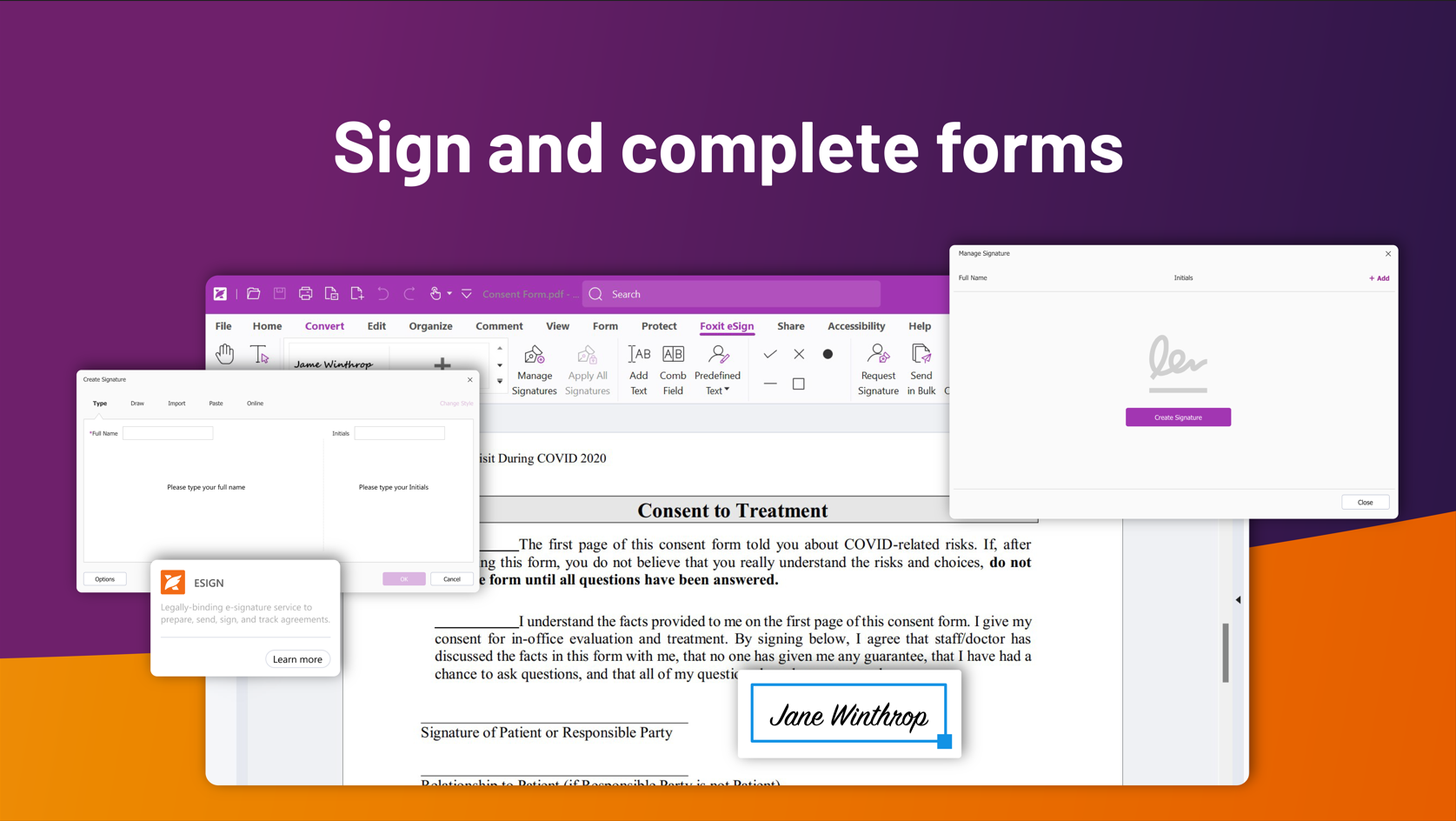
- Secure PDF Management: Provides robust security features including password protection, digital signatures, and permission controls, ensuring your documents stay safe and controlled.
- Workflow Integration and Compatibility: Integrates easily with popular cloud services and other productivity apps, streamlining your document processes without disrupting your existing workflow.
Experience and Performance: Crafting an Intuitive User Journey
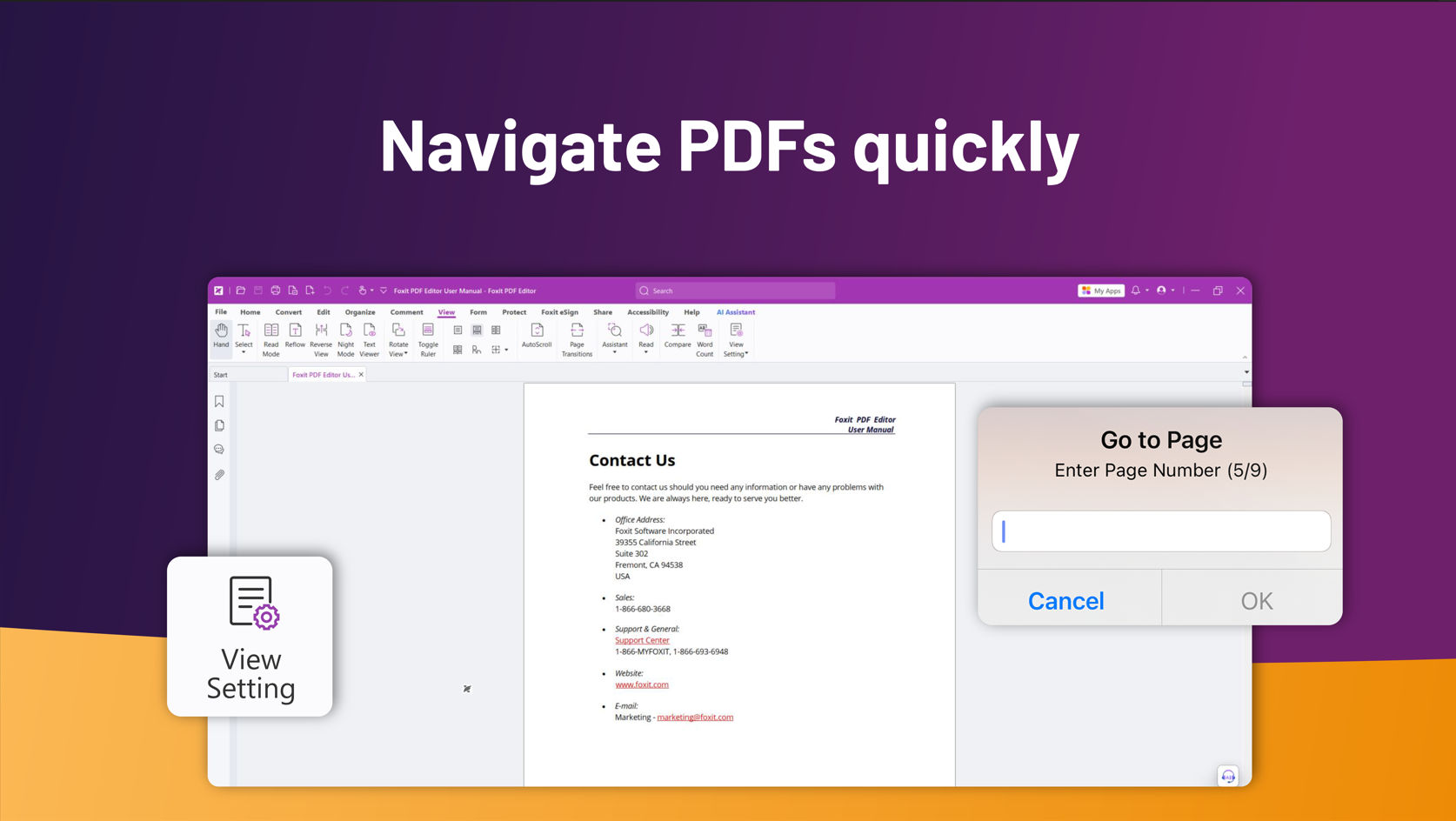
Stepping into Foxit PDF Editor's interface feels akin to entering a well-organized digital workshop—clean, intuitive, and accessible. The layout is thoughtfully designed, enabling both seasoned users and newcomers to navigate effortlessly. The core tools are readily accessible, reducing the cognitive load often associated with complex document editing.
Operation is impressively smooth; actions like editing text or inserting images happen instantaneously, akin to gliding a pen across paper. The learning curve is gentle—almost like learning to ride a bike with training wheels—making it suitable for users across skill levels. Whether you're editing a single page or preparing large batches of documents, the app maintains responsiveness and stability, ensuring your workflow remains uninterrupted.
Differentiating Features: Efficiency Meets Simplicity
Compared to other productivity applications, Foxit PDF Editor's standout attribute is its focus on workflow integration efficiency without overwhelming the user with excessive features. Unlike some PDF tools that drown users in a sea of complex options, Foxit strikes a harmonious balance by offering essential capabilities while reducing cognitive load. Its advanced annotation tools, combined with straightforward editing options, allow users to annotate, review, and modify documents swiftly—like having a collaborative office assistant at your fingertips.
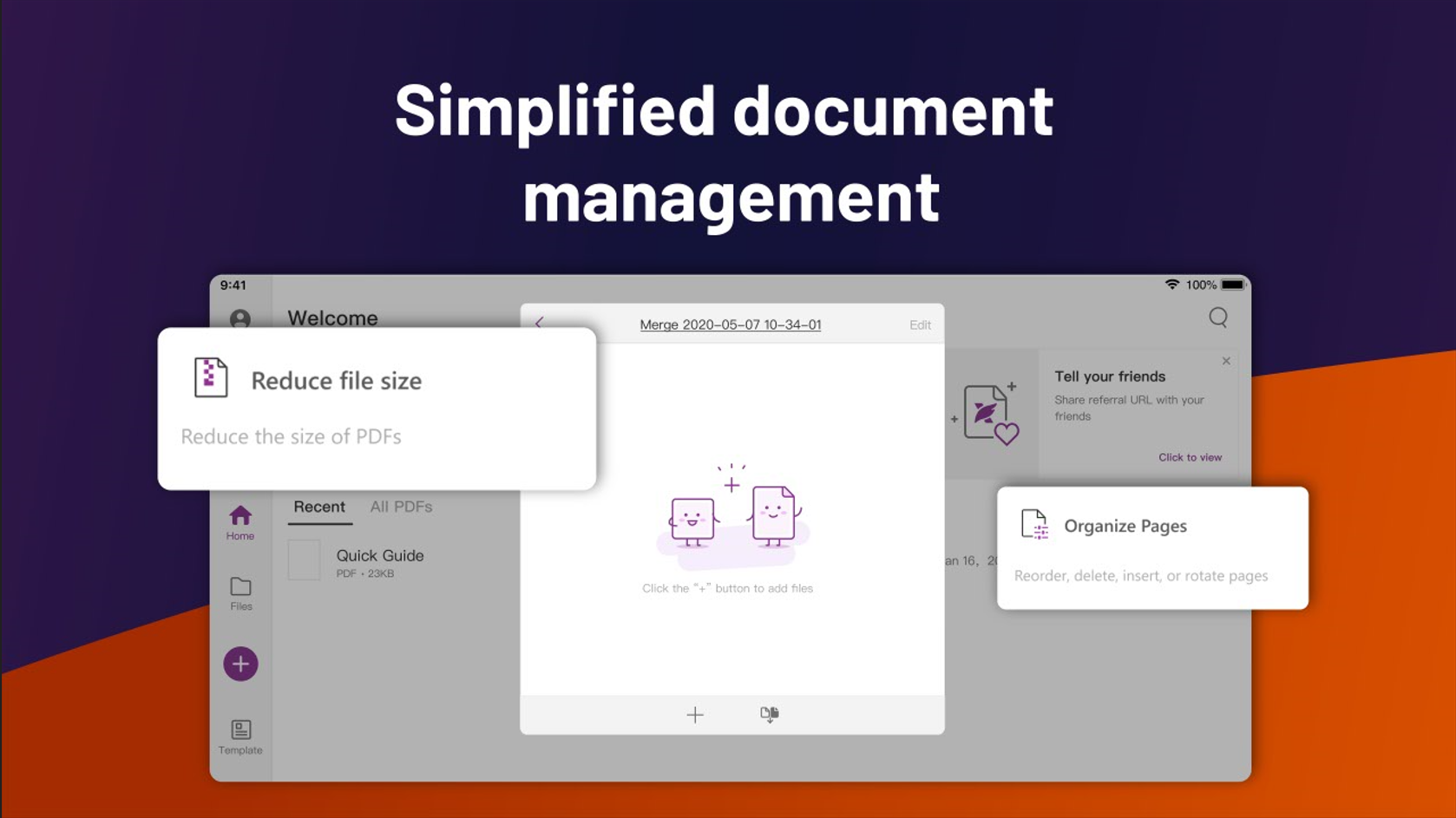
Moreover, its seamless compatibility with cloud services streamlines the document lifecycle, from creation to sharing, making it a true productivity companion rather than a mere PDF viewer. This focus on reducing friction in daily tasks sets Foxit apart from competitors, particularly for professionals who value speed and clarity over superfluous complexities.
Final Thoughts and Recommendations
All in all, Foxit PDF Editor for Windows merits consideration as a versatile, user-friendly PDF solution. Its intuitive interface, combined with powerful editing and security features, makes it suitable for a range of users—from students and freelancers to corporate teams. If your goal is to streamline your document management while keeping cognitive load minimal, this app offers a compelling blend of simplicity and sophistication.
While it isn't the most feature-heavy tool on the market, its targeted features and seamless workflow integration make it an excellent choice for those who prioritize efficiency and ease of use. I recommend giving it a try—whether you need to make quick edits or manage complex documents, Foxit PDF Editor is poised to become a trusty sidekick in your digital workspace.
Pros
- Intuitive user interface
- Comprehensive PDF editing tools
- Fast processing speed
- Secure document management
- Cloud integration support
Cons
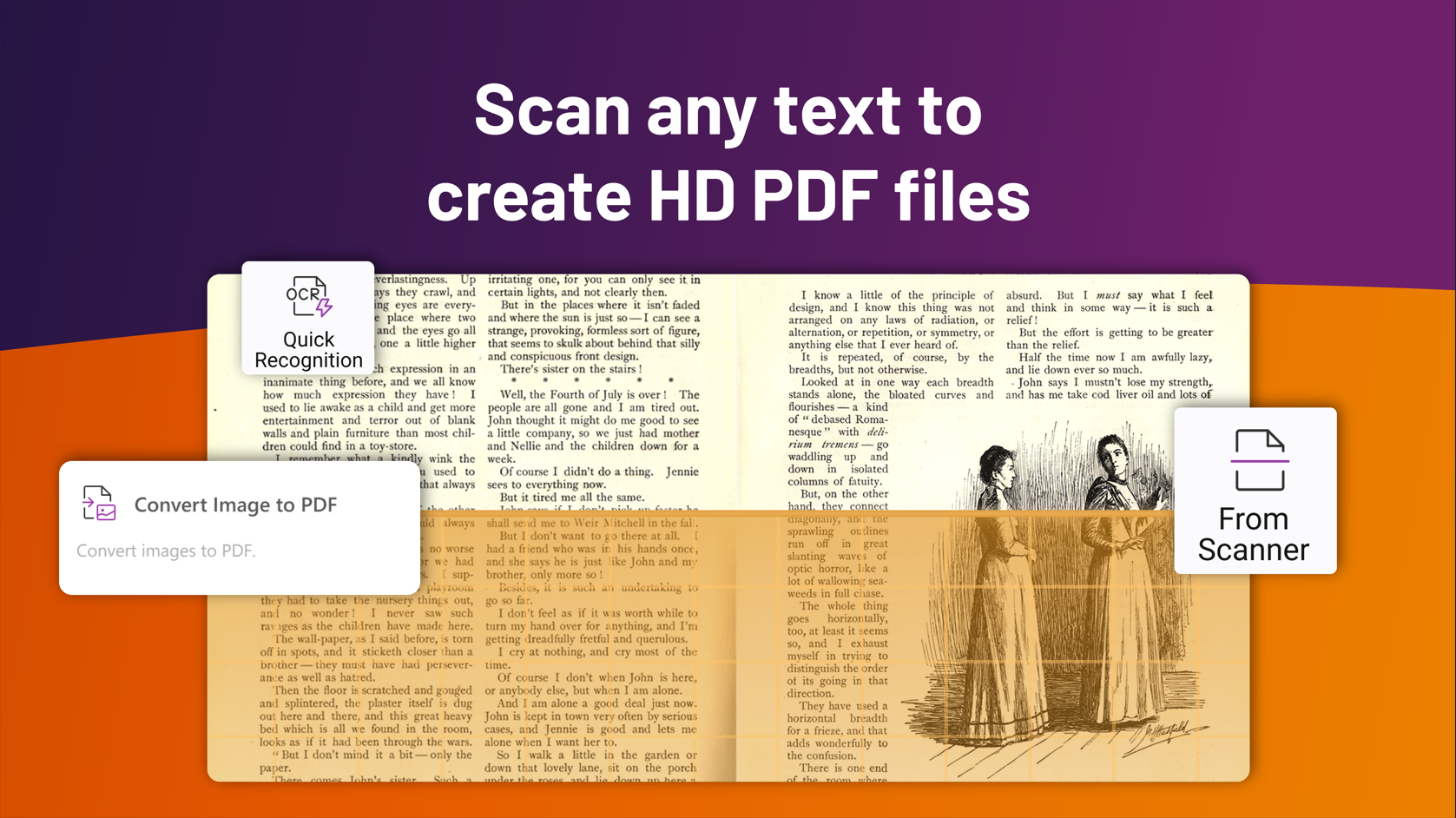
- Limited OCR capabilities in the free version
- Occasional lag when handling very large PDFs
- Some advanced editing features are behind a paywall
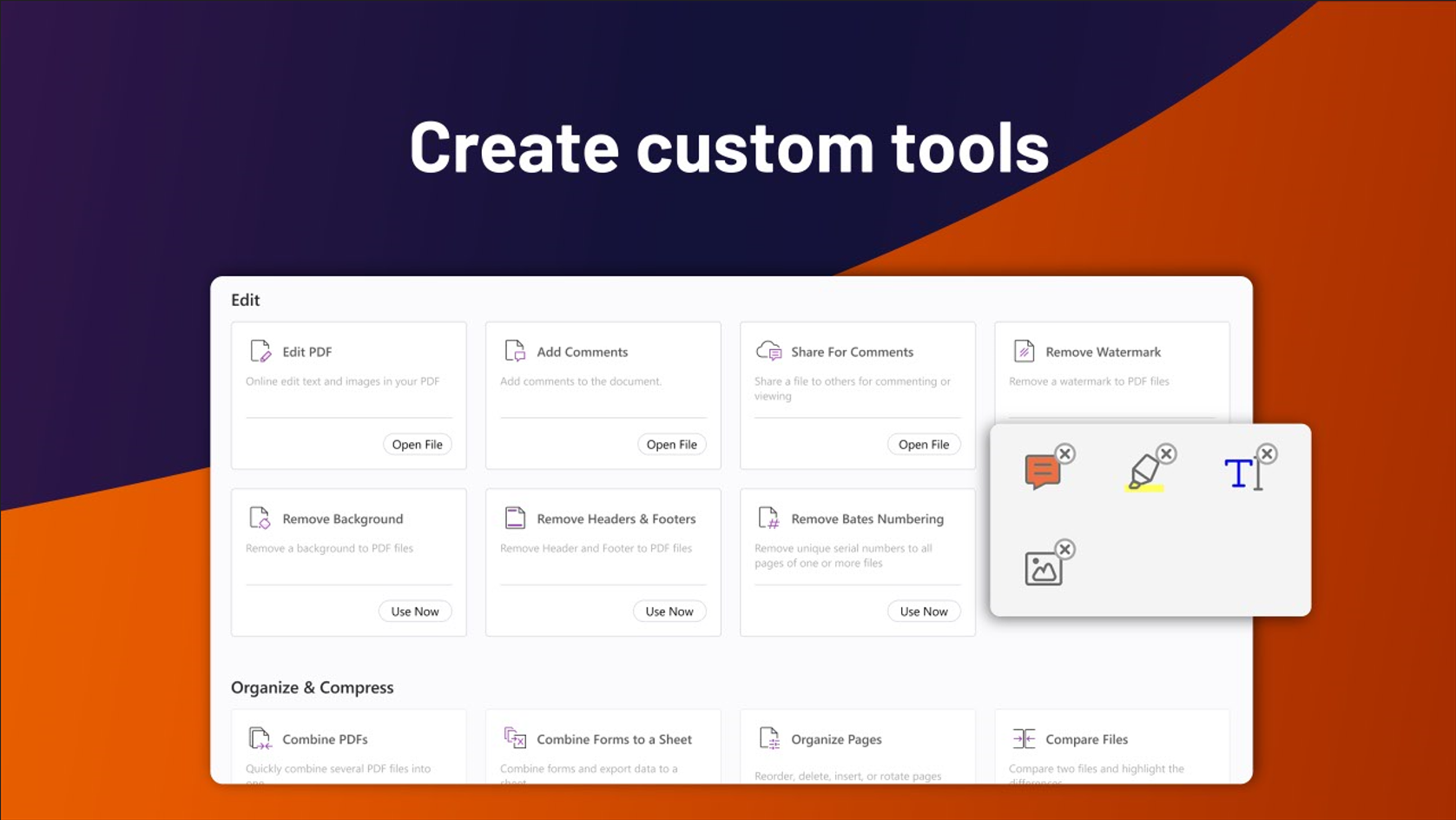
- Limited customization options for annotations
- Occasional stability issues on older devices











