

- Category Productivity
- Available on PC
- OS Windows 10 version 0.0 or higher
- Mouse Integrated Mouse
- Memory 750 MB
- languages Chinese (Simplified), Chinese (Traditional Chinese), Danish, Dutch, English (United States), Finnish, French, German, Italian, Japanese, Korean , Norwegian, Polish, Portuguese (Brazil), Russian, Spanish, Swedish
Introduction: A Modern Companion for Seamless PDF Handling
Foxit PDF Reader for Windows positions itself as a lightweight yet powerful tool for reading, annotating, and managing PDF documents, aiming to streamline your document workflow without unnecessary clutter or complexity. Whether you're a student, a professional, or someone who regularly interacts with PDFs, this application promises an efficient and user-friendly experience.
Who's Behind the Curtain? Developer and Core Offerings
Developed by Foxit Software Inc., a globally recognized leader in PDF solutions, Foxit PDF Reader for Windows benefits from decades of expertise in document management technology. The app focuses on delivering robust core functionalities tailored to meet diverse user needs while maintaining a straightforward interface.
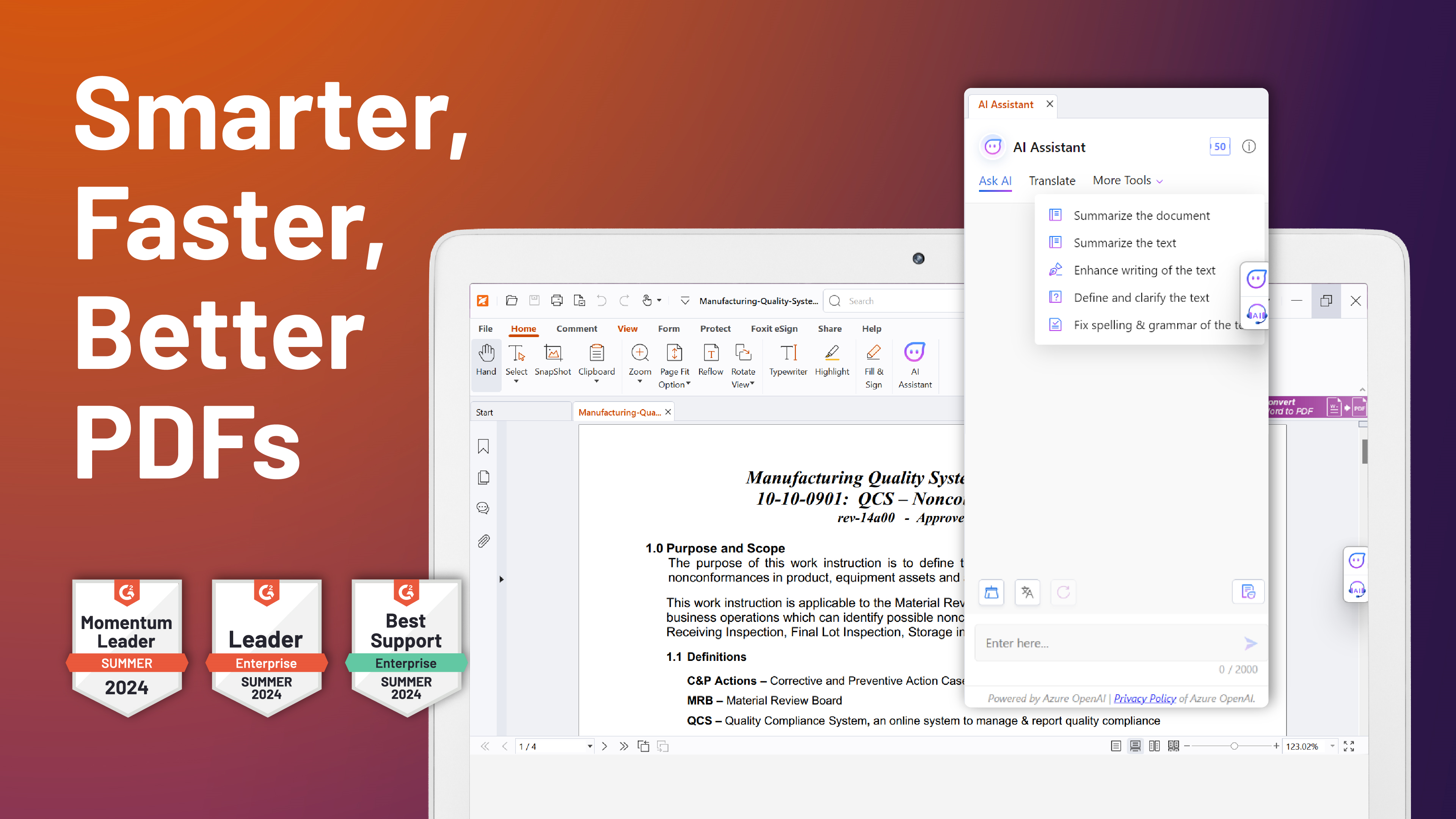
- Main Features: Fast PDF viewing, comprehensive annotation tools, form filling & signing, and document management capabilities.
- Highlights: Lightweight design ensuring quick launch and minimal resource consumption; high compatibility with various PDF formats; cloud integration for seamless document access; and advanced security features for sensitive data protection.
Targeted at a broad spectrum of users—from casual readers and students to business professionals who require reliable document handling—this app aims to cater to anyone seeking an efficient PDF tool that integrates smoothly into their daily workflow.
Getting Started: A Smooth Ride into PDF Mastery
Imagine opening a PDF and being greeted by a clean, intuitive interface—no overwhelming menus or confusing layouts. Foxit PDF Reader for Windows embraces simplicity, making first-time users feel comfortable while offering enough depth for power users to dive deep into document manipulation. Its quick launch means you spend less time fiddling around and more time getting things done—perfect for those who value their productivity as much as their coffee breaks.
Core Functionality Deep Dive
Efficient Reading and Navigation
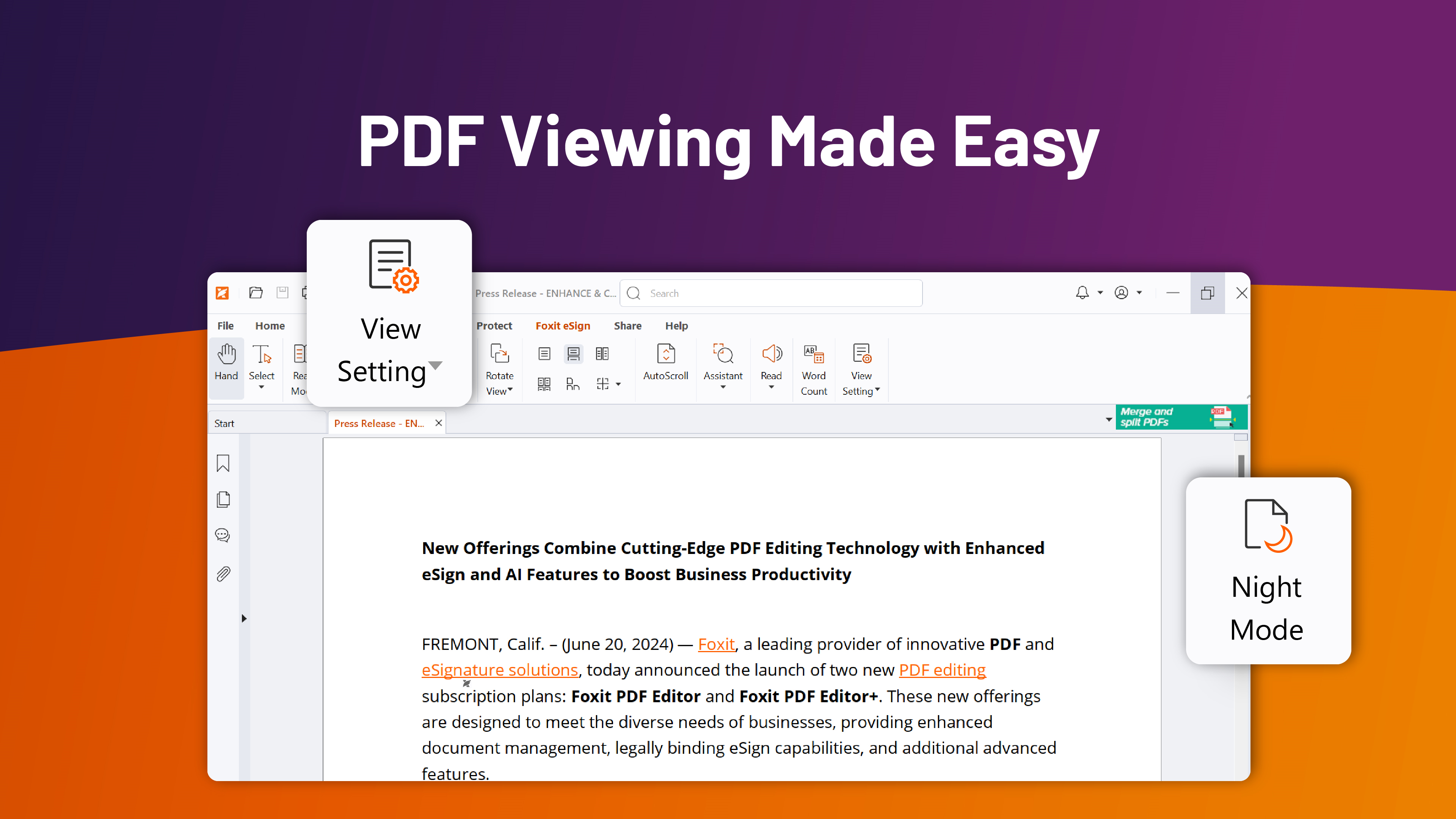
The application excels in providing a swift, lag-free reading experience. Its smooth zooming, scrolling, and page-flipping mechanics resemble flipping through a well-bound book, but with the added benefits of digital tools at your fingertips. The sidebar and thumbnail view facilitate rapid navigation across lengthy documents, mimicking the familiarity of a physical archive but in a digital form that's just a click away.
Advanced Annotation and Collaboration Tools
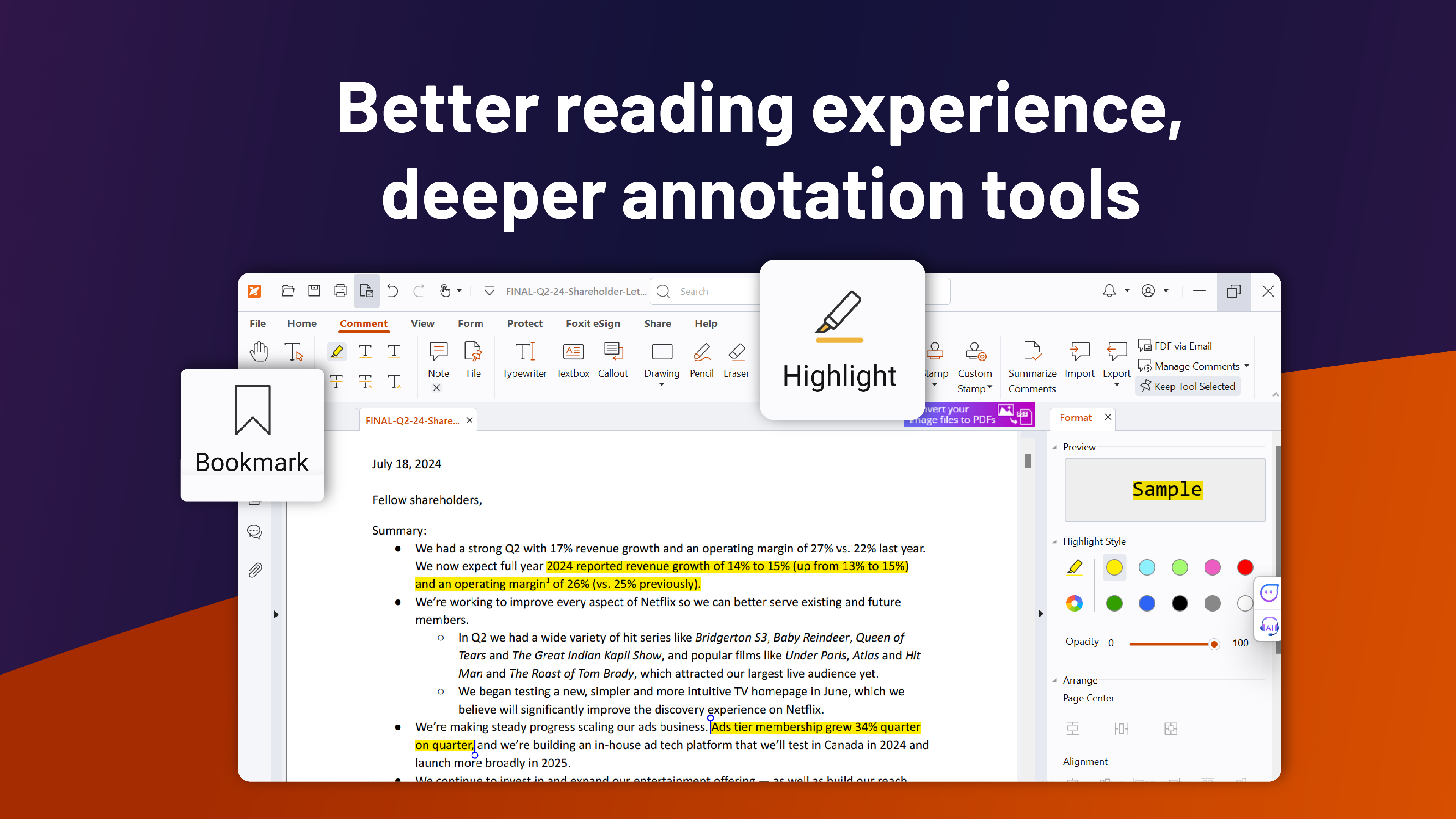
This is the feature that truly transforms Foxit PDF Reader into more than just a viewer. Users can highlight, underline, and strike through text with precision akin to a seasoned editor. Sticky notes and comments make collaboration intuitive, turning your PDF reading into an interactive experience. Notably, the app's annotation tools are designed to be lightweight, reducing cognitive load—no flashy overload of options, just the right tools to get the job done effectively.
Secure Form Filling and Digital Signatures
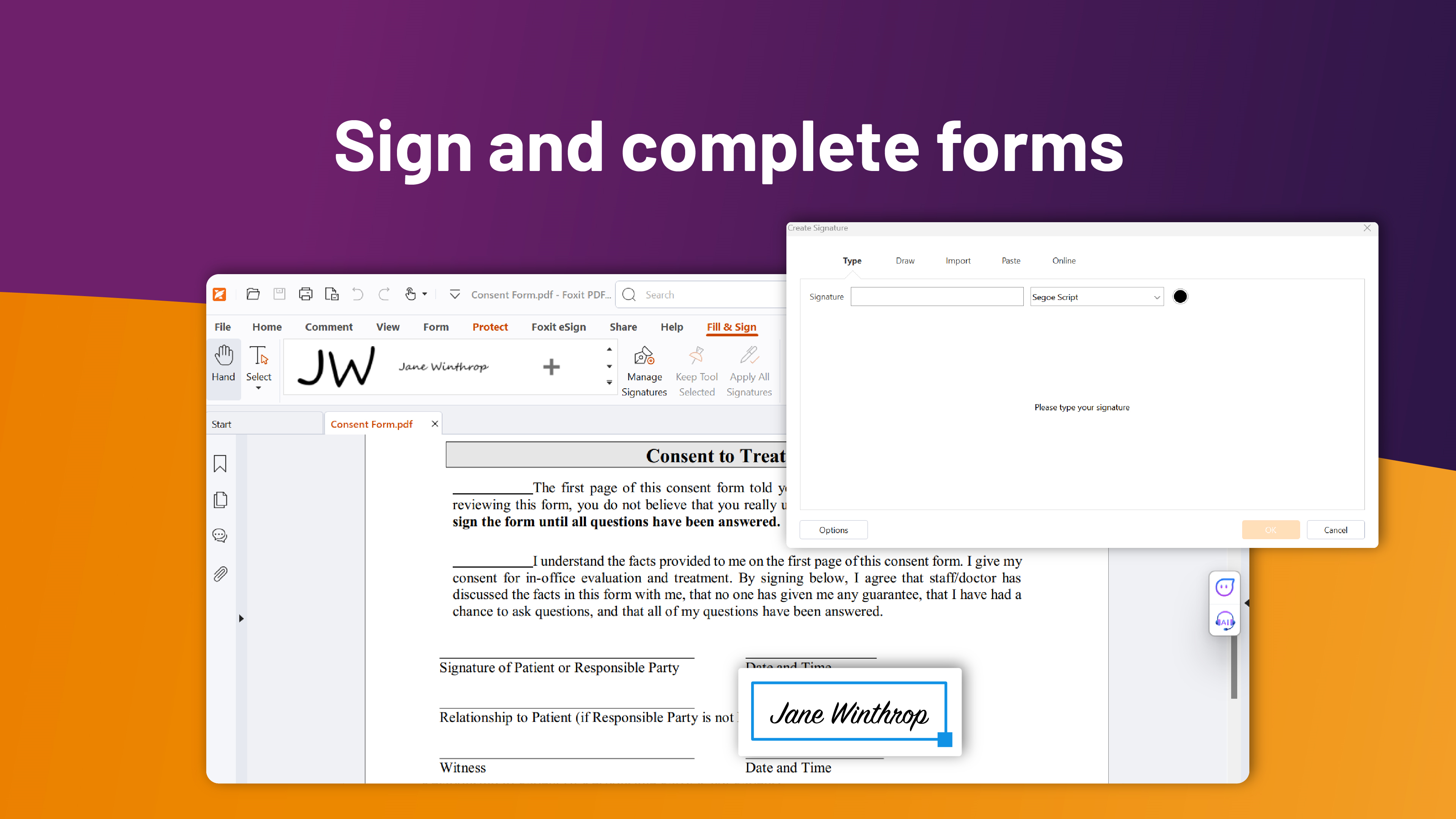
Filling out forms is as simple as a few clicks, with the added bonus of digital signing that adheres to industry standards. Whether submitting a contractual agreement or a tax form, Foxit PDF Reader offers a straightforward, secure process that minimizes hassle. This feature particularly shines in workflows involving sensitive data, providing reassurance through authentication and encryption options.
Experience and Unique Advantages
From an usability standpoint, the intuitive interface combined with quick responsiveness makes Foxit stand out among similar tools. While some PDF readers drown users in a sea of complex features, Foxit's design philosophy emphasizes reducing cognitive load. Its minimalistic toolbar and context-sensitive menus correlate with a streamlined workflow, making document management feel natural—almost like turning a physical page, but with digital superpowers.
One of the app's most distinctive strengths is its deep integration into existing workflows through cloud services and compatibility with various document formats. This means users can seamlessly open, annotate, and save PDFs directly from cloud storage platforms—eliminating the typical friction of file transfers and multiple program switches. Such integration boosts productivity, especially for teams working across different systems and locations, setting Foxit apart from more feature-bloated counterparts that often hinder rather than help efficiency.
Final Thoughts: A Recommendation Worth Considering
In conclusion, Foxit PDF Reader for Windows is a reliable, lightweight tool that strikes a commendable balance between functionality and simplicity. Its core features—particularly the smooth annotation capabilities and secure form handling—are tailored to elevate your document interactions without overwhelming you. For users seeking a PDF application that integrates well into daily workflows, reduces unnecessary complexity, and provides essential features with elegance, this app is definitely worth a try.
Whether for routine reading or collaborative editing, I recommend giving Foxit PDF Reader a dedicated spot in your software toolbox. It's like having a reliable, friendly assistant who always has your PDFs ready and organized—quietly efficient, hassle-free, and built to help you focus on what matters most.
Pros
- User-Friendly Interface
- Fast Performance
- Rich Annotation Tools
- Wide Compatibility
- Low Resource Usage











