

- Category Card & board
- Developer TreeCardGames
- Available on PC
- OS Windows 10 version 17763.0 or higher
- languages Chinese (Simplified), Chinese (Traditional Chinese), Czech, Danish, Dutch, English, English (United States), Finnish, French, German, Greek, Hebrew, Hindi, Hungarian, Italian, Japanese, Norwegian (Bokmål), Polish, Portuguese (Brazil), Portuguese (Portugal), Russian, Spanish, Swedish, Thai, Turkish, Ukrainian
Introducing FreeCell Collection Free for Windows
FreeCell Collection Free is a classic card game app that brings the timeless allure of FreeCell solitaire straight to your desktop, combining simplicity with engaging gameplay. It's an ideal pick for those looking to enjoy a relaxing yet challenging puzzle during short breaks or leisure time.
About the Developer and Core Highlights
Developed and published by TreeCardGames, this application offers a clean, user-friendly experience rooted in years of casual gaming expertise. The main features that make this app stand out include:
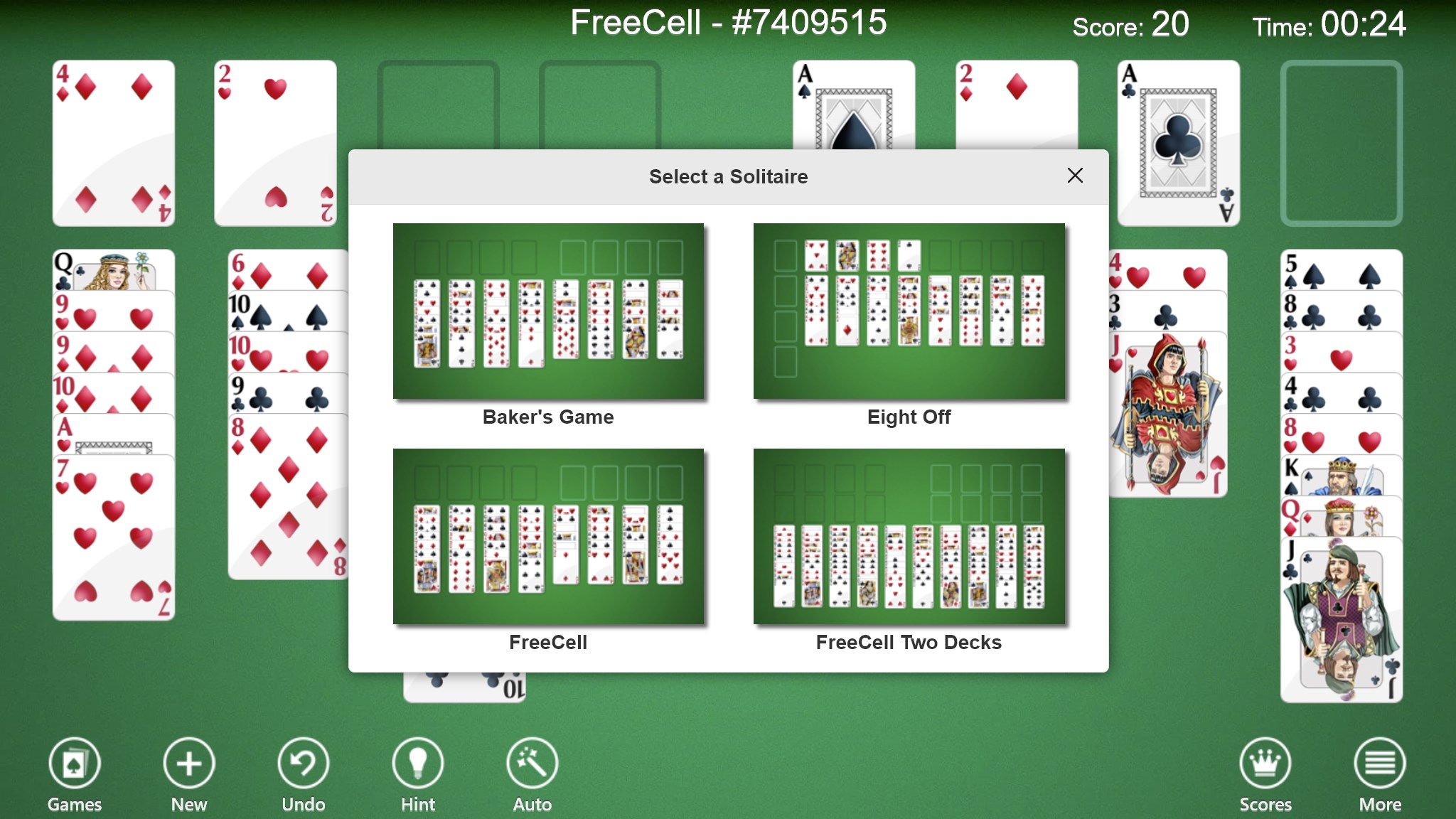
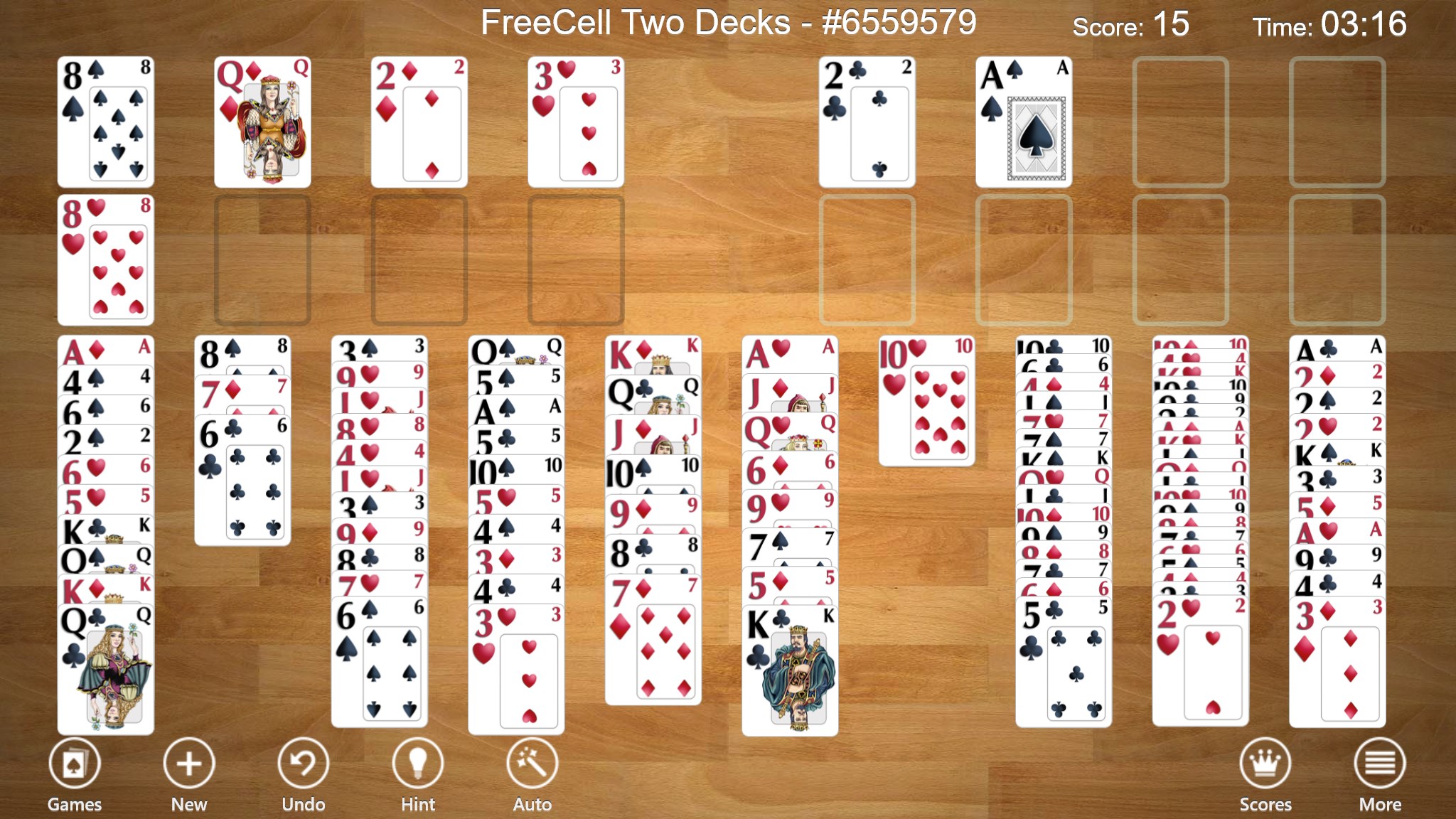
- Extensive Collection of FreeCell Variants: Unlike standard versions, this app offers multiple FreeCell variants, appealing to both purists and those seeking fresh twists.
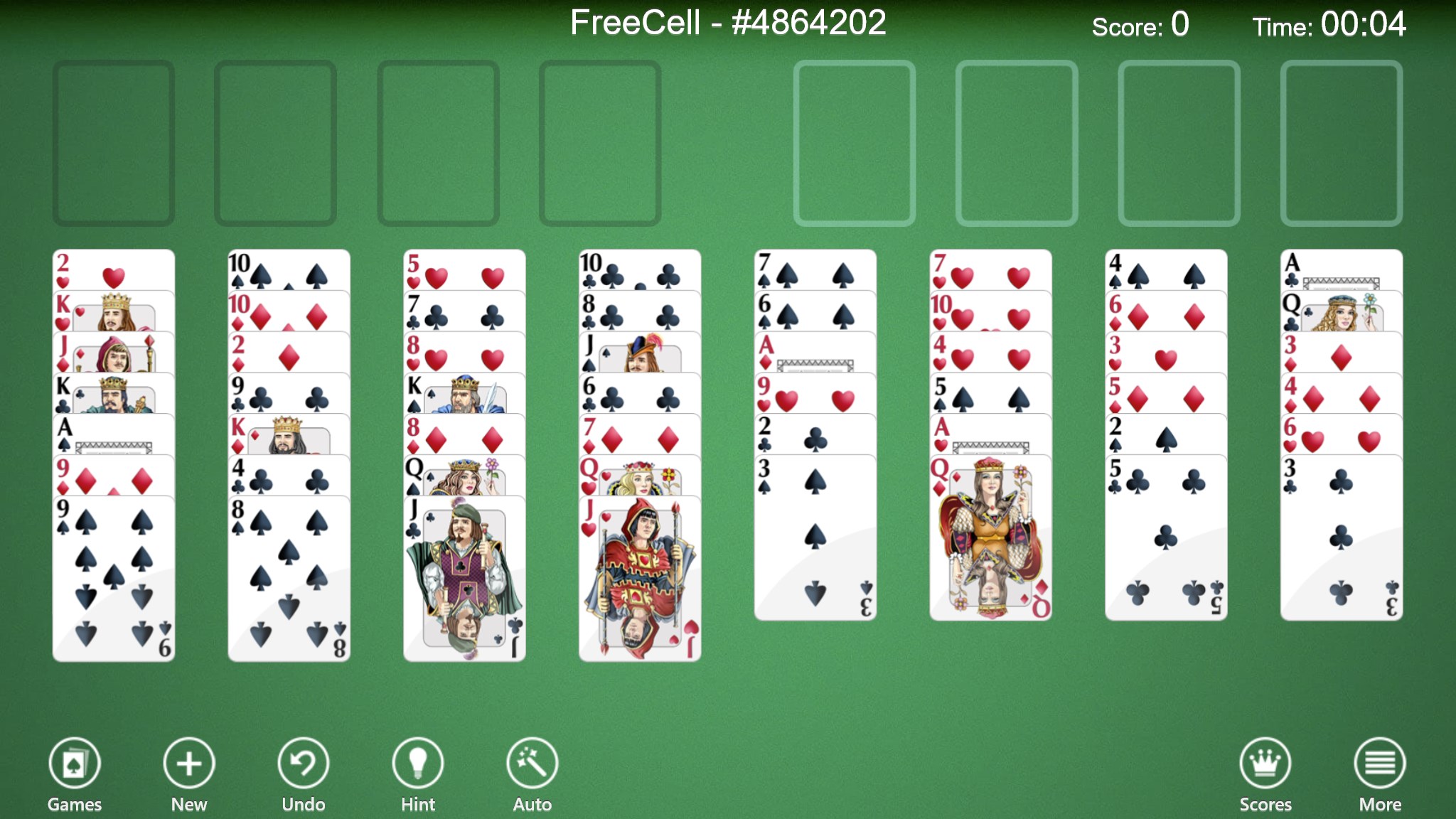
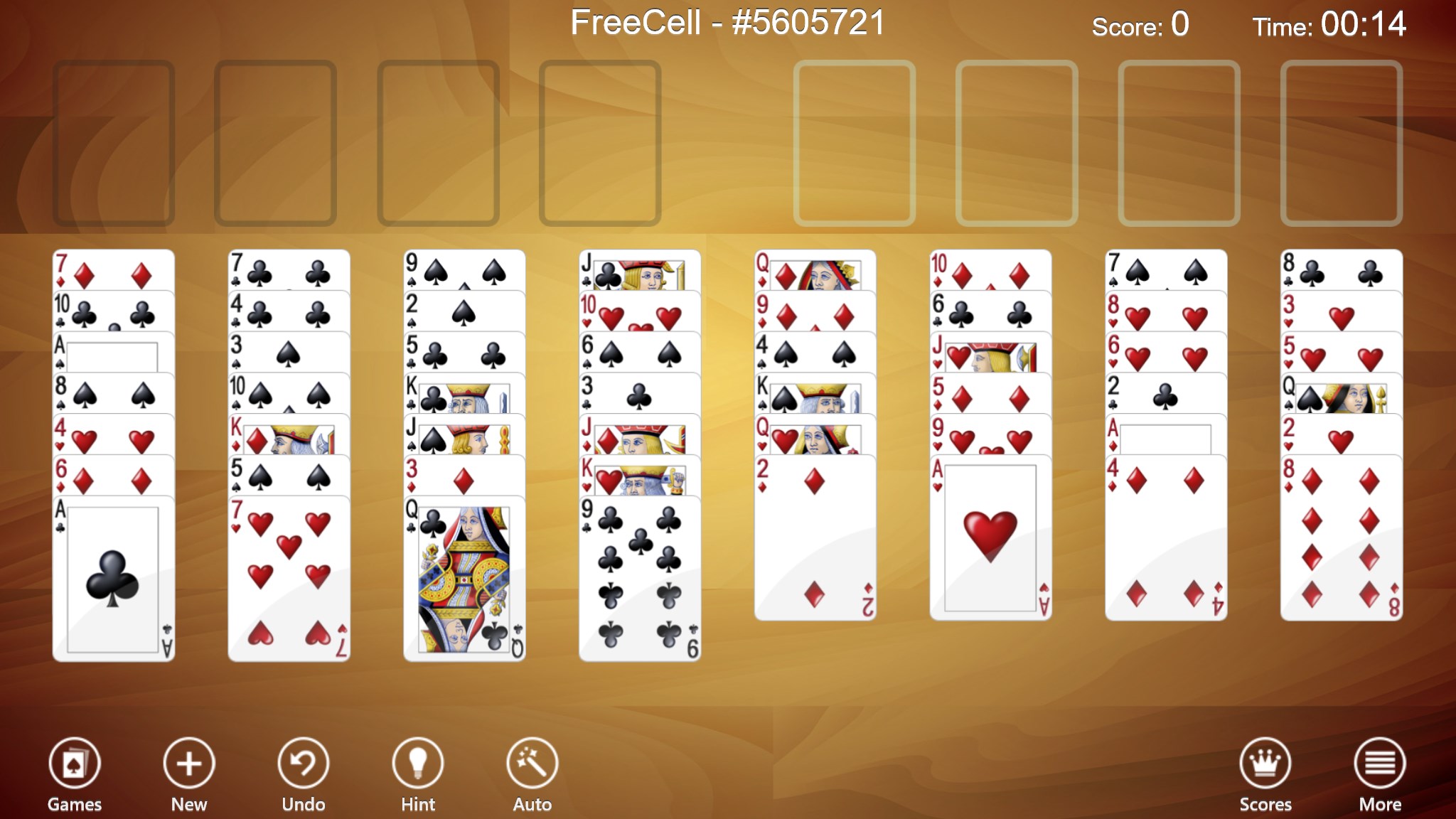
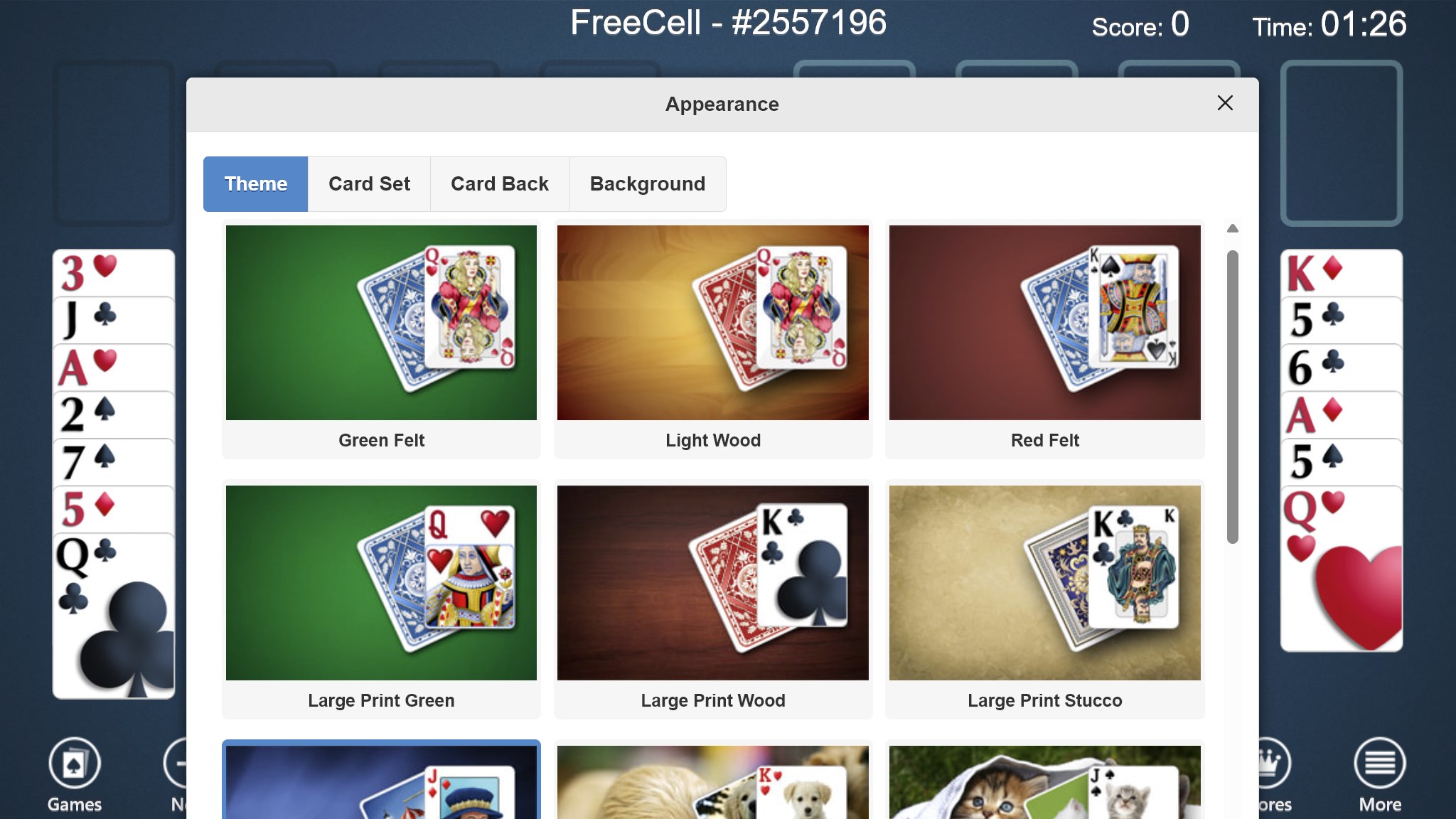
- Customizable Themes & Card Decks: Users can personalize their game environment with a variety of themes and card designs, enhancing aesthetic appeal and comfort.
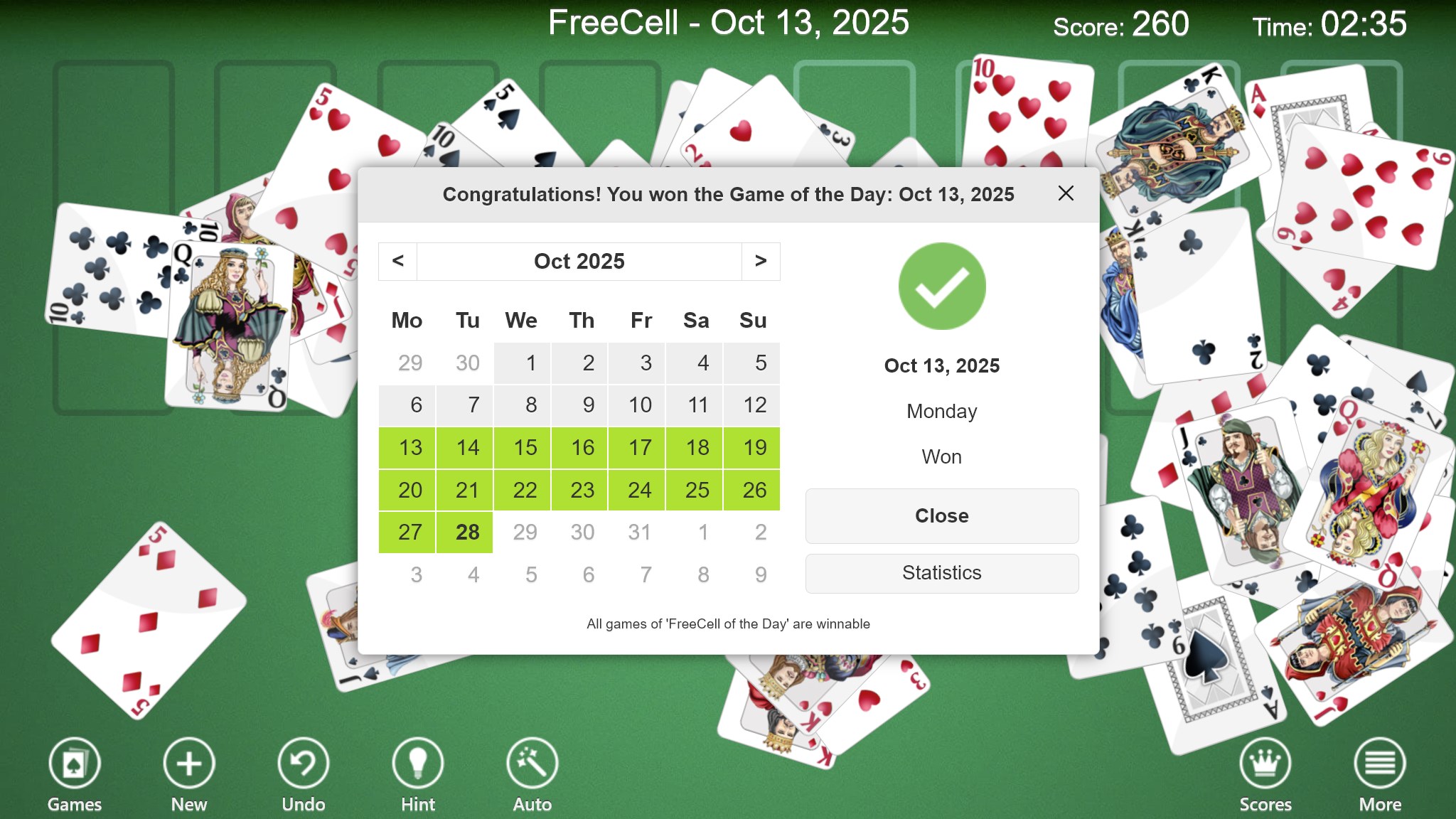
- Tracking & Statistics: The app tracks your win counts, streaks, and other stats, helping you monitor and improve your skills over time.
- Offline Accessibility: No internet connection is needed once downloaded, making it perfect for on-the-go gaming without disruptions.
Targeting casual players, puzzle enthusiasts, and FreeCell veterans alike, the app caters to those who seek a calming yet stimulating experience on Windows devices.
A Fresh Take on a Classic Game
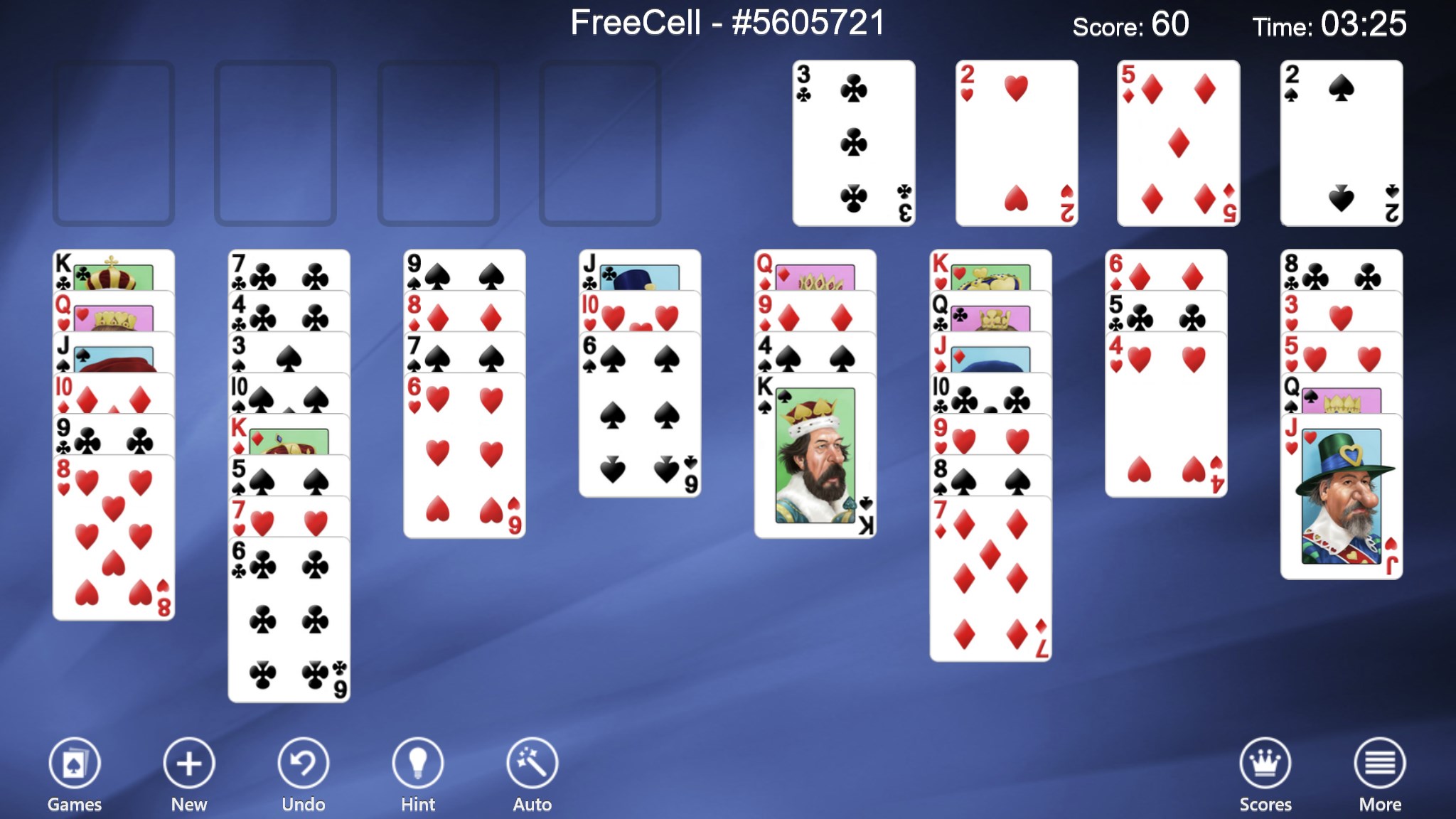
Imagine sitting at your computer on a lazy Sunday afternoon, staring at a deck of cards shuffled into fascinating configurations. FreeCell Collection Free transforms this familiar scene into an engaging puzzle adventure, reimagined with gentle visual cues and smooth animations. The interface feels like a polished deck of cards that you're handling with confident ease—there is a satisfying tactile feedback when moving cards, making each move feel natural and intuitive, like shuffling real cards across a mahogany table.
Seamless and Elegant User Interface
The design of this app strikes a balance between functionality and minimalism. The clean layout avoids clutter, enabling players to focus solely on the gameplay. Buttons and menus are intuitively placed, making navigation effortless even for beginners. The game's aesthetics—subtle color schemes and crisp card graphics—serve as a visual retreat, minimizing eye strain during extended sessions. Especially noteworthy is the ability to choose different themes, allowing each user to craft a personalized game environment akin to dressing up a favorite deck of cards.
Fluid Gameplay and Learning Curve
One of the standout qualities of FreeCell Collection Free is its smooth operation. Card movements feel fluid and responsive, thanks to optimized rendering and efficient coding. Whether you're a seasoned FreeCell player or a novice, the tutorial mode and the hint system make onboarding smooth. The learning curve is gentle; you can jump right in, and the game subtly guides you without overwhelming. This balance ensures that both quick sessions and more thoughtful, strategic plays can be comfortably enjoyed.
What Makes It Remarkably Different?
Compared to other card and board apps, this collection's greatest strength lies in its emphasis on variety and personalization. Many similar apps stick to a single standard game mode, but TreeCardGames offers a suite of variants, each with unique rules and layouts that keep the gameplay fresh. The customizable themes and detailed statistic tracking serve as functional enhancements, transforming casual play into a genuine skill-building experience. This focus on variety and personalization creates a distinctive niche, making the app more engaging over time.
Recommendation and Usage Suggestions
Overall, FreeCell Collection Free for Windows scores high in delivering a sleek, user-friendly experience rooted in classic gameplay. It's a highly recommended app for anyone who enjoys card puzzles or wants a dependable brain teaser to pass the time. Thanks to its variety of game modes and customizable features, it suits both relaxing solo sessions and more competitive attempts to improve your record.
For best results, I suggest exploring its different variants early on to discover which ones resonate most with your play style. Keep an eye on your statistics if you're competitive, or simply enjoy the calming ritual of sorting cards for relaxation. For players seeking a versatile, well-crafted FreeCell experience, this app stands out as a reliable companion.
Pros
- User-friendly interface
- Classic FreeCell gameplay
- Multiple difficulty levels
- Auto-save feature
- Ad-free experience
Cons
- Limited customization options
- No multiplayer or social features
- Minimal tutorial for new players
- Performance issues on some devices
- Limited game variants











